

Your patching tool says everything is covered. Your dashboard is green. So why does the post-mortem keep pointing to an unpatched server?
In 2025, 48,185 CVEs were published, a 20.6% increase over 2024. Many were weaponized within days of disclosure. And while automated patch management is supposed to close those gaps, most tools were built for clean, single-OS environments. Mixed environments, where Windows servers sit next to Linux containers, cloud workloads run alongside legacy on-prem systems, and EOL software persists because nobody can afford the migration, break assumptions that most patching tools never question.
The seven gaps below are why. For each one, you get a plain description of the problem, which tools it shows up in, and what a remediation-first approach looks like in practice.
What is automated patch management?
A patch management tool finds missing software updates and deploys them across your environment. Instead of tracking patches manually, teams use a single platform to automate detection and deployment, enforce update policies, and monitor patch status across operating systems and applications.
Some platforms are cloud-based. Others run on-prem. Many feed patch status into SIEMs or vulnerability management platforms so teams can correlate unpatched systems with active threats.
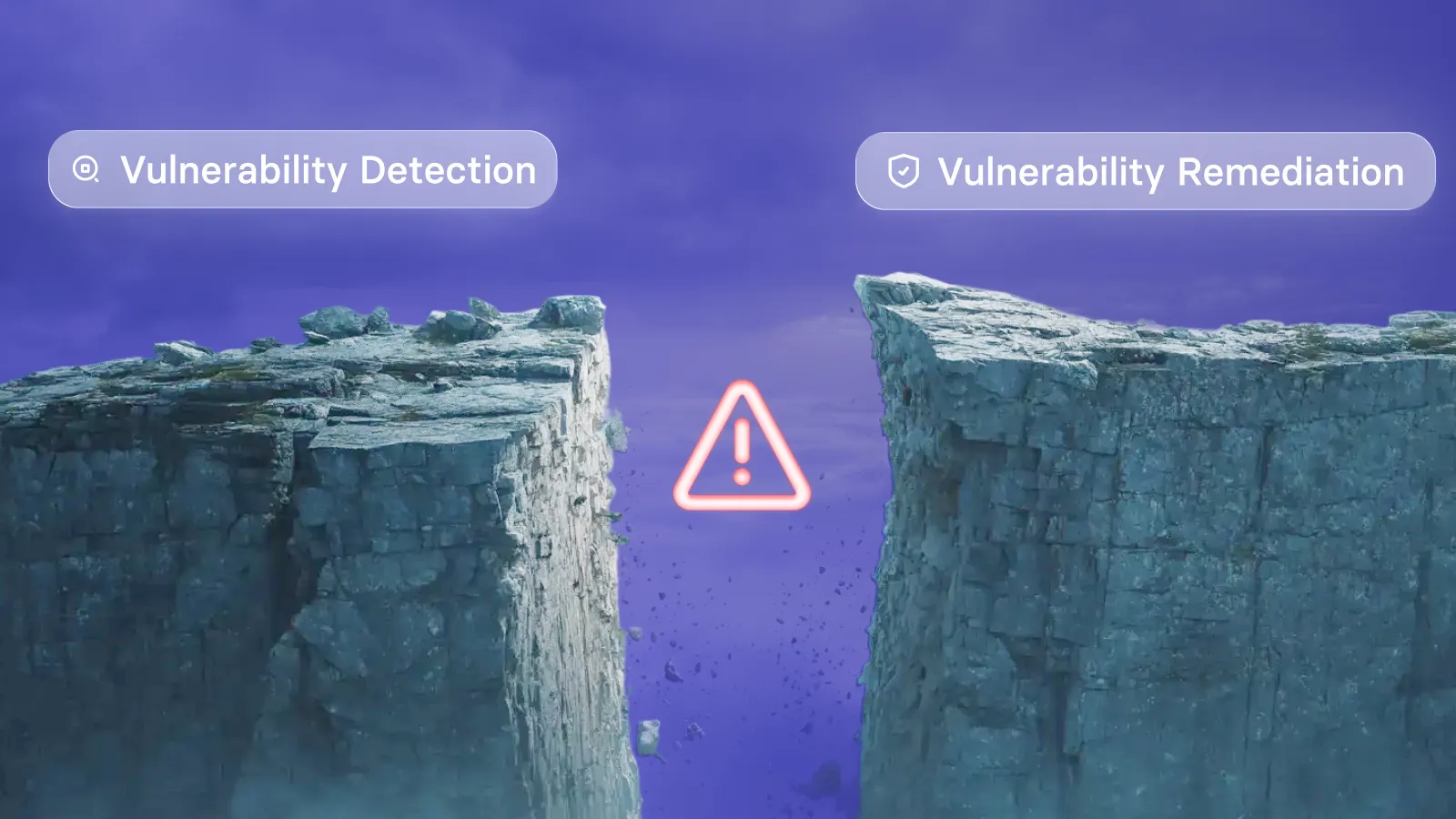
None of that matters if the tool can't see every asset in your environment, or if deploying a patch is the only remediation move it knows how to make.
Why patch gaps hit harder in mixed environments
Regulated industries, NIST frameworks, PCI DSS, HIPAA, none of them offer exemptions for assets your patching tool couldn't reach. When a breach investigator asks why a known vulnerability wasn't patched, "the tool didn't support that OS" is not an acceptable answer.
With 48,185 CVEs published in 2025 and CVE submissions running nearly a third higher in early 2026 than the same period last year, the pressure on teams to move fast is real. Gaps in coverage don't shrink on their own.
What to look for when evaluating patching tools for mixed environments
These are the criteria that separate tools that hold up in mixed environments from those that don't.
- Multi-OS and multi-asset coverage: The tool needs to patch Windows, macOS, and Linux from a single console with equal depth. Coverage should extend to cloud instances and assets that can't run a traditional agent.
- Third-party application patching: OS patches alone leave the application layer exposed. Browsers, Java runtimes, PDF readers, productivity suites: these are where the majority of exploited CVEs live.
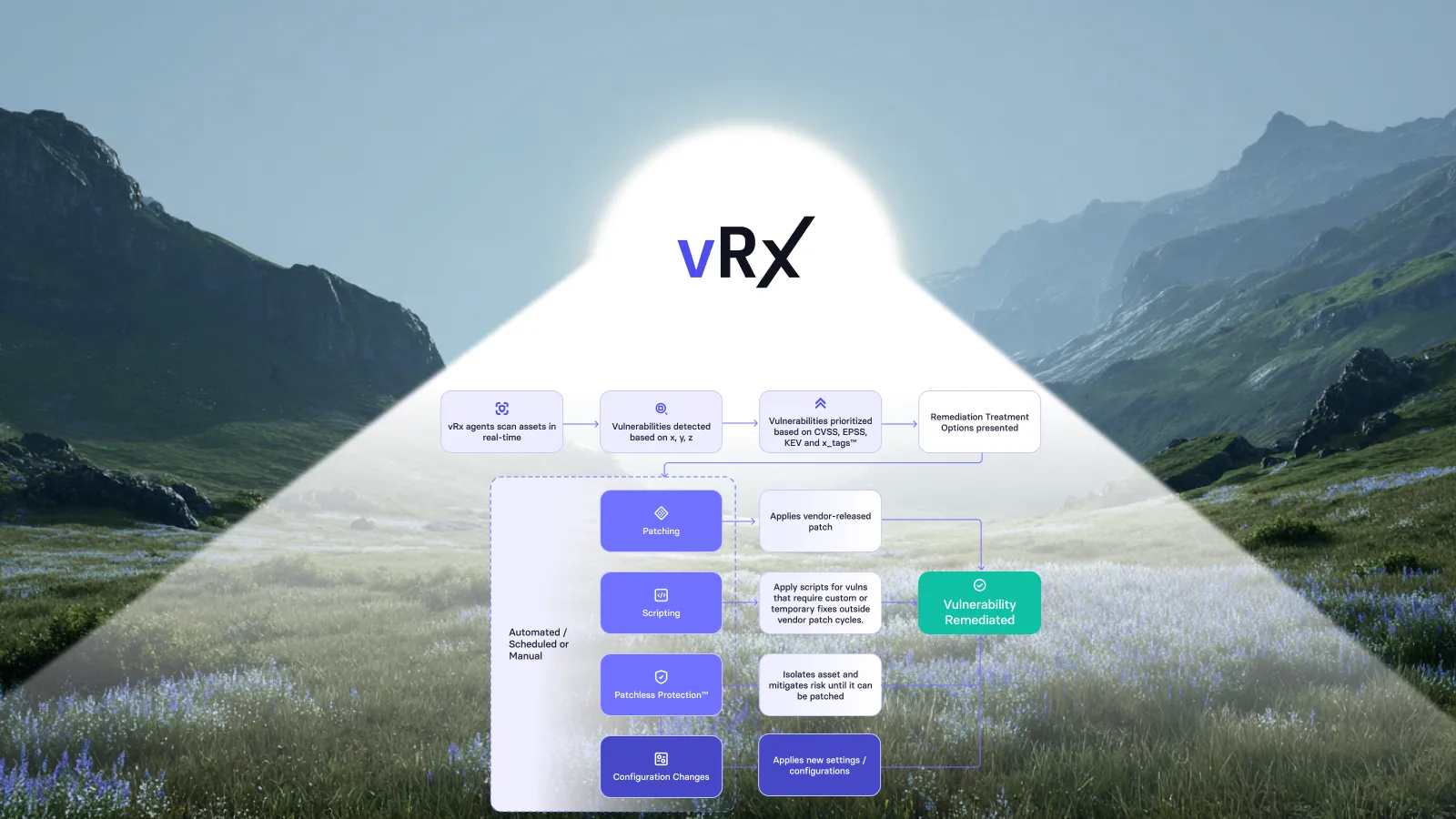
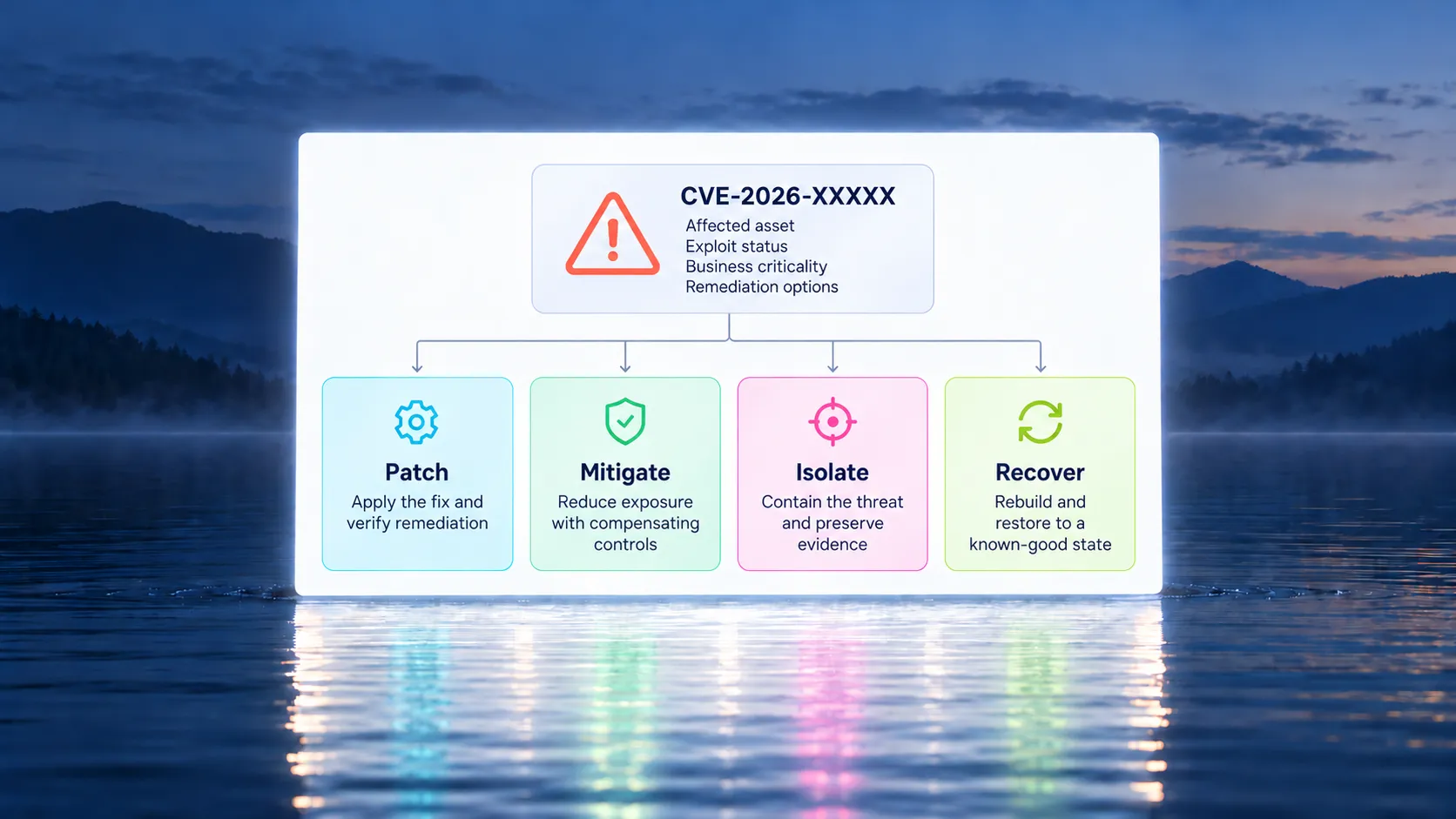
- Remediation options beyond patch deployment: When a patch isn't available or can't be deployed safely, there should be other paths: configuration changes, custom scripts, or memory-level mitigations that close exposure without waiting on the vendor.
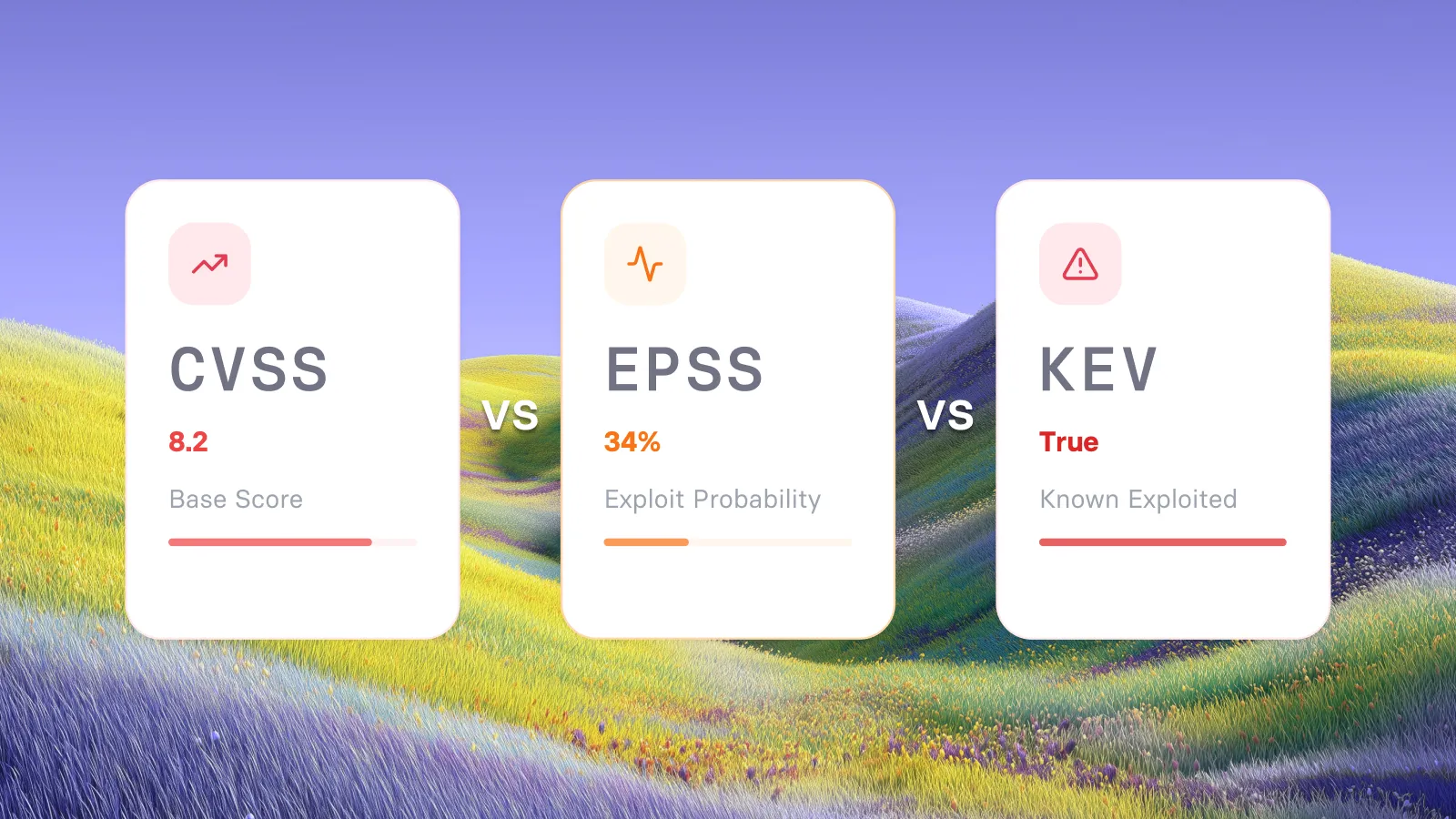
- Exploitability context: Raw CVSS scores tell you theoretical severity. They don't tell you whether a vulnerability has a working public exploit or is being used in active campaigns right now. The two are very different problems.
- Unified visibility across cloud and on-prem: Patching from four separate consoles means four separate coverage gaps. One risk view across all asset types is a baseline requirement, not a premium feature.
- A reliable patching engine: Tools that depend on community-maintained package repositories like Chocolatey introduce package quality variability that proprietary engines don't. In production environments, that variability has consequences.
7 automated patching tools for vulnerabilities in mixed environments
1. Vicarius vRx: remediation-first, every asset type covered
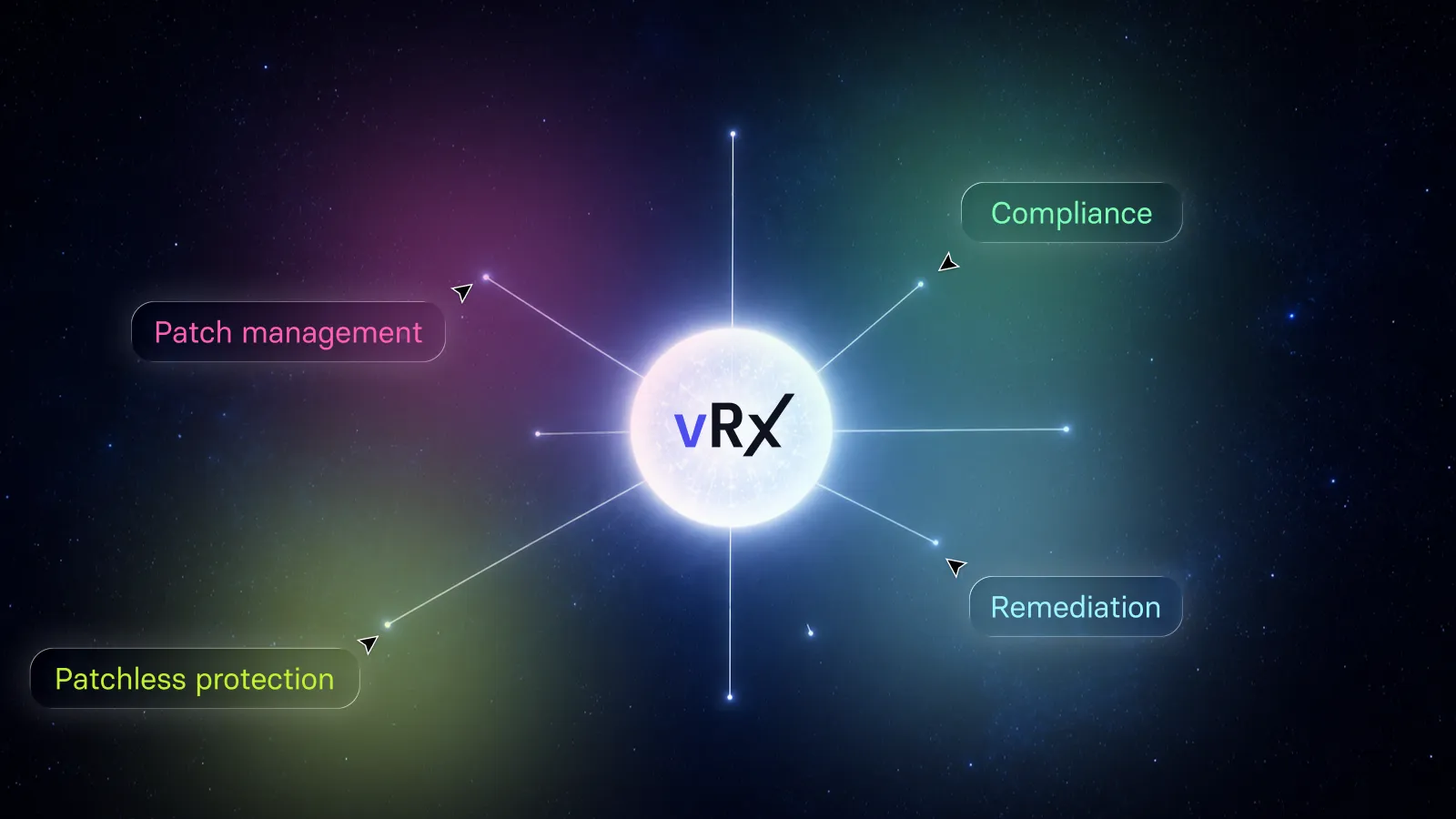
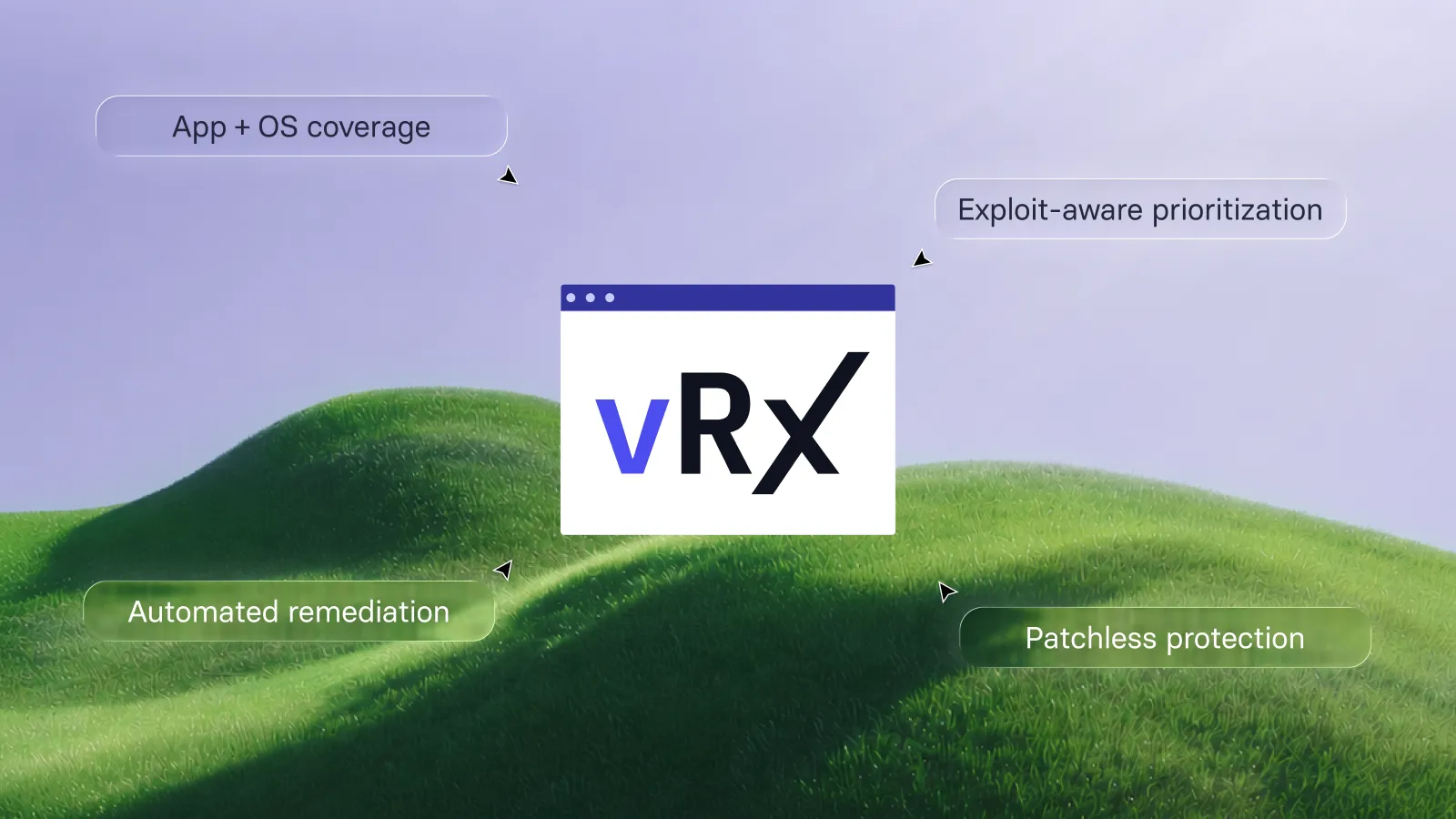
Most patching tools give you one move, deploy the patch. Vicarius vRx starts from a different premise. If the patch isn't available, isn't safe to deploy yet, or breaks something business-critical, that's not a reason to wait. It's a reason to have a second option.
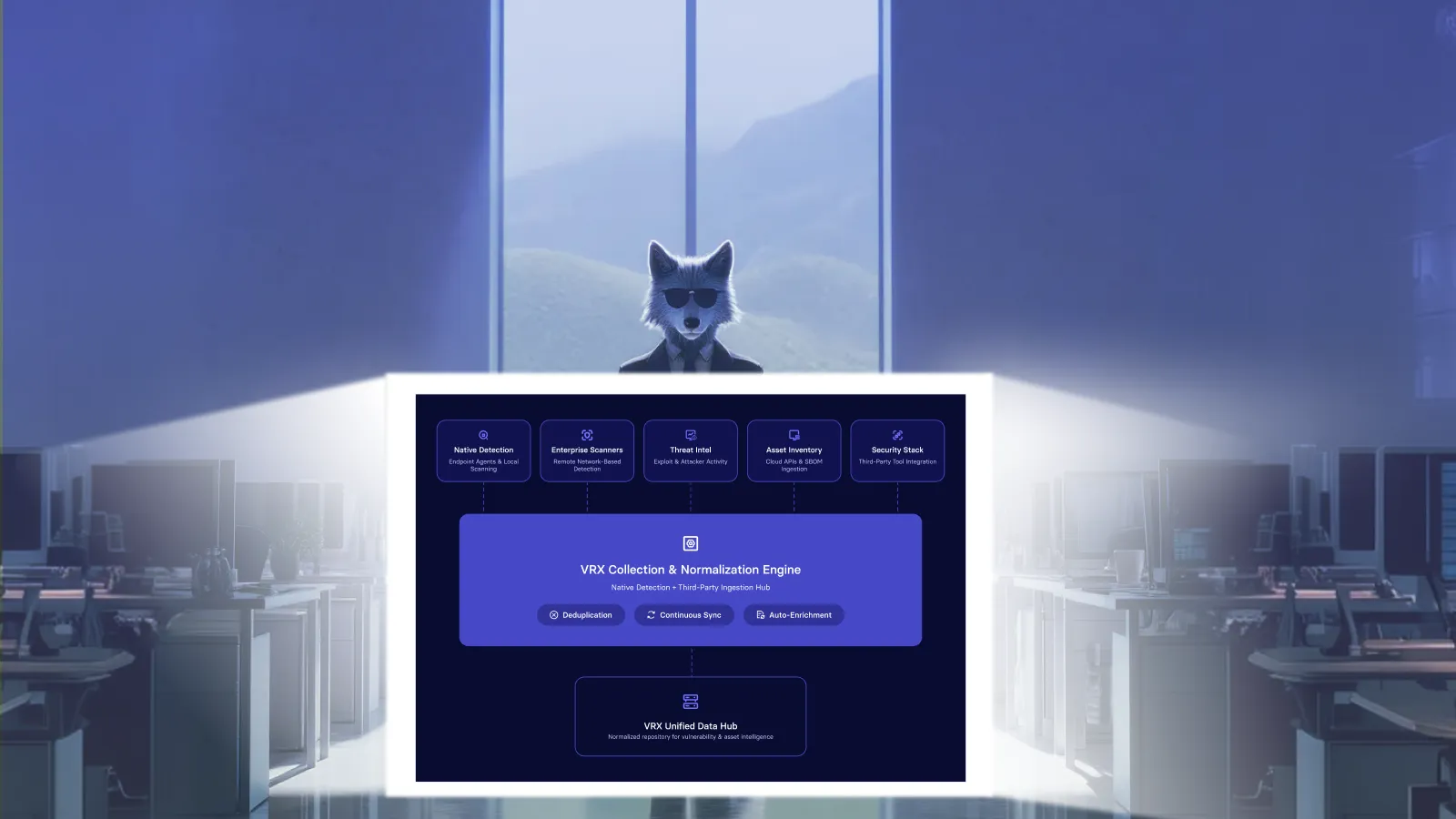
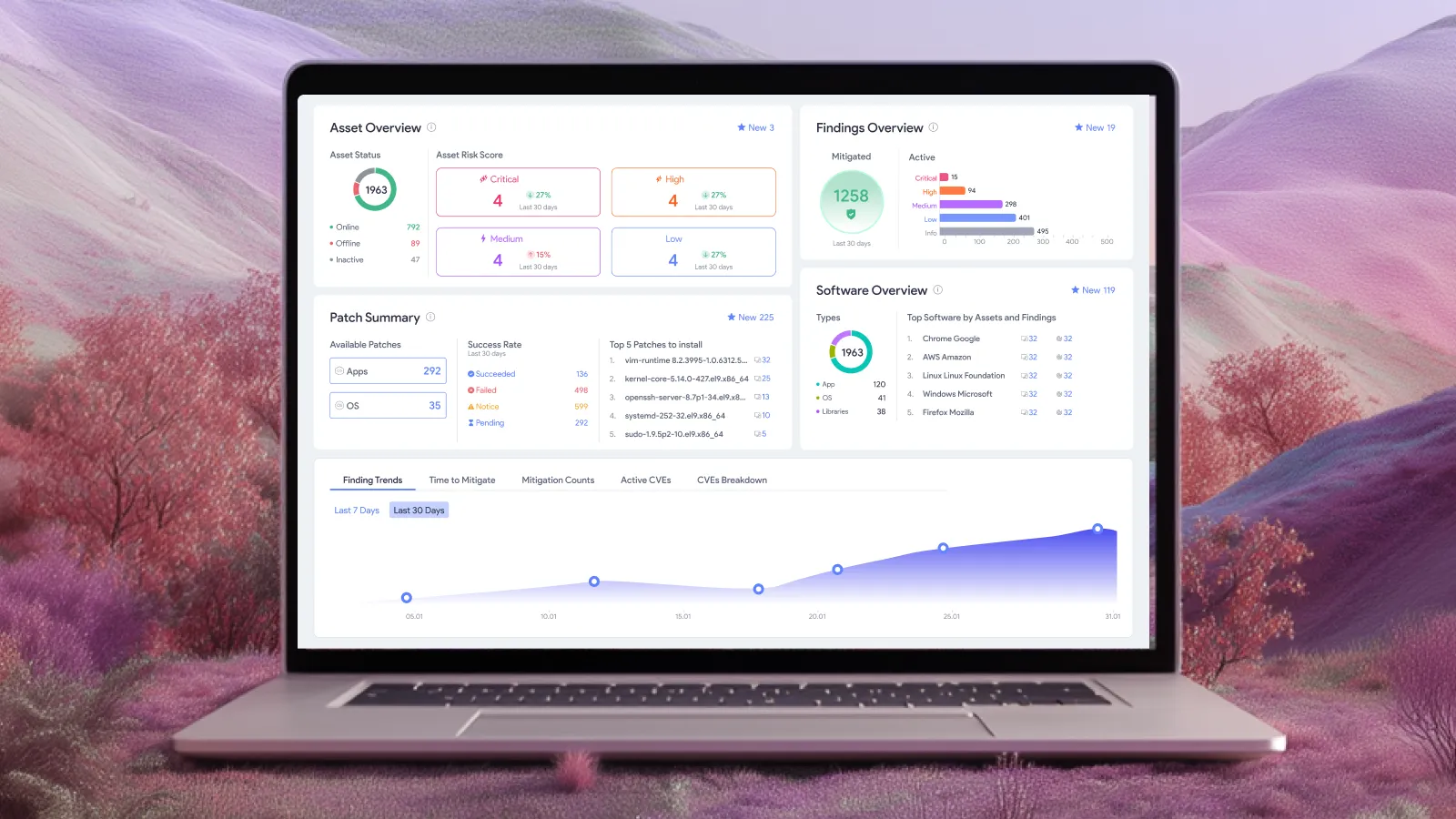
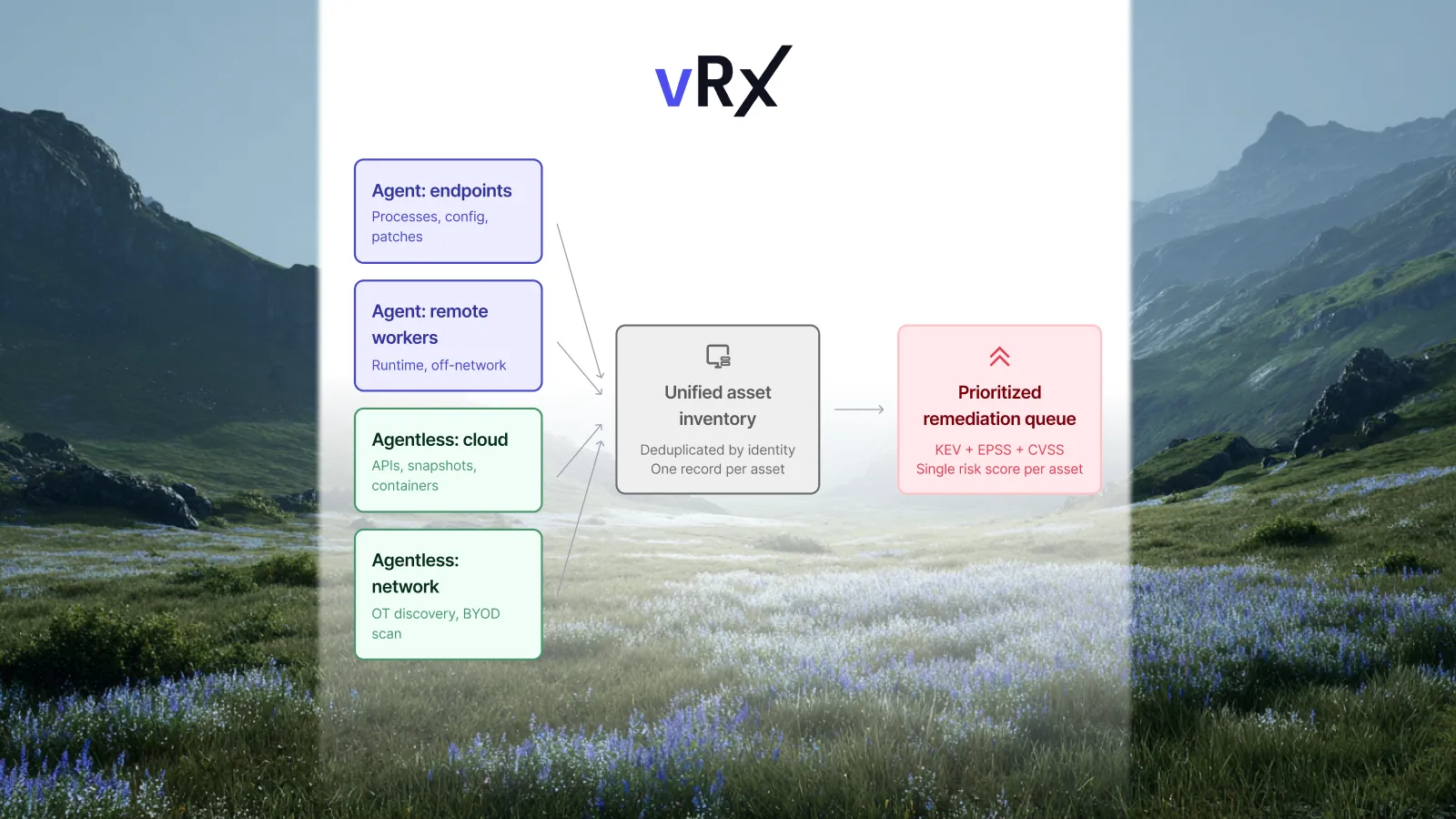
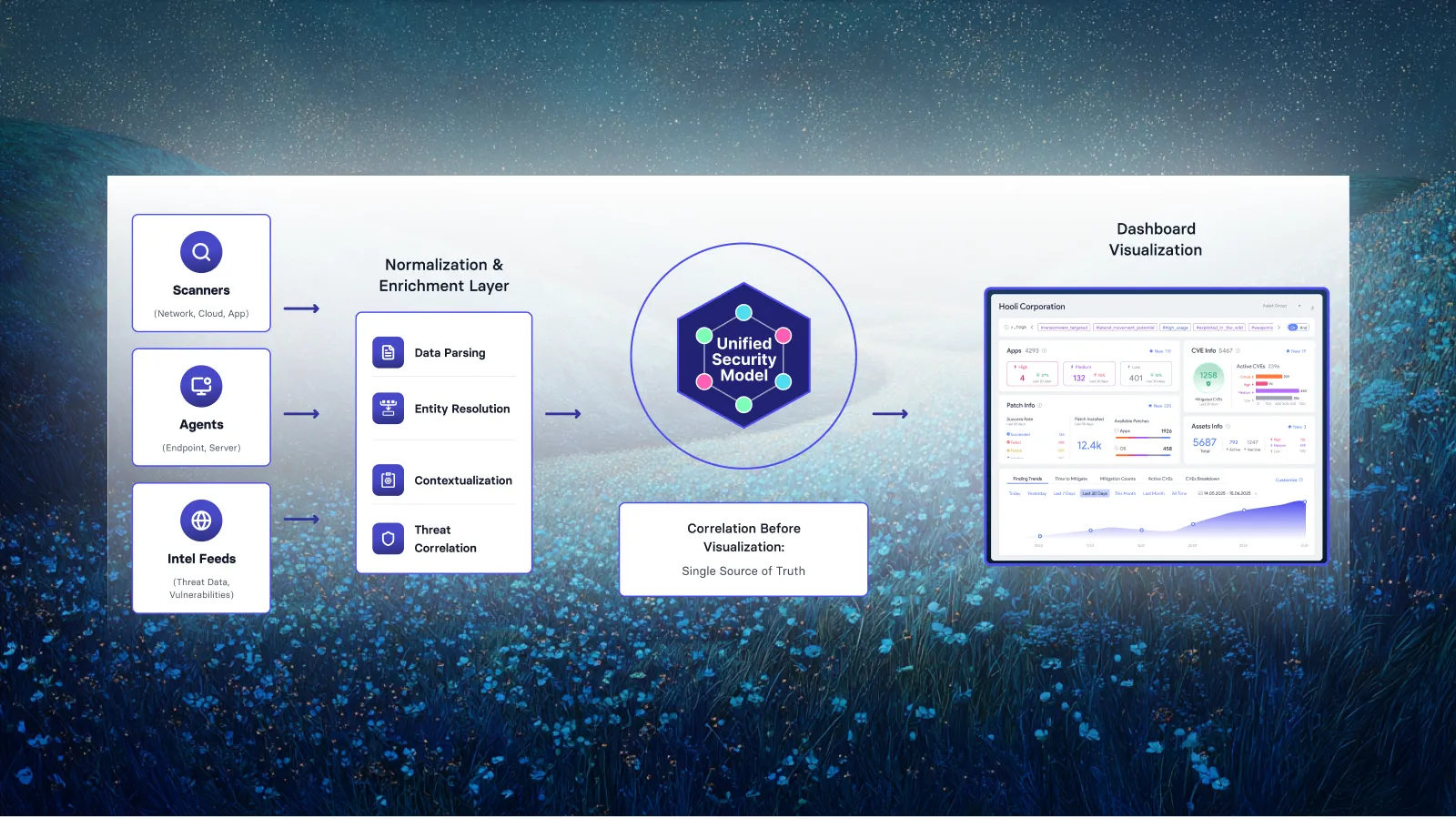
vRx combines agent-based and agentless discovery, so every asset shows up in the risk inventory whether or not it can support a traditional agent. OS and third-party application patching runs from a single console across Windows, Linux, and macOS, without separate catalog subscriptions or integrations to fill gaps.
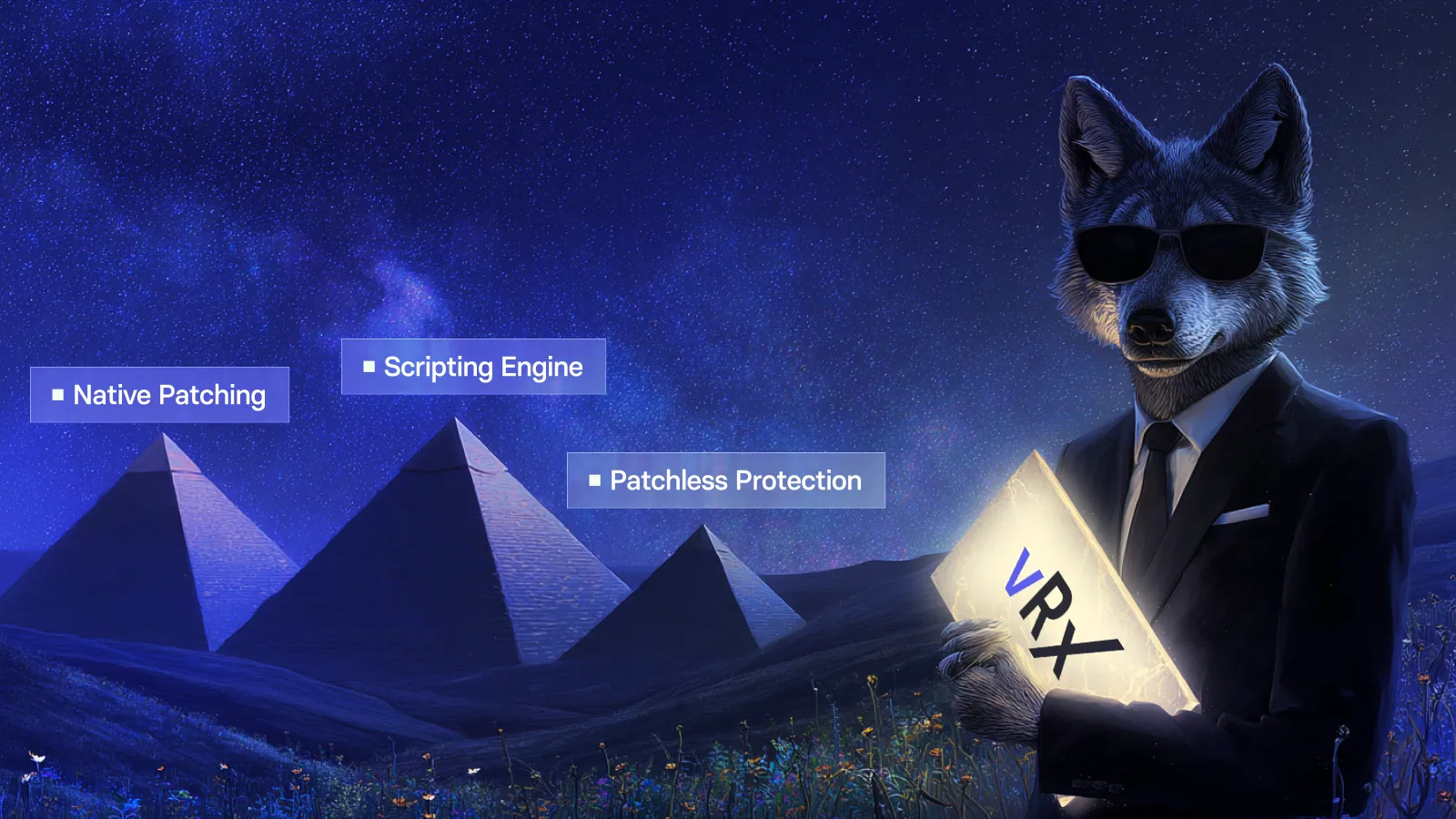
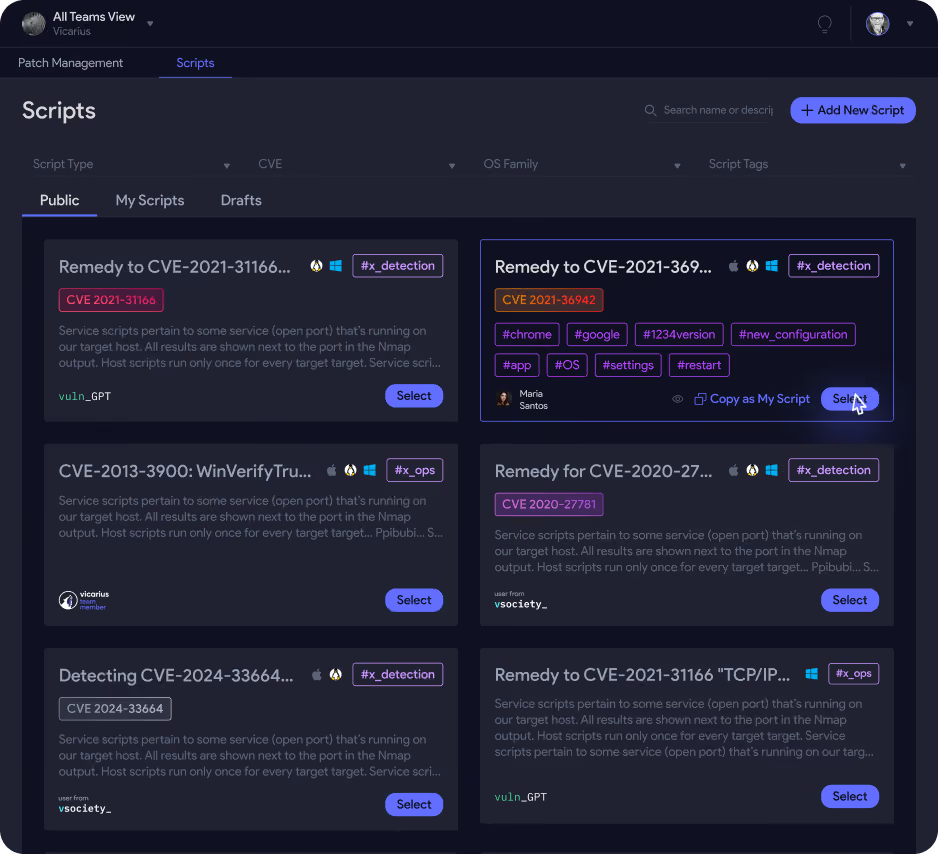
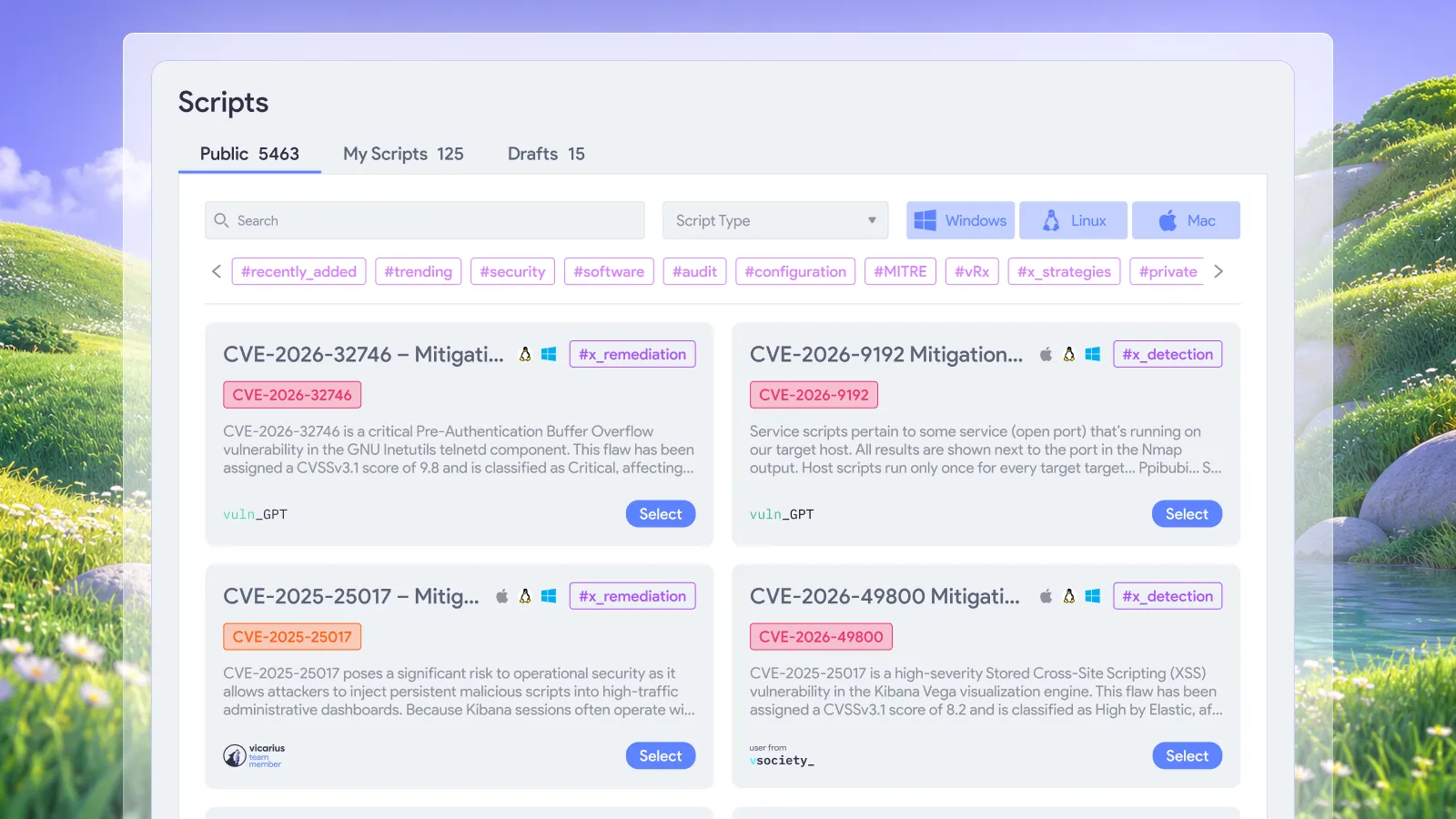
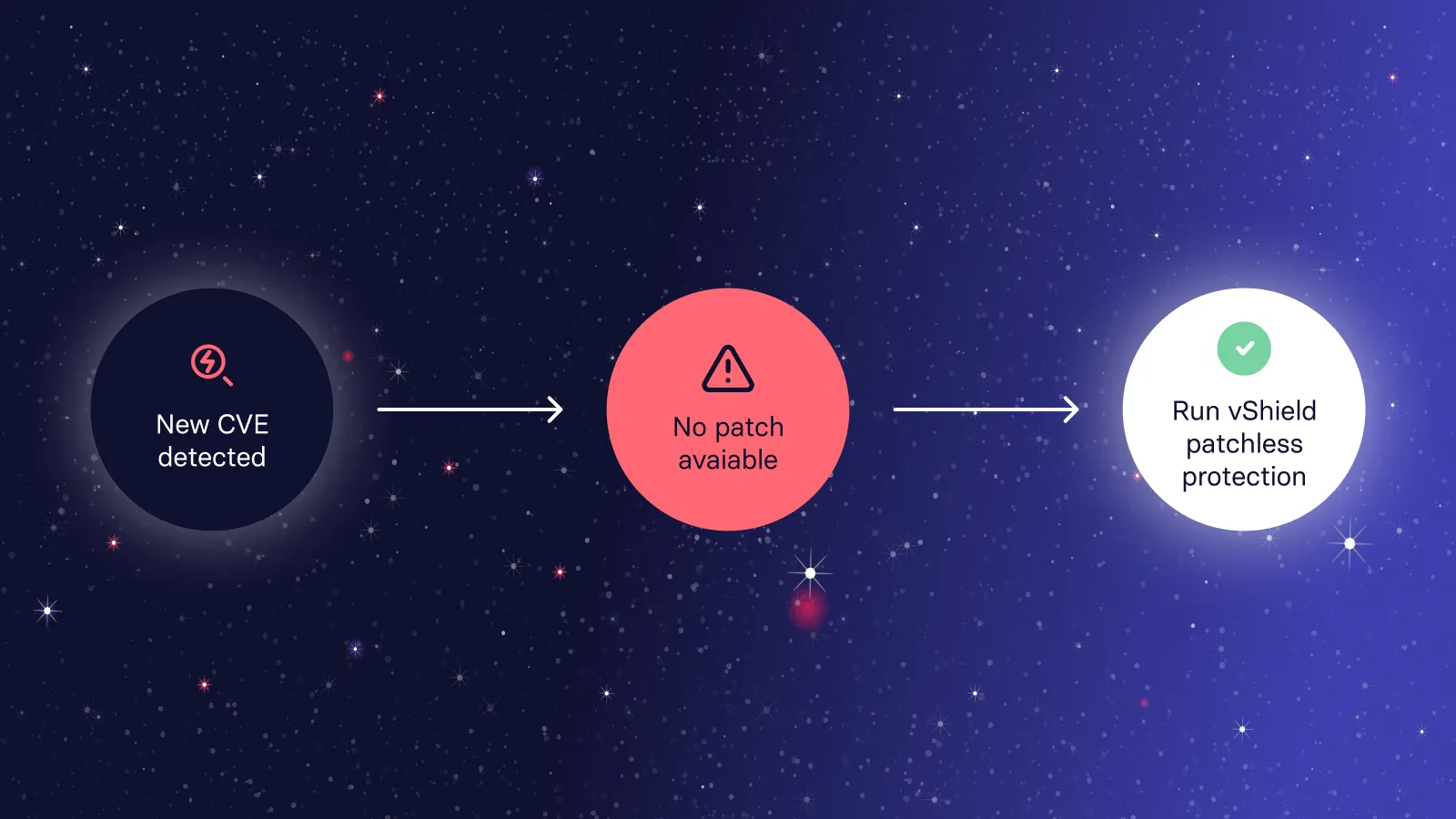
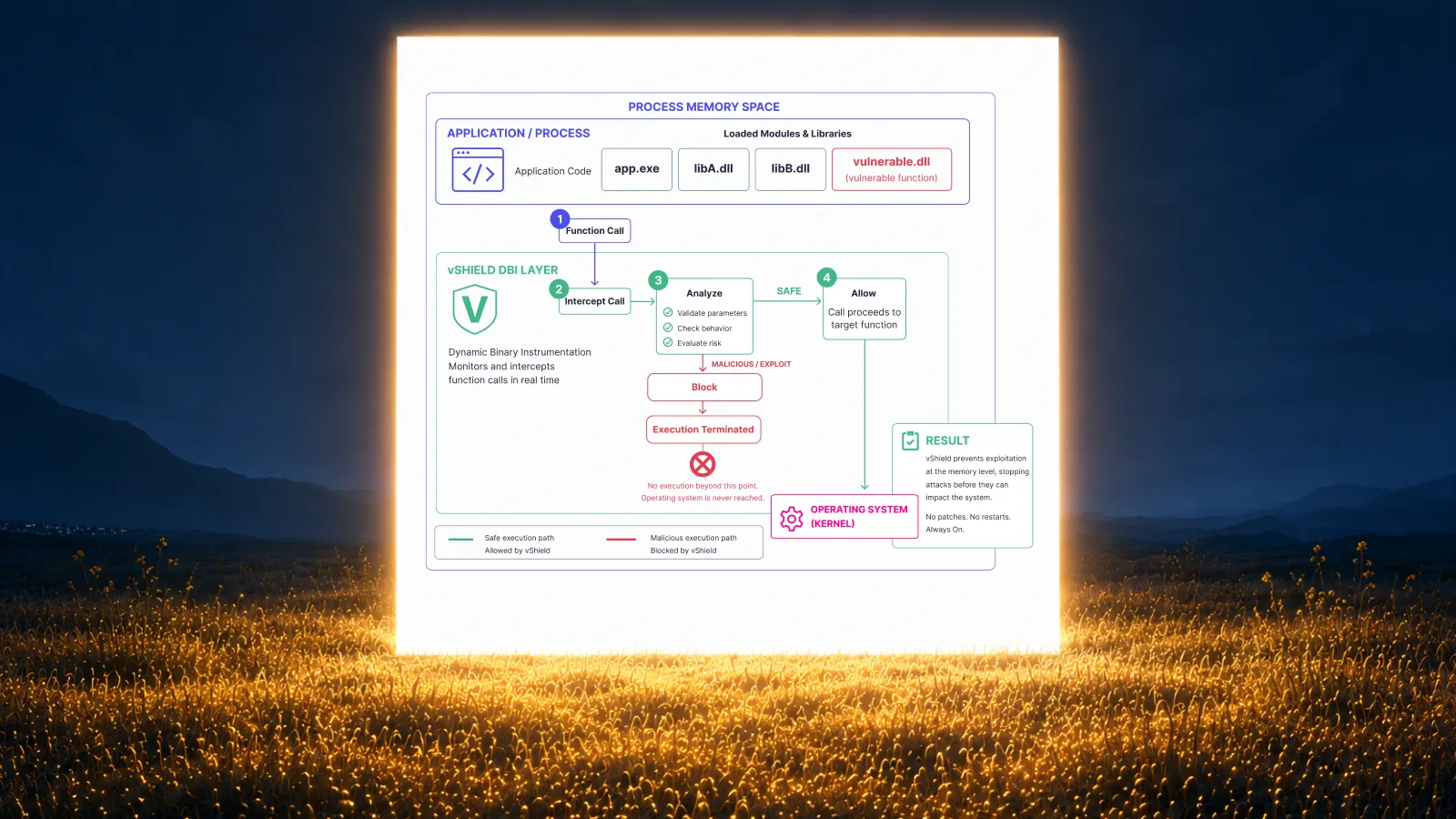
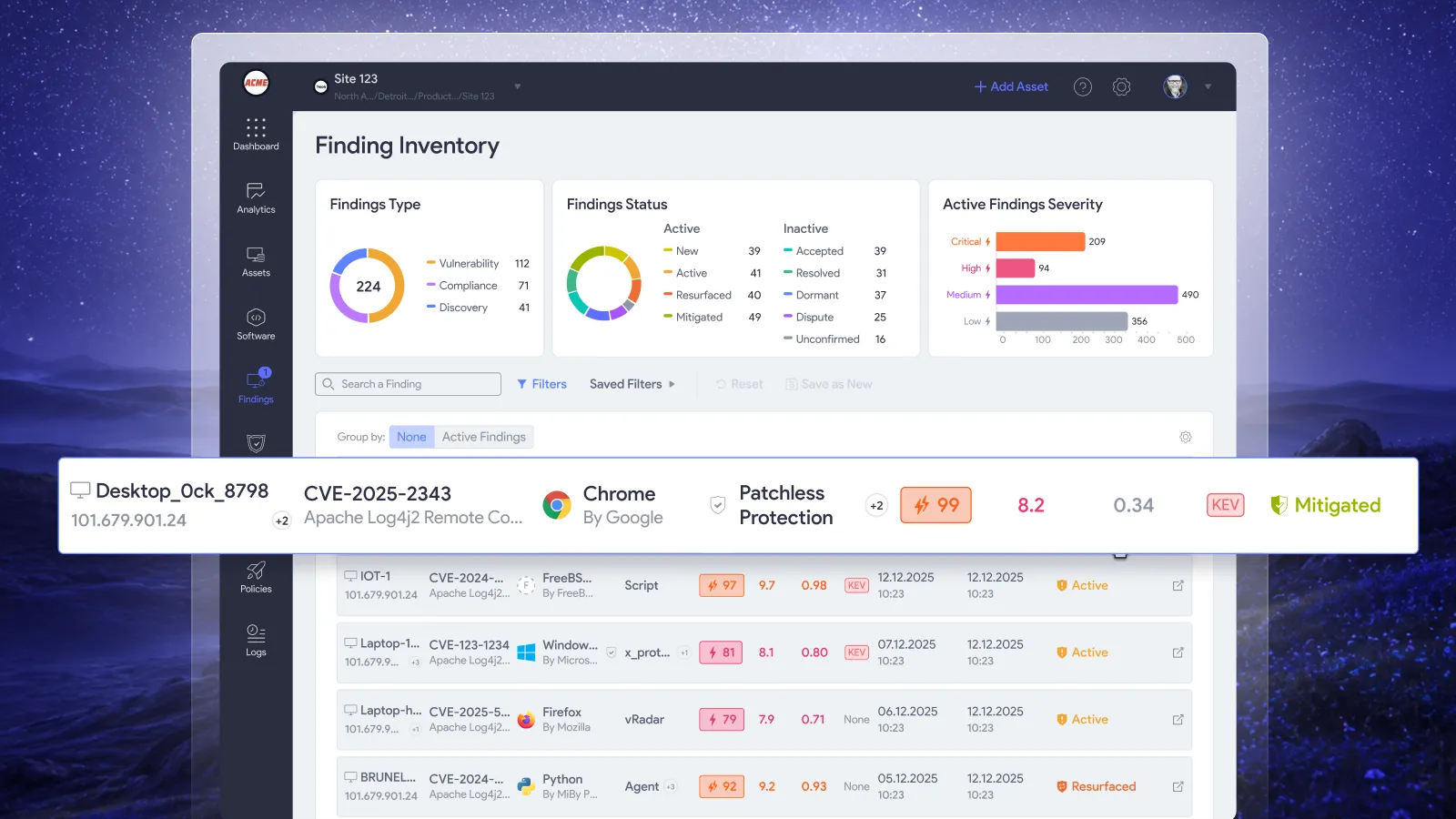
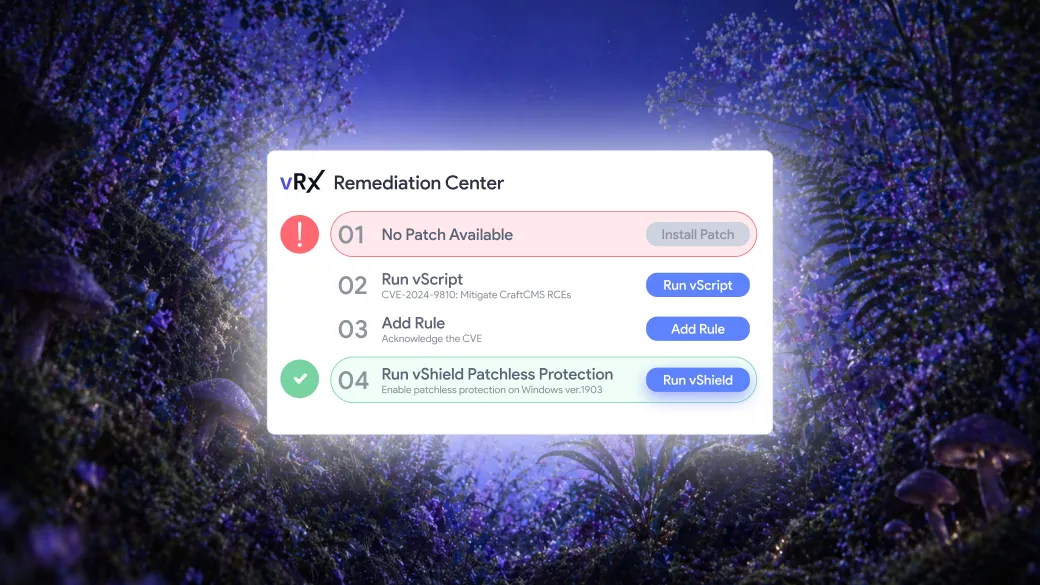
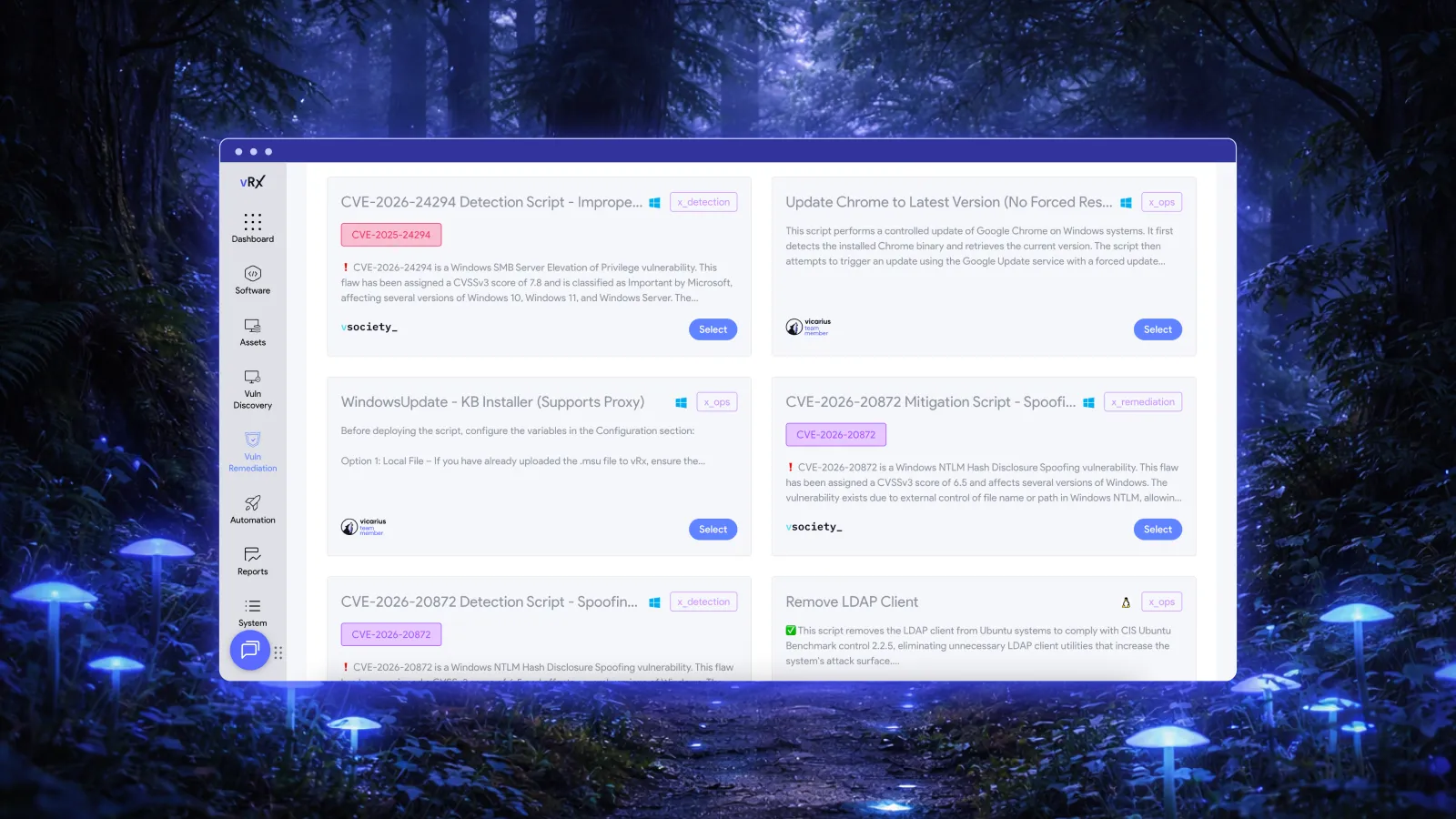
The part that separates it from every other tool on this list is patchless protection. When a vendor patch isn't available yet, vRx applies memory-level mitigations that block exploitation of the vulnerable function without touching the application. The scripting engine adds another path: custom scripts that close a specific attack vector, restrict an affected service, or change a configuration that creates the exposure. When the patch ships, deploy it. Until then, the exposure is already closed.
Key features:
- Agent-based and agentless discovery across Windows, Linux, and macOS
- OS and third-party application patching from a single console
- Patchless protection: memory-level mitigations when no patch exists
- Scripting engine for custom remediation workflows
- vIntelligence: prioritization based on active exploitability, not just CVSS scores
- Unified cloud and on-prem asset inventory
Pros:
- The patchless protection and scripting engine mean zero-day windows and vendor delays don't leave teams stuck waiting
- Support more than 20,000 3rd party app patching
- Equal depth across Windows and Linux, not Windows-first with Linux support bolted on
- One console for cloud and on-prem closes the visibility gap that fragmented tooling creates
- vIntelligence surfaces what's actually being exploited in the wild, so teams work on what matters
Cons:
- Smaller environments with single-OS Windows estates may not need the full capability
2. Automox: clean cloud-native patching with real limits at the edges
Automox patches Windows, macOS, and Linux devices and supports over 500 third-party applications. Deployment is fast, the cloud console is clean, and policy-based automation works well for distributed, remote-first environments. For organizations with straightforward patching needs and internet-connected endpoints, it gets the job done.
The gaps show up at the edges of mixed environments. Automox has limited offline and air-gapped capabilities: if any on-prem infrastructure doesn't have reliable internet access, that limitation is a real coverage problem. Reporting is narrower than enterprise-grade tools, which matters when compliance audits require detailed patch status documentation. And when a vendor patch doesn't exist, Automox waits. There's no fallback.
Key features:
- Cross-platform patching for Windows, macOS, and Linux
- Policy-driven automation and scripting support
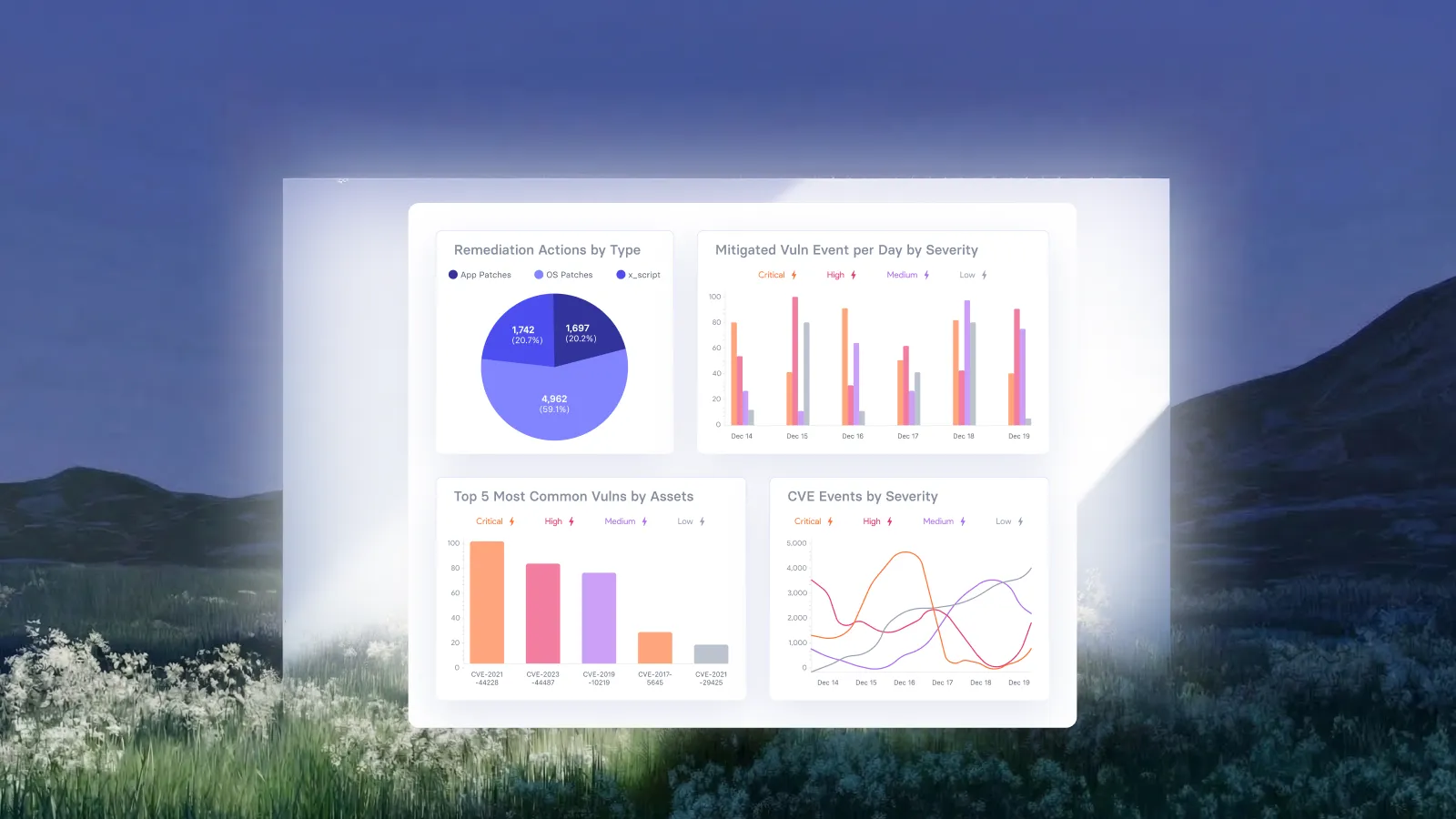
- Real-time endpoint visibility dashboard
- Support for 500-plus third-party applications
Pros:
- Fast deployment and straightforward administration
- Works well for distributed and remote-first environments
- Broad OS and app support in a lightweight package
Cons:
- Limited offline and air-gapped capabilities, a significant gap for on-prem or restricted-network infrastructure
- Narrower reporting than enterprise-grade alternatives
- No fallback remediation when a vendor patch isn't available
3. ManageEngine Patch Manager Plus: wide catalog, Windows-heavy depth
ManageEngine Patch Manager Plus covers over 850 third-party application patches, one of the wider catalogs available in the market. It supports Windows, macOS, and Linux with flexible scheduling, testing workflows, and approval controls. For organizations that need broad third-party application coverage and deployment control, it's operationally solid.
The depth imbalance matters in practice. The 850-app catalog skews heavily toward Windows. Linux and macOS coverage is thinner. Interface complexity has a documented learning curve that slows teams managing large, mixed fleets. And like most tools in this category, the remediation story defaults to deploying the patch. No available patch means no move to make.
Key features:
- Pre-tested patches for 850-plus third-party applications across Windows, macOS, and Linux
- Flexible scheduling, testing, and approval workflows
- Rollback support and compliance reporting
- Integration with other ManageEngine IT products
Pros:
- One of the widest third-party application catalogs available
- Reliable patching engine with strong automation
- Competitive pricing with a free tier for smaller environments
Cons:
- Interface complexity creates a real learning curve for new users
- Linux and macOS depth lags behind Windows coverage
- Some users report patch detection and deployment inconsistencies
- No remediation options when a patch is unavailable
4. NinjaOne: strong RMM with patching as one piece of a larger platform
NinjaOne is a cloud-based RMM that puts patching alongside monitoring, remote access, and scripting. Teams like it for its interface clarity and onboarding speed. Automated patch scanning and deployment works across Windows, macOS, and Linux, with granular scheduling and reboot management.
The limitations are in depth and fallback. Reporting is less detailed than enterprise-grade tools, which is a genuine gap for teams running compliance-heavy environments. The scripting engine adds flexibility, but scripting capability is not a remediation strategy on its own. Teams still build, maintain, and deploy those scripts themselves. There's no memory-level protection that closes a vulnerability at the process level while the patch is still pending.
Key features:
- Automated patch scanning and deployment for Windows, macOS, and Linux
- Granular scheduling and reboot management
- Comprehensive monitoring and scripting engine
- Cloud-based RMM with remote access
Pros:
- User-friendly interface with fast onboarding
- Solid multi-OS and third-party application support
- Good fit for MSPs needing an all-in-one RMM with patching included
Cons:
- Reporting depth falls short for compliance-heavy environments
- Module costs add up as the platform scales
- Scripting requires teams to build their own remediation logic with no out-of-the-box fallback for missing patches
5. GFI LanGuard: vulnerability scanning plus patching, limited at scale
GFI LanGuard combines patch management with network vulnerability scanning, which is useful for teams that want both capabilities without running two separate tools. It covers Windows, macOS, and Linux, includes rollback support, and generates compliance-ready reports from a centralized dashboard.
The practical constraints stack up in mixed environments. The interface is dated, which adds friction for anyone managing a complex fleet. Configuration is more manual than cloud-native alternatives. Agents can consume more system resources than expected. Linux coverage exists, but it's shallower than Windows, and the patching engine's reliability on Linux distributions has been a documented concern for teams where Linux servers are the priority.
Key features:
- Automated patching combined with network vulnerability scanning
- Windows, macOS, and Linux coverage with rollback support
- Compliance-oriented reporting
- On-premises deployment for environments with strict data residency requirements
Pros:
- Combines network scanning and endpoint patching in one tool
- Built-in vulnerability assessment reduces the need for a separate scanner
- On-prem deployment option for air-gapped or restricted environments
Cons:
- Dated interface adds real friction in complex environments
- More manual configuration required than cloud-native alternatives
- Linux depth lags behind Windows: a significant gap when servers are the priority
- Agent resource consumption can be a problem on older hardware
6. Atera: practical for MSPs, limited for environments with real complexity
Atera bundles patch management with monitoring, remote access, ticketing, and billing in a single RMM. Per-technician pricing makes it cost-effective for MSPs managing many clients. Automated patching for Windows and macOS, including third-party applications, is built into the platform with no separate module required.
The trade-off is depth. Atera's patching functionality is less advanced than dedicated tools. Third-party application coverage is notably limited compared to ManageEngine or NinjaOne. Advanced features require higher-tier plans. For MSPs whose clients run straightforward Windows environments, Atera works well. For environments with Linux servers, significant third-party application exposure, or compliance requirements demanding detailed reporting, it runs out of capability quickly.
Key features:
- Cloud-based RMM with integrated patching, monitoring, and remote access
- Automated patching for Windows and macOS, including third-party apps
- Per-technician pricing with unlimited endpoint management
- Built-in help desk and billing
Pros:
- Cost-effective for MSPs managing many clients
- Simple setup and cloud-native architecture
- Centralized dashboard reduces context-switching
Cons:
- Patching functionality less advanced than dedicated patch management tools
- Limited third-party application coverage compared to enterprise alternatives
- Advanced features gated behind higher-tier plans
- Not suited for environments with significant Linux infrastructure or compliance complexity
7. Kaseya VSA: mature RMM with complexity and a vendor history to evaluate
Kaseya VSA is a mature RMM platform with granular automation, advanced scripting, and broad OS coverage. For larger MSPs and enterprise IT teams that need deep control over patching policies, deployment windows, and workflow automation, VSA offers real capability.
Two things require honest evaluation. First, the complexity: VSA has a steep learning curve and requires meaningful configuration before it delivers value. Teams without dedicated resources to stand it up properly will struggle. Second, the vendor history: the 2021 VSA ransomware attack was significant, and any evaluation needs to assess Kaseya's current security practices directly, not just take product feature claims at face value. The capabilities are real. So are the considerations.
Key features:
- Automated scanning and deployment for Windows, macOS, and Linux
- Advanced policy-driven approvals and custom deployment windows
- Deep scripting capabilities and network monitoring
- Full IT lifecycle management feature set
Pros:
- Strong automation and scripting for complex, large-scale environments
- Scalable platform suited for large MSPs and enterprise IT teams
- Comprehensive feature set covers the full IT management lifecycle
Cons:
- High complexity and significant learning curve: requires dedicated configuration time before it works well
- Past security incidents require a careful evaluation of current vendor security practices
- Not suited for teams that need reliable coverage without extensive setup
Which tool fits which environment?
No single tool is right for every organization. The decision mostly comes down to what your infrastructure actually looks like.
- Environments where patching is necessary but not sufficient: Vicarius vRx. Most tools assume the patch is the finish line. vRx was built around the reality that it isn't. Patchless protection covers the window between disclosure and deployment. Exploitability-driven prioritization means your team works on what actually poses risk, not just what scored highest on a CVSS chart. Scripting fills the gaps where vendor patches don't exist yet or can't be deployed without breaking something downstream. And unlike most patch-focused tools, vRx extends across cloud workloads and containers too, so you're not running a separate workflow the moment your assets leave the endpoint. If your environment spans on-prem, cloud, and containerized infrastructure, with the dependencies and uptime constraints that come with that, vRx handles the parts every other tool leaves open.
- Cloud-native endpoints, remote-first workforce: Automox covers the basics cleanly and deploys fast. The limits appear in offline environments and when a vendor patch is pending.
- Wide third-party application coverage: ManageEngine Patch Manager Plus has one of the deepest catalogs available. Windows depth is stronger than Linux.
- MSP-focused RMM with patching included: NinjaOne and Atera both work here. NinjaOne has more reporting depth; Atera is more cost-effective at scale.
- Combined vulnerability scanning and patching: GFI LanGuard covers both without a separate scanner, though Linux support and interface polish lag behind newer tools.
- Large-scale enterprise automation: Kaseya VSA has the feature depth, with the complexity and vendor history considerations that come with it.
The bottom line
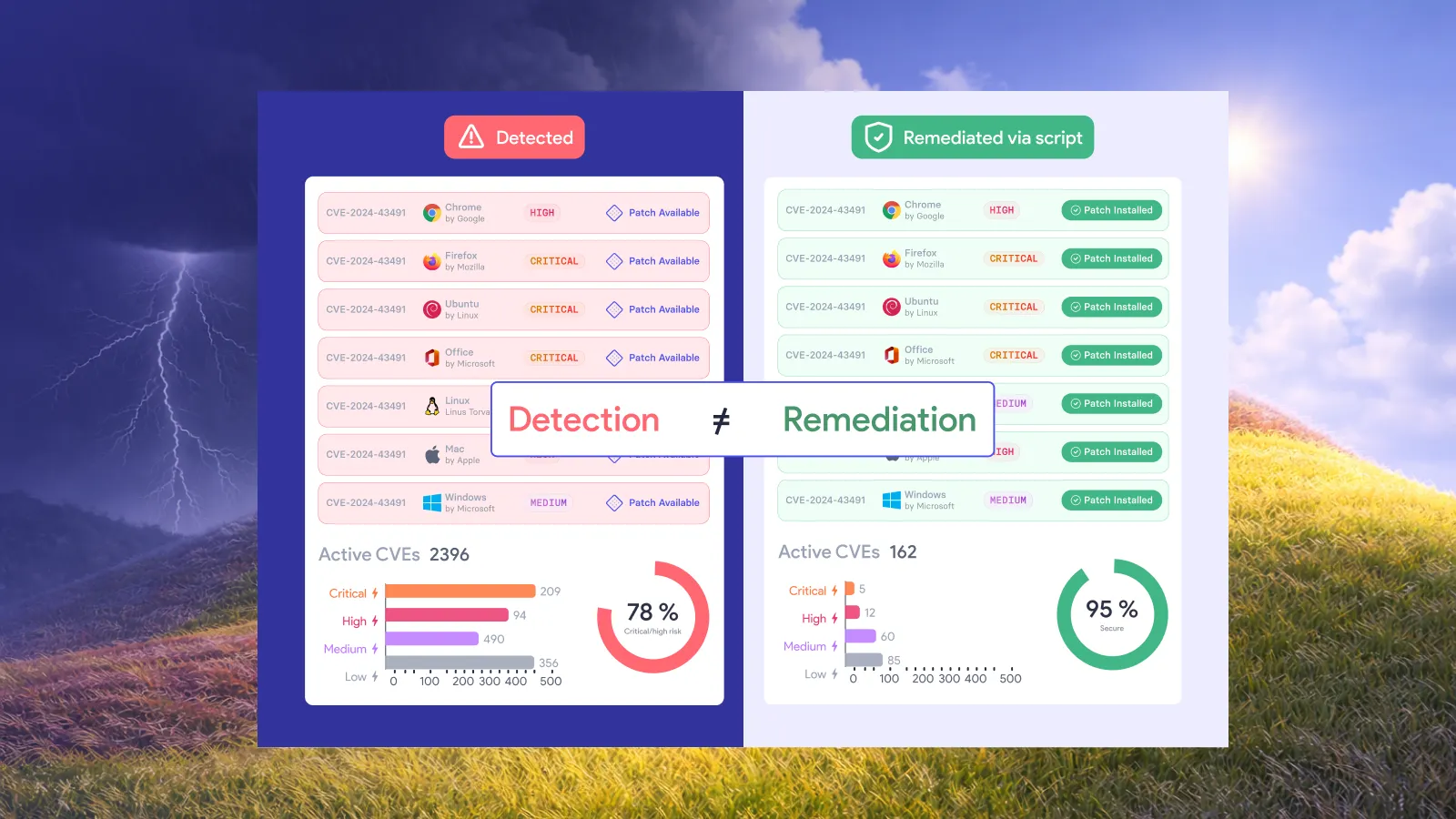
Patching is not remediation. Patching is one path to remediation. In a clean environment with reliable patch availability and predictable deployment windows, the distinction doesn't matter much. In a mixed environment with Linux servers, legacy systems, EOL software, and vendor timelines you don't control, it matters quite a lot.
With 48,185 CVEs published in 2025 and the pace still accelerating, teams can't afford a tool that runs out of moves the moment a patch isn't available. The gaps in this list show up in post-mortems every year: the Linux server nobody noticed wasn't covered, the zero-day that sat open for three weeks, the EOL system nobody had a plan for.
A tool that treats the patch as the only option will always have blind spots. Remediation means closing the exposure by whatever path gets there fastest.
Related resources:








































.webp)

















%20Signals%20a%20New%20Era%20of%20Supply%20Chain%20Risk.webp)