
vScript - script engine
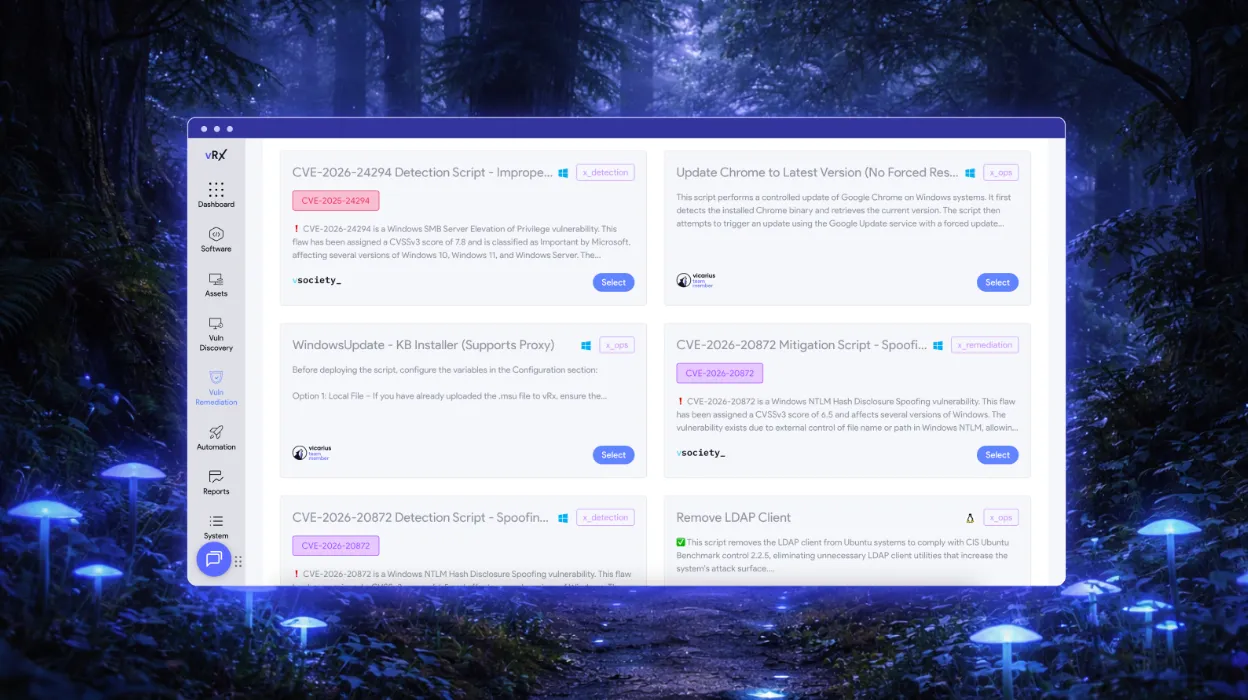
vScript gives your team three script sources in one engine: scripts your team writes, community scripts from vSociety, and AI-generated scripts from ScriptAI. Run PowerShell, Bash, and Batch across Windows, macOS, and Linux for detection, remediation, and hardening.

new vulnerabilities per day
reduction in manual patching
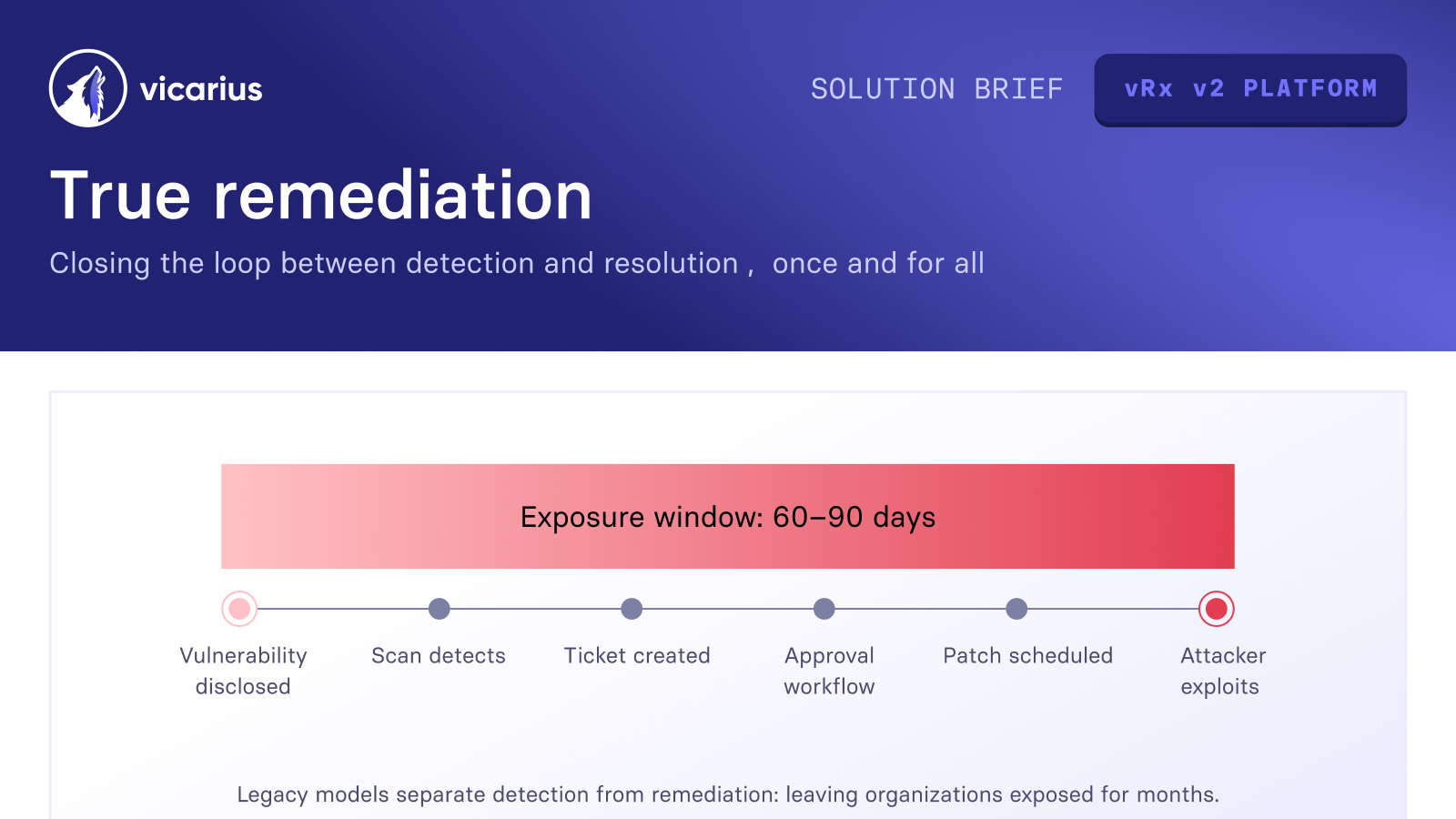
from Months to Hours


























































.png)














Fix what patches can't reach
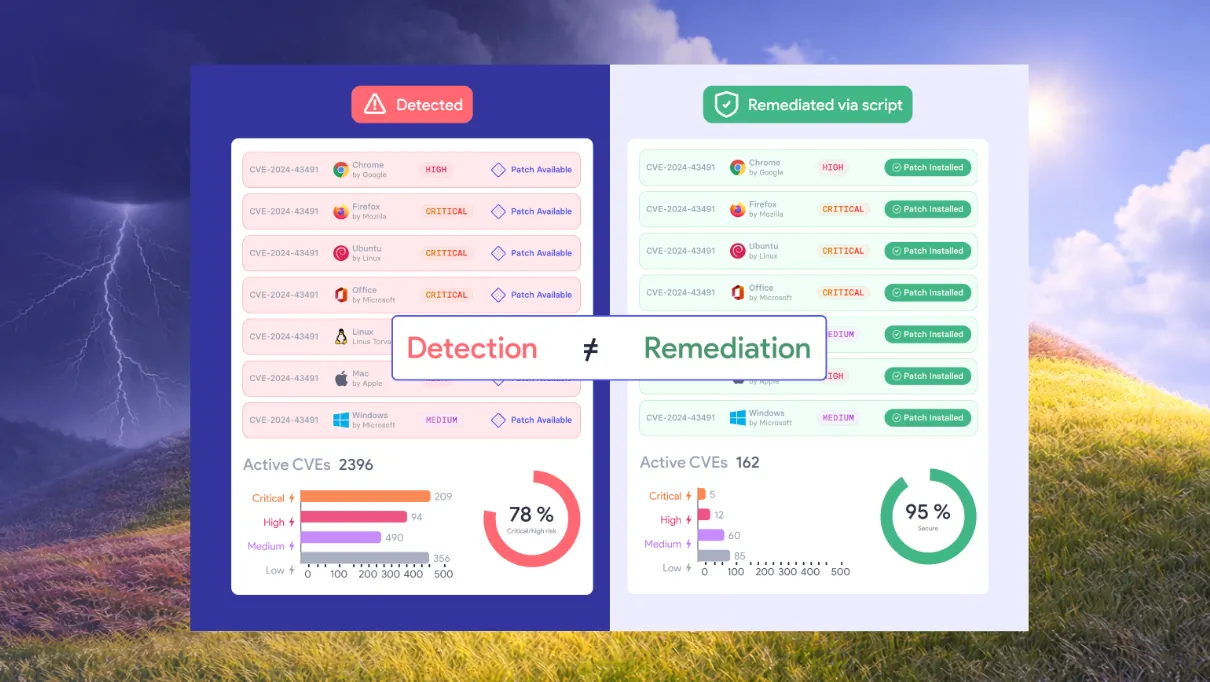
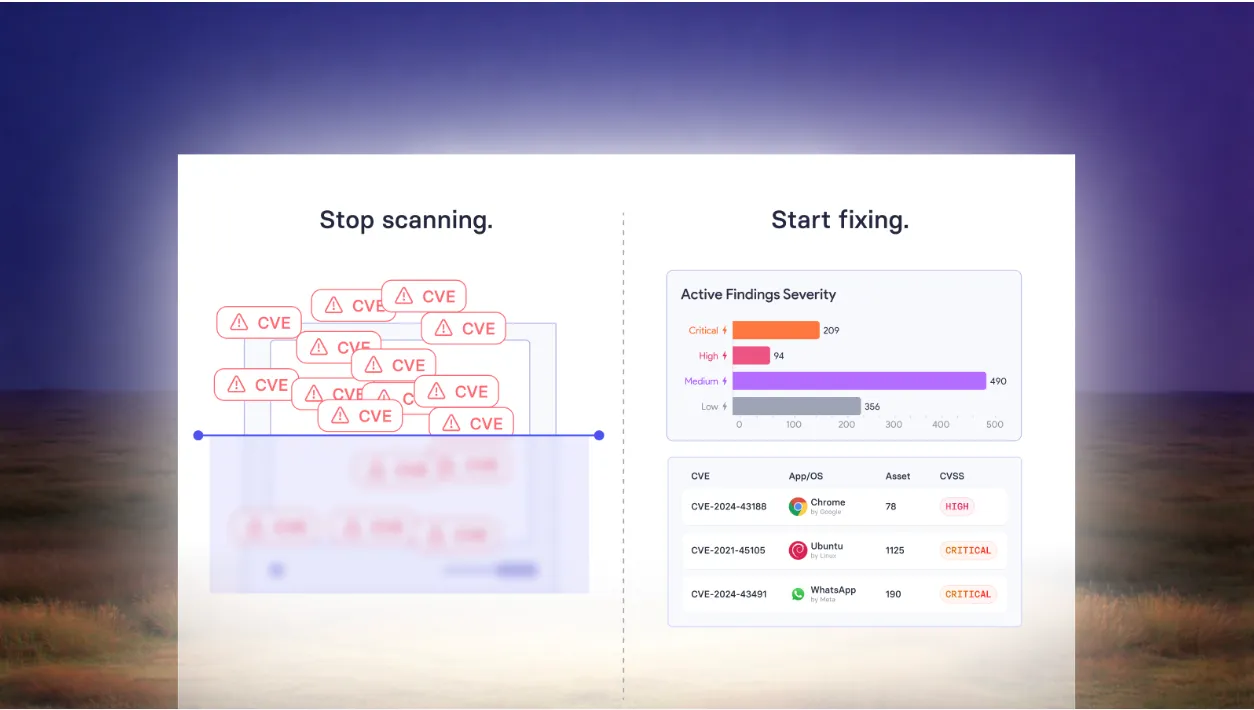
Not every vulnerability closes with a patch. Configuration weaknesses, registry misconfigurations, and hardening gaps need a different fix. vScript backs your team with community scripts, your own code, and AI so every vulnerability has a fix path.


No patch, still fixed

Respond to CVEs faster

Scripts built for you

Community sourced scripts, ready now

Harden any asset consistently

No separate scripting tool


Three script sources, one remediation engine
vScript runs custom, community, and AI-generated scripts across PowerShell, Bash, and Batch on Windows, macOS, and Linux. Every script reads from the same discovery layer as vPatch and vShield, making vRx the only remediation engine your team needs.
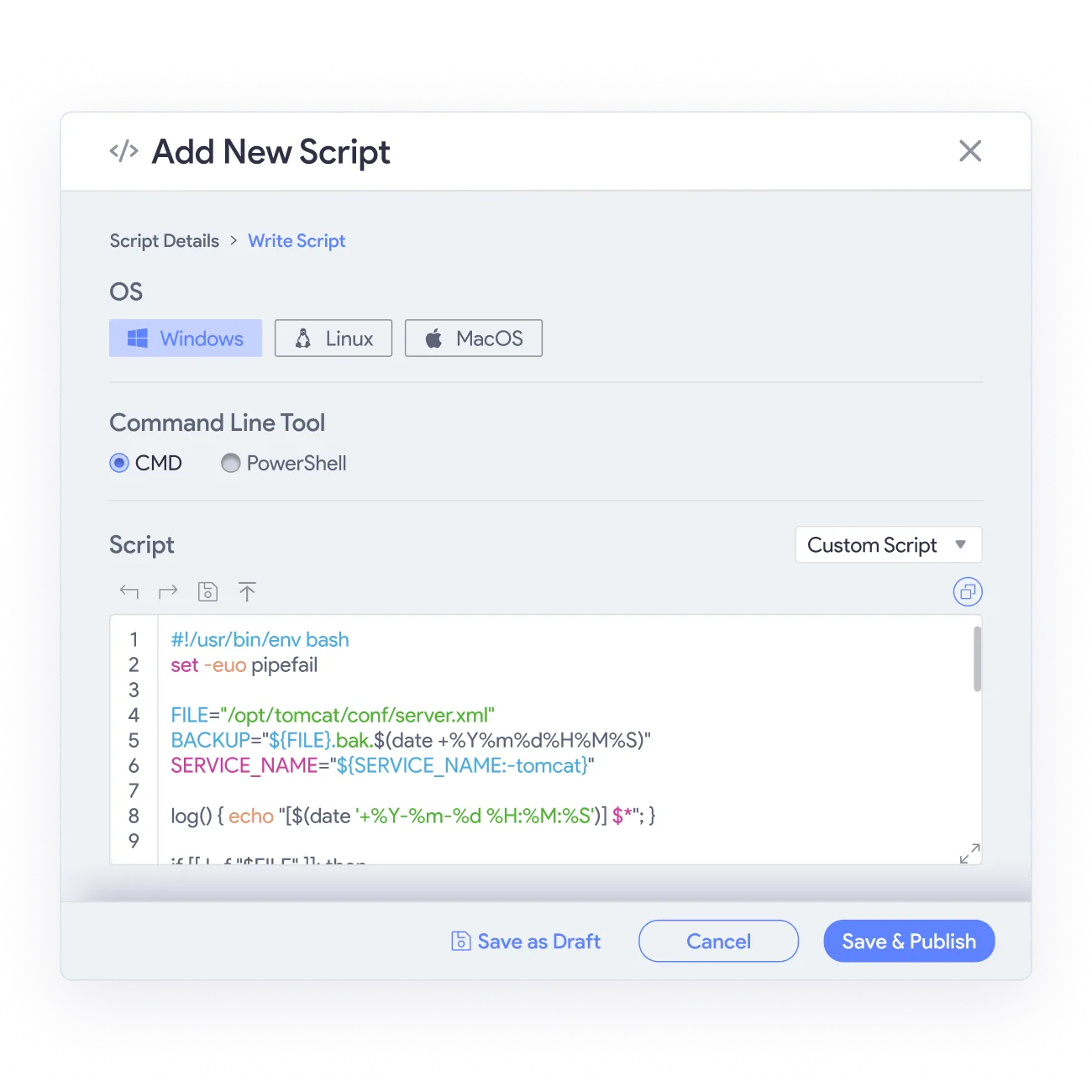
vScript accepts custom scripts written in PowerShell, Bash, or Batch, executed against individual assets or asset groups across all supported operating systems.
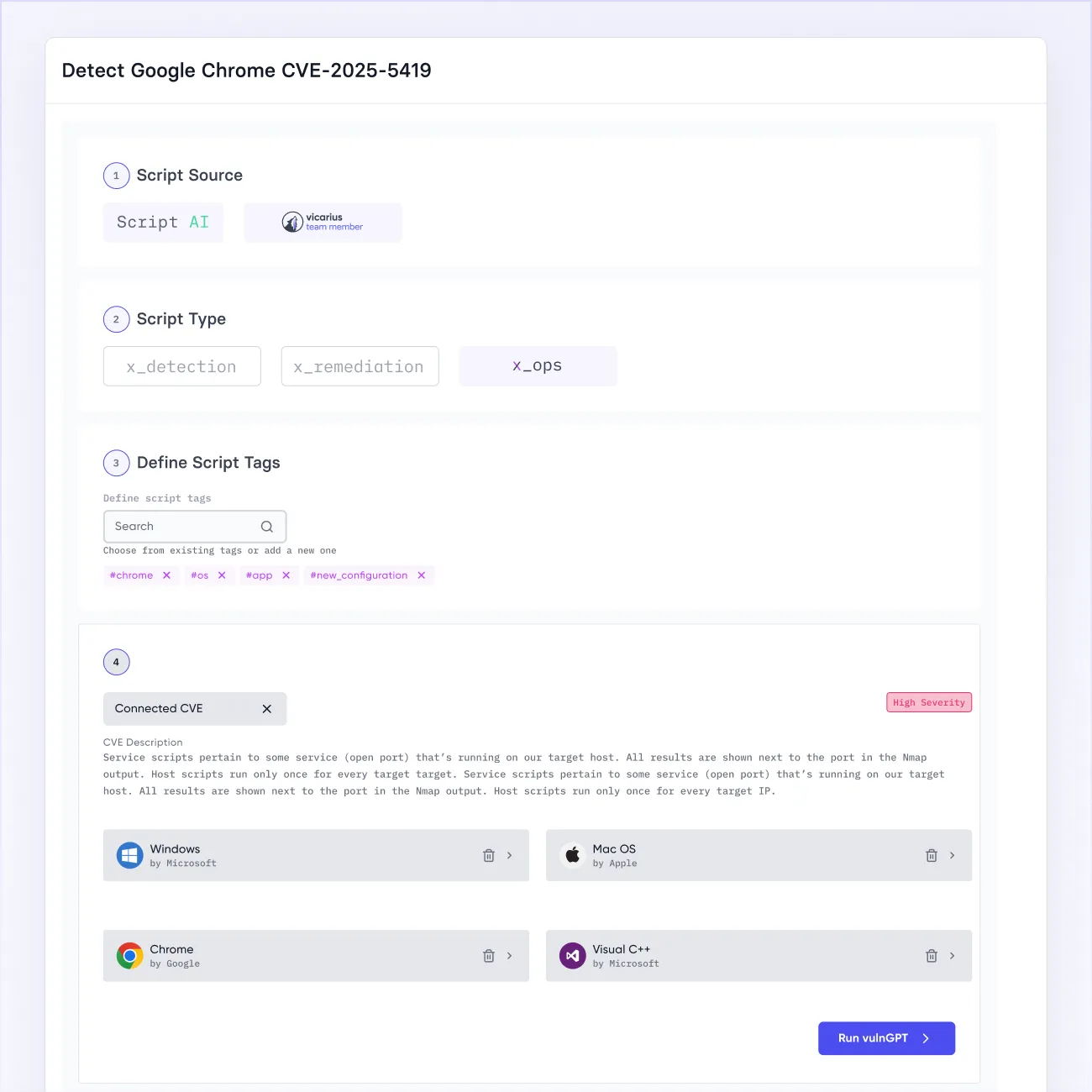
ScriptAI generates scripts based on your system's specific state and the vulnerabilities and exploits currently active in the wild.
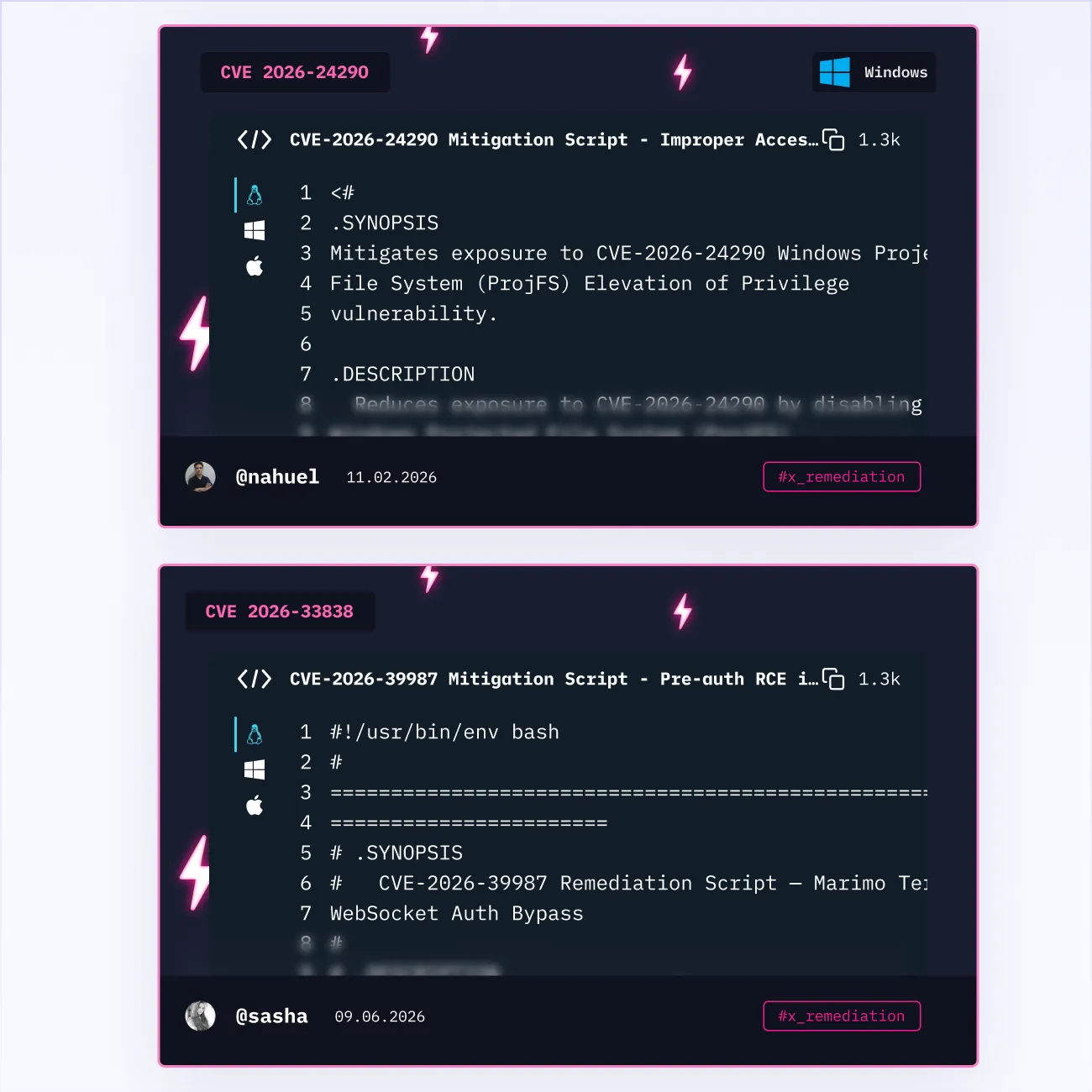
vScript connects to vSociety, a community of security professionals contributing scripts for common CVEs, hardening tasks, and operational workflows.
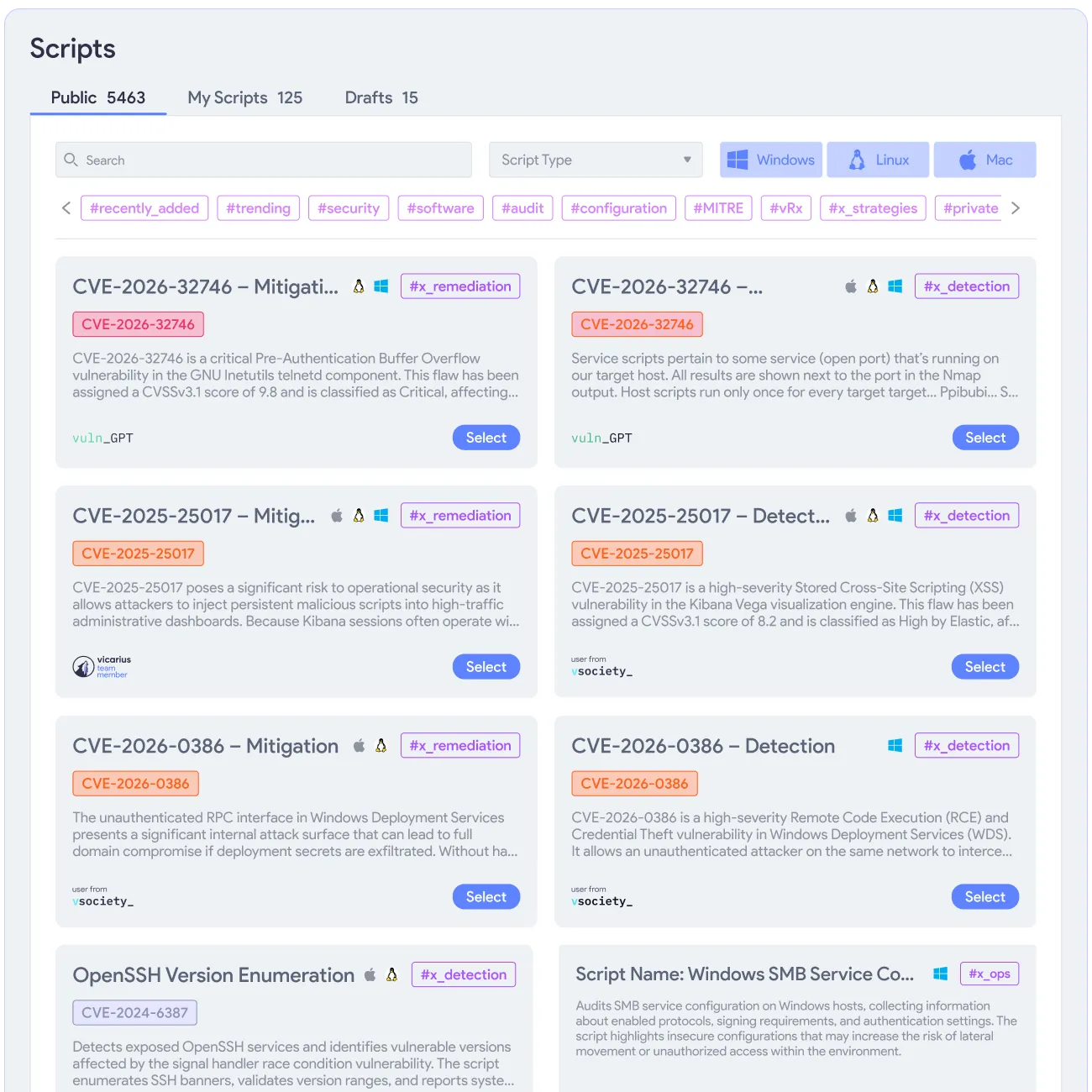
The Vicarius Research Team publishes detection,remediation and operational scripts for trending CVEs directly into vScript as threats become public.
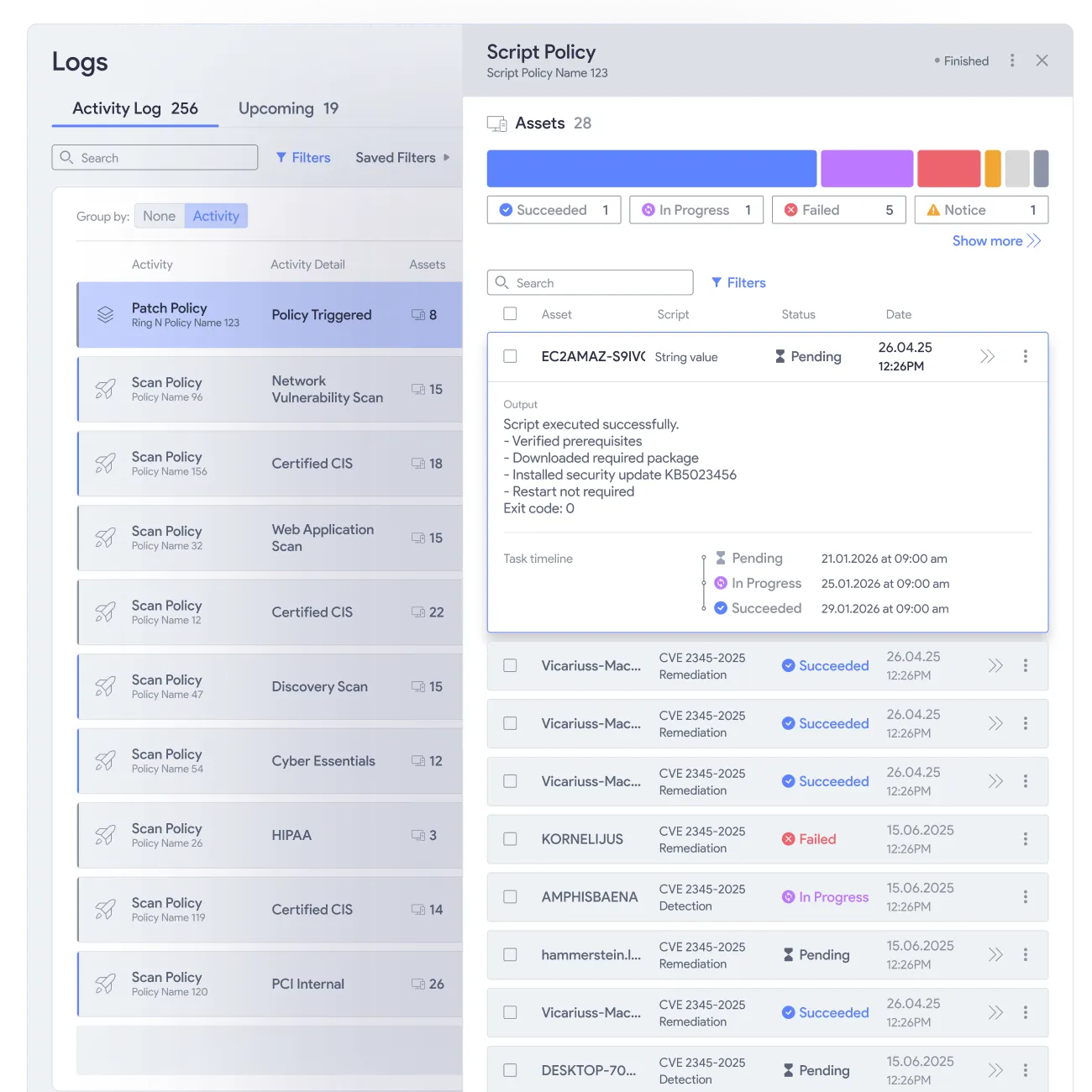
vScript logs every execution with a timestamped record of which script ran, on which assets, and what the outcome was.
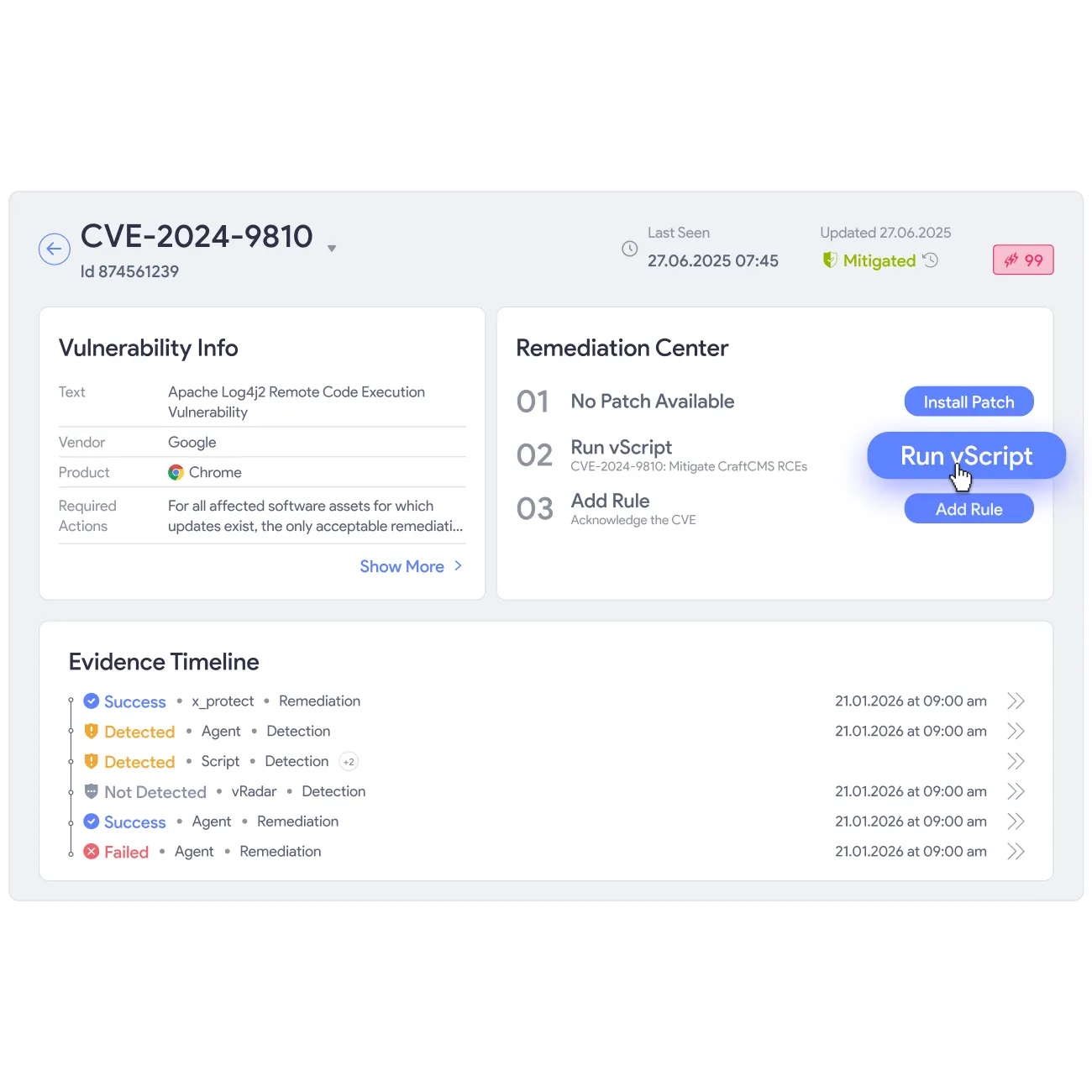
vScript reads from the same discovery layer as vPatch and vShield, so script targets match confirmed vulnerability data across your estate.








What Our Customers Say About Us
See why enterprises trust our approach to AppSec to secure their business-critical applications
From urgency to strategy


60% faster remediation, many hours saved

Patchless Protection is an incredible technology!
Third-party software patching is the most valuable feature.
Complete Vulnerability Remediation Platform

My favorite feature is Patchless Protection

Great patching capabilities, helpful dashboard, and excellent support
Merge Security & IT to Remediate Threats

Everything you need to know
What is vScript and what can it do?
vScript is vRx's scripting engine for detection, remediation, and hardening across your managed estate. It runs three types of scripts: custom scripts your team writes, community scripts from vSociety, and AI-generated scripts from scriptAI. All three execute in PowerShell, Bash, or Batch on Windows, macOS, and Linux.
What is the difference between custom, community, and AI-generated scripts?
Custom scripts come from your own team for your specific environment. Community scripts come from vSociety, where security professionals share scripts for common CVEs, hardening tasks, and operational needs. AI-generated scripts come from scriptAI, which takes exploit data to generate scripts for your exact exposure, so nothing gets missed
How does scriptAI generate scripts?
ScriptAI reads two inputs: your system's current state and the vulnerabilities and exploits currently active in the wild. It combines both to generate scripts targeted at your actual exposure. Your team gets a relevant fix without researching what to write or knowing which threats apply to their environment.
Does vScript handle vulnerabilities that patches cannot close?
Yes. Patches close vulnerabilities where a vendor has shipped a fix. vScript closes the ones patches cannot reach: configuration-based vulnerabilities, registry misconfigurations, hardening gaps, and operational weaknesses. If a CVE requires a configuration change rather than an update, vScript delivers a targeted fix without waiting for the vendor.
How does vScript connect to the rest of vRx?
vScript reads from the same vulnerability discovery layer as vPatch and vShield. When vRx identifies a vulnerability on an asset, your team can choose to patch, shield, or script the fix from the same view. Three remediation paths from one discovery layer, with no separate tools and no duplicate data.
What scripting languages does vScript support?
vScript supports PowerShell for Windows environments, Bash for macOS and Linux, and Batch for Windows environments where it applies. Your team selects the script type when creating or deploying. scriptAI generates in the appropriate language automatically based on the target asset's operating system.
How do I know a community script from vSociety is safe to run?
vSociety scripts are contributed by the security community and reviewed by the Vicarius research team before publication. Your team can read the full script before running it, test it against a single asset before broader deployment, and review execution logs afterward.





