
Automated patch management
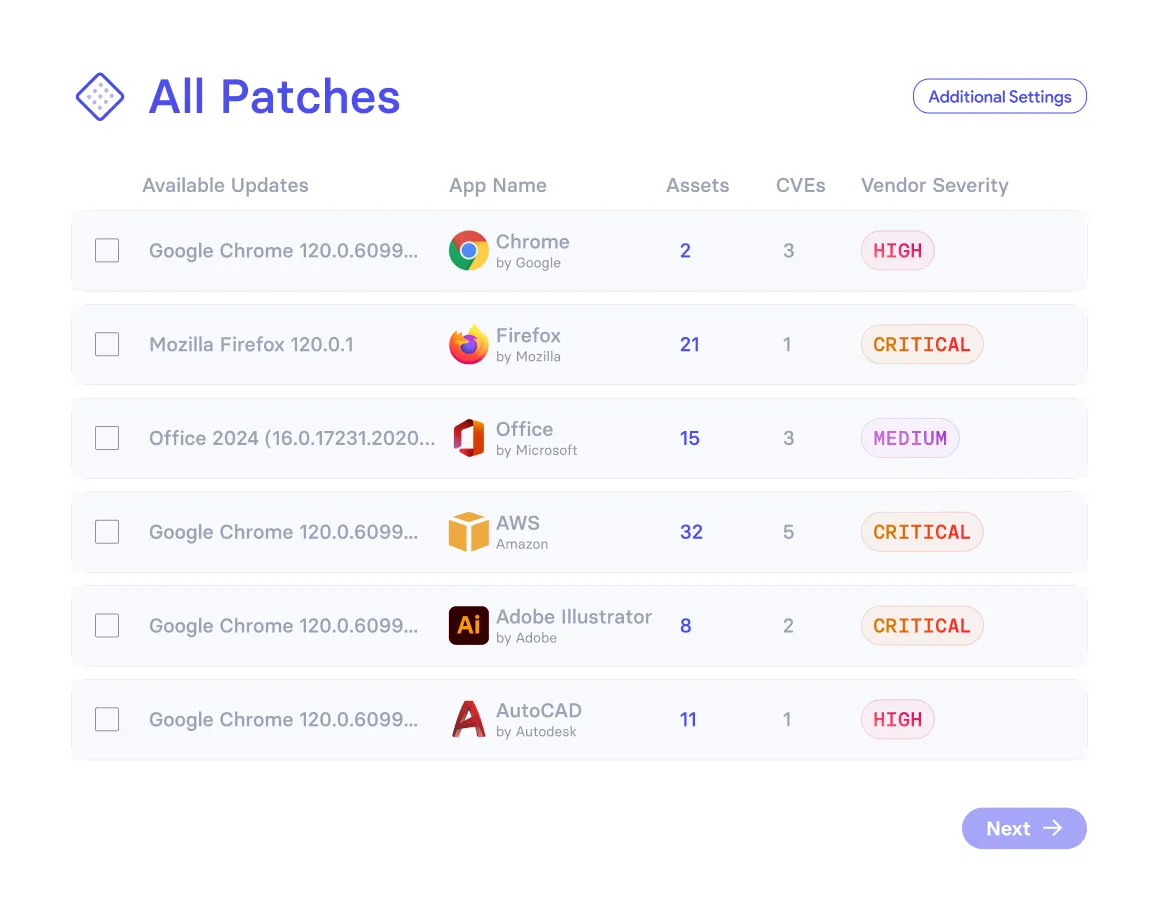
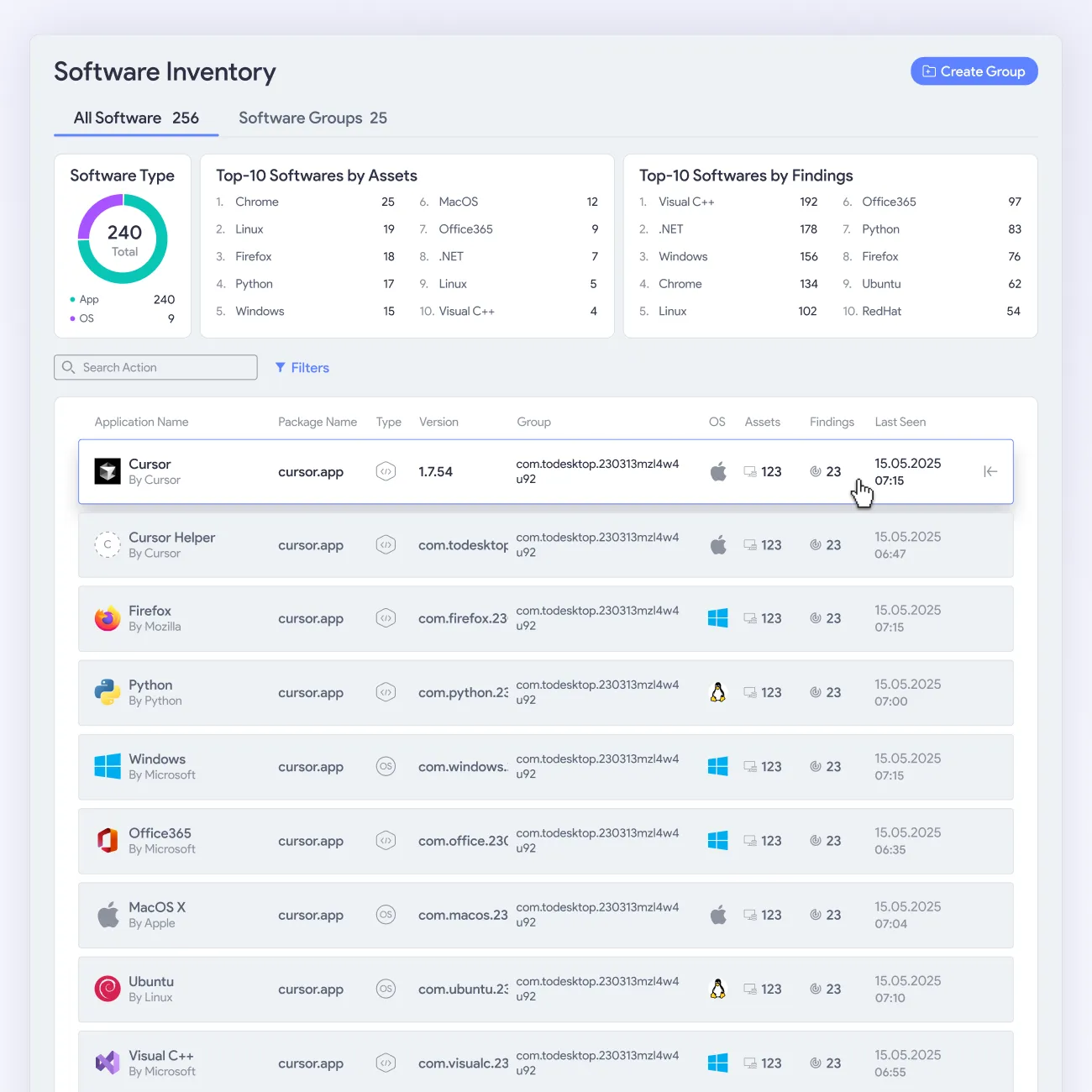
vRx brings patching for Windows, macOS, Linux, and 20,000+ third-party apps into one place. Schedule, deploy, and manage patches on your terms. Explore everything we support in our patch catalog.



























































.png)












Patching that fits how you work
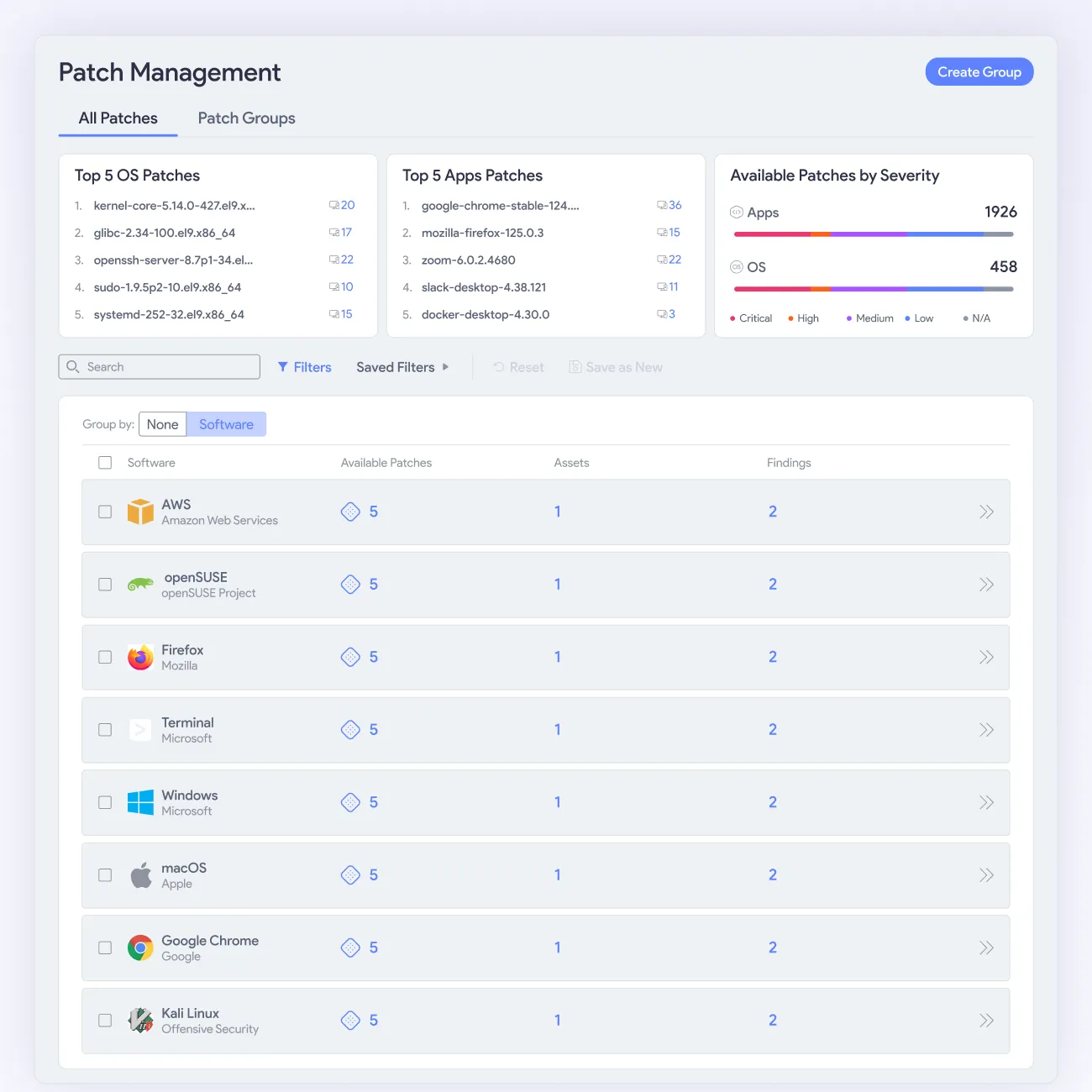
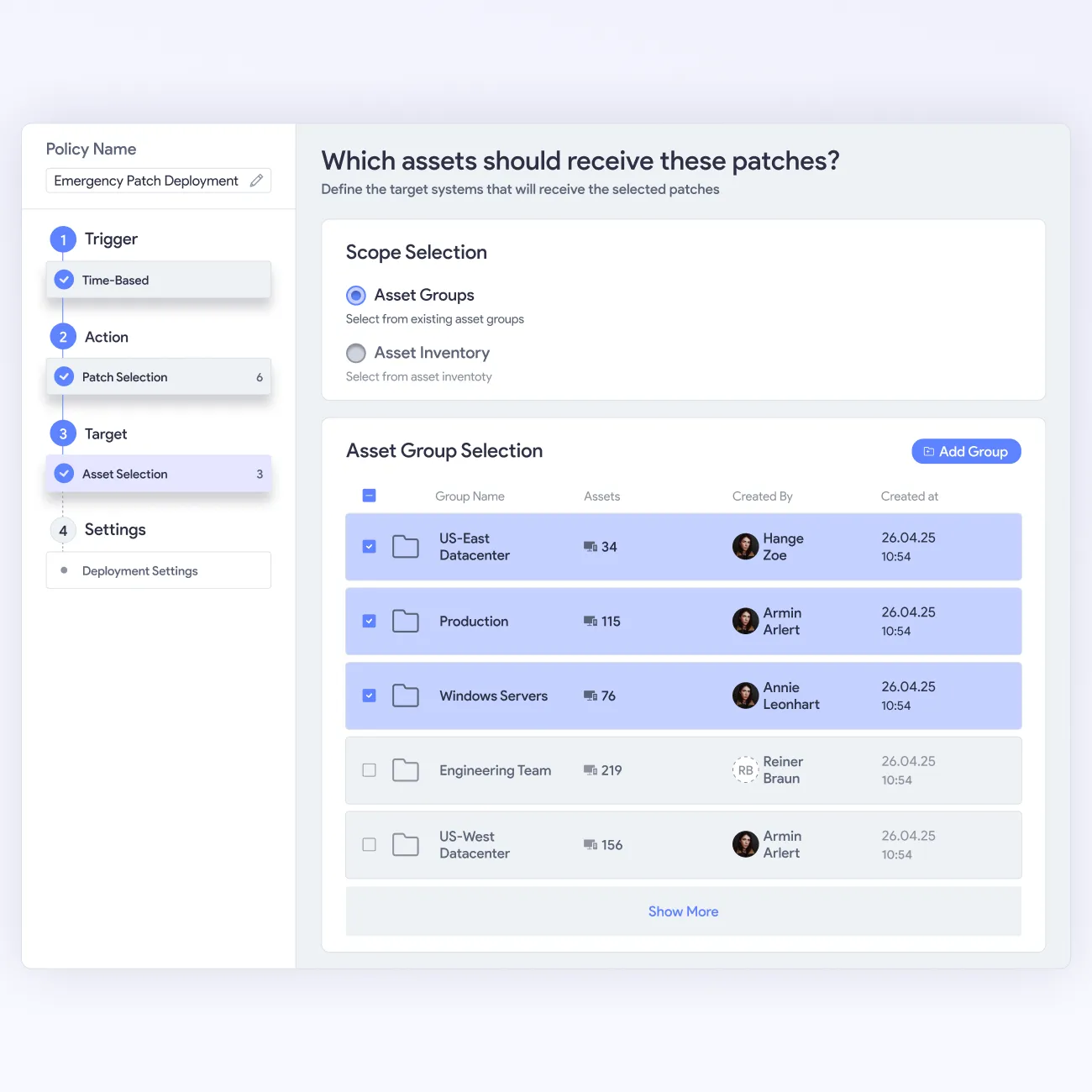
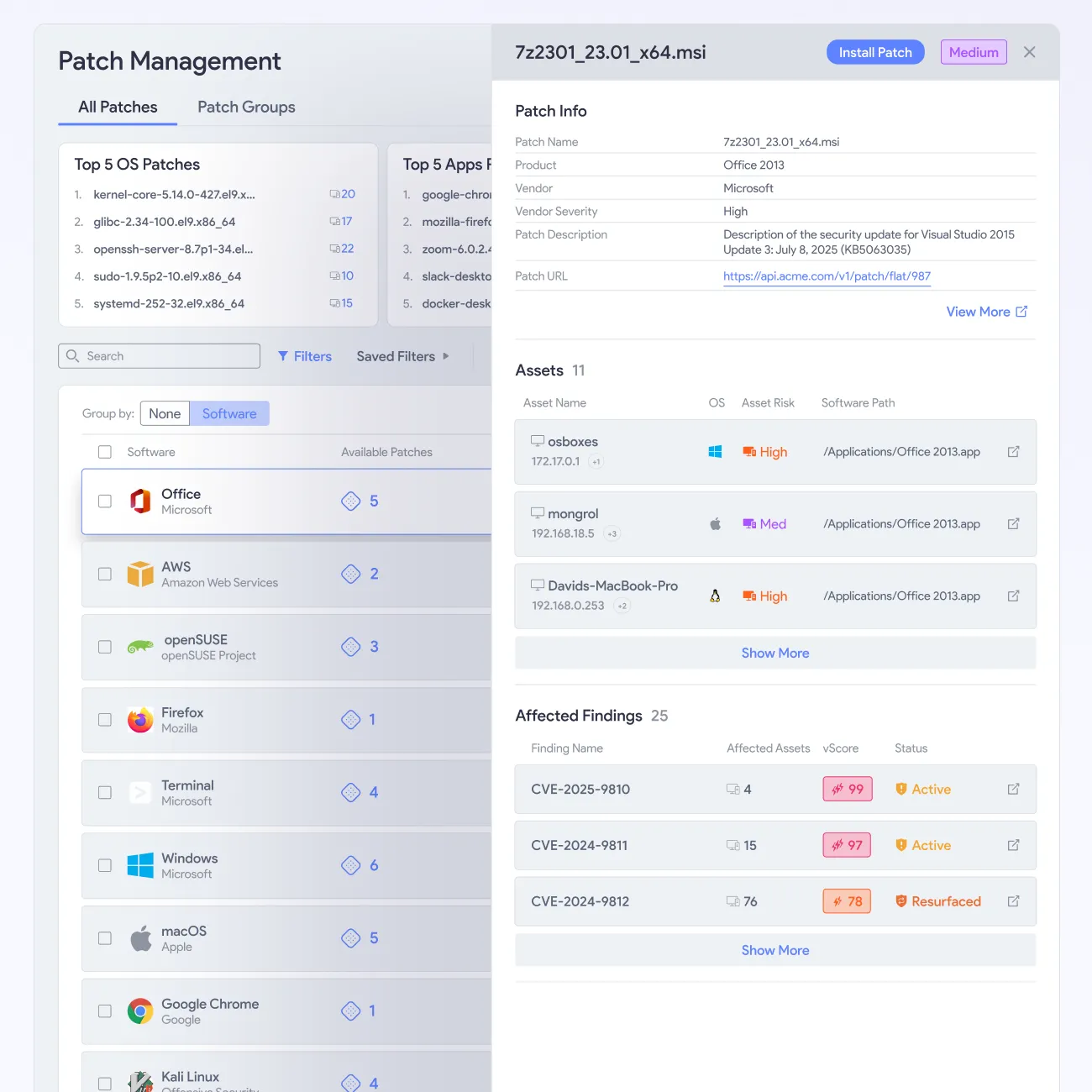
vRx gives your team a complete view of every patch needed across your estate. Work through the queue on demand, set scheduled deployments, or configure rules that keep your environment current. The choice is yours, not the platform's.


Everything, one place

Your call, always

Fix what matters

Groups, not spreadsheets

80% less effort

Always audit ready


Automate patching across your entire estate
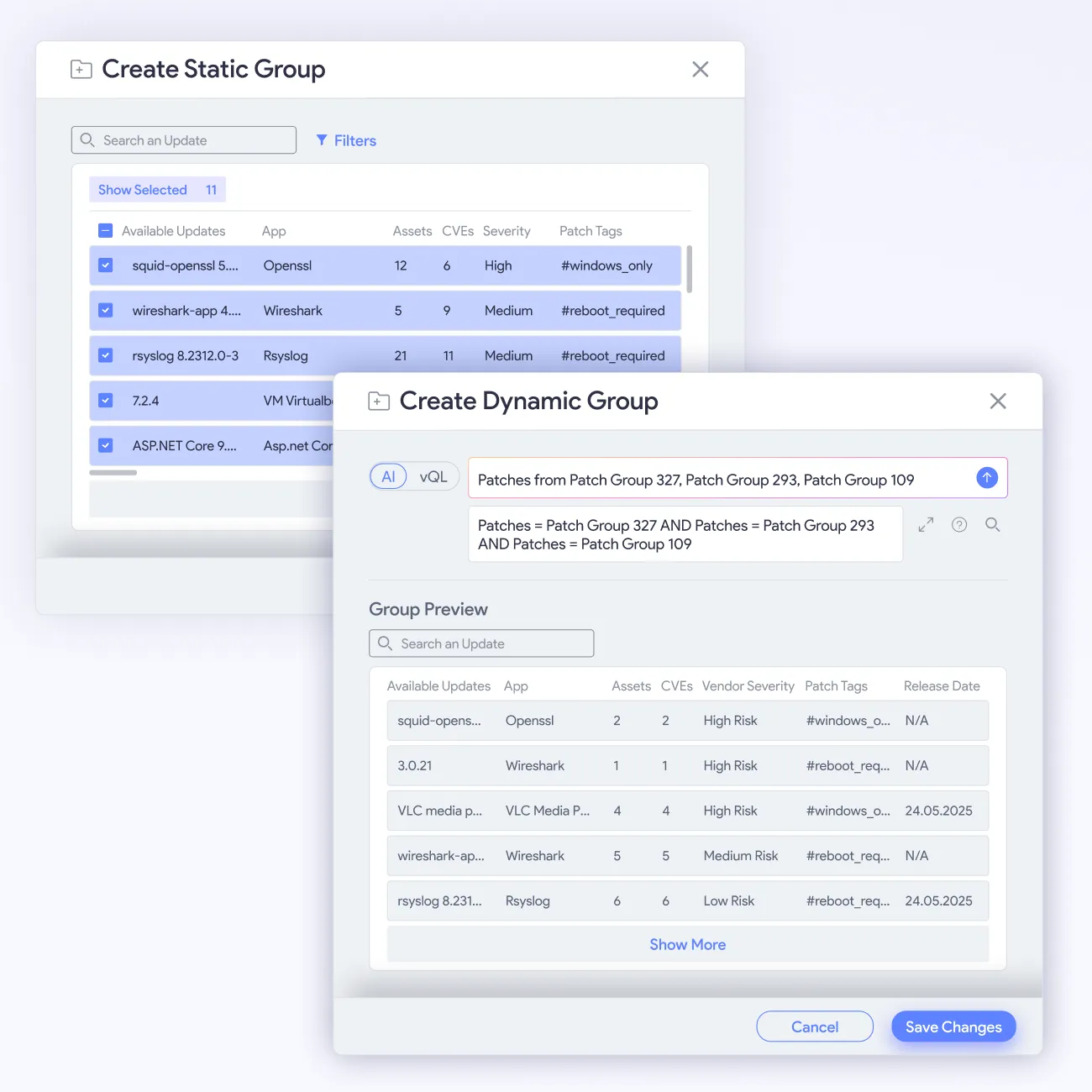
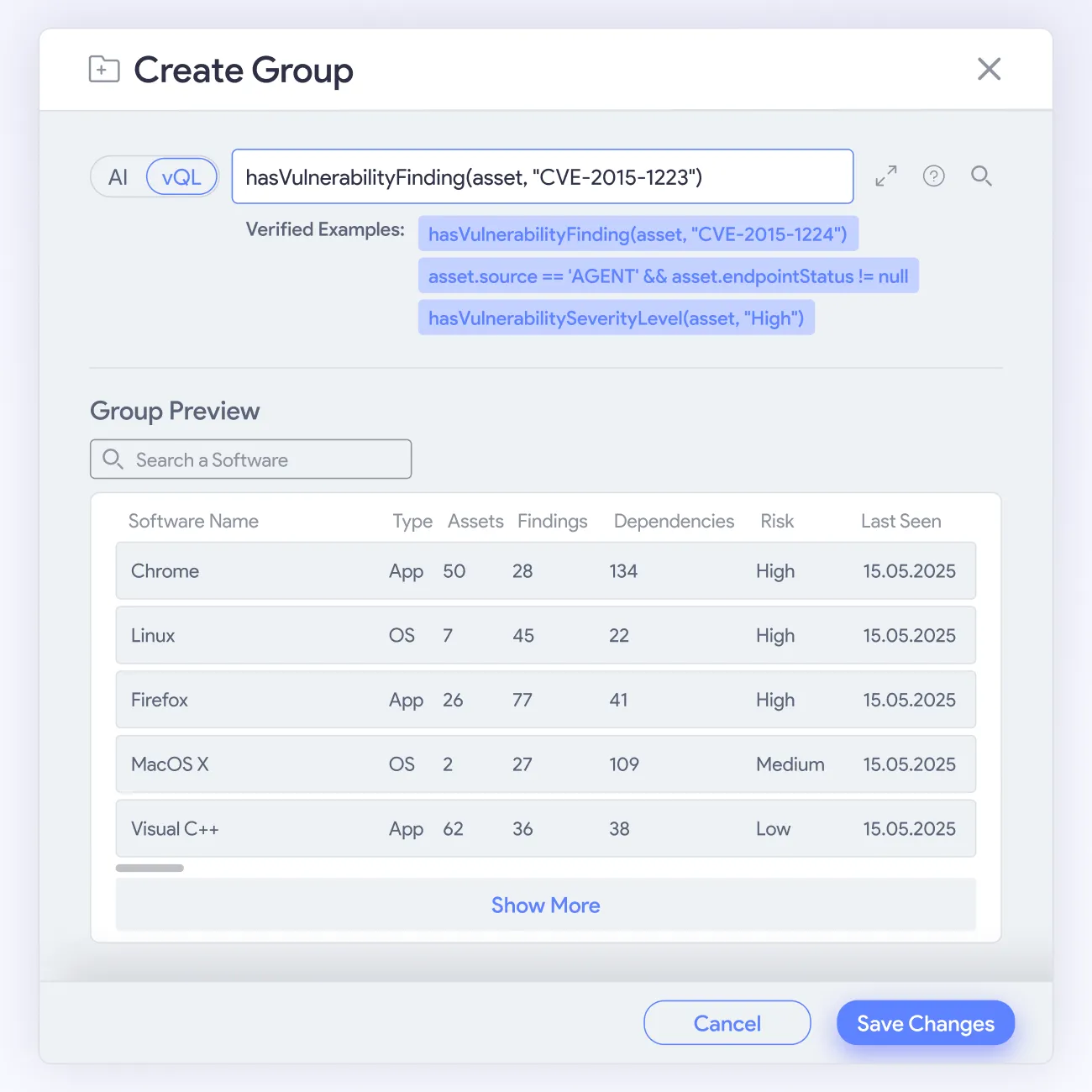
vRx covers all patch types in one unified view and gives your team full control over how and when patches deploy. Patch groups, asset groups, and software groups let you organize the work the way your environment demands.








What Our Customers Say About Us
See why enterprises trust our approach to AppSec to secure their business-critical applications
All in one platform



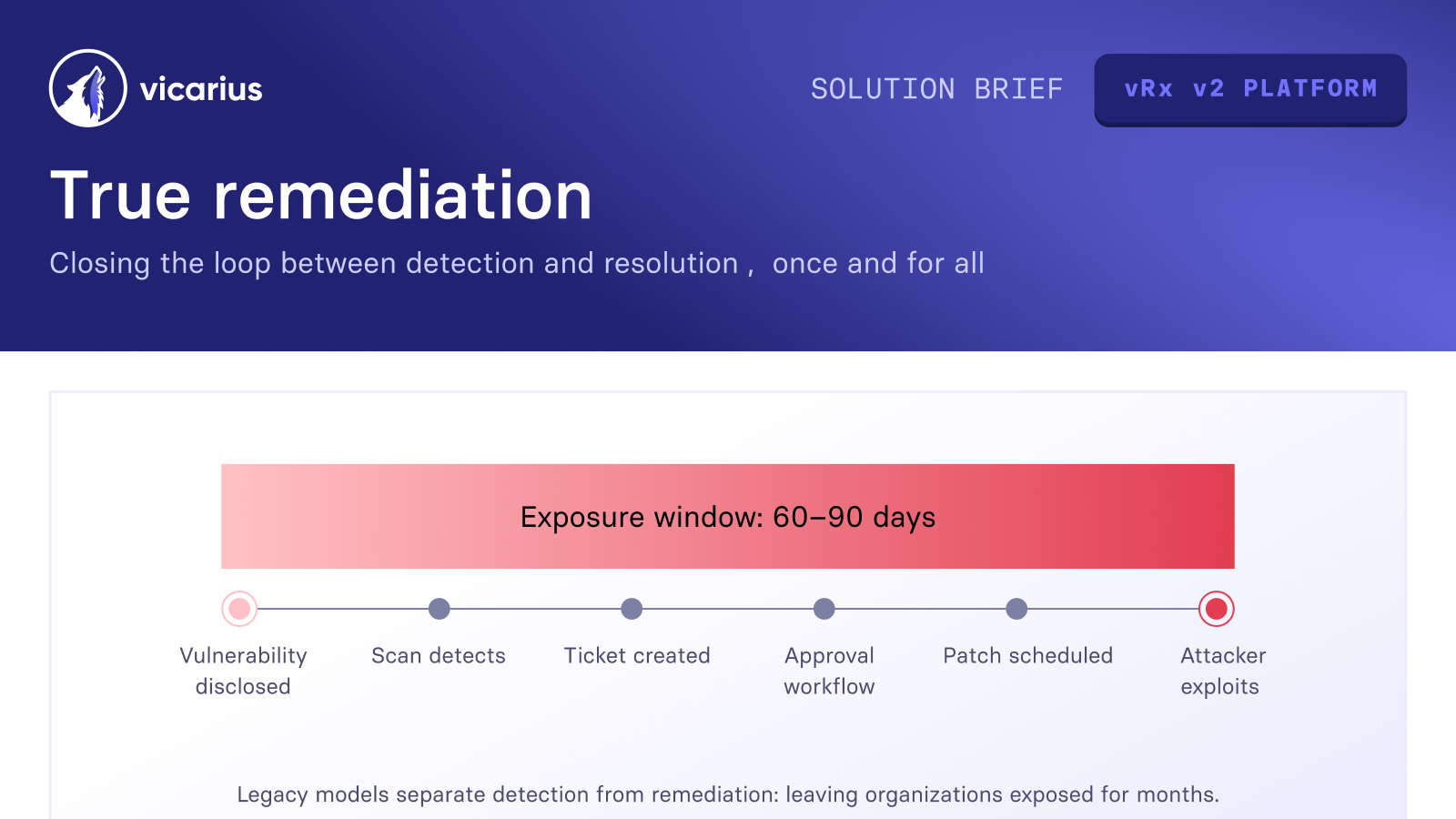
From urgency to strategy

EL AL secures global Patch Compliance


Complete Vulnerability Remediation Platform



Excelente capacidad de parcheo, un panel útil y soporte excepcional
Hervorragende Patch-Fähigkeiten, ein hilfreiches Dashboard und exzellenter Support
Excellentes capacités de mise à jour, tableau de bord pratique et support exceptionnel
Valuable resources saved
Third-party software patching is the most valuable feature.
Single source of truth, capable of handling any application in our fleet
60% faster remediation, many hours saved
Great patching capabilities, helpful dashboard, and excellent support
My favorite feature is Patchless Protection

Unified vulnerability discovery, prioritization, and remediation

Patchless Protection is an incredible technology!
Merge Security & IT to Remediate Threats

Everything you need to know
What patch types does vRx cover?
vRx covers application patches, Windows cumulative updates and KBs, macOS point and major releases, and Linux package updates through APT, YUM, APK, and other package managers. All of them appear in one view, with consistent search and filtering across every patch type.
Does vRx patch automatically, or does my team control the schedule?
Your team controls it. vRx gives you three deployment options: patch on demand, set a scheduled maintenance window, or configure rule-based deployment for patches that match your criteria. The platform does not push patches without instruction. Your workflow determines when and what deploys.
What is the difference between static and dynamic patch groups?
Static groups contain a hand-picked list of patches that stays fixed until you change it. Dynamic groups use a rule, and membership updates whenever patch data changes. Use static groups for deliberate, auditable sets like pilot rollouts. Use dynamic groups for ongoing policies like "all Mozilla patches."
How does vRx compute CVE coverage for each patch?
CVE coverage in vRx is per asset, not per patch. Two assets upgrading to the same Firefox version can close different CVE sets if they are starting from different installed versions. vRx computes the delta between each asset's current version and the target, so your team sees the precise risk each patch closes on each machine.
Does vRx work in environments managed by WSUS?
Yes. vRx captures the management mode on each asset individually. A Windows KB can be flagged as WSUS-managed on one machine and Windows Update-managed on another within the same estate. Your team does not need to standardize patch management before deploying vRx. The platform adapts to how your environment is already set up.
What happens when there is no patch available for a vulnerability?
vRx offers two paths beyond patching. vShield Patchless Protection mitigates the vulnerability at the asset without applying a patch, blocking exploit paths until a validated patch is ready. vScript lets your team run community, custom, or AI-generated scripts for detection and remediation. All three paths read from the same discovery layer.
How does vRx decide which patches to prioritize?
vScore feeds directly into patch prioritization. It factors in exploitability, asset criticality, weaponization status, and business context alongside CVE severity. The result is a ranked queue where patches closing your highest-risk CVEs rank first, regardless of release date or generic severity score.





