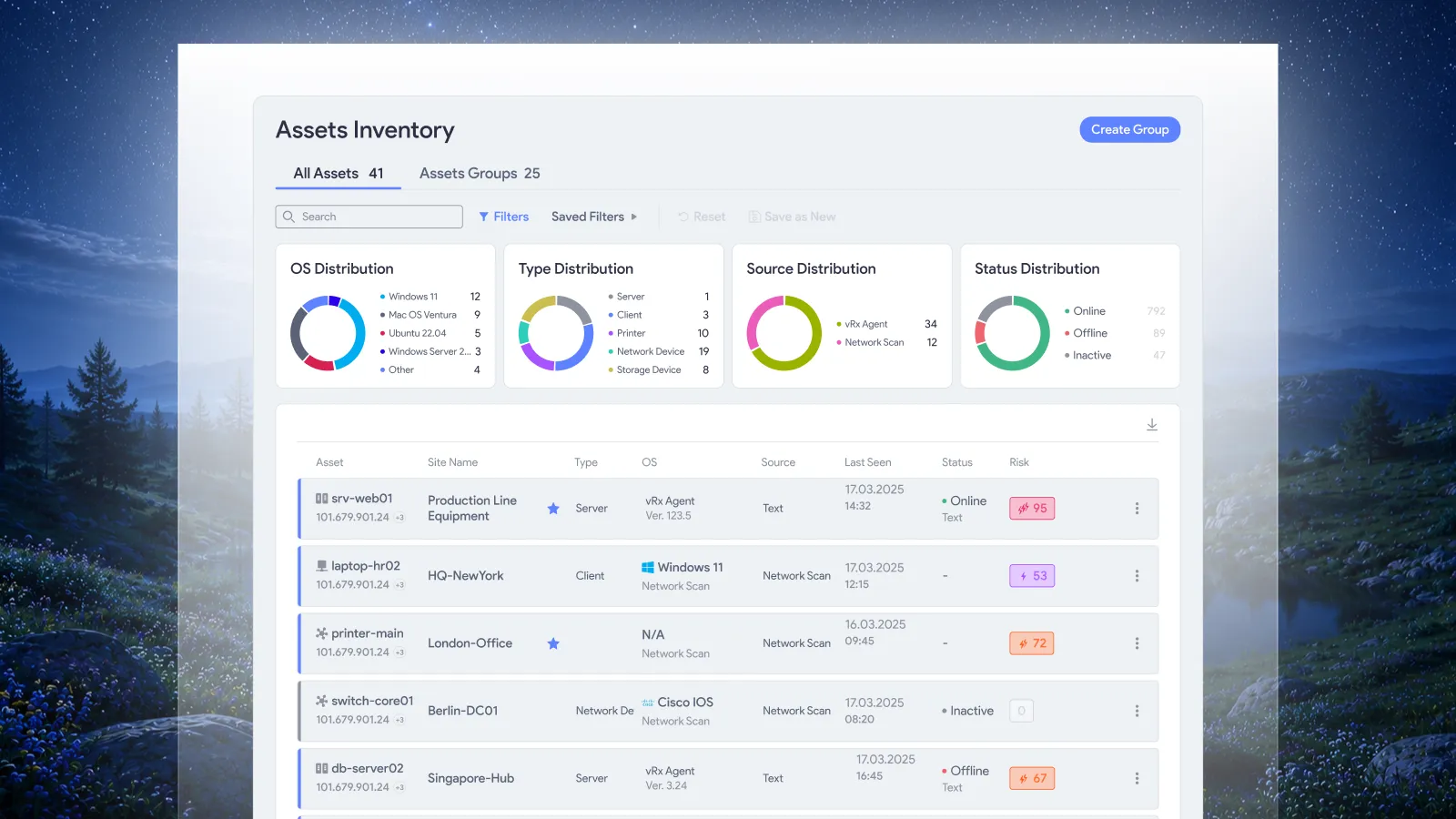


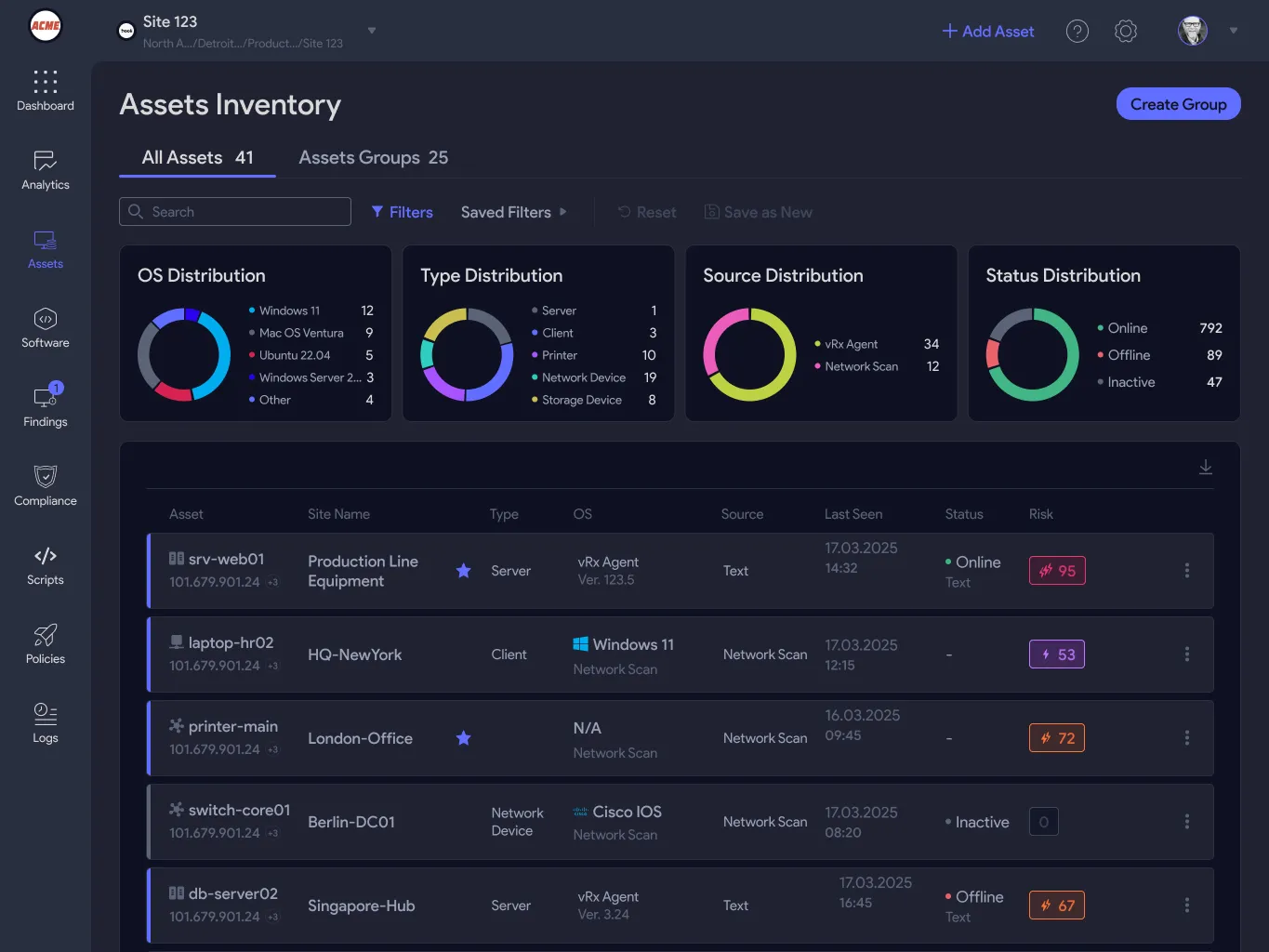
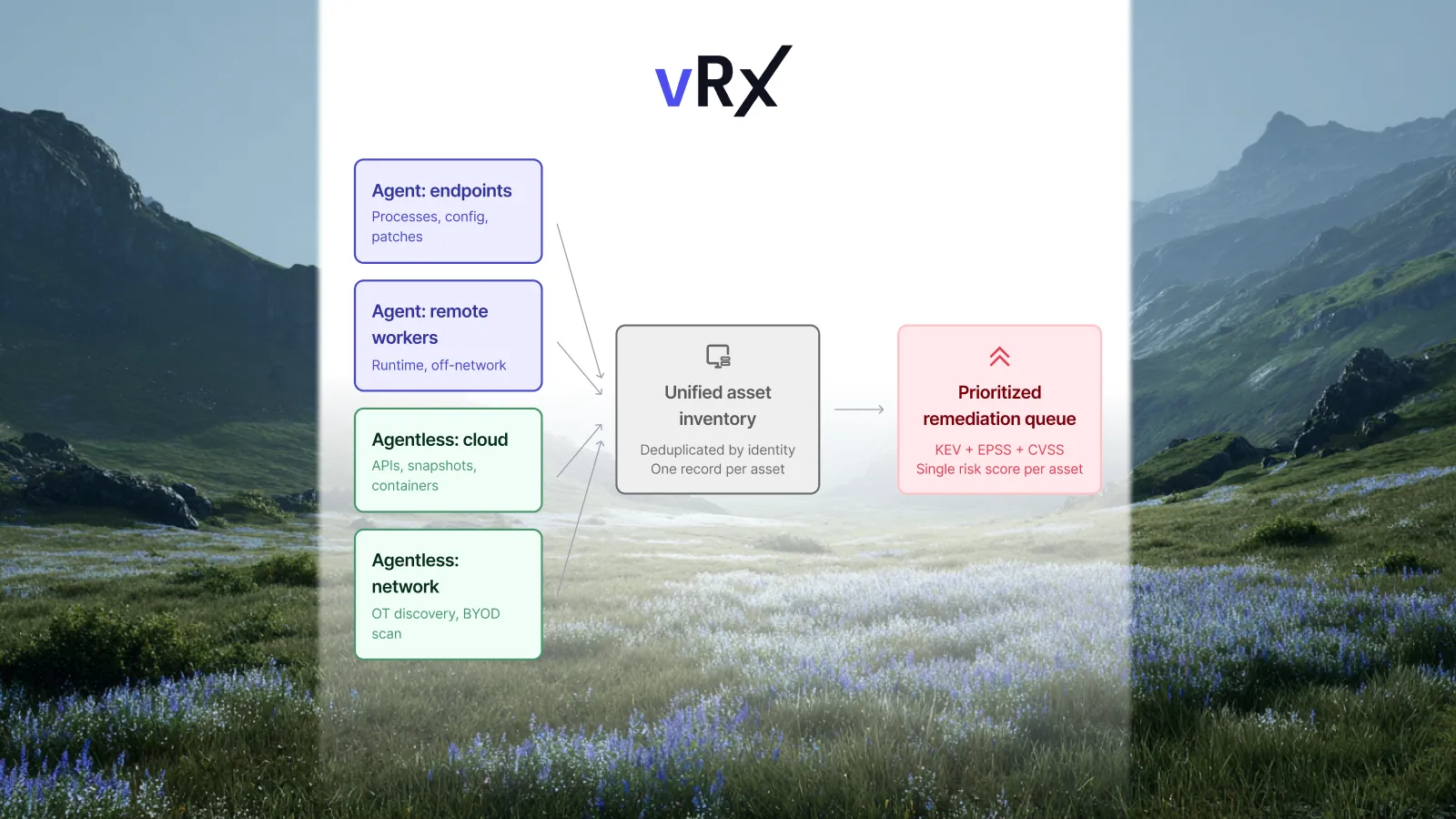
What this post covers: vRx gives you a single inventory of every asset in your environment. vRadar discovers everything on the network, including Windows machines that haven't had an agent deployed yet, OT devices, cameras, printers, and anything else. The agent adds deeper telemetry and direct remediation execution for devices that support it. This post walks through how both layers work together, how grouping keeps policies current automatically, and what happens to devices that can never run an agent.
Most environments have at least three or four categories of devices that can't run a security agent: routers, managed switches, IP cameras, OT controllers, network printers, building management systems. Standard infrastructure, not edge cases. And the most likely candidates for old firmware and unpatched vulnerabilities, because historically they've been invisible to security tooling.
Then there's the other gap: devices that can run an agent but simply haven't had one deployed. A Windows server someone stood up last month. A laptop that missed your MDM rollout. vRx handles both categories through the same mechanism.
Here's how it works.
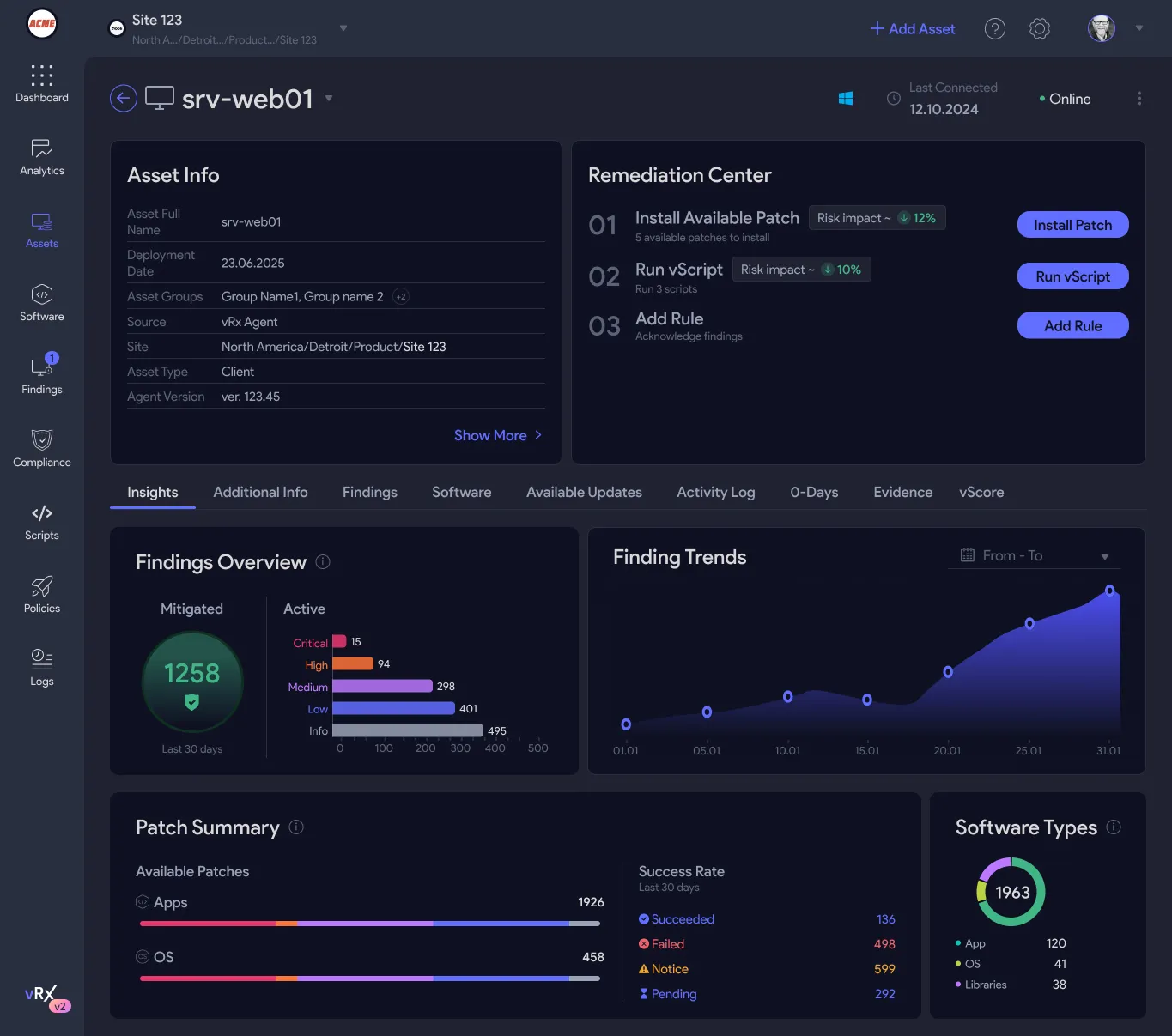
Managed assets: what the vRx agent collects
When you deploy the vRx agent on an endpoint, whether through your existing MDM, RMM, or GPO, it starts reporting immediately. What you get in the platform:
- Full software inventory: every installed application, version number, and vendor, updated continuously
- OS patch state across Windows, Linux, and macOS
- CVE correlation against the current feed, matched to the actual software installed on that specific device
- SBOM per endpoint, available for export and audit
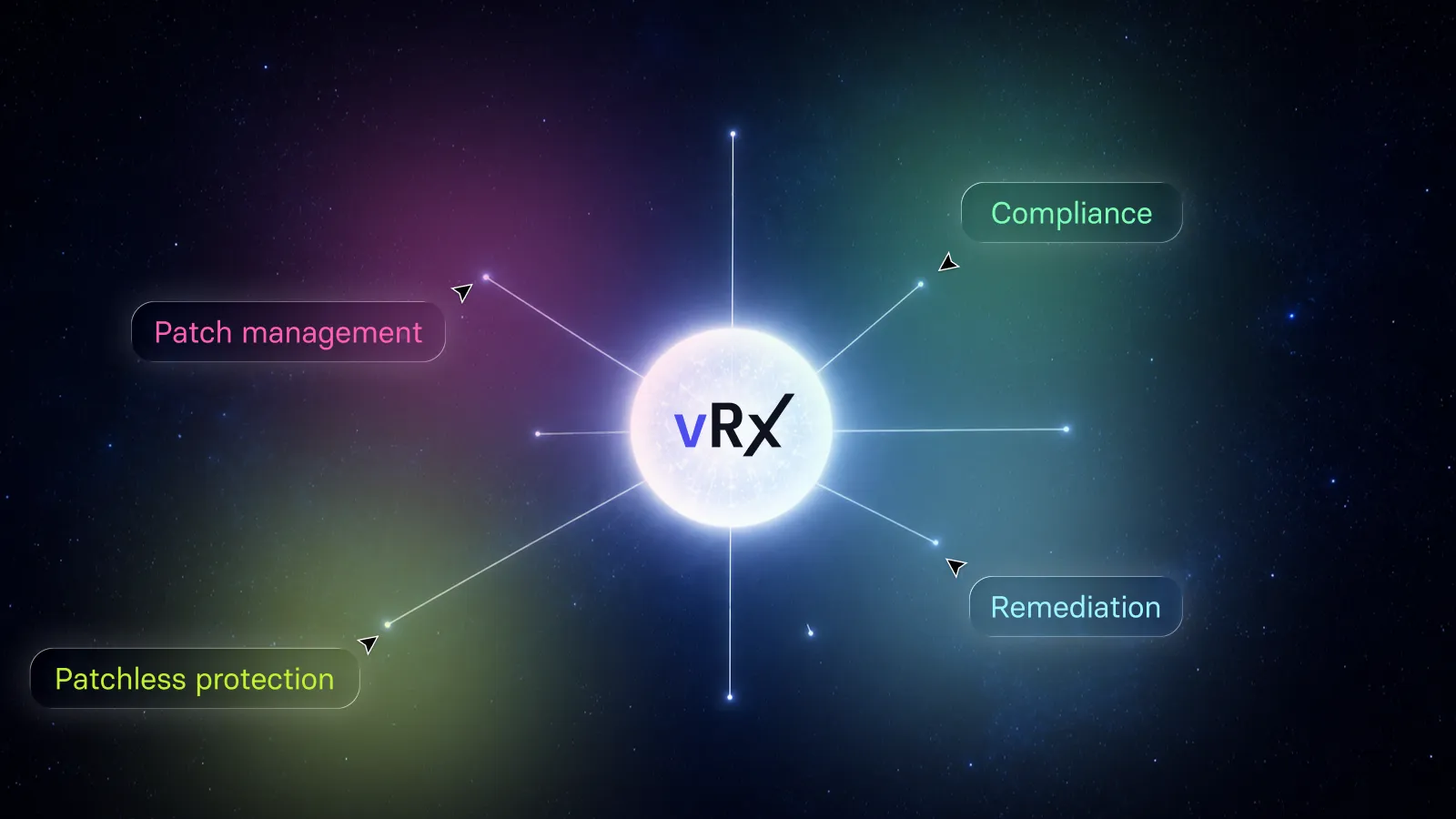
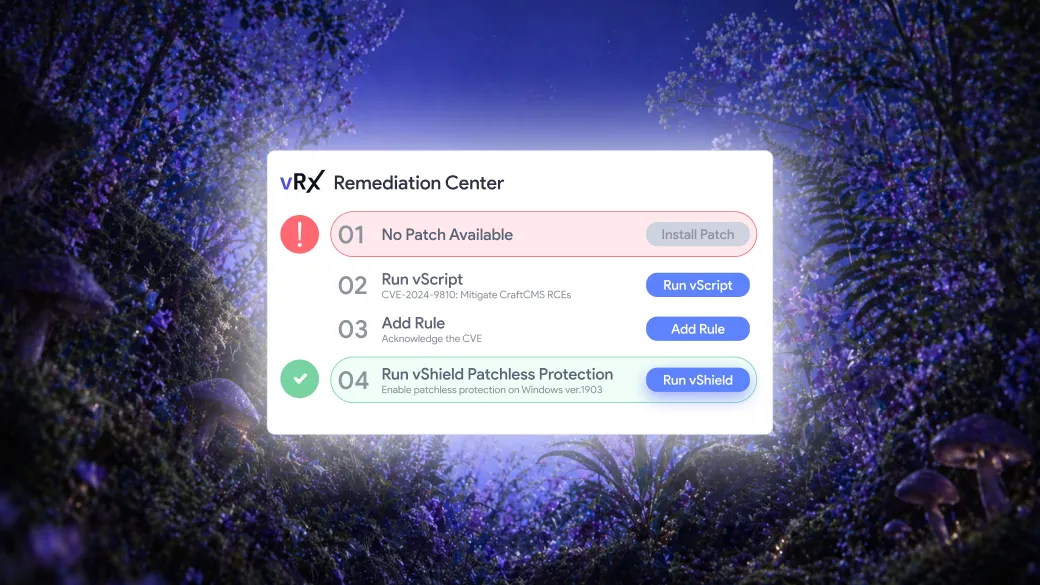
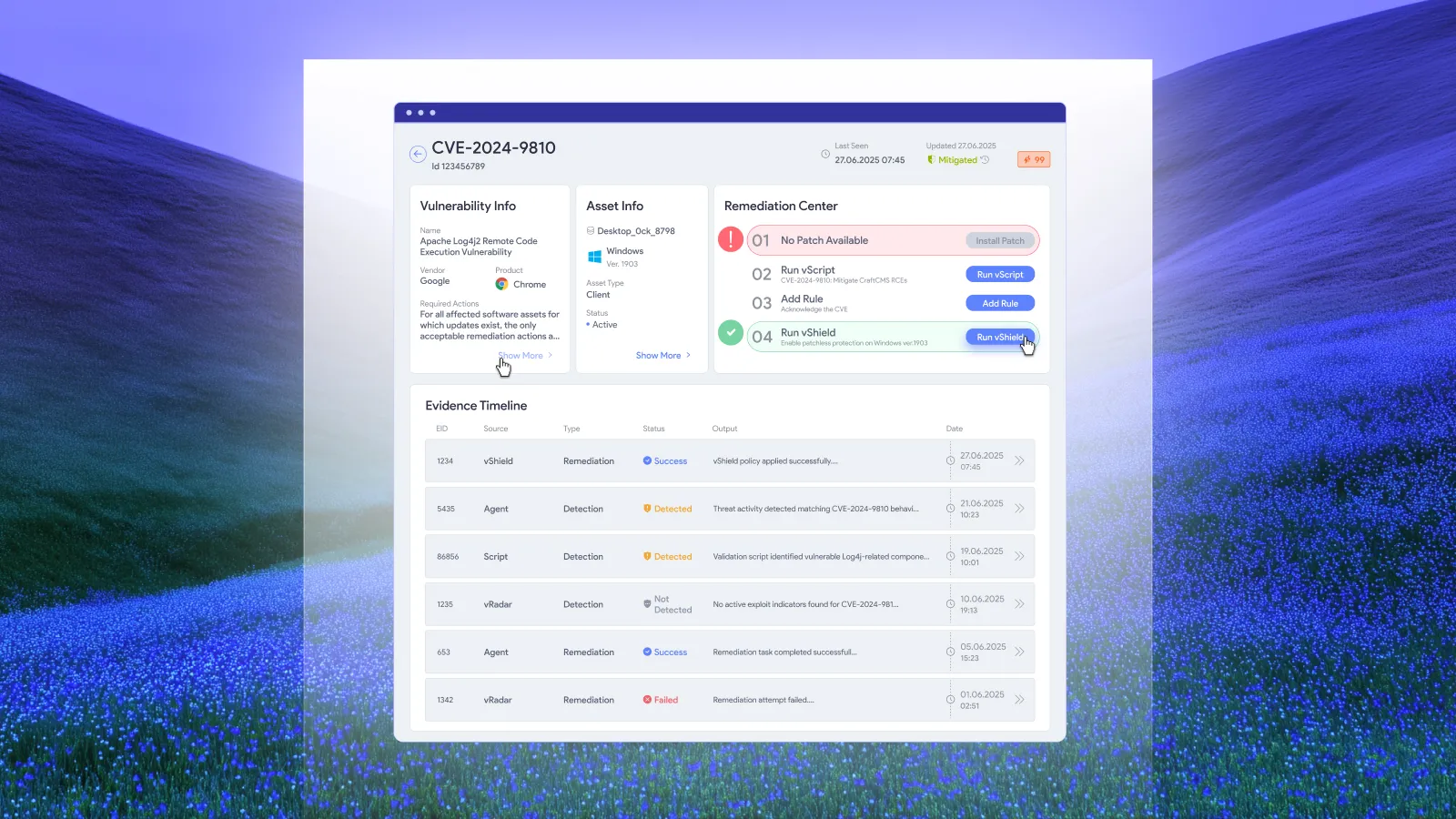
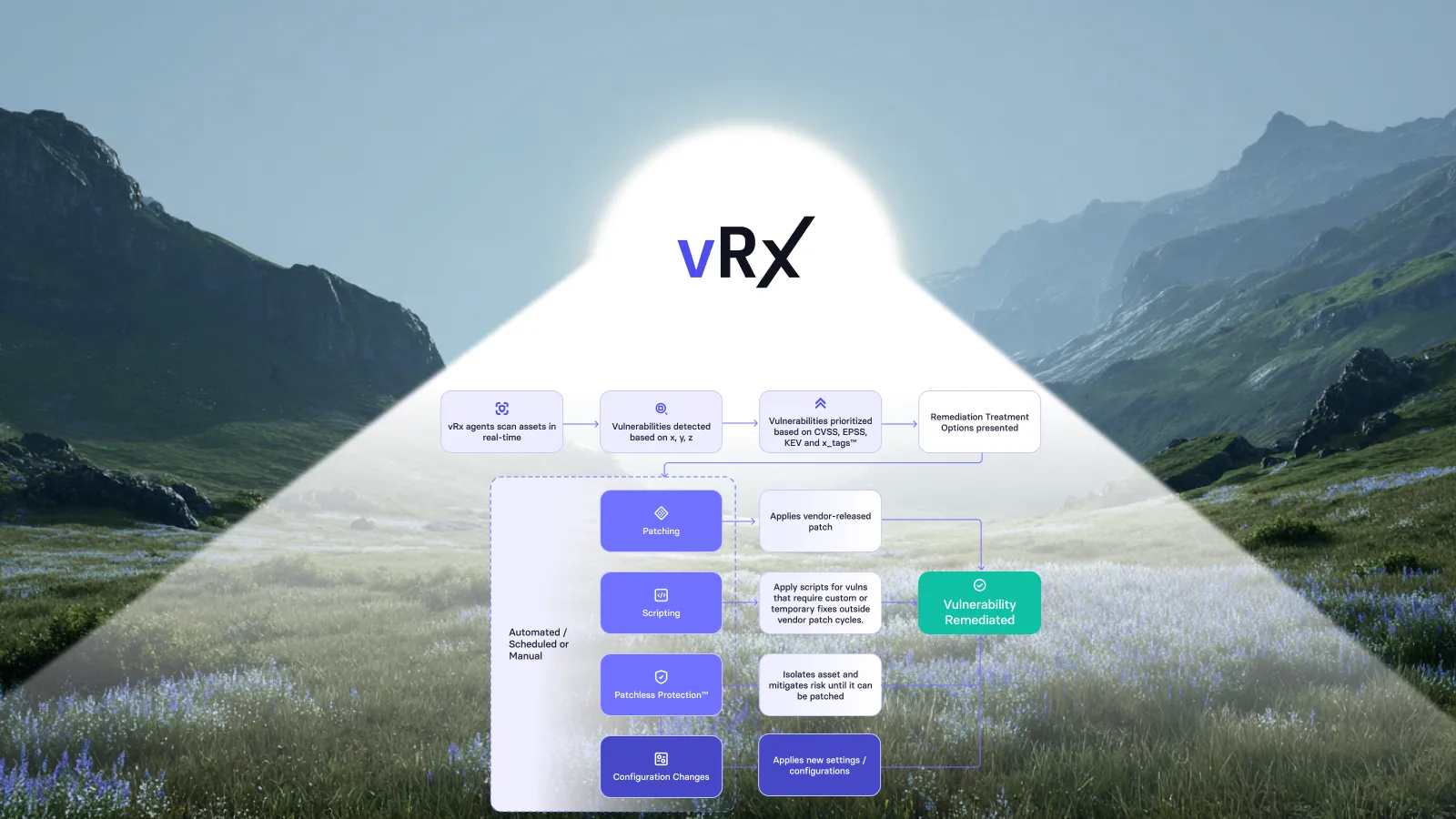
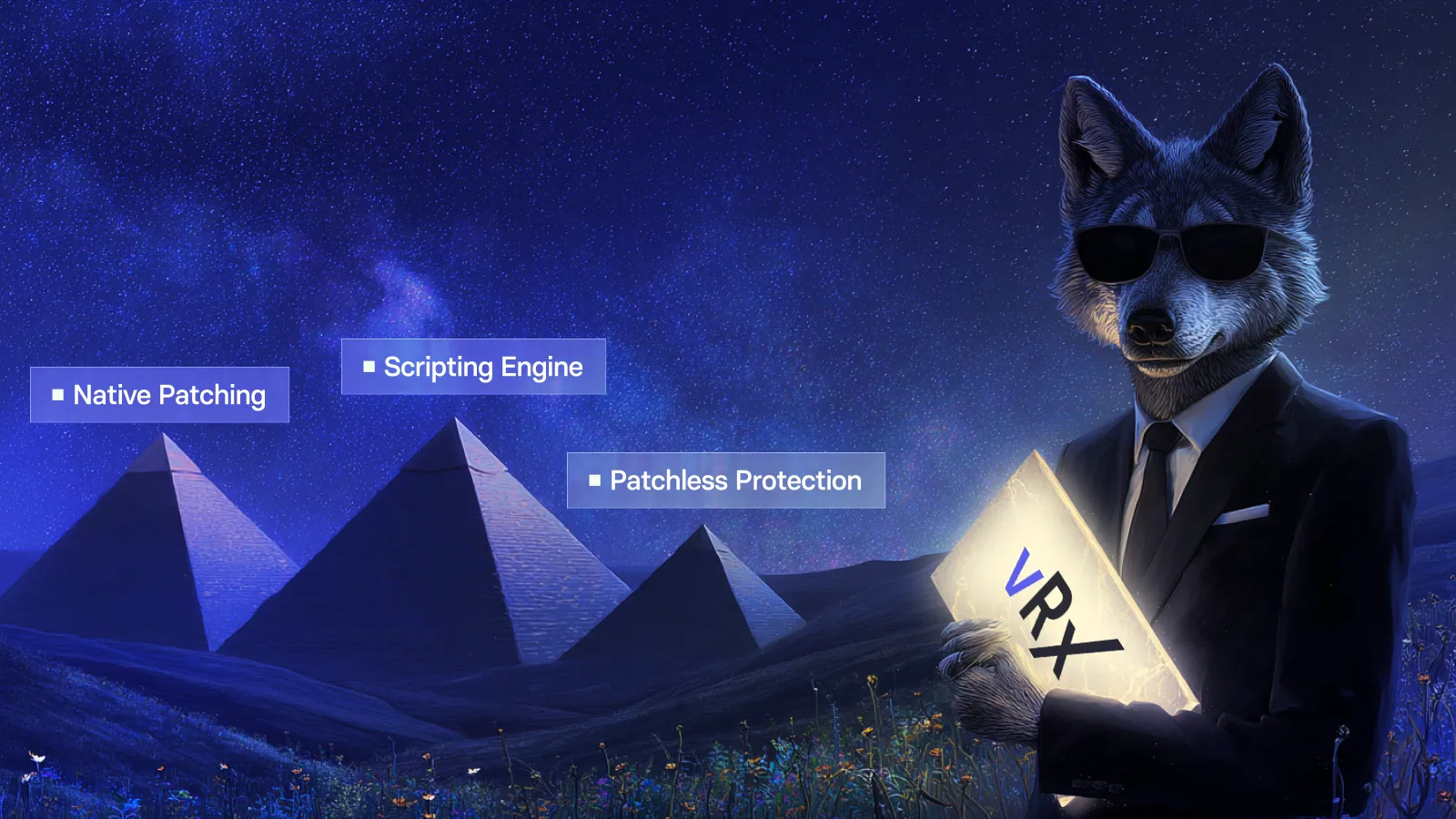
- Direct remediation capability: the agent is the execution layer for vPatch, vScript, and vShield
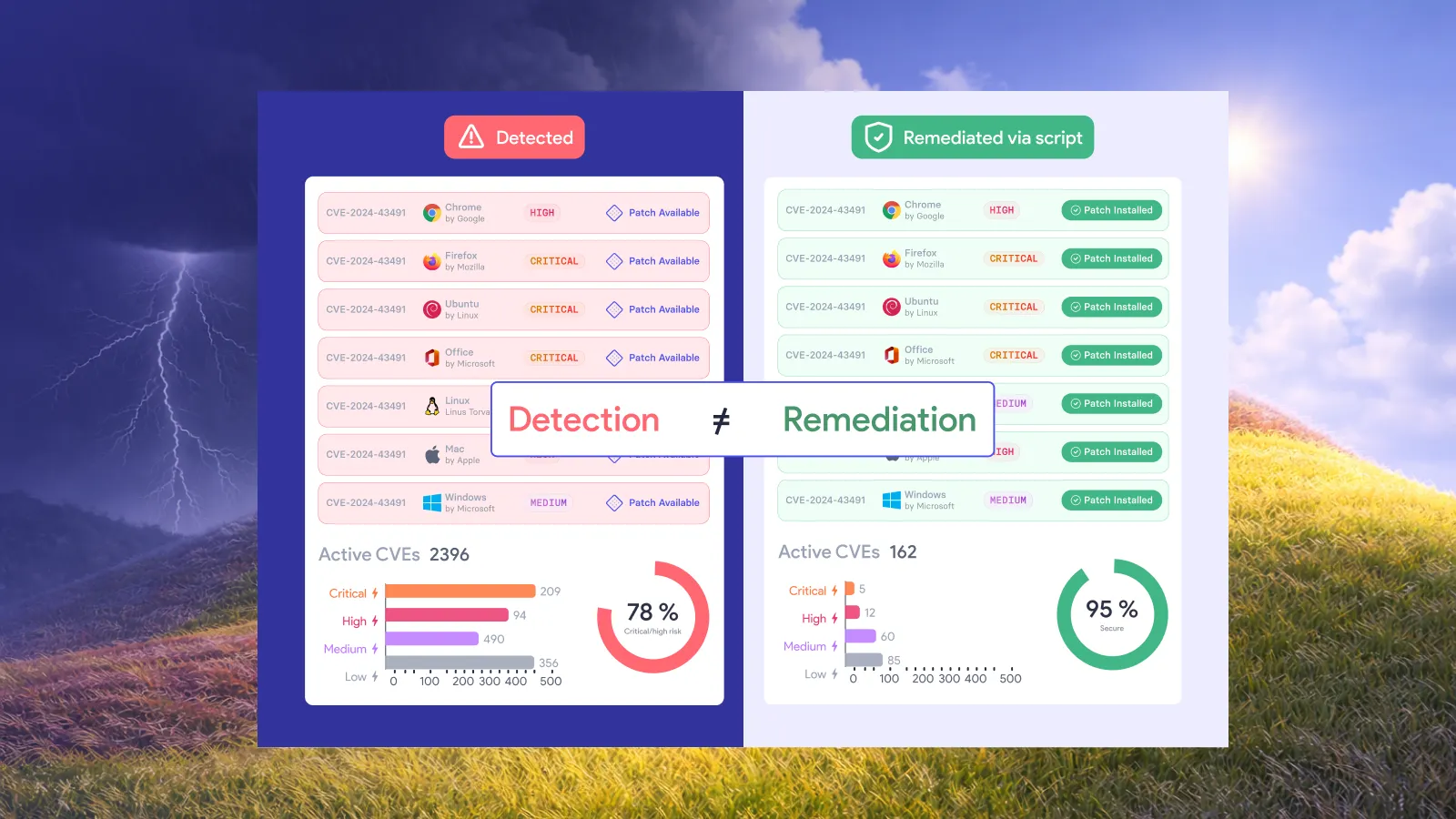
That last point matters. The agent isn't just a sensor. It's how vRx actually closes vulnerabilities, either by pushing a patch, running a remediation script, or applying patchless protection at the binary level for vulnerabilities where no patch exists or can be deployed.
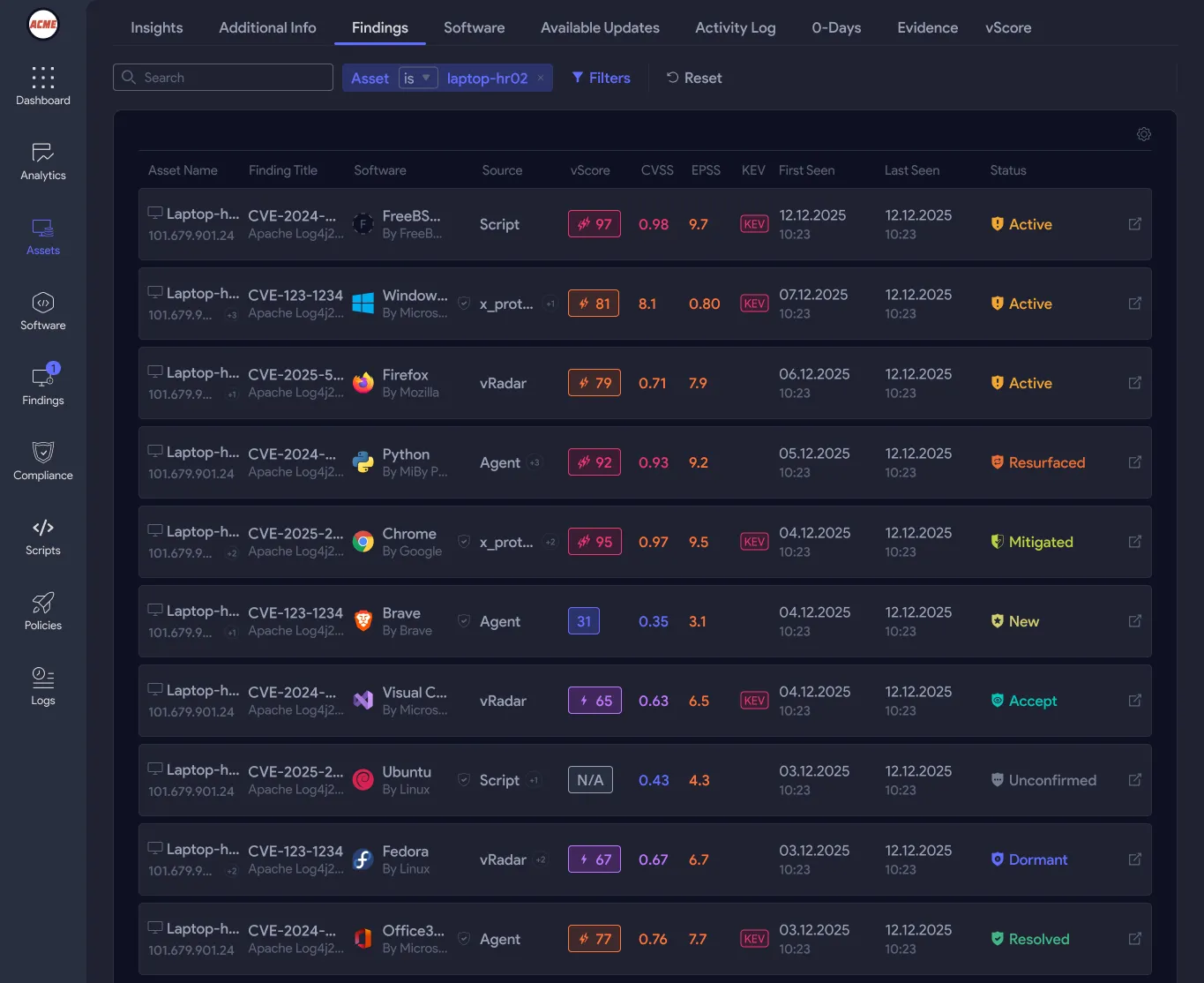
vRadar: network discovery for every device type
vRadar is vRx's agentless discovery engine. It runs from a scan node you deploy on the network and requires nothing on the target device, no agent, no pre-installed software.
An important point: vRadar doesn't only discover devices that can't run an agent. It discovers everything on the network. A Windows workstation that simply hasn't had the agent deployed yet will show up in vRadar's results alongside the IP camera, the OT controller, and the network printer. This matters because it means vRx can surface coverage gaps: you can see which Windows machines are agent-covered and which ones aren't, without relying on your deployment records to be accurate.
For any discovered device, vRadar runs unauthenticated scans by default: OS and service fingerprinting, open port mapping, and vulnerability findings against the observable software surface. When you have credentials for a device and want deeper OS and application-level findings, you configure an authenticated scan. This works for Windows machines, Linux servers, network appliances, and any device that exposes an authenticated management interface.
What ends up in your inventory from vRadar:
- Device hostname and IP address
- OS type and version where detectable
- Open ports and running services
- Vulnerability findings matched against the observable software surface
- Agent deployment status, so you can see at a glance which discovered devices are covered and which are not
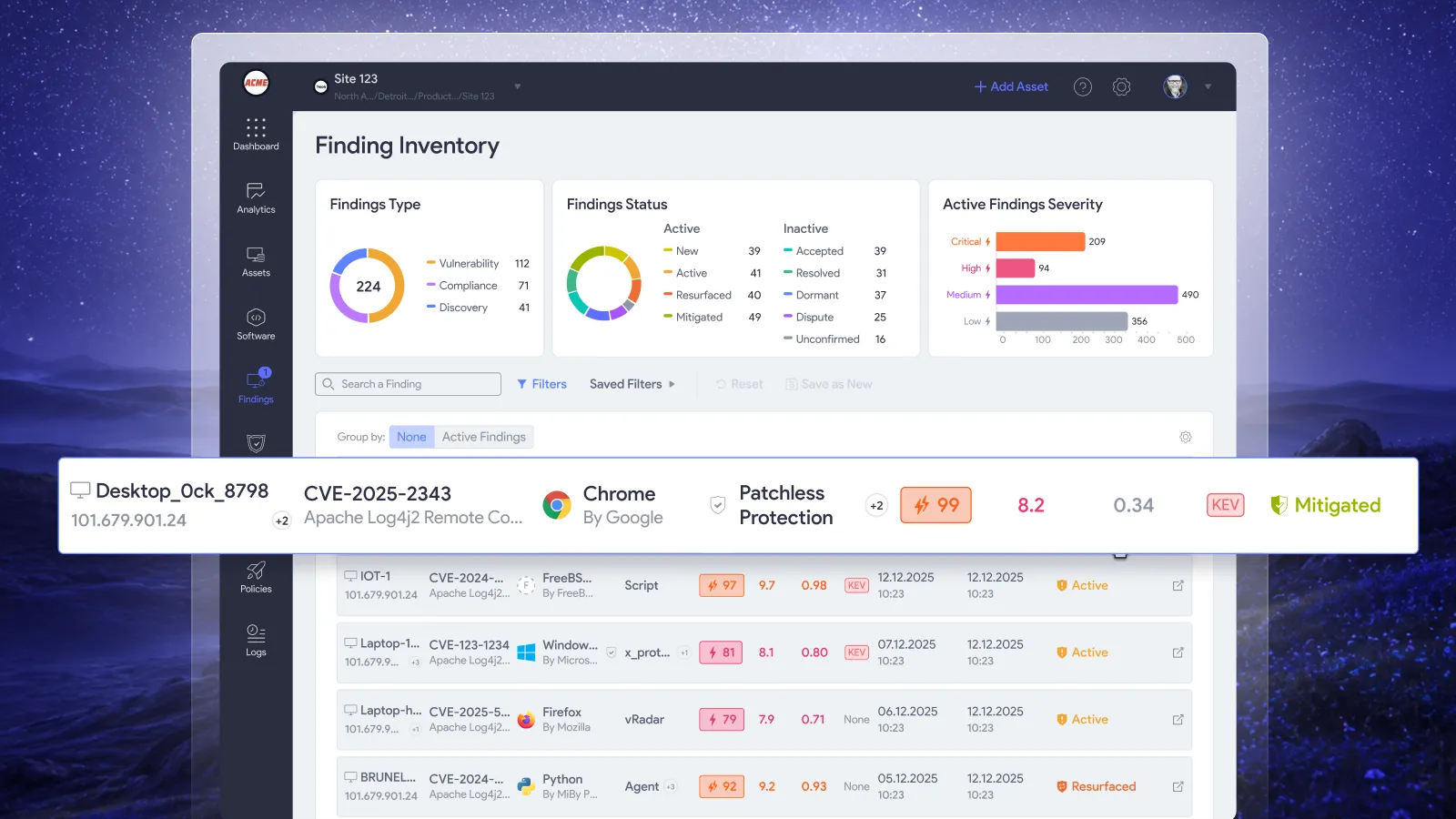
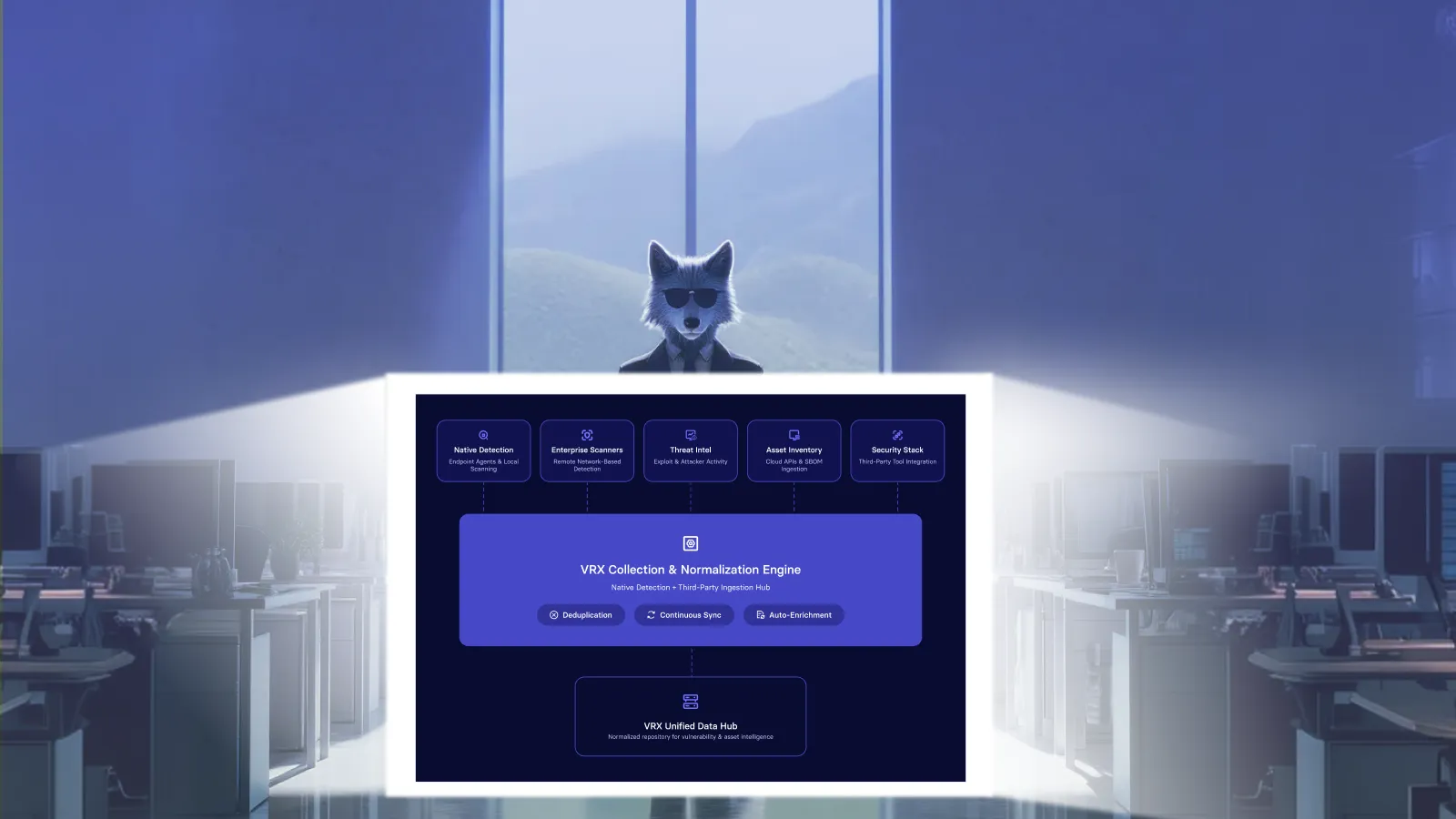
Every device vRadar finds lands in the same inventory view as your agent-managed endpoints. One register, not separate tabs for "scanned" and "managed.".

What happens when a device can't run an agent
For devices that can run an agent but haven't had one deployed, vRadar acts as the bridge. The device is visible in inventory, vulnerability scanning runs against it, and vRx flags it as agent-deployable so your team can push the agent directly from the asset detail view. Once deployed, the asset transitions to fully managed status and gains complete telemetry and execution capability.
For devices that genuinely can't run an agent, the device stays in your inventory as an unmanaged asset. vRadar continues scanning it.
If it doesn't support it, or if deployment fails, the device stays in your inventory as an unmanaged asset. It doesn't get removed. It doesn't get deprioritized. vRadar continues scanning it on schedule, vulnerability findings continue to update, and your team can see its full exposure history in the same place as everything else.
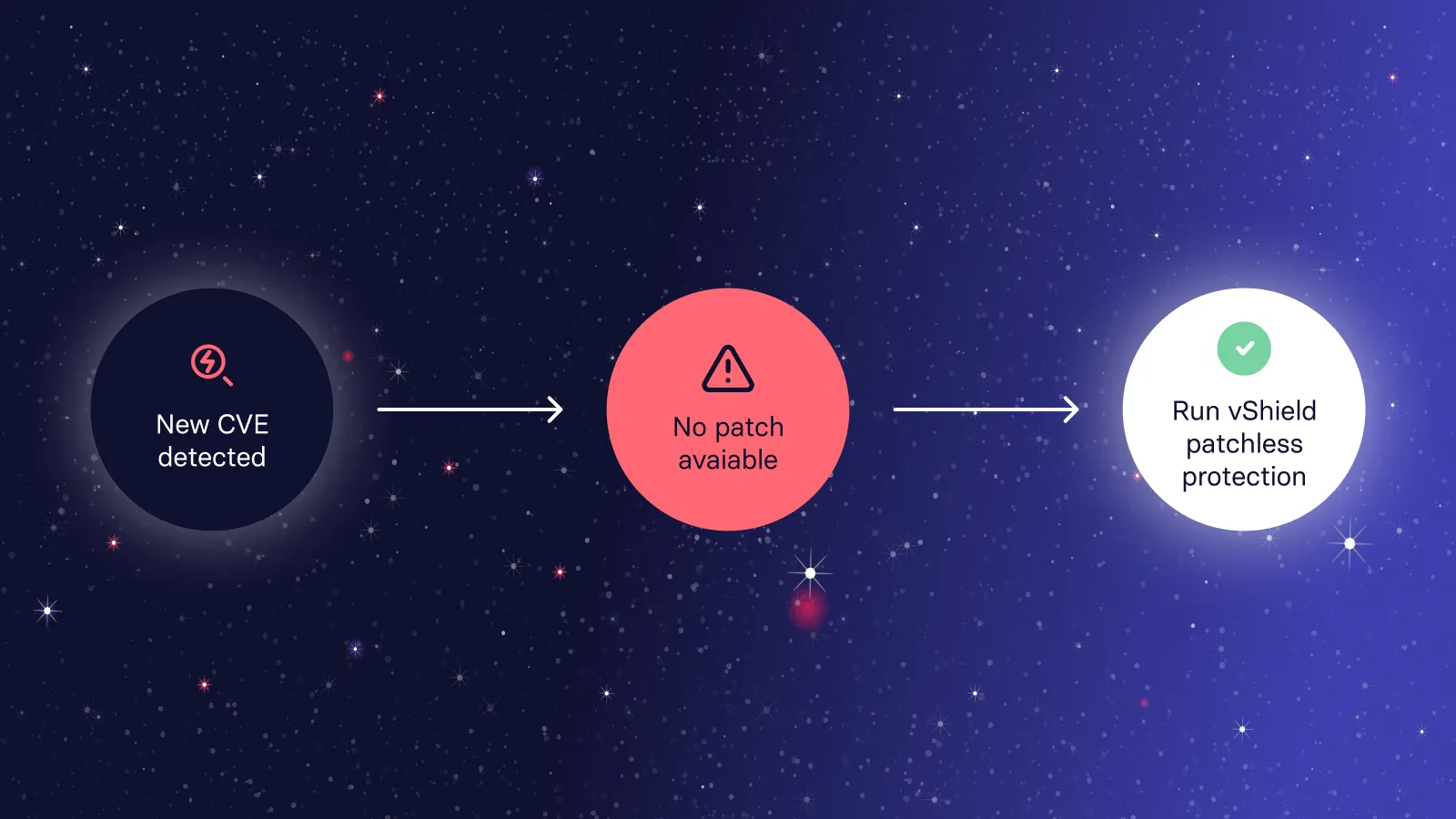
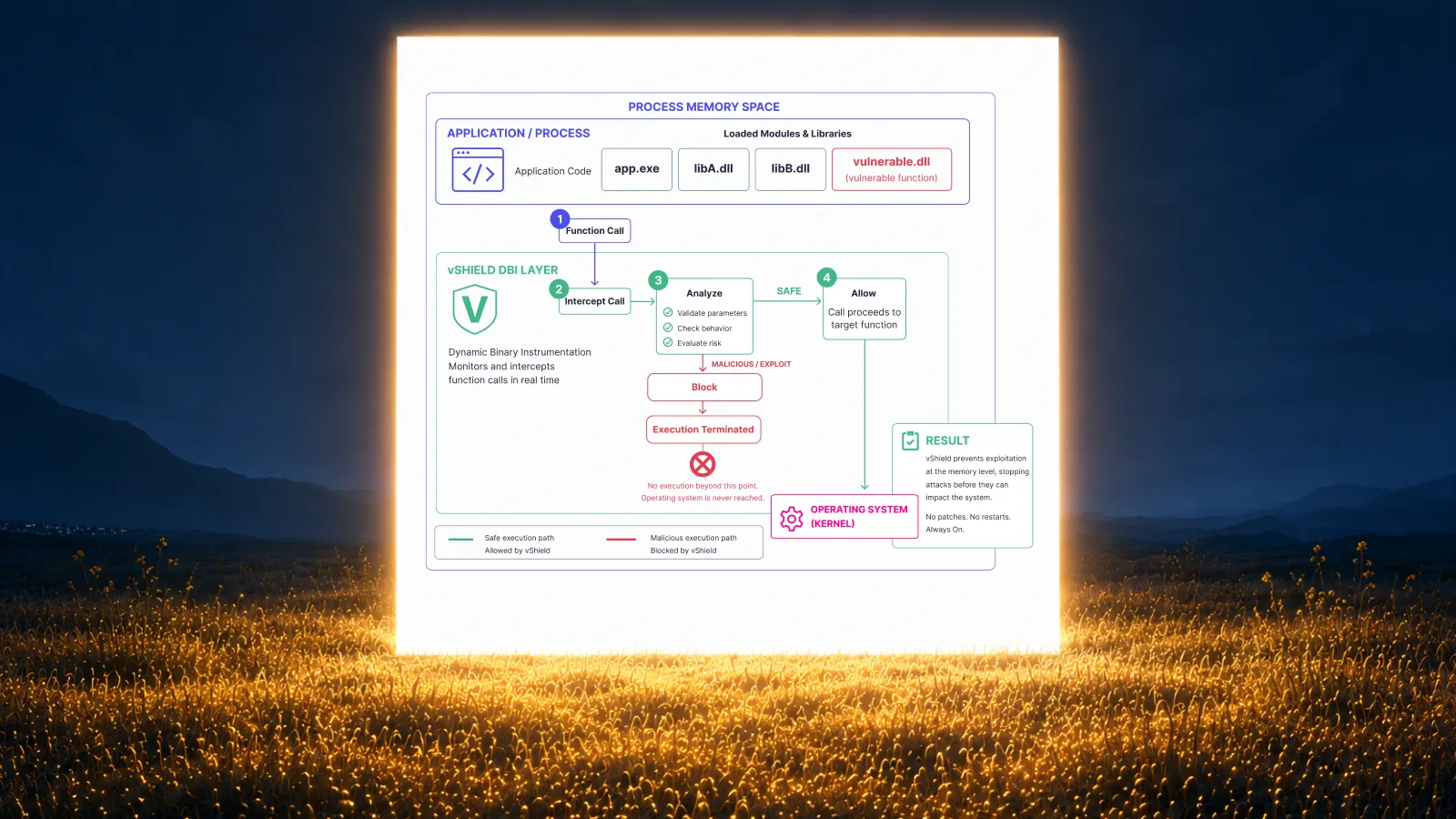
For devices with known vulnerabilities that can't be patched and can't run a full agent, vShield patchless protection is the path forward. vShield applies protection at the binary level using dynamic instrumentation, blocking exploitation of the underlying vulnerability without needing a patch or a conventional agent installation.
The distinction vRx draws is simple: unmanaged means less telemetry depth, not less coverage. A device without an agent still has a risk score, still appears in remediation reporting, and still triggers policies when its vulnerability state changes.
Asset grouping: AI, vQL, and static
With the full inventory populated, the next problem is acting on it at scale. You can't run a targeted patch campaign against "all Windows servers running a vulnerable version of this application" if you have to build that list by hand every time.
vRx has three grouping models that feed directly into the policy engine.
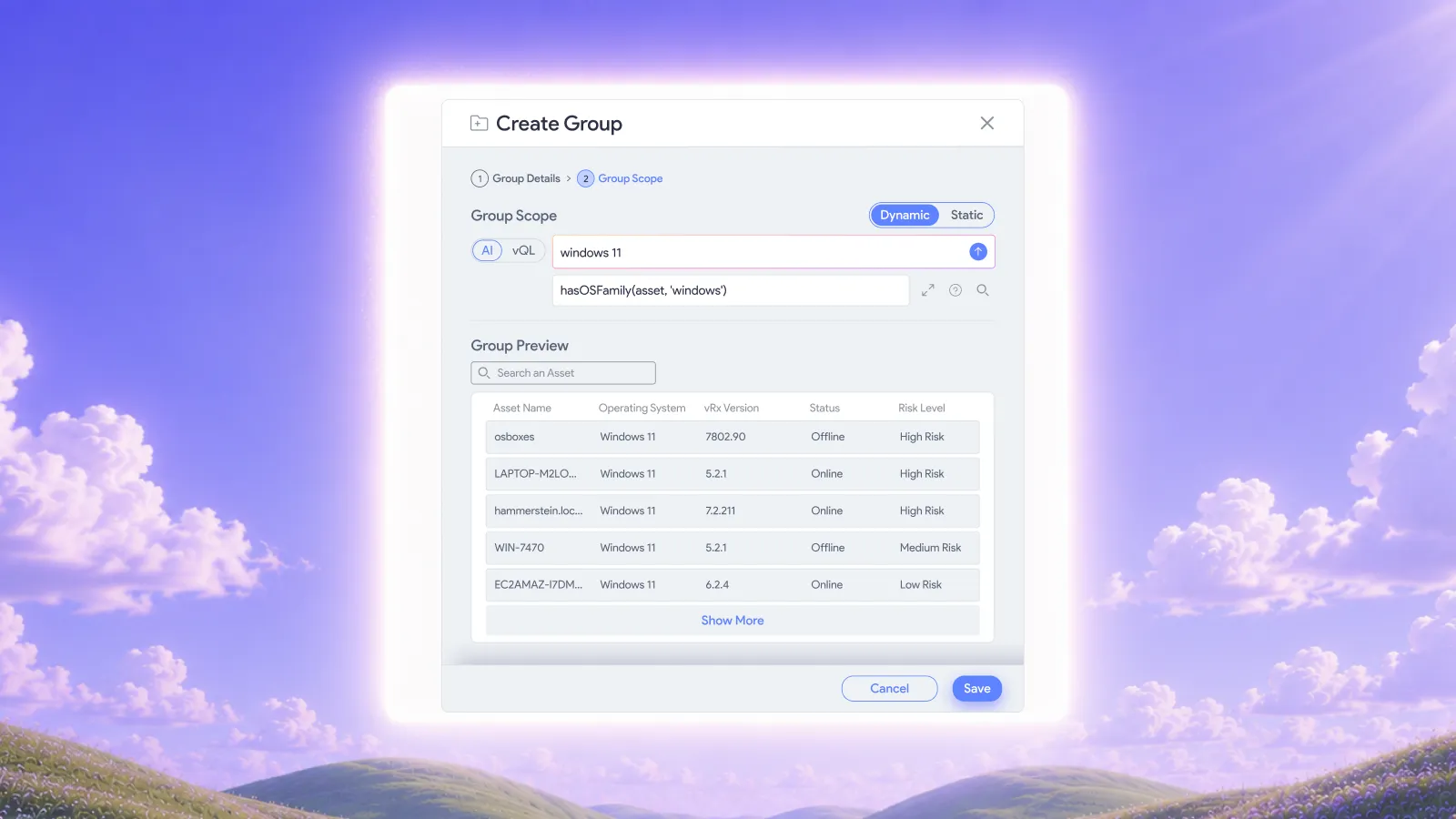
AI dynamic groups. You describe what you want in plain natural language: "all Linux endpoints in the production environment with a CVSS score above 8" or "Windows devices that haven't received a patch in 60 days." vRx builds the group and keeps it current. New assets that match get added automatically. Assets that no longer qualify get removed. Any remediation policy attached to the group updates its targets in real time, with no manual step required.
vQL dynamic groups. Same behavior, but instead of natural language you write a structured vQL query. Useful when you need exact attribute-level logic that natural language might not express precisely enough.
Static groups. You select specific assets and fix the membership. Nothing changes unless someone explicitly adds or removes a device. Right for compliance scopes, critical infrastructure, or any situation where you need human control over exactly what's in the group.
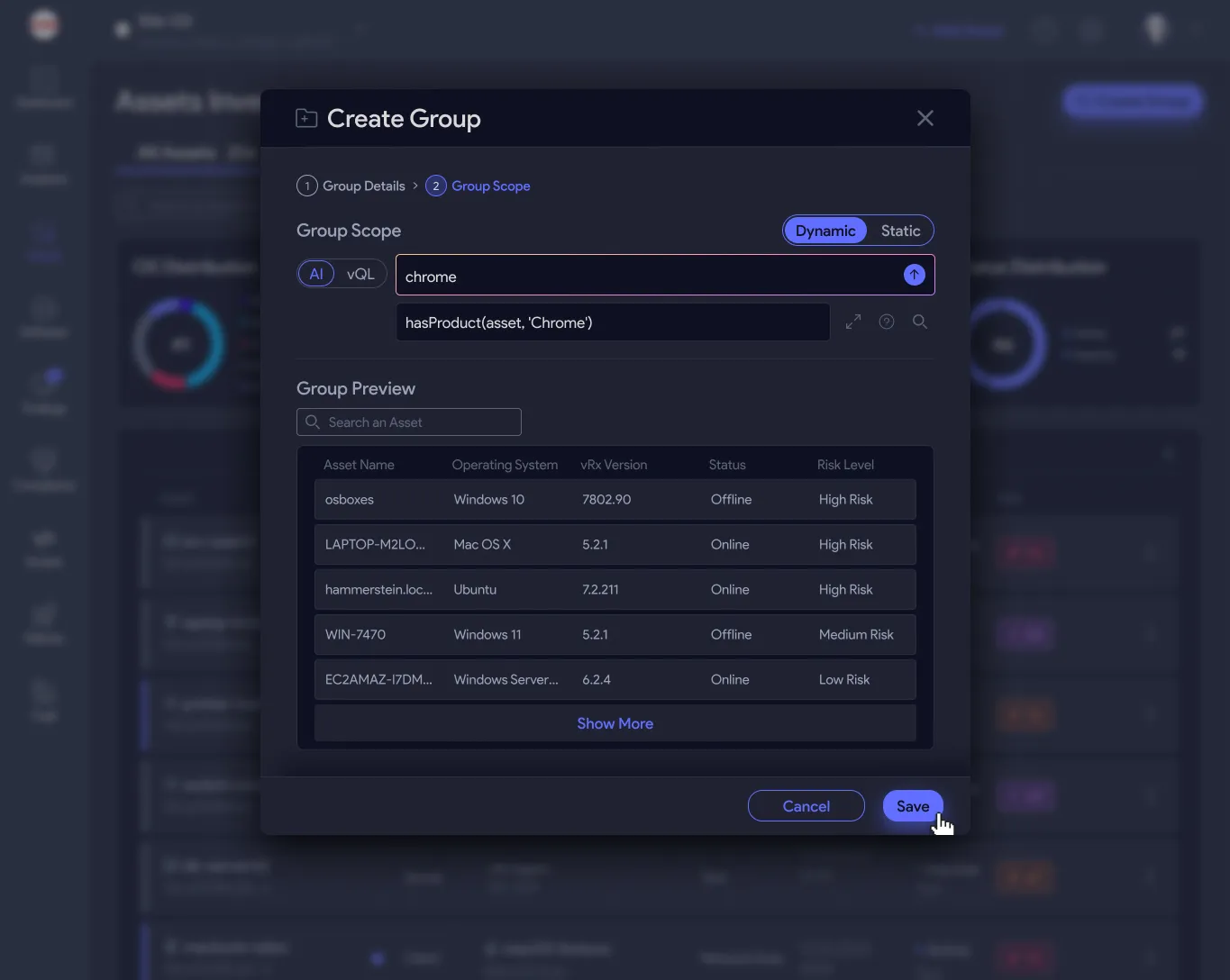
Event-driven policies
One of the more operationally useful parts of asset management in vRx is the event-driven policy engine. Instead of relying on scheduled scans to catch new devices, you configure a policy to fire when a specific condition is met.
Conditions you can define: a new asset is discovered on the network, a device joins a dynamic group, a scan returns a finding above a certain severity, an asset transitions from unmanaged to managed. When the condition triggers, the policy acts immediately.
In practice this means a new device that appears on your network at 2am gets discovered by vRadar, evaluated against your dynamic group definitions, added to the relevant groups, and assessed for vulnerabilities before anyone arrives the next morning. No manual scan required, no window where the device is connected but not yet evaluated.
The inventory as a foundation, not a report
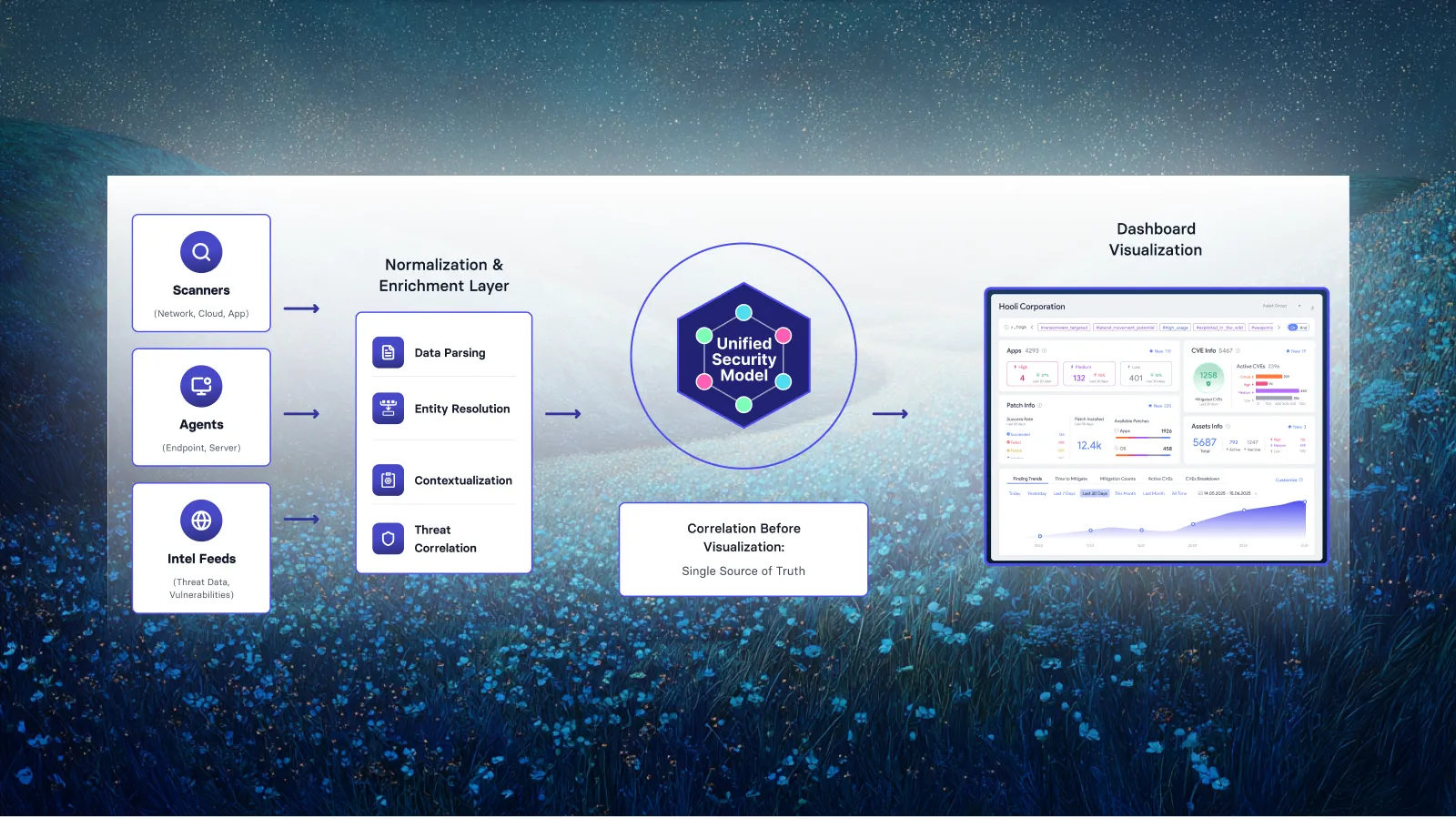
The framing that matters here: asset inventory in vRx isn't a report you generate periodically. It's a live register that every other part of the platform reads from. Vulnerability prioritization via vScore runs against it. Remediation policies target groups derived from it. Compliance reporting pulls from it. When a new device appears or an existing device changes state, everything downstream updates accordingly.
For IT and security teams that have historically managed inventory in spreadsheets or CMDB exports, the shift is less about getting better data and more about the data being connected to action. Finding a gap in coverage doesn't produce a ticket you file somewhere. It produces a task vRx can act on.
Frequently asked questions
What types of devices does vRadar discover?
vRadar discovers any network-attached device it can reach: workstations, servers, routers, switches, firewalls, printers, IP cameras, OT/ICS devices, IoT sensors, and cloud instances. This includes Windows and Linux machines that haven't had the vRx agent deployed yet. The depth of findings depends on whether you run unauthenticated or authenticated scans and what the device exposes at the network layer.
Can vRx manage assets across multiple network segments?
Yes. You deploy vRadar scan nodes per segment as needed, and all findings aggregate into the same inventory. The agent communicates back to the vRx platform over standard outbound connections.
What's the difference between AI grouping and vQL grouping?
Both create dynamic groups that update automatically as the asset estate changes. AI grouping takes a natural language description and builds the query logic for you. vQL grouping lets you write the query directly for cases where you need precise attribute matching. Either way, the group and any attached policies stay current without manual maintenance.
What happens if a device appears on the network briefly and then disconnects?
vRx retains the asset record. The device shows its last seen timestamp and its last known vulnerability state. Dynamic groups and policies re-evaluate it the next time it's detected.
Does vRx support cloud assets?
Cloud instances that have the vRx agent installed are treated as managed assets with full telemetry. Cloud hosts without an agent can be discovered via vRadar if they're network-reachable from a scan node. Cloud-native integrations for agentless cloud posture assessment are part of the vIntelligence layer.
See it in the platform
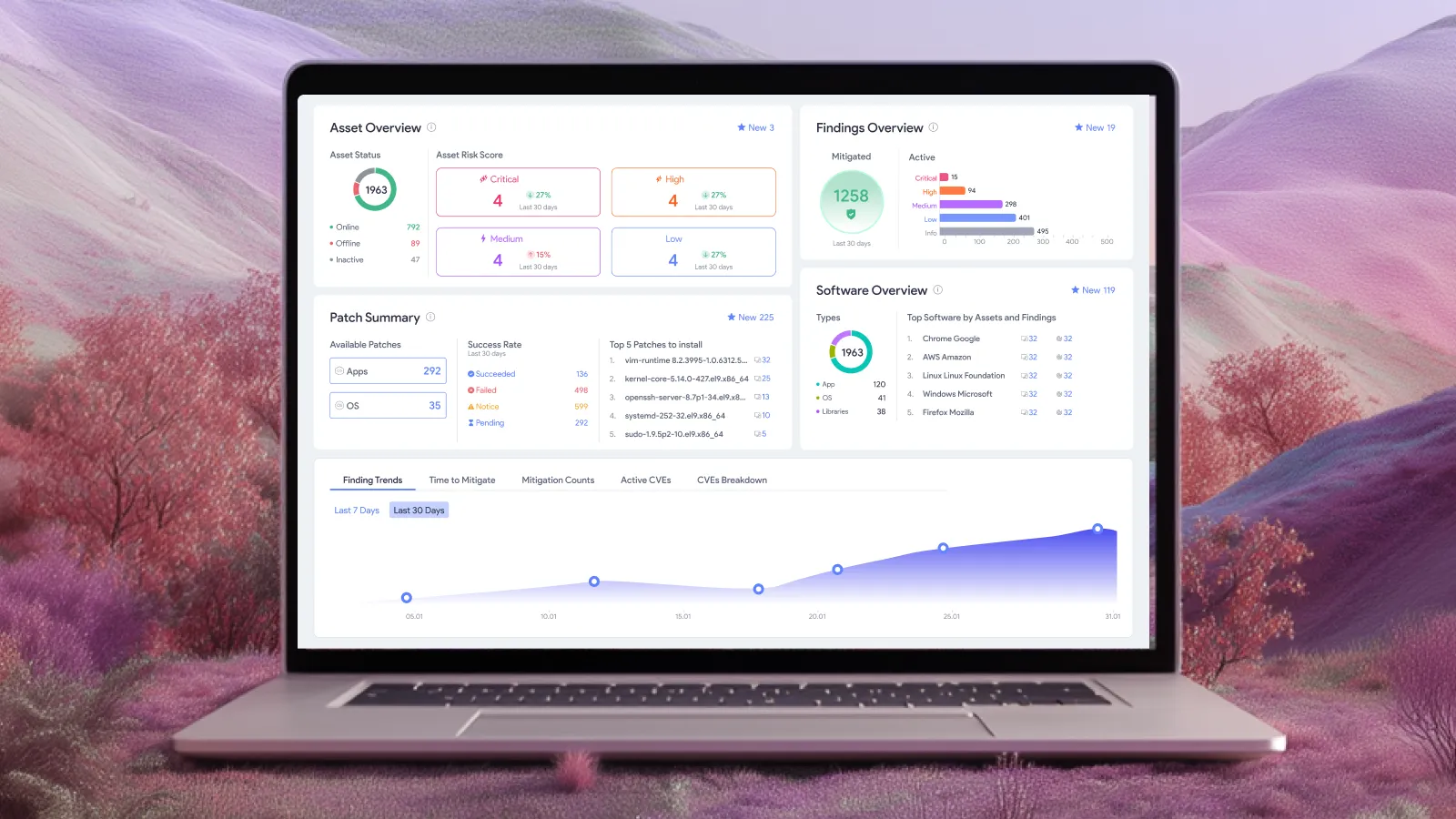
The best way to understand how vRx handles asset management is to see the inventory view with your own environment populated. If you're running a mix of managed endpoints, unmanaged network devices, and anything in between, that's exactly the scenario the platform is built for.





















.webp)




%20Signals%20a%20New%20Era%20of%20Supply%20Chain%20Risk.webp)




.webp)