

Most security teams trust their asset groups more than they should.
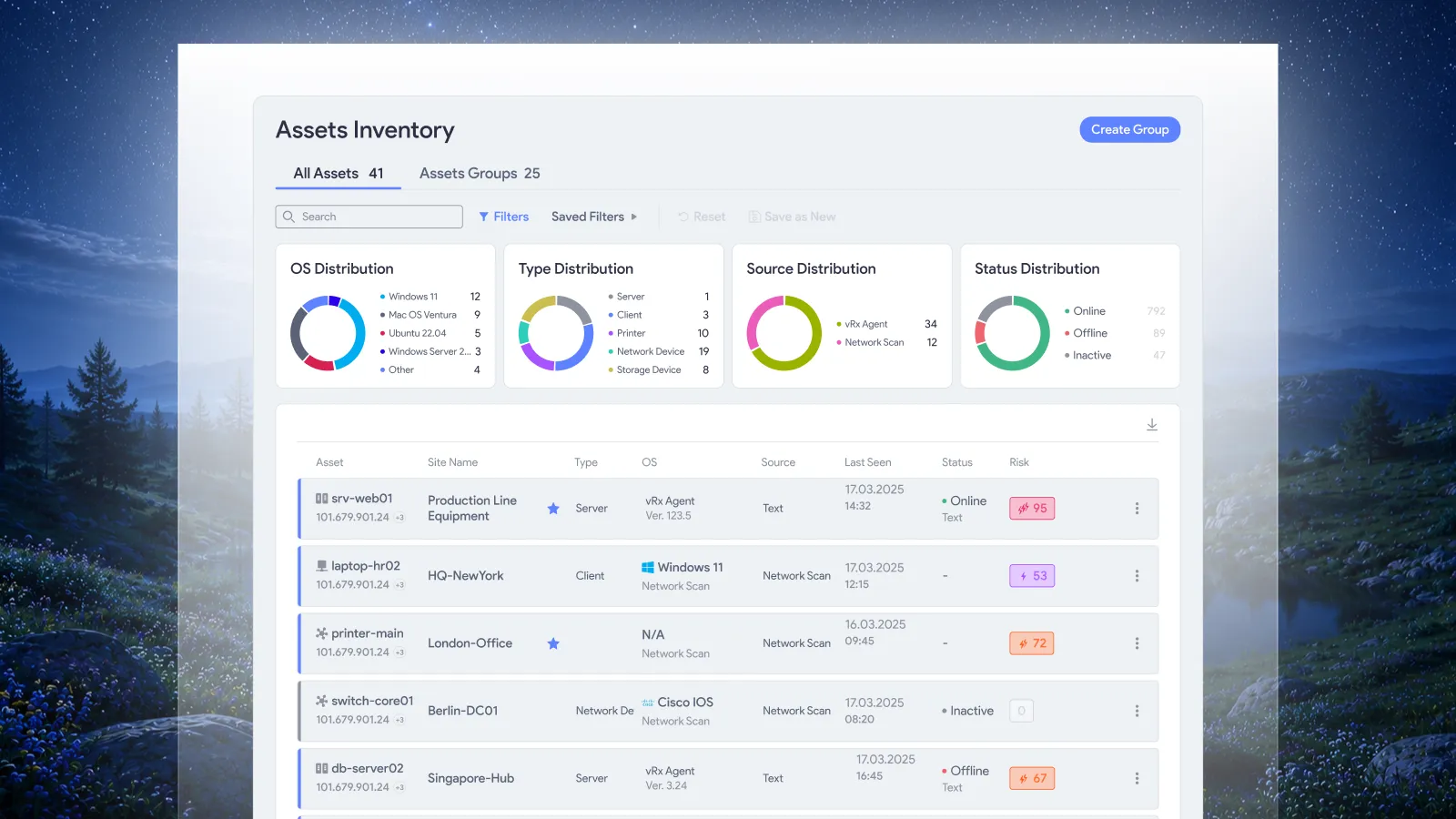
You built the group months ago. It made sense then. But since then, 30 new endpoints came online, two staging servers moved to production, and someone spun up a cloud instance that nobody added to anything. Your group still shows the old count. Your remediation campaign runs against it. And the machines that actually need patching? Not in scope.
This isn’t a process failure. It’s a structural one. Static inventory doesn’t keep up with live infrastructure, and manually maintaining groups doesn’t scale, not in environments that change daily.
vRx 2.0 solves this at the root with AI-powered asset and software groups.
You describe it. vRx builds it.
No query language to learn. No filter logic to wrestle with.
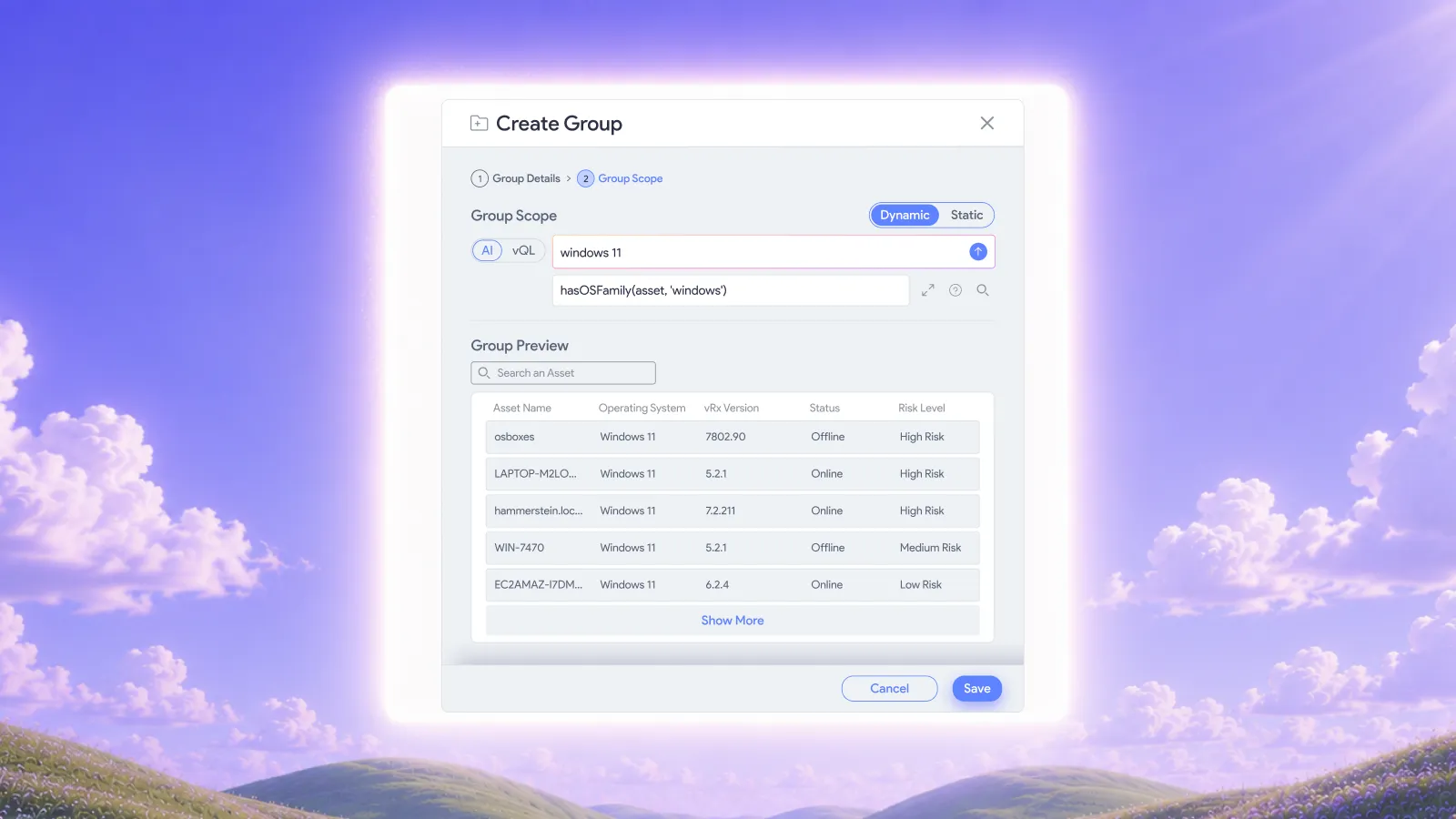
Open vRx, type what you’re looking for in plain English, and the platform does the rest. Something like:
- “All Windows 11”
- “Production endpoints missing our EDR agent”
- “Linux machines with Python 2 still installed”
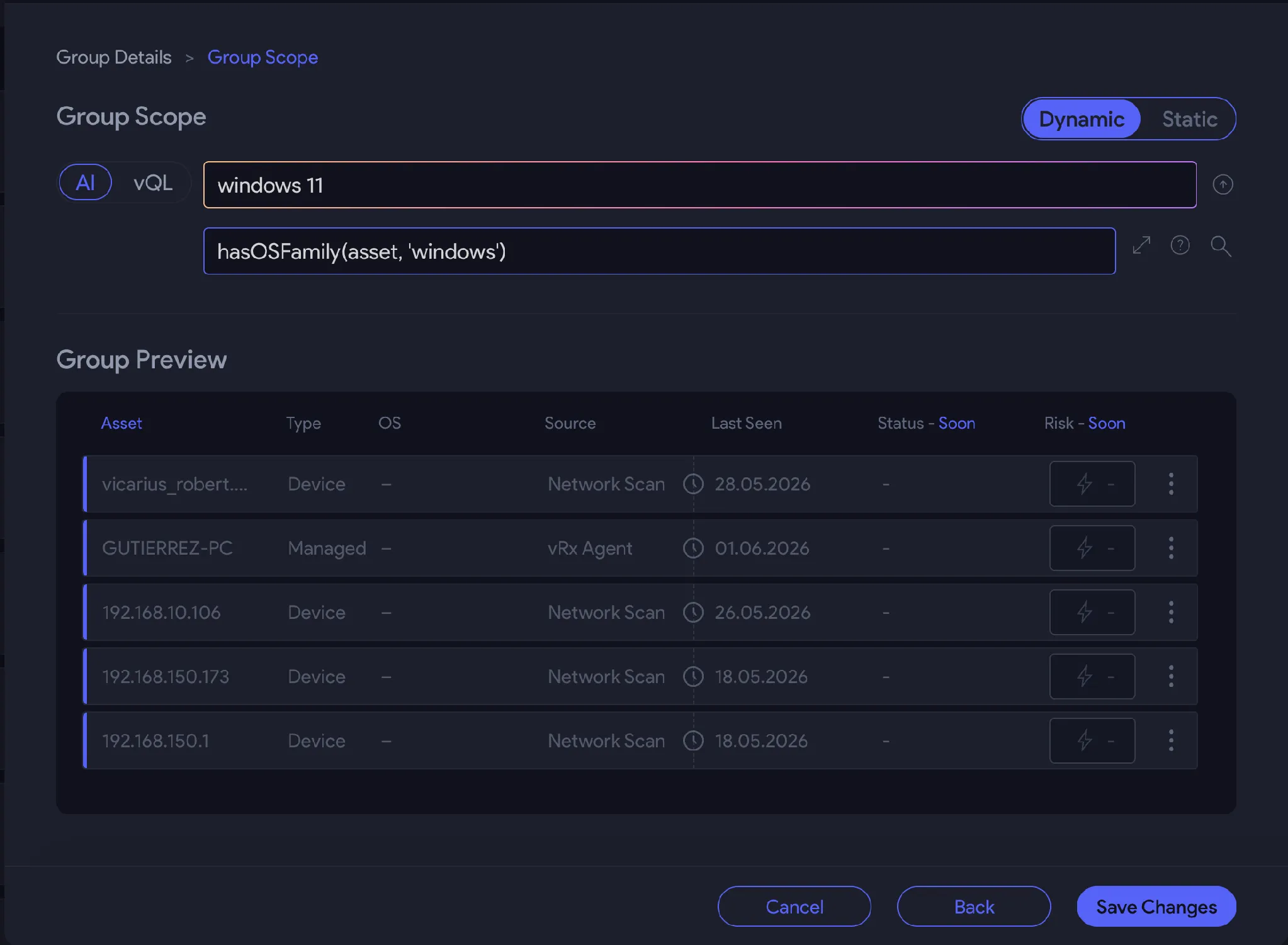
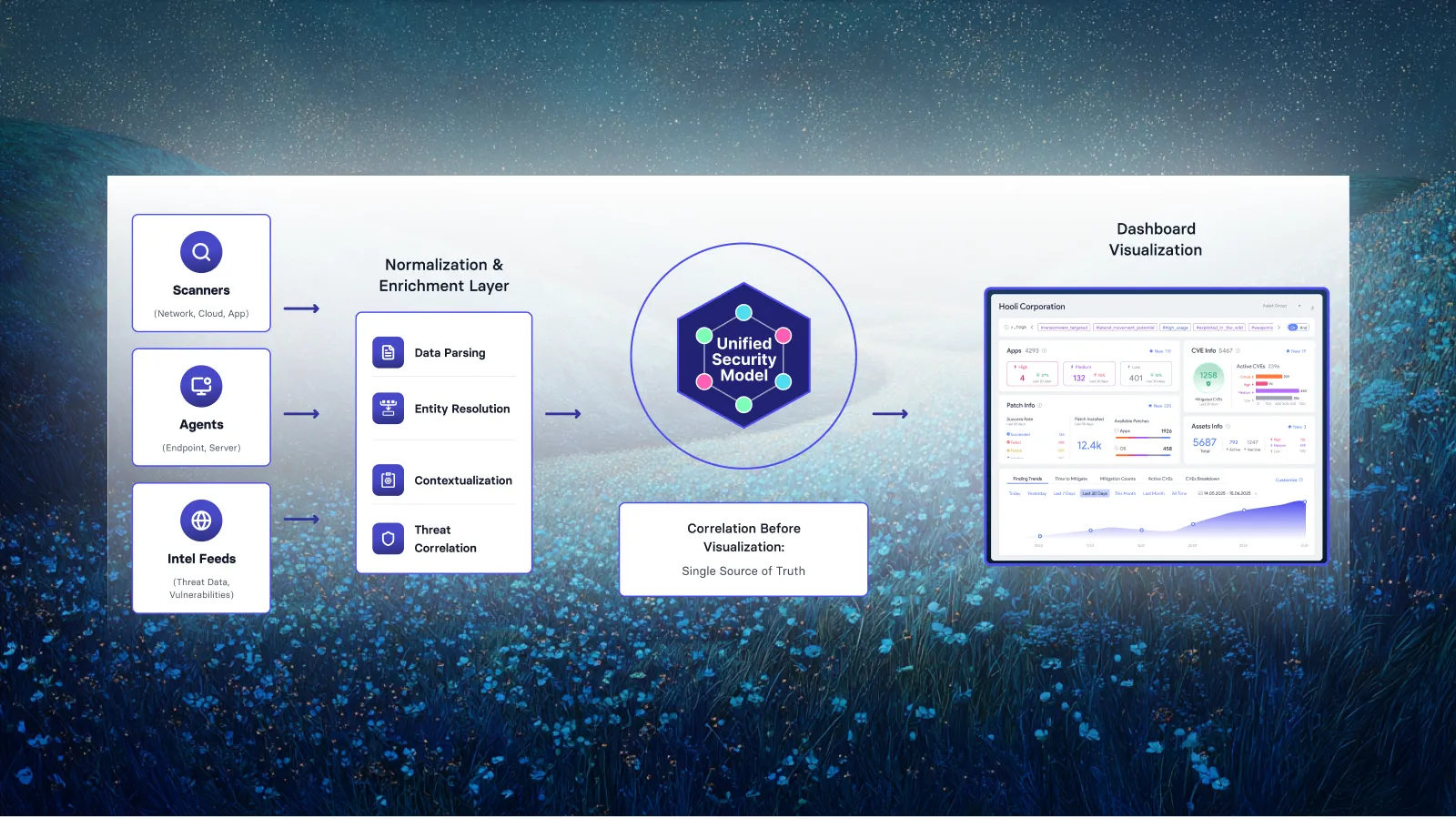
vRx translates your natural language into vQL (Vicarius Query Language), searches your inventory, and returns a group from the results in seconds. The heavy lifting happens in the background. You get the group.
The part that actually changes things
vRx gives you two group types, and the second one is where this gets interesting.
A static group locks in a snapshot. Whatever matches today stays in the list until someone updates it manually. Good for frozen audit scopes or one-time remediation tickets where you need a fixed target set.
A dynamic group keeps watching. Define the query once, and vRx automatically adds any new asset or software that matches the moment it appears in your environment. New machine onboarded by IT? Matched your query? It’s in the group before anyone thinks to ask.
That’s the fix. Not a better process for maintaining lists. The elimination of the maintenance problem entirely.
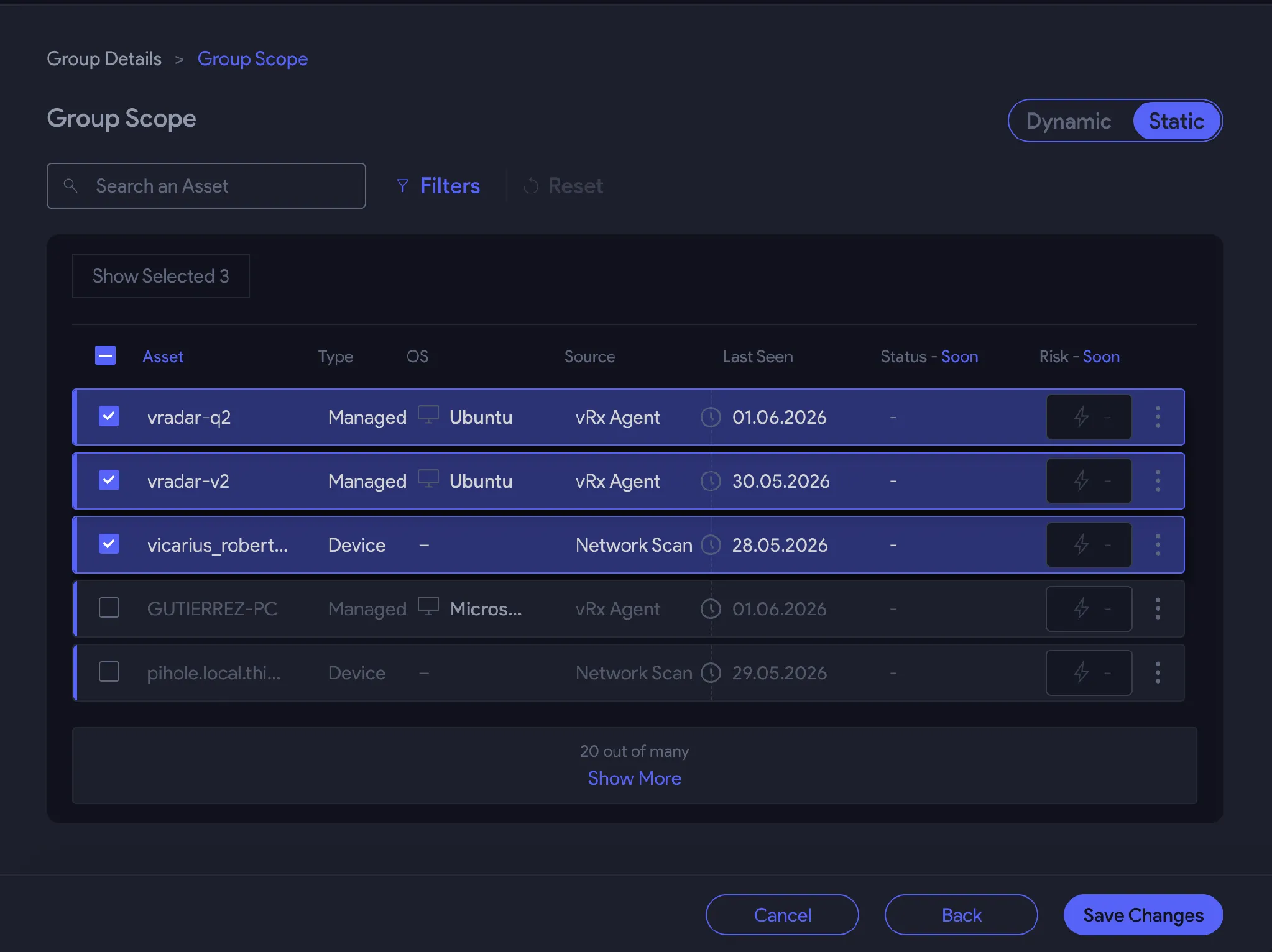
What stale groups actually cost you
Here’s a scenario that plays out constantly.
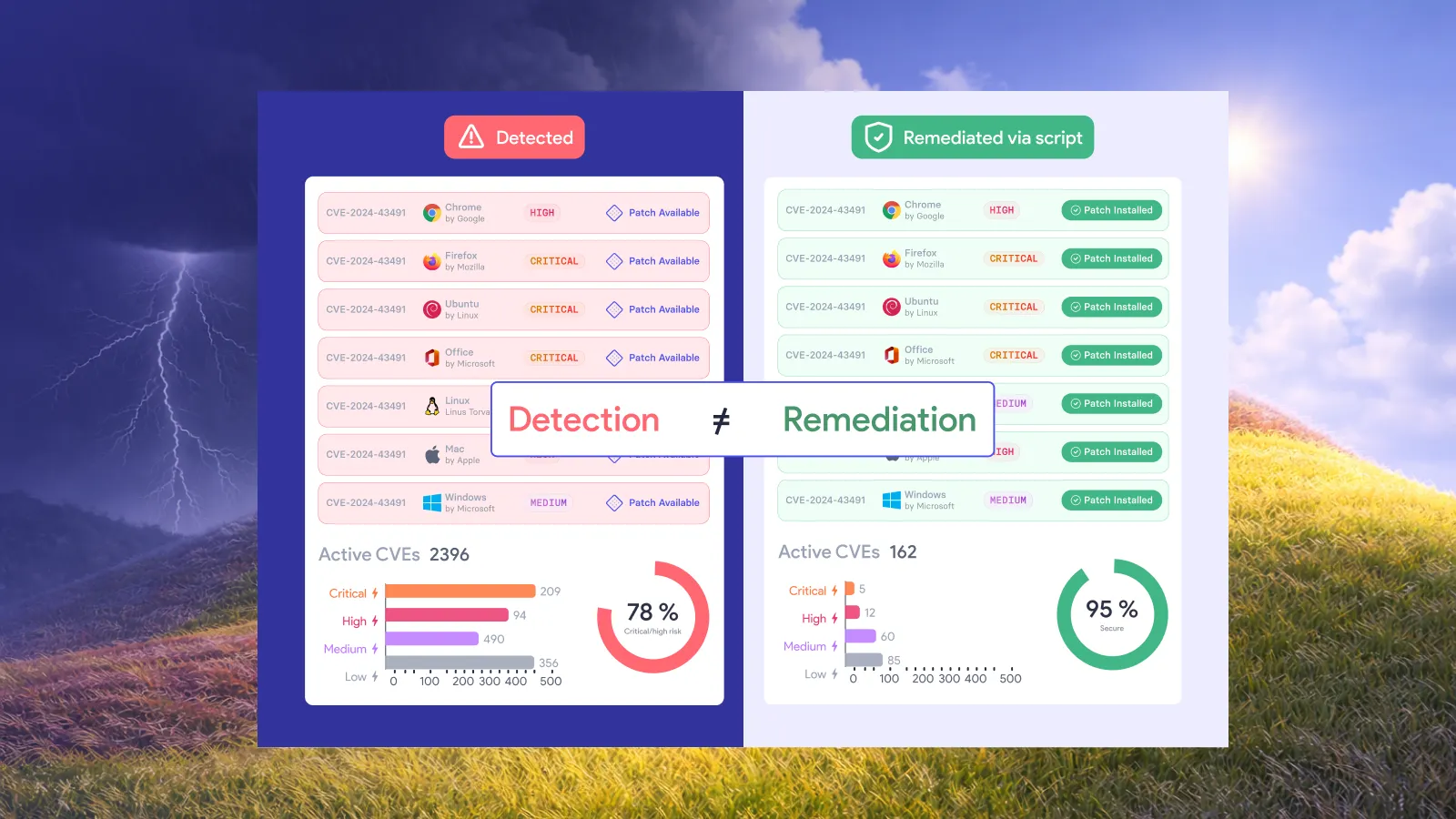
A critical vulnerability drops. Your team identifies the affected software, builds a remediation campaign, and runs it against your “affected endpoints” group. Confidence is high. The campaign completes. The ticket closes. Two weeks later, a machine that wasn’t in that group gets flagged in a follow-up scan. It was running the same affected software. It just came online after the group was last updated, so it never made it into scope.
The vulnerability was “remediated.” The machine was exposed the whole time.
Dynamic groups don’t eliminate every gap in your security program. But they do eliminate this one. Your scope reflects your real environment, not a point-in-time snapshot that someone built before the last infrastructure sprint.
Try it
AI-powered grouping is available now in vRx 2.0. If you’re already a customer, open your asset or software inventory, hit the group creation option, and type what you’re looking for. See what the platform builds.
If you’re not yet using vRx, book a demo and we’ll show you how this works against a real environment.

















.webp)








%20Signals%20a%20New%20Era%20of%20Supply%20Chain%20Risk.webp)





.webp)