

Key takeaways: how to automate third party patching in 2026
- Third-party applications like Chrome, Adobe, and Zoom release patches frequently, making automated patching essential for closing security gaps quickly.
- Automation reduces patching time by up to 80% and frees your IT team to focus on higher-value security work instead of tracking updates.
- A unified third-party patching platform eliminates tool sprawl and gives you visibility across Windows, macOS, and Linux endpoints.
- Vicarius vRx covers over 20,000 third-party applications and provides patchless protection when a vendor fix isn't yet available.
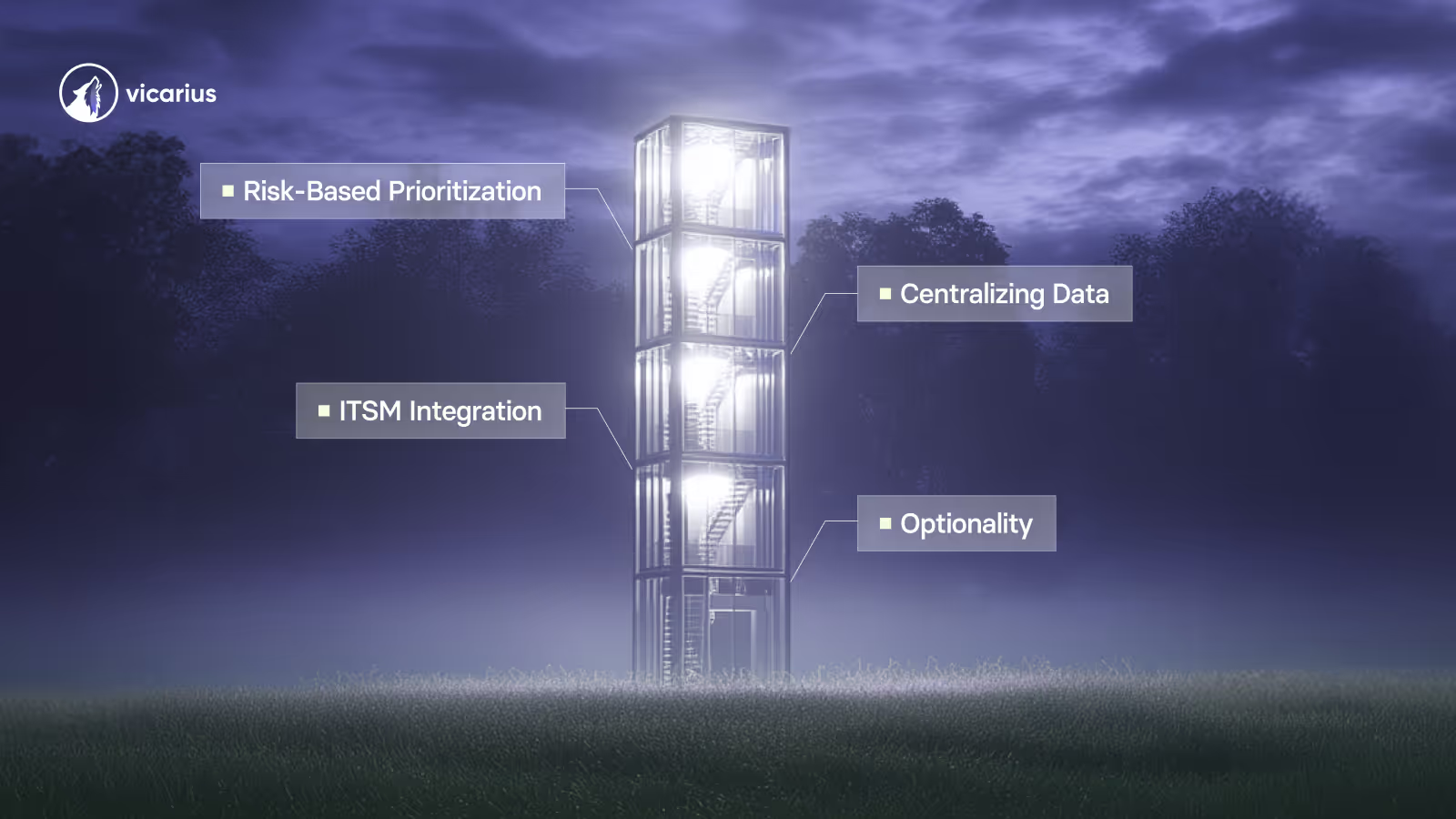
- Risk-based prioritization ensures your team patches the vulnerabilities attackers are targeting first, not just the newest CVEs.
-
Why third-party patching matters for enterprise security
Your operating system gets regular updates, but what about the hundreds of third-party applications running across your endpoints? Chrome, Adobe Reader, Zoom, Slack, and similar tools power daily operations. They also attract attackers looking for unpatched entry points.
Unpatched third-party software remains one of the most exploited attack vectors in enterprise environments. According to the NIST Guide to Enterprise Patch Management Planning (SP 800-40r4), patching is a critical component of preventive maintenance for computing technologies and a necessary part of what organizations need to achieve their missions.
The challenge? Third-party vendors release patches on their own schedules, not yours. Chrome pushes updates every few weeks. Adobe releases security fixes monthly. Zoom patches appear whenever vulnerabilities surface. Tracking all of this across a distributed workforce quickly becomes unmanageable without automation.
What is automated third-party patching?
Automated third-party patching is the process of using software to detect, download, test, and deploy updates for applications not developed by your operating system vendor. Instead of tracking patch releases from dozens of vendors, your patching platform handles detection and deployment based on policies you define.
Automation changes patching from an ongoing chase into a background process. Your team sets the rules once. The platform scans endpoints, identifies missing patches, and deploys them according to your maintenance windows and risk priorities.
This approach applies to browsers like Chrome and Firefox, productivity tools like Adobe Acrobat and Microsoft Office, collaboration apps like Zoom and Slack, and development tools running across your environment. Every application that didn't ship with your OS falls into this category.
How do chrome, adobe, and zoom updates and others create security gaps?
Chrome, Adobe, and Zoom represent some of the most frequently patched applications in enterprise environments. Their popularity makes them targets, and their frequent update cycles create ongoing exposure windows.
Chrome patching challenges
Google releases Chrome updates roughly every two to four weeks, with emergency patches for zero-days arriving without warning. Each update often addresses multiple CVEs, some with public exploit code. If your endpoints run outdated Chrome versions for even a few days, attackers have a window.
Enterprise Chrome deployments add complexity. You're managing Chrome across Windows, macOS, and sometimes Linux. Browser extensions need tracking. Users may have multiple browser versions installed. A centralized patching platform simplifies this by treating Chrome updates the same as any other application patch.
Adobe application updates
Adobe products like Acrobat Reader, Creative Cloud, and Flash Player (for legacy systems still running it) have historically been among the most exploited software categories. Adobe releases regular security bulletins addressing memory corruption, arbitrary code execution, and privilege escalation vulnerabilities.
The problem grows when you have multiple Adobe products across your fleet. Each application has its own update mechanism and schedule. Automation consolidates these into a single view and deployment workflow.
Zoom security patching
Zoom's rapid adoption brought security scrutiny and a steady stream of patches. The application receives frequent updates addressing everything from meeting encryption to local privilege escalation. With remote and hybrid work remaining standard, unpatched Zoom clients create risk on endpoints outside your network perimeter.
Vicarius vRx addresses this by including Zoom in its extensive third-party application catalog, treating Zoom patches the same as operating system updates. Your team gets a unified view of which endpoints need attention.
What are the steps to automate third-party patching?
Building an automated patching workflow requires planning before deployment. Here's how to approach it.
Step 1: Inventory your third-party applications
Start by discovering what's actually installed across your endpoints. You can't patch what you don't know exists. Use your endpoint management platform to generate a software inventory that captures application names, versions, and installation locations.
Pay attention to shadow IT. Users install applications without IT approval. Browsers, communication tools, and file-sharing utilities often appear this way. Your inventory needs to capture these installations to assess your full attack surface.
Step 2: Establish your patching policies
Define when patches deploy and under what conditions. Consider maintenance windows that minimize business disruption. Set rules for automatic deployment of critical patches versus staged rollouts for less urgent updates.
Group your endpoints logically. Production servers may require testing before patching. Developer workstations might tolerate faster deployment cycles. Remote endpoints need policies that account for intermittent connectivity.
Step 3: Choose a patching platform with broad coverage
Your platform needs to support the applications your organization uses. Some tools focus on popular applications but miss niche software. Others pad their application counts by listing each version separately.
Vicarius vRx covers over 20,000 third-party applications across Windows, macOS, and Linux. This breadth means your team manages patches from a single console instead of juggling multiple tools for different application categories.
Step 4: Configure risk-based prioritization
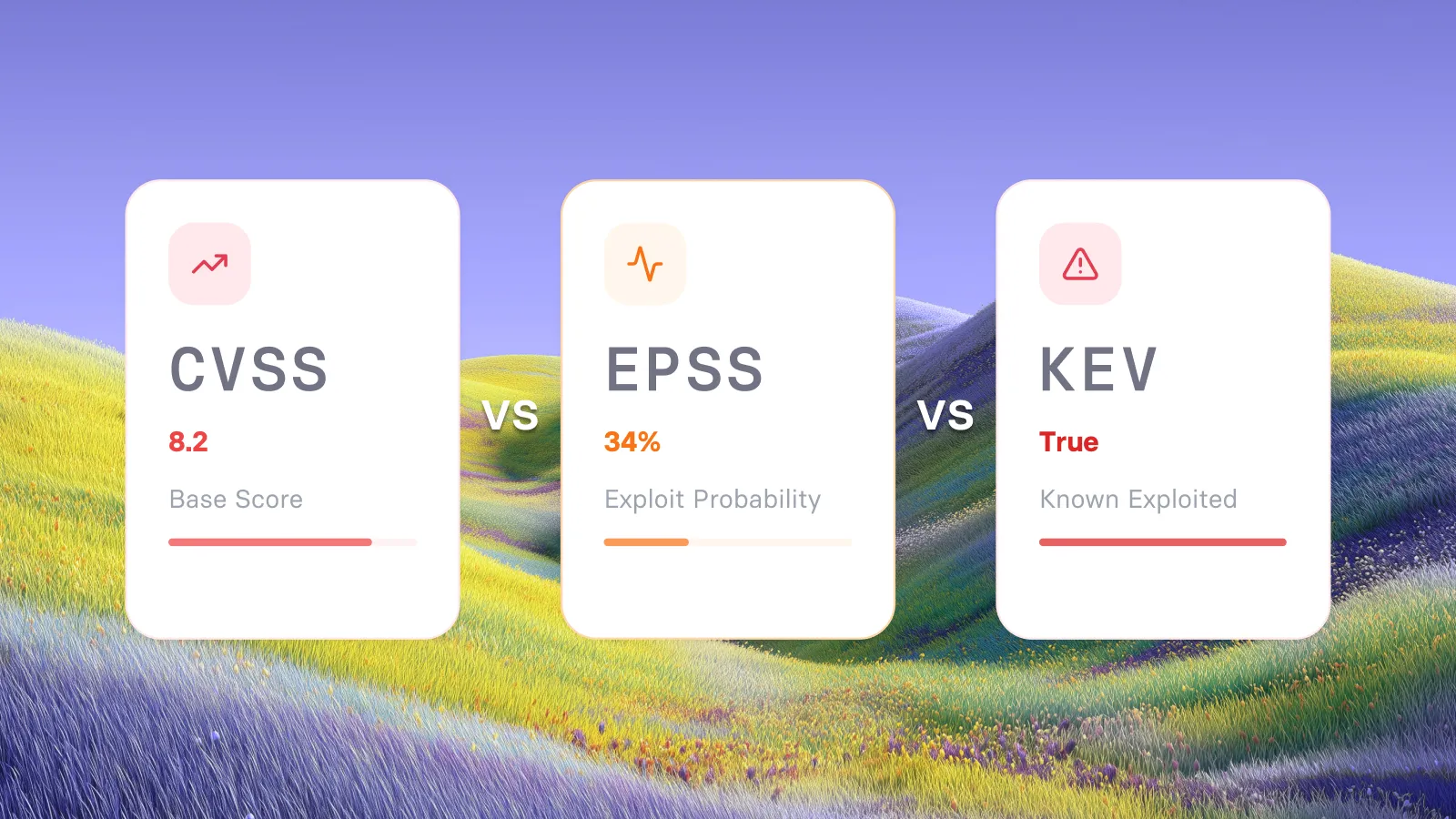
Not every patch deserves immediate deployment. Focus first on vulnerabilities being actively exploited, CVEs with public exploit code, and applications exposed to the internet or untrusted data.
vRx uses vScore to rank patches by real risk. The platform factors in exploitability, asset criticality, and weaponization status. Your team sees which patches close the highest-risk CVEs first, regardless of release date.
Step 5: Test before broad deployment
Even automated patching benefits from testing. Create a pilot group of non-critical endpoints that receive patches first. Monitor for compatibility issues, performance impacts, or application failures. Once validated, expand deployment to production systems.
Some organizations maintain a 24-48 hour delay between patch release and broad deployment. This buffer lets you catch problems before they affect critical operations.
Step 6: Monitor and report
Automation doesn't mean hands-off. Track patch deployment success rates, identify endpoints that consistently fail updates, and measure how quickly your environment reaches full patch compliance after a release.
Compliance reporting matters for audits and regulatory requirements. Your patching platform should generate reports showing patch status, deployment timelines, and any exceptions. Vicarius vRx logs every deployment with timestamps for audit-ready evidence.
What happens when no patch ss available?
Zero-day vulnerabilities and end-of-life software create gaps where patching isn't possible. Your remediation strategy needs alternatives.
Patchless protection for zero-days
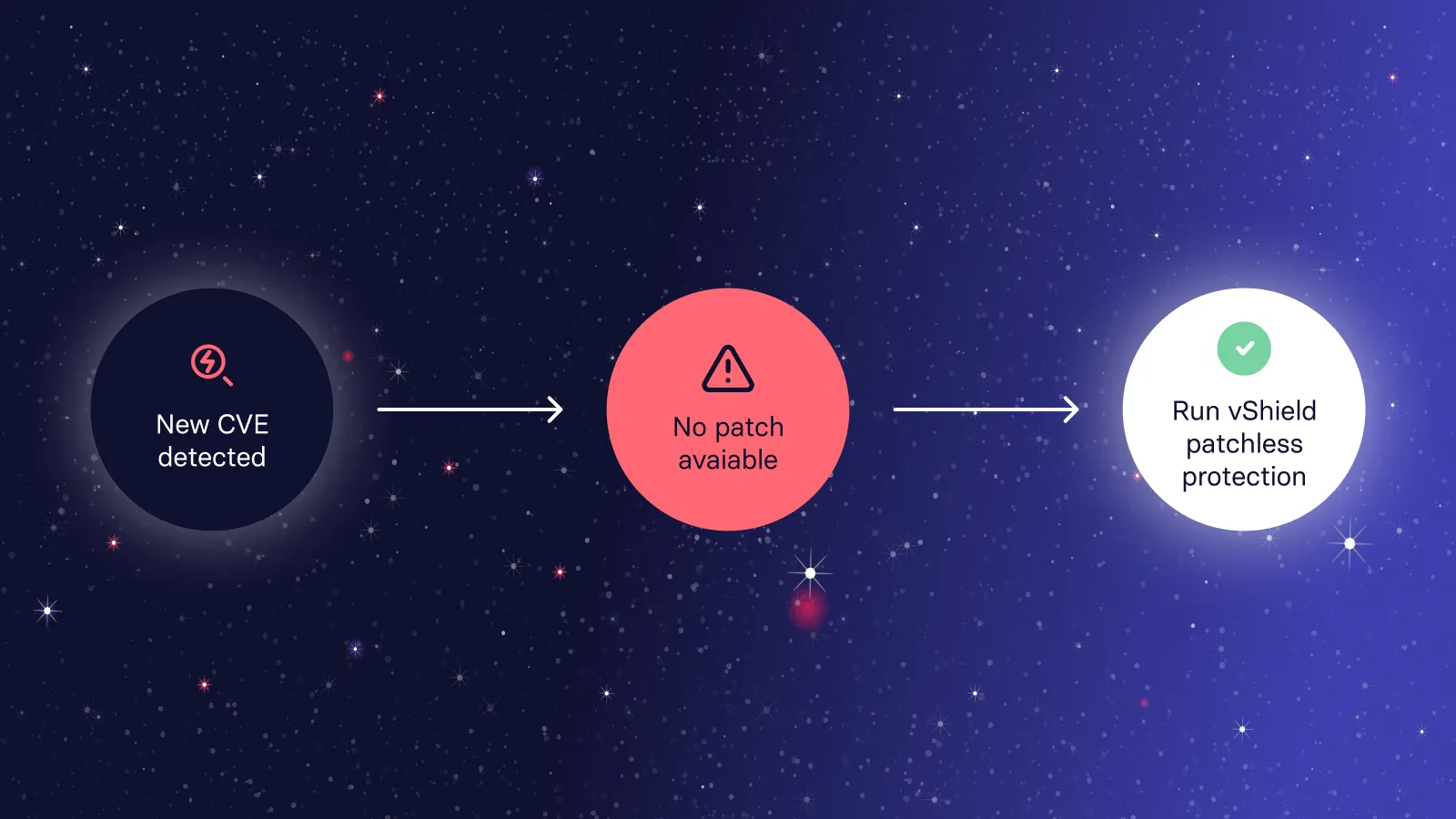
When a vulnerability becomes public before the vendor releases a fix, your endpoints remain exposed. Traditional patching can't help. This gap between disclosure and patch availability represents some of your highest-risk exposure time.
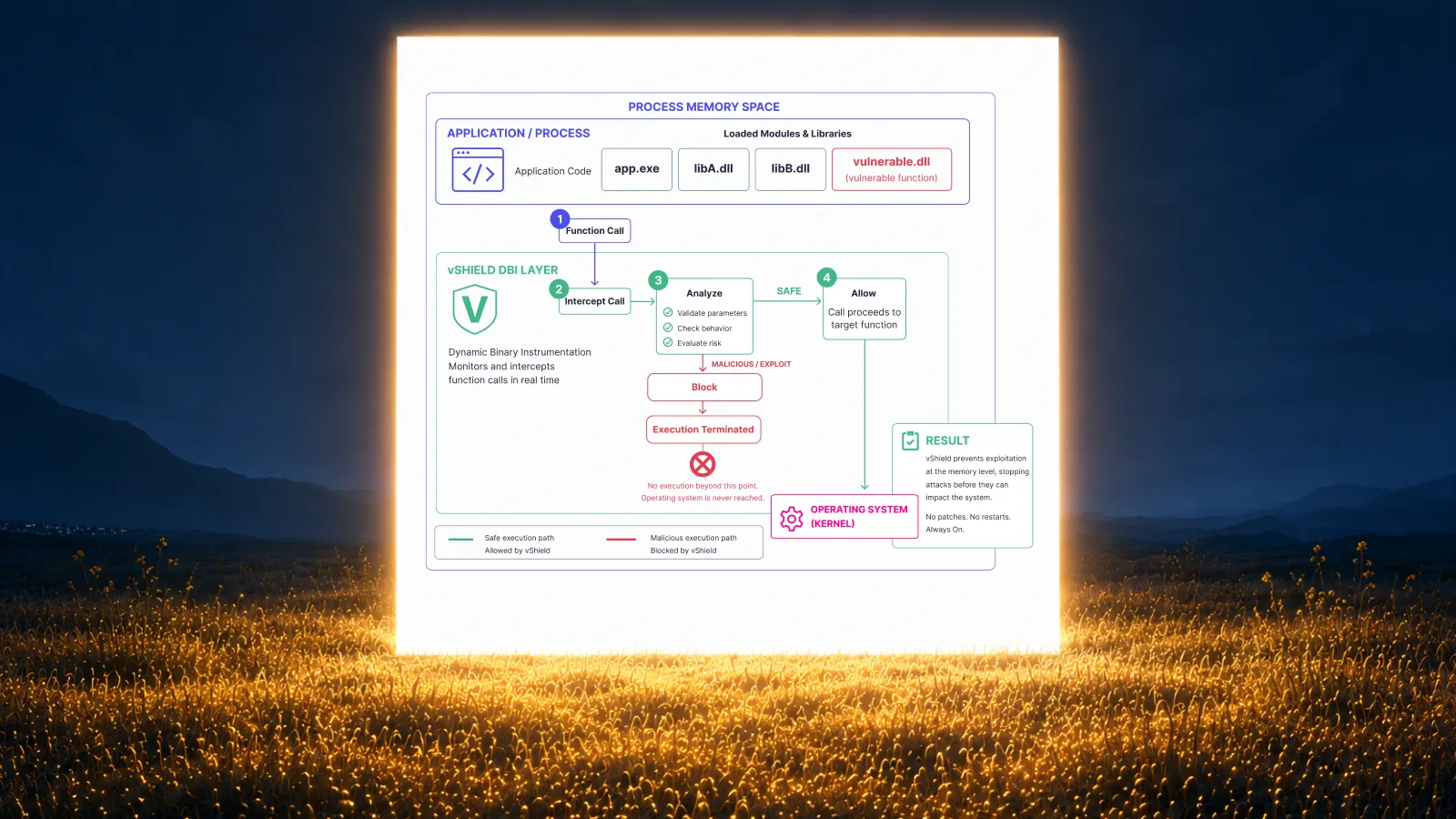
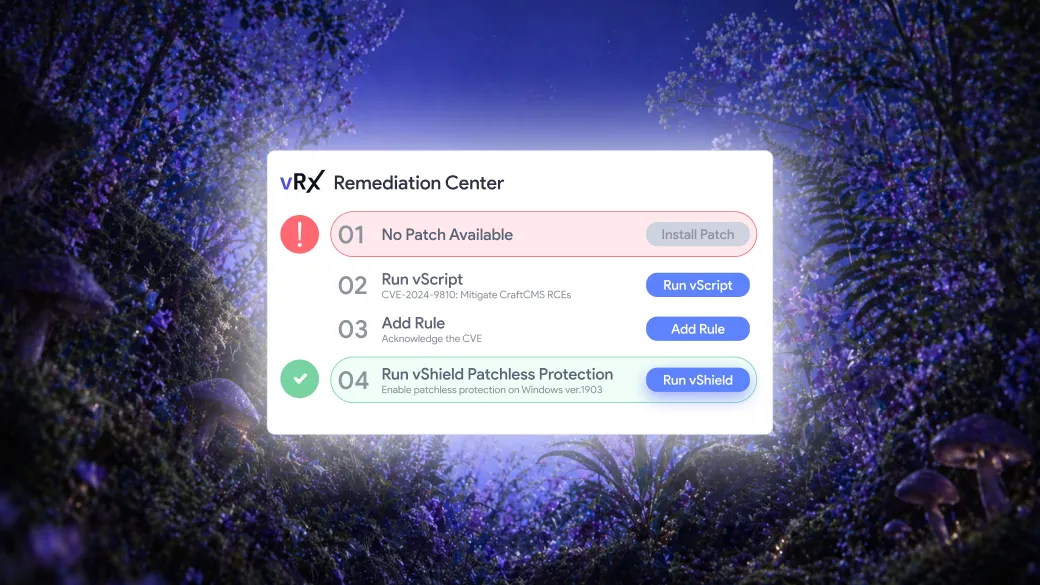
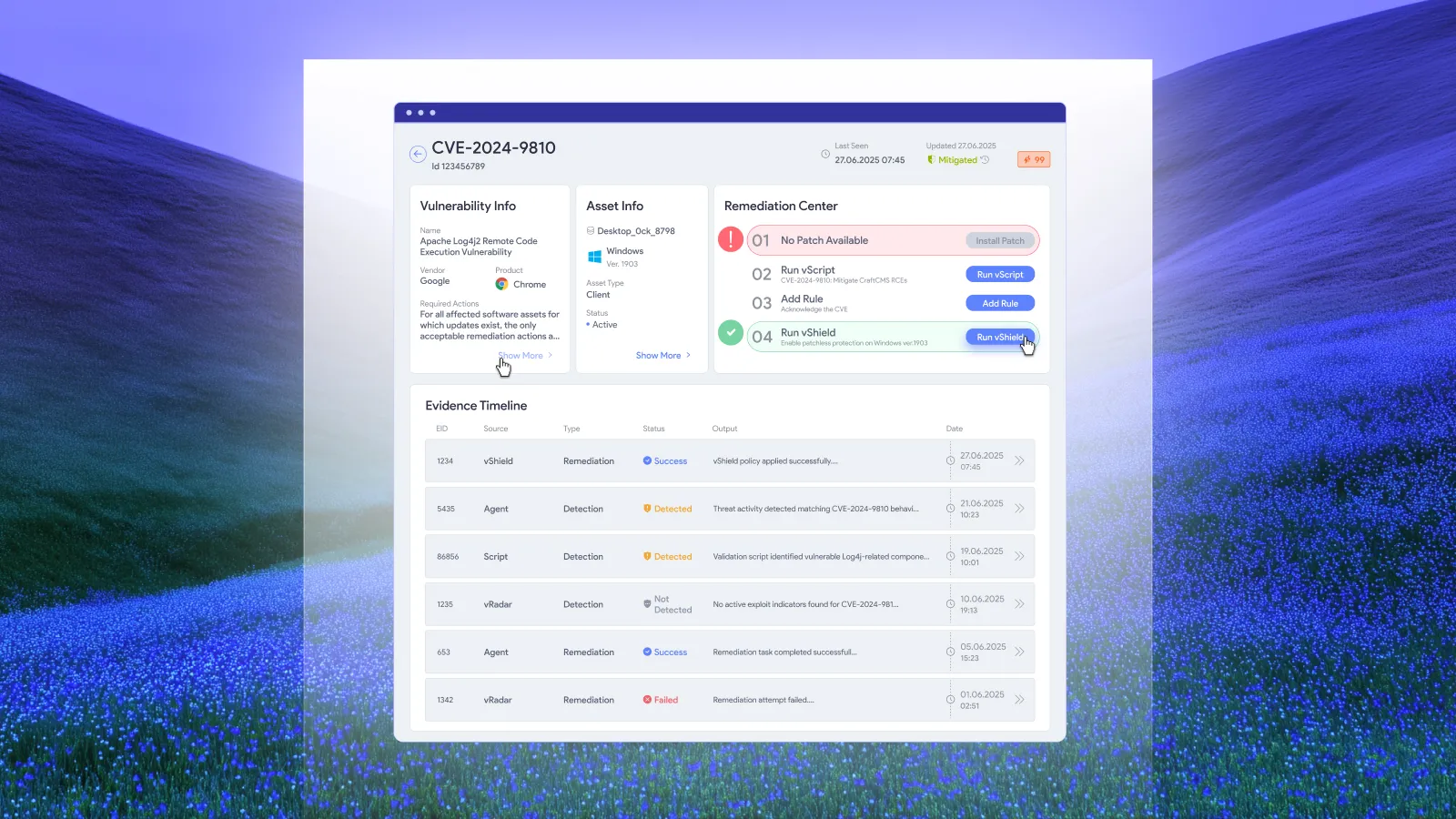
Vicarius vRx addresses this with Patchless Protection. This technology wraps vulnerable applications in memory, blocking exploit paths without modifying the application itself. Your team maintains functionality while eliminating exposure until a validated patch becomes available.
Handling end-of-life applications
Legacy applications that no longer receive vendor support present ongoing risk. You can't patch software the vendor has abandoned. Options include migrating to supported alternatives, isolating the application on segmented networks, or using compensating controls.
Patchless protection works here too. By shielding the vulnerable application's memory space, you reduce risk without the disruption of replacing business-critical software.
Configuration-based vulnerabilities
Some vulnerabilities require configuration changes rather than software updates. Registry modifications, permission adjustments, and service disabling fall outside traditional patching.
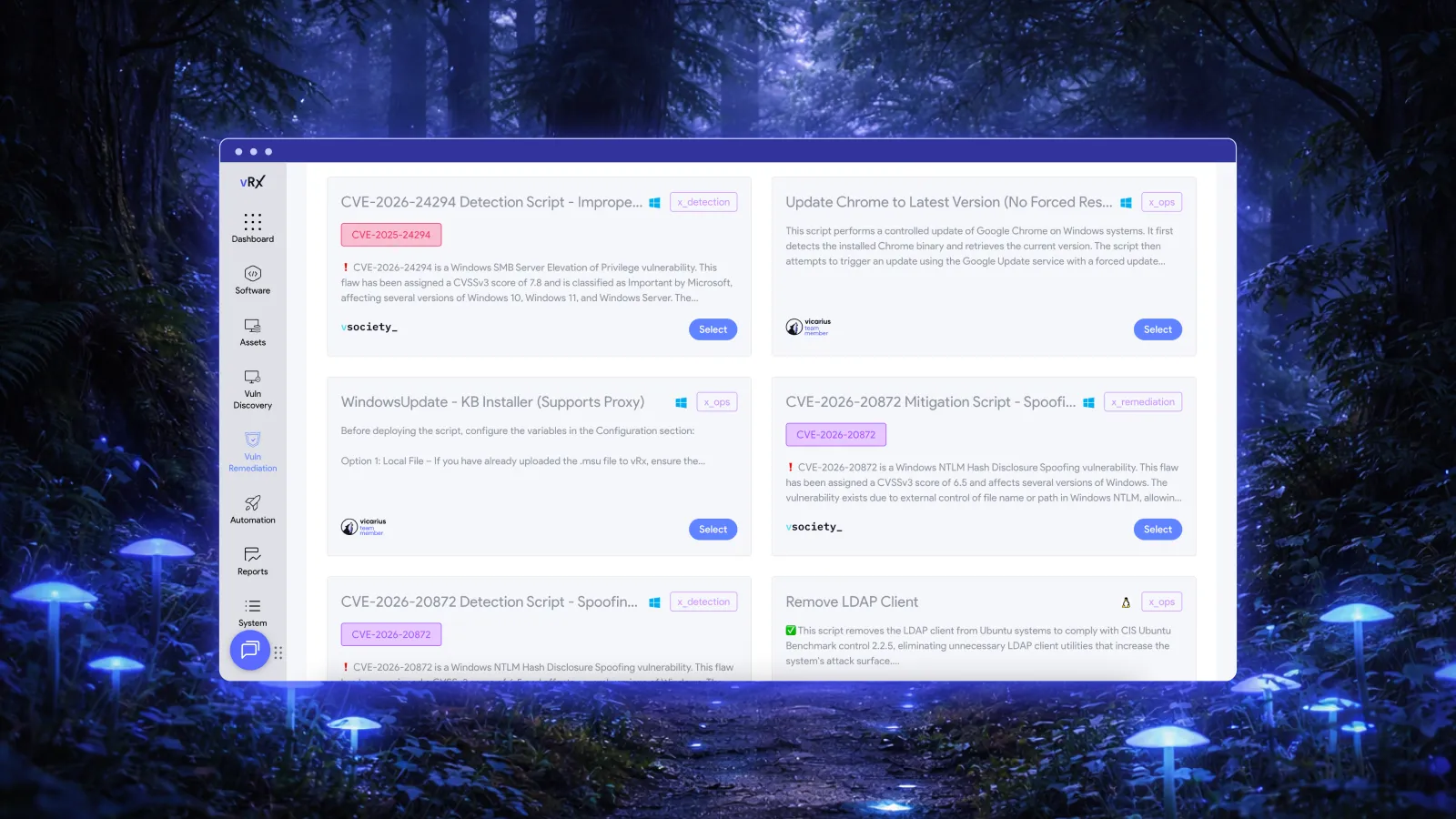
The Vicarius scripting engine (vScript) handles these cases. Run pre-built scripts from the vSociety community library, create custom scripts for your environment, or use AI-generated scripts that target your specific exposure.
How do you build a patch management workflow for enterprise environments?
Enterprise patching requires coordination between security, IT operations, and business units. Here's how to structure the workflow.
Define roles and responsibilities
Clarify who owns each part of the patching process. Security teams typically prioritize vulnerabilities and track remediation progress. IT operations handle deployment execution and troubleshooting. Business units communicate maintenance windows and application criticality.
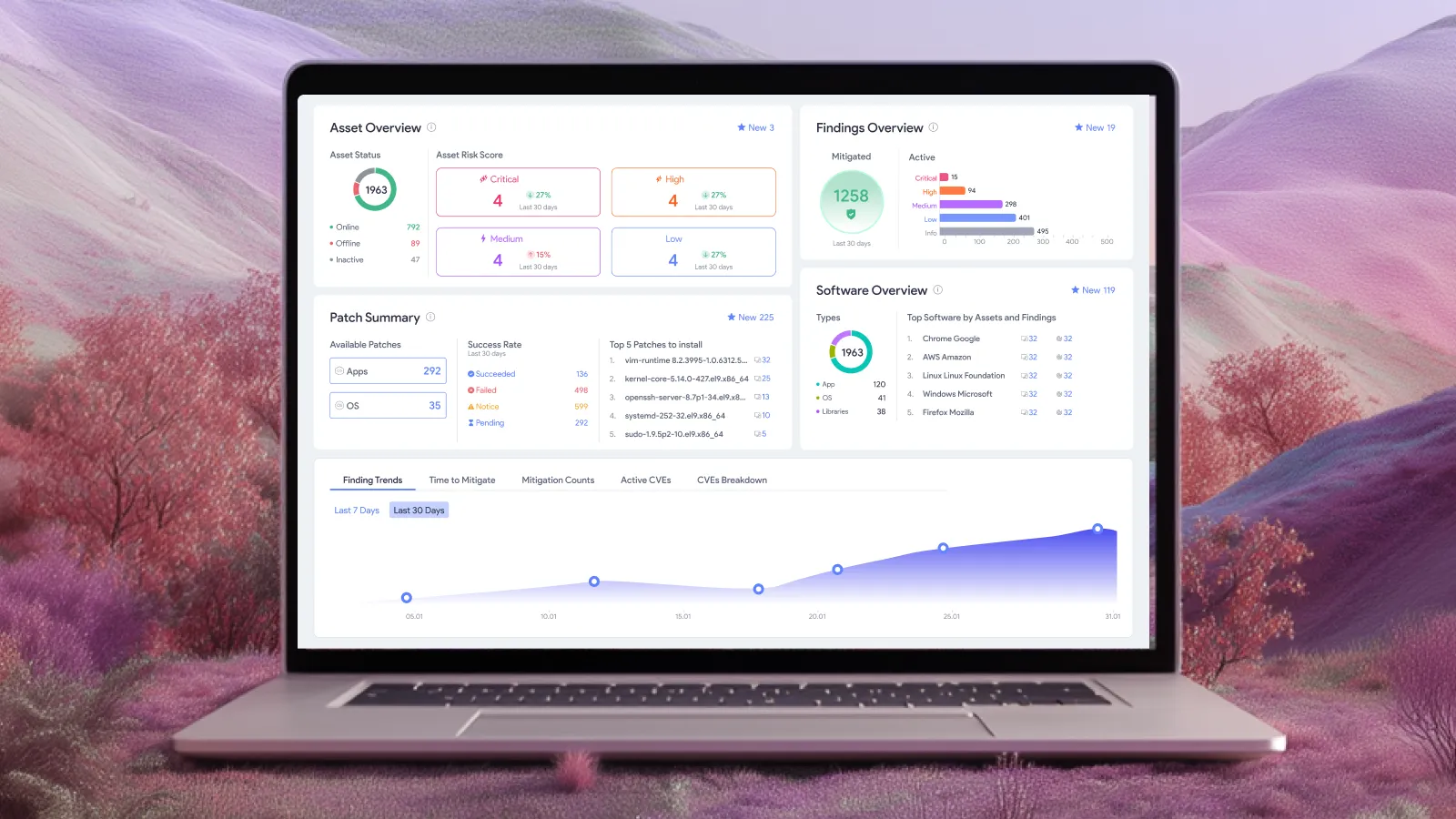
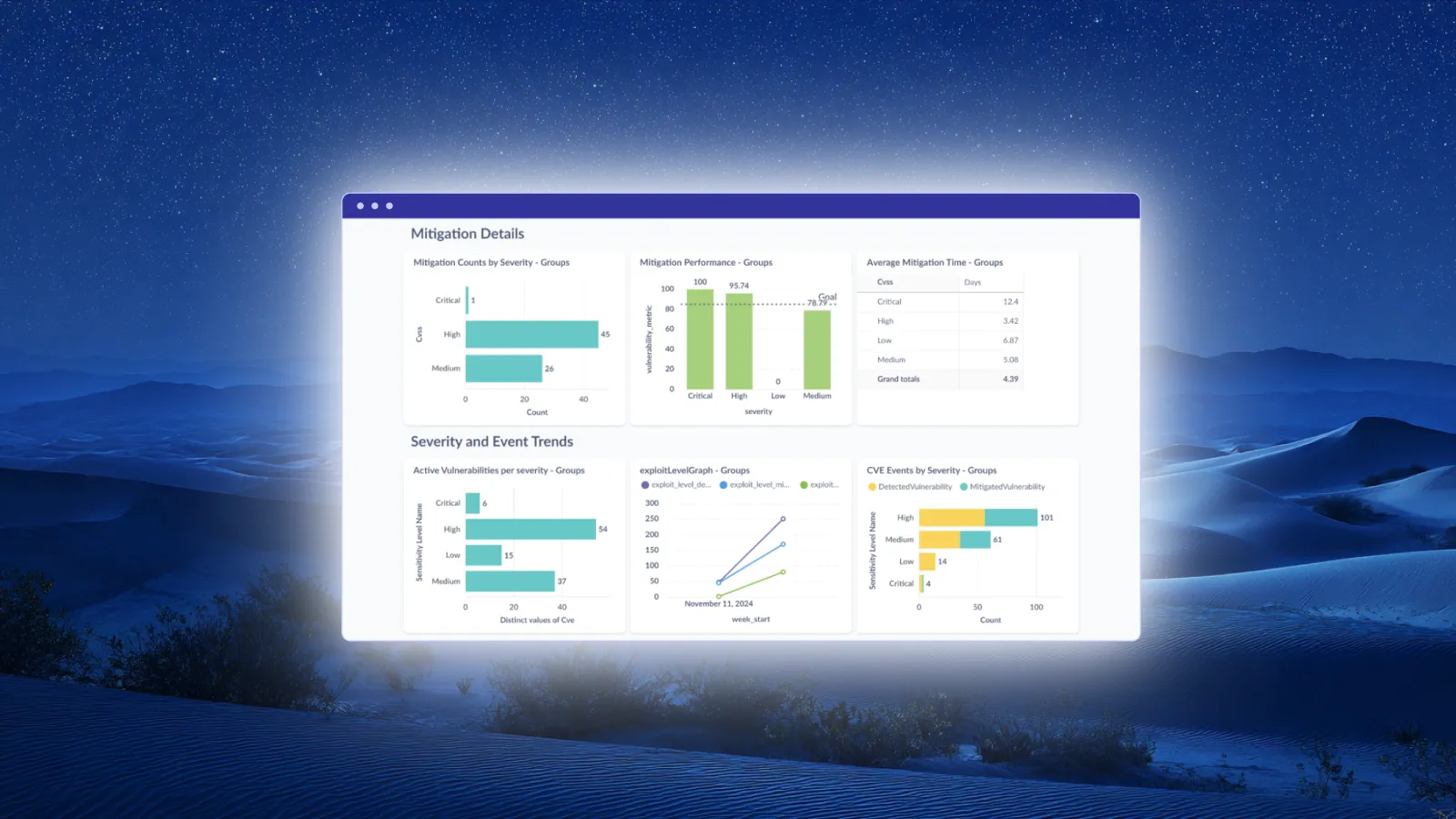
A unified platform helps here by giving everyone visibility into the same data. When security and IT view the same patch queue and compliance dashboards, coordination improves.
Establish maintenance windows
Patching disrupts users, even minimally. Define maintenance windows that align with business operations. Consider different windows for different endpoint groups. Server patching may happen overnight. Workstation patching might deploy during lunch hours or at end of day.
Remote endpoints complicate scheduling. A cloud-native patching platform deploys updates whenever the device connects, regardless of network location. No VPN required.
Create exception processes
Some patches can't deploy immediately. Business-critical applications may require extended testing. Vendor software might have known compatibility issues. Create a documented exception process that tracks deferred patches, assigns owners, and sets review dates.
Exceptions should be temporary. Long-standing exceptions become accepted risk that compounds over time.
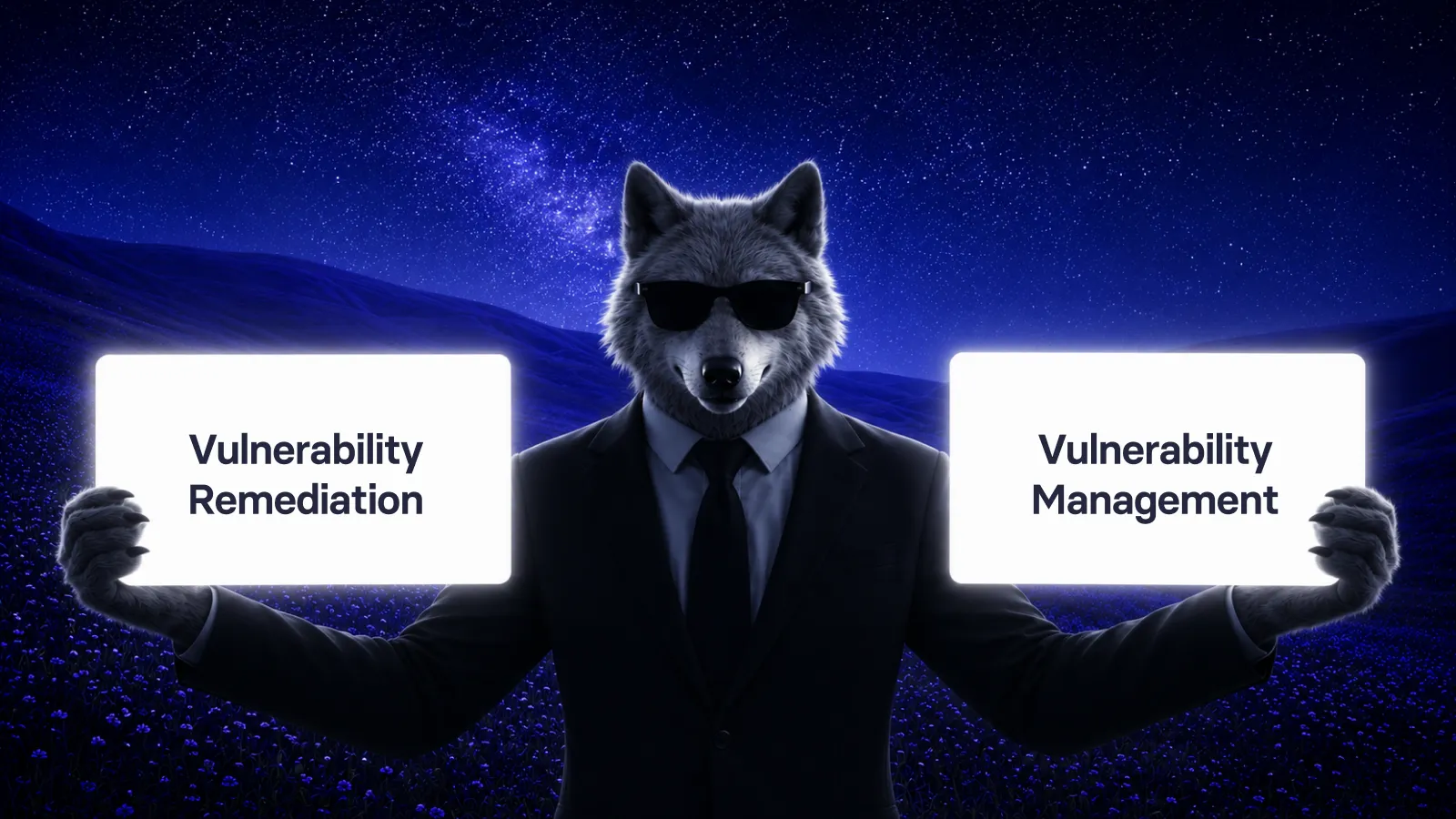
Integrate with vulnerability management
Patching and vulnerability management should inform each other. Vulnerability scans identify which CVEs affect your environment. Patch deployment closes those CVEs. Integration ensures your vulnerability data stays current as patches deploy.
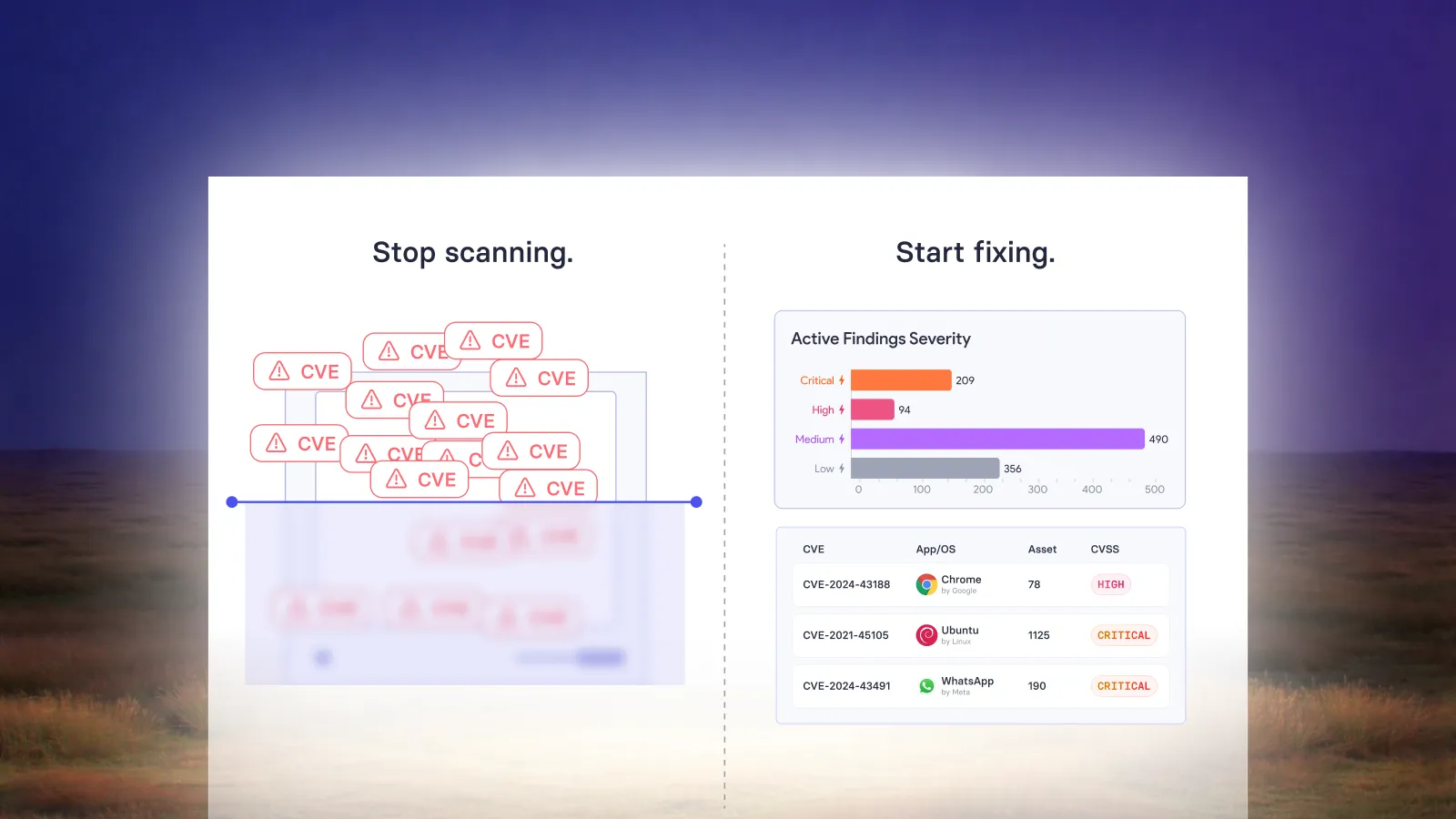
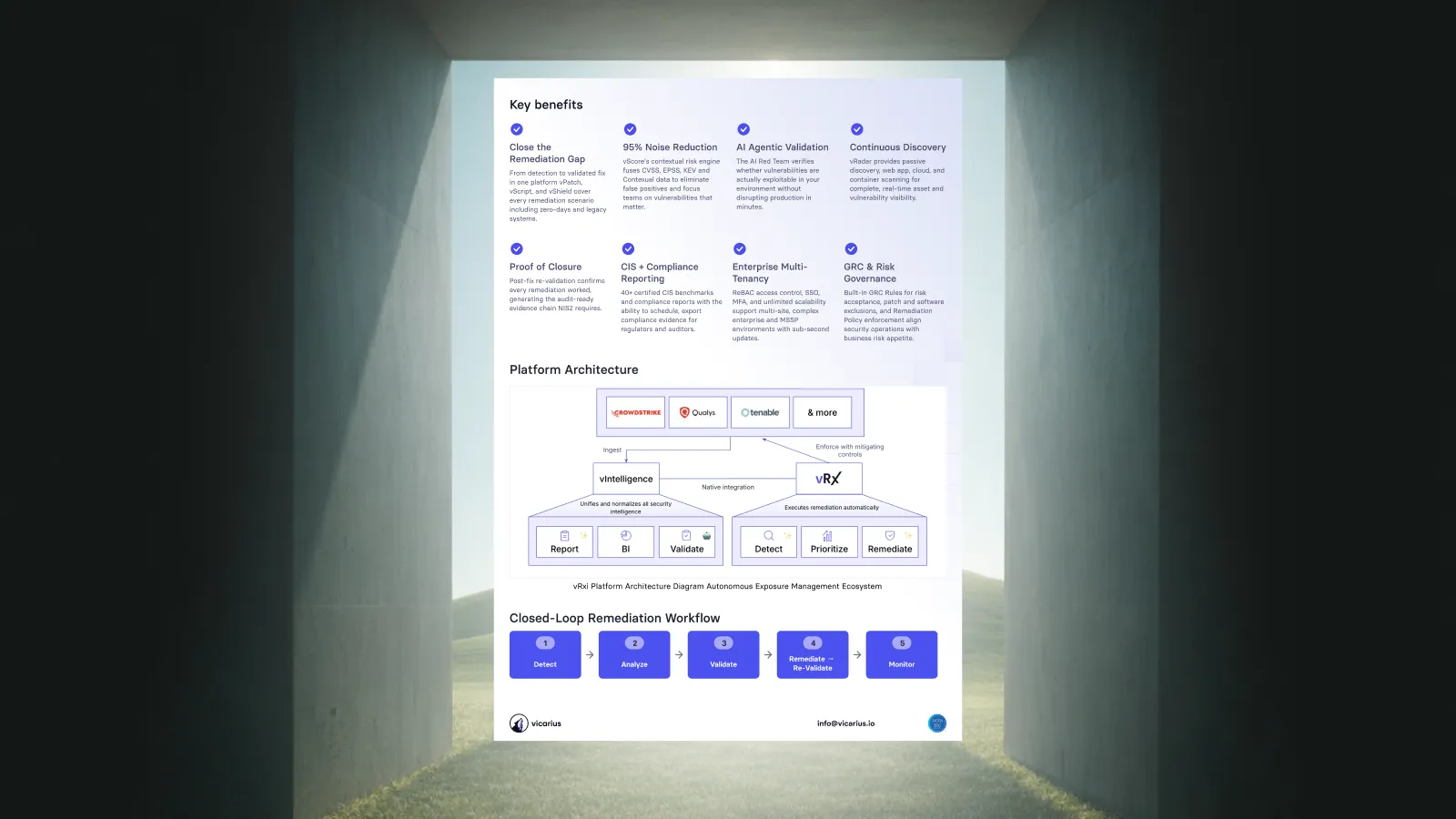
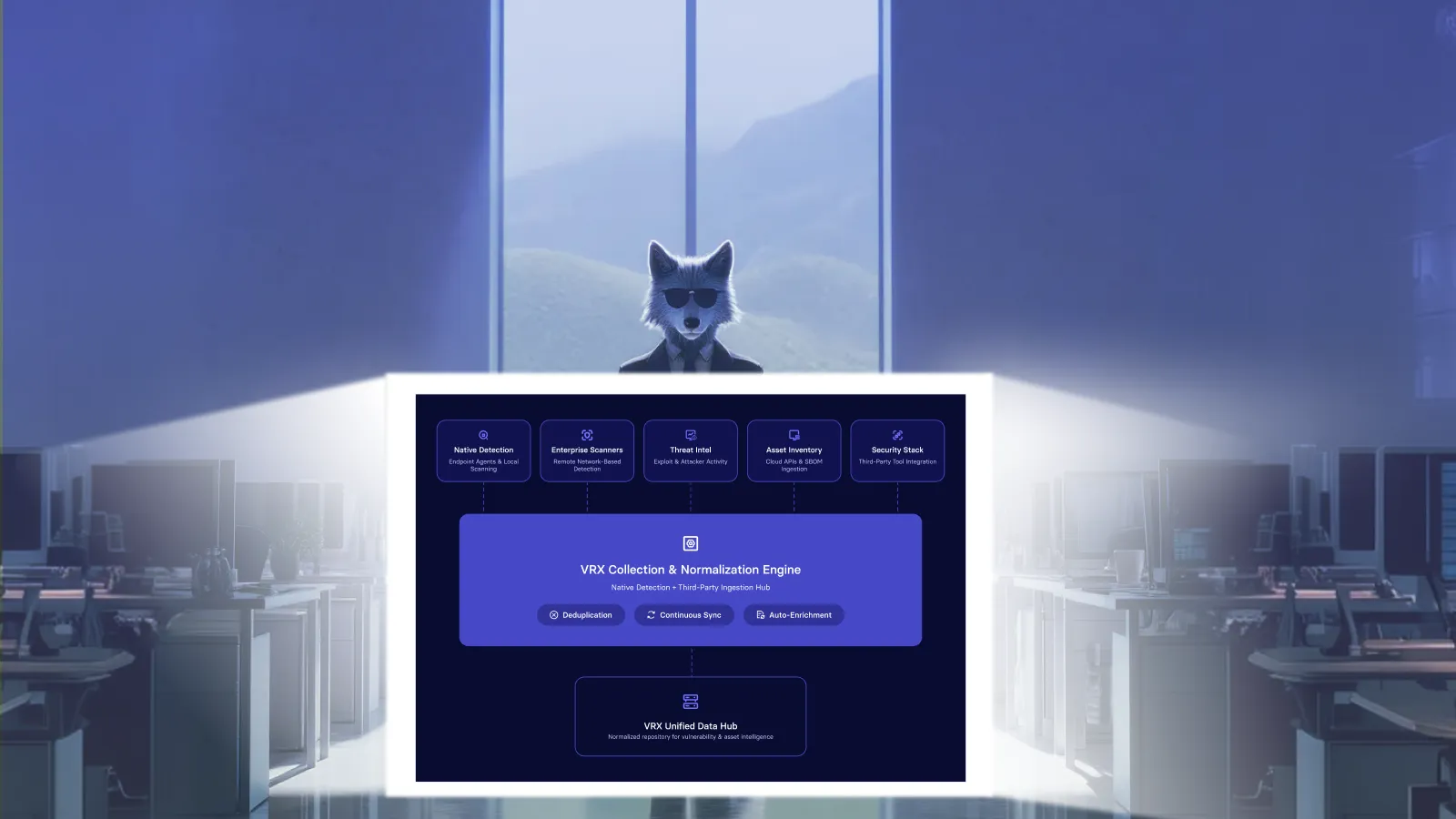
Vicarius vRx combines vulnerability discovery, prioritization, and remediation in a single platform. This integration eliminates the handoff between scanning and patching that slows response in multi-tool environments.
What are the benefits of automating third-party patching?
Automation delivers measurable improvements across security, operations, and compliance.
Faster vulnerability remediation
Automated patching reduces the time between patch release and deployment. What takes days or weeks with tracking and scheduling takes hours with automation. According to Vicarius customer feedback, mean time to remediate vulnerabilities drops by 60-70% with automated workflows.
Reduced IT workload
Tracking patch releases, testing updates, and deploying across endpoints consumes significant IT time. Automation handles repetitive work. One Vicarius customer reported that patch scheduling became a one-day task instead of a full-time job after implementing automated patching.
Consistent policy enforcement
Automation applies your patching policies consistently across all endpoints. No machines get missed because someone forgot to run the deployment. No endpoints stay unpatched because they were offline during the maintenance window. The platform retries until successful.
Improved audit readiness
Compliance frameworks like PCI-DSS, HIPAA, and SOX require evidence that you're maintaining patched systems. Automated patching generates audit logs, deployment records, and compliance reports. When auditors ask for patch history, you have timestamped evidence ready.
Reduced attack surface
Every unpatched vulnerability is a potential entry point. Automation keeps your attack surface as small as possible by closing gaps quickly and consistently. The 2017 Equifax breach demonstrated what happens when a single unpatched third-party library gets exploited.
How should you evaluate third-party patching platforms?
Choosing the right platform involves assessing coverage, deployment model, and operational fit.
Application coverage
Check the vendor's application catalog against your software inventory. Some platforms focus on the most common applications but miss specialized tools. Others inflate catalog numbers by counting versions as separate entries.
Ask vendors to demonstrate coverage for your specific applications. Request clarity on how they count supported titles.
Operating system support
Your endpoints likely span Windows, macOS, and possibly Linux. Choose a platform that treats all operating systems equally, with the same features and visibility across platforms.
Deployment model
On-premises solutions require infrastructure you maintain. Cloud-native platforms eliminate that overhead and reach endpoints regardless of network location. For distributed workforces, cloud-native architectures deploy patches directly to endpoints over HTTPS without VPN requirements.
Reporting and compliance
Evaluate the platform's reporting capabilities against your compliance requirements. You need visibility into patch status, deployment history, and exceptions. Reports should export in formats your auditors accept.
Remediation beyond patching
The best platforms go beyond patching. Look for patchless protection capabilities, scripting engines for configuration-based vulnerabilities, and integration with your existing security tools.
How does Vicarius vRx approach third-party patching?
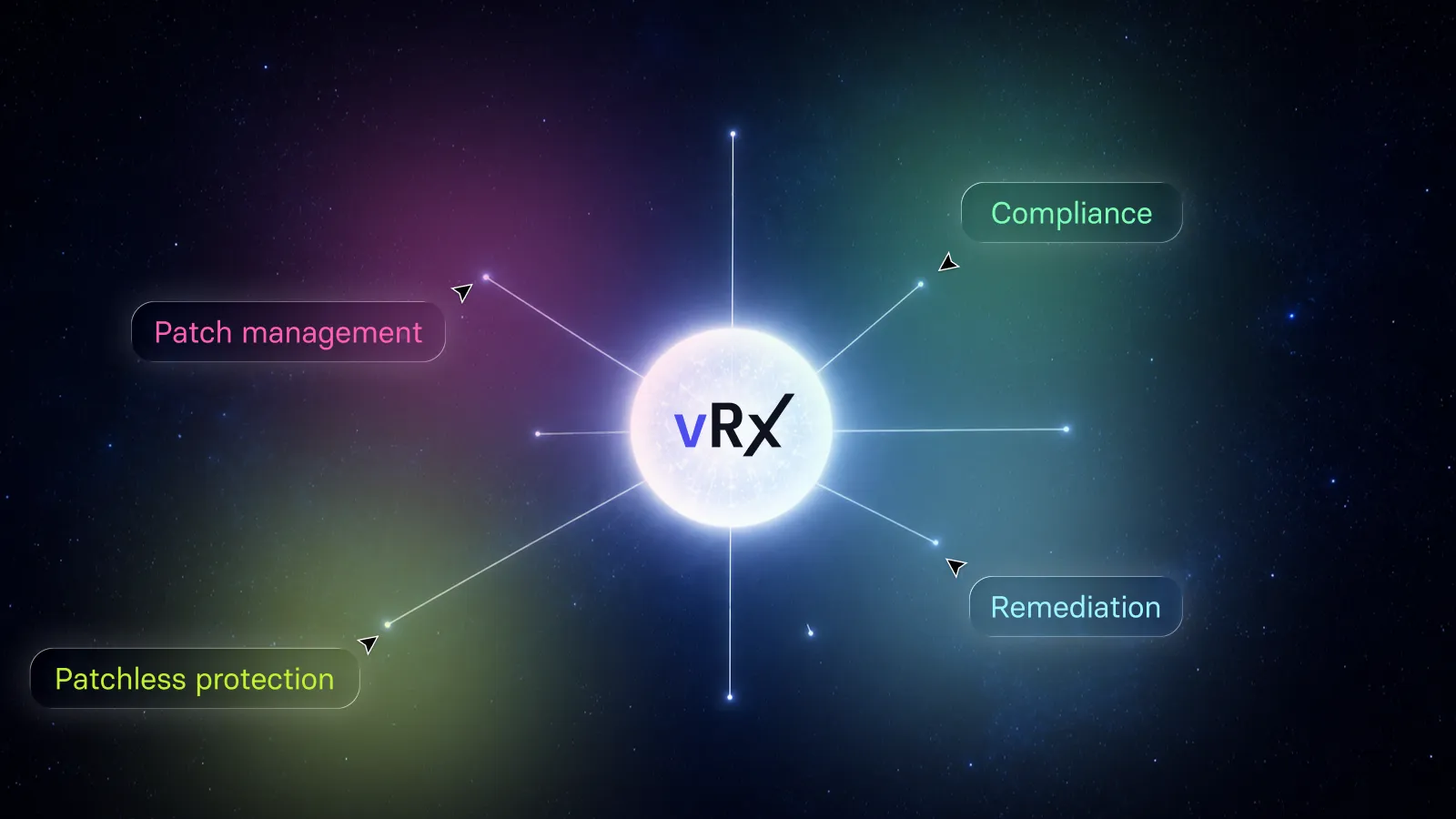
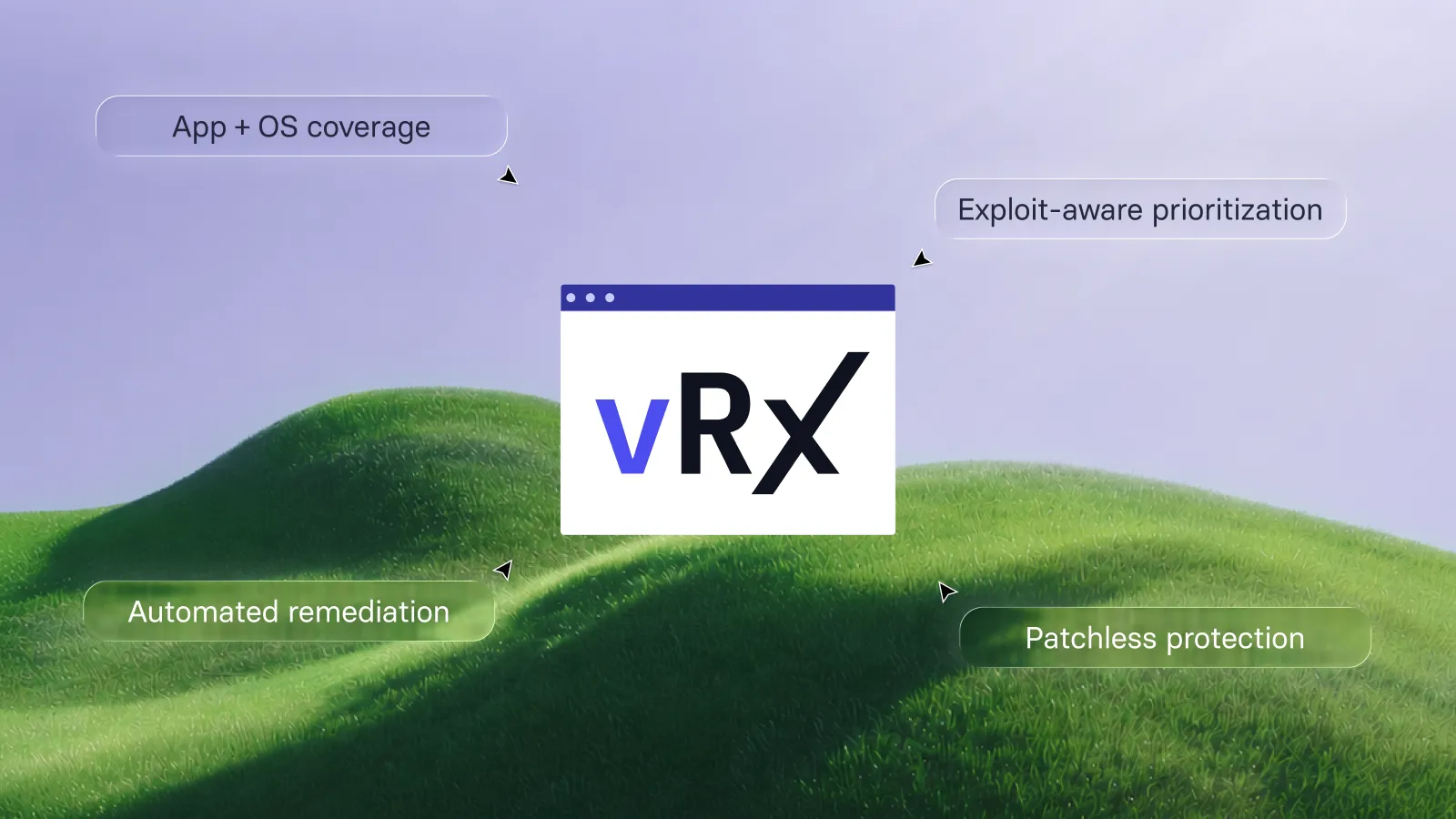
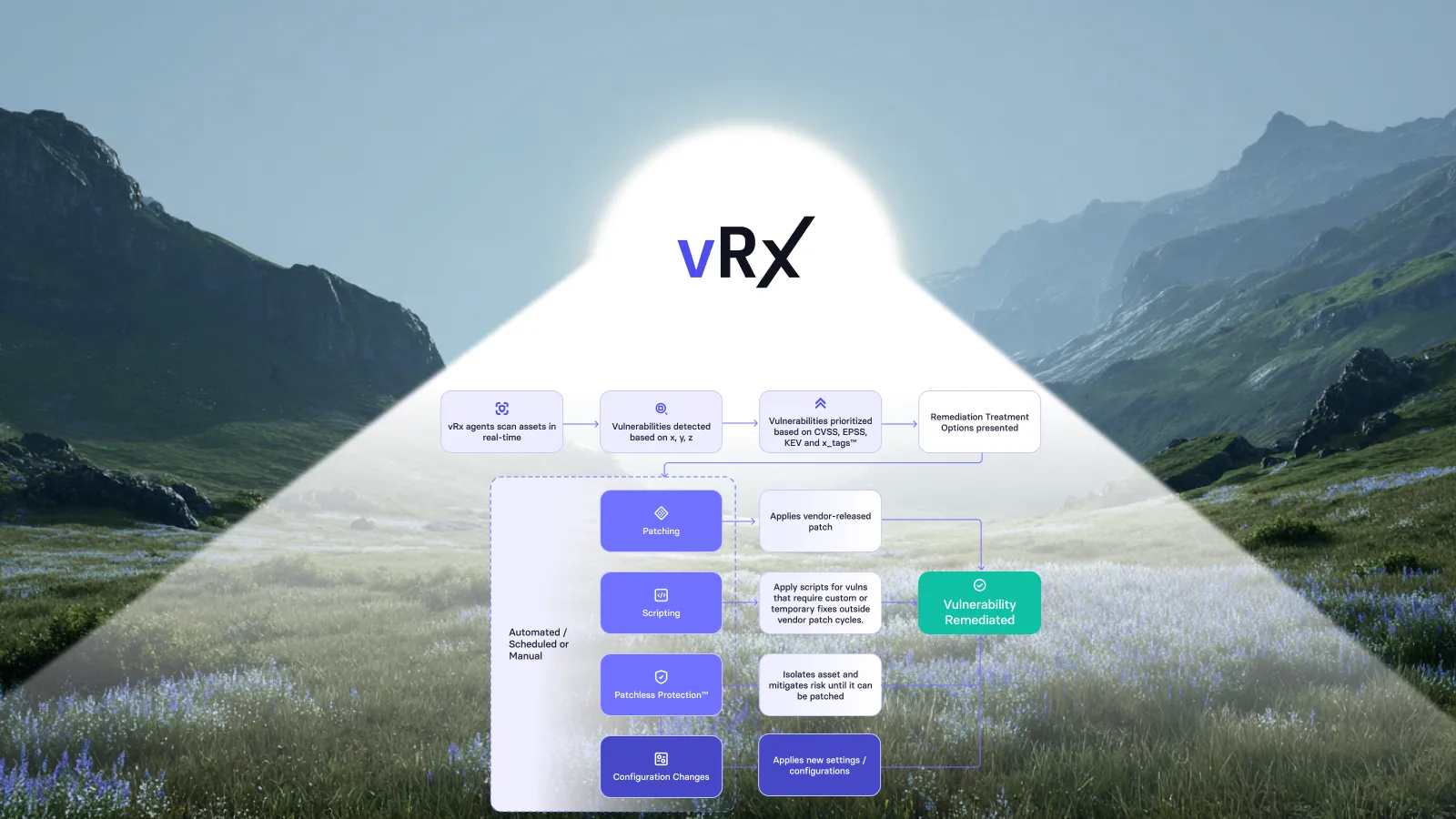
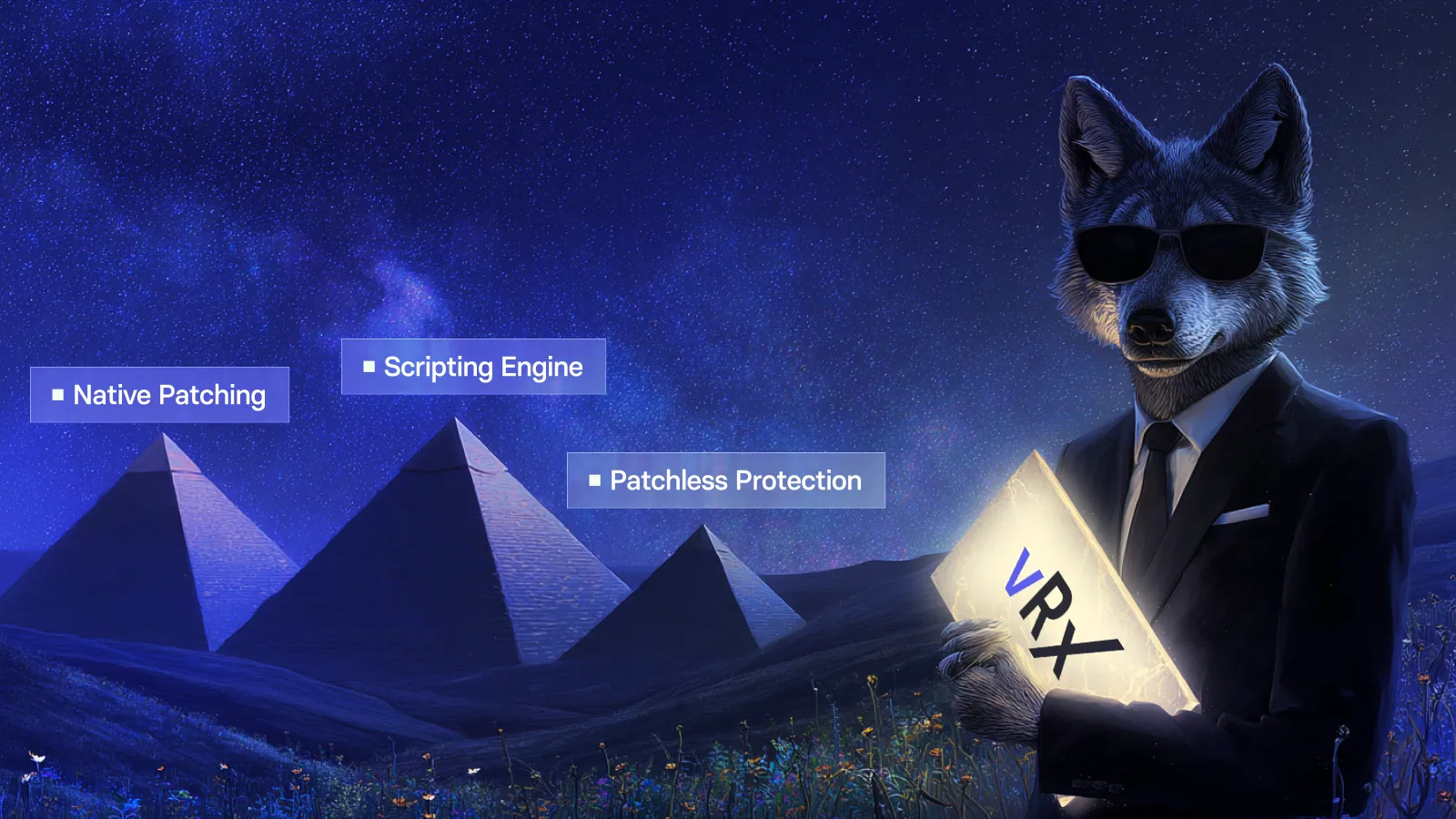
Vicarius vRx is a unified vulnerability remediation platform that combines patch management, patchless protection, and scripting in a single solution.
Unified patch view
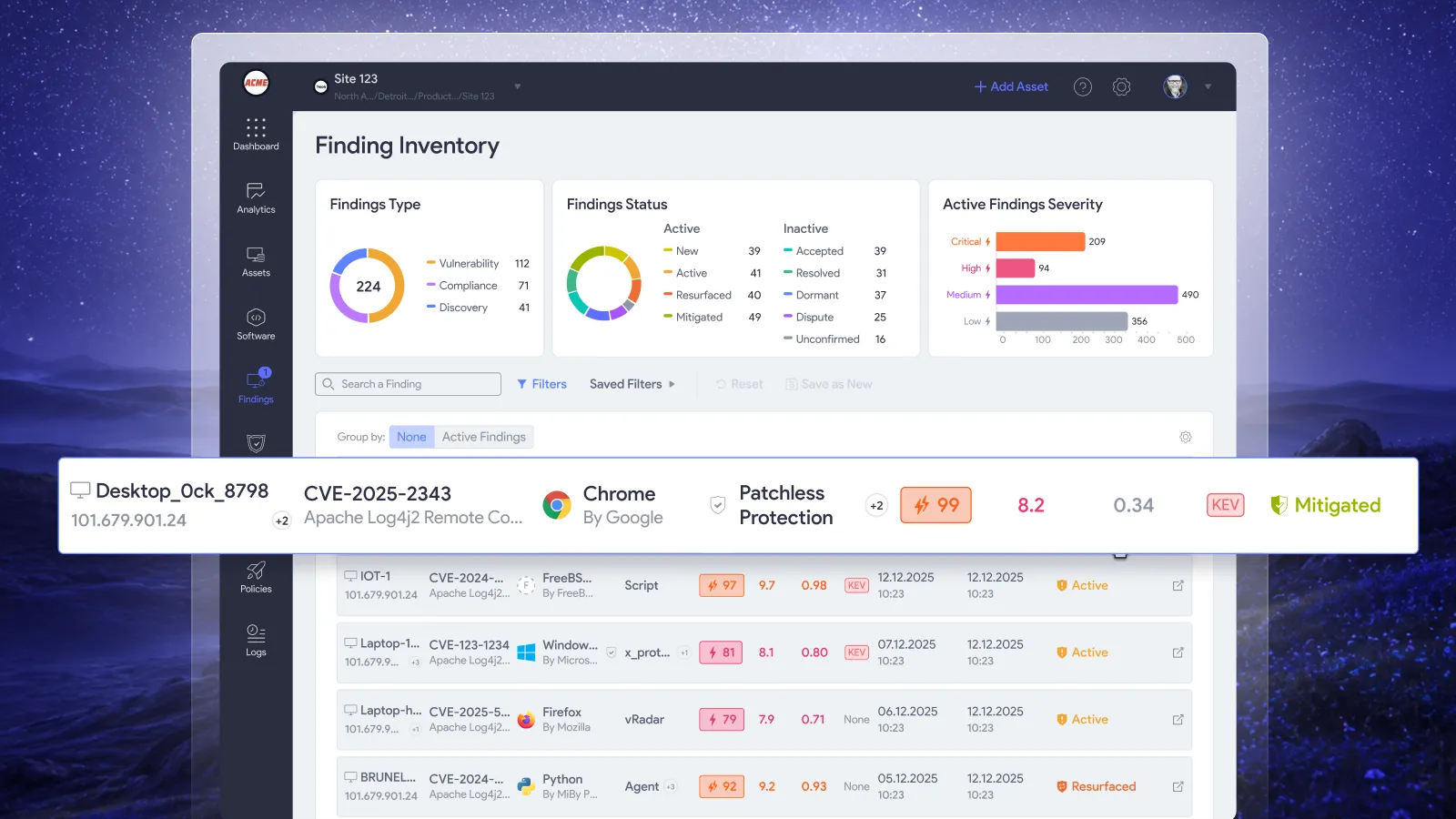
vRx displays all patch types in one interface: application patches, Windows KBs, macOS updates, and Linux packages. Your team searches and filters across all patch types consistently, eliminating the need to check multiple tools.
Flexible deployment options
Patch on demand, set scheduled maintenance windows, or configure rule-based deployment for patches matching your criteria. vRx adapts to how your team works. You control when and what deploys.
Dynamic grouping
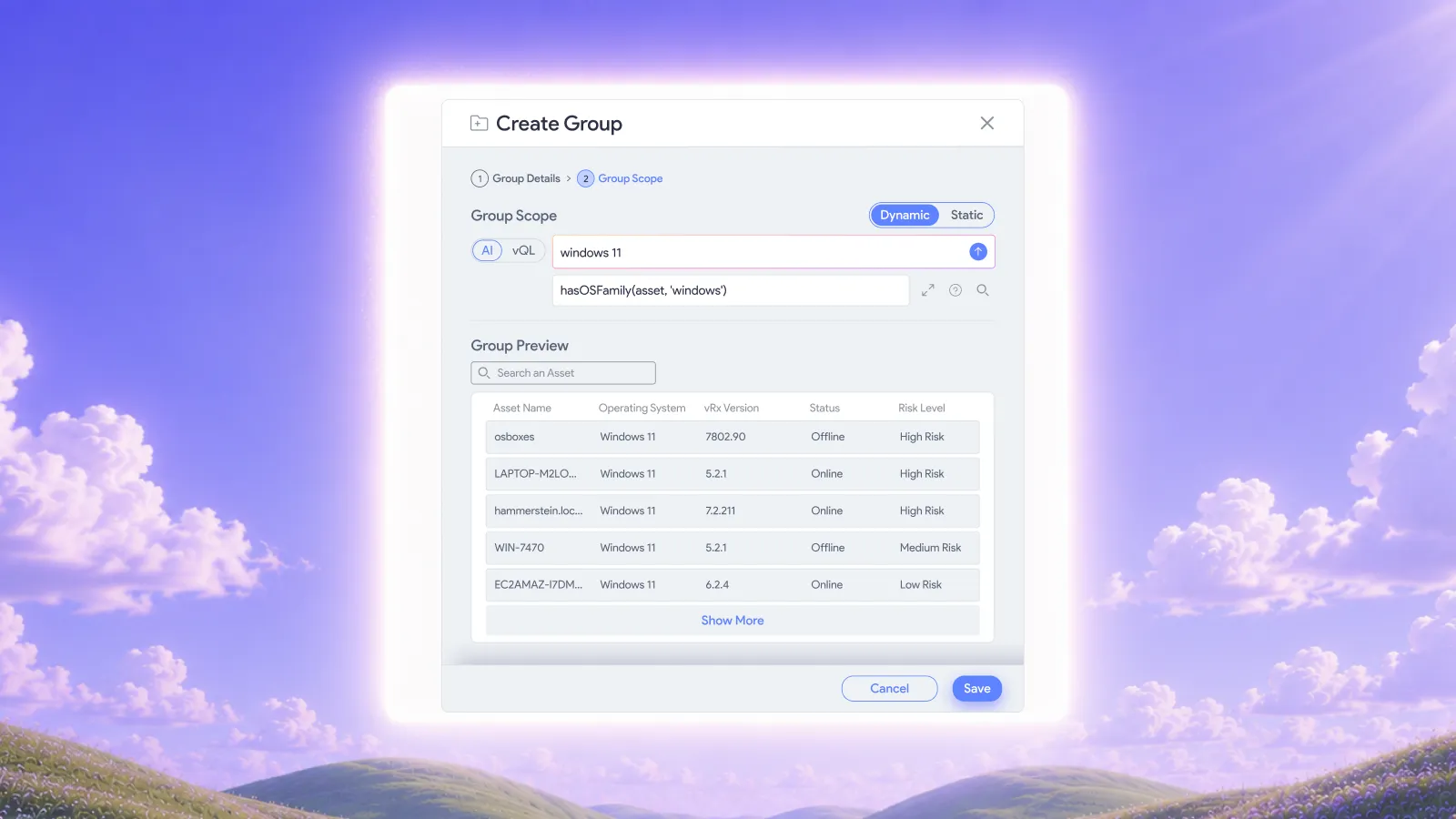
Organize patches, assets, and software into reusable groups. Static groups contain hand-picked items. Dynamic groups use rules that update automatically as data changes. Target specific groups for pilot testing or phased rollouts.
Risk-based prioritization
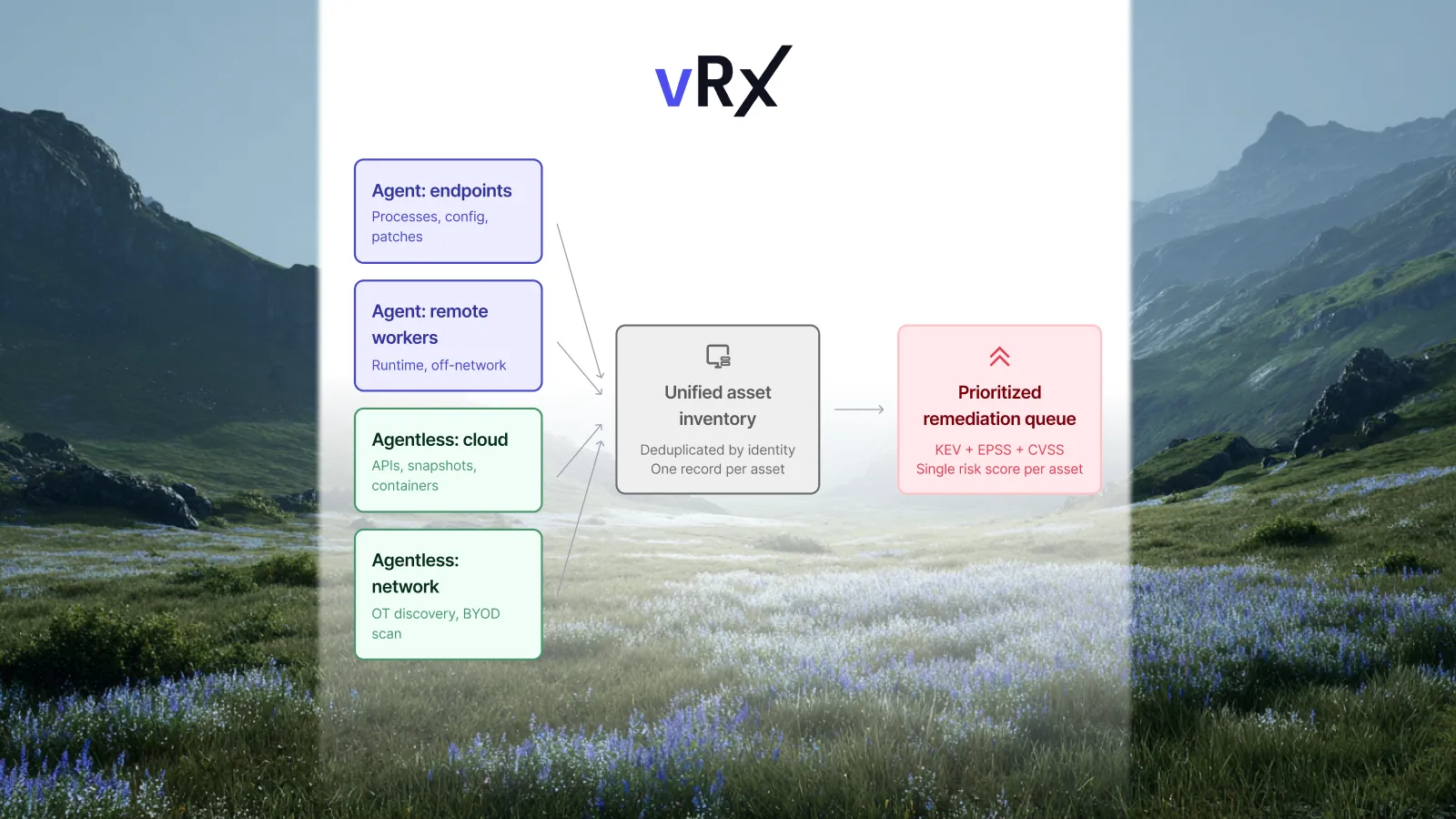
vScore ranks patches by factors that matter: exploitability, asset criticality, weaponization status, and business context. Your team works through the queue knowing they're addressing the highest-risk items first.
Remediation when patching isn't possible
vRx's Patchless Protection shields vulnerable applications when no patch exists. The scripting engine handles configuration-based vulnerabilities. Every vulnerability gets a fix path, not just the ones with vendor patches.
What should your third-party patching strategy include going forward?
Building a sustainable patching strategy means thinking beyond individual patches to the overall program.
Measure and improve
Track metrics that matter: time to patch, patch success rate, exception aging, and compliance percentage. Use these to identify bottlenecks and demonstrate improvement over time.
Stay current on threats
Monitor CISA's Known Exploited Vulnerabilities (KEV) catalog and vendor security advisories. Adjust your prioritization when actively exploited vulnerabilities affect your environment.
Review policies regularly
Business needs change. Applications get added and retired. Review your patching policies quarterly to ensure they still align with your environment and risk tolerance.
Plan for the unexpected
Zero-days and emergency patches happen. Have a process for rapid deployment when critical vulnerabilities surface. Know who authorizes emergency patches and how quickly your platform can push updates.
FAQs about automating third-party patching
How often should third-party patches be applied?
Apply critical and actively exploited patches immediately. For other patches, a weekly or bi-weekly cadence keeps your environment current without overwhelming your team. Your patching platform should enforce this schedule automatically.
What are the biggest risks of delaying third-party patches?
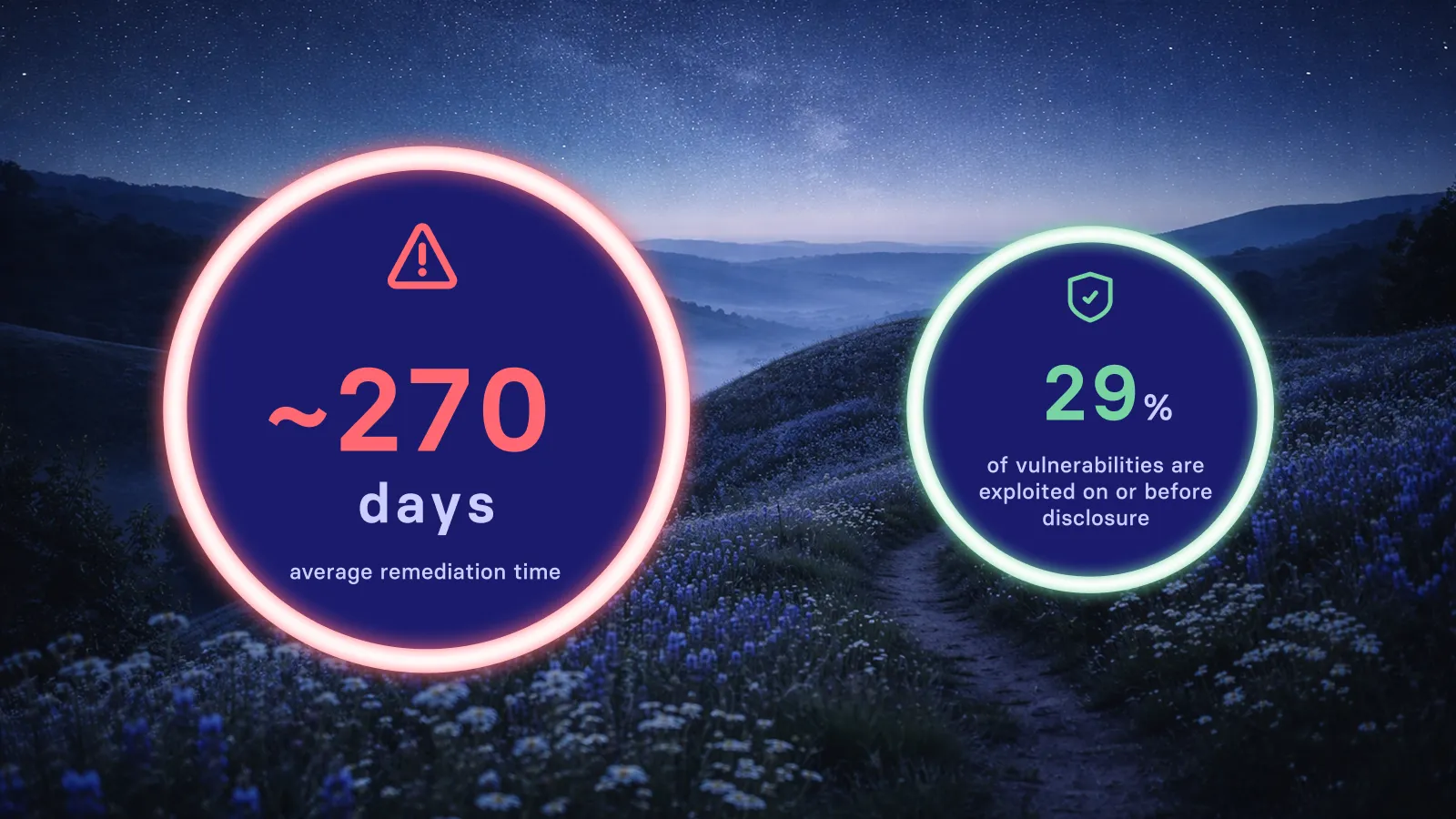
Delayed patches leave known vulnerabilities open for exploitation. Attackers actively scan for unpatched systems. The gap between patch release and deployment represents your highest-risk exposure window. Vicarius vRx reduces this gap through automation and patchless protection.
Can automated patching completely replace manual oversight?
Automation handles the repetitive work, but human oversight remains important. Your team should review exceptions, validate pilot deployments, and adjust policies as your environment changes. Automation makes patching manageable, not invisible.
How does Vicarius vRx handle applications not in its catalog?
For applications outside the standard catalog, vRx's scripting engine lets you create custom deployment scripts. The vSociety community also contributes scripts for common applications. If you need to patch it, there's a path.
What compliance standards require automated patching?
PCI-DSS requires patching critical vulnerabilities within specific timeframes. HIPAA mandates reasonable safeguards that typically include patching. SOC 2 evaluates patch management as part of security controls. Automated patching helps meet these requirements consistently.
How do you patch remote endpoints without VPN access?
Cloud-native patching platforms deploy updates directly to endpoints over HTTPS. The agent on each endpoint communicates with the cloud platform regardless of network location. Vicarius vRx reaches endpoints at home, in coffee shops, or anywhere with internet connectivity.
Related resources:

















.webp)
















%20Signals%20a%20New%20Era%20of%20Supply%20Chain%20Risk.webp)







.webp)