

Updated October 2026
A vulnerability scan is an automated check of your systems for known security weaknesses, such as missing patches, misconfigurations, outdated software and exposed services. The scanner compares what it finds against databases of publicly known vulnerabilities (CVEs) and produces a report that ranks each finding by risk, so your team knows what to fix first.
Vulnerability scanning is the first step of vulnerability management: discover, assess, prioritize, remediate, verify and report. NIST describes it as a technique for discovering hosts and their vulnerabilities, and covers it in control RA-5, Vulnerability Monitoring and Scanning. A scan doesn't fix anything on its own. Its value comes from what you do with the results.
What does a vulnerability scan find?
A vulnerability scan finds the known weaknesses an attacker could use to get in or move around:
- Missing patches and outdated software in operating systems and third-party applications.
- Misconfigurations, such as default credentials, weak encryption settings, open file shares and unnecessary services.
- Exposed ports and services reachable from the internet or the internal network.
- Known vulnerabilities in web applications and APIs, such as injection flaws or broken authentication, when the scan includes web app testing.
- Unsupported (end-of-life) software that no longer receives security updates.
Think of your environment as a house. An external scan checks whether the front door and windows are locked. An internal scan checks whether the doors between rooms are closed, because an attacker who gets inside will try to move from room to room.
A good scan report lists each finding with its CVE, severity and affected assets, and usually links to remediation guidance. After fixing, always rescan to confirm the vulnerability is actually closed. To cut down misconfiguration findings at the source, apply system hardening standards such as the CIS Benchmarks.
Why does vulnerability scanning matter?
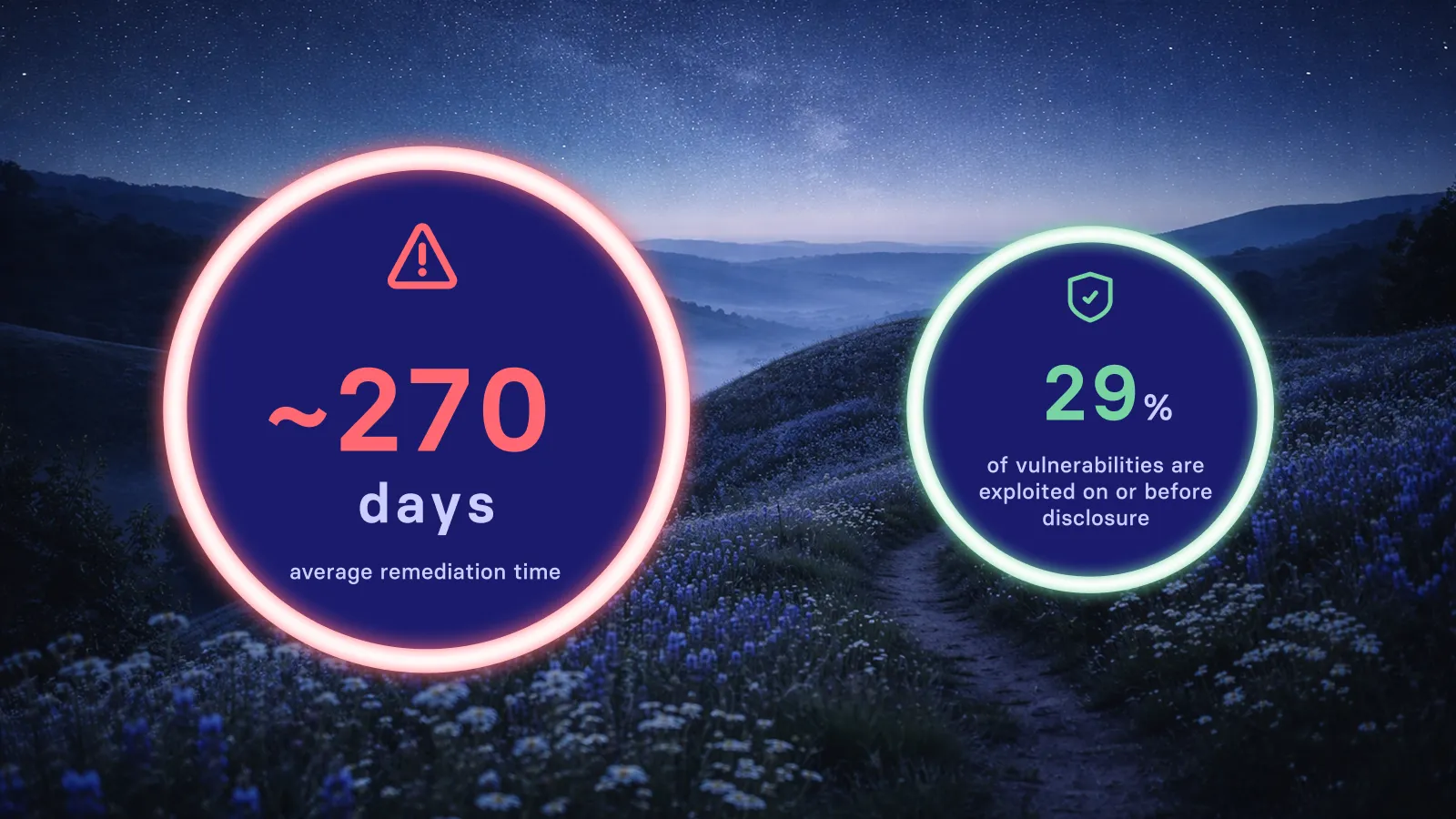
Attackers use the same scanning tools defenders do, and they weaponize newly published vulnerabilities within days. Regular scanning lets you find and fix weaknesses first. Specifically, it helps you:
- Cut risk from known exploits. CISA's Known Exploited Vulnerabilities (KEV) catalog lists vulnerabilities attackers are actively using. Scanning shows which of them you have.
- Keep continuous visibility. CIS Controls v8.1 (Control 7, Continuous Vulnerability Management) calls for regular, automated assessment of all enterprise assets.
- Meet compliance requirements. PCI DSS v4.0.1 requires external scans by an Approved Scanning Vendor (ASV) at least quarterly and after significant changes, plus internal scans. Since March 2025, internal scans must be authenticated.
- Drive patching. NIST SP 800-40 Rev. 4 ties scanning to planning, deploying and verifying patches.
How does a vulnerability scanner work?
A vulnerability scanner identifies the software and settings on each system and checks them against known vulnerabilities. It doesn't open every file the way antivirus does, and it doesn't exploit what it finds. Scans are designed to be non-intrusive, so systems keep running normally.
A typical scan runs in these steps:
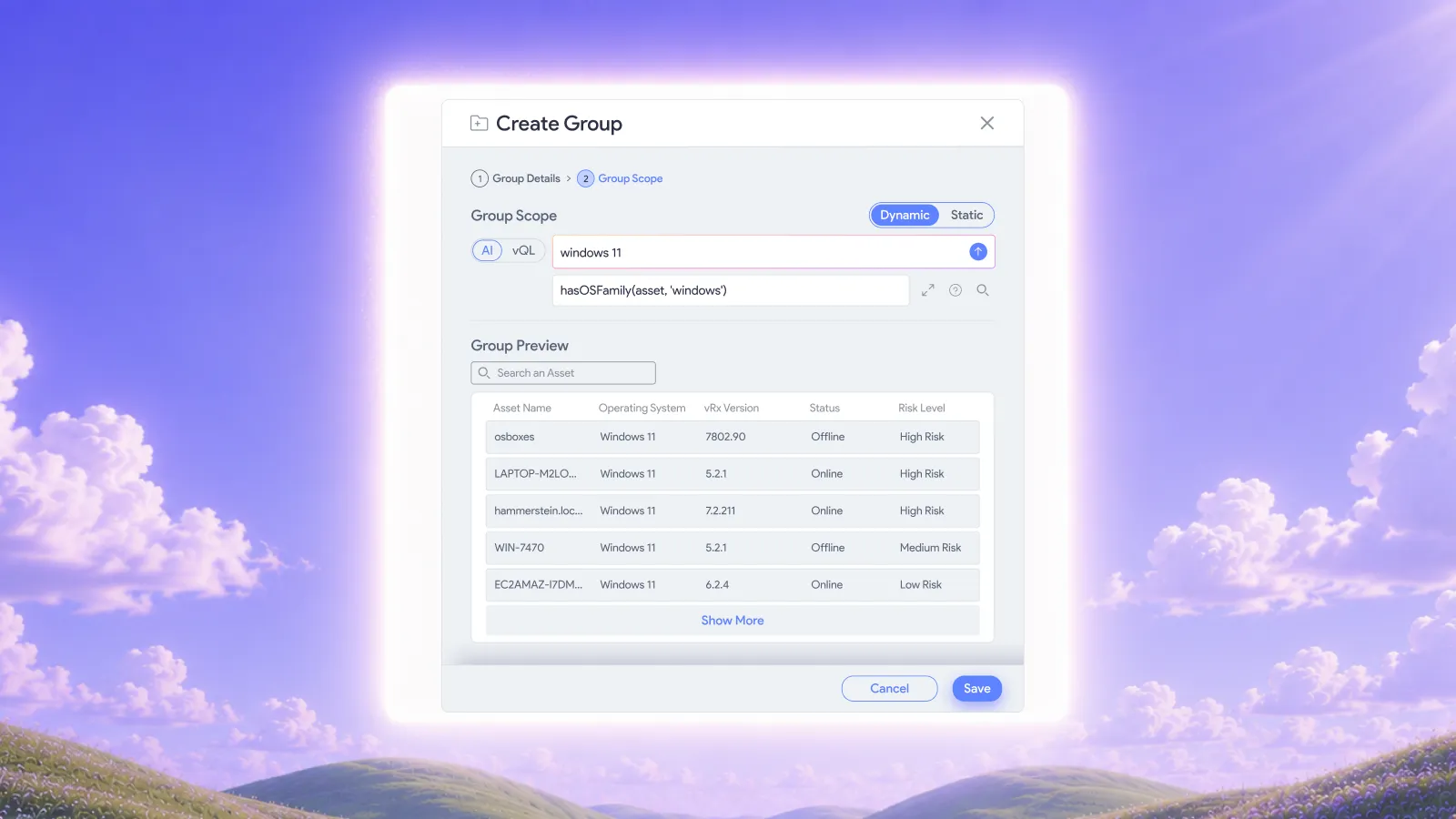
- Scope and inventory: list the assets in scope, such as on-prem servers, cloud workloads, endpoints, containers, web apps and OT/IoT, plus internal and external IP ranges.
- Choose the approach: network-based or agent-based, credentialed or uncredentialed. Credentialed scans log in to systems and give deeper, more accurate results.
- Configure safe settings and schedules: set throttling and maintenance windows, and exclude fragile systems where needed.
- Discovery: find live hosts, open ports, services and software versions.
- Detection: match what was found against CVE records in the National Vulnerability Database (NVD) and vendor advisories, and check for missing patches, weak configurations and deprecated protocols.
- Web application testing (DAST): for web apps and APIs, probe the running application for issues such as injection and authentication flaws.
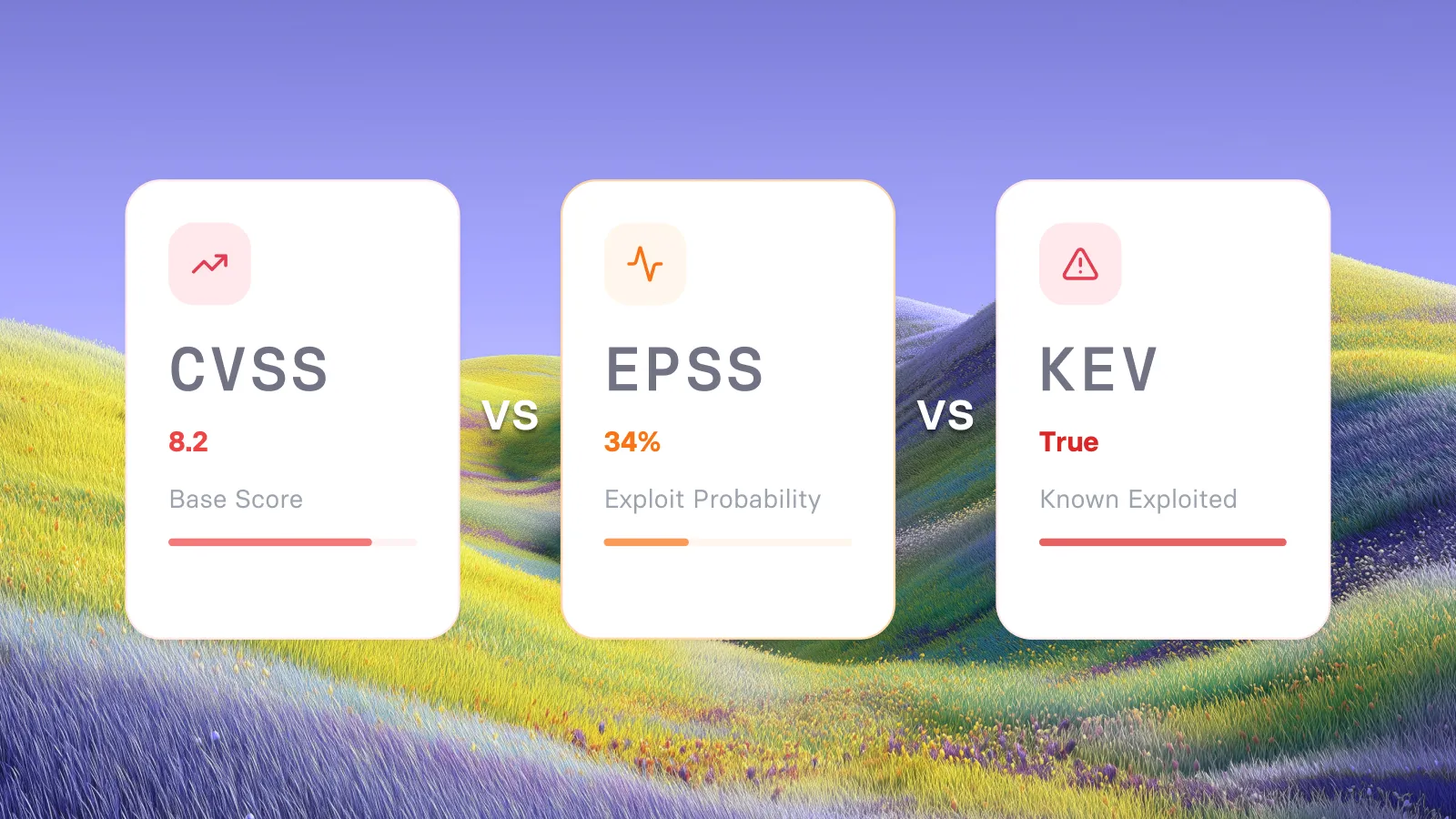
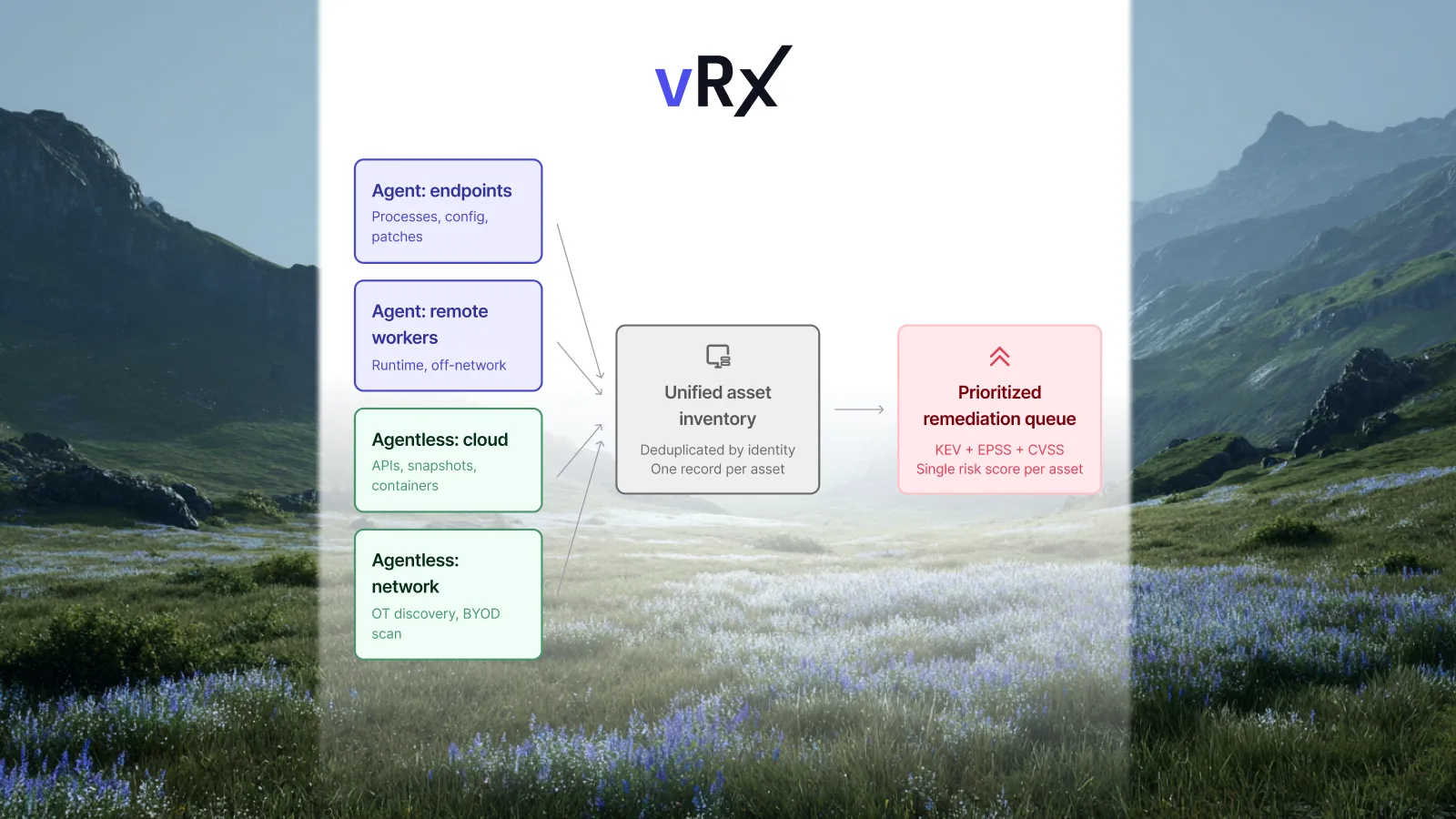
- Score and prioritize: Combine CVSS v4.0 severity with EPSS exploit likelihood, CISA KEV status, and how critical and exposed each asset is.
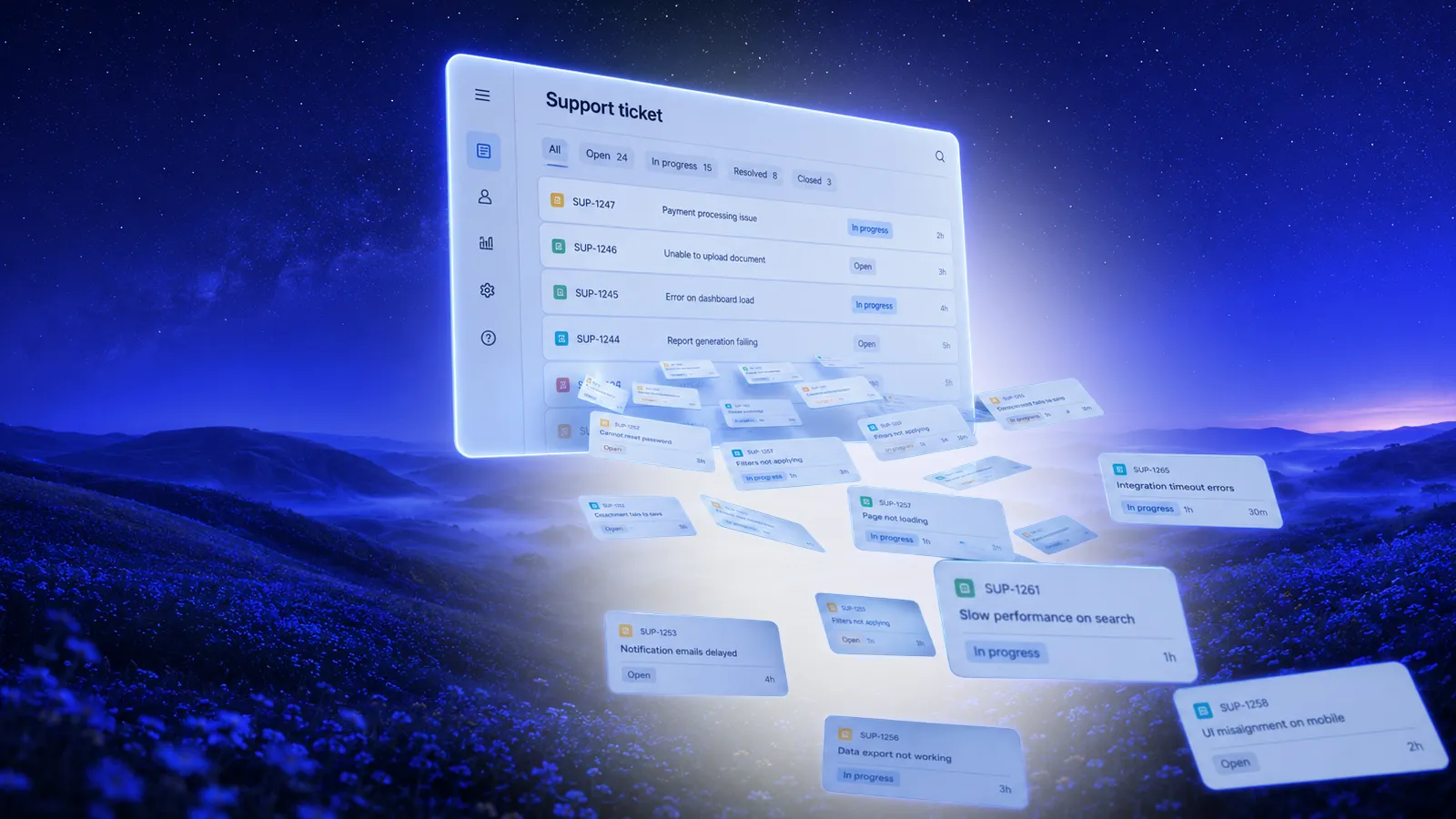
- Report and assign: remove duplicates, map findings to owners, and create tickets or remediation jobs.
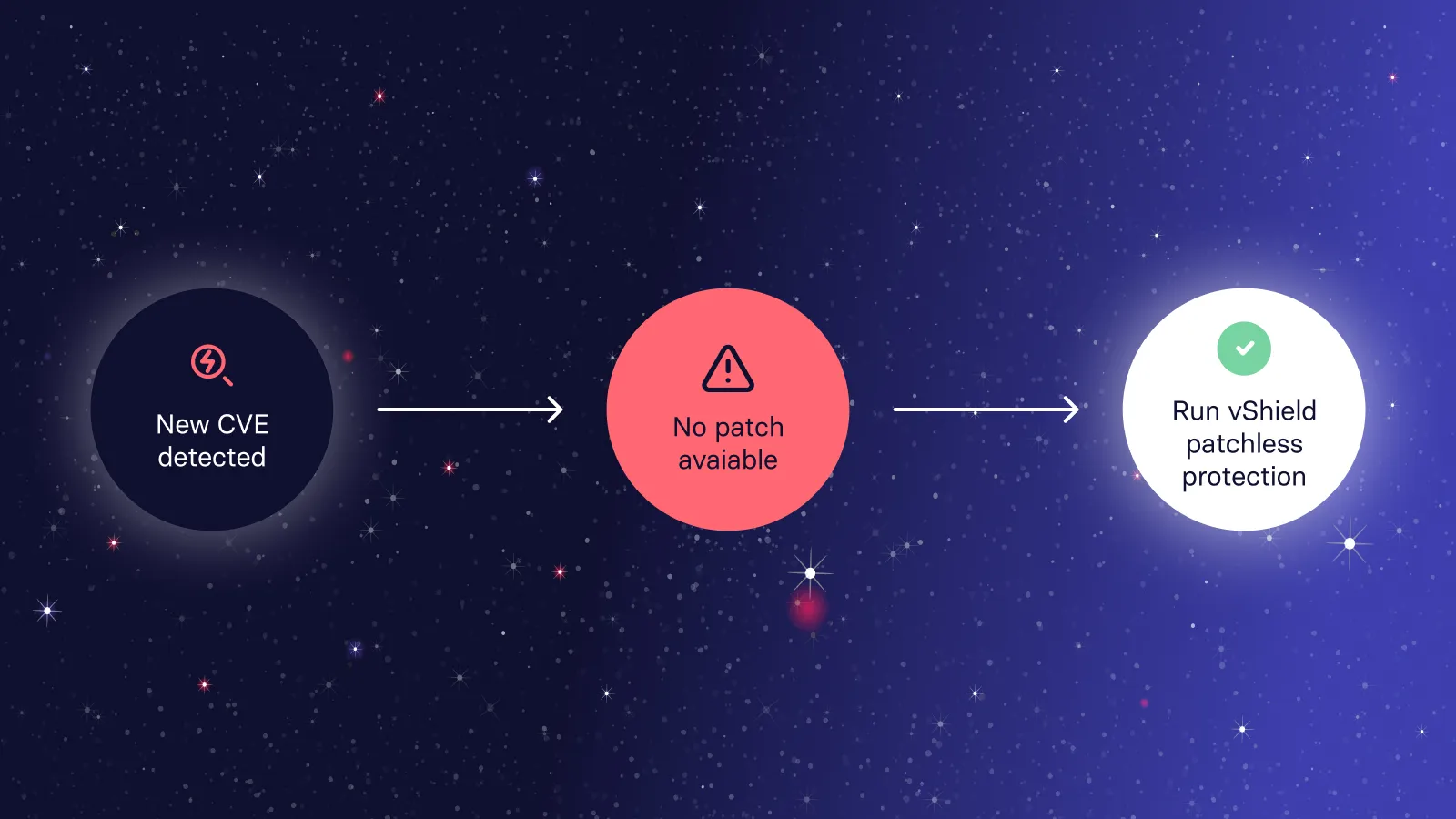
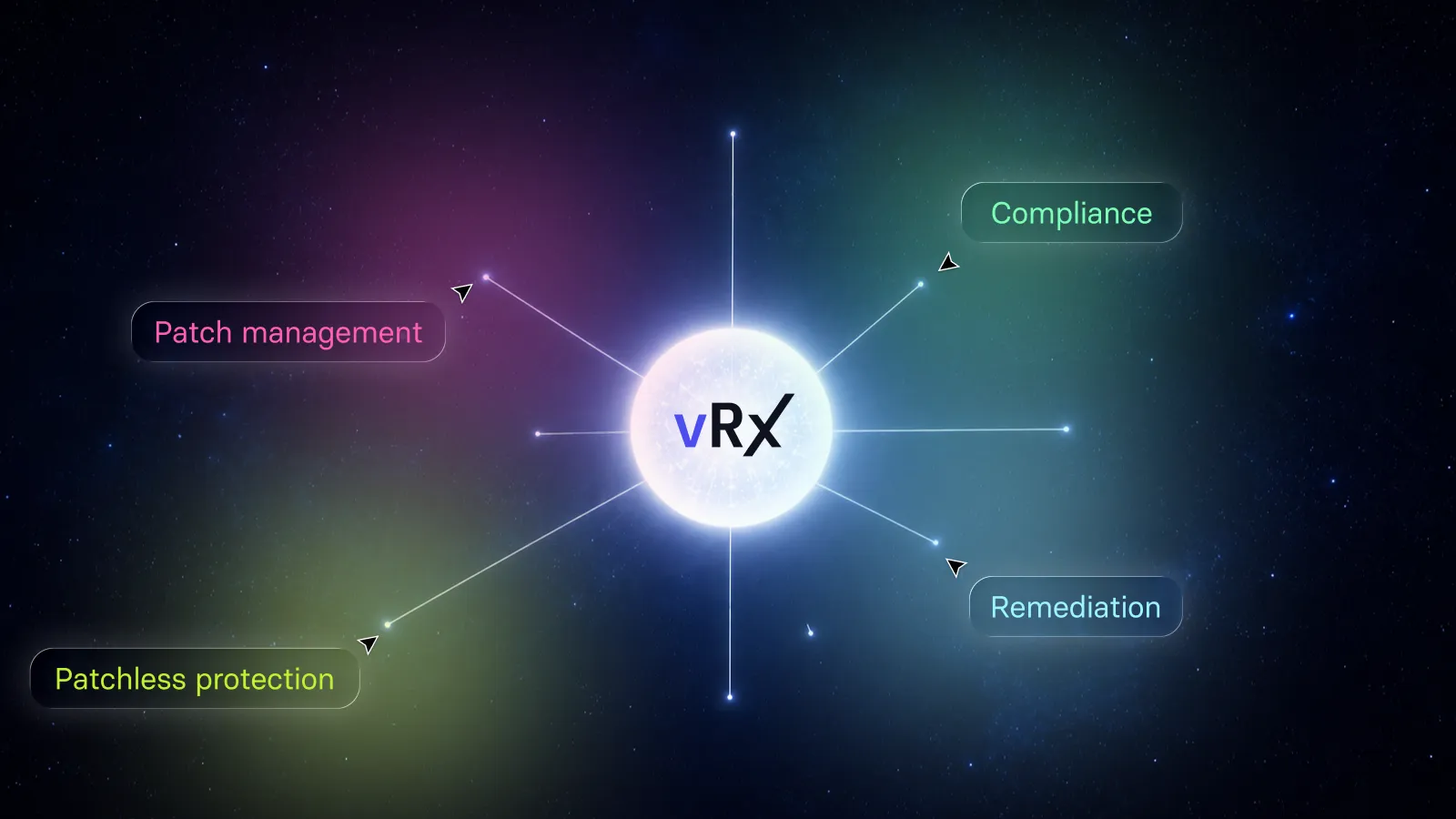
- Remediate: patch or reconfigure, or apply a compensating control such as patchless protection where patching isn't possible.
- Verify and track: rescan to confirm the fix, then track trends such as mean time to remediate.
What are the types of vulnerability scans?
Scans are usually described by where they run from, how much access they have, how they collect data, and what they target.
Comparing scanning tools? See Qualys vs Tenable and the top Tenable alternatives.
Vulnerability scanning vs. penetration testing vs. vulnerability assessment
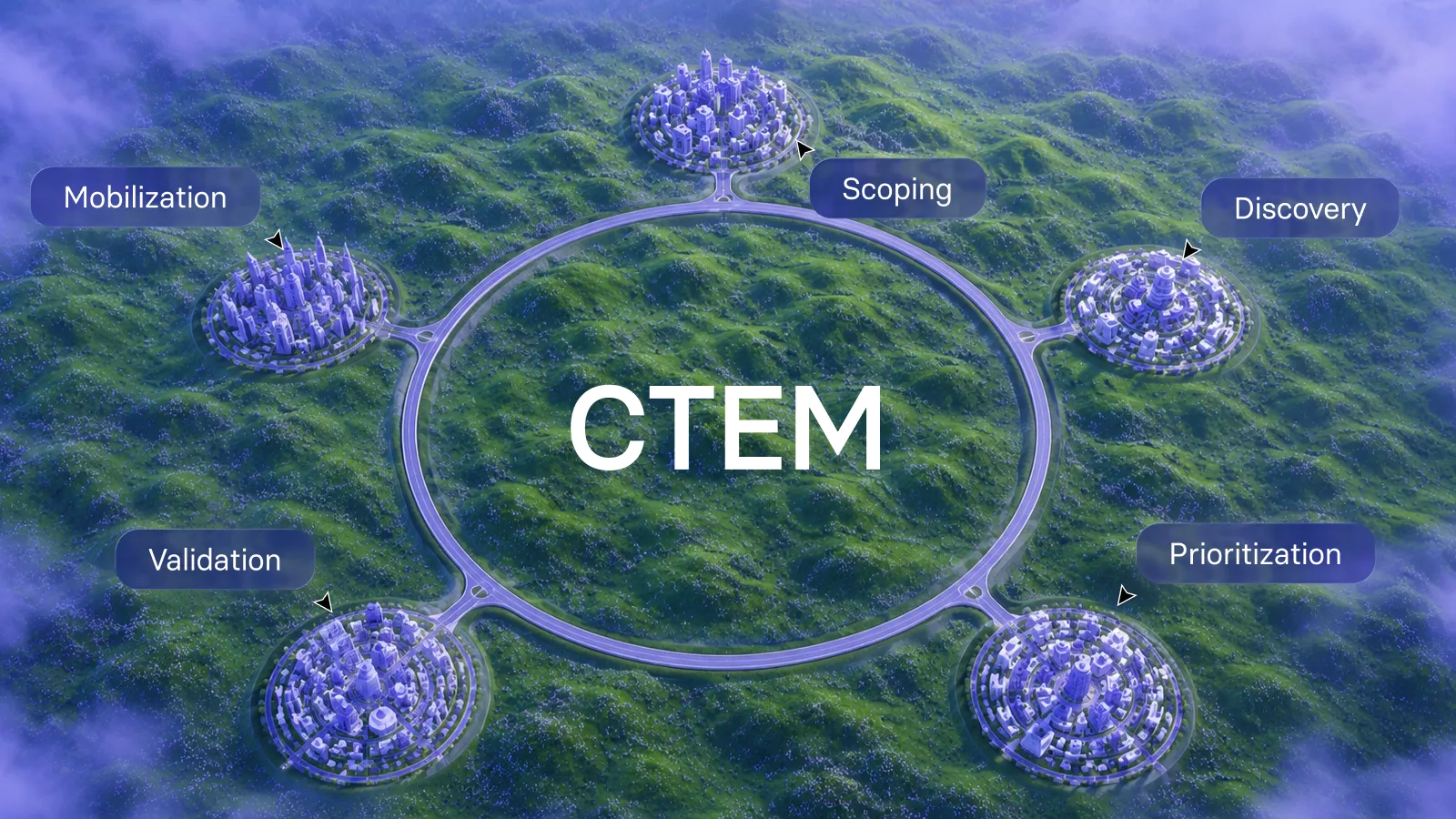
Scanning and penetration testing work together. Regular scanning keeps hygiene under control, and periodic pen tests show how an attacker could combine weaknesses. To go beyond CVEs, see continuous threat exposure management (CTEM).
What are the challenges with traditional vulnerability scanners?
Traditional scanners were built to run a periodic sweep and produce a long report. In today's environments, with cloud, remote devices, thousands of assets and attackers who move in days, that model leaves gaps. These are the most common, and how to fix each one.
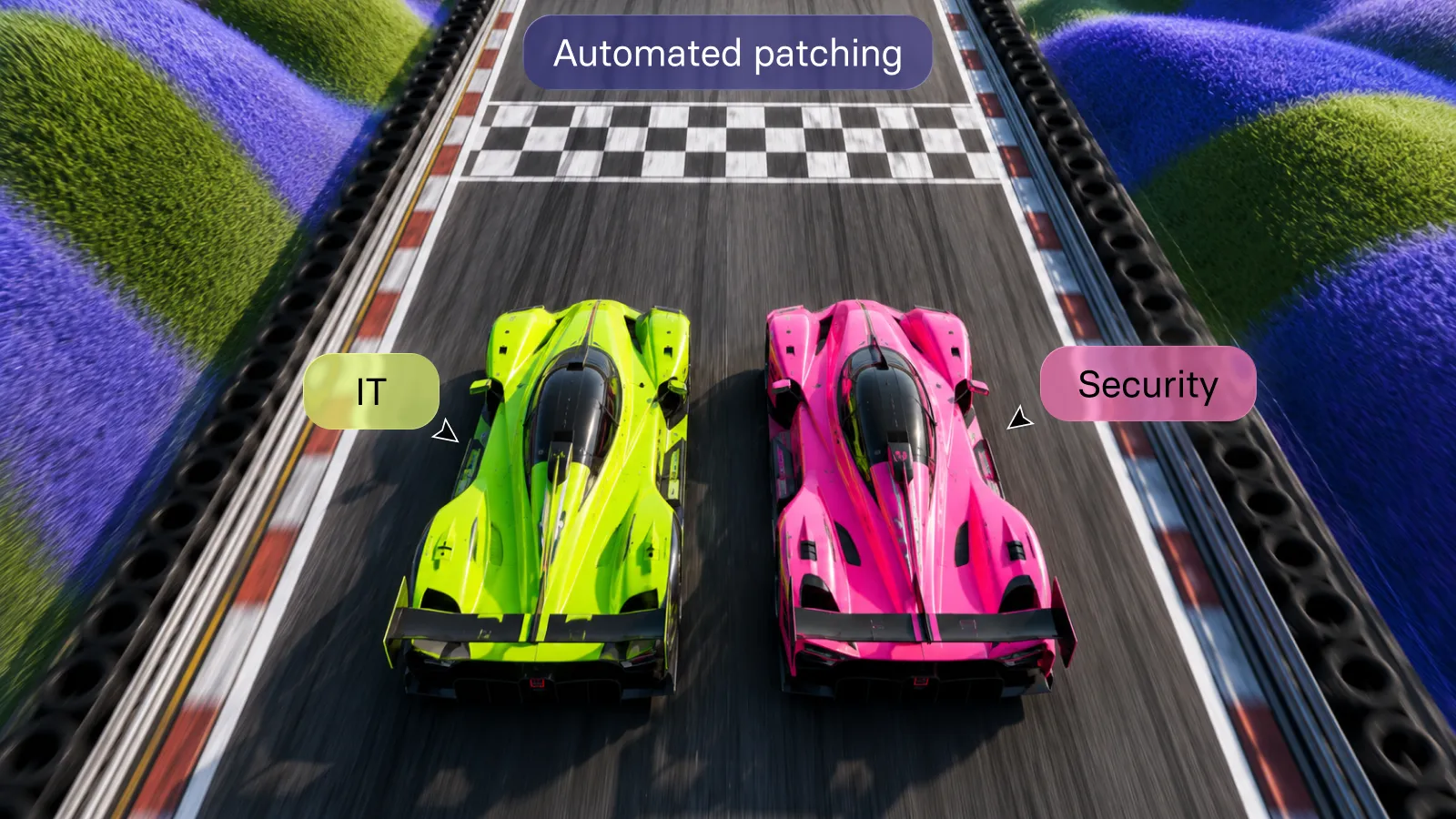
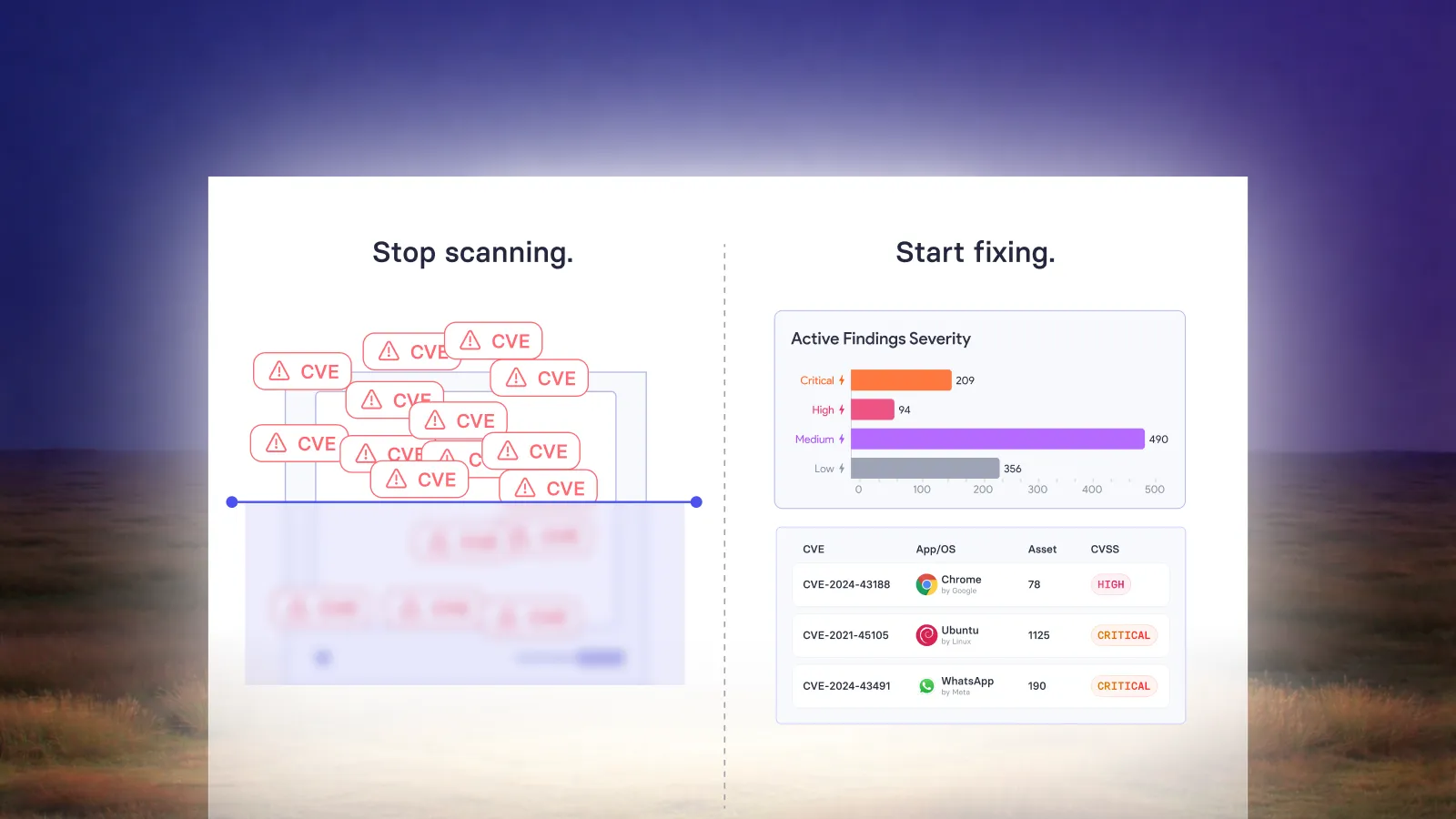
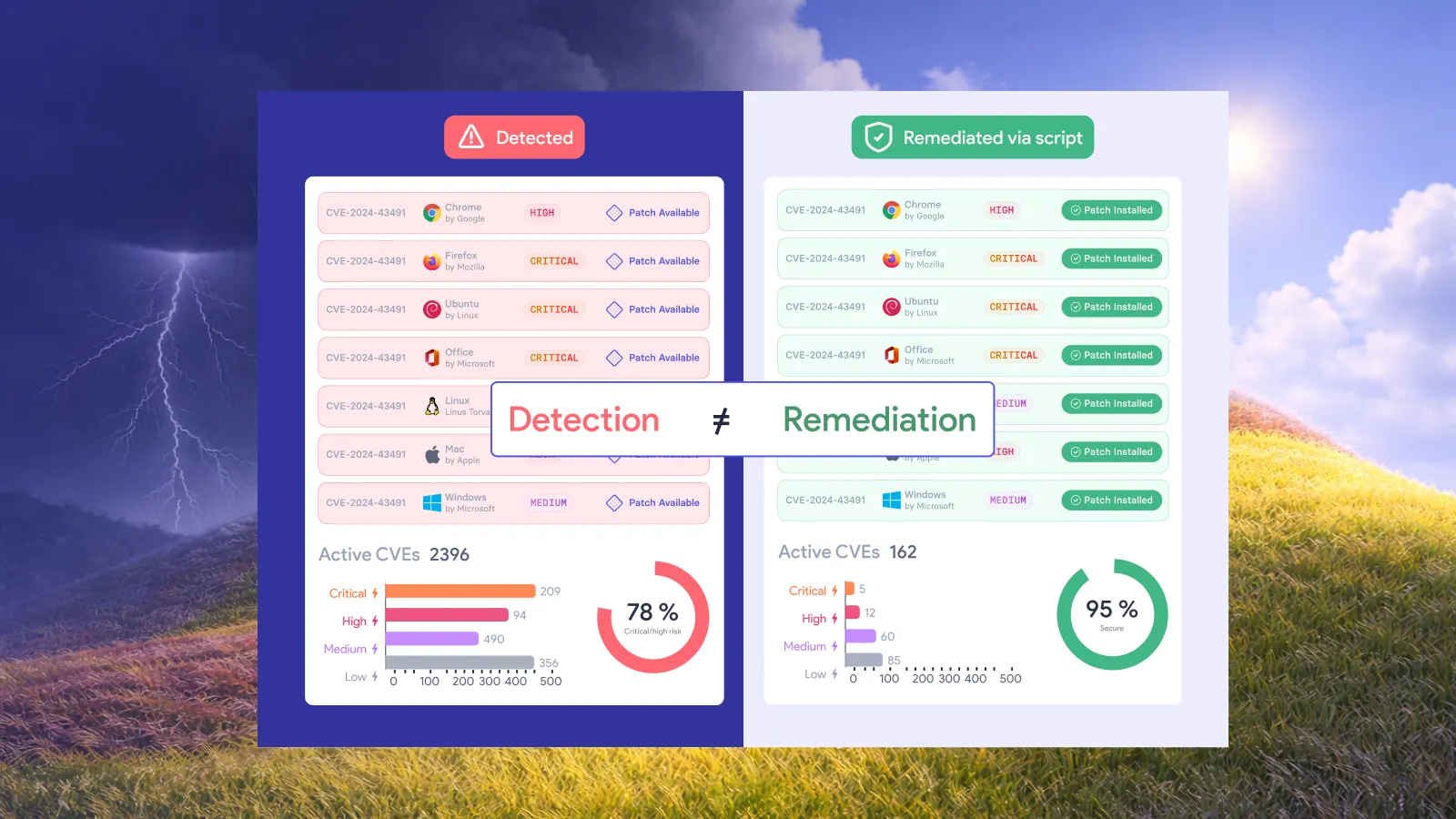
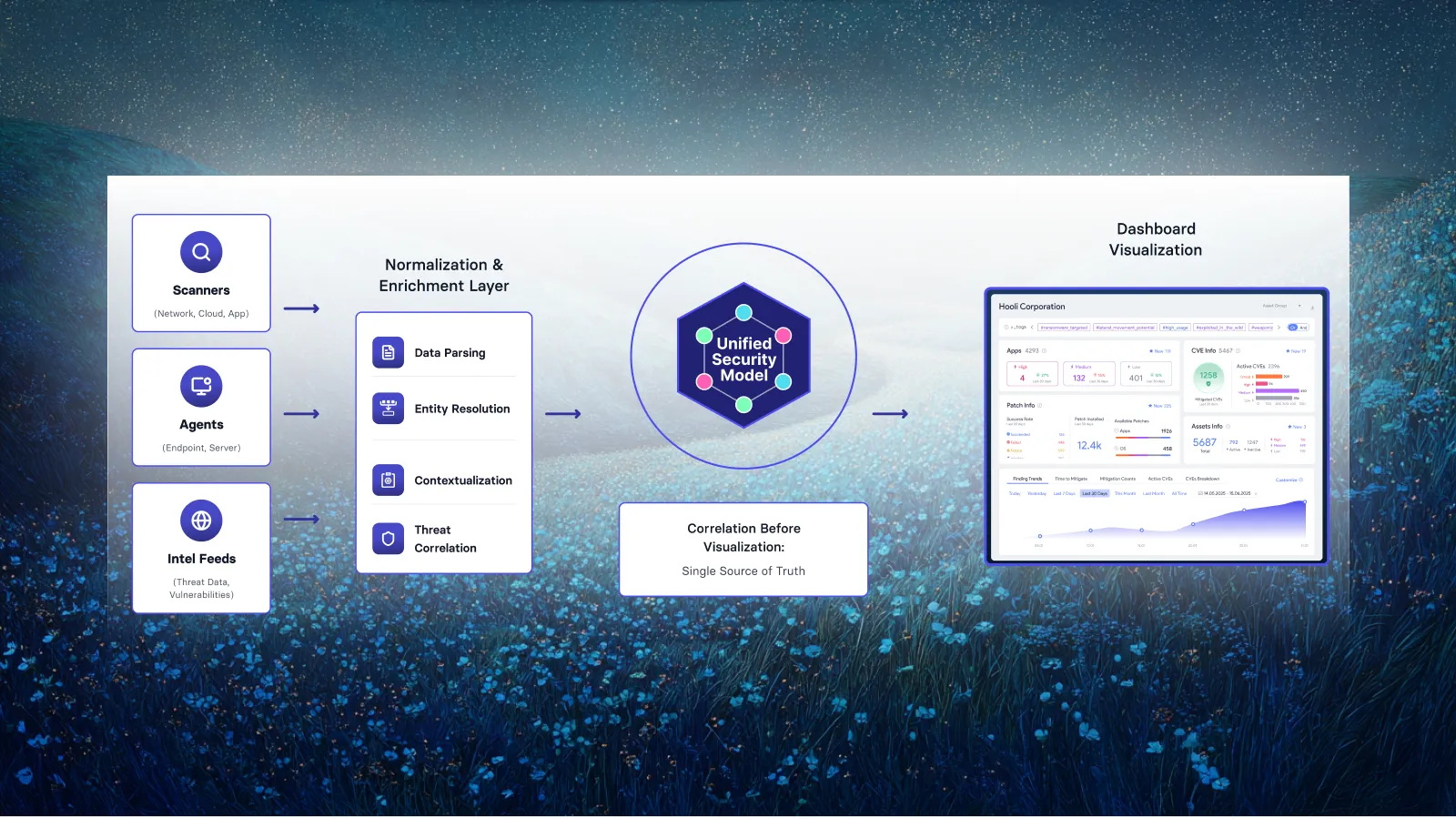
The common thread: scanning tells you what's wrong, but the risk only goes down when fixes are deployed and verified. That's why many teams now pair scanning with automated vulnerability remediation, rather than treating the scan report as the finish line.
Vulnerability scanning best practices
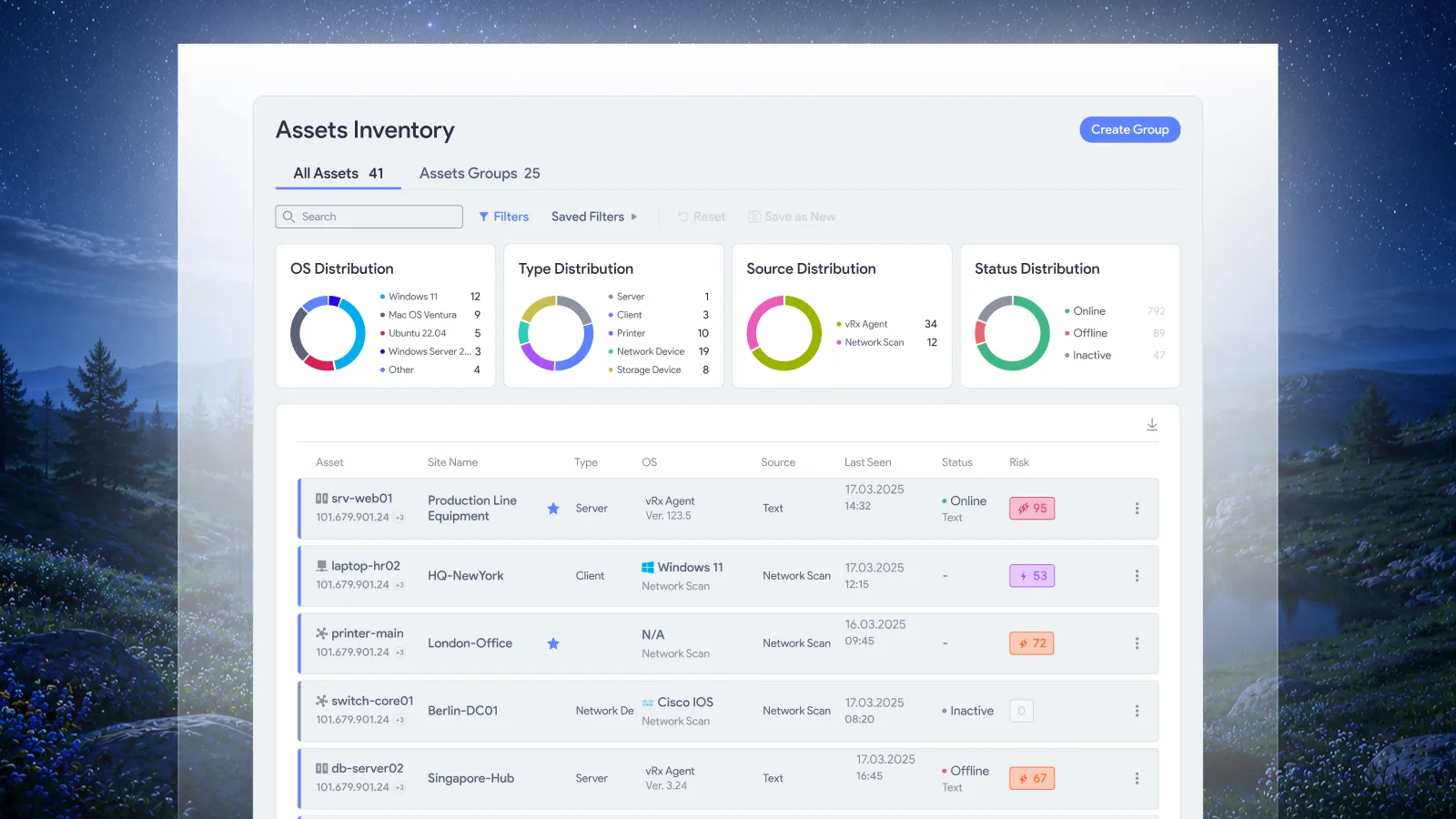
- Make asset inventory your starting point. You can't scan what you don't know about. Sync with cloud providers, hypervisors, EDR/MDM and network discovery to keep scope current.
- Use credentialed scans wherever you can. They give more accurate patch and configuration results and fewer false positives. Use least-privilege accounts stored in a vault.
- Scan continuously, not just quarterly. Quarterly external scans may satisfy PCI DSS, but continuous internal and external scanning shrinks the window attackers have.
- Prioritize with several signals. Combine CVSS v4.0 severity, EPSS likelihood, CISA KEV status, and asset criticality and internet exposure.
- Keep testing independent. The person who runs and reviews scans should be qualified and separate from the person fixing the findings, as PCI DSS expects.
- Rescan after significant changes, not just on schedule. Examples:
- moving sensitive data to a new server
- adding new systems or server components
- changing firewall rules
- modifying interfaces or network structure
- adding or removing encryption or security applications
- Tie scanning to patching. Follow NIST SP 800-40 to plan, test, deploy and verify patches, and always rescan to confirm closure. For the full process, see what is patch management.
- Be careful with cloud and OT. Use cloud-native and passive techniques where active scans could disrupt services or devices.
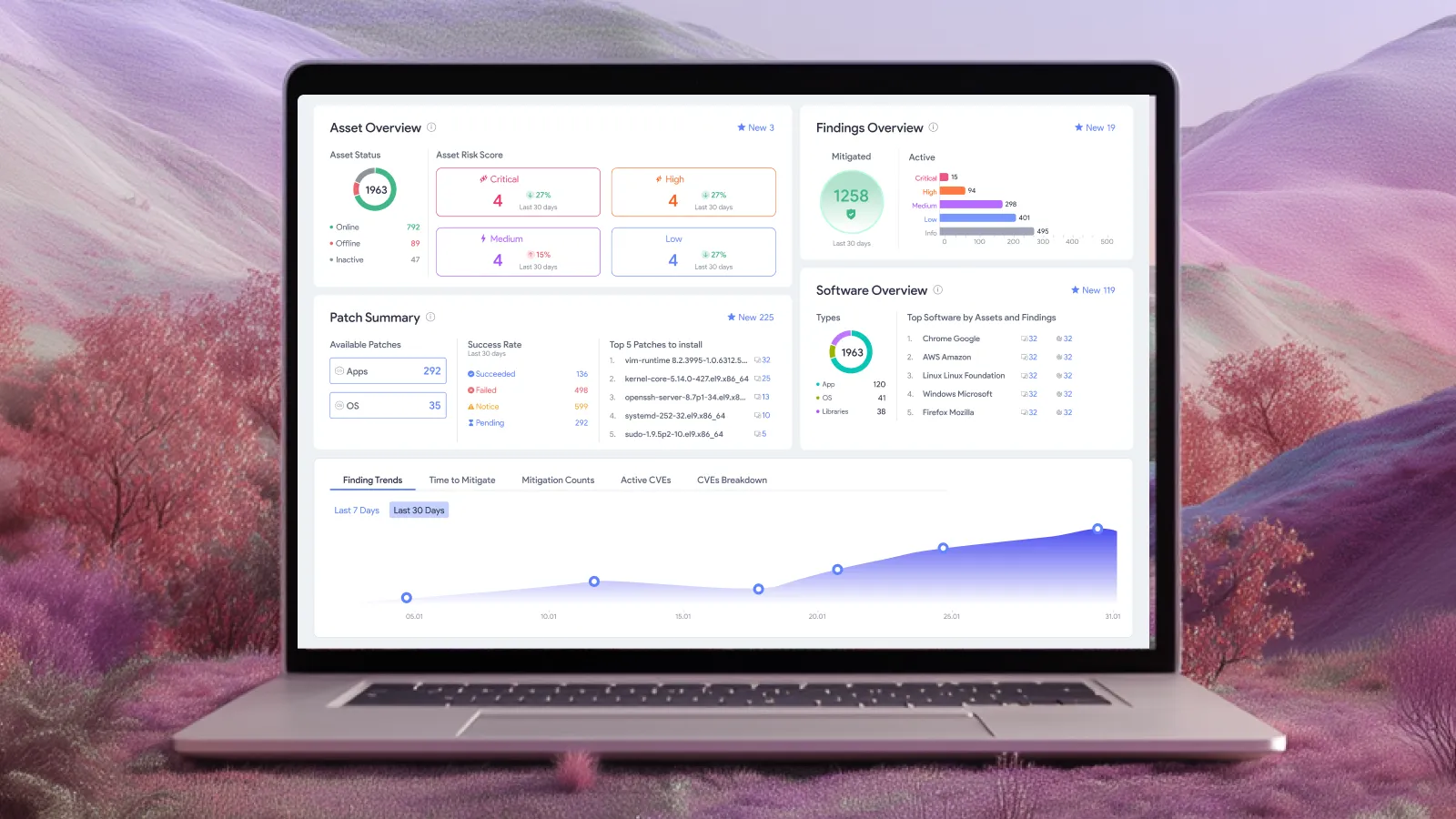
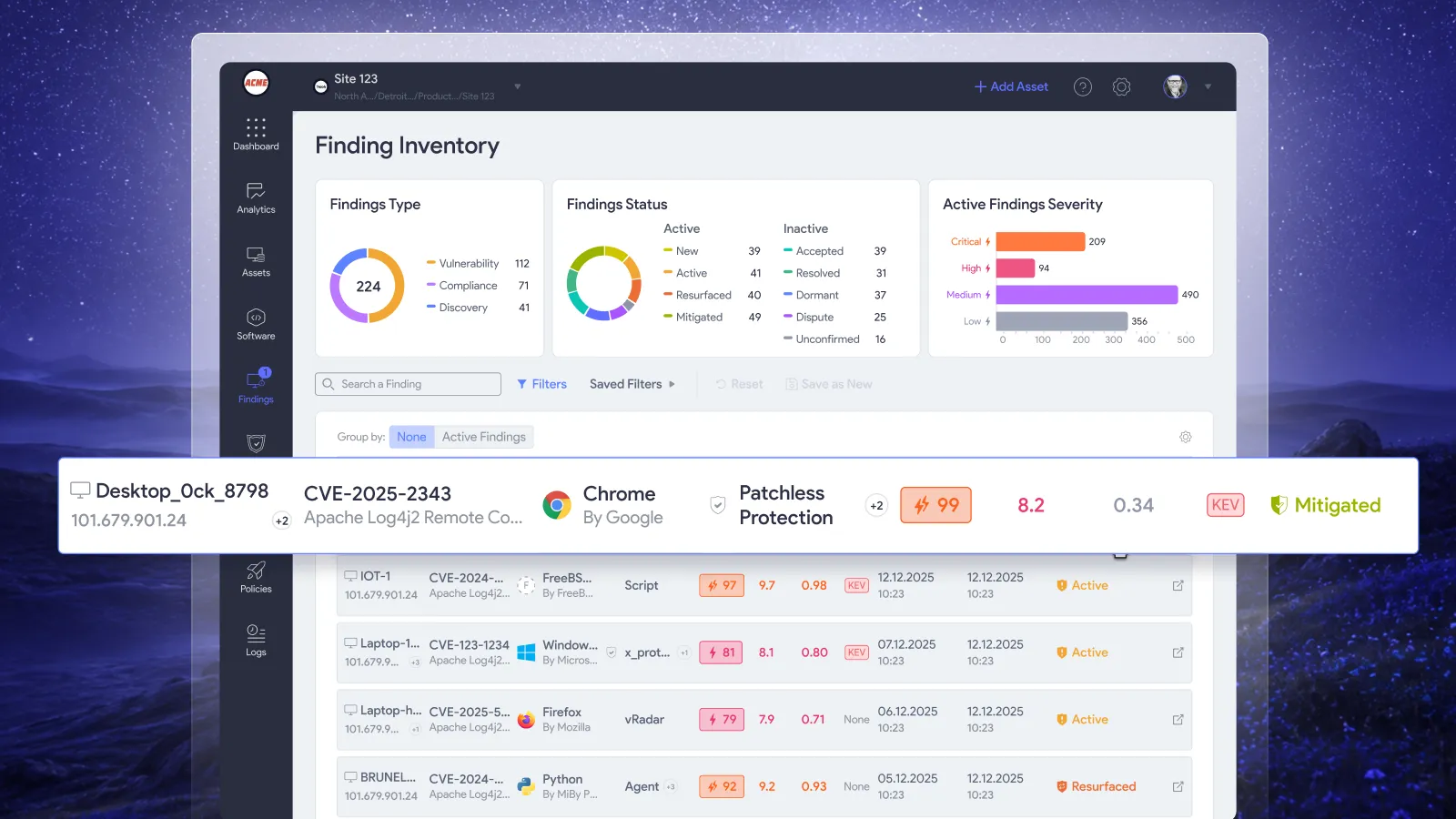
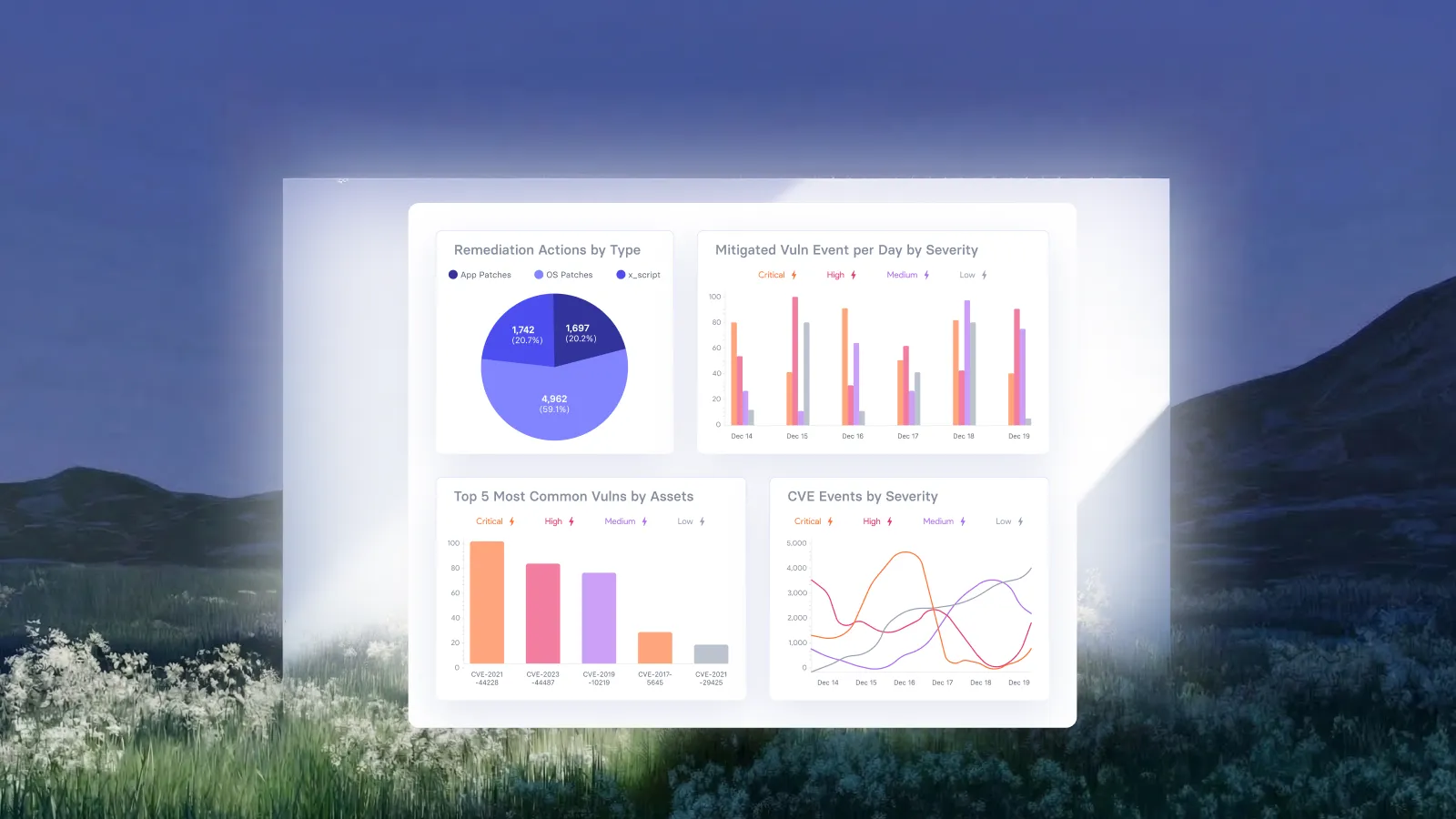
- Report what matters. Track open vulnerabilities by risk, mean time to remediate, SLA breaches and KEV items over time, not just raw counts. Live risk and remediation dashboards make these trends visible without manual exports.
- Automate the handoff. Create tickets or remediation jobs automatically, and integrate with your ITSM and deployment tools so fixes don't stall. An autonomous remediation platform takes this further by applying approved fixes on its own.
How often should you run vulnerability scans?
From scanning to fixing
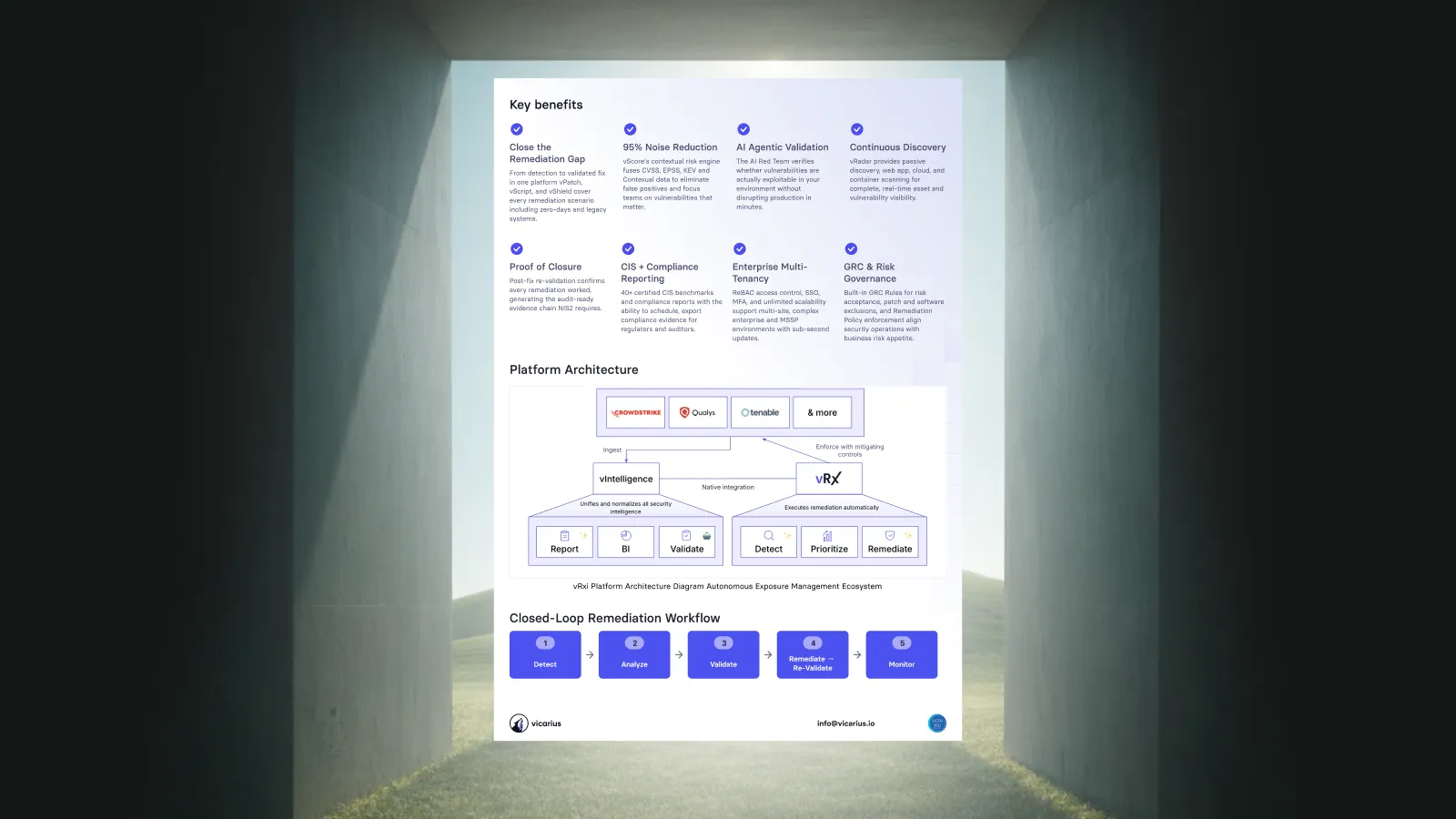
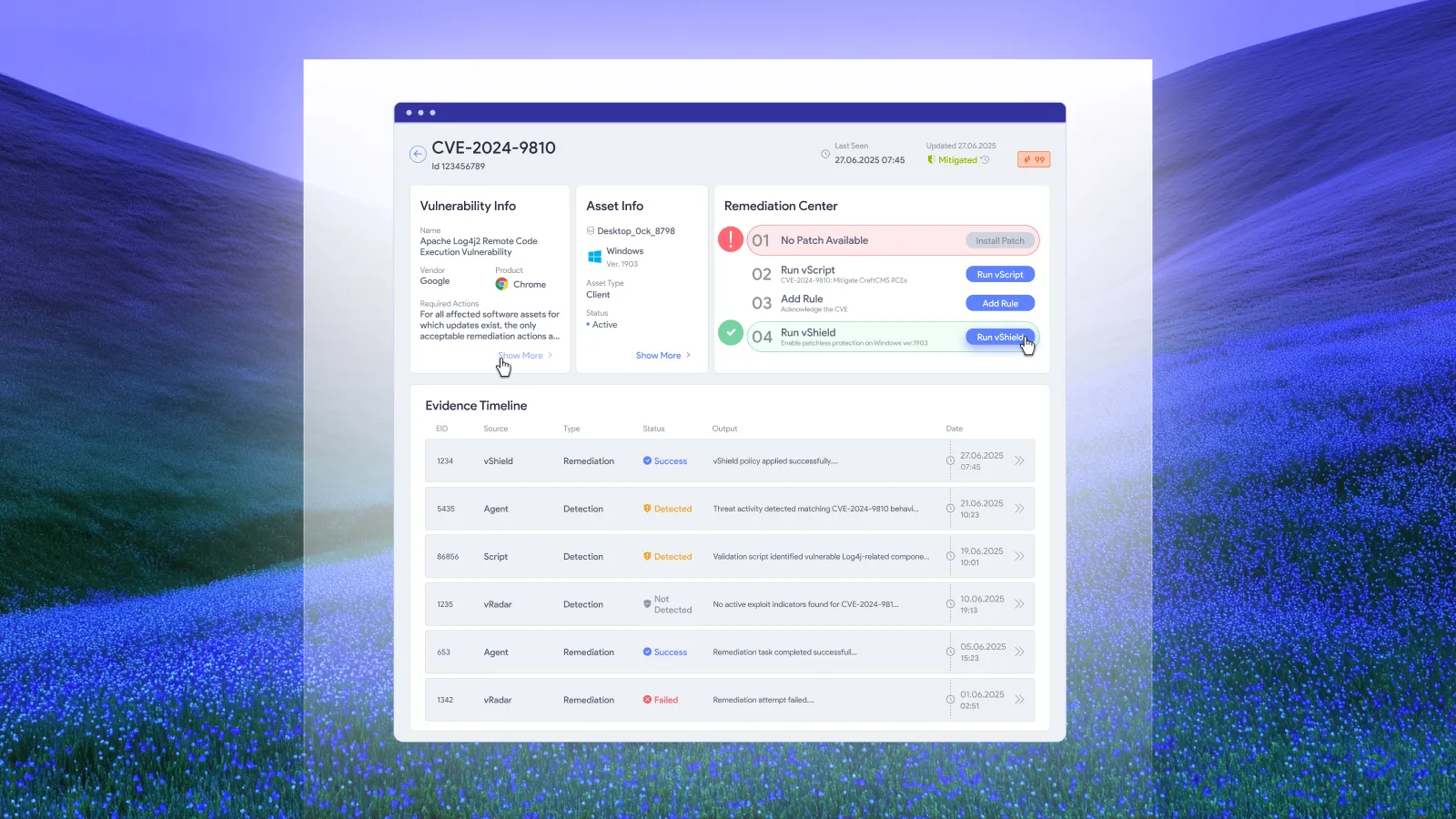
Scanning only reduces risk when the findings get fixed. Vicarius vRx is a SaaS platform that closes that loop:
- Find: a lightweight agent continuously assesses Windows, macOS and Linux for vulnerabilities. vRadar, the agentless scanner, covers network assets and scans web applications for the OWASP Top 10.
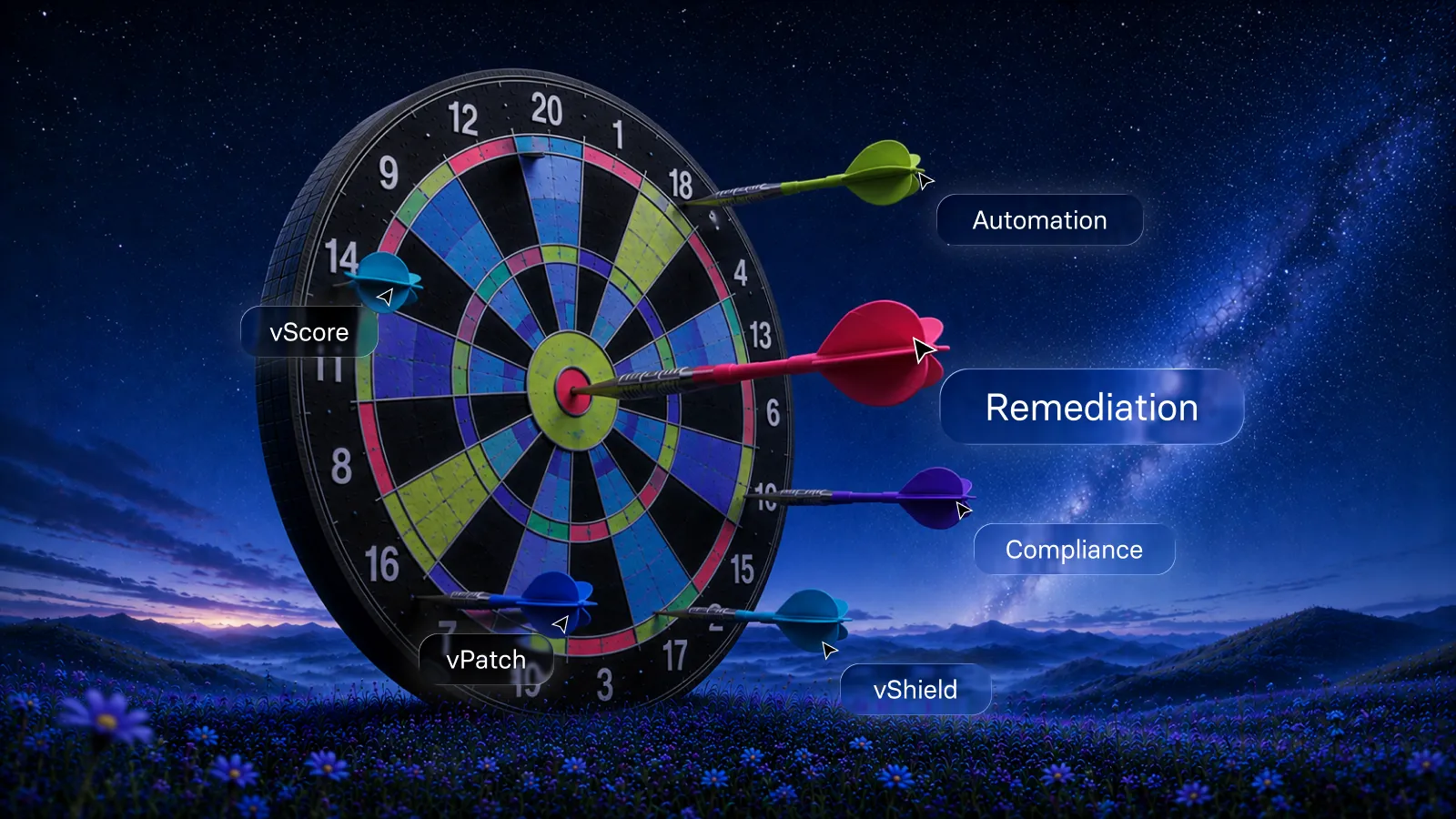
- Prioritize: vScore ranks vulnerabilities by real-world exploitability, not just CVSS.
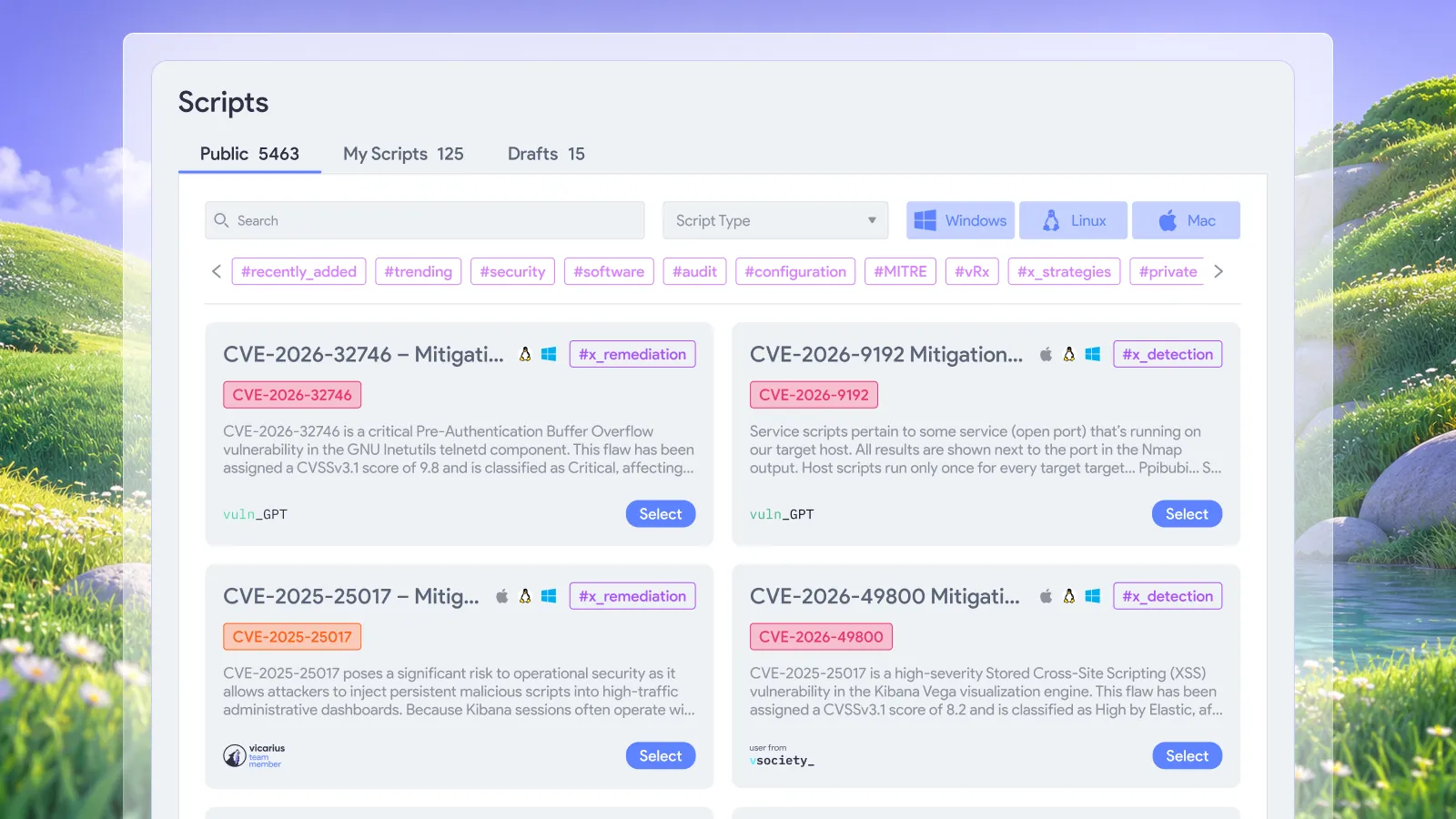
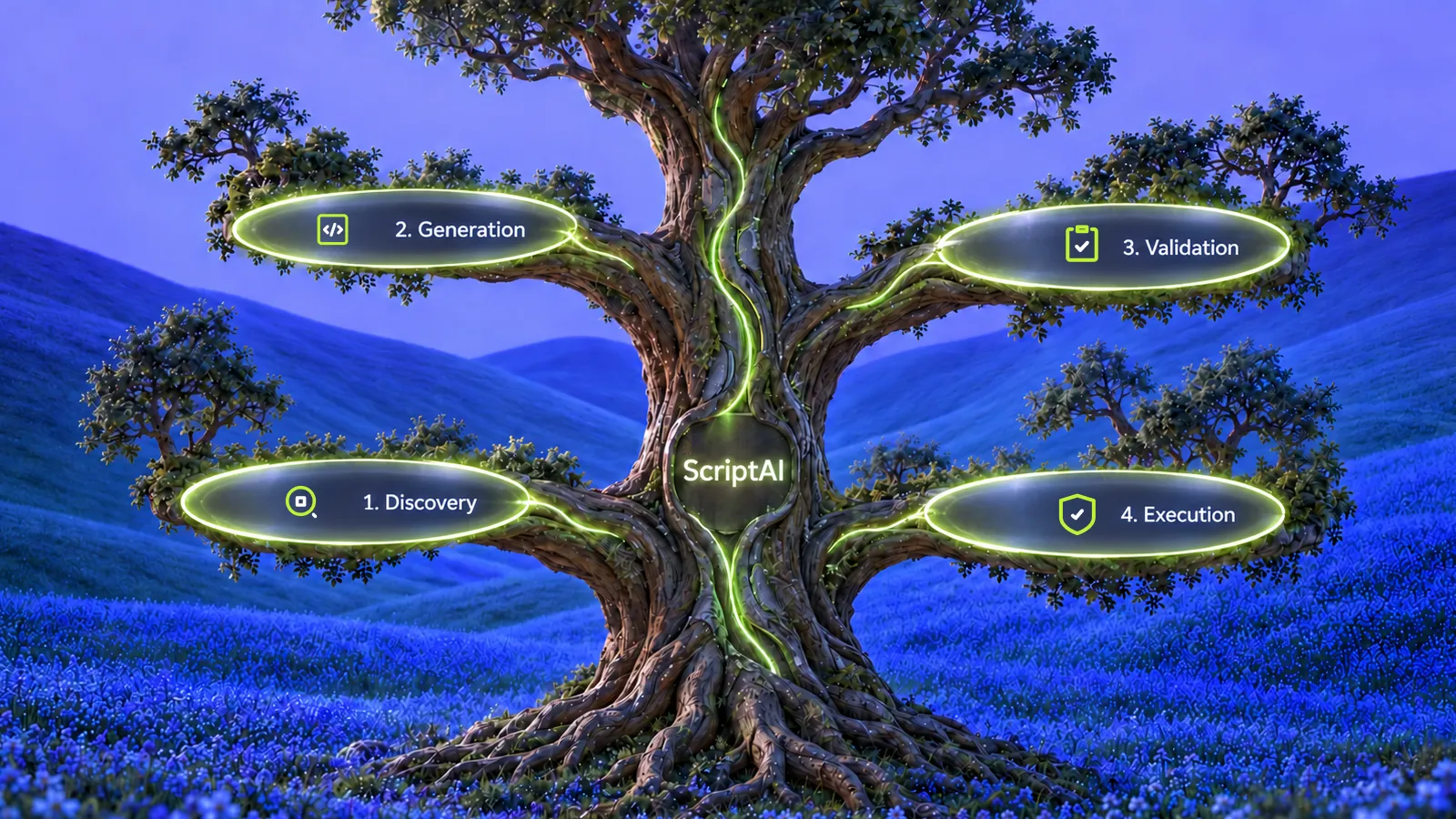
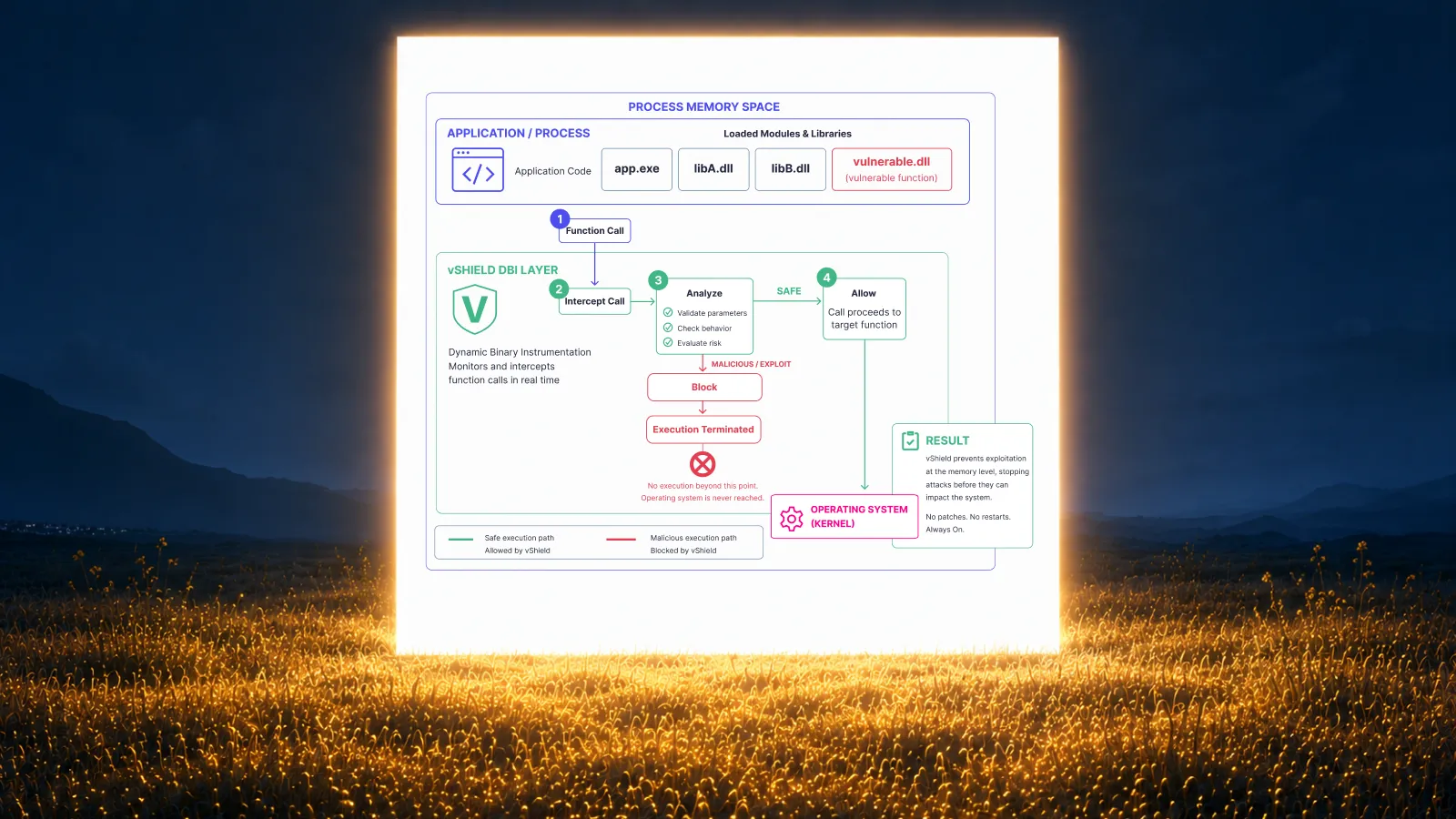
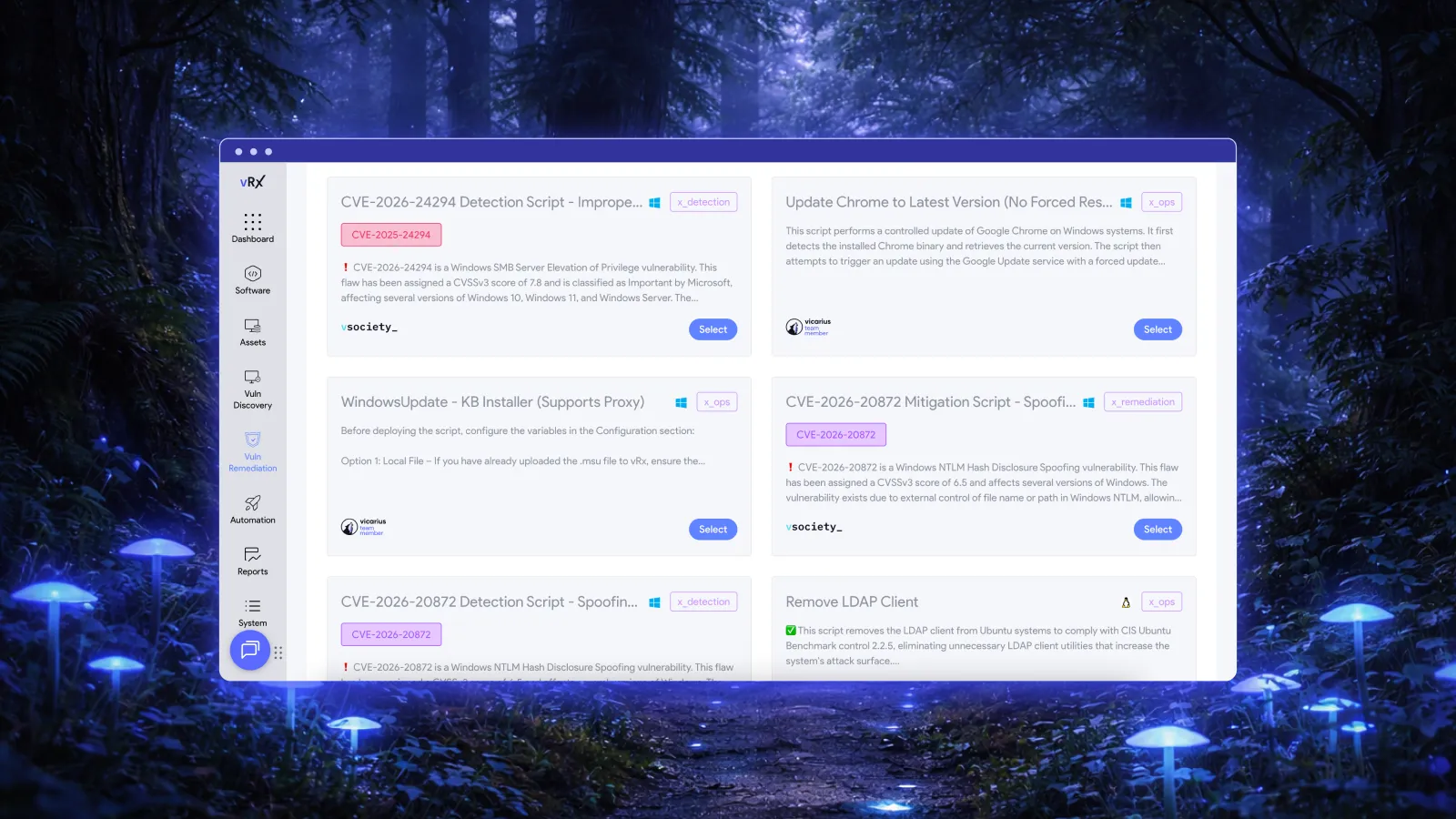
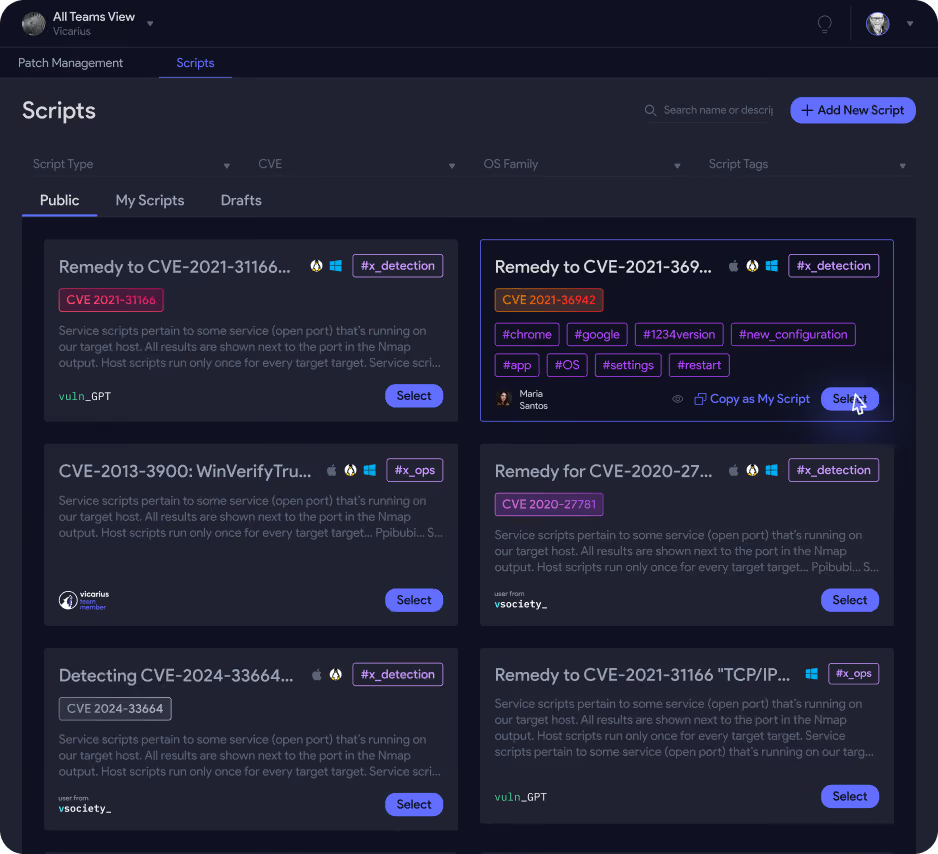
- Fix: patching for OS and 20,000+ third-party apps, scripted fixes with vScript and ScriptAI, and vShield patchless protection for software that can't be patched.
See how automated vulnerability remediation works with vRx, read what is vulnerability remediation, or request a demo.
Frequently asked questions
What is a vulnerability scan?
A vulnerability scan is an automated check of computers, networks and applications for known security weaknesses, such as missing patches, misconfigurations and outdated software. It produces a report that ranks each finding by risk so your team can fix the most important ones first.
How often should you run vulnerability scans?
Run external scans at least quarterly and after significant changes, which PCI DSS requires. Scan internal systems weekly to monthly, or continuously with agents, and scan critical servers daily. Rescan after every fix to confirm it worked.
What is the difference between credentialed and uncredentialed scans?
Credentialed (authenticated) scans log in to systems to read patch levels and settings directly, so they're more accurate and produce fewer false positives. Uncredentialed scans only see what's visible over the network. They're faster, and show what an outside attacker would see.
Do vulnerability scans break production systems?
Rarely. Modern scanners use safe checks and throttling. For fragile OT and IoT devices, use passive discovery and maintenance windows, and start with low-impact scan profiles.
How do vulnerability scanners know about vulnerabilities?
They compare the software, versions and settings they find with CVE records in the National Vulnerability Database and vendor advisories, then run checks for each known issue.
What is network vulnerability scanning?
Network vulnerability scanning examines devices and services reachable over the network, such as servers, workstations, routers, firewalls and printers. It looks for open ports, vulnerable services, missing patches and weak configurations. It can run from outside the network (external) or inside it (internal).
What are vulnerability scanning services, or vulnerability scanning as a service?
They're providers or cloud platforms that run vulnerability scans for you and deliver the results, often with prioritization and remediation guidance. They range from PCI ASV external scans to fully managed programs run by MSPs and MSSPs. Providers can also offer remediation as a service. See vulnerability remediation for MSPs.
What's the difference between a vulnerability scan and a penetration test?
A vulnerability scan is automated and finds known weaknesses without exploiting them. A penetration test is performed by a skilled tester who exploits and chains weaknesses to show real impact. Use scans continuously and pen tests periodically.
How should you prioritize thousands of scan findings?
Combine CVSS v4.0 severity, EPSS exploit likelihood, CISA KEV status, and business context such as asset criticality and internet exposure. This filters out noise and puts actively exploited, high-impact vulnerabilities first.
Sources
- NIST: SP 800-53 Rev. 5, Security and Privacy Controls (control RA-5, Vulnerability Monitoring and Scanning)
- NIST: SP 800-40 Rev. 4, Guide to Enterprise Patch Management Planning
- NIST: National Vulnerability Database (NVD)
- CVE Program: cve.org
- CISA: Known Exploited Vulnerabilities Catalog
- FIRST: Common Vulnerability Scoring System v4.0
- FIRST: Exploit Prediction Scoring System (EPSS)
- Center for Internet Security: CIS Critical Security Controls v8.1
- PCI Security Standards Council: PCI DSS v4.0.1 document library
- OWASP: OWASP Top 10
Related resources:
Vicarius vulnerability management