

Your organization runs on third-party applications. Chrome keeps your team connected to the web. Adobe powers your documents. Zoom runs your meetings. But every one of these applications introduces vulnerabilities that attackers actively target. Third-party patch management is the process of keeping these applications updated and secure across your entire endpoint estate.
This guide walks you through everything you need to know about third-party patching in 2026. You'll learn how to build risk-based prioritization workflows, automate remediation for hard-to-patch software, and address the unique challenges of enterprise applications like Chrome, Adobe, and Zoom. Vicarius vRx delivers a unified platform that combines automated patching, patchless protection, and script-based remediation so every vulnerability has a fix path.
Key Takeaways: Third-party patch management
- Third-party applications like Chrome, Adobe, and Zoom are frequent attack vectors and require dedicated patch management strategies separate from OS updates.
- Risk-based prioritization using exploitability data and real-world threat intelligence reduces patch backlogs more effectively than CVSS scores alone.
- Vicarius vRx covers over 10,000 third-party applications and automates remediation workflows to cut patching time by up to 80%.
- Patchless protection shields vulnerable applications at the memory level when no patch exists, closing exposure windows for zero-days and end-of-life software.
- Automated remediation workflows reduce mean time to remediate vulnerabilities by 60-70% while maintaining audit-ready compliance evidence.
What Is third-party patch management?
Third-party patch management refers to the process of identifying, testing, deploying, and validating updates for software applications not published by your operating system vendor. This includes browsers like Chrome and Firefox, productivity tools like Adobe Acrobat and Microsoft Office, communication platforms like Zoom and Slack, and hundreds of specialized business applications.
Operating system vendors release patches on predictable schedules. Microsoft ships updates on Patch Tuesday. Apple releases macOS updates monthly. But third-party vendors operate on their own timelines, often pushing critical security fixes without advance notice.
Your IT and security teams must track dozens of vendors, each with different release cycles, notification methods, and installation requirements. Missing a critical update leaves your endpoints exposed to exploitation. According to CISA's Known Exploited Vulnerabilities catalog, attackers actively target unpatched third-party applications because they know organizations struggle to keep up.
Why third-party applications are prime attack targets
Attackers focus on third-party applications for three reasons. First, these applications have broad deployment across organizations of all sizes. A vulnerability in Chrome affects billions of endpoints worldwide. Second, third-party patching often lags behind OS patching because organizations lack centralized visibility. Third, many third-party applications run with elevated privileges or handle sensitive data, making them high-value targets.
Browser vulnerabilities are particularly dangerous because browsers execute code from the internet. A zero-day in Chrome can lead to remote code execution before your team knows an update exists. Document readers like Adobe Acrobat process untrusted files, creating opportunities for attackers to embed malicious payloads. Communication tools like Zoom handle audio and video streams, and vulnerabilities in these applications can expose meeting content or enable surveillance.
Your third-party application portfolio creates an expanded attack surface that requires dedicated attention. The Vicarius vRx platform addresses this challenge by combining vulnerability discovery with automated remediation across your entire third-party software estate.
How risk-based patch prioritization works
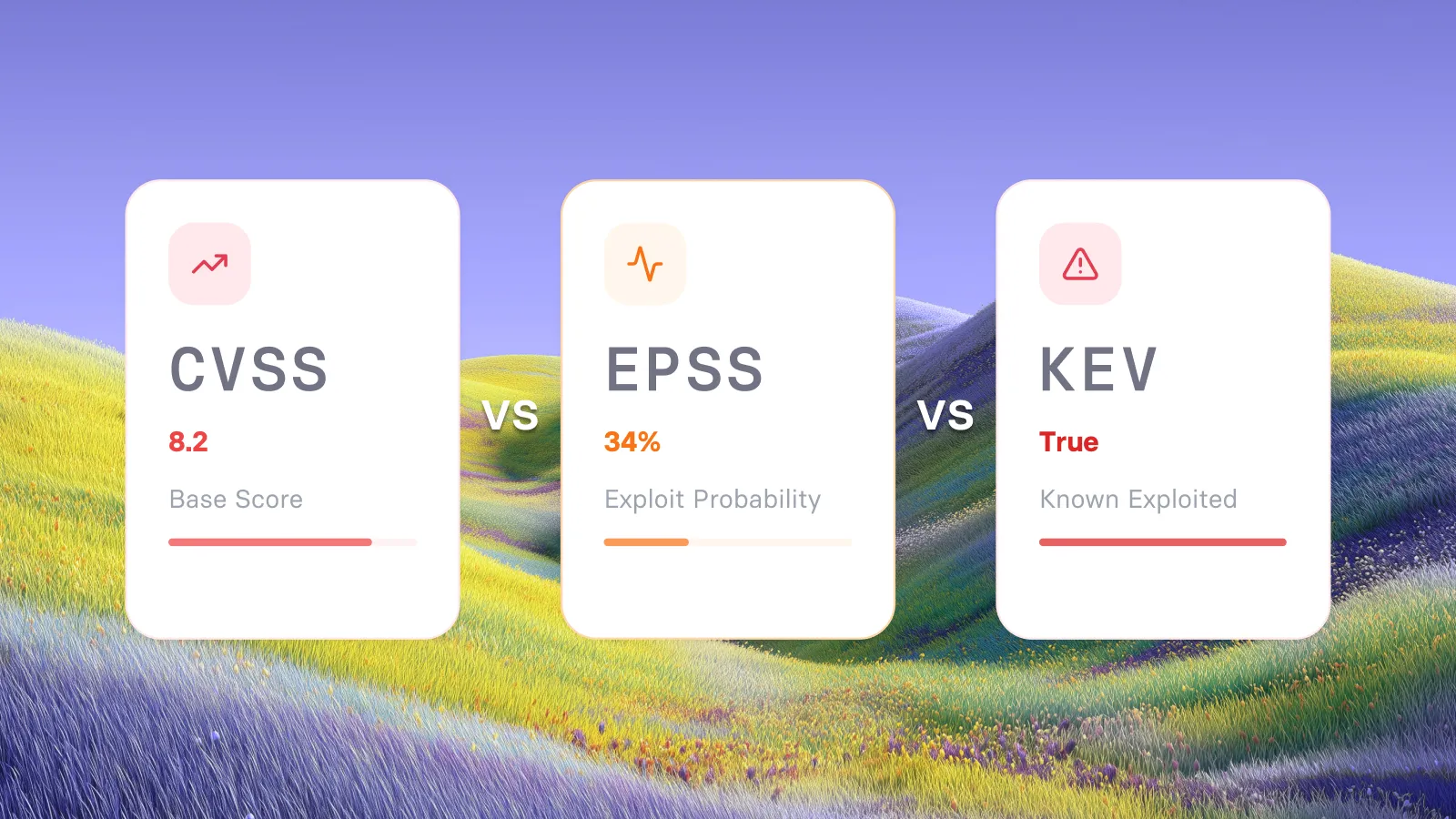
Risk-based patch prioritization evaluates vulnerabilities based on real-world exploitability rather than relying solely on CVSS severity scores. A vulnerability with a CVSS score of 7.5 that is being actively exploited in the wild presents more immediate risk than a vulnerability with a CVSS score of 9.0 that has no known exploitation.
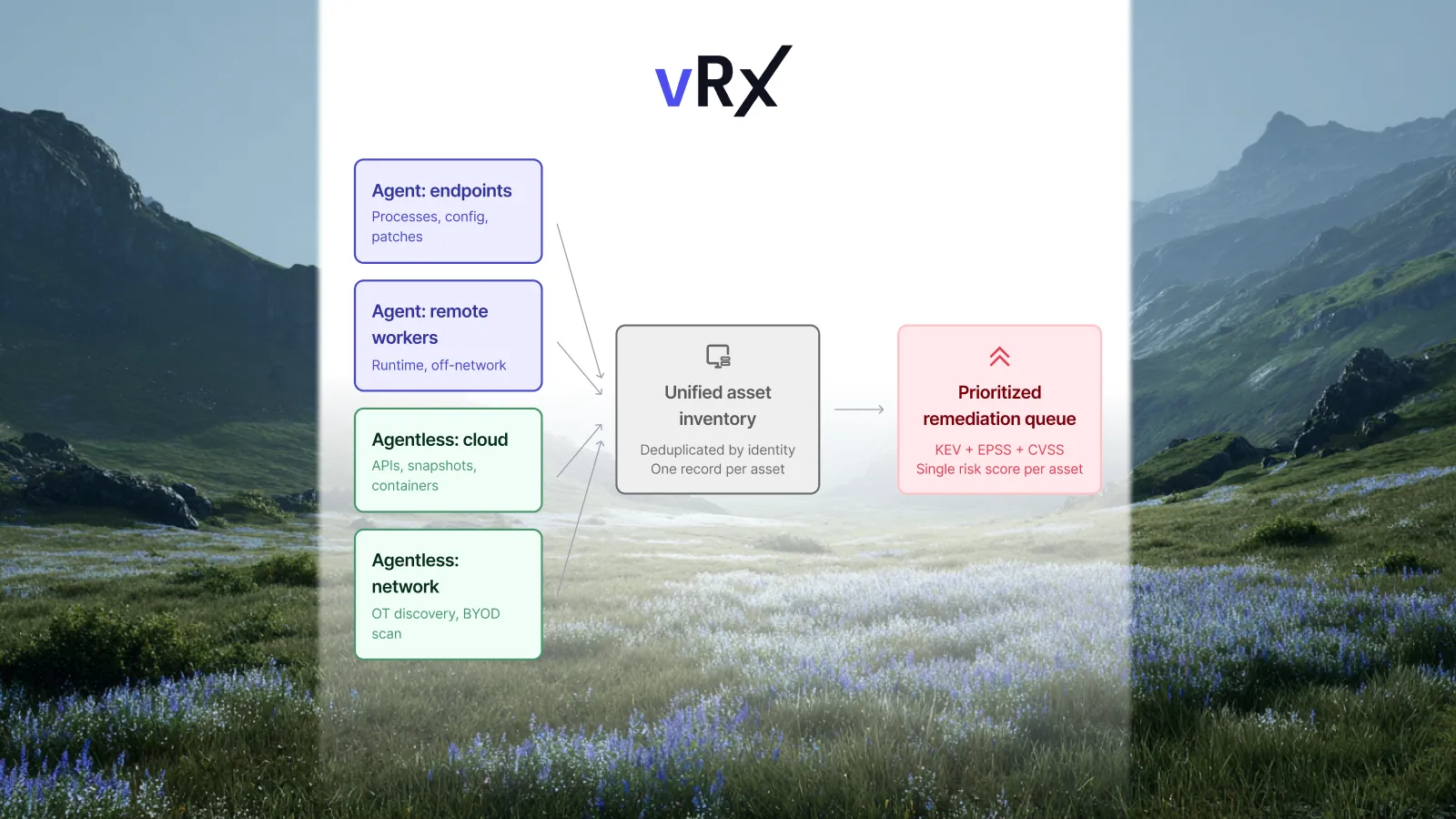
Effective risk-based prioritization incorporates multiple data sources. The CISA Known Exploited Vulnerabilities (KEV) catalog identifies vulnerabilities with confirmed active exploitation. The Exploit Prediction Scoring System (EPSS) calculates the probability that a vulnerability will be exploited in the next 30 days. Your own asset inventory determines which vulnerabilities exist on critical systems versus test environments.
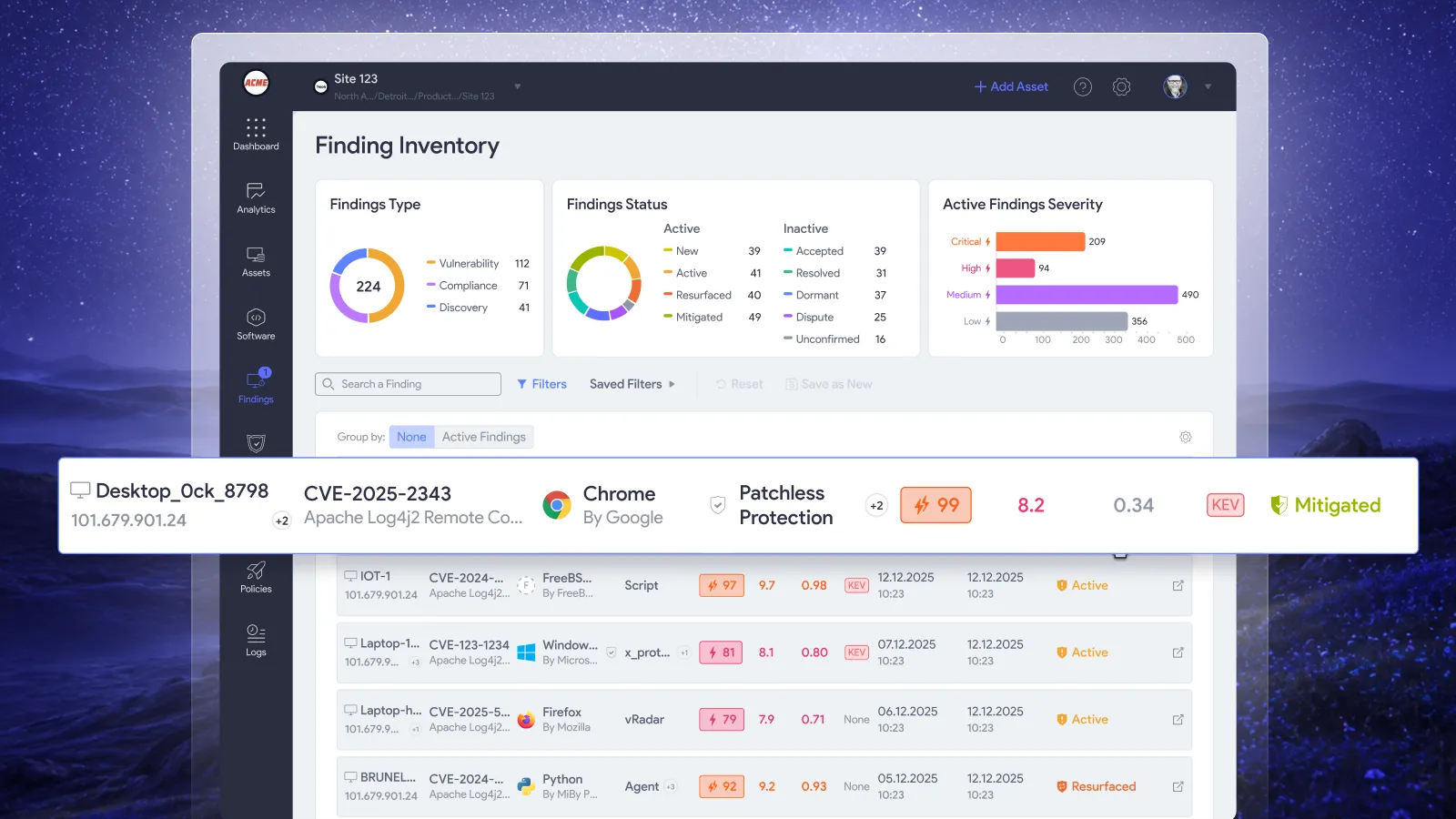
Vicarius vRx uses vScore to rank patches based on exploitability, asset criticality, weaponization status, and business context. This approach ensures your team addresses the vulnerabilities that pose the highest risk first, regardless of when the patch was released or what the generic severity score indicates.
CVSS scores are not enough
CVSS scores measure the technical characteristics of a vulnerability. They describe how a vulnerability can be exploited, what access an attacker needs, and what impact successful exploitation would have. But CVSS scores do not account for whether a vulnerability is being exploited in the wild.
Two vulnerabilities with identical CVSS scores may have vastly different risk profiles. One may have a publicly available exploit kit being used by ransomware groups. The other may require highly specialized conditions that make exploitation unlikely. Relying on CVSS alone leads to wasted effort on low-risk vulnerabilities while high-risk issues remain unpatched.
Building a risk-based workflow
Your risk-based workflow should evaluate each vulnerability against three criteria. First, is it being exploited in the wild? Check the KEV catalog and threat intelligence feeds. Second, what is the EPSS score? A higher probability of exploitation warrants faster action. Third, what assets are affected? Vulnerabilities on internet-facing systems or systems with access to sensitive data demand priority.
Document your prioritization criteria and apply them consistently. Your team should know exactly why one patch takes precedence over another. This clarity speeds decision-making and ensures compliance auditors can verify your methodology.
Automating third-party patching for chrome, adobe, and zoom
Chrome, Adobe products, and Zoom represent three of the most commonly deployed third-party applications in enterprise environments. Each presents unique patching challenges that automation addresses effectively.
Managing chrome updates across your enterprise
Google Chrome releases stable channel updates approximately every two to three weeks, with security fixes sometimes arriving more frequently. Chrome's auto-update mechanism works well for consumer devices, but enterprise environments require more control.
You need visibility into which Chrome versions exist across your fleet, the ability to test updates before broad deployment, and confirmation that updates installed successfully. Group Policy settings can manage Chrome updates in Windows environments, but mixed fleets with macOS and Linux endpoints require additional tooling.
Vicarius vRx provides a single console for Chrome patching across Windows, macOS, and Linux. You can create policies that automatically deploy Chrome updates based on your risk tolerance, test updates on pilot groups before organization-wide rollout, and generate reports showing patch compliance across all endpoints.
Adobe application patching challenges
Adobe's product portfolio spans multiple applications with different update schedules. Adobe Acrobat Reader receives regular security updates, but enterprises often deploy the full Acrobat product with different licensing and update mechanics. Adobe Creative Cloud applications update through their own mechanism, separate from Acrobat.
Adobe products frequently appear in vulnerability disclosures. PDF-based attacks remain popular because users routinely open documents from untrusted sources. A delay in patching Adobe Acrobat can expose your organization to drive-by exploits embedded in malicious PDFs.
Automation eliminates the need to track Adobe's various update channels separately. Vicarius vRx monitors Adobe application versions, identifies missing patches, and deploys updates according to your policies. The platform's application catalog covers the full range of Adobe products used in enterprise environments.
Keeping zoom secure
Zoom's rapid growth made it a target for security researchers and attackers alike. The platform has addressed numerous vulnerabilities since its explosion in adoption, releasing patches for issues ranging from privilege escalation to remote code execution.
Zoom updates frequently, sometimes multiple times per month. Each update may address security vulnerabilities, stability improvements, or new features. Your organization needs to distinguish between critical security updates and feature releases, prioritizing the former while scheduling the latter during convenient maintenance windows.
Automated patch management treats Zoom updates like any other third-party application. Scan for installed versions, compare against the latest available release, test in a controlled environment, then deploy across your fleet. This consistent approach ensures Zoom receives the same attention as your other business-critical applications.
What to do when no patch exists
Not every vulnerability has an immediate fix. Vendors need time to develop, test, and release patches. Zero-day vulnerabilities are exploited before the vendor knows they exist. End-of-life applications never receive patches because the vendor has discontinued support.
Your remediation strategy must account for these scenarios. Waiting for a patch while attackers exploit the vulnerability is not acceptable. You need alternative mitigation approaches that reduce risk until a permanent fix becomes available.
Patchless Protection for zero-days and EOL software
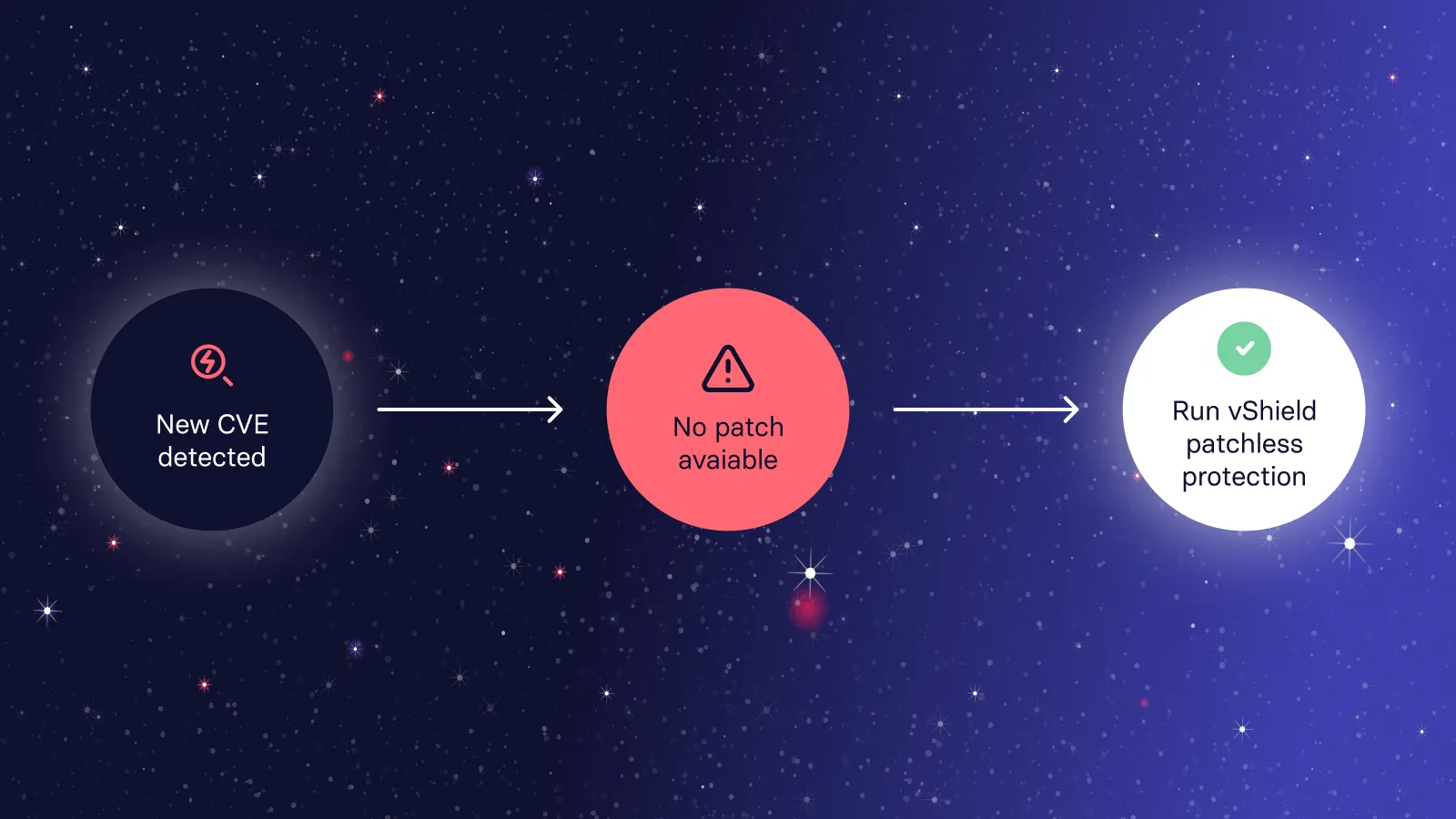
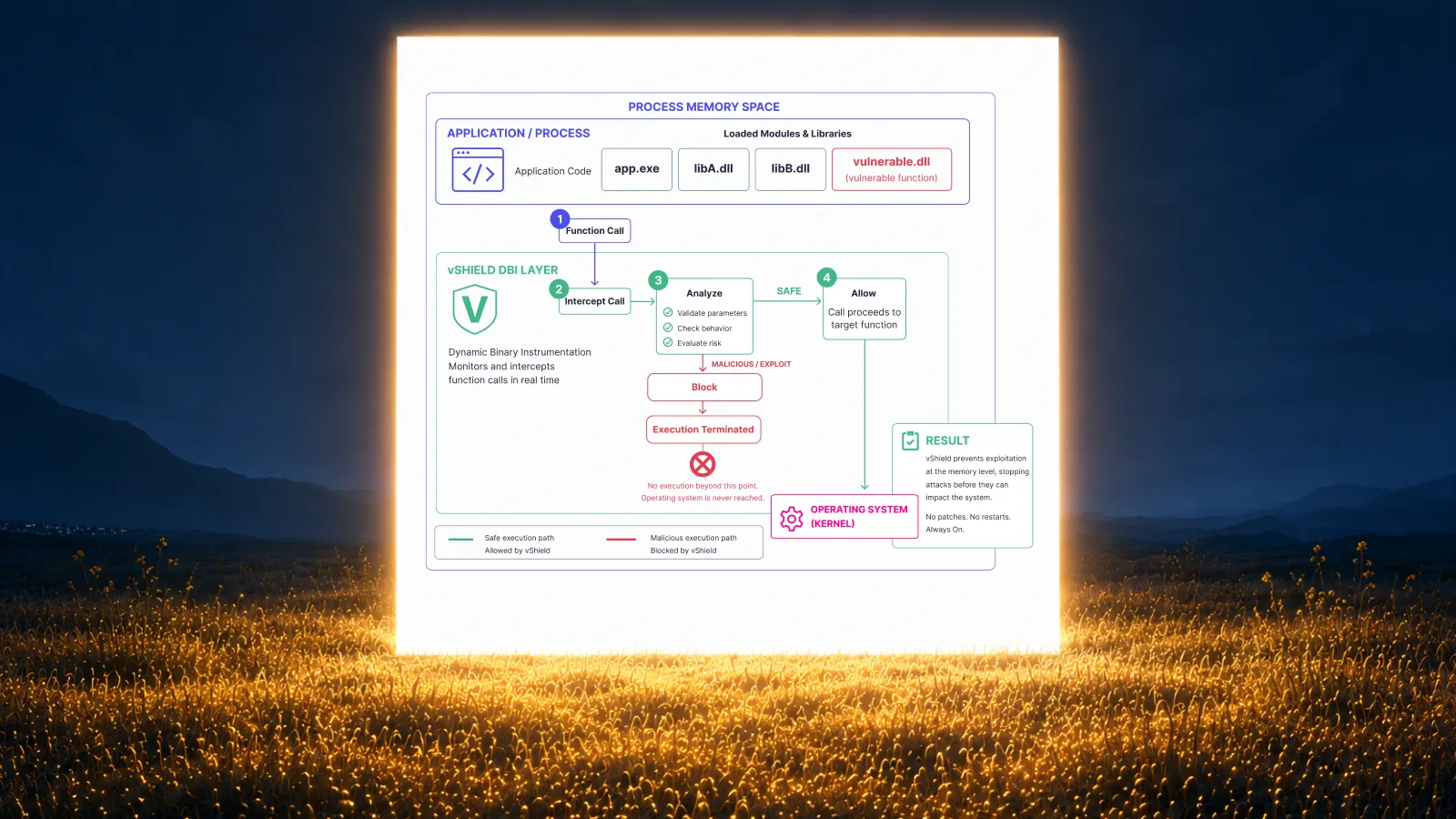
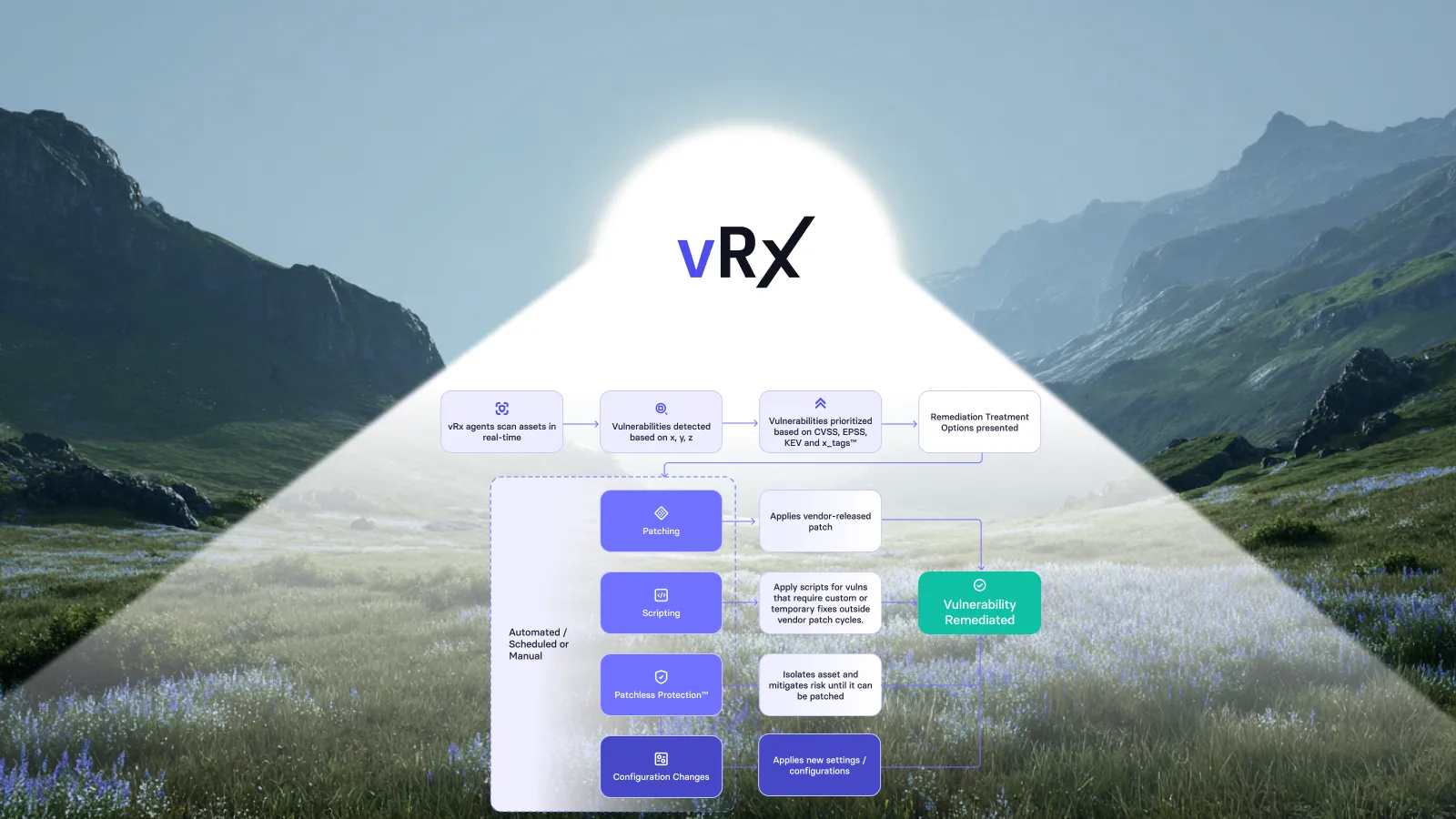
Patchless protection shields vulnerable applications at the memory level without requiring a patch. This approach blocks exploit paths by wrapping the vulnerable application's memory space and executables, preventing attackers from reaching the vulnerability even though the underlying code remains unpatched.
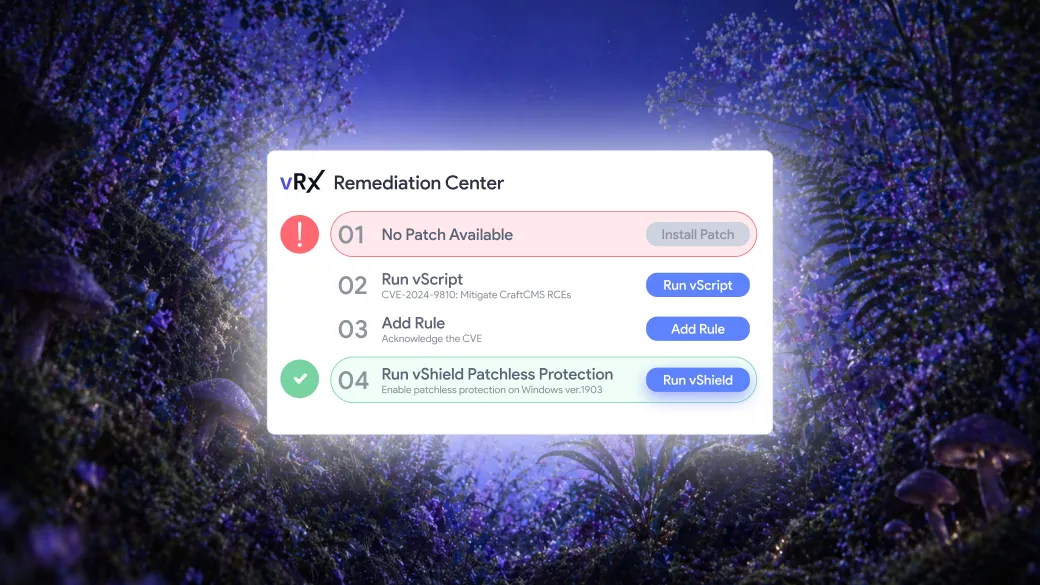
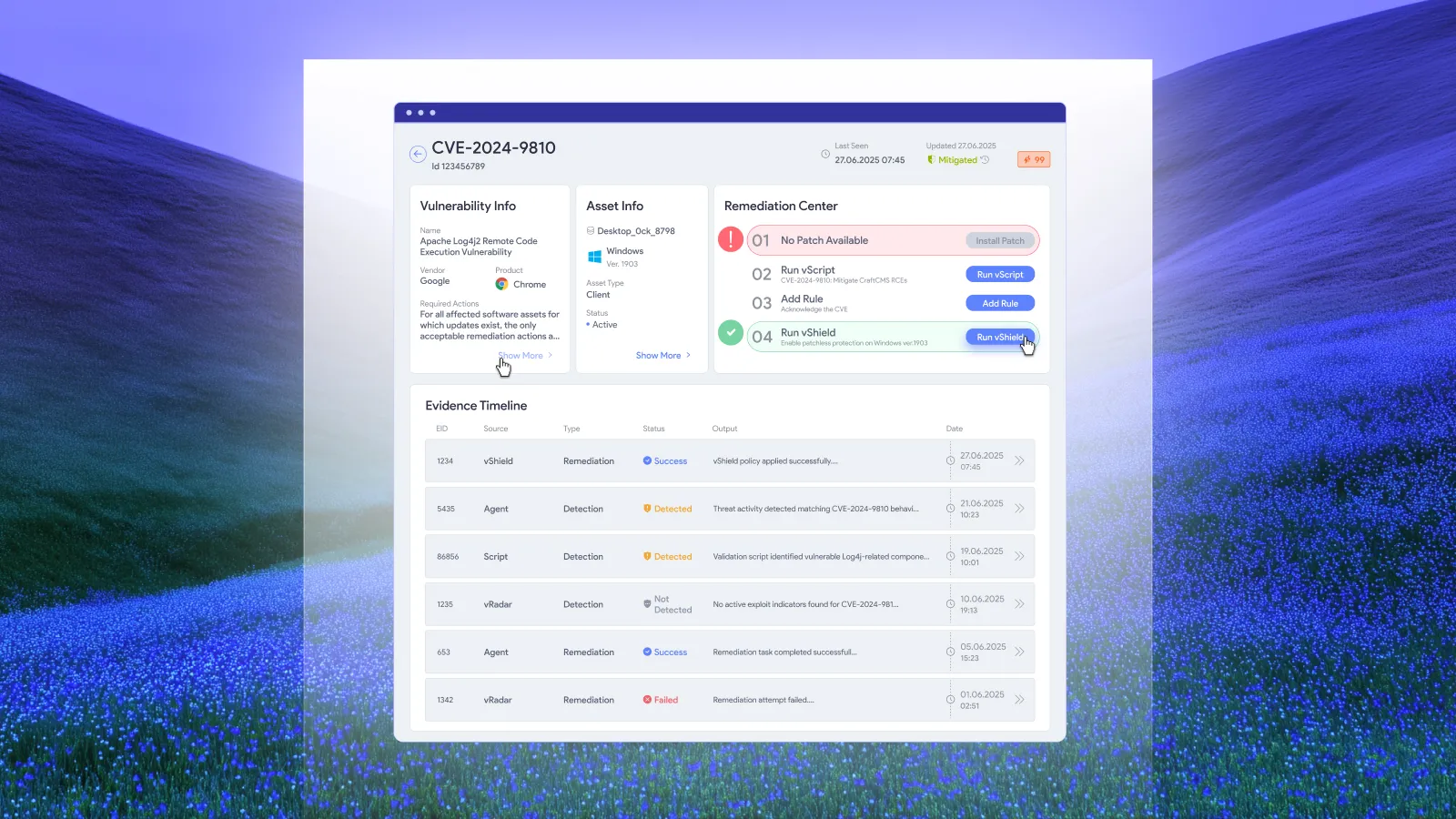
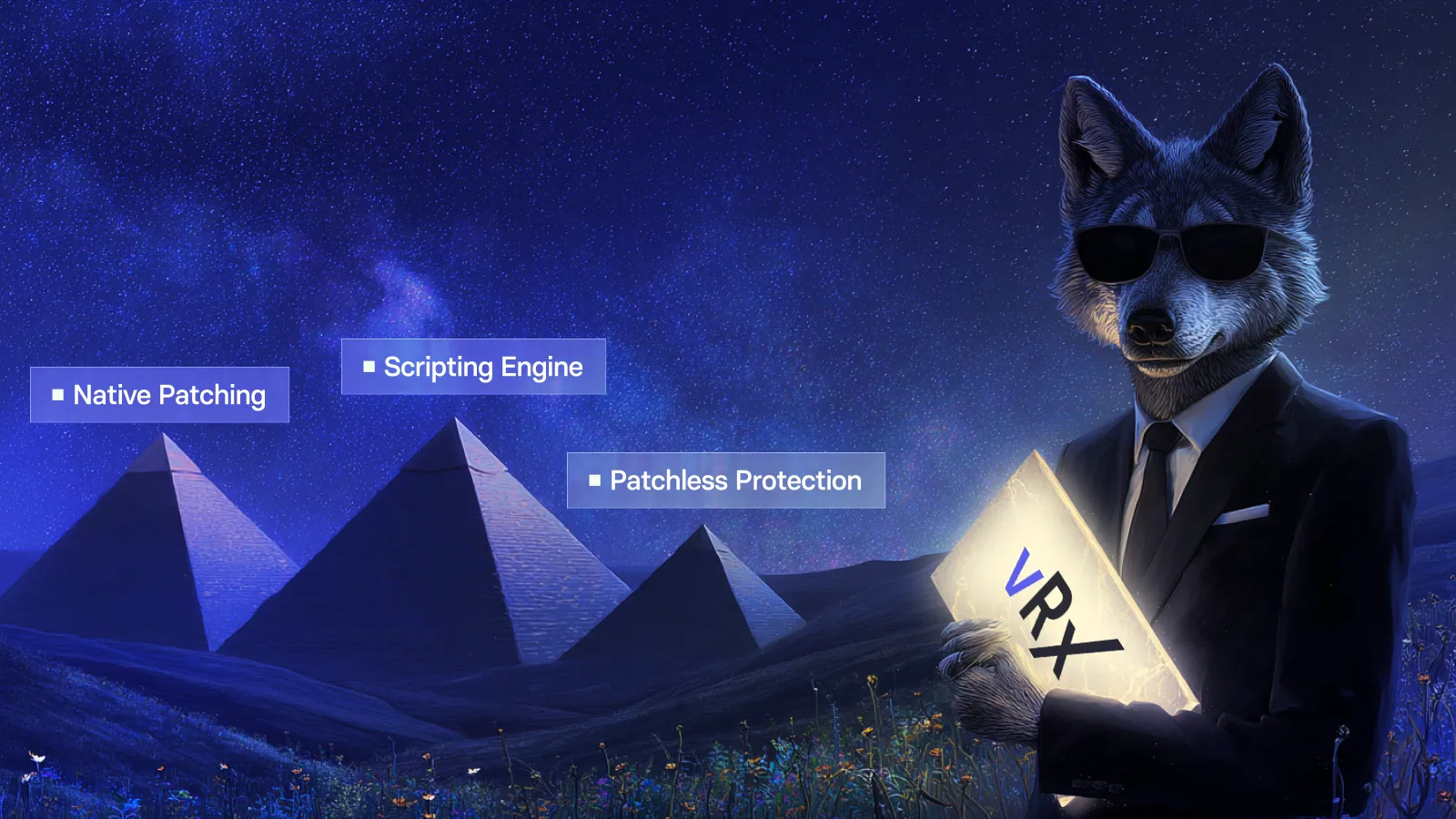
Vicarius vRx offers vShield Patchless Protection as part of its remediation platform. When vRx identifies a vulnerability with no available patch, vShield activates automatically based on vScore. The application continues running normally while exploit paths are blocked.
This capability is particularly valuable for end-of-life software. Many organizations run legacy applications that will never receive another vendor update. Replacing these applications may require significant investment or extended timelines. Patchless protection closes the vulnerability gap while your organization plans the transition.
Script-based remediation for configuration issues
Some vulnerabilities require configuration changes rather than software updates. A registry modification, a file permission adjustment, or a service configuration change may close a vulnerability without replacing any software. These remediations do not fit traditional patch management workflows.
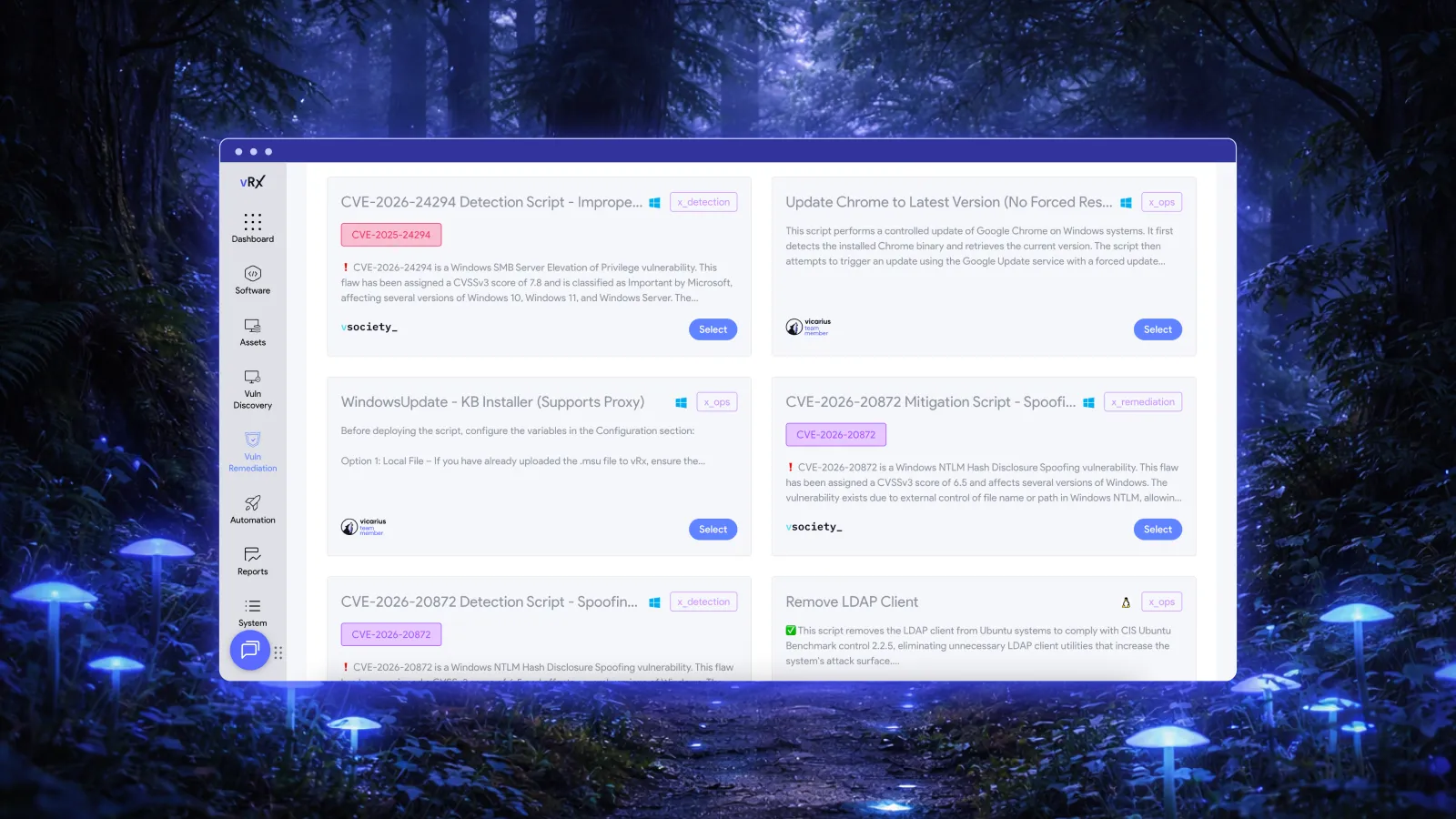
The Vicarius vScript scripting engine addresses this gap. You can run custom scripts across your managed endpoints to implement configuration-based fixes. The platform includes community-contributed scripts from vSociety, AI-generated scripts from scriptAI, and the ability to author your own remediation scripts in PowerShell, Bash, or Batch.
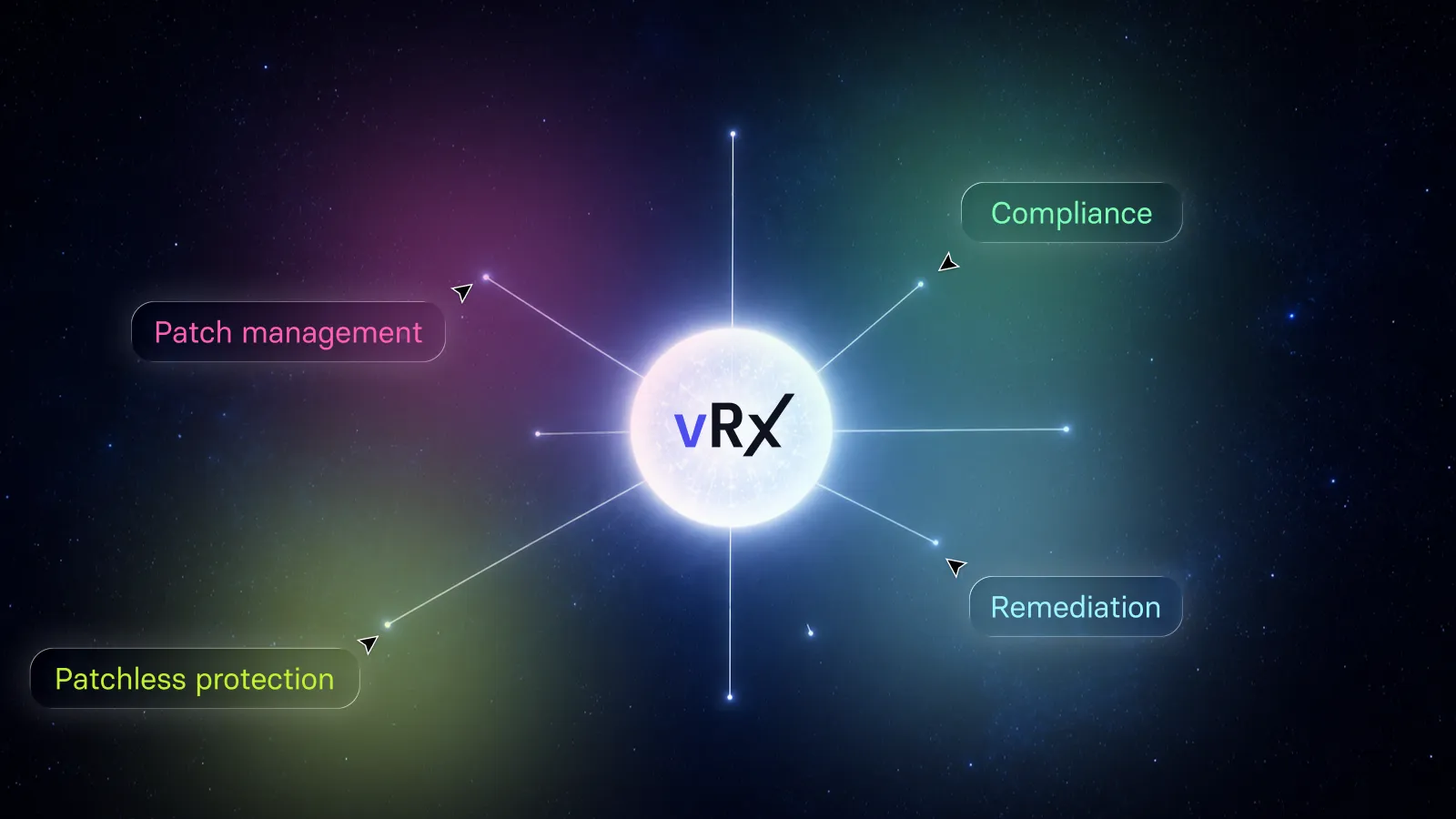
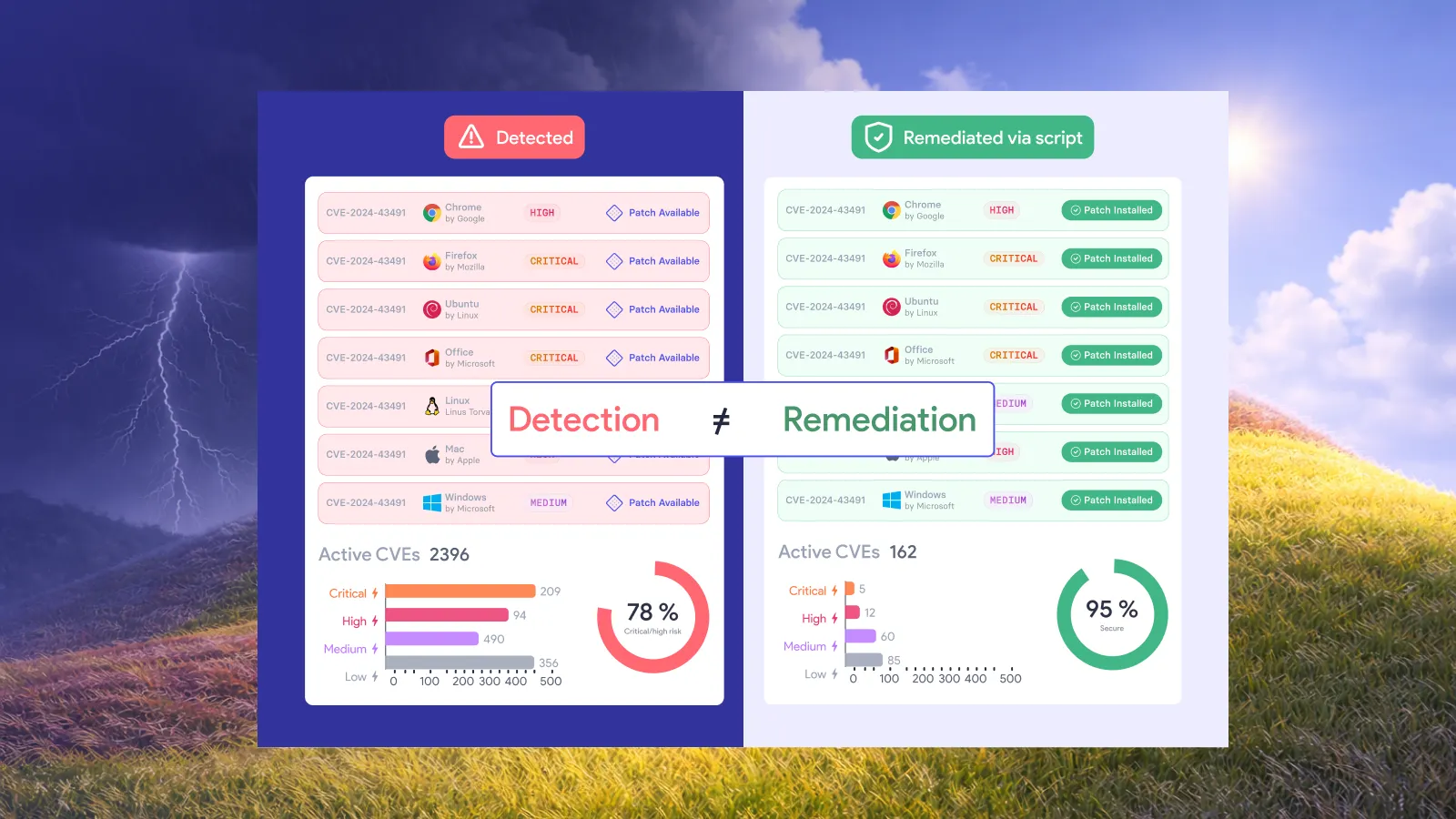
vScript reads from the same vulnerability discovery layer as vRx patching and vShield protection. Your team sees all remediation options for each vulnerability in a single view: patch if one exists, shield if no patch is available, or script for configuration-based fixes.
Building your third-party patch management program
An effective third-party patch management program requires policy, process, and tooling. Each element supports the others to create a repeatable, auditable workflow that keeps your applications secure.
Establishing patch management policies
Your patch management policy defines the rules your team follows. Specify timeframes for deploying critical versus non-critical patches. Define who has authority to approve emergency deployments. Document exceptions for applications that cannot be patched without business disruption.
Risk-based prioritization should be explicit in your policy. State that actively exploited vulnerabilities take precedence over those with no known exploitation. Define how you will validate exploitability using sources like the KEV catalog or EPSS scores. Ensure your compliance and audit teams understand and approve your prioritization methodology.
Creating repeatable processes
Your patch management process should be consistent across all third-party applications. Scan your environment to identify installed software and current versions. Compare installed versions against the latest available releases. Test patches in a non-production environment before deploying broadly. Deploy patches according to your risk-based priority. Validate that patches installed successfully and closed the targeted vulnerabilities.
Automation accelerates each step without sacrificing control. Vicarius vRx automates vulnerability discovery, prioritization, and deployment while giving your team visibility into every action. You maintain control over what patches when, but the platform handles the repetitive work that consumes IT resources.
Maintaining asset inventory
You cannot patch software you do not know exists. Your asset inventory must include every endpoint and every application installed on those endpoints. Shadow IT, personal devices connected to corporate resources, and cloud workloads all require attention.
Regular inventory scans identify new software installations before they become security liabilities. When a team member installs an unapproved application, your inventory scan detects it. You can then either approve the application and add it to your patch management workflow or remove it from the environment.
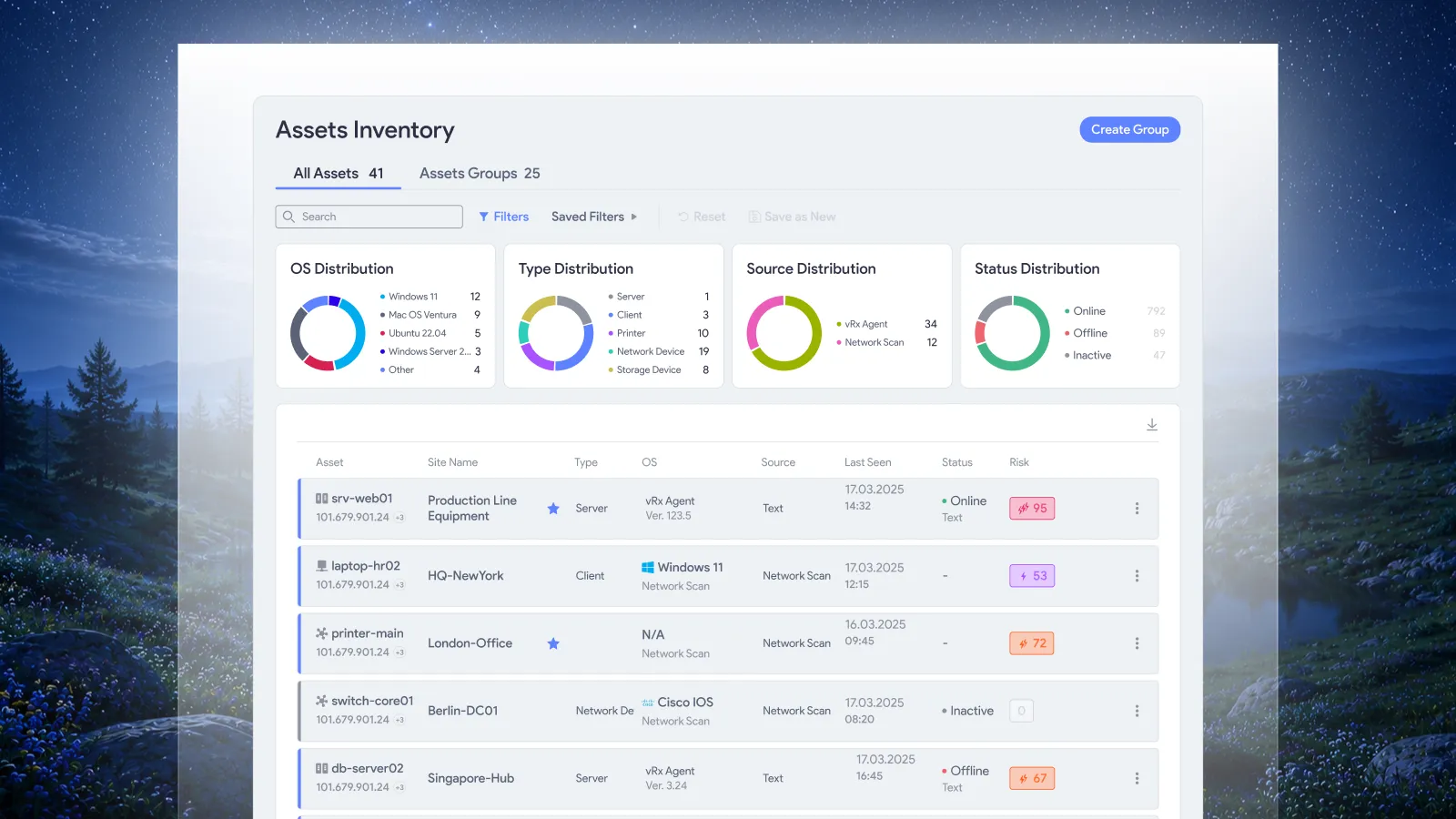
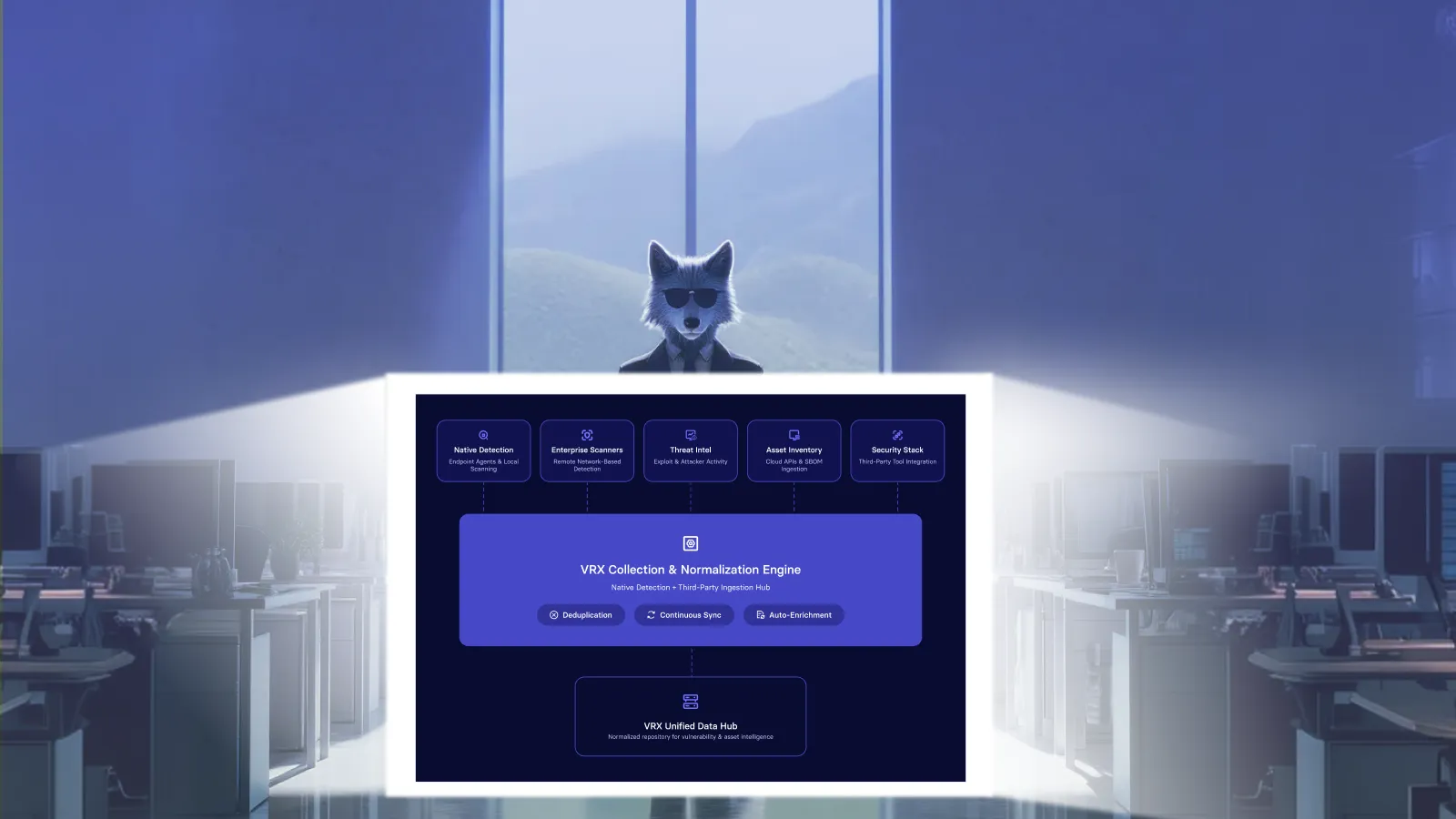
Vicarius vRx provides asset management capabilities that maintain real-time visibility into your software estate. Every scan updates your inventory, ensuring your patching workflows target current deployments rather than outdated records.
Measuring patch management success
Metrics demonstrate the effectiveness of your patch management program and identify areas for improvement. Track the right metrics to understand your security posture and communicate value to stakeholders.
Mean time to remediate (MTTR)
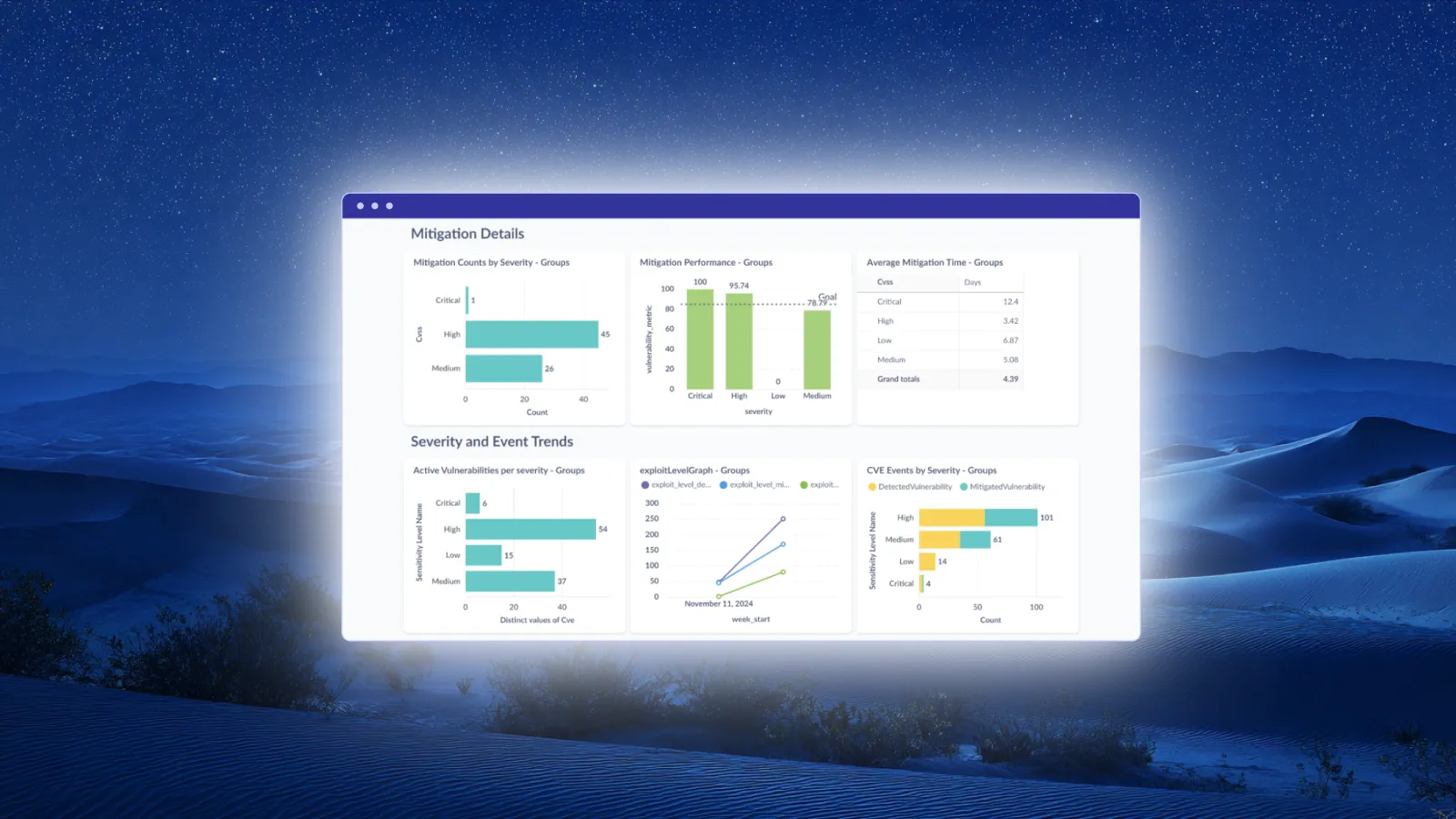
MTTR measures how quickly your team closes vulnerabilities after they are discovered. A lower MTTR indicates faster response to security issues. Track MTTR separately for critical vulnerabilities versus all vulnerabilities to ensure your prioritization is working.
Organizations using Vicarius vRx report reducing MTTR by up to 80% through automated patching and streamlined workflows. The platform's compliance reporting tracks remediation timelines automatically, giving you accurate MTTR data without manual calculation.
Patch compliance rate
Patch compliance measures the percentage of endpoints running the latest approved software versions. A 95% compliance rate means 5% of your endpoints have known vulnerabilities. Track compliance by application to identify which third-party products present the most patching challenges.
Set compliance targets and review progress regularly. If Chrome compliance consistently falls below your target, investigate whether the issue is deployment failures, user deferrals, or endpoints that cannot reach your patch management infrastructure.
Vulnerability exposure window
The exposure window measures how long vulnerabilities remain unpatched between disclosure and remediation. Shorter exposure windows mean attackers have less time to exploit known vulnerabilities. Track exposure windows for actively exploited vulnerabilities separately from the overall population.
Patchless protection directly reduces exposure windows by providing immediate mitigation when patches are unavailable. An organization using vShield can reduce their effective exposure window to hours rather than days or weeks.
Compliance and reporting requirements
Regulatory frameworks and security standards require organizations to maintain patched software. HIPAA, PCI DSS, CMMC, and Cyber Essentials all include requirements related to vulnerability management and software updates. Your patch management program must generate evidence that satisfies auditors.
Audit-ready documentation
Every patch deployment should generate a record: which vulnerability, which patch, which endpoint, when deployed, and whether successful. These records demonstrate your security controls are operating as intended. Auditors will request this documentation during compliance assessments.
Automated patch management platforms generate this documentation without additional effort from your team. Vicarius vRx logs every patching action with timestamps and outcomes. When auditors ask for proof of your patch management activities, you export the relevant reports directly from the platform.
Exception management
Some vulnerabilities cannot be patched immediately due to business constraints. A production system running legacy software may require extended downtime for upgrades. A custom application may break when a dependency is updated. These exceptions require documentation and compensating controls.
Document each exception with a business justification, risk assessment, compensating controls, and planned remediation date. Patchless protection serves as an effective compensating control, demonstrating to auditors that you have mitigated the risk even though the patch has not been applied.
Integrating patch management into security operations
Patch management does not operate in isolation. Your vulnerability scanner identifies weaknesses. Your SIEM correlates events. Your ticketing system tracks remediation work. Effective patch management integrates with your existing security infrastructure.
Connecting scanners and remediation
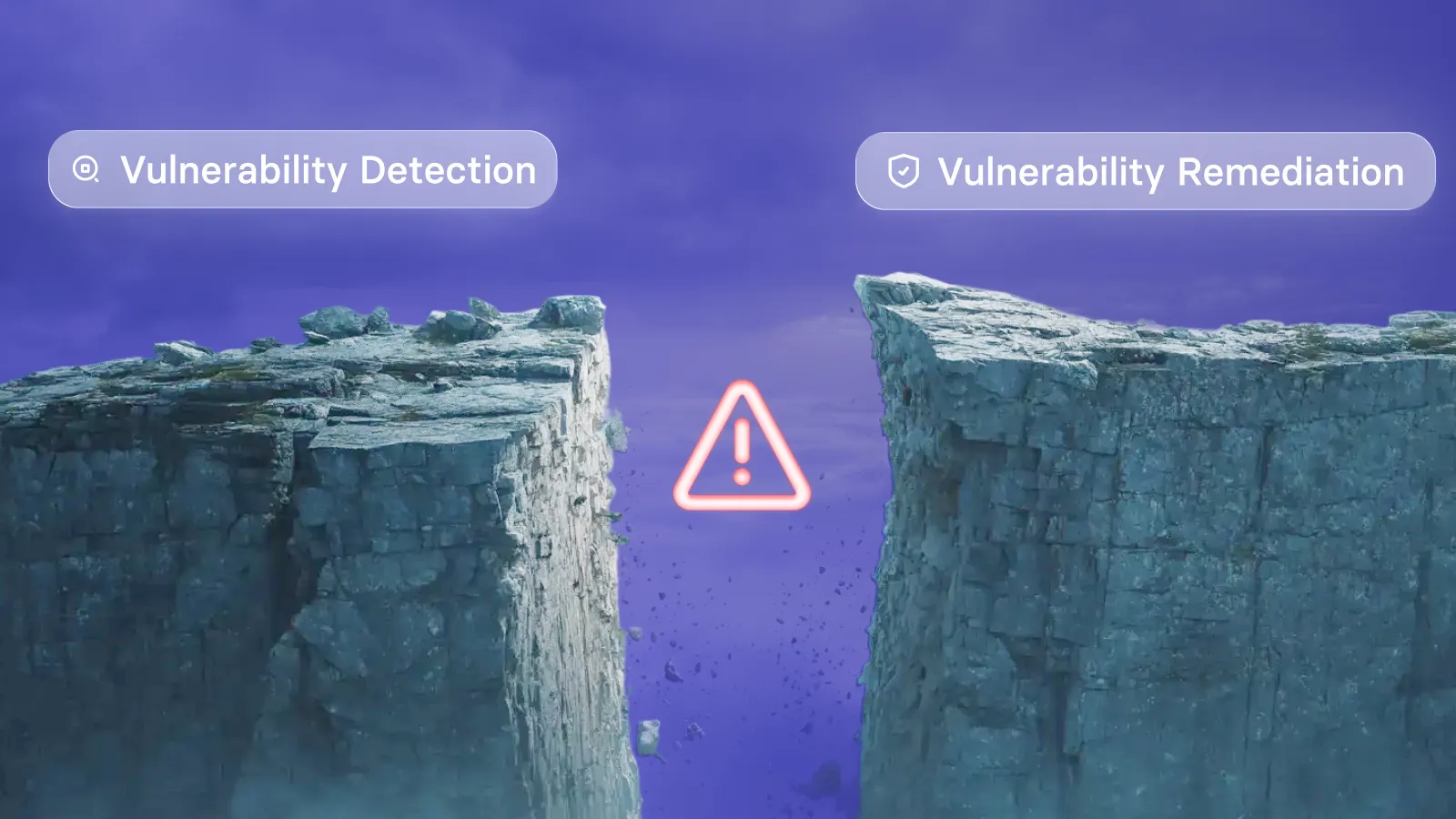
Many organizations use separate tools for vulnerability scanning and patch management. The scanner identifies vulnerabilities. A human reviews the results. Another human creates tickets. Another human deploys patches. This fragmented workflow introduces delays and errors.
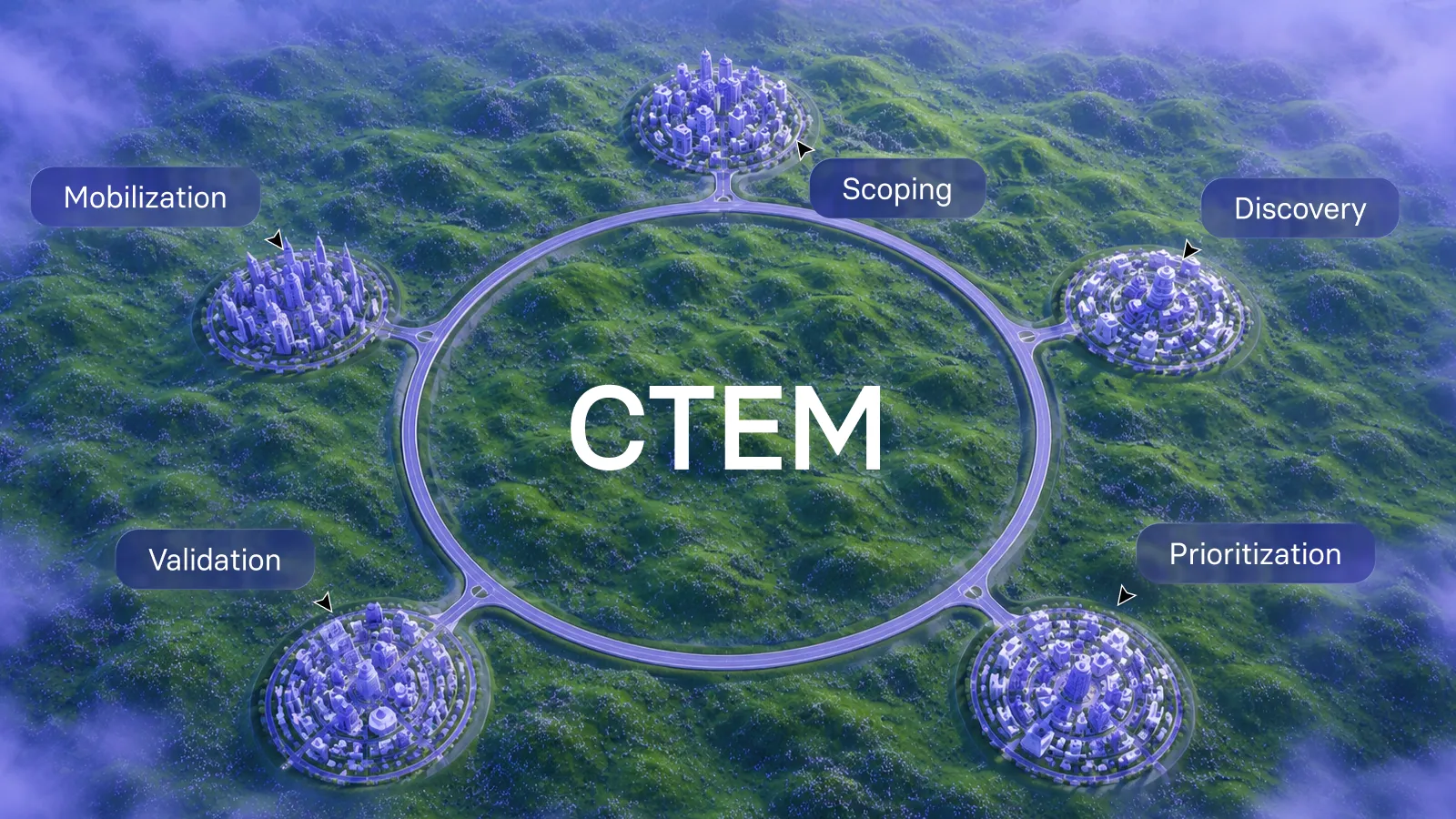
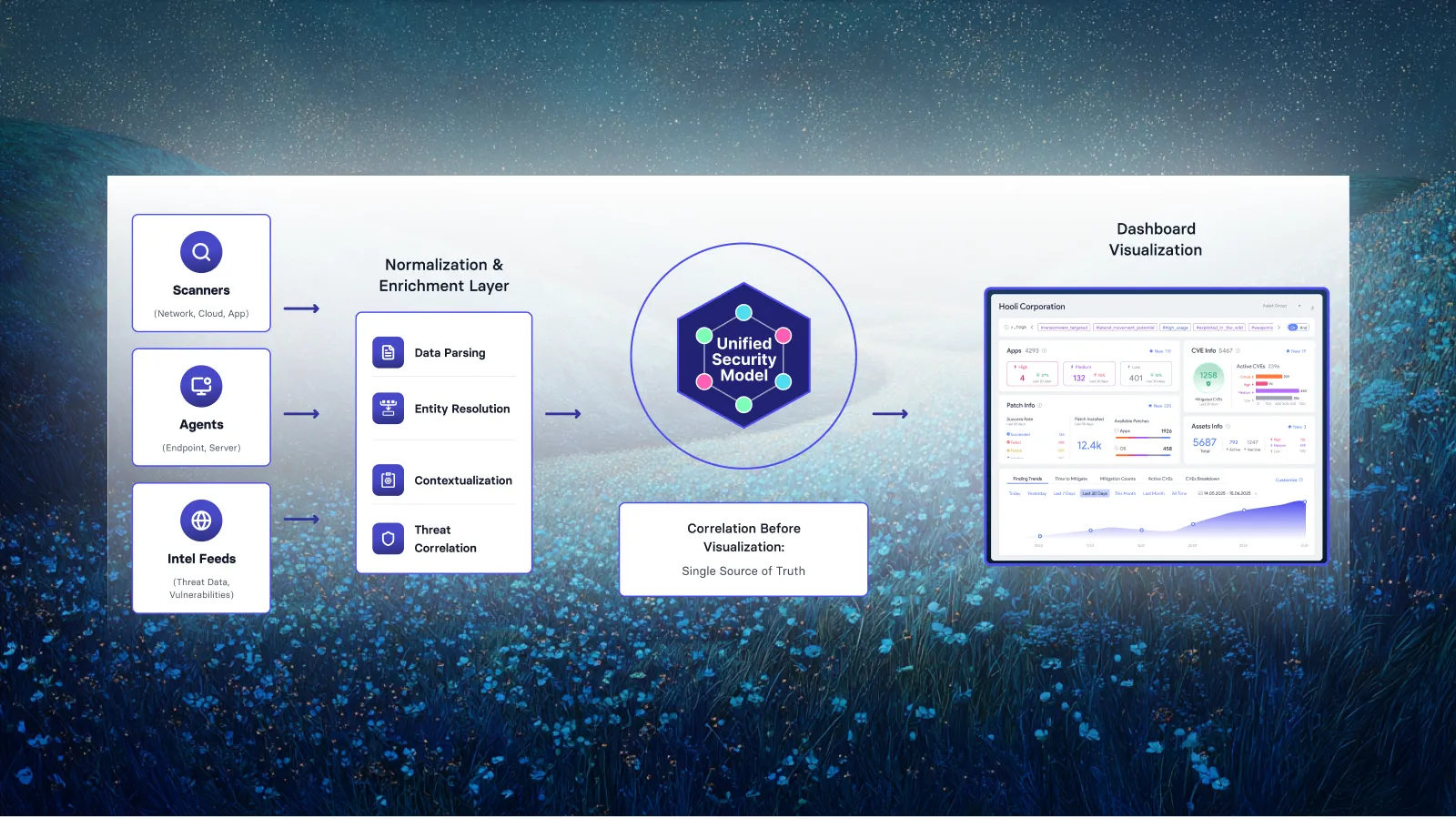
Vicarius vRx combines scanning and remediation in a single platform. Discovery identifies vulnerabilities. Prioritization ranks them by risk. Remediation deploys the fix. Validation confirms the vulnerability is closed. One platform, one workflow, one source of truth.
Working with IT operations
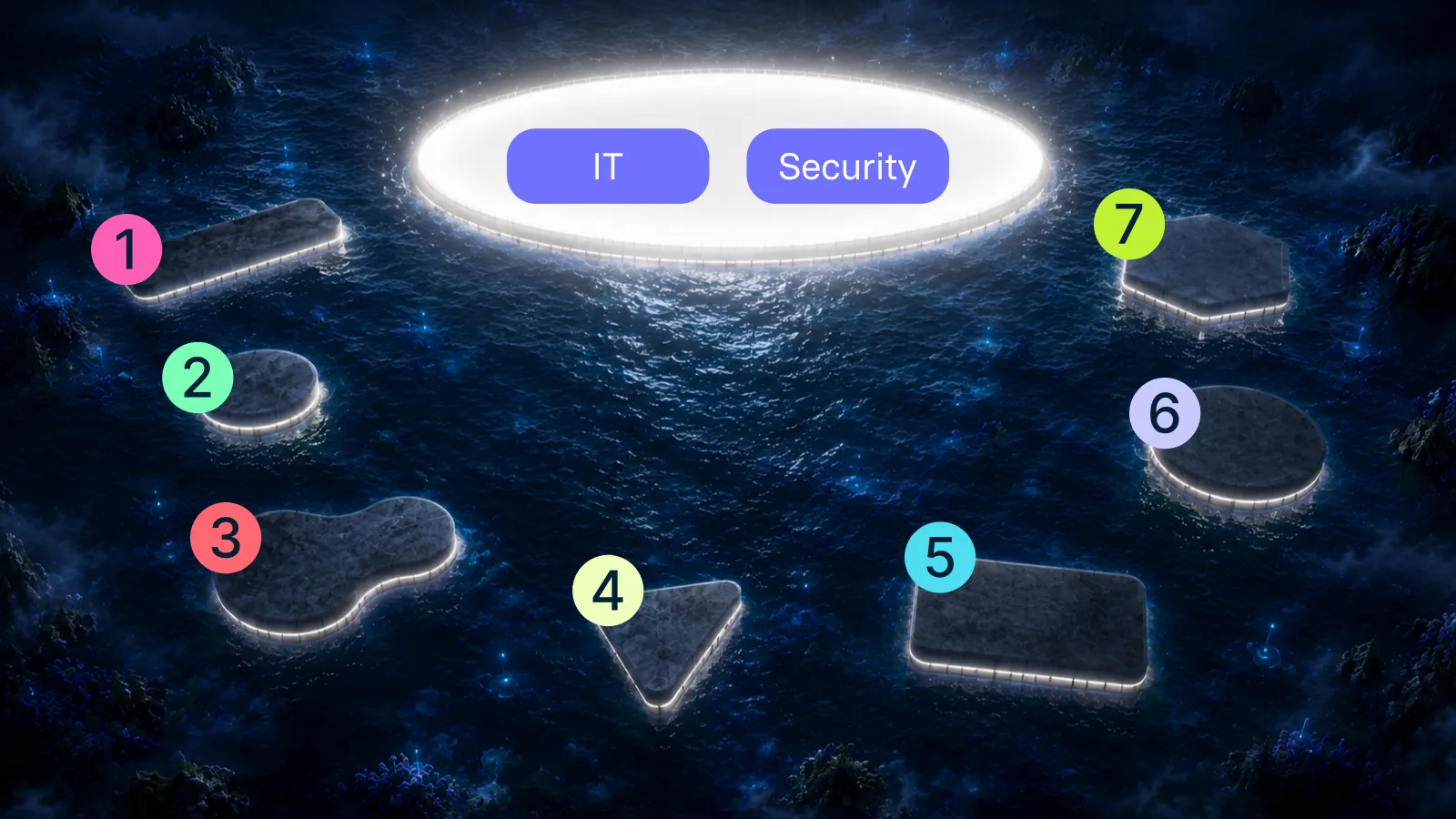
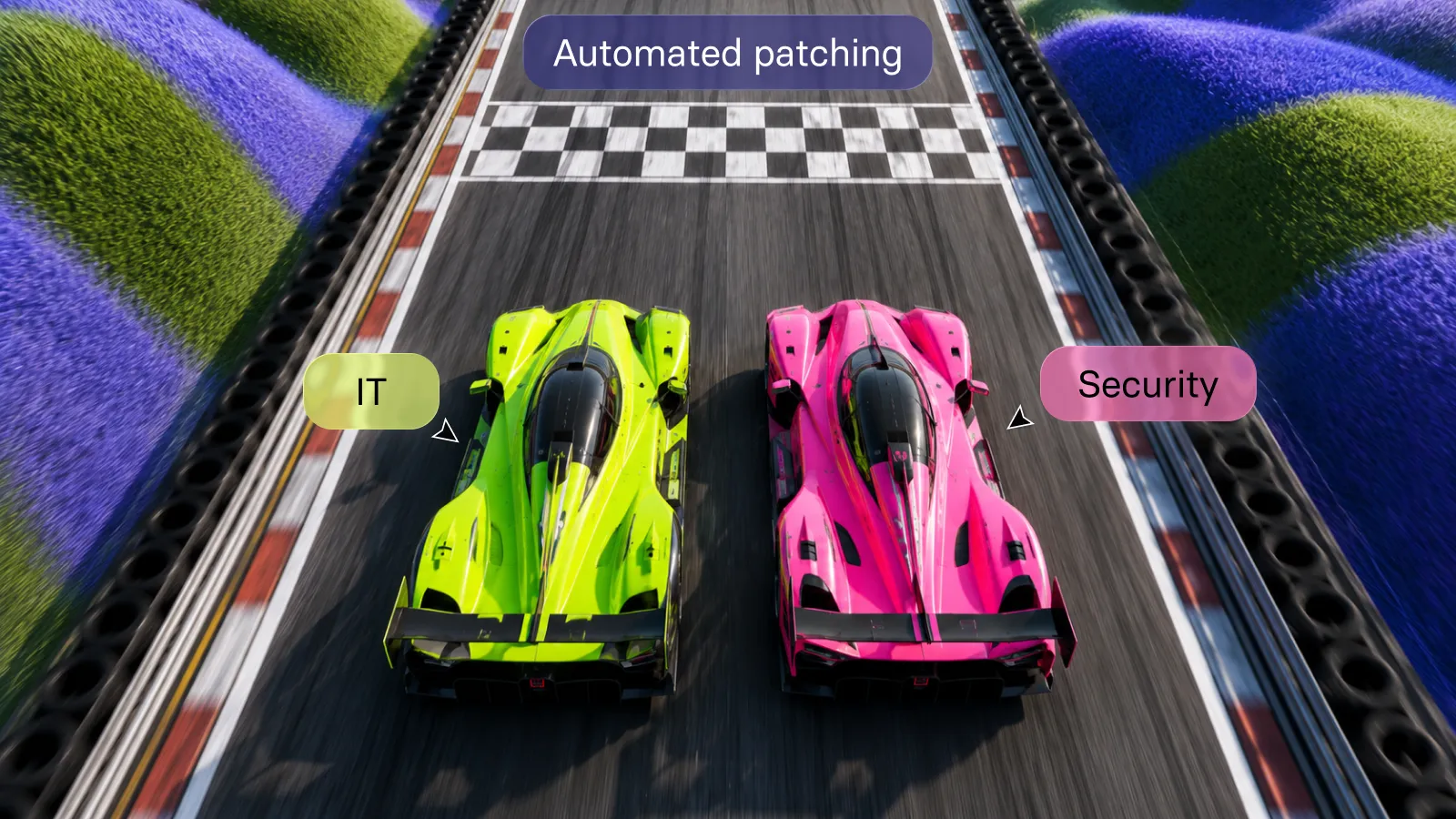
Security teams identify vulnerabilities, but IT operations teams often control deployment. This division can create friction when security requests immediate patching and operations needs to protect system stability.
Define maintenance windows for routine patching that both teams agree on. Establish emergency procedures for critical vulnerabilities that allow accelerated deployment. Use pilot groups to test patches before broad rollout, giving operations confidence that updates will not break production systems.
Vicarius vRx supports this collaboration by providing visibility for both security and IT teams. Security sees vulnerability status. Operations sees deployment schedules. Both teams work from the same data.
Common third-party patching mistakes to avoid
Organizations make predictable mistakes when managing third-party patches. Recognizing these patterns helps you avoid them in your own environment.
Treating all patches equally
Deploying patches in the order they are released ignores risk. A high-severity vulnerability released yesterday may be less urgent than a medium-severity vulnerability released last month if the older vulnerability has an active exploit. Risk-based prioritization ensures you address the most dangerous vulnerabilities first.
Skipping testing
Deploying patches directly to production risks breaking systems. A patch that works in the vendor's test environment may conflict with your custom configurations. Test patches on representative endpoints before broad deployment. Automated patch management should include the ability to create pilot groups for this purpose.
Ignoring remote and mobile endpoints
Endpoints outside your corporate network still need patches. Remote workers, traveling executives, and mobile devices connected to corporate resources all require attention. Cloud-based patch management reaches these endpoints regardless of their physical location.
Focusing only on operating systems
Operating system patches receive attention because they arrive on predictable schedules. Third-party applications often slip through the cracks. Your patch management program must explicitly include third-party software, with inventory, prioritization, and deployment workflows that match your OS patching maturity.
FAQs about third-party patch management
What is third-party patch management and why does it matter?
Third-party patch management is the process of updating software from vendors other than your OS provider, such as Chrome, Adobe, and Zoom. These applications are frequent attack targets because they handle sensitive data and often run with elevated privileges.
Attackers know that organizations struggle to keep third-party software updated. A single unpatched application creates an entry point for ransomware, data theft, or network compromise.
How does Vicarius vRx handle applications without available patches?
Vicarius vRx includes vShield Patchless Protection, which blocks exploit paths at the memory level when no patch exists. This protection activates automatically based on risk scoring and covers zero-day vulnerabilities, end-of-life software, and applications awaiting vendor fixes.
Your team gains immediate mitigation while maintaining normal application functionality. Once a validated patch becomes available, vRx transitions the asset from patchless protection to permanent remediation. See how it works in a live demo
How do I prioritize patches when resources are limited?
Focus on vulnerabilities with confirmed active exploitation first. Check the CISA KEV catalog and evaluate EPSS scores. Then prioritize based on asset criticality: internet-facing systems and those with access to sensitive data take precedence over internal test environments.
Vicarius vRx automates this prioritization through vScore, which factors exploitability, asset context, and weaponization status into a ranked queue. Your team addresses the highest-risk vulnerabilities first.
What compliance frameworks require third-party patch management?
PCI DSS, HIPAA, SOC 2, ISO 27001, and NIST frameworks all include requirements for vulnerability management and software updates. Auditors expect documented evidence of your patching activities, including timelines, exception management, and validation.
Vicarius vRx generates audit-ready reports showing patch deployment history, compliance rates, and exception documentation. These reports satisfy auditor requests without requiring staff to compile data from multiple sources.
How often should third-party patches be deployed?
Deploy critical patches for actively exploited vulnerabilities as quickly as testing allows. For other patches, establish a regular cadence that balances security with operational stability. Many organizations deploy third-party patches weekly, with emergency procedures for urgent issues.
Vicarius vRx supports flexible scheduling: deploy on demand, on a recurring schedule, or based on rules that automatically deploy patches meeting your criteria.
Can automated patch management reduce IT workload?
Organizations using Vicarius vRx report reducing time spent on patching by up to 80%. Automation handles discovery, prioritization, deployment, and validation. Your IT team focuses on exceptions and strategy rather than repetitive patch deployment tasks.
These efficiency gains scale with your environment. An organization managing thousands of endpoints benefits more from automation than one managing dozens, but both see meaningful time savings.
Related resources:


















.webp)
















%20Signals%20a%20New%20Era%20of%20Supply%20Chain%20Risk.webp)







.webp)