

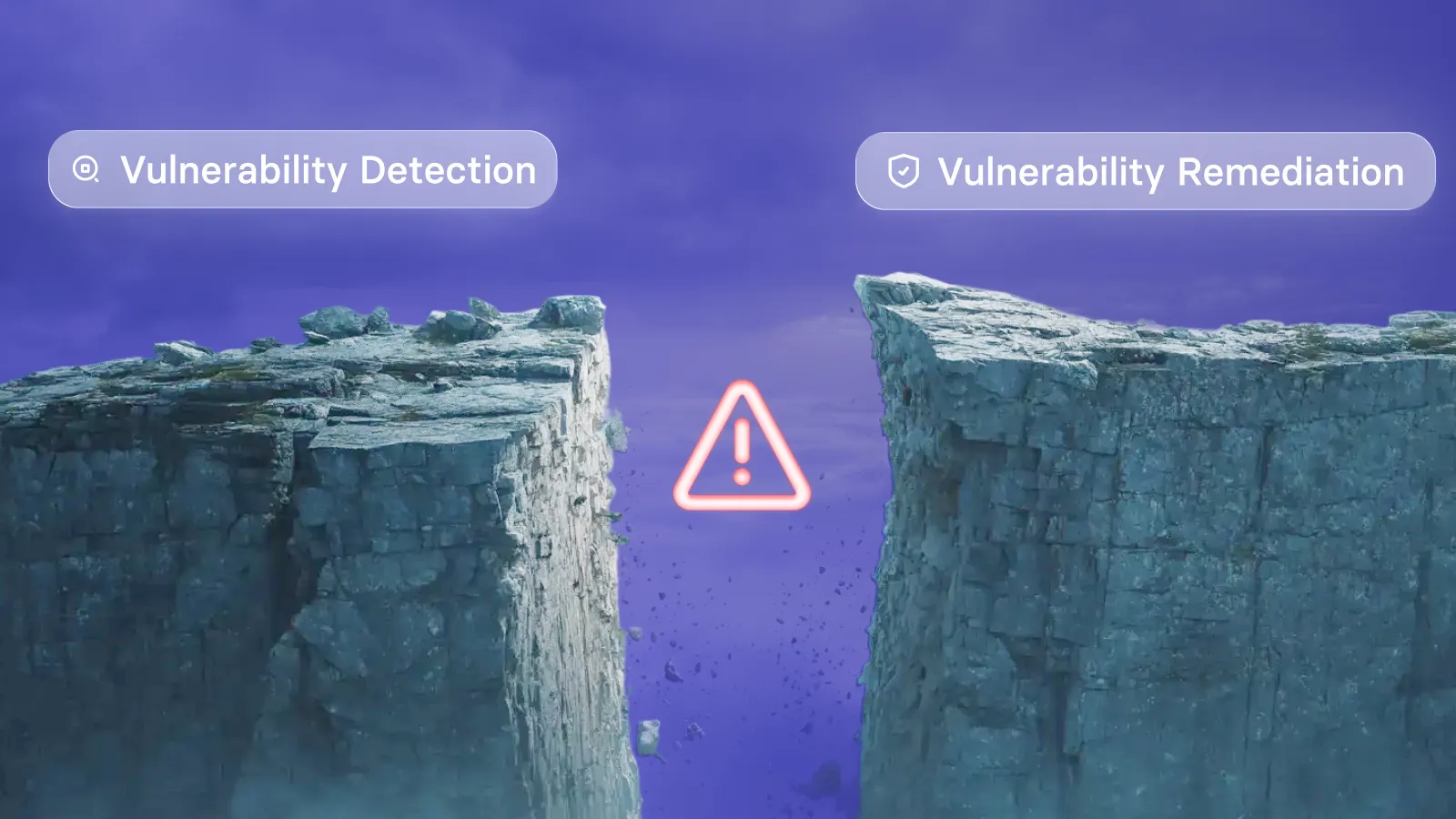
Your patch backlog keeps growing. Every scan adds more CVEs to the list, and your team's capacity hasn't changed. According to Axis Intelligence Research, the median organization now takes 43 days to fully remediate a known exploited vulnerability, while only 26% of those vulnerabilities are closed completely. Vicarius vRx helps security and IT teams cut through this backlog by combining risk-based prioritization, automated patching, and patchless protection into a single remediation workflow.
This guide walks you through seven steps to shrink your patch backlog without adding headcount. You'll learn how to prioritize by real risk, automate remediation at scale, and protect systems that can't be patched right away.
Quick guide: how to reduce patch backlogs in 7 easy steps
- Audit your current patch backlog: Export and categorize all outstanding vulnerabilities by age, severity, and asset type.
- Prioritize by real-world exploitability: Rank vulnerabilities using exploit data, not just CVSS scores.
- Group assets by criticality and exposure: Segment your environment into static and dynamic asset groups for targeted remediation.
- Automate patch deployment by policy: Configure rule-based patching to deploy fixes on schedule without constant oversight.
- Use scripts for non-patchable vulnerabilities: Deploy custom or community scripts to close configuration gaps patches can't fix.
- Apply patchless protection for unpatchable systems: Shield legacy and end-of-life applications at the memory level until replacement.
- Validate and verify closed vulnerabilities: Confirm each fix removed the vulnerability, not just that a patch was deployed.
How to cut your patch backlog without adding staff
1. Audit your current patch backlog
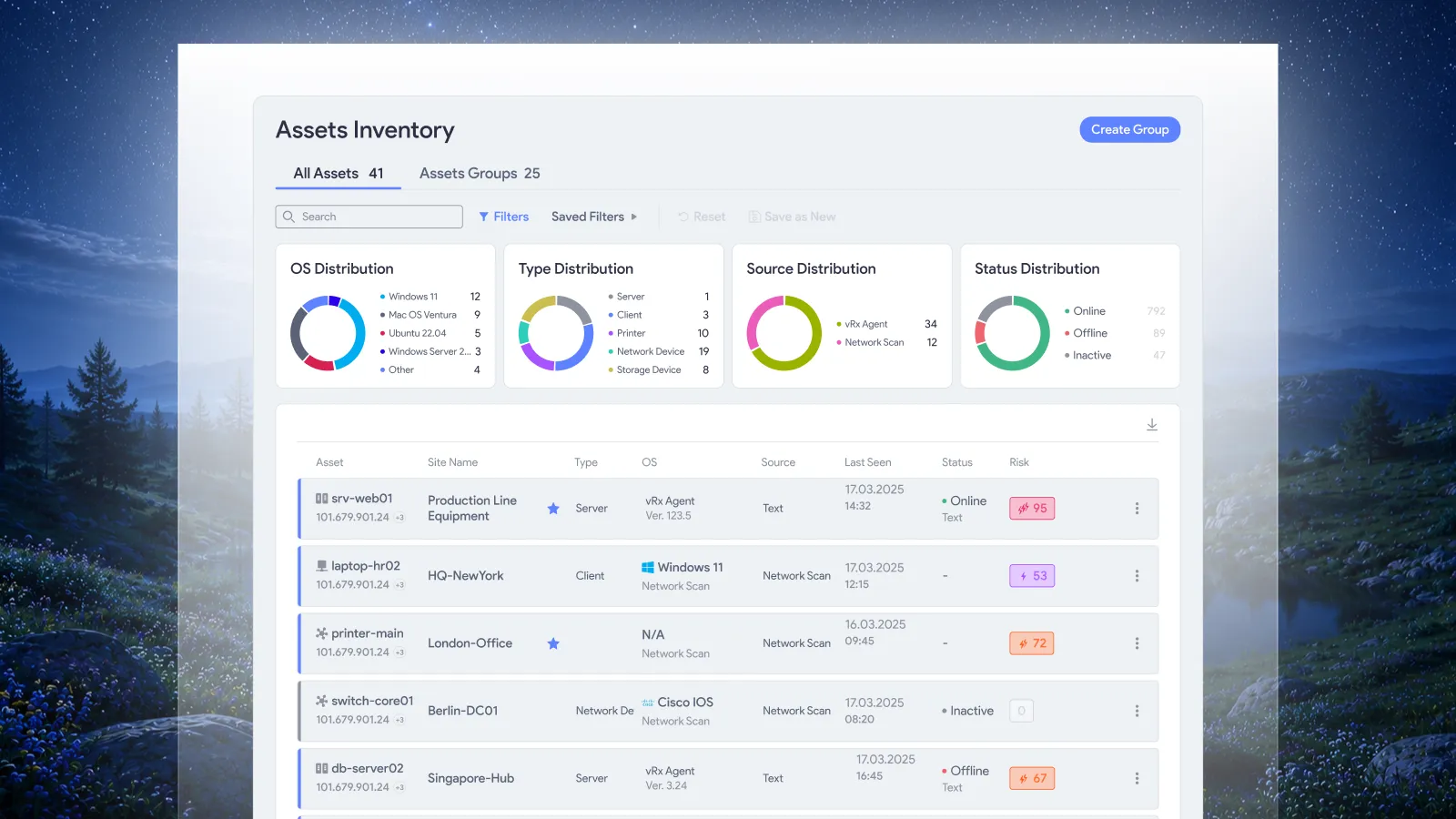
Start by getting a clear picture of what you're facing. Export your current vulnerability data from your scanner and categorize each finding by age, severity tier, and asset type. This baseline tells you exactly where your backlog stands.
Group vulnerabilities into buckets: less than 30 days old, 30 to 90 days, and over 90 days. Assets in that last bucket represent your highest-risk exposure and the clearest sign of remediation capacity constraints.
Document which vulnerabilities affect internet-facing systems versus internal-only assets. The exposure level changes both the urgency and the risk profile. A critical vulnerability on a public-facing server carries different weight than the same CVE on an isolated workstation.
Count your third-party applications separately from operating system patches. Many teams find that third-party software accounts for the majority of their backlog because traditional patching tools focus on Windows updates and miss the rest.
2. Prioritize by real-world exploitability
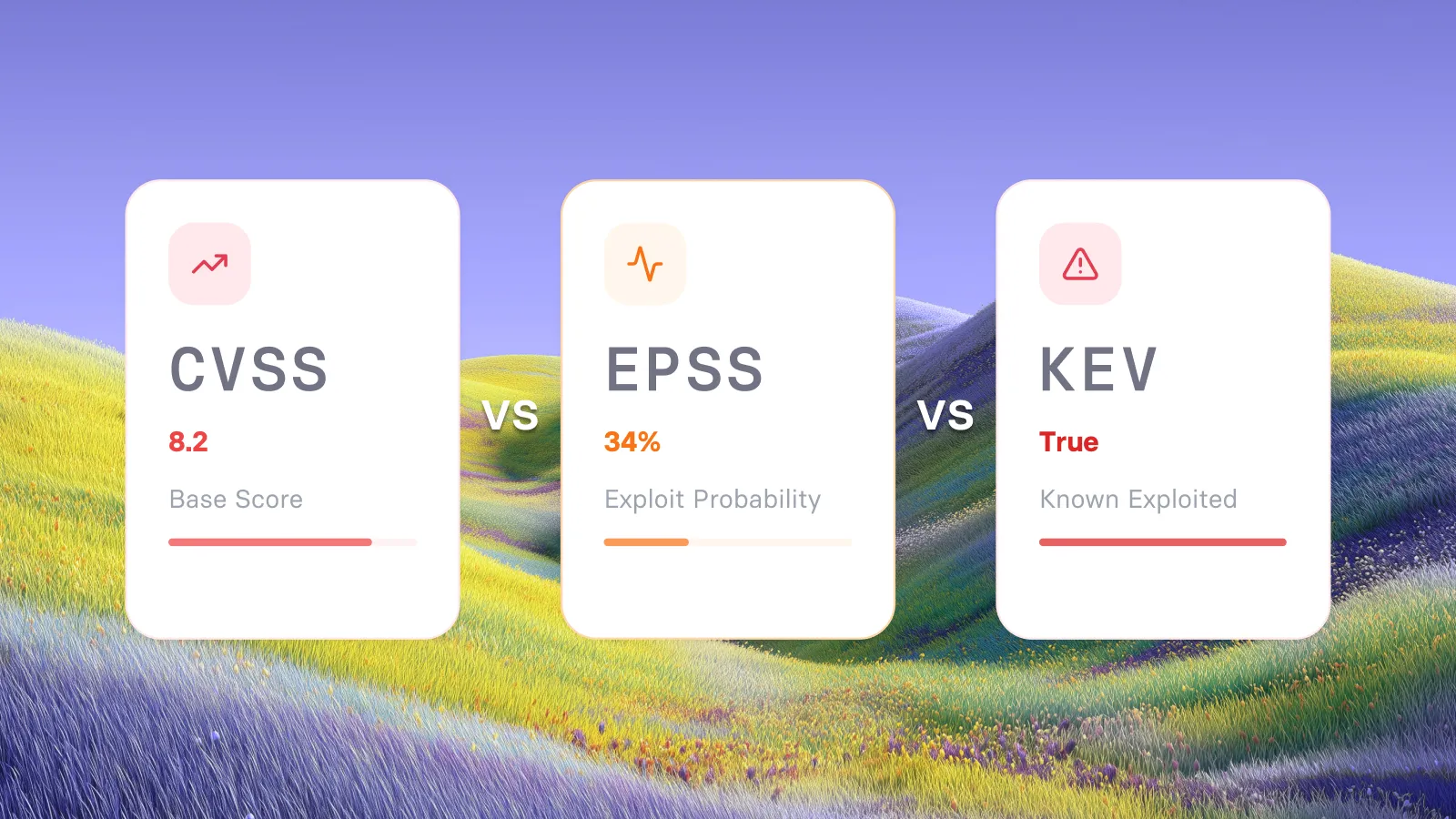
CVSS scores alone won't tell you what to fix first. A CVSS 9.8 vulnerability with no public exploit code poses less immediate risk than a CVSS 7.5 with active exploitation in the wild. Your prioritization needs to reflect which vulnerabilities attackers are using right now.
Use CISA's Known Exploited Vulnerabilities (KEV) catalog as a starting filter. If a CVE appears on that list, it has confirmed exploitation. Federal agencies face deadlines as short as three days for some KEV entries on network-edge devices.
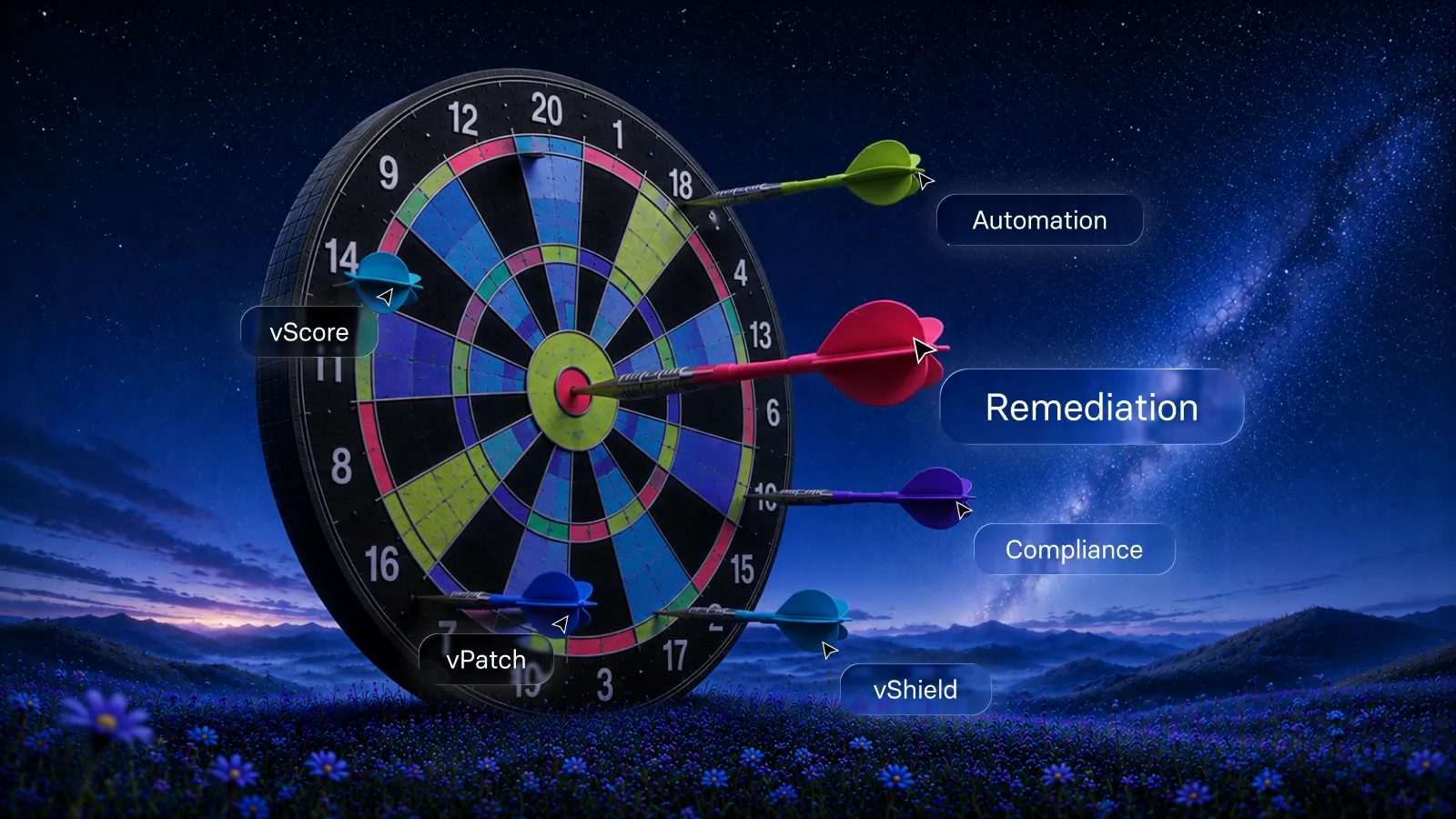
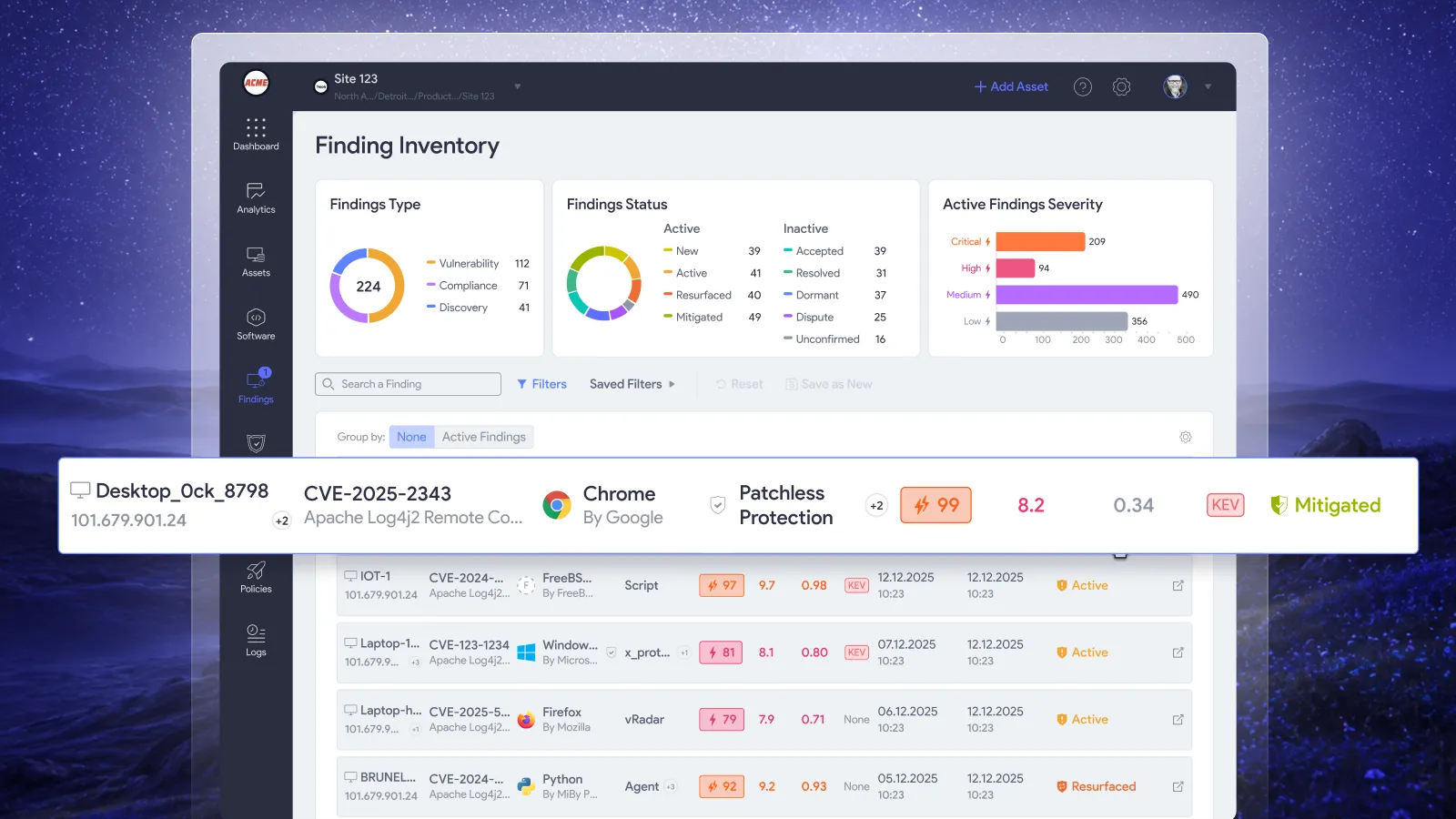
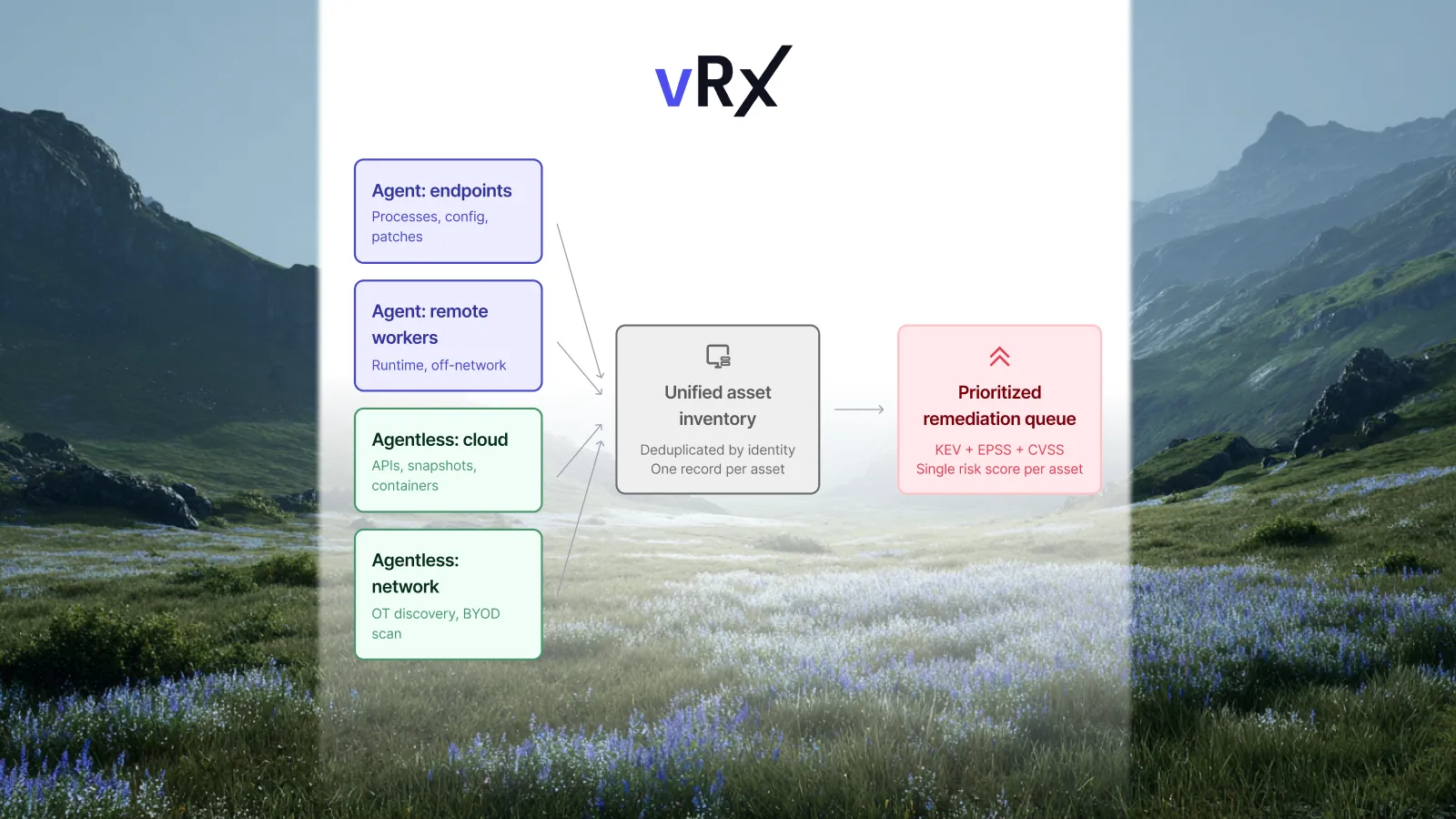
Vicarius vRx's vScore combines CVSS, EPSS probability data, KEV status, and your asset context into a single prioritization ranking. This means your team patches what attackers are most likely to exploit, not just what scores highest on a severity scale. Teams using risk-based prioritization have reduced their mean time to remediate by 60% to 70%.
Context matters for prioritization too. A vulnerability on a database server with sensitive customer data ranks higher than the same vulnerability on a test environment, even if the CVSS score is identical.
3. Group assets by criticality and exposure
Stop treating every endpoint the same. Group your assets by function, exposure level, and business criticality so you can apply different remediation policies to each segment.
Create static groups for assets that need careful change control, like production database servers or payment processing systems. These might require manual approval before any patch deployment.
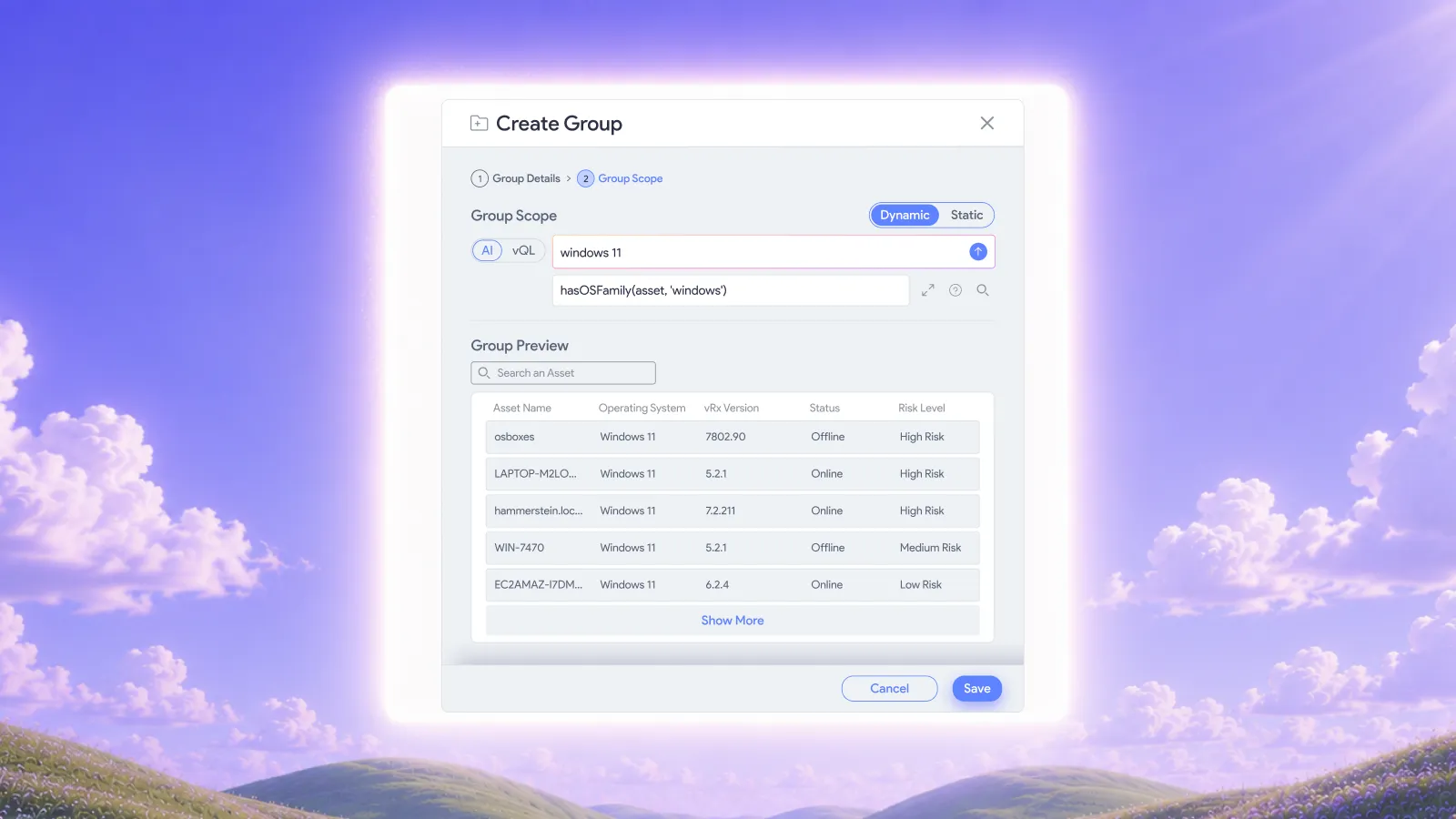
Use dynamic groups for asset collections that change over time. A rule-based group that captures all internet-facing Windows servers automatically updates membership as your environment changes, without maintenance from your team.
Segment by operating system and application type. Windows, macOS, and Linux often have different maintenance windows and different tolerance for reboots. Applying the same patching schedule to all three creates unnecessary friction.
4. Automate patch deployment by policy
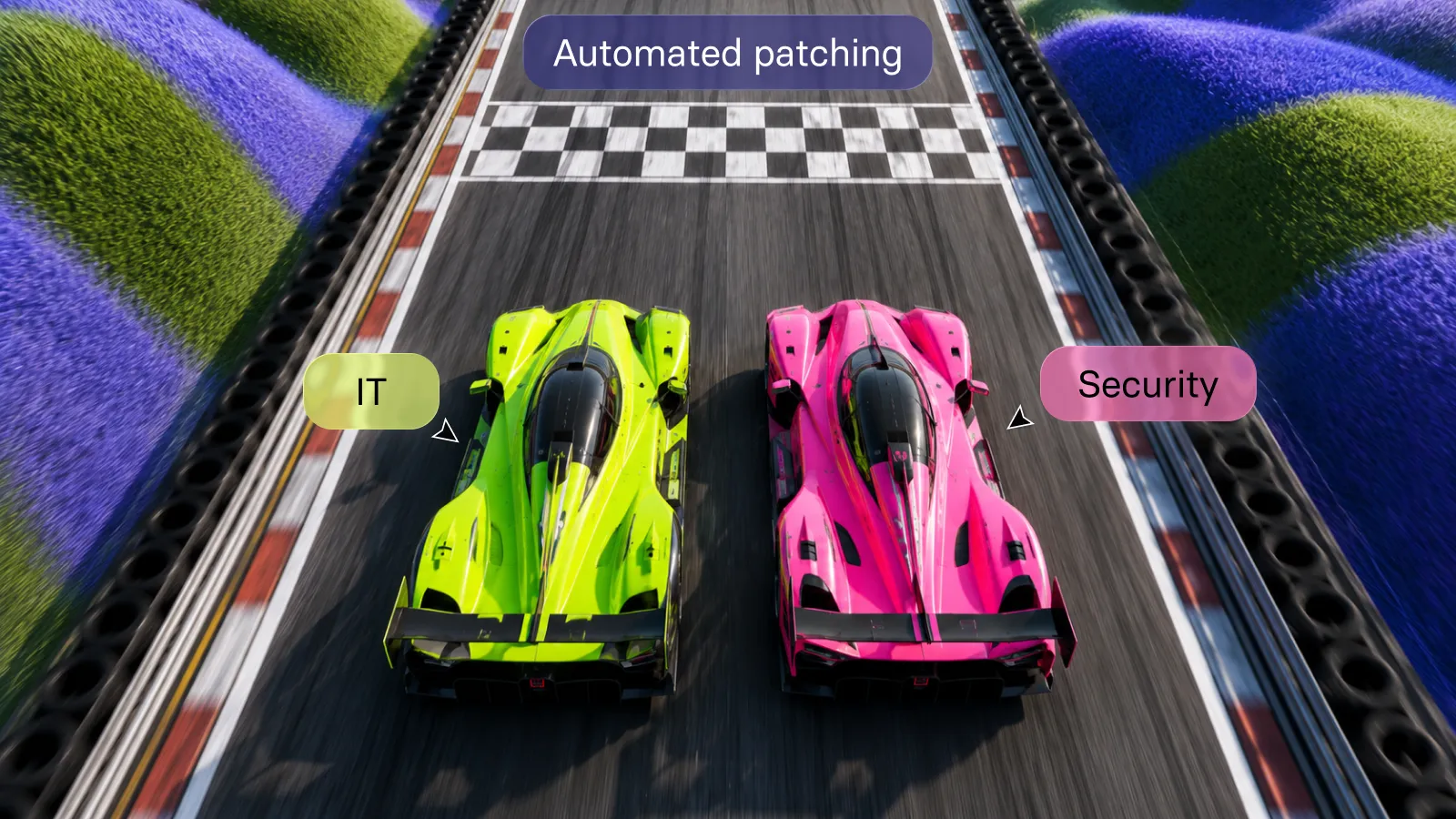
Your team shouldn't manually trigger every patch. Define policies that deploy patches automatically based on risk score, asset group, or vulnerability age.
Start with a pilot group. Test patches on a small subset of non-critical assets before broader rollout. This catches compatibility issues without affecting production systems.
Configure ring deployments. Deploy to low-risk assets first, wait 24 to 48 hours for stability confirmation, then expand to higher-criticality systems. This phased approach balances speed with safety.
Vicarius vRx's vPatch deploys patches on demand, by schedule, or triggered by vScore thresholds across Windows, macOS, and Linux. The platform covers over 20,000 third-party applications alongside operating system updates. You control the timing and targeting; automation handles the execution.
Schedule patches during defined maintenance windows to avoid business disruption. vPatch doesn't force unplanned reboots, so IT operations maintains control over when systems restart.
5. Use scripts for non-patchable vulnerabilities
Not every vulnerability closes with a patch. Configuration weaknesses, registry misconfigurations, and hardening gaps need a different approach. Script-based remediation fills this gap.
Some CVEs require disabling a vulnerable feature or changing a registry key rather than installing an update. Without scripting capability, these vulnerabilities sit in your backlog indefinitely even though a fix exists.
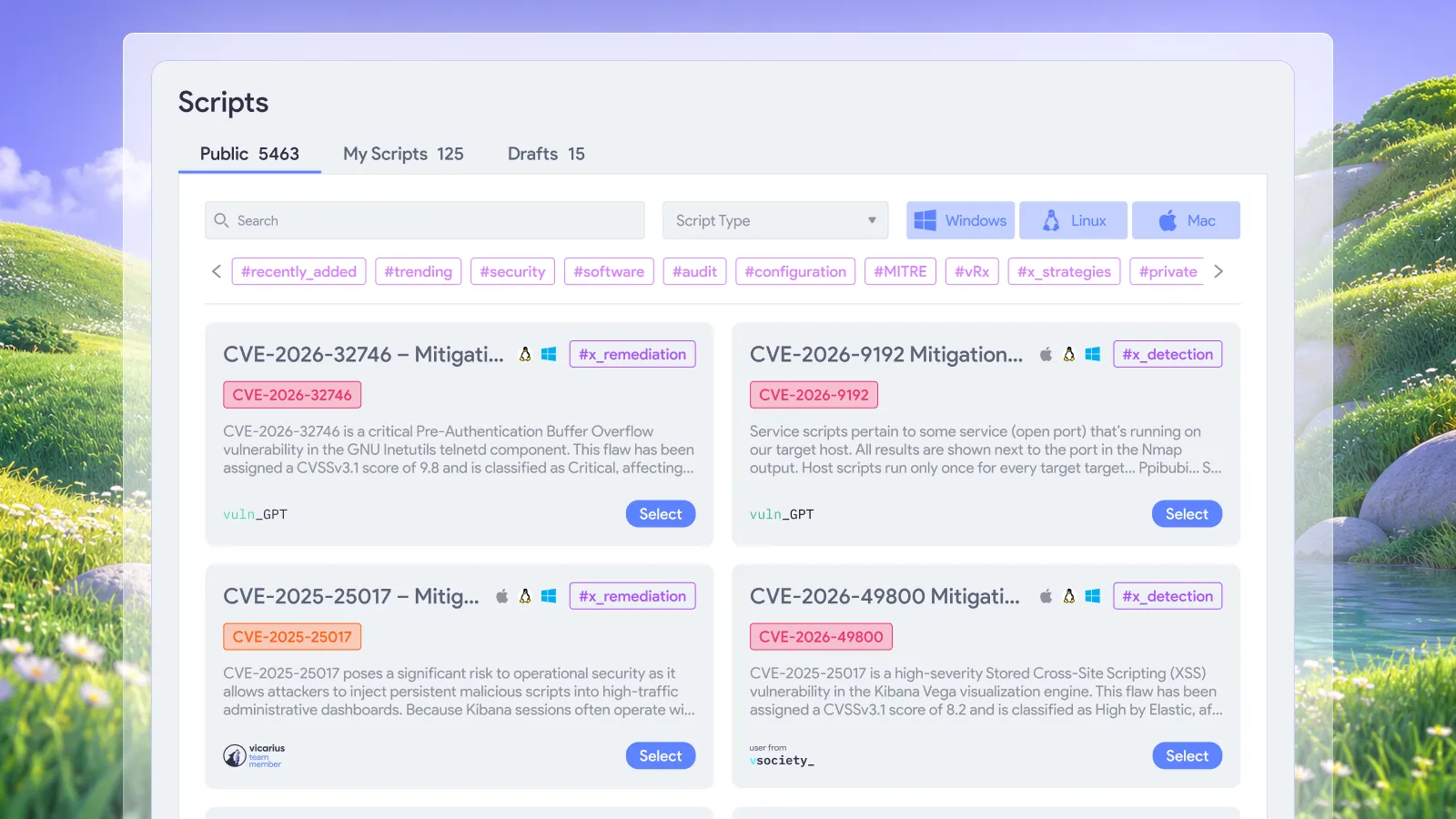
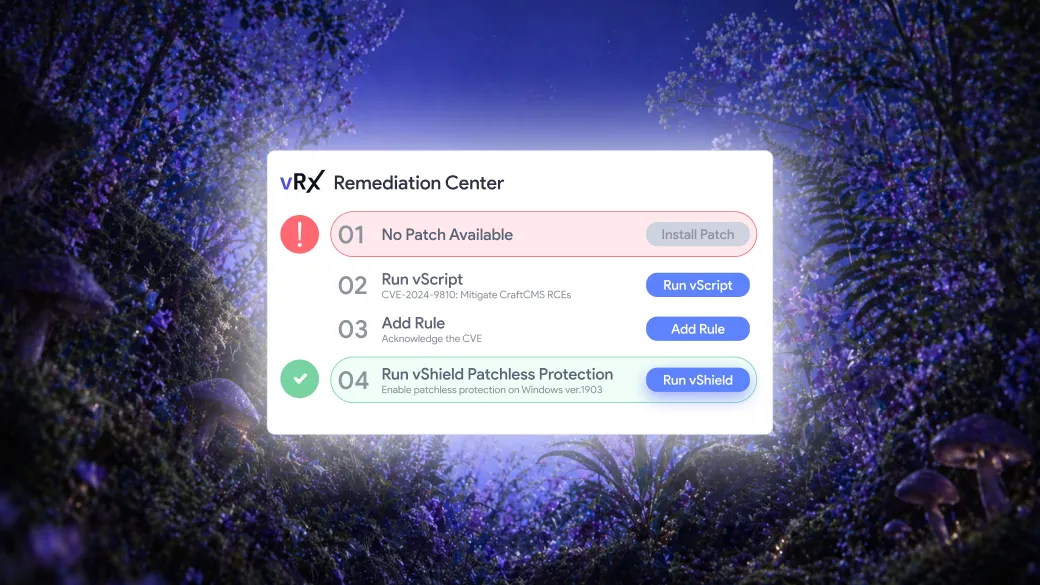
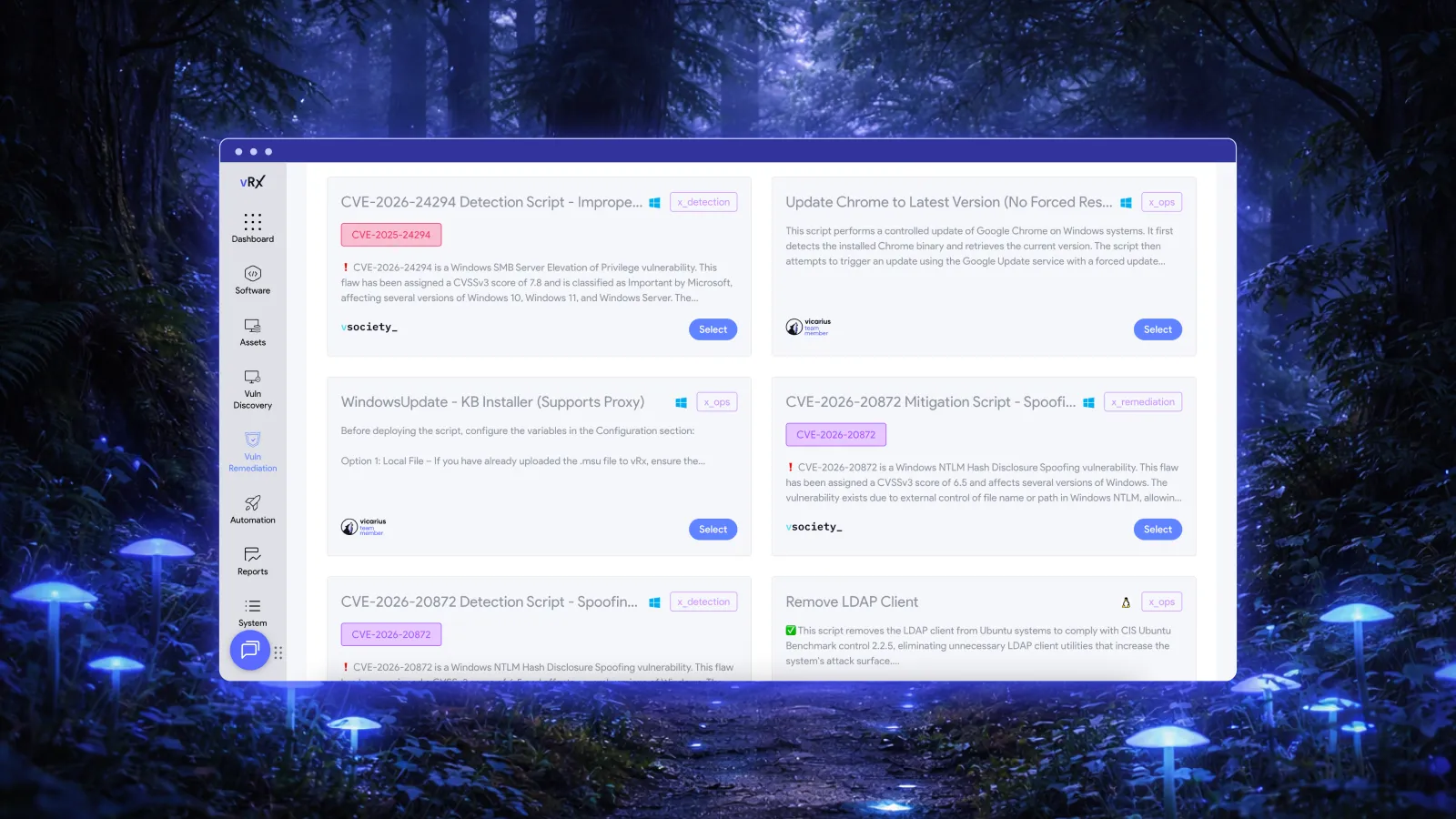
Vicarius vRx's vScript engine runs PowerShell, Bash, and Batch scripts across your managed assets. You can write custom scripts, pull tested scripts from the vSociety community library, or let ScriptAI generate scripts based on your specific exposure.
The Vicarius Research Team publishes detection and mitigation scripts for trending CVEs as threats emerge. Your team gets a response option before the vendor ships a fix.
6. Apply patchless protection for unpatchable systems
Legacy systems and end-of-life applications present a unique challenge. The vendor stopped shipping patches, but you still need the software running. Waiting for replacement isn't always an option.
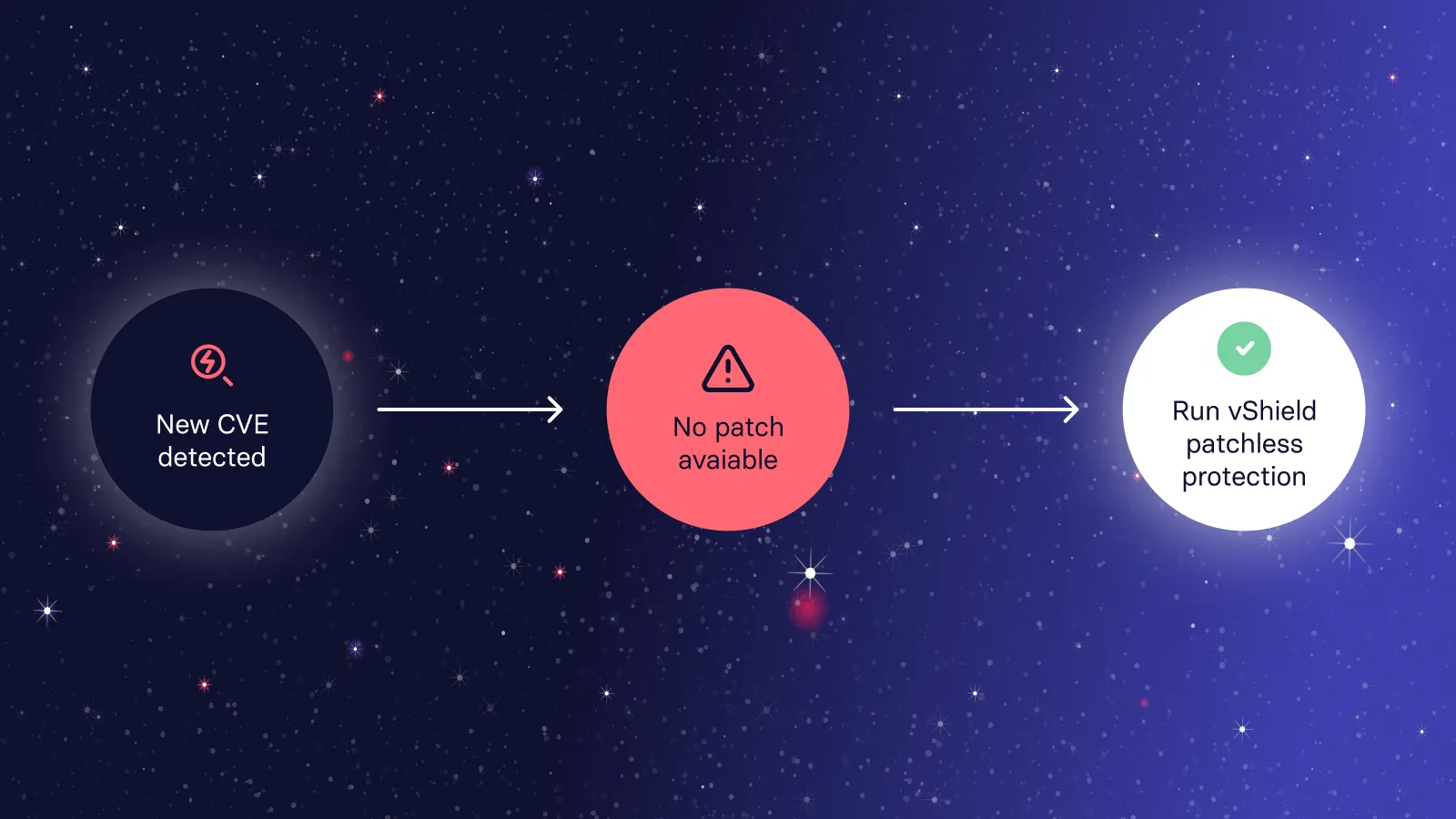
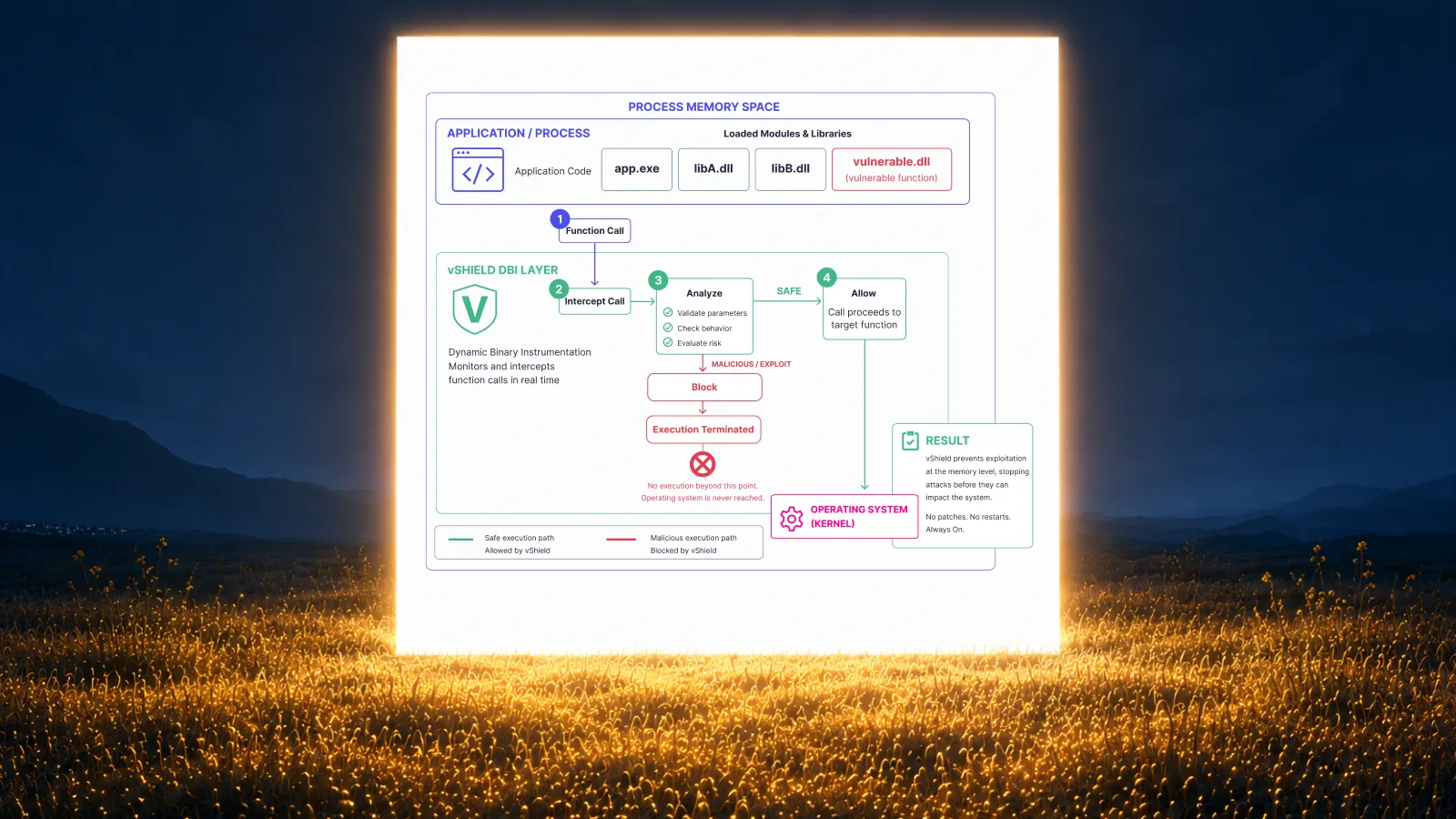
Vicarius vShield Patchless Protection shields vulnerable applications at the memory level without requiring a patch. It wraps the vulnerable code and blocks exploit paths, so attacks can't reach the vulnerability even though the underlying flaw still exists.
This protection deploys without reboots and without taking the application offline. Production systems stay running while the vulnerability is neutralized. When a patch eventually becomes available and you deploy it through vRx, patchless protection steps aside automatically.
For truly end-of-life software, patchless protection may be the only viable control until replacement. Eighty-three entries in CISA's KEV catalog prescribe disconnection rather than patching because no fix will ever ship. For organizations running those products, in-memory protection bridges the gap.
7. Validate and verify closed vulnerabilities
Deploying a patch doesn't guarantee the vulnerability is gone. Configuration conflicts, failed installations, and rollback events can leave systems exposed even after patching attempts.
Verify at the asset level, not the patch level. Two assets upgrading to the same software version may close different CVE sets depending on their starting versions. Vicarius vRx computes CVE coverage per asset, showing exactly which vulnerabilities each upgrade closes on each machine.
Re-scan after remediation to confirm closure. vRx's closed-loop verification validates that the vulnerability is resolved, not just that a ticket was closed or a deployment logged.
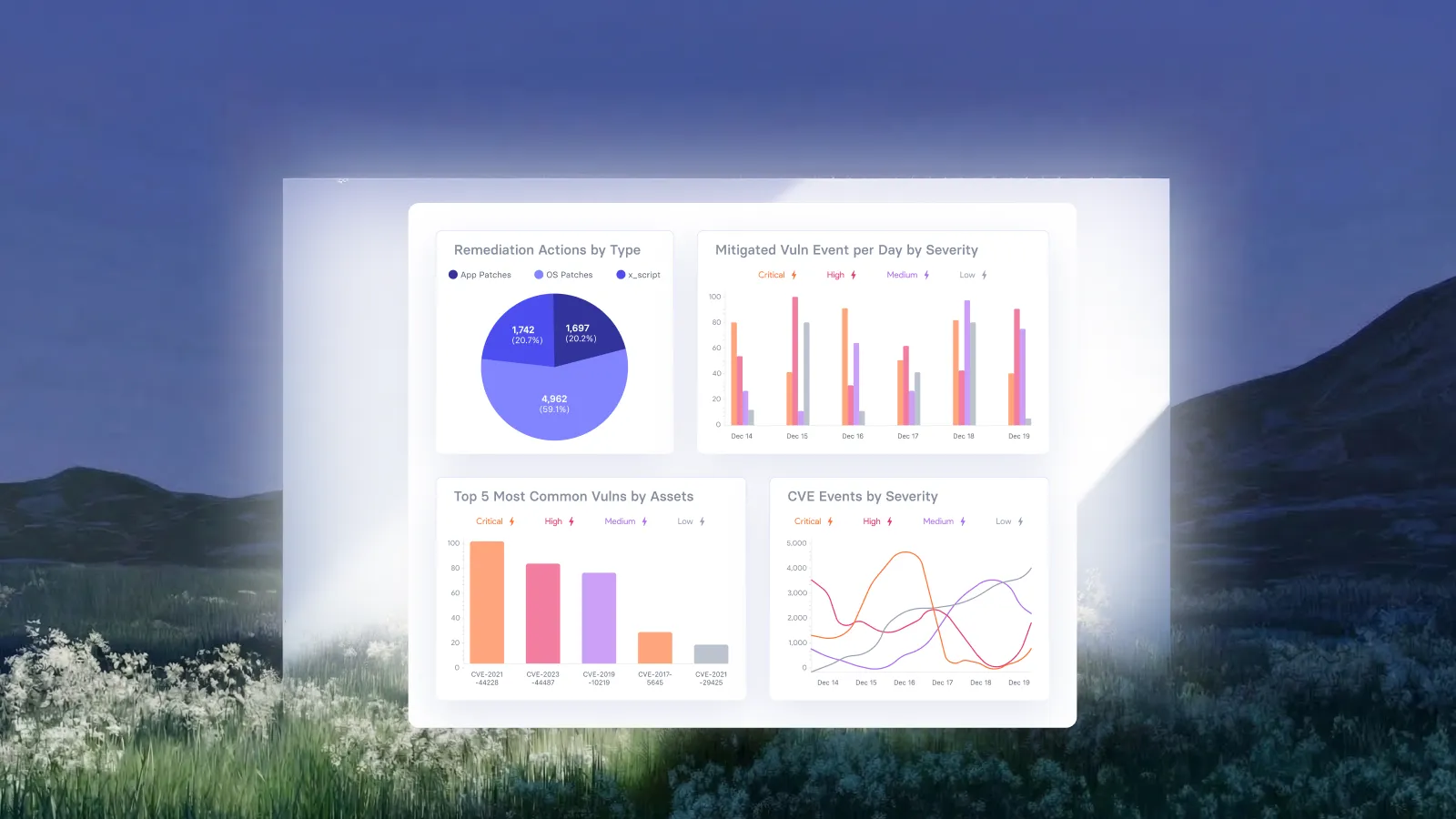
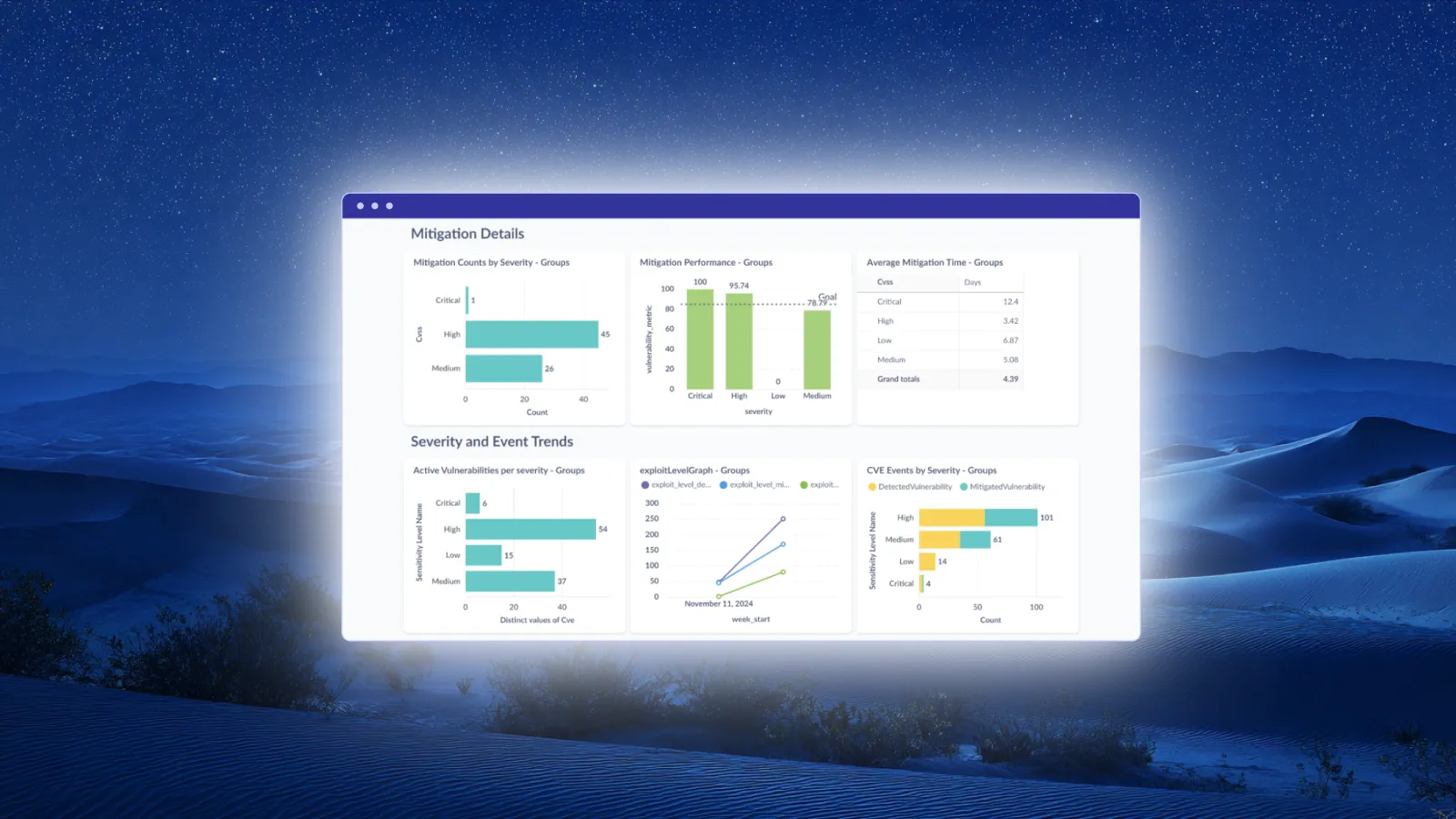
Use this verification data for compliance reporting. Auditors want evidence that vulnerabilities were fixed, not just attempted. vRx logs, timestamps, and records every remediation action so your team has audit-ready evidence for frameworks including HIPAA, PCI DSS, and CIS Benchmarks.
What happens if you dfon't address patch backlogs?
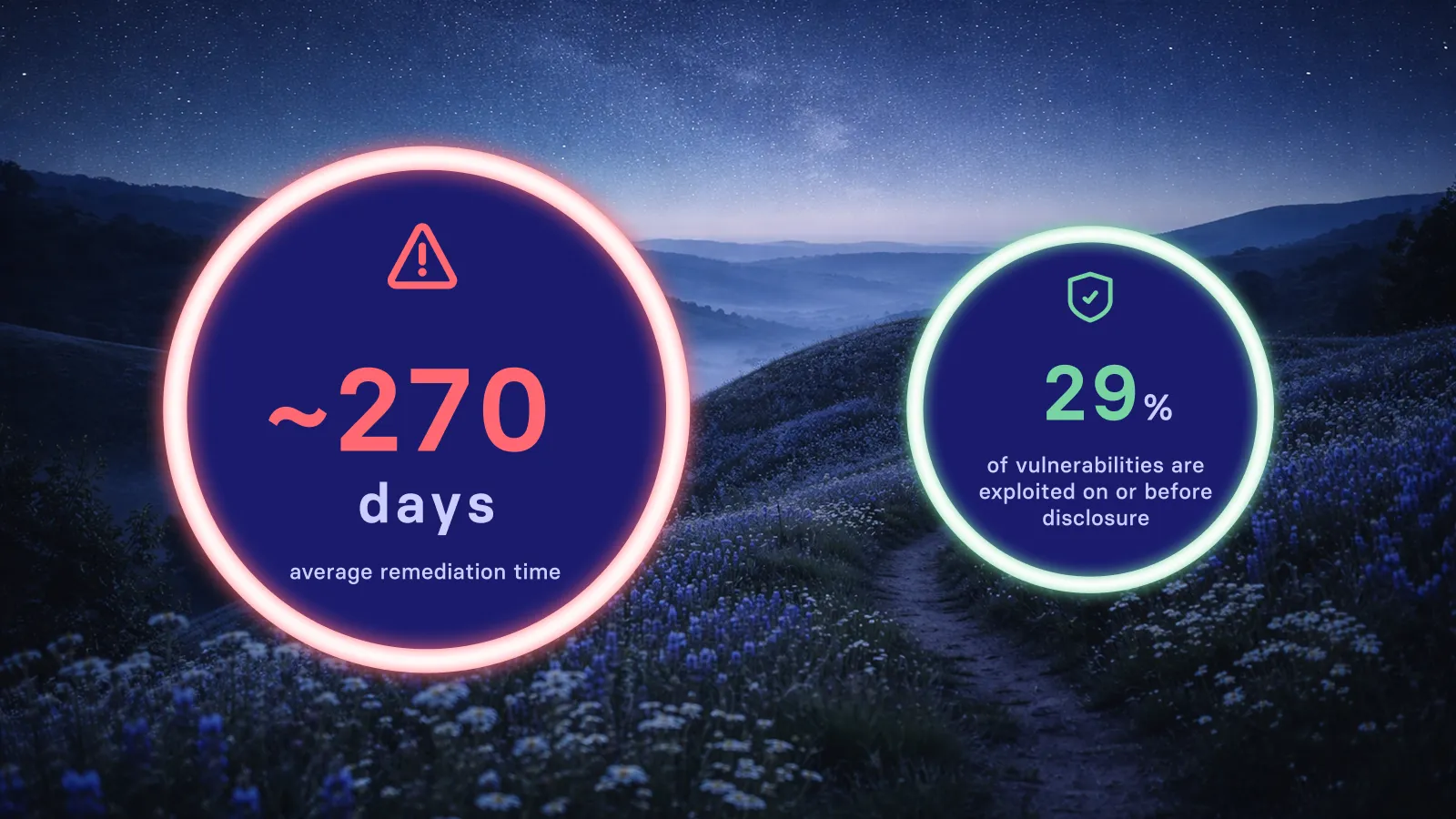
Unpatched vulnerabilities accumulate risk over time. The longer a known exploited vulnerability stays open, the more opportunity attackers have to use it. And exploitation is accelerating: nearly 29% of known exploited vulnerabilities in 2025 were weaponized on or before their CVE publication date.
Your backlog also affects compliance posture. Regulatory frameworks expect timely remediation of known vulnerabilities. A growing backlog becomes audit evidence of a control gap, not just a technical debt item.
Team capacity constraints compound the problem. As the backlog grows, more time goes to triage and less to actual remediation. This creates a negative cycle where the gap between discovery and fix keeps widening.
Why do patch backlogs keep growing?
The root cause is usually a mismatch between vulnerability discovery volume and remediation capacity. Modern scanning tools find thousands of vulnerabilities per cycle, but most organizations haven't scaled their patching capacity to match.
Tool fragmentation contributes. When vulnerability scanning, patch management, and compliance reporting live in separate systems, coordination overhead eats into remediation time. Teams spend hours reconciling data across tools instead of deploying fixes.
Prioritization gaps make things worse. Without risk-based ranking, teams either patch in severity order (missing actively exploited lower-severity CVEs) or in discovery order (creating an ever-growing queue). Neither approach addresses actual risk efficiently.
Third-party applications present coverage gaps. Many patching tools focus on operating systems and miss the thousands of third-party applications running in enterprise environments. These unpatched applications accumulate in the backlog while OS patches get attention.
How Vicarius helps you reduce patch backlogs faster
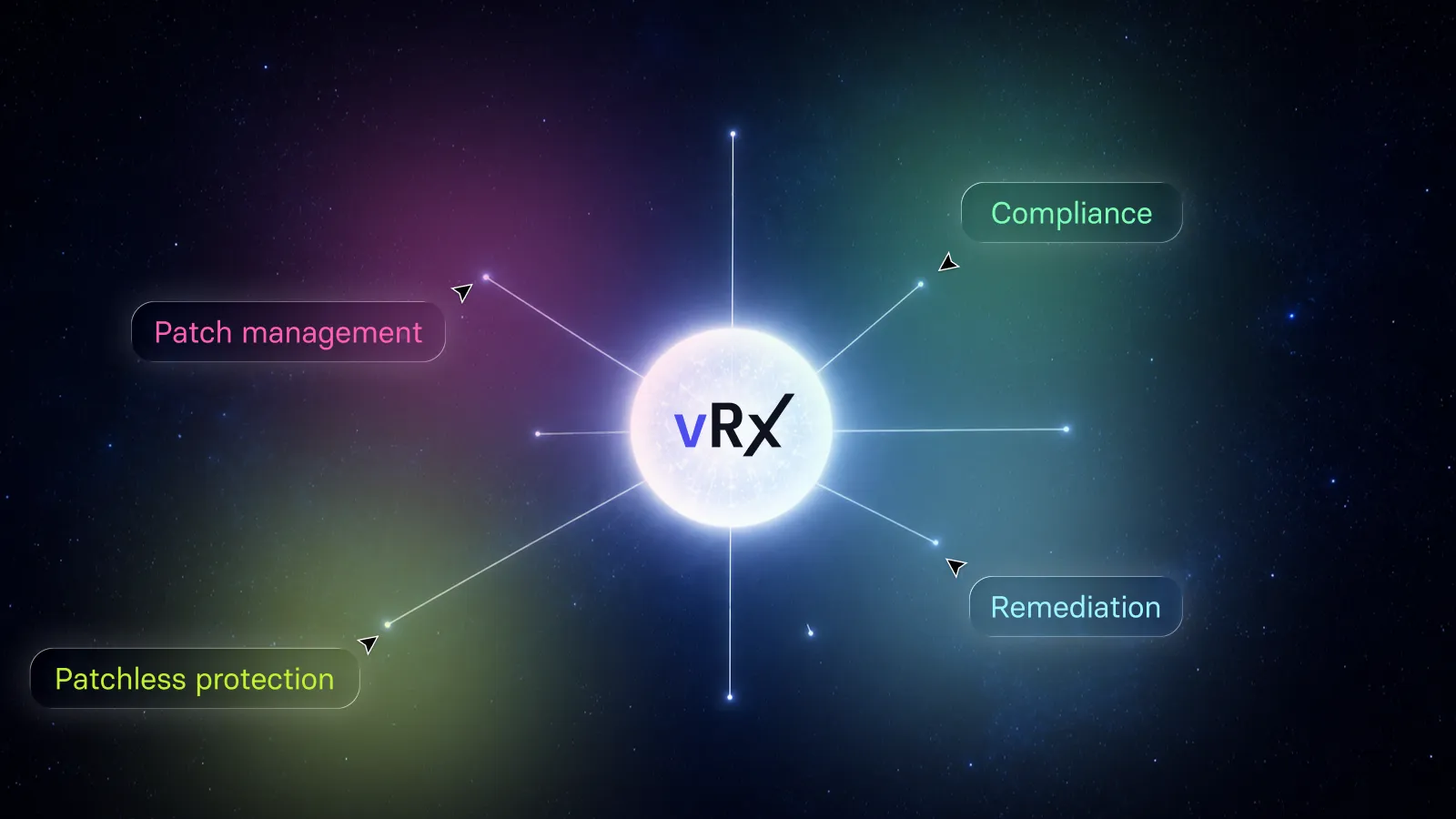
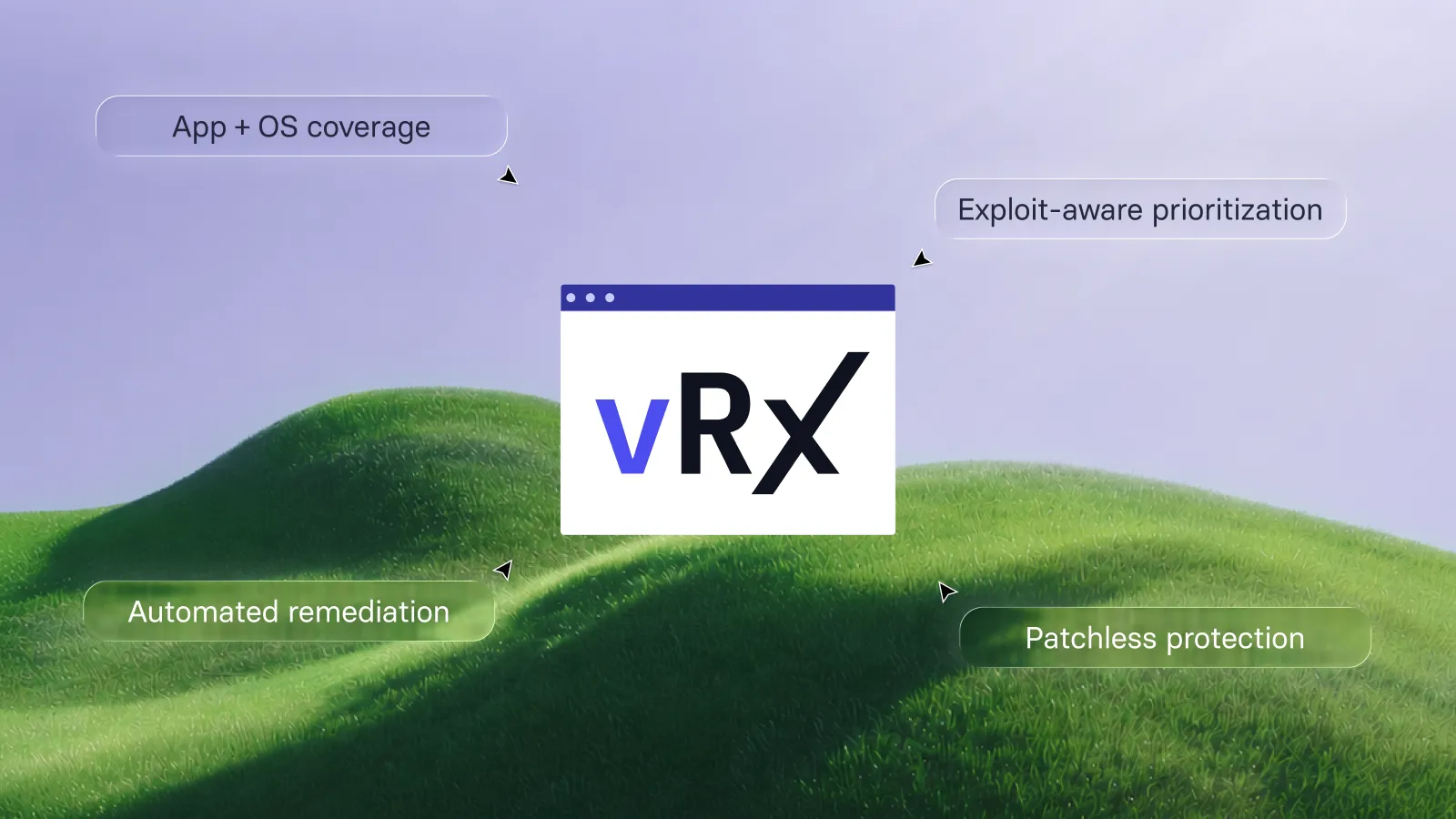
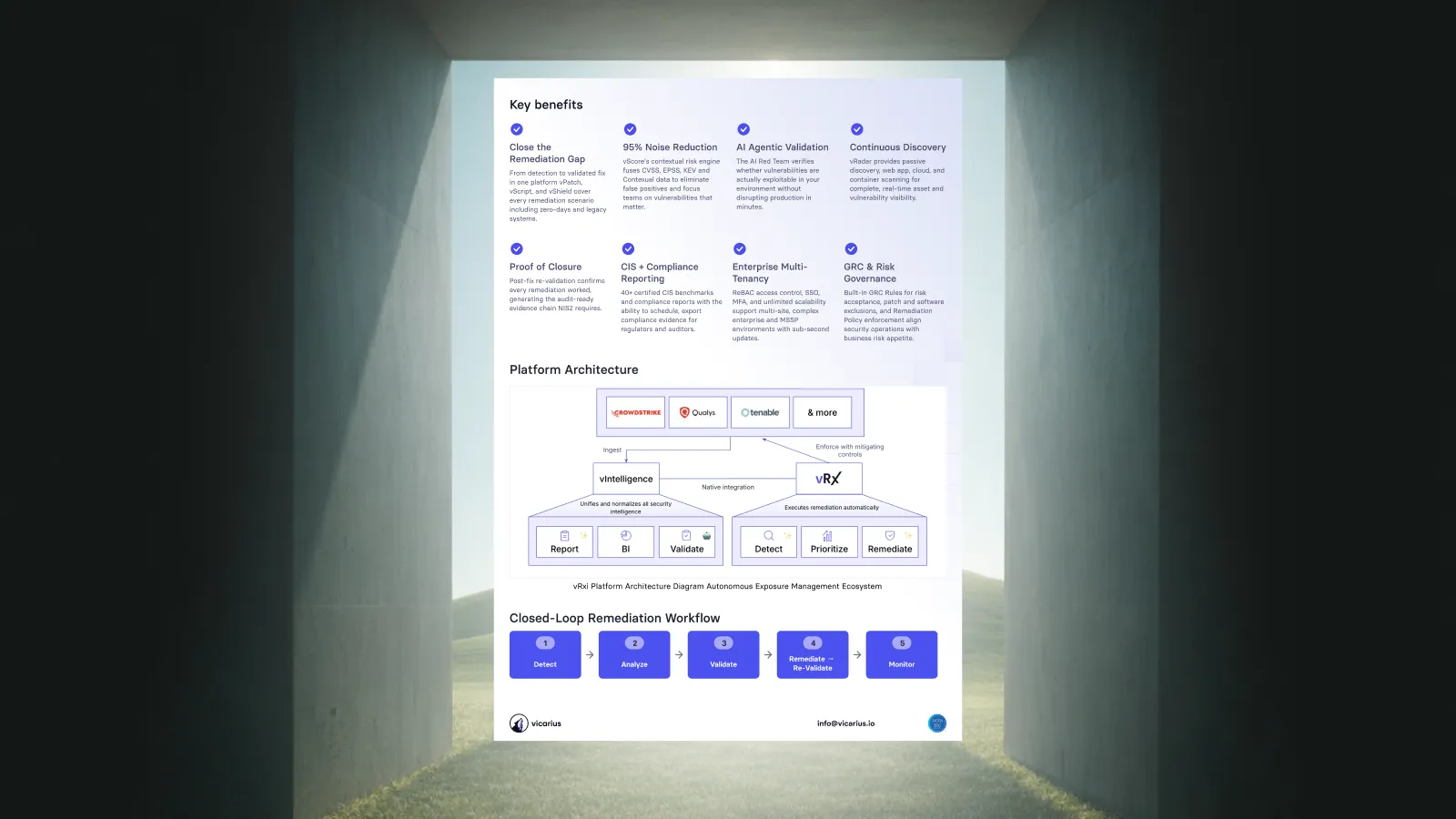
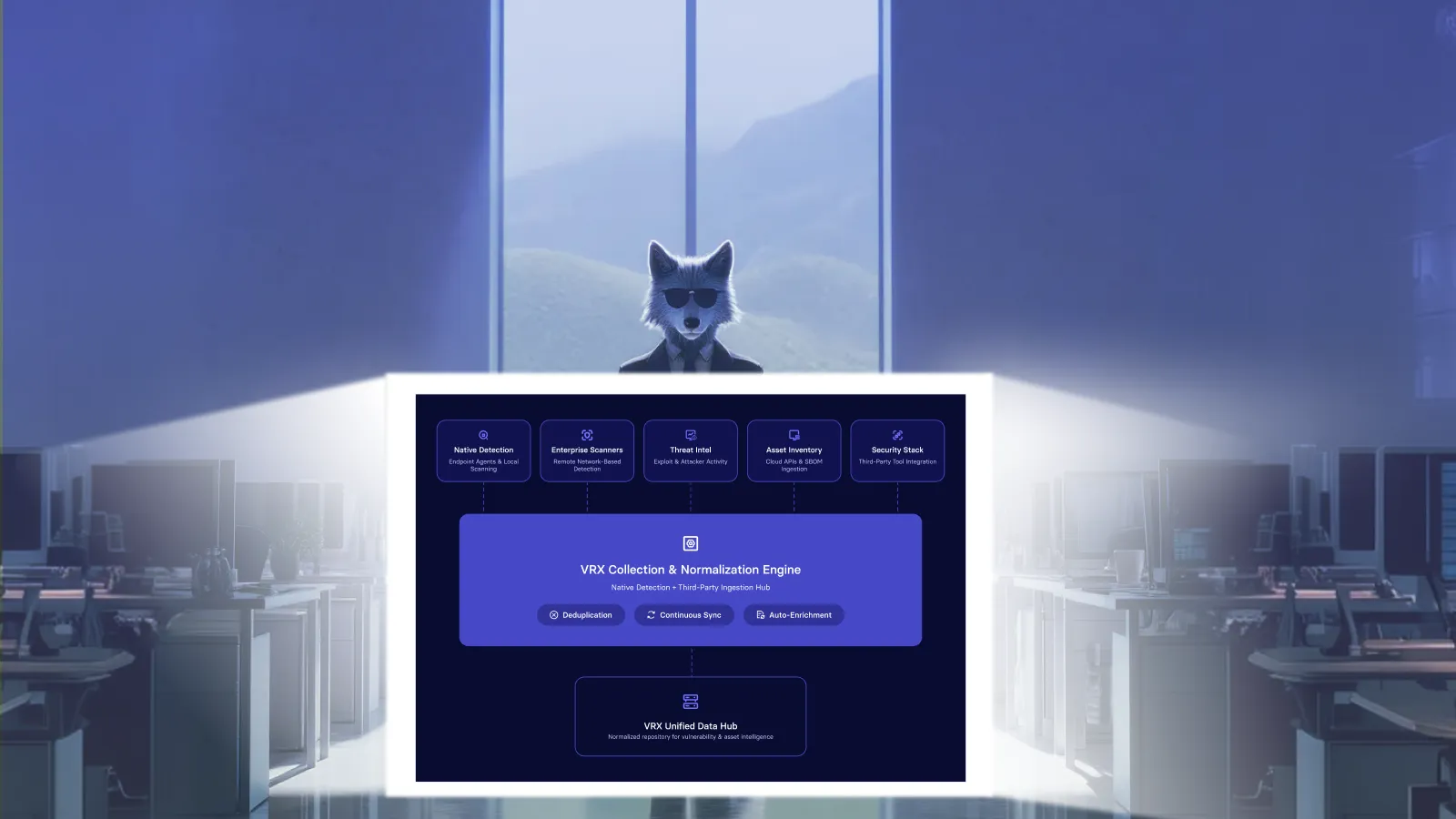
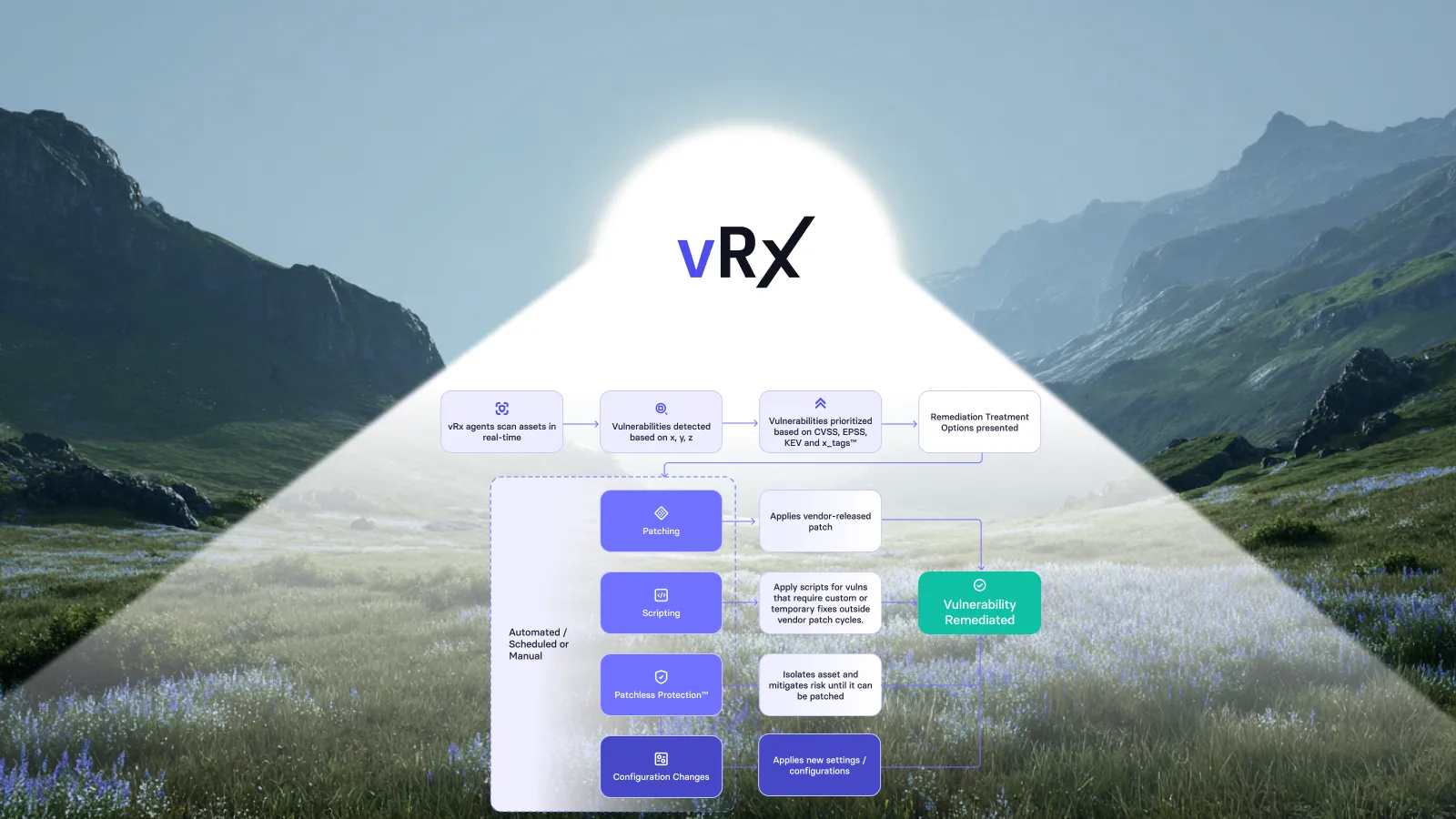
Want to automate the process? Vicarius vRx brings these steps into a unified remediation workflow, combining risk-based prioritization, automated patching, scripting, patchless protection, and remediation validation so security and IT teams can shrink patch backlogs with less manual work.
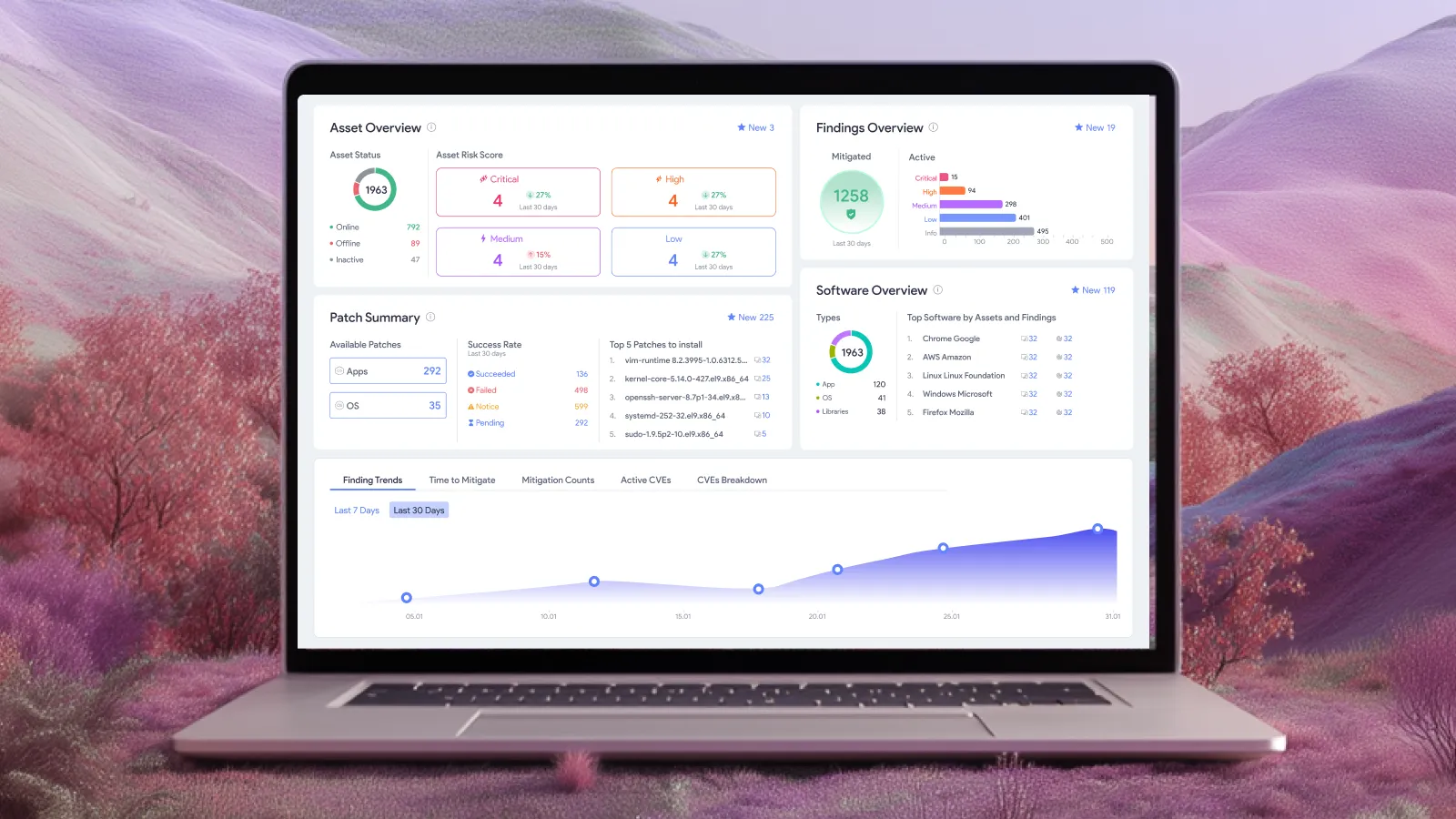
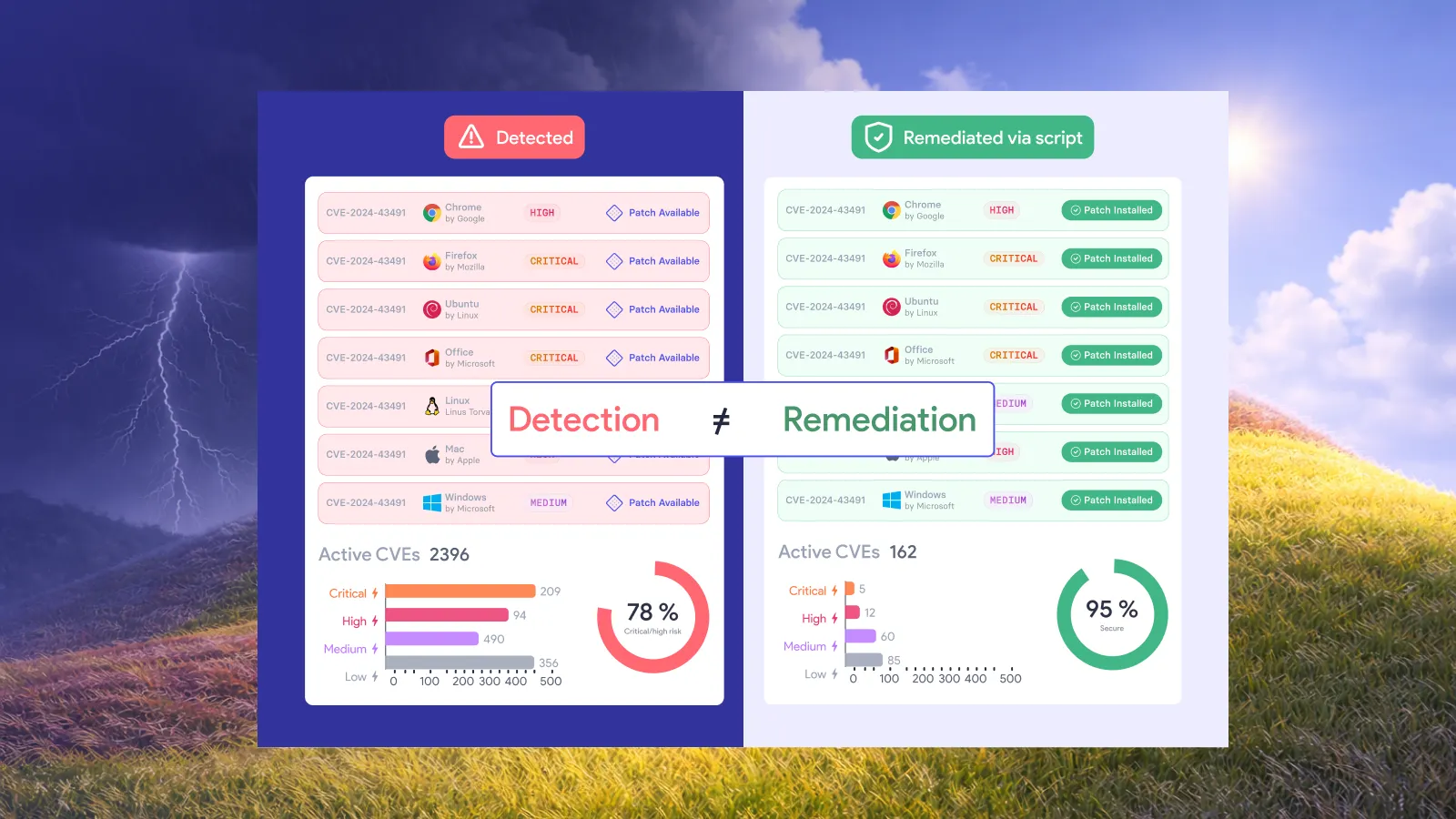
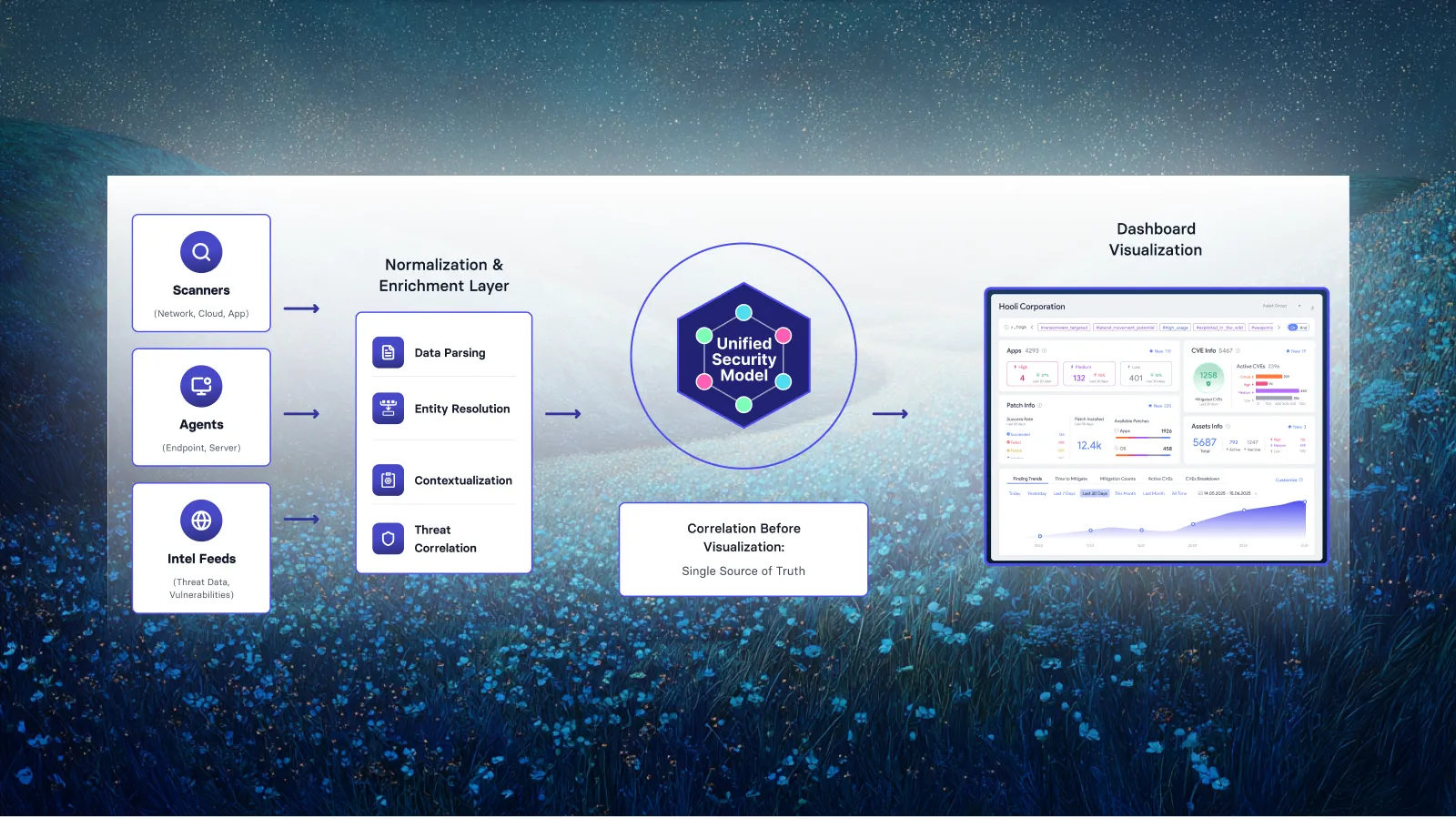
Vicarius vRx gives you discovery, prioritization, and remediation in one platform. Instead of coordinating between a scanner that finds vulnerabilities and a separate tool that deploys patches, you work from a single queue where every finding has a fix path.
vScore prioritizes by real exploitability, combining CVSS, EPSS, KEV data, and your asset context so you patch what matters first. Teams report reducing their mean time to remediate by 60% to 70% after implementing risk-based prioritization.
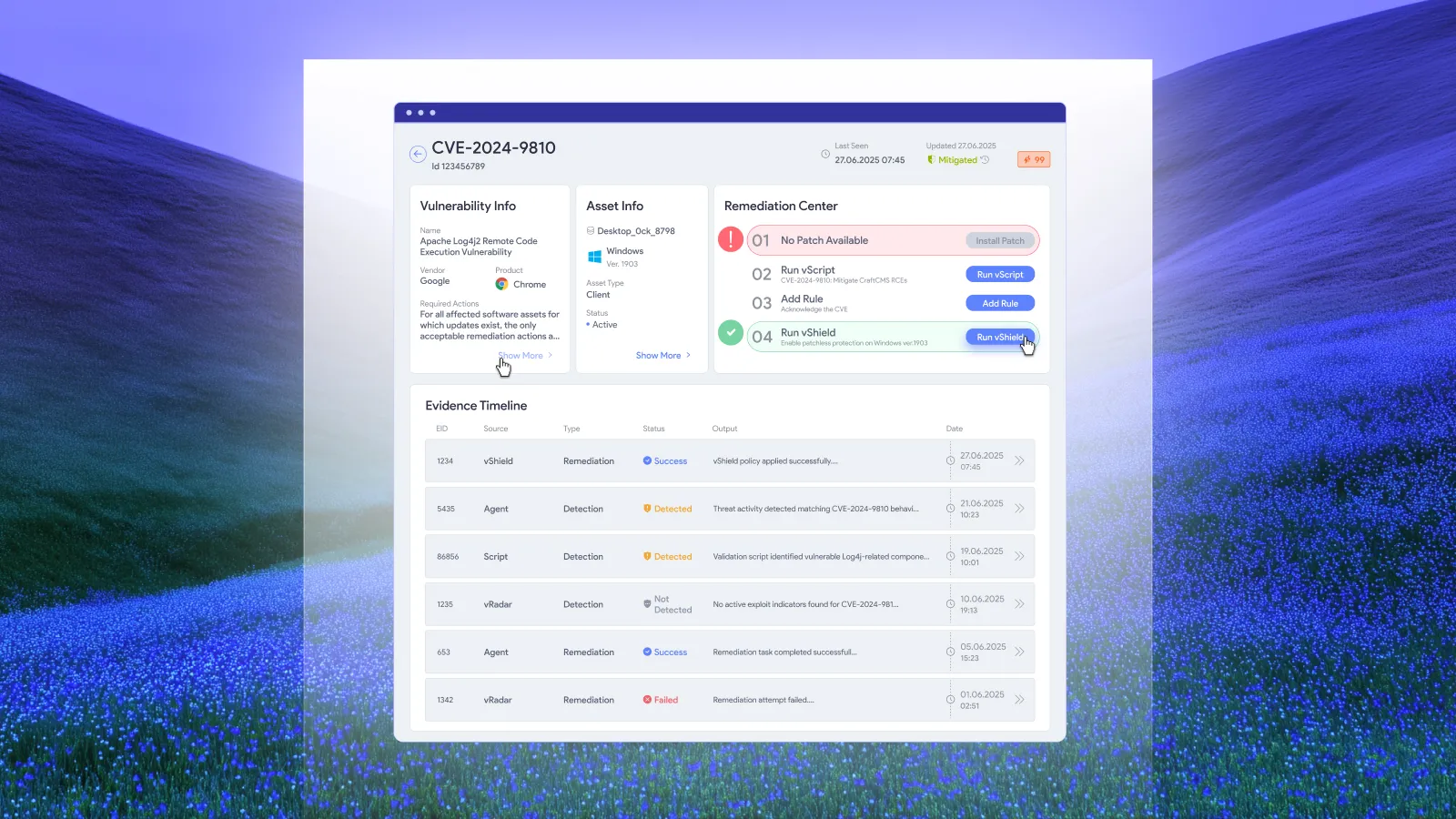
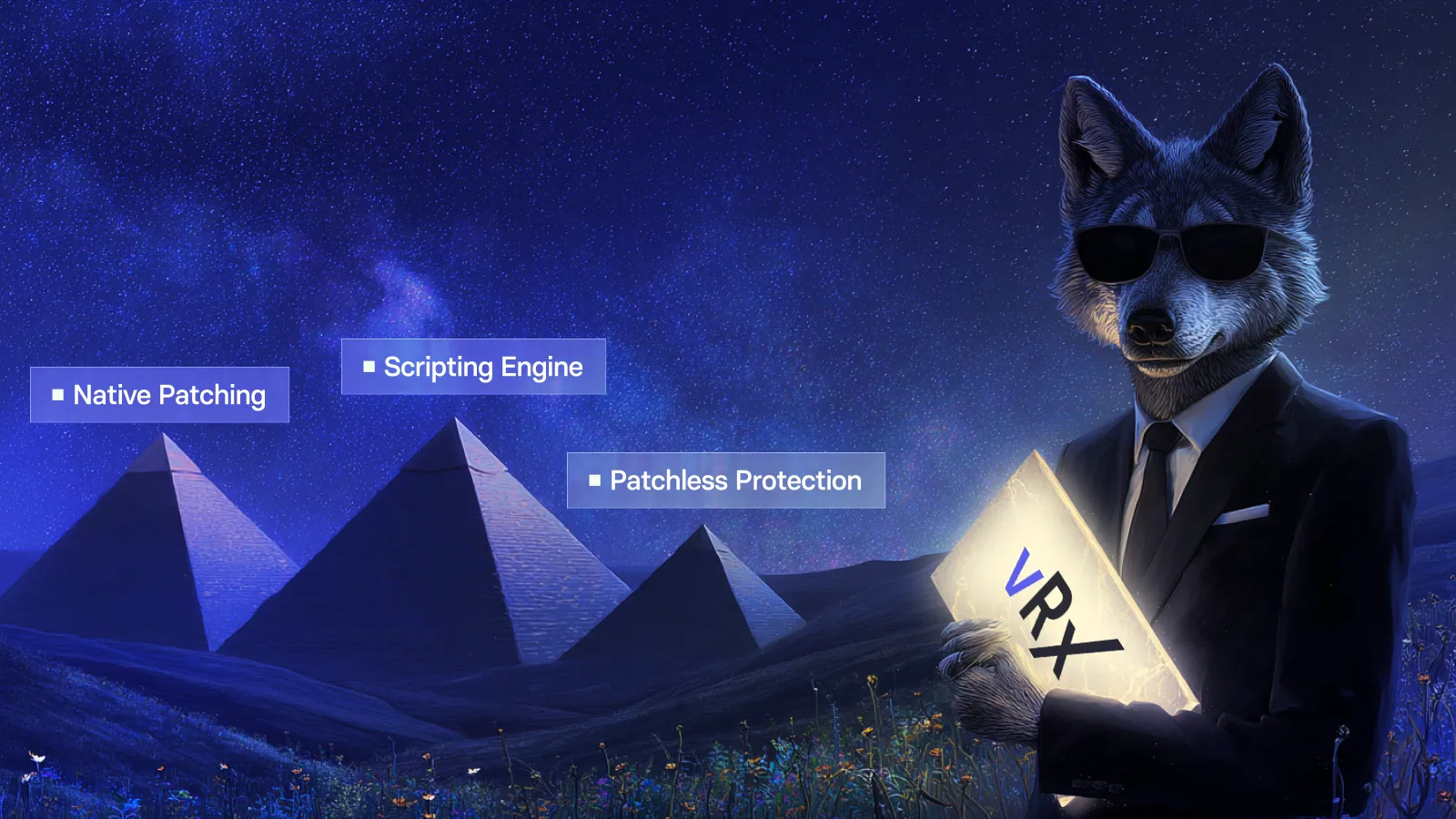
vPatch automates deployment across Windows, macOS, Linux, and over 20,000 third-party applications. vScript handles vulnerabilities that patches can't close. vShield protects systems that can't be patched at all. This triple coverage means no vulnerability sits in your backlog without a remediation option.
Automation saves at least 30% of the time teams typically spend on vulnerability management tasks. That recovered capacity can go toward reducing the backlog instead of maintaining it.
Request a demo to see how vRx can help your team cut patch backlogs without adding headcount.
FAQs about how to reduce patch backlogs
How long does it typically take to remediate a vulnerability?
Industry research shows the median organization takes 43 days to fully remediate a known exploited vulnerability. Vicarius vRx customers have reduced their mean time to remediate by 60% to 70% through risk-based prioritization and automated patching.
What percentage of vulnerabilities get fully remediated?
Only 26% of known exploited vulnerabilities are fully remediated across most organizations. Using Vicarius vRx's unified remediation platform, teams close more vulnerabilities faster by eliminating tool fragmentation and automating deployment.
Can automation really reduce patch backlog without more staff?
Yes. Vicarius vRx automation saves at least 30% of the time teams typically spend on vulnerability management tasks. Policy-based patching, script automation, and risk-based prioritization handle repetitive work so existing staff can focus on decisions, not deployments.
What should I do about end-of-life software that can't be patched?
Vicarius vShield Patchless Protection shields vulnerable applications at the memory level without requiring a patch. This protects legacy and end-of-life systems until replacement, with no reboot and no application downtime.
How do I prioritize which vulnerabilities to patch first?
Prioritize by real-world exploitability, not just CVSS severity. Vicarius vRx's vScore combines CVSS, EPSS probability data, KEV status, and asset context into a single ranking that reflects which vulnerabilities attackers are most likely to use against your environment.
What's the difference between patching and patchless protection?
Patching removes the underlying vulnerability by updating the software code. Patchless protection from Vicarius vShield blocks exploit paths at the memory level without changing the code. Both reduce risk; patching is permanent while patchless protection covers gaps until a fix exists.






























.webp)














%20Signals%20a%20New%20Era%20of%20Supply%20Chain%20Risk.webp)







.webp)