

Patch verification confirms that a security update has taken effect on the affected asset and that the evidence supports closing the finding. Check the installed package, the running software, and the vulnerable condition. Retain the results against the specific asset and vulnerability.
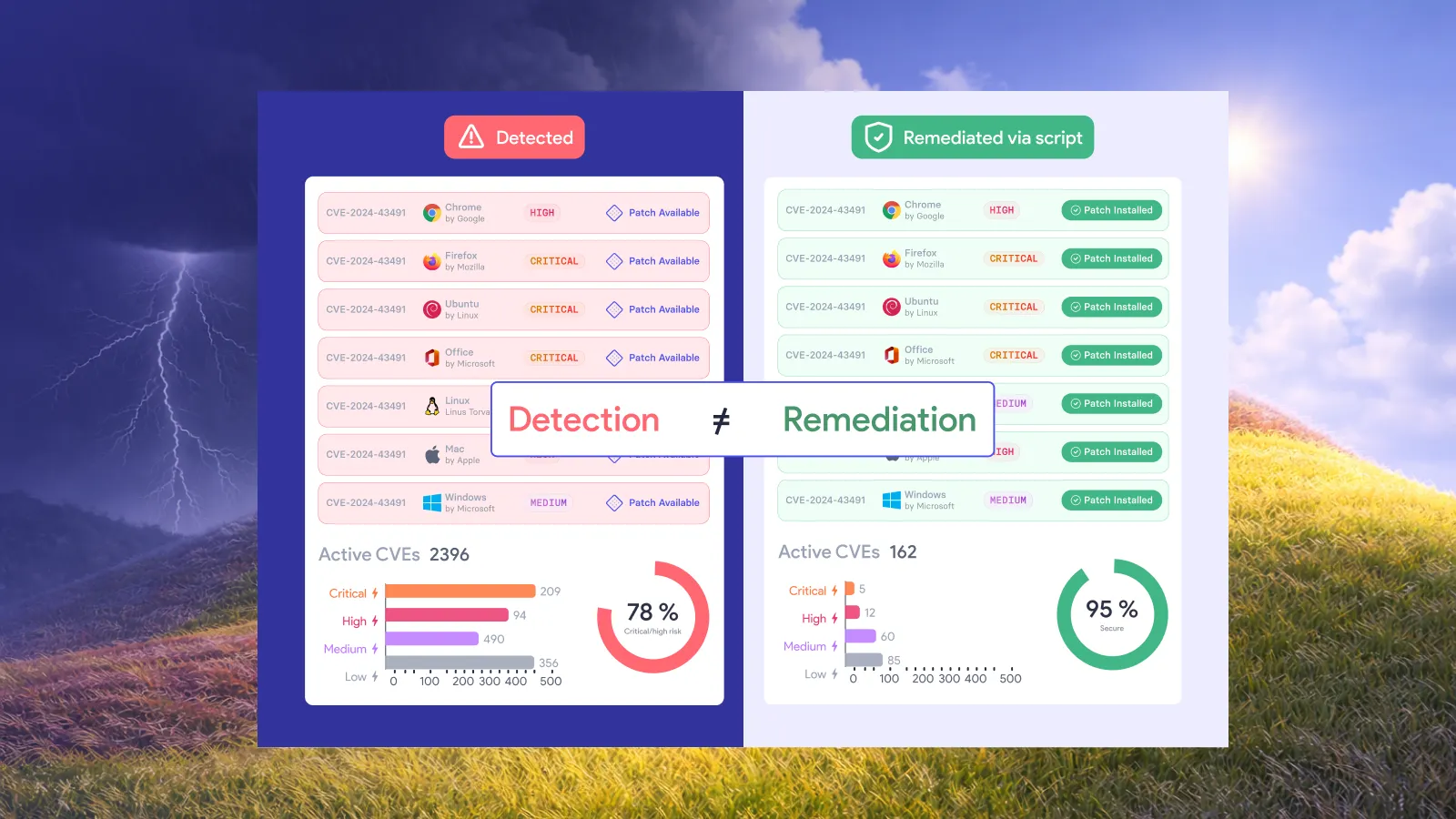
A deployment report is useful evidence, but the closure decision needs more context. Which system received the update? Did the application restart? Was the follow-up assessment able to inspect the affected component?
NIST makes verification an explicit phase of enterprise patch management. Its guidance calls for checking successful installation and whether the patch has taken effect, followed by monitoring that it remains installed. See NIST SP 800-40 Rev. 4, sections 2.3.3 and 2.3.4.
The checklist below turns those principles into a suggested closure workflow. Adapt the evidence to the vendor’s advisory, the asset, and the risk of the change.
What evidence is enough to close a patched vulnerability?
A defensible closure record connects the original finding to the changed system and a valid post-change check. Someone who did not perform the update should be able to reconstruct the decision.
Keep the conclusion bounded: verification supports closure of the specified finding on the checked asset. It does not establish that the whole system is free of vulnerabilities.
Use this checklist before marking the finding fixed.
| Verification check | Evidence to retain | Keep the finding open when |
|---|---|---|
| Confirm the target | Stable asset identifier, affected component, and vulnerability reference | The result belongs to a different asset or instance |
| Confirm the fix | Vendor advisory and installed package, build, or configuration evidence | The observed state does not match the vendor’s remediation |
| Confirm activation | Running-version evidence and required restart or redeployment result | The fixed component has not taken effect |
| Recheck the condition | Dated assessment with adequate access and relevant coverage | The test failed, missed the component, or still reports exposure |
| Check service health | Agreed application or operational test result | The change needs investigation or rollback |
| Record the decision | Evidence references, reviewer, time, and any remaining work | The evidence is incomplete or contradictory |
Treat these as acceptance criteria, not a requirement to purchase six separate tools. One system may supply several records. What matters is whether each record answers its intended question.
1. Match the evidence to the exact asset and component
Start with the finding you intend to close. Record its Common Vulnerabilities and Exposures identifier, or CVE, when one exists, along with the affected software and a stable asset identifier.
For applications with several instances, include the installation path, container image, or service identity needed to distinguish them. A result that says an application is current is insufficient if nobody can tell which instance was checked.
Keep the original evidence available. The before-and-after comparison should explain what changed without requiring a reviewer to reconstruct an old dashboard.
Before deployment, write a short acceptance statement: “Close this finding when the vendor-approved fix is active on this instance and the agreed follow-up check passes.” Specify the actual package and test in the record.
For a broader explanation of the workflow around this step, see Vicarius’s guide to automated remediation. This checklist addresses the evidence required at the end of that workflow.
2. Check the vendor’s fix, not just the version string
Compare the observed system state with the vendor’s advisory for the affected product and release. Save the advisory reference and the package or build evidence used in your decision.
Version comparisons need care on distributions that backport security fixes. Red Hat explains that it can apply a security correction to an older software version without adopting the latest upstream release. A scanner relying only on the upstream version number can therefore report a vulnerability that the vendor has already fixed. Red Hat’s security backporting practice.
If the assessment and the package evidence disagree, investigate the disagreement. Check the distribution release, package revision, advisory applicability, and detection method.
Do not dismiss the finding simply because the update job succeeded. Equally, do not require an unrelated upstream upgrade when the supported vendor package already addresses the vulnerability. Retain the explanation that resolves the discrepancy.
3. Confirm the fix is active
Where the vendor requires a restart or redeployment, make that action part of the verification plan. Record the state of the running component after it completes.
Chrome provides a familiar example. Google’s enterprise guidance explains that users must restart the browser to apply pending updates. Downloading an update does not complete that activation step. Chrome Enterprise restart guidance.
For your application, use the vendor-supported method to check the active version or equivalent state. A package inventory and a running-process check answer different questions; collect both when the distinction matters.
If activation is deferred, keep the remaining action visible. Give it an owner and record the required maintenance step. Avoid closing the finding with a comment that says “restart later,” because the closure status would contradict the evidence underneath it.
4. Run a check that can answer the closure question
Define the follow-up test before running it. Specify the target component, the access it requires, and what a passing result means.
A useful review asks:
• Did the check reach the intended asset and application instance?
• Did it have the credentials or permissions needed for the relevant inspection?
• Was its detection content suitable for the finding?
• Did it complete after the fix became active?
• Does the result establish the agreed condition, or does it leave uncertainty?
Treat an unreachable asset as unverified. If an assessment completes without the required access, investigate before interpreting an absent finding as proof of closure.
Select a safe validation method appropriate to the system. Prefer supported version, configuration, or vulnerability checks where they can establish the required result. Any intrusive testing needs explicit authorization, an agreed scope, and operational safeguards.
Record failed checks too. They explain why a finding remains open and help the next operator avoid repeating an inconclusive test.
5. Check service health and reconcile the results
Agree with the application owner on a small, meaningful post-change test. Depending on the service, that could be a login, an approved test transaction, or a check of a dependent integration.
Keep functional validation separate from vulnerability validation. A healthy application does not establish that a security fix is active. A passing vulnerability check does not establish that the business workflow still works.
When evidence conflicts, assign the investigation rather than selecting the most convenient result. Record what remains uncertain and who will resolve it.
For a rollout covering multiple systems, make closure decisions at the asset-and-finding level. In a hypothetical ten-server deployment, nine passing checks and one unreachable server justify nine verified results and one unresolved result. They do not establish that the entire deployment is verified.
6. Preserve the decision and recheck after recovery
Save the evidence references, assessment time, reviewer, and closure rationale together. Use the retention period and access controls required by your organization’s policy.
Plan what happens when a system is restored or rebuilt. NIST specifically recommends monitoring for situations such as patch removal, restoration of unpatched software from backup, or a return to vulnerable factory defaults. NIST’s deployed-patch monitoring guidance.
A practical recovery procedure should therefore include a fresh check before treating the restored asset as having its previous verified status. Keep the earlier closure record and link any recurrence to it.
This makes a later review understandable: the original fix may have been valid, while a subsequent recovery operation changed the system state.
A worked patch-verification record
The following example is hypothetical. The asset, times, and result illustrate the record structure; they are not a customer case study or a claim about a particular CVE.
An application owner updates a reporting service on asset APP-042. The package installation succeeds at 21:05, but the service still needs a restart. The finding remains open.
After the approved restart, the owner checks the active build. Security then runs the agreed follow-up assessment, and the application owner completes a test report.
The closure record contains:
• Target: APP-042, reporting-service instance, original finding reference.
• Required state: Package and configuration specified in the applicable vendor advisory.
• Installation: Completed at 21:05; deployment log retained.
• Activation: Service restarted at 21:20; active build checked at 21:22.
• Security validation: Relevant assessment completed at 21:30 with required access; closure criterion passed.
• Operational validation: Test report completed successfully at 21:35.
• Decision: Named reviewer closes this asset’s finding at 21:40 and links the supporting records.
• Recovery instruction: Recheck the required state if the asset is restored or rebuilt.
All timestamps in this example use the same time zone. In a real record, include the date and time zone explicitly.
Notice where the decision occurs: after the evidence is available. The installation timestamp remains useful without being presented as the time of verified closure.
How Vicarius approaches remediation and its evidence
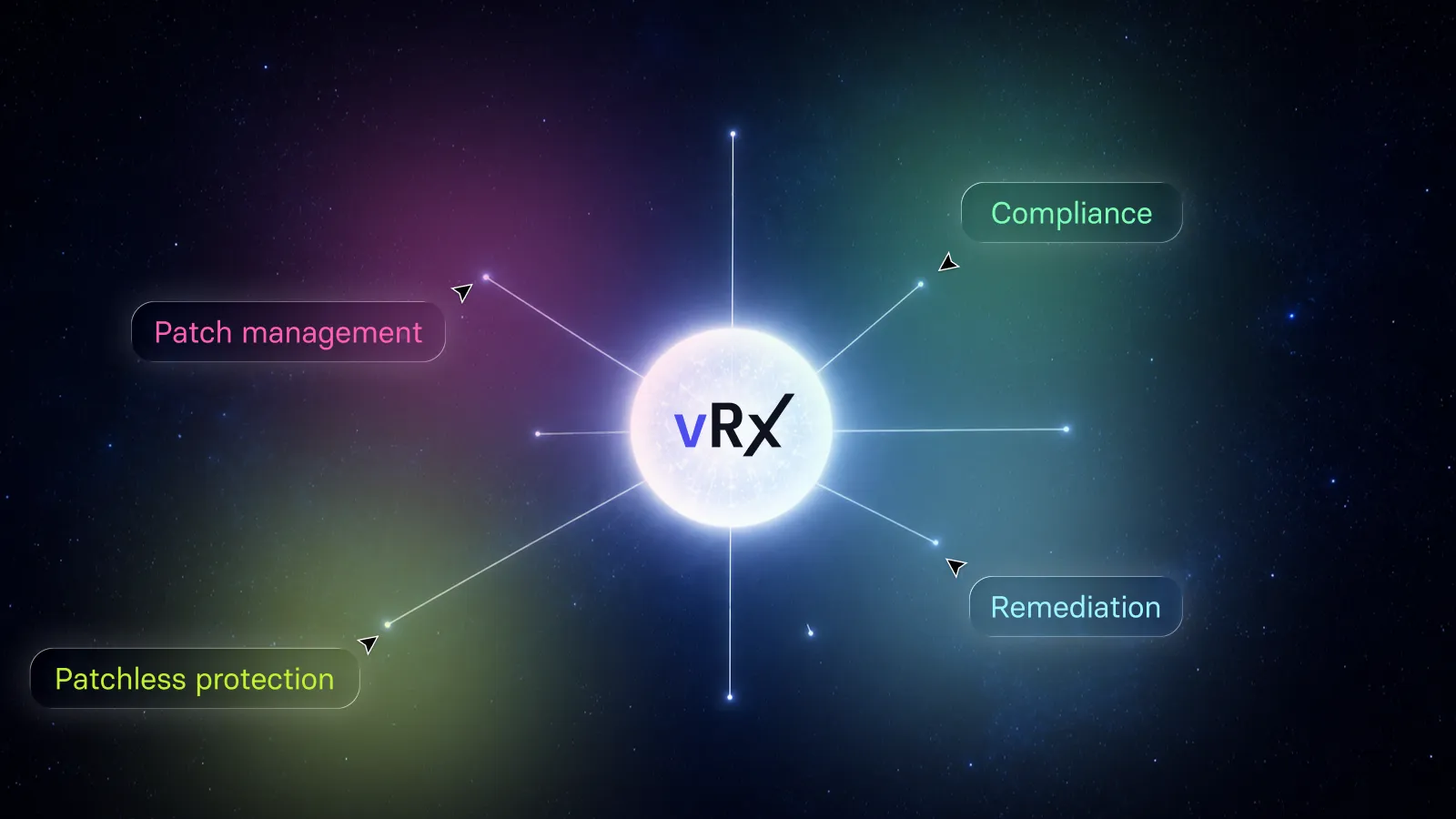
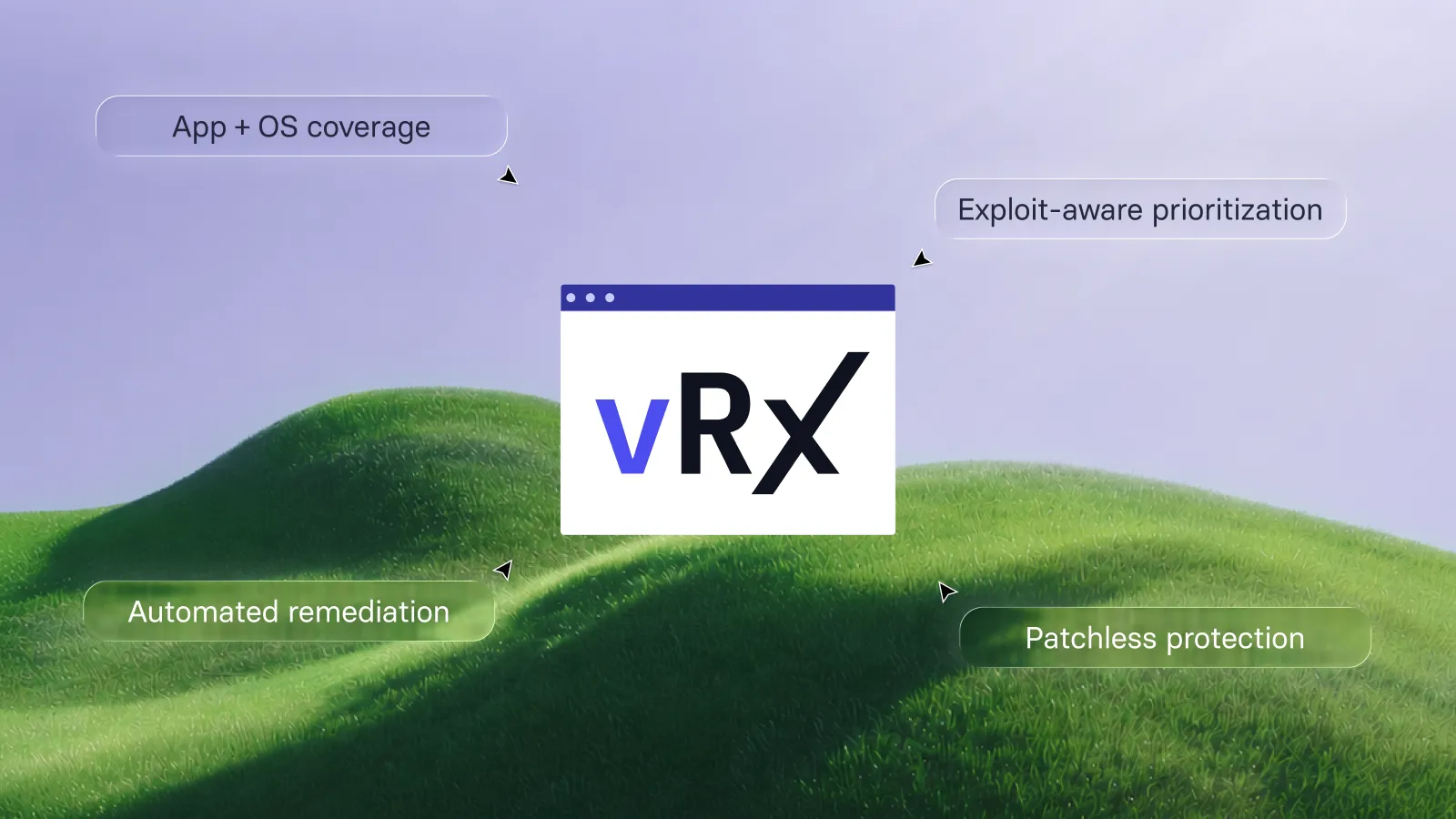
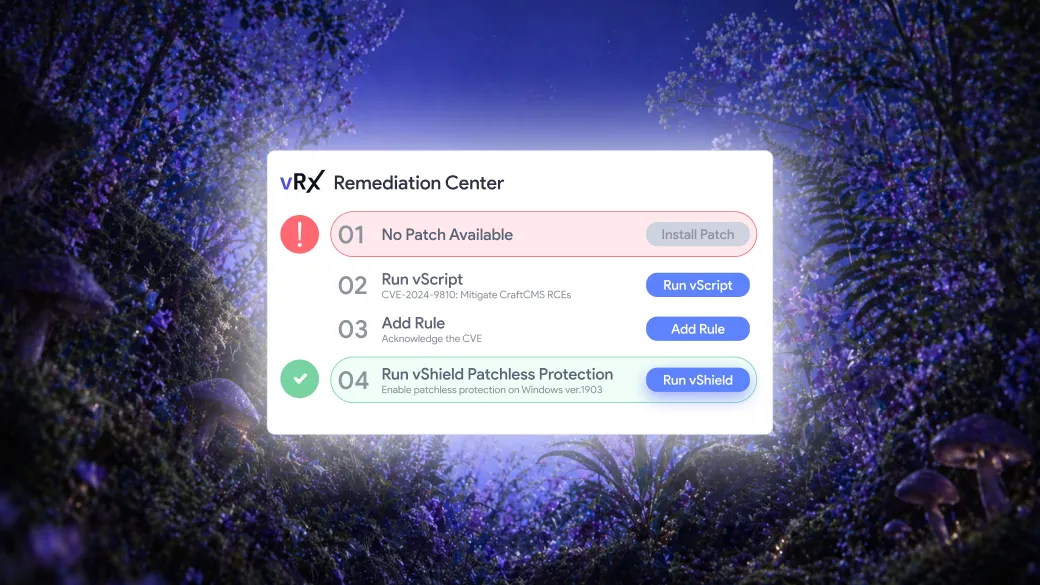
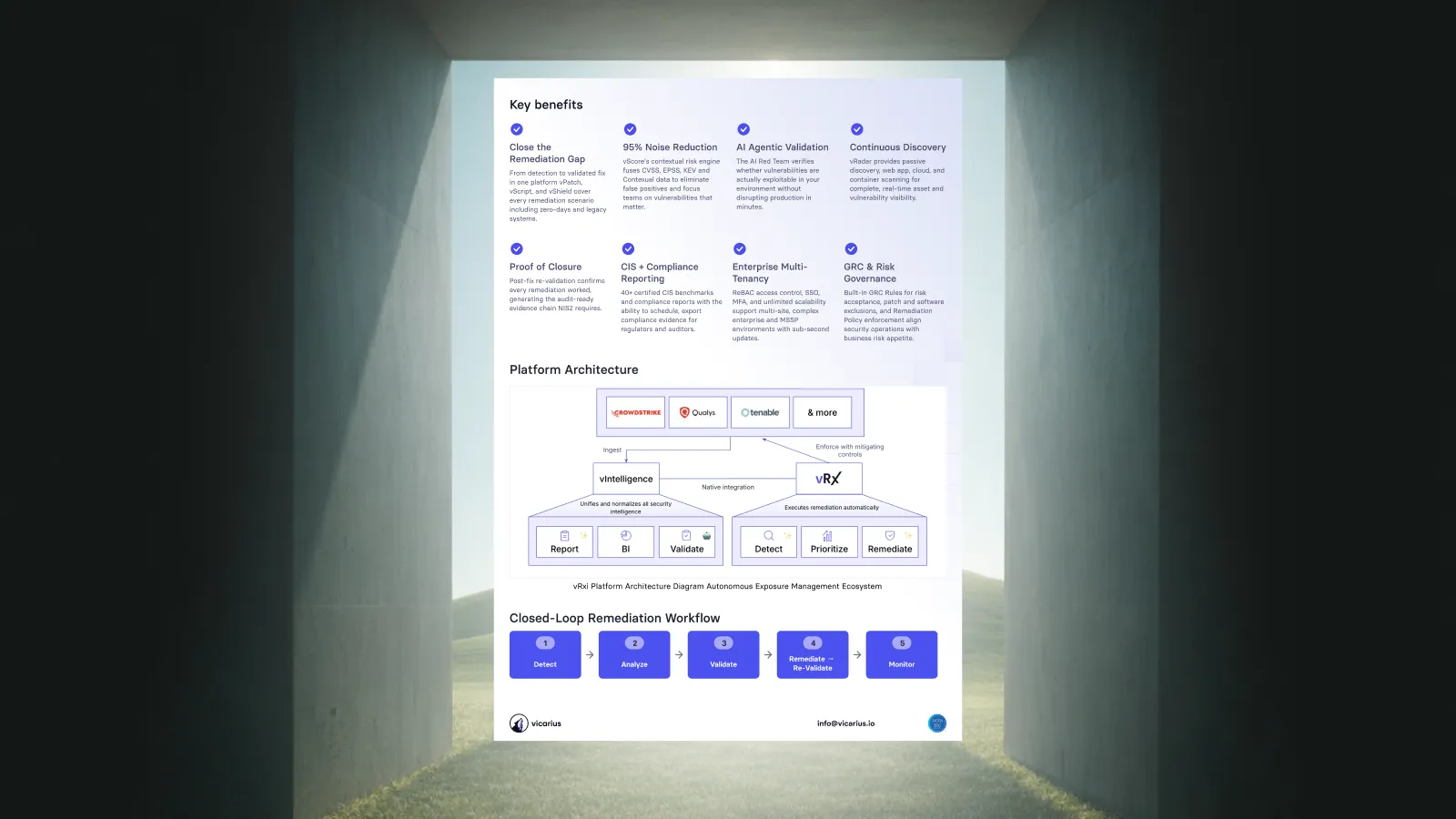
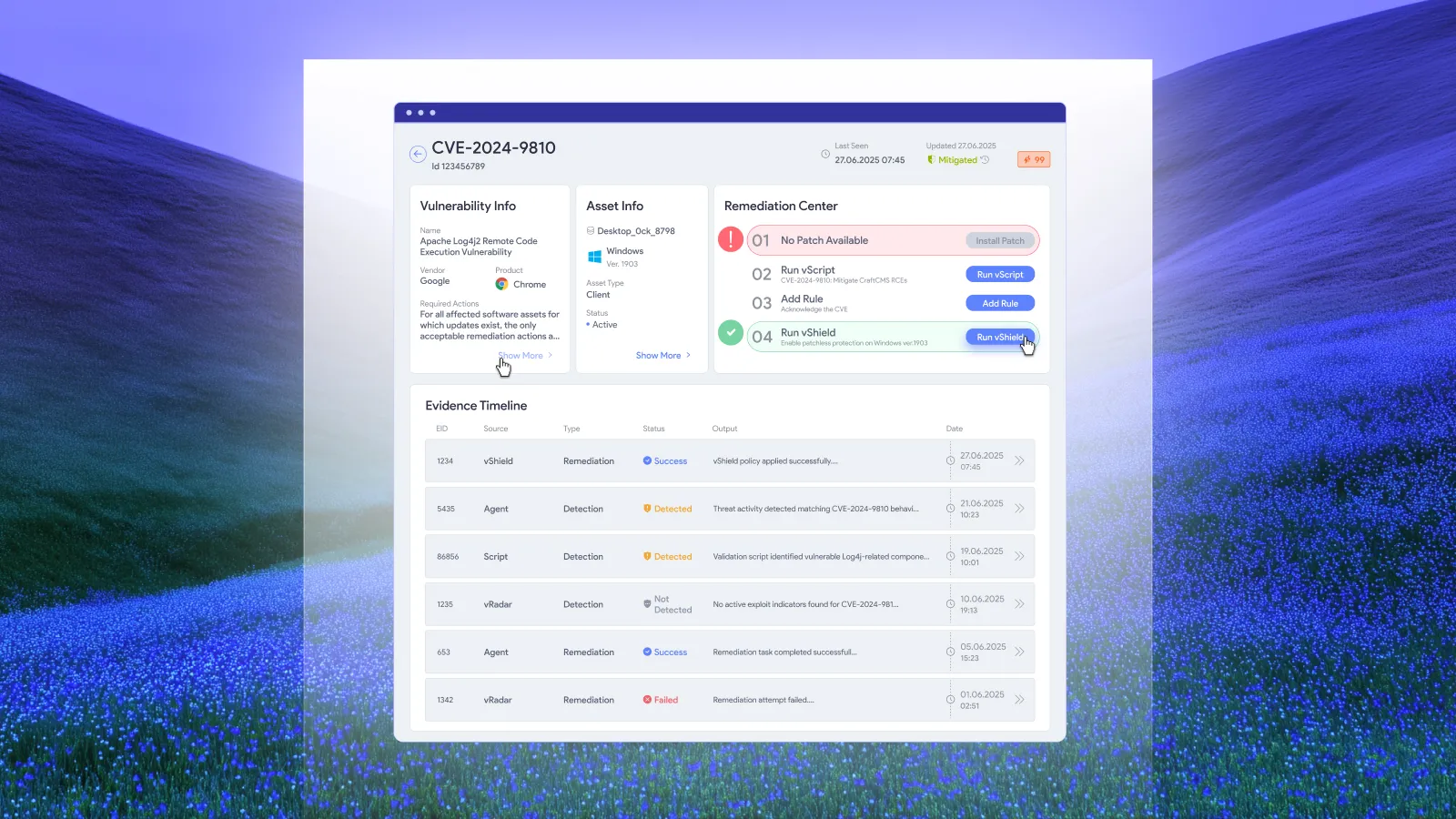
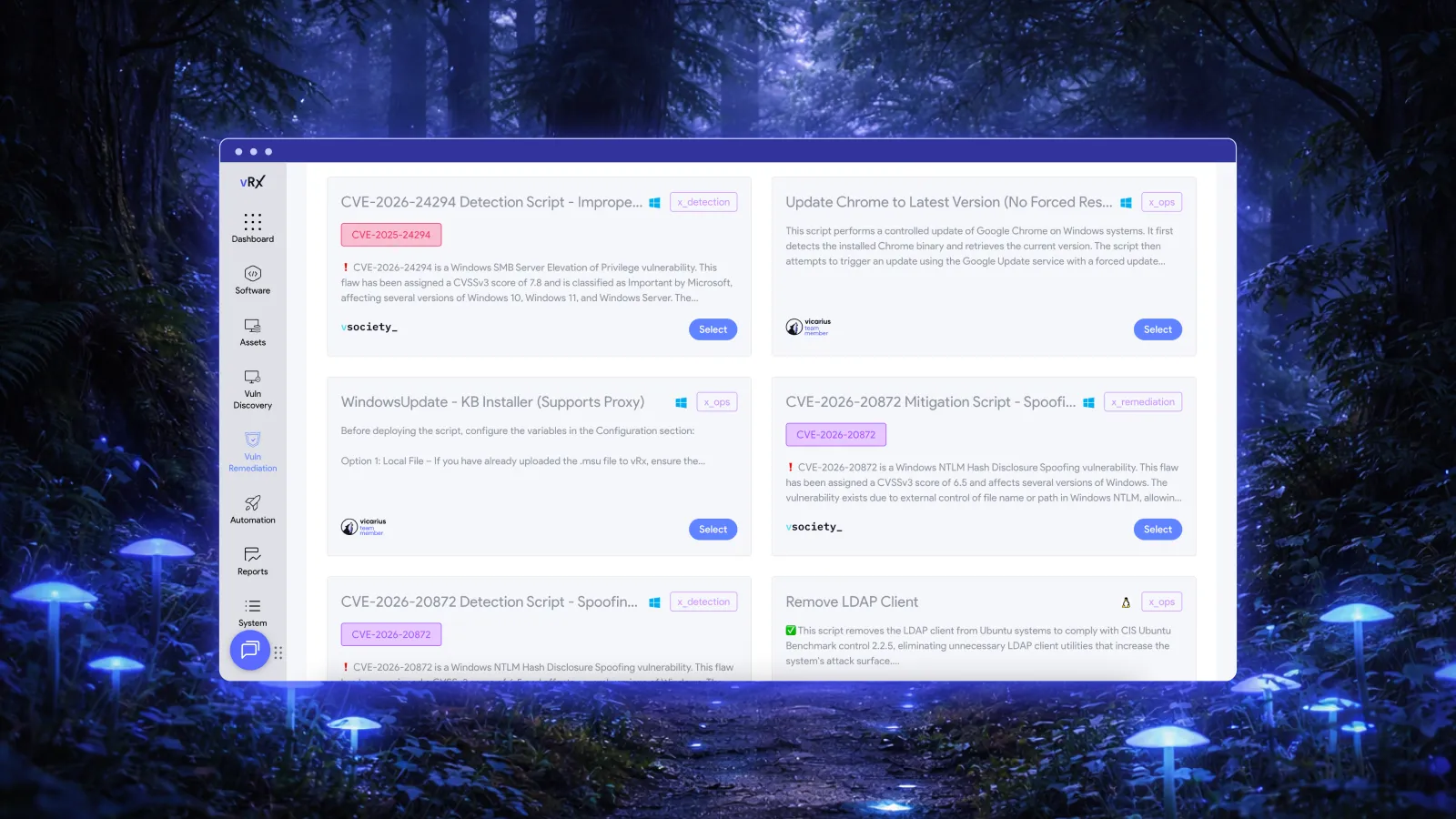
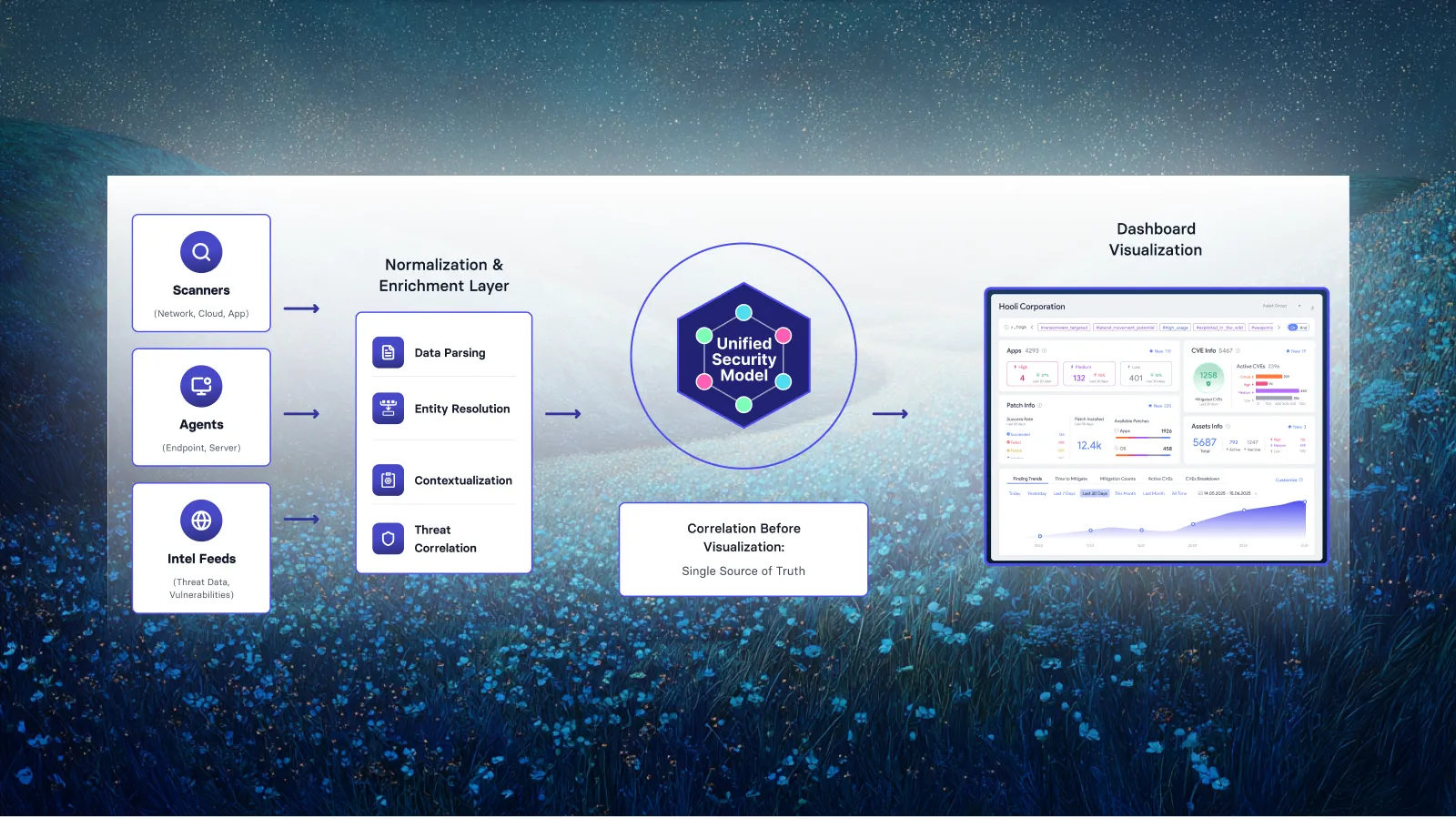
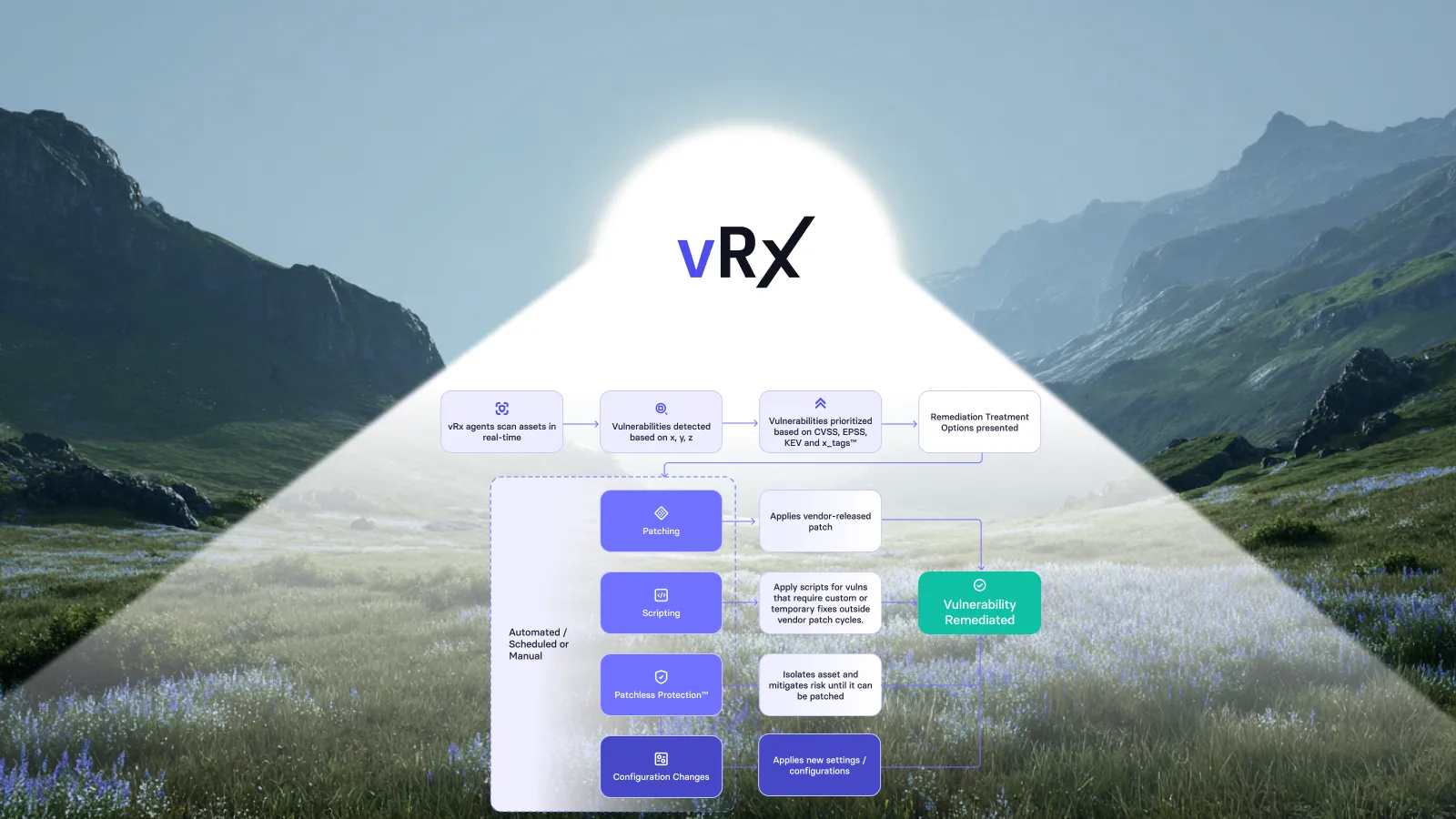
Vicarius’s approach connects vulnerability context with actions on affected systems. Its remediation workflow includes vPatch for patch deployment and vScript for custom remediation scripts addressing vulnerabilities and configuration issues. Vicarius vulnerability remediation.
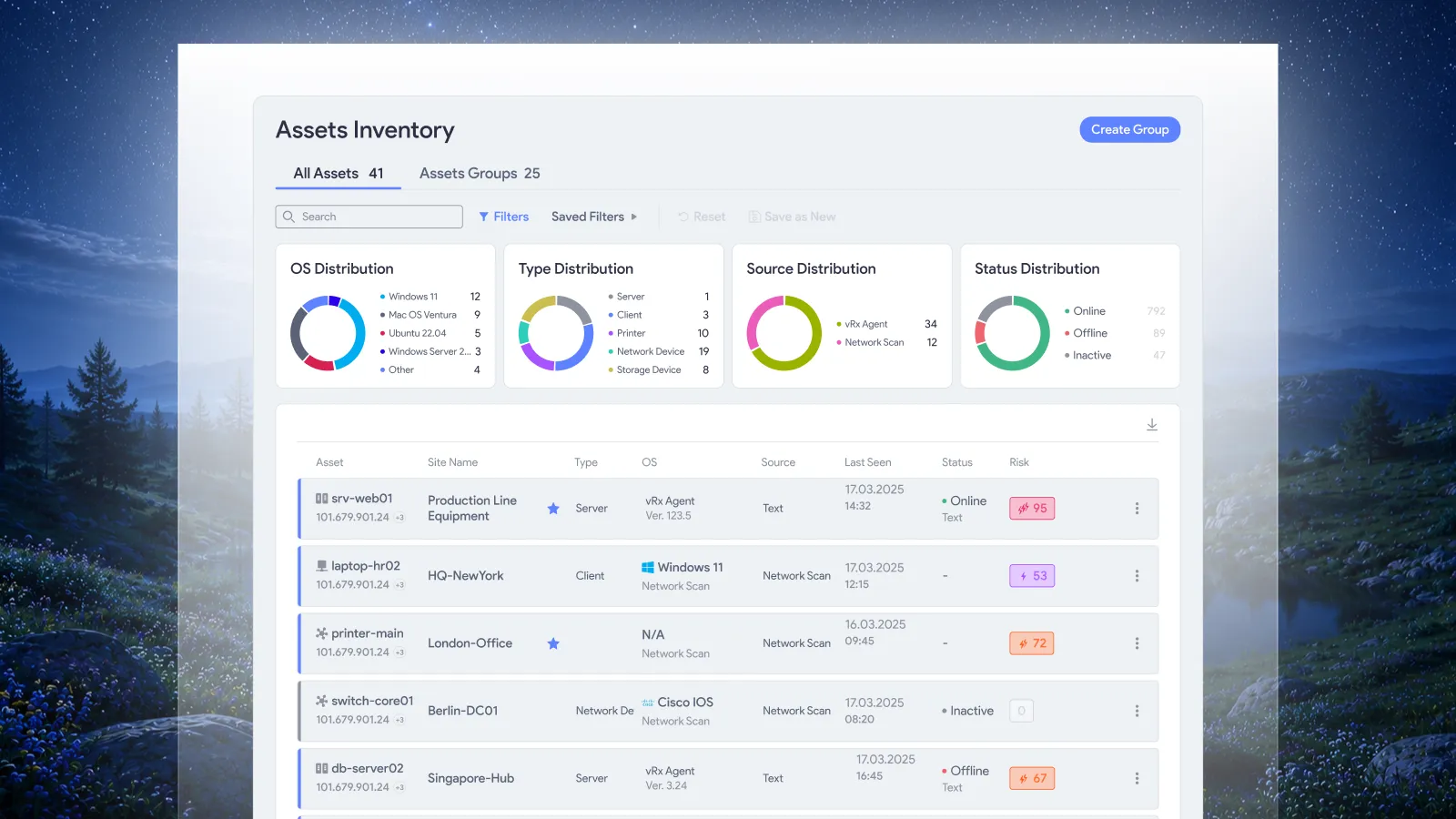
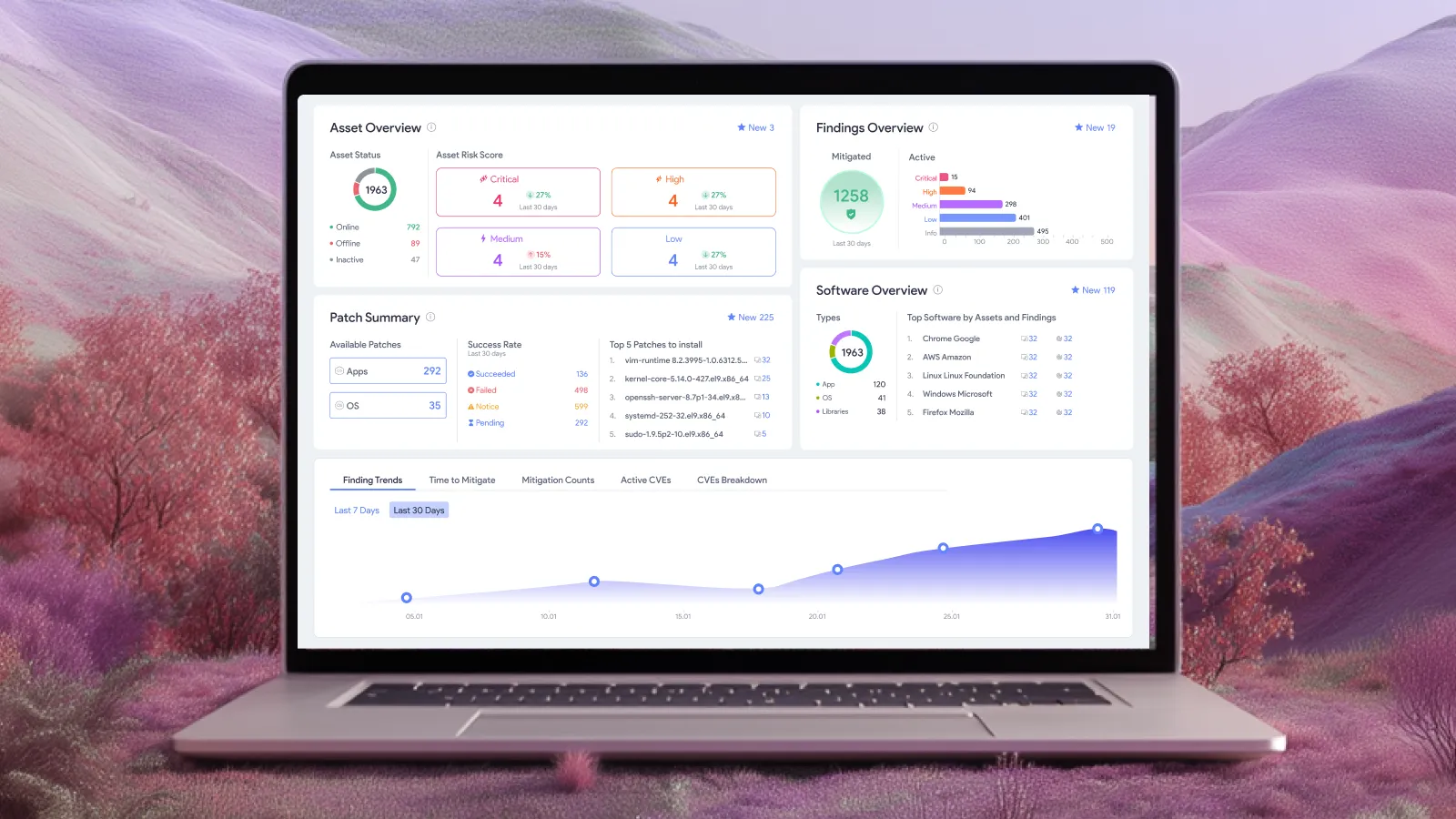
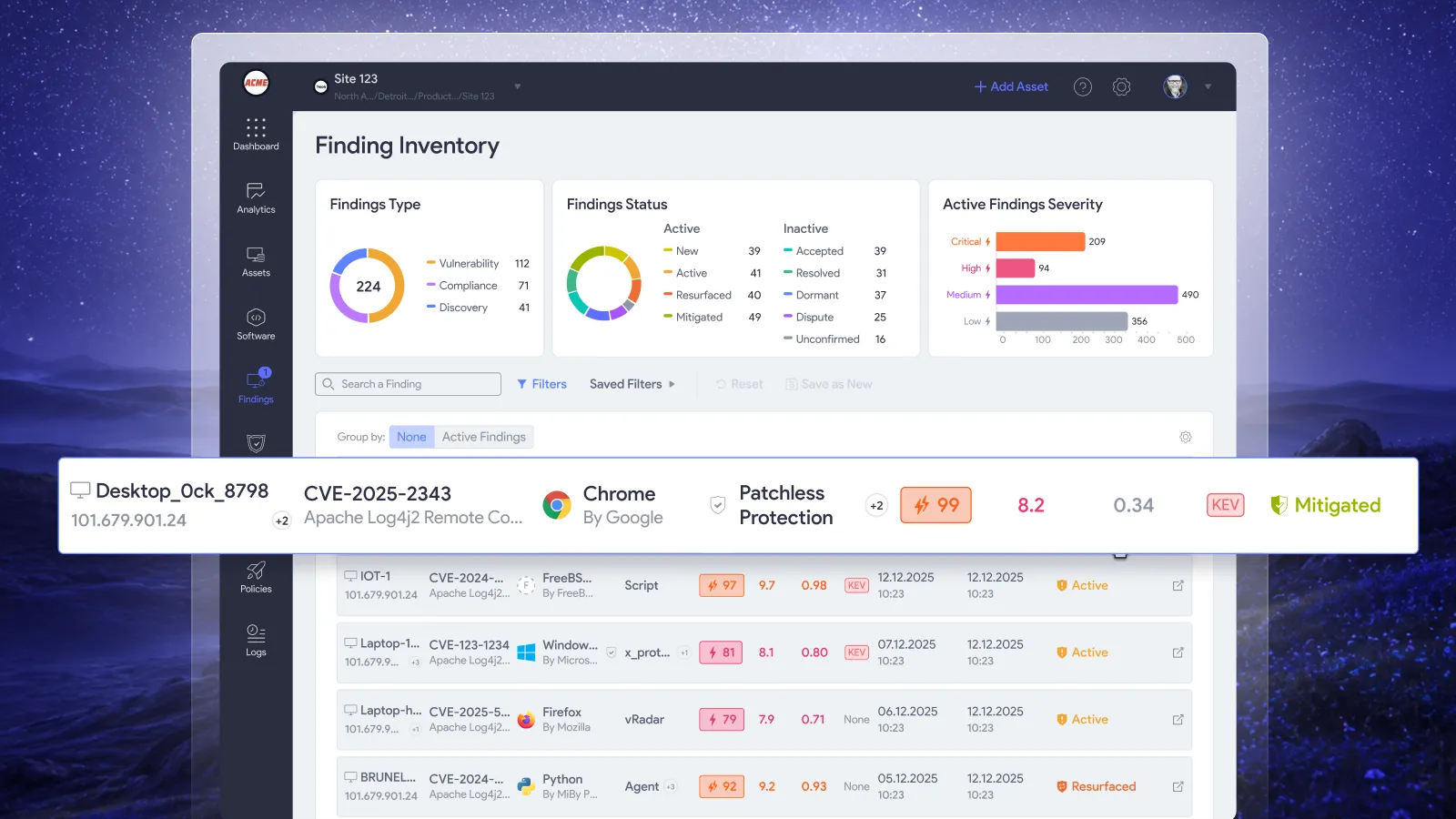
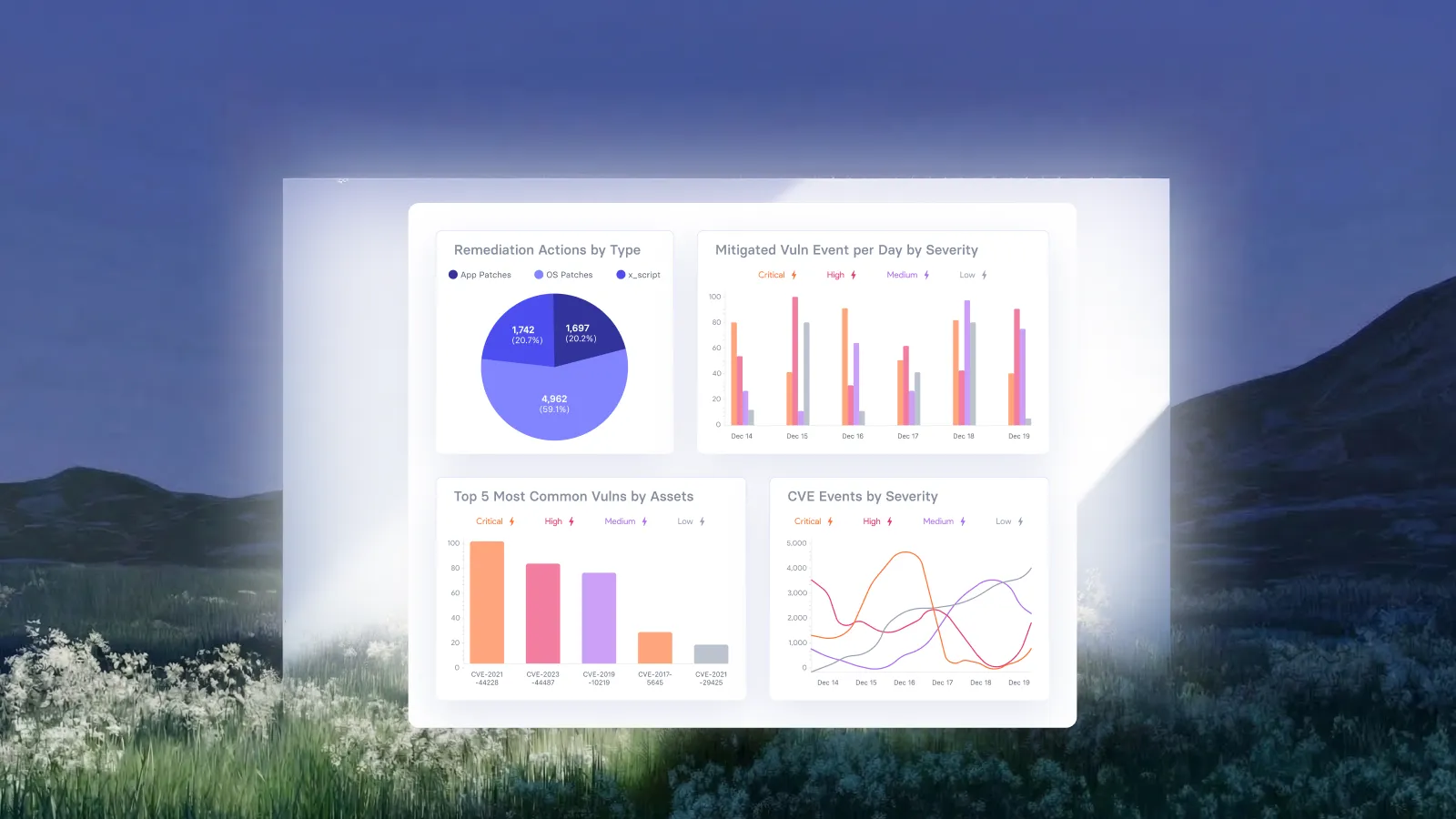
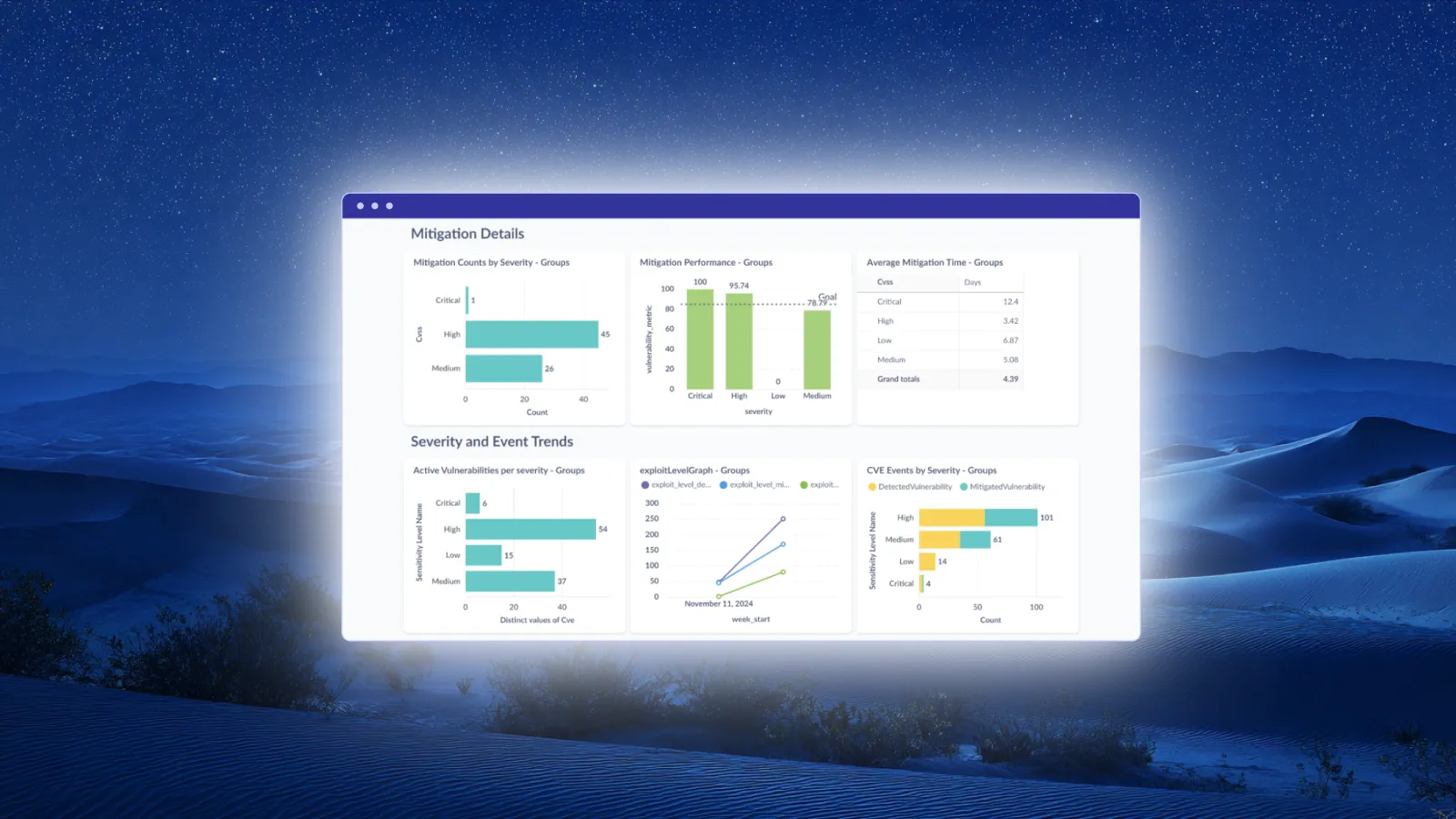
Use reporting to review the affected assets and retain records of remediation activity. Vicarius’s report set includes asset, vulnerability, patch, and remediation reports. The Patches Report includes reboot requirements and known-issue flags, and reports can be exported as CSV or PDF. Vicarius reporting capabilities.
Apply a clear evidence standard to those operational records: identify the affected system, explain the action taken, and document the result needed for closure. For the team accountable for remediation, the record should explain what changed and why the finding can be closed.
Frequently asked questions
Is a successful patch job enough to close a vulnerability?
Use the job result as installation evidence. Close the finding only when the agreed checks also establish that the fix is active on the intended asset and addresses the vulnerable condition.
Does every patch require a reboot?
Follow the vendor’s instructions. Some changes require a restart, reboot, redeployment, or configuration change; others do not. NIST describes these differences in its patch-deployment guidance. Verify the required state instead of assuming either outcome.
What if the scanner still reports the vulnerability?
Investigate the detection against the vendor advisory and current system evidence. Possible explanations need different responses, including an incomplete fix or a version-based check that does not account for a vendor backport. Document the resolution before closing or dismissing the finding.
Put the checklist to work
Take one recently completed patch job and trace it through the checklist. Can another operator identify the target, verify activation, and understand why the finding was closed?
Explore Vicarius’s vulnerability remediation approach to connect that evidence standard with your team’s remediation workflow.
If you are evaluating the workflow for your environment, you can also request a personalized vRx demo.





















.webp)
















%20Signals%20a%20New%20Era%20of%20Supply%20Chain%20Risk.webp)







.webp)