

Patch management pricing is easier to compare when every quote covers the same assets, capabilities and operational work. Start with the subscription, then account for implementation, ongoing administration, remediation and verification. A per-endpoint price tells you little until you know what that endpoint receives and what your team still needs to do.
For security and IT leaders, the purchasing question is practical: what will it cost to address vulnerabilities across our environment and maintain evidence of the results?
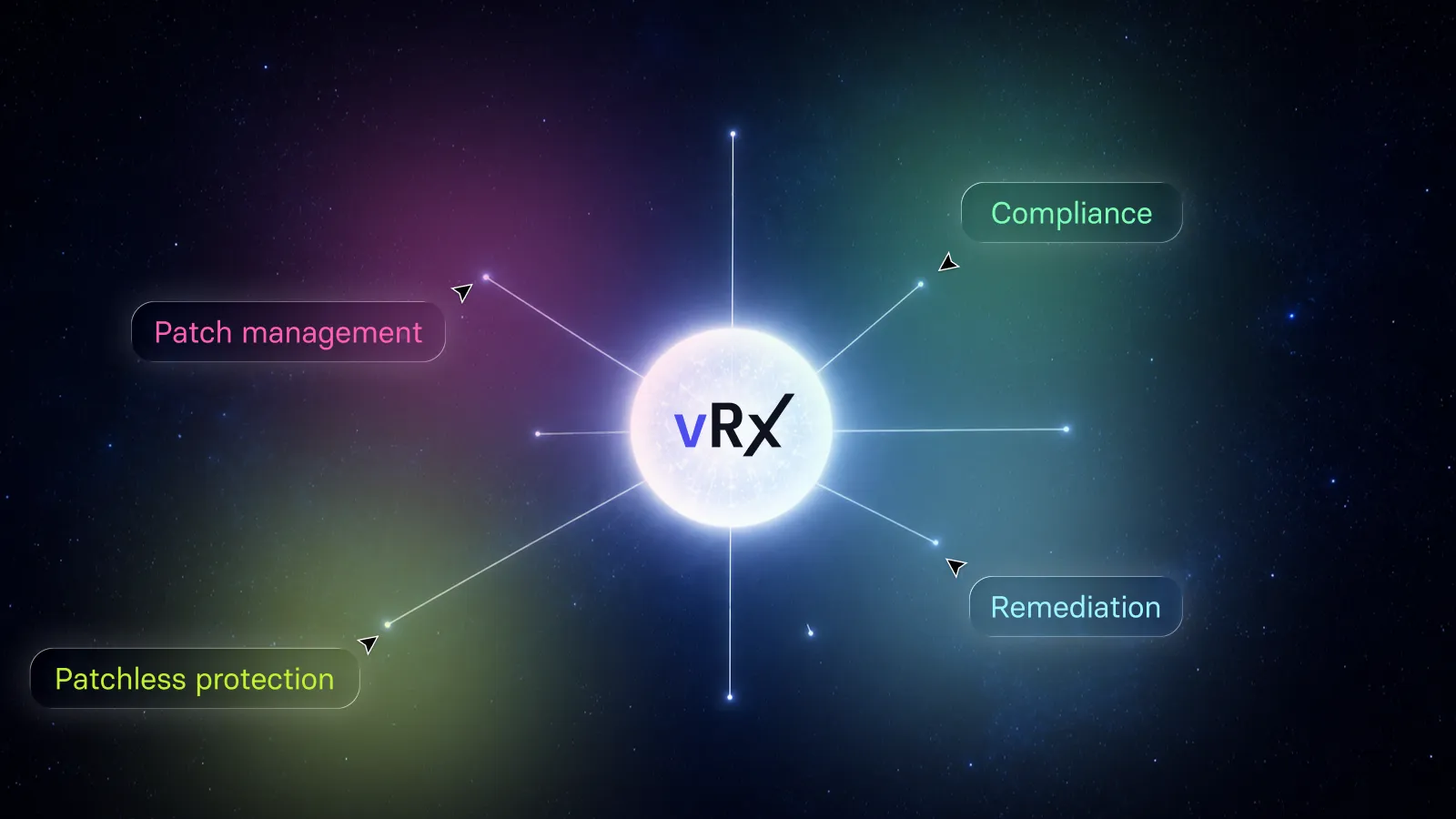
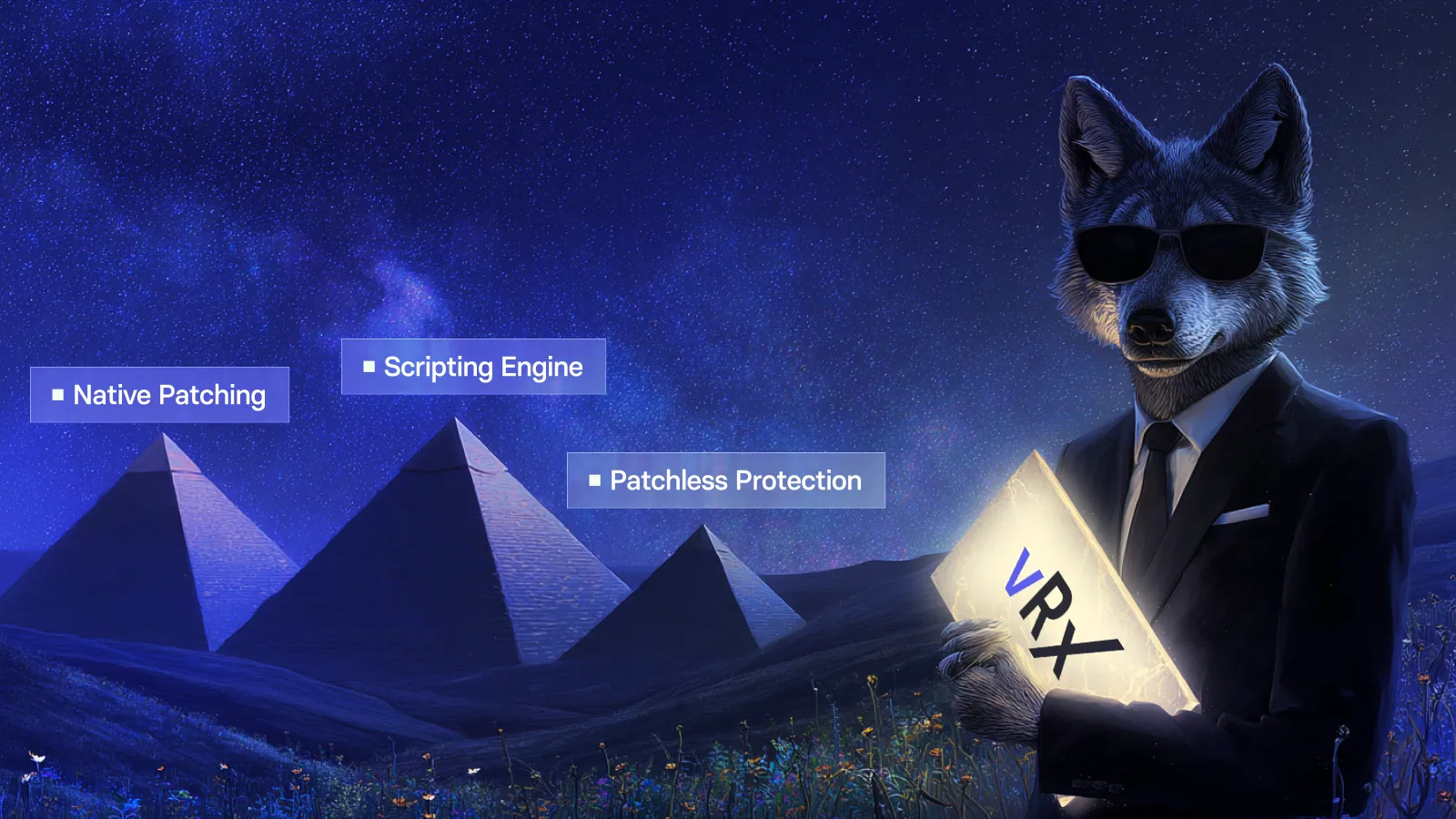
This guide provides a worksheet for answering that question. It also explains how to evaluate Vicarius vRx through its remediation options: patching, scripting and applicable patchless protection.
What determines patch management pricing?
Start by asking each vendor how it calculates the quote: the billing unit, asset scope, included capabilities, subscription term and services. Compare those answers against the same requirements.
The labels alone are not enough to compare offers. Ask each vendor to state:
• Which assets count toward the subscription.
• Which capabilities and services the quoted package includes.
• How the price changes as your environment grows.
• Which charges recur and which apply only during implementation.
• What commitment, renewal and payment terms apply.
Keep those answers beside the quote. A capability shown in a product demonstration should appear in the agreed commercial scope if you intend to buy it.
For Vicarius, the current pricing page offers a custom quote tailored to the environment, deployment requirements, asset coverage and required capabilities. The applicable agreement determines the commercial terms. Use that quote, rather than an assumed public list price, in your comparison.
Define the environment before comparing quotes
Prepare one scope document and send the same version to every shortlisted vendor.
Include the operating systems, application estate, managed asset count and deployment constraints. Identify remote devices, business-critical servers and applications with restricted maintenance windows. Separate current requirements from capabilities you may need later.
An asset total without this context can conceal important differences. Two organizations with the same number of endpoints may have very different patching workloads.
A useful scope document also identifies the work you expect the platform to support. For example, your team may need scheduled application updates, a repeatable configuration-remediation process and evidence for closing vulnerability findings.
Ask vendors to demonstrate those requirements against representative systems. Record what was demonstrated, what needs further testing and what belongs in the quote. This gives procurement and the technical team a shared basis for comparison.
Use this patch management cost-comparison checklist
Use this checklist to compare vendor quotes against the same requirements. Where a line item is bundled, mark it as included rather than assigning it an invented cost.
| Cost area | What to establish | Evidence to request |
|---|---|---|
| Subscription | Billing unit, asset scope, term and included capabilities | Itemized quote and order form |
| Implementation | Required setup, deployment, training and migration work | Implementation scope with responsibilities |
| Application coverage | Support for the operating systems and applications you need | Coverage review against your inventory |
| Remediation options | Applicable patching, scripting and protection workflows | Demonstration using agreed scenarios |
| Ongoing administration | Policy maintenance, testing, scheduling and exception handling | Pilot observations and operating responsibilities |
| Verification and reporting | Work required to confirm results and prepare evidence | Sample records and reporting workflow |
| Support and growth | Support scope, additional assets and renewal conditions | Written service and commercial terms |
Do not turn every row into a pass-or-fail feature contest. Use it to identify the complete workflow you are buying and the responsibilities your team will retain.
A product may be a good fit because it handles your most frequent tasks well. Another may justify its cost through a broader set of remediation options. The comparison should make those differences visible.
Calculate first-year cost and ongoing cost separately
For an internal business case, use a consistent calculation:
First-year operating cost = subscription + implementation + required additional services or infrastructure + internal operating labor.
This is a budgeting framework, not a vendor pricing formula. Count each expense once. If implementation is included in the subscription, do not add it again.
Calculate the recurring annual cost separately so that one-time migration work does not distort the longer-term comparison. Show taxes, currency assumptions and contract periods consistently.
For internal labor, estimate the hours spent on specific activities:
• Preparing and testing deployments.
• Maintaining policies and targeting.
• Investigating failed or incomplete actions.
• Handling systems that need an alternative remediation method.
• Reviewing results and producing evidence.
Use measured pilot effort where possible. When you must estimate, show the assumption and test how much it changes the result.
A hypothetical comparison
Suppose two offers cover the same agreed scope.
Offer A costs $18,000 annually and requires an estimated 20 operating hours per month. Offer B costs $24,000 annually and requires an estimated eight hours per month.
At an assumed loaded labor rate of $75 per hour:
• Offer A: $18,000 + (20 × 12 × $75) = $36,000 per year.
• Offer B: $24,000 + (8 × 12 × $75) = $31,200 per year.
These are illustrative figures, not Vicarius prices or measured customer savings. They exclude implementation and other charges.
The example shows why operating effort belongs in the comparison. It does not establish that a more expensive product will save money. Replace every assumption with your own evidence before making that claim.
Also distinguish recovered staff capacity from cash savings. Reducing repetitive work can free a team to address other priorities without reducing payroll expenditure.
Price the remediation work your environment needs
A useful buying exercise should include more than a routine software update.
Choose a small set of representative cases: an application with an available patch, a configuration issue requiring a scripted change, and a system whose patch deployment must wait.
For each case, ask how the team identifies the target, selects an appropriate action, executes it and reviews the outcome. Record the operator effort and the evidence produced.
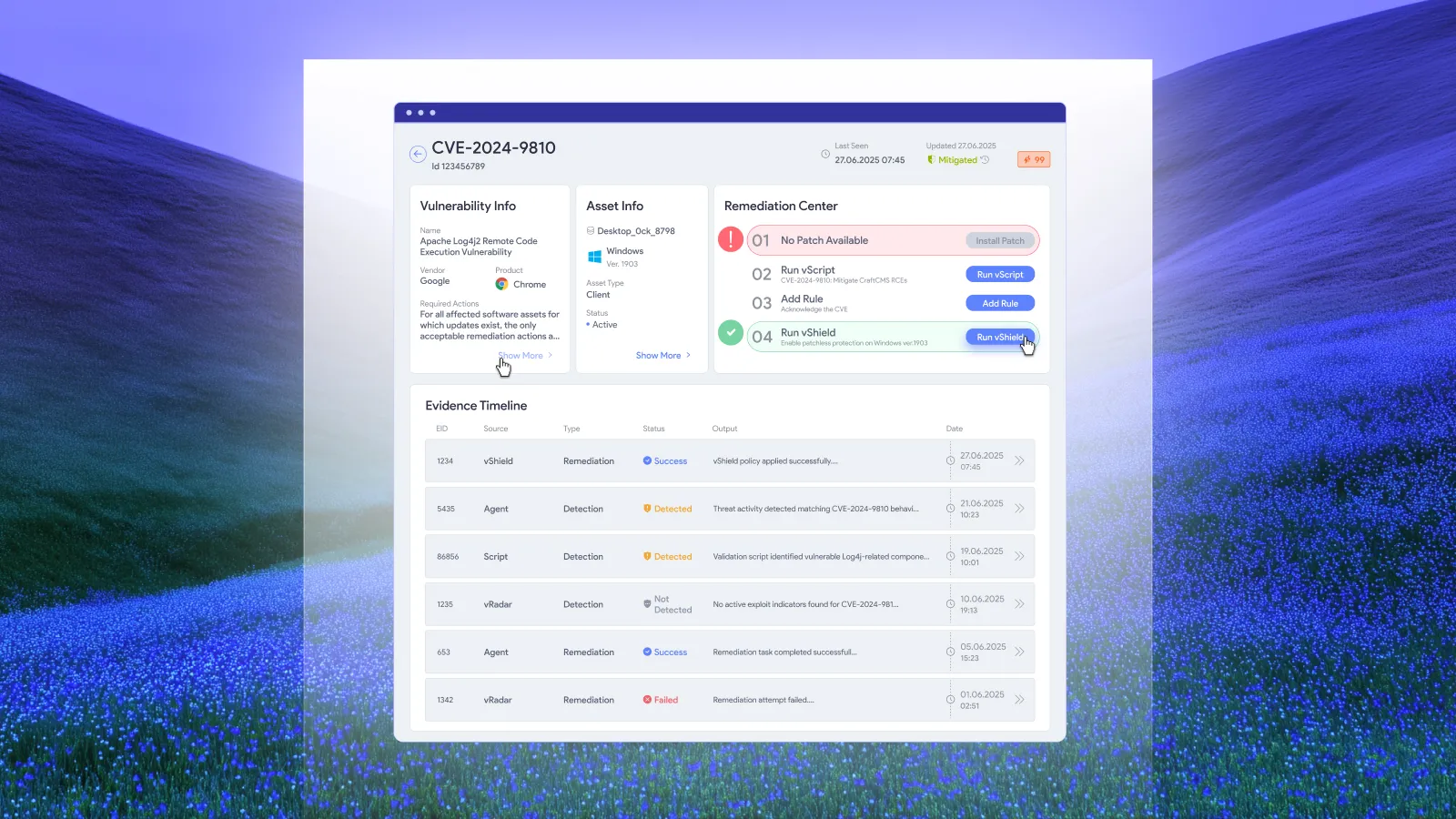
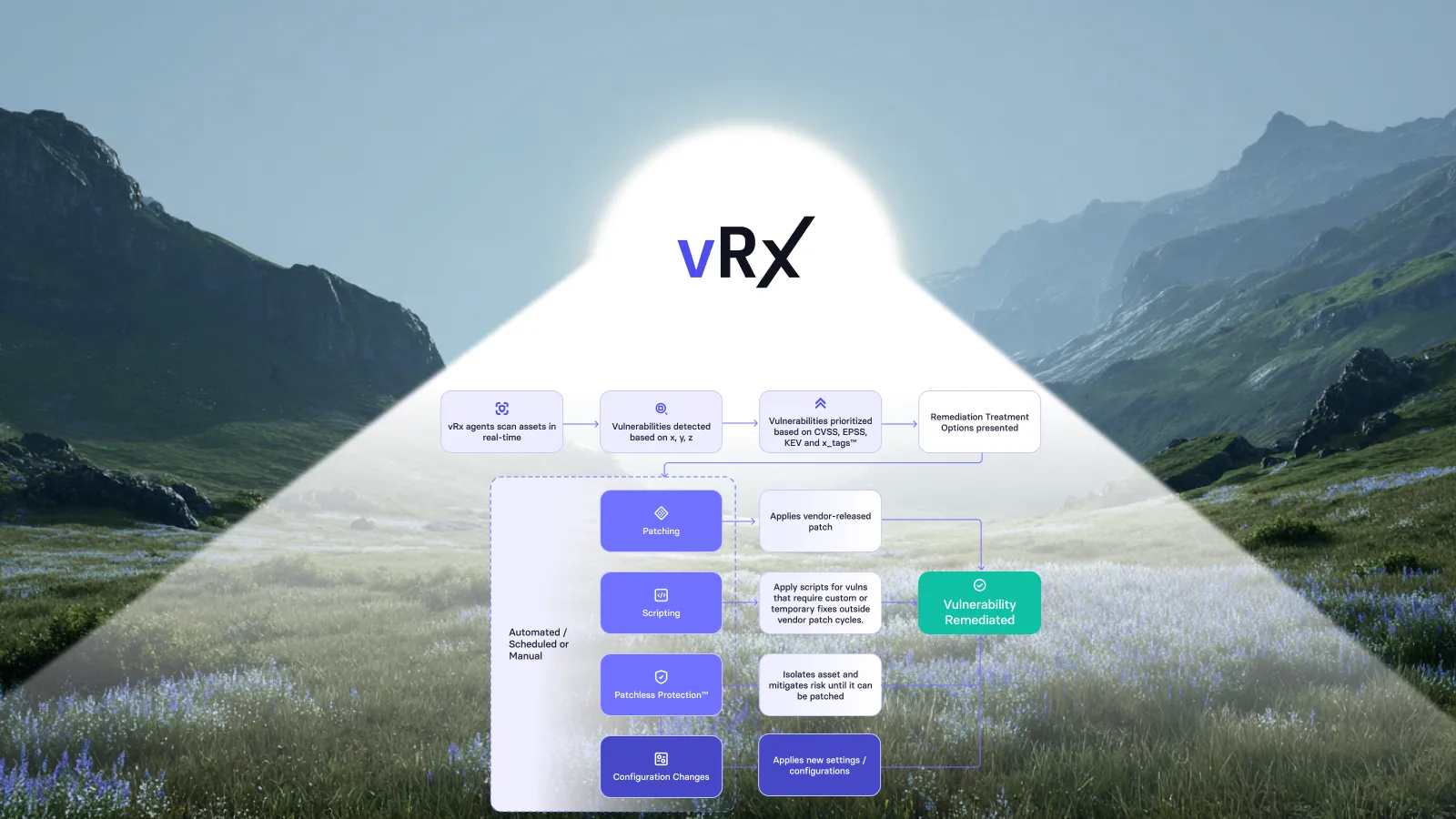
This is where Vicarius’s approach to remediation becomes relevant to the cost discussion.
Patching
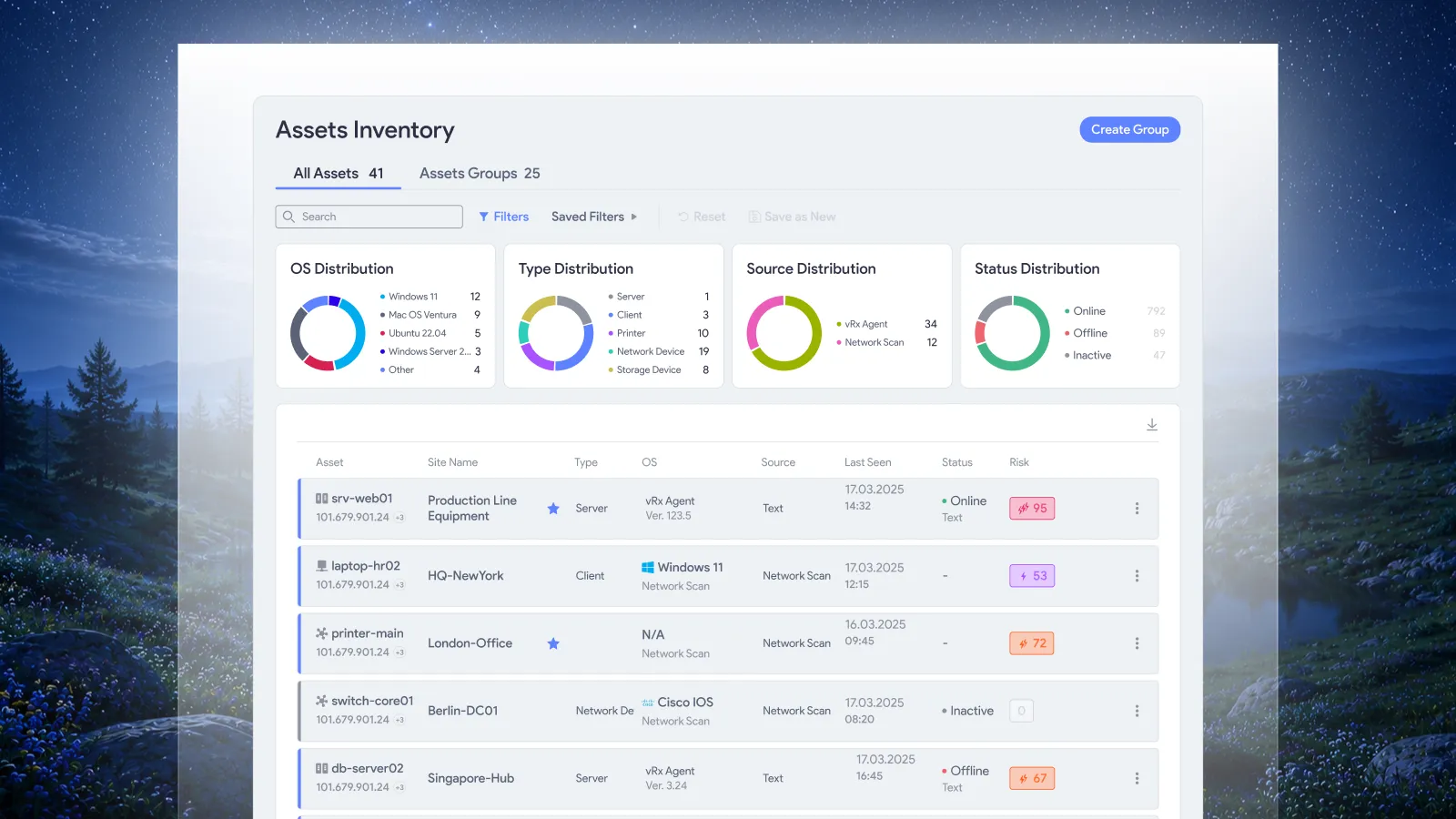
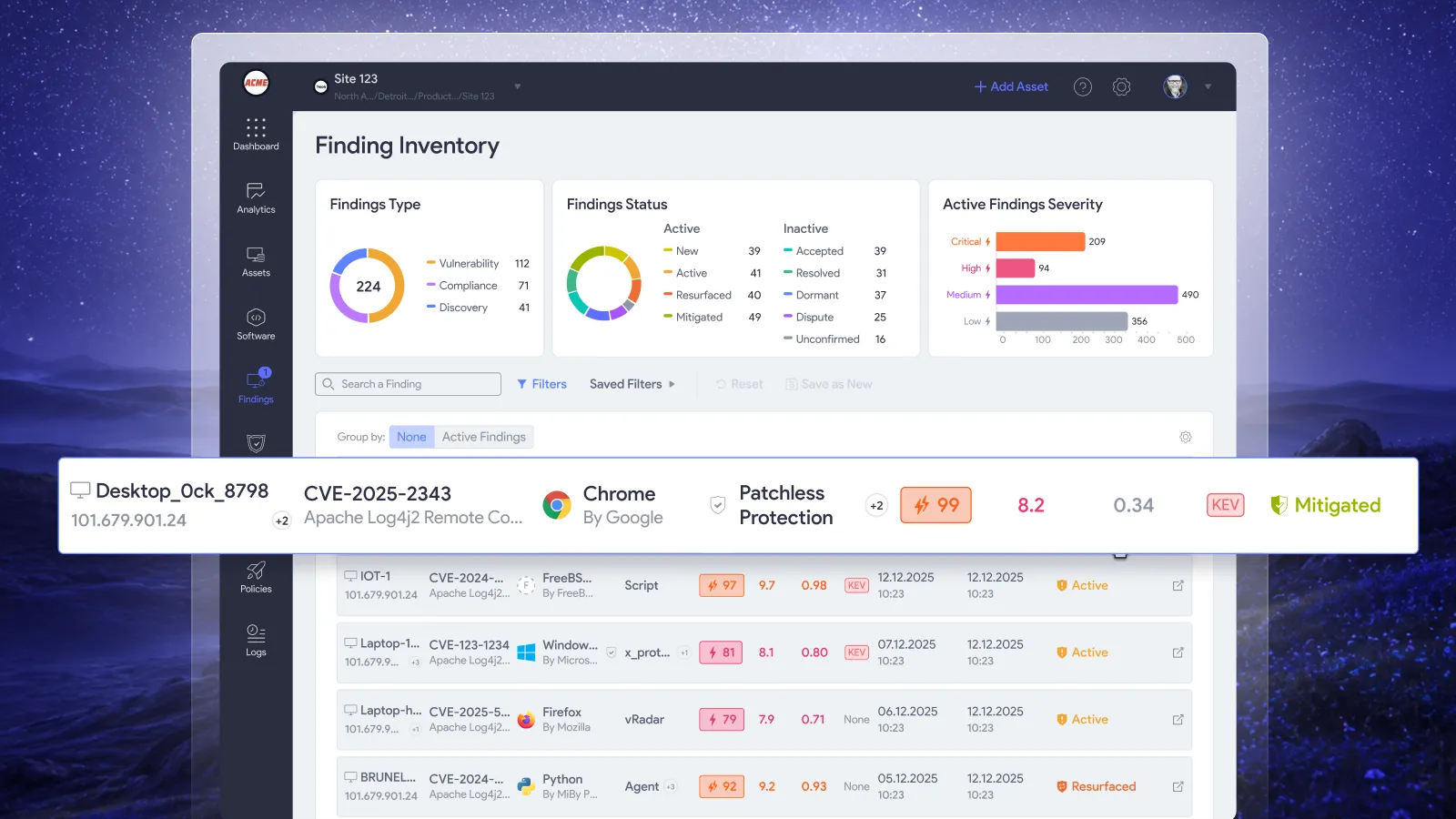
vRx patch management brings Windows updates, macOS updates, application patches and Linux packages into a shared view, with control over deployment timing and targeting.
For your evaluation, choose an application and operating-system update from your own scope. Observe the work required to prepare the deployment and review its result.
Scripting
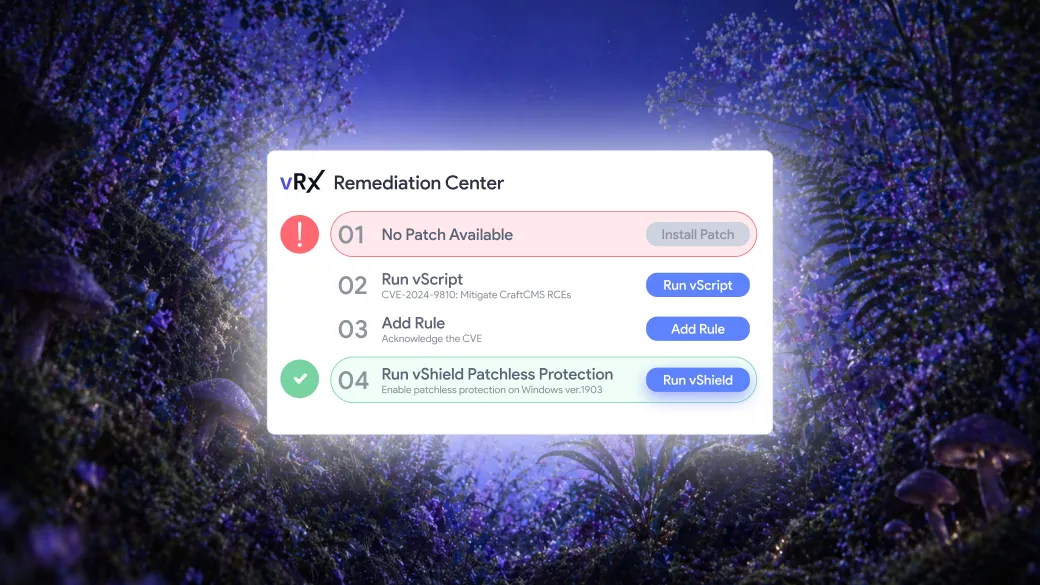
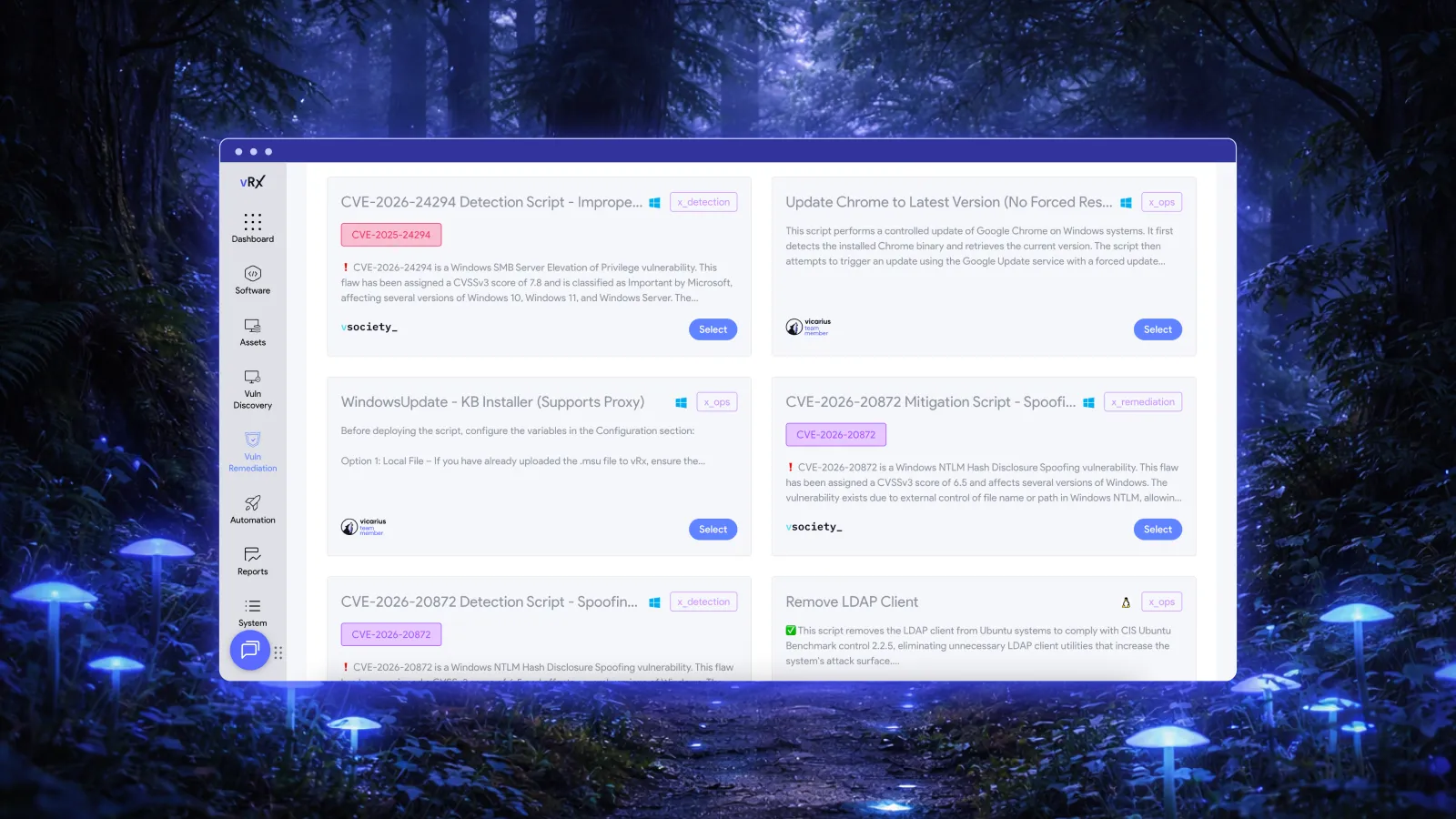
Vicarius vScript supports custom, community and AI-generated scripts for detection, remediation and hardening. Its execution records include the script, targeted assets, timestamp and outcome.
Include a representative configuration-remediation task in the assessment. Account for script review and testing as well as execution. A successful script run should be followed by a check appropriate to the condition you intended to change.
Patchless protection
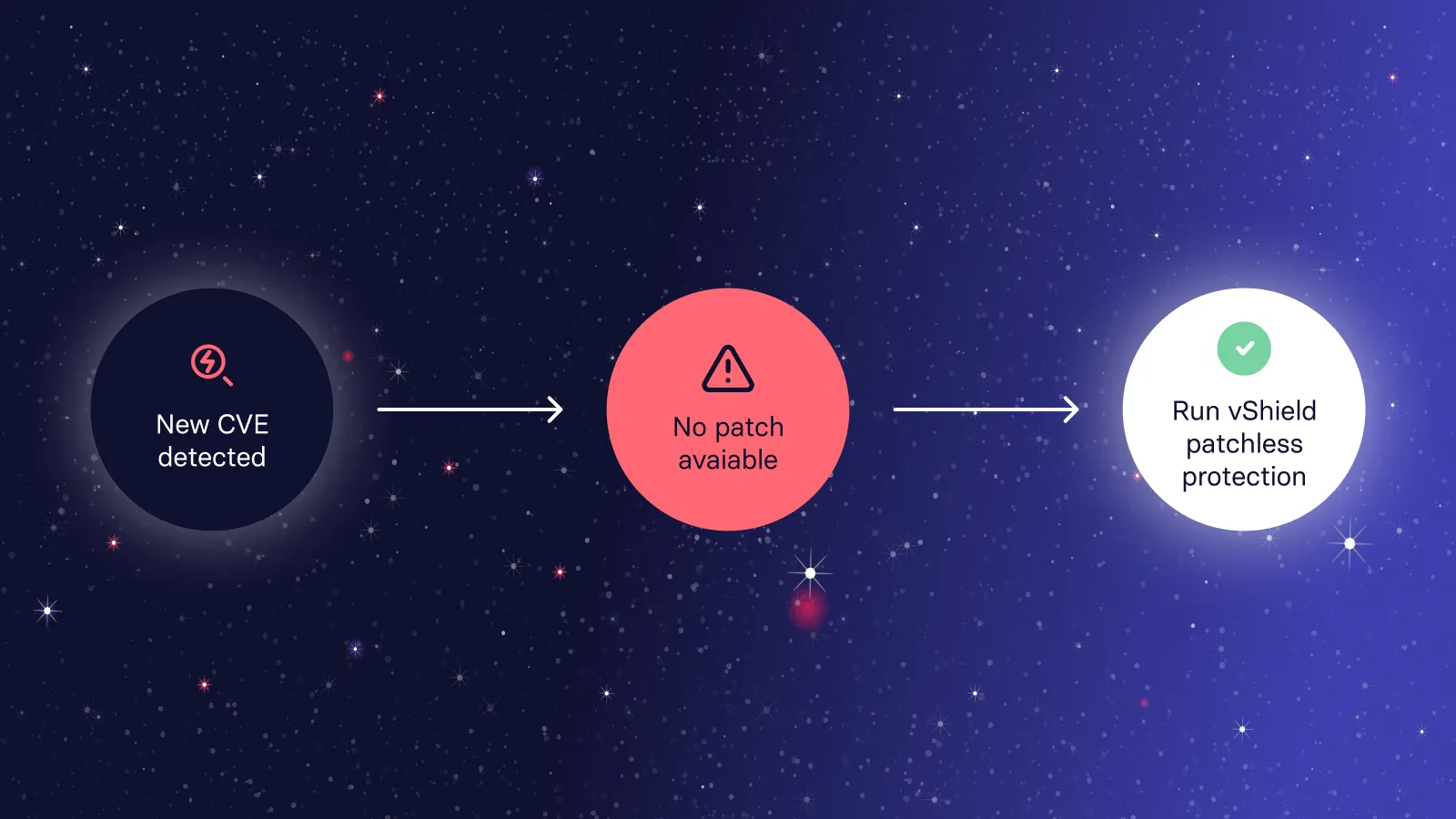
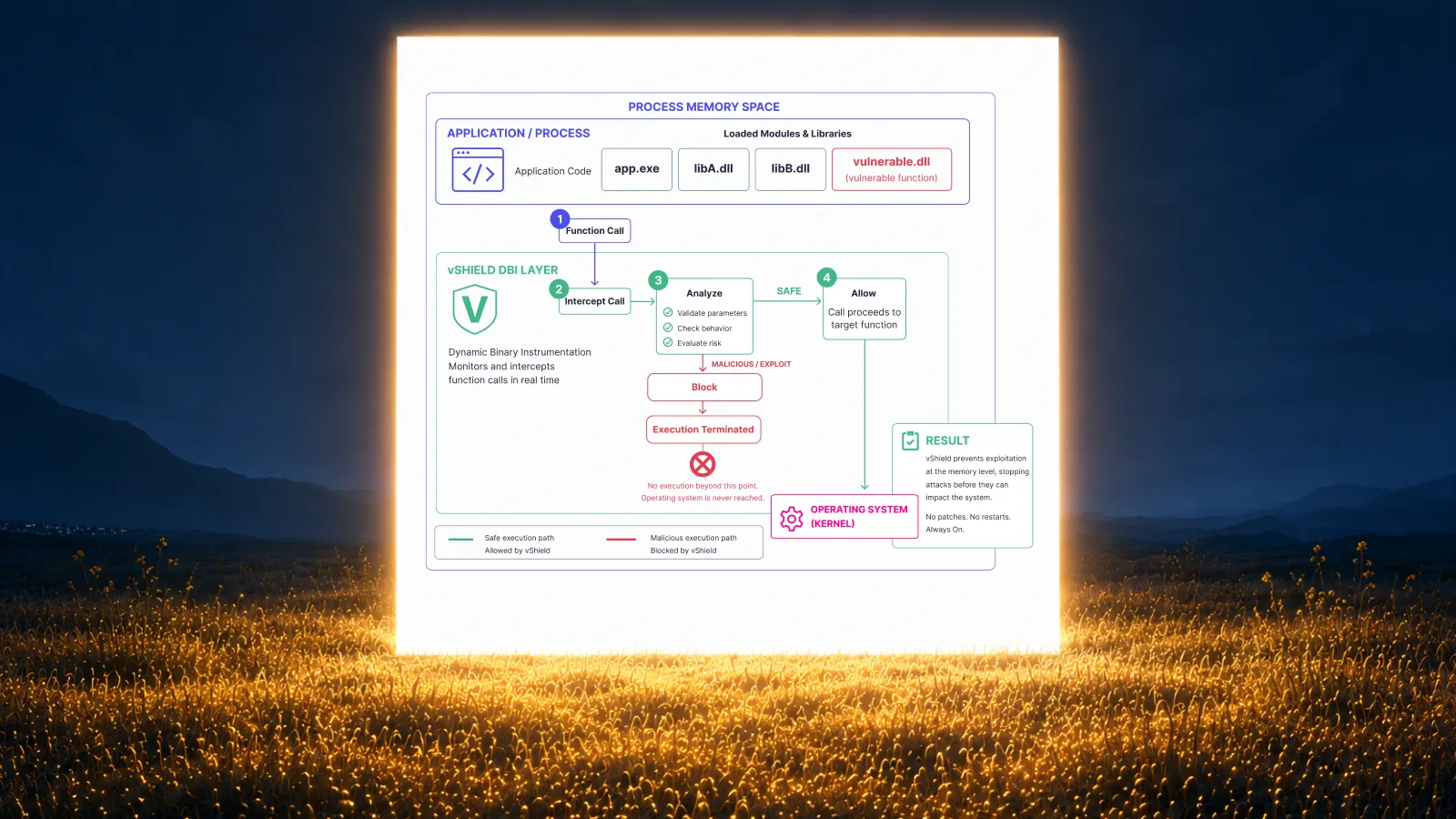
Vicarius vShield provides in-memory patchless protection. Where applicable, this gives teams a protection option when they cannot deploy a vendor patch immediately.
Evaluate it against a supported scenario agreed with Vicarius. Record what the protection addresses and how it fits into the eventual remediation plan. Do not treat temporary protection and removal of the underlying vulnerability as interchangeable outcomes.
The commercial question is which capabilities and services your selected package includes. The technical question is how those capabilities support your actual environment. Resolve both before comparing the final figures.
Include the work needed to verify results
Build verification into the operating estimate from the beginning.
For a patched application, the team may need to confirm the installed version, activation of the update and the result of a follow-up assessment. A configuration change requires a different check. The evidence should match the action.
Use the patch verification checklist to define the records you expect for patch-related findings.
During the pilot, observe how operators investigate an incomplete result. Can they identify the affected asset and understand the next action? How much manual collection is required before another person can review the decision?
Include that work in your cost comparison. Otherwise, the estimate ends at deployment while the operational responsibility continues.
Keep the buying decision tied to evidence
Before approving a purchase, bring the technical scope, pilot observations and commercial offer together.
Resolve any mismatch between the workflow demonstrated and the package quoted. Confirm ownership of implementation tasks. Ask how asset growth will be handled and which terms apply at renewal.
Document the assumptions behind any expected efficiency gains. If a benefit depends on retiring another tool, verify that your organization can actually retire it and when the existing agreement ends.
The output should be a short decision record: the environment covered, the remediation work supported, the expected operating effort and the agreed cost. That is a stronger basis for approval than a feature count or an unsupported savings percentage.
Frequently asked questions
How much does patch management software cost?
There is no single price that applies across products and environments. Compare the billing unit, included capabilities, asset scope and contract term, then add implementation and operating costs. Obtain a current quote for your requirements rather than treating another organization’s price as a benchmark.
How does Vicarius determine vRx pricing?
Vicarius offers customized pricing based on the environment, deployment requirements, asset coverage and required capabilities. Confirm the selected package, included services and commercial terms in the applicable agreement. The Vicarius pricing page is the starting point for a quote.
Is the lowest per-endpoint price the lowest-cost option?
Not necessarily. Compare offers using the same scope and include the work required to operate them. A lower subscription may still be the right choice, but the decision should account for implementation, administration and verification rather than the license price alone.
How should we estimate the value of remediation automation?
Measure the time spent on representative tasks before and during a pilot. Use those observations to estimate operating effort, with assumptions shown explicitly. Keep recovered staff capacity separate from cash savings and do not promise a financial return that the evidence does not support.
Why include scripting and patchless protection in a pricing discussion?
They help buyers assess the remediation workflows relevant to their environment. Vicarius documents scripting and patchless protection alongside patch management. Confirm applicability to your scenarios and inclusion in your chosen commercial package.
Compare a quote against your remediation requirements
Bring your asset scope, application inventory and representative remediation scenarios to the pricing discussion.
Request a Vicarius quote to assess the commercial scope for your environment.
If you first want to examine the workflows, request a personalized vRx demo.

























.webp)











%20Signals%20a%20New%20Era%20of%20Supply%20Chain%20Risk.webp)





.webp)