

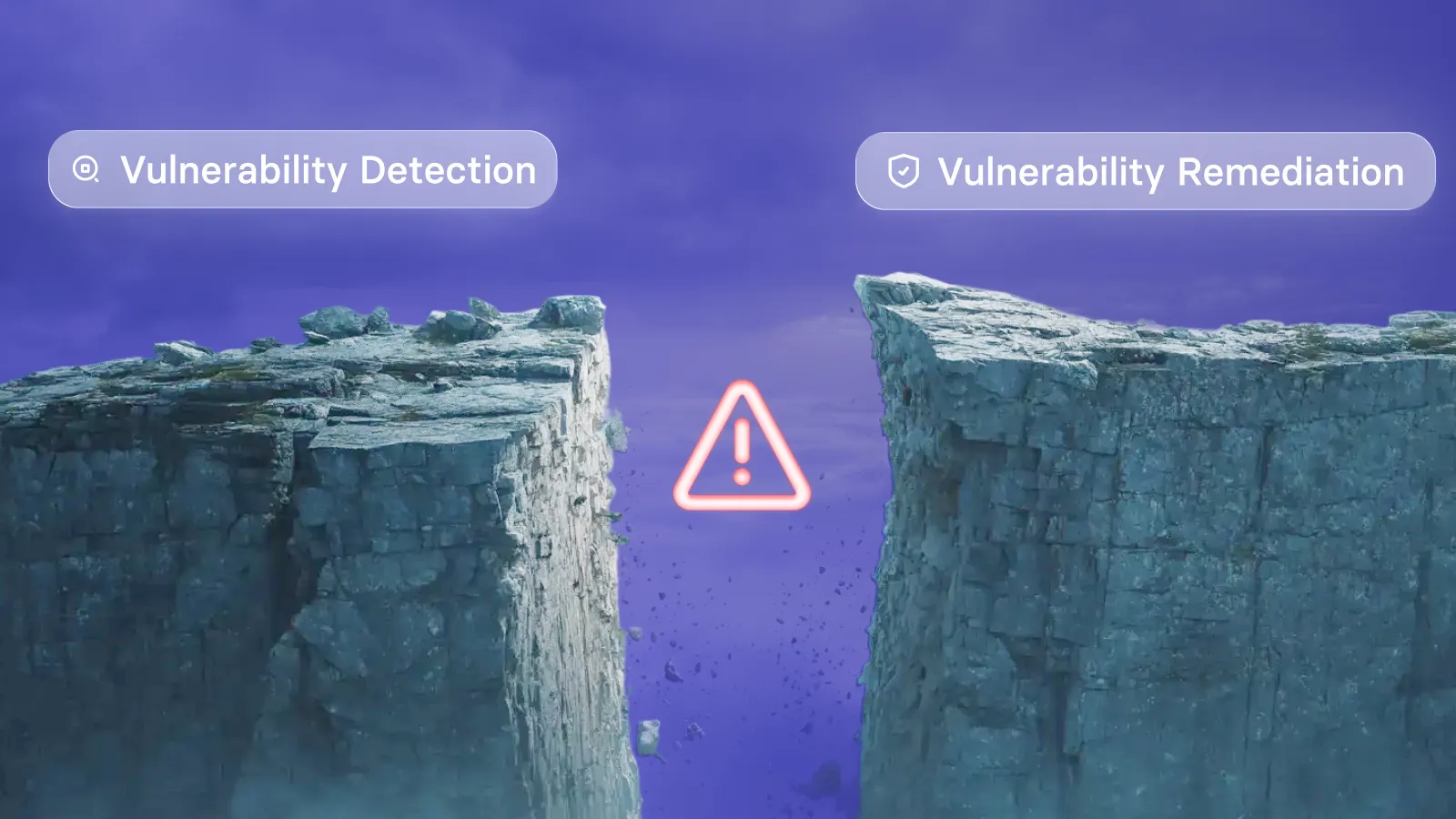
Vulnerability remediation vs vulnerability management
The vulnerability remediation process
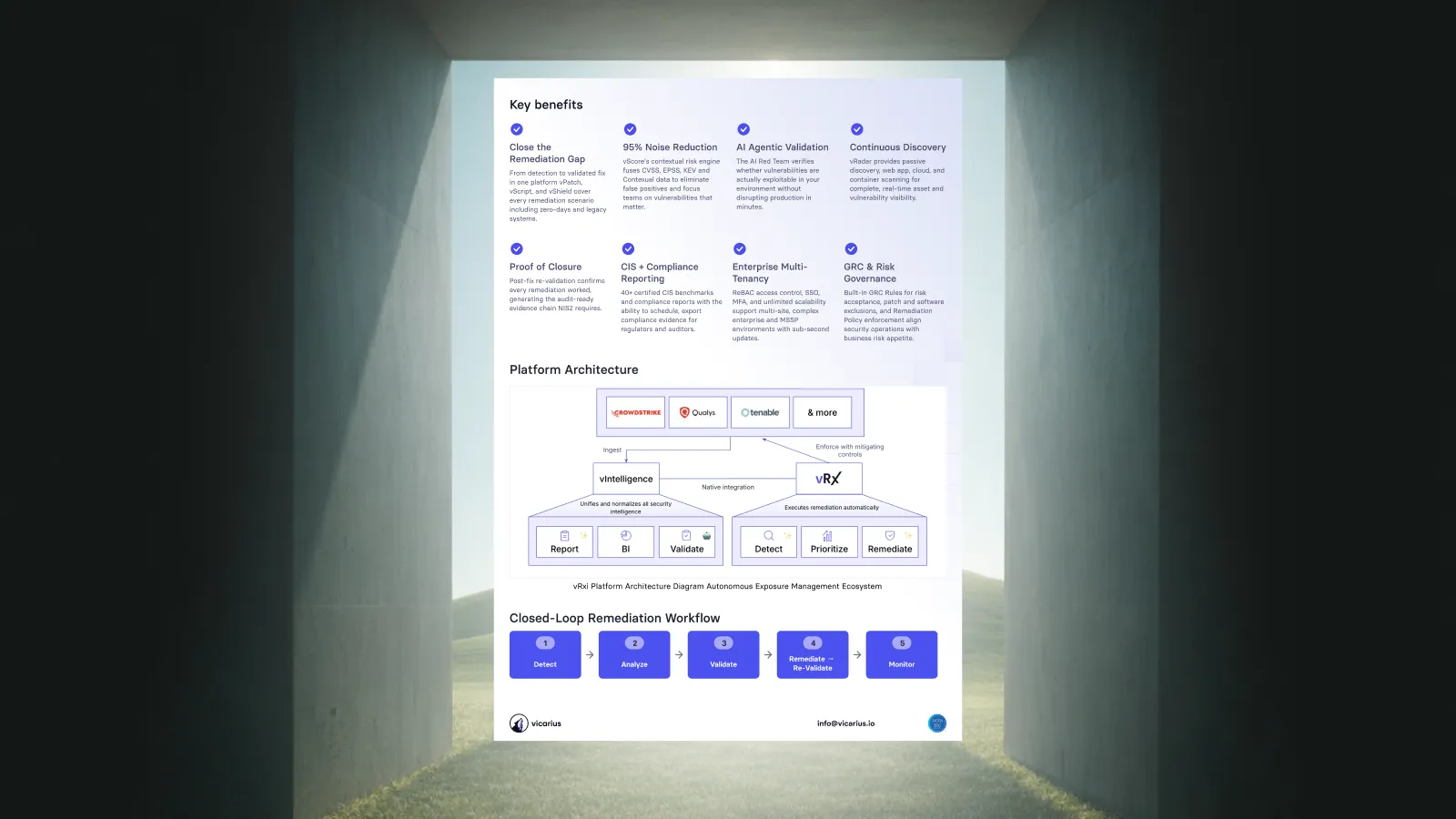
Discover vulnerabilities
Add these paragraphs directly below it:
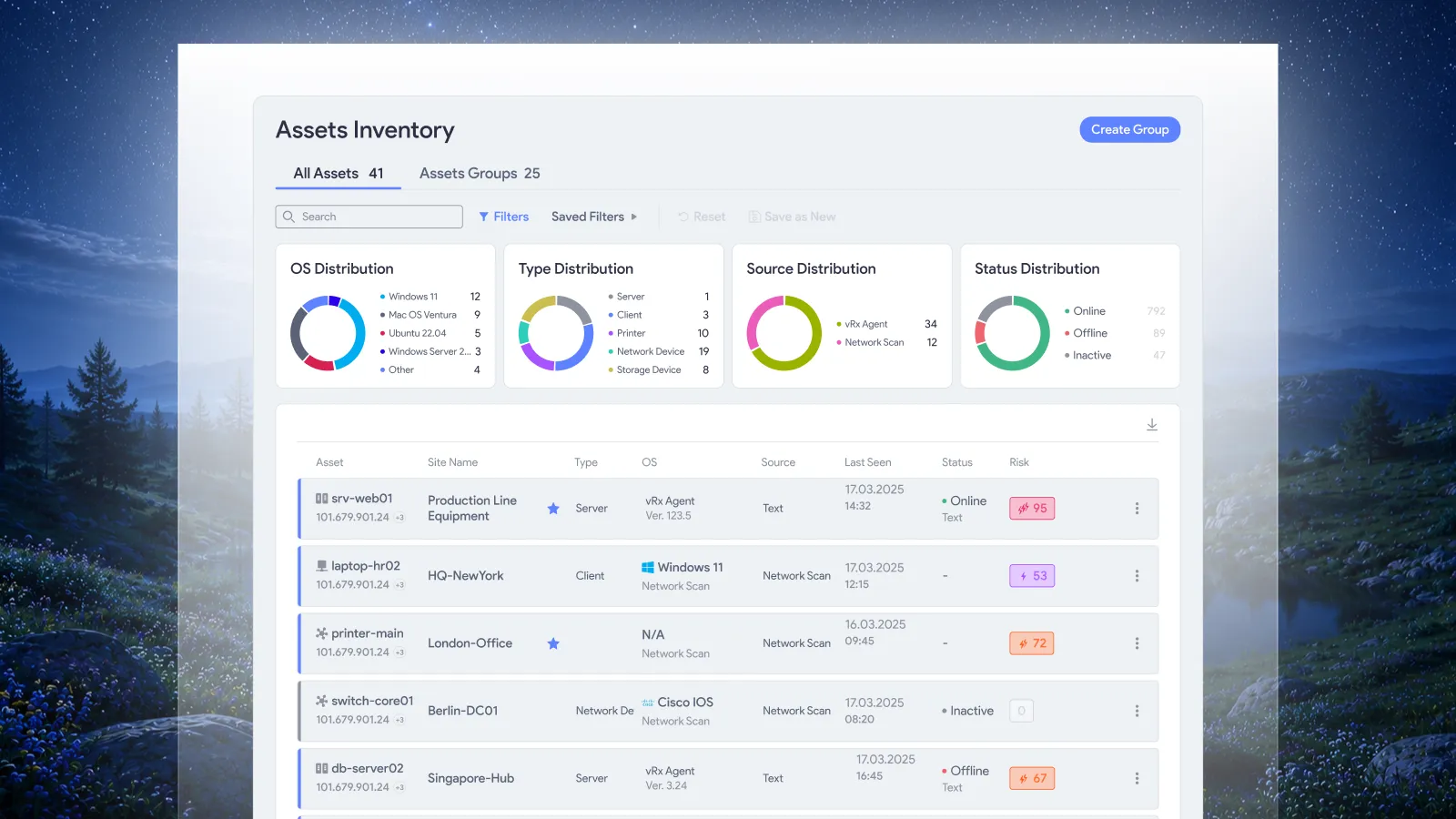
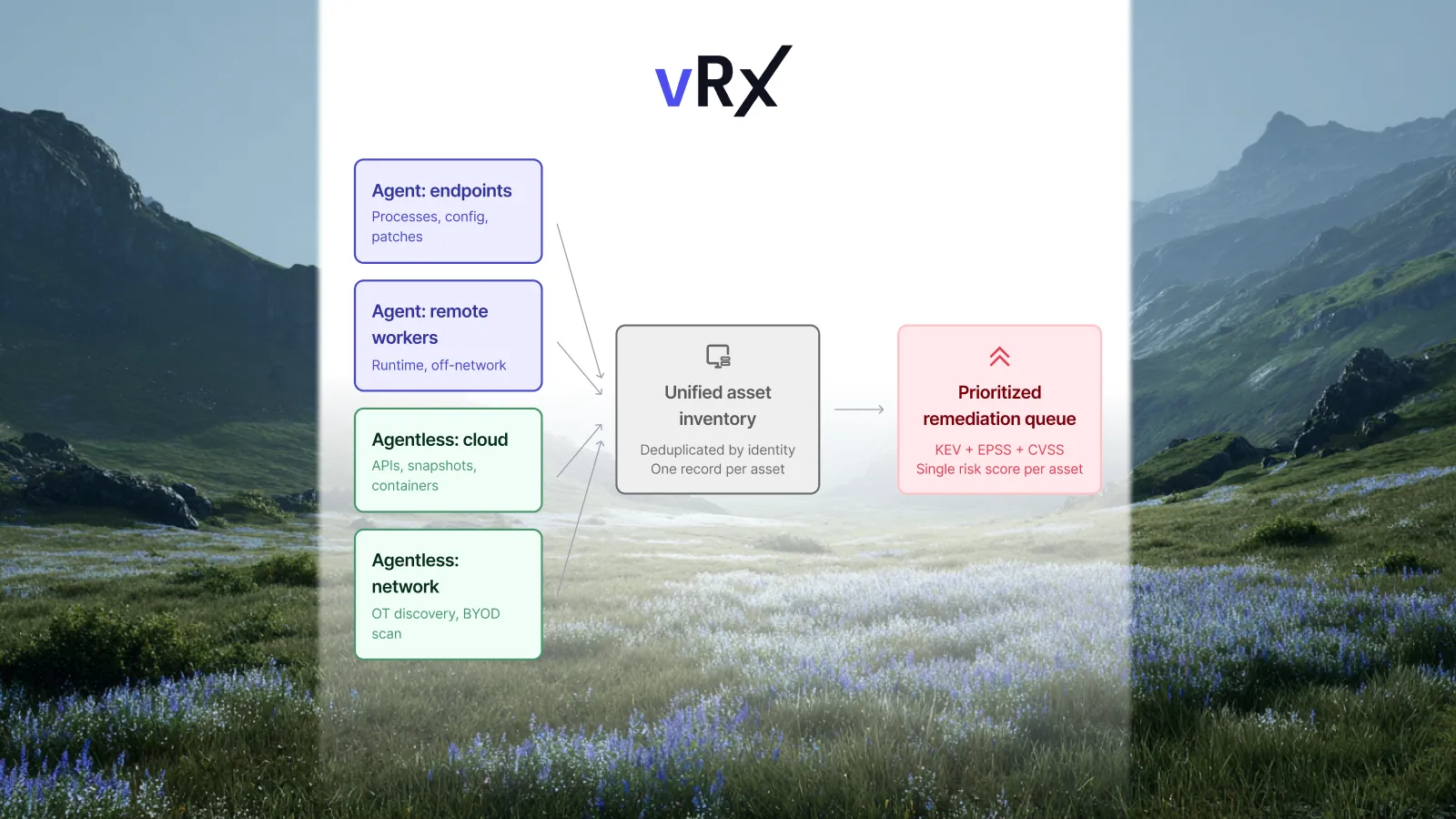
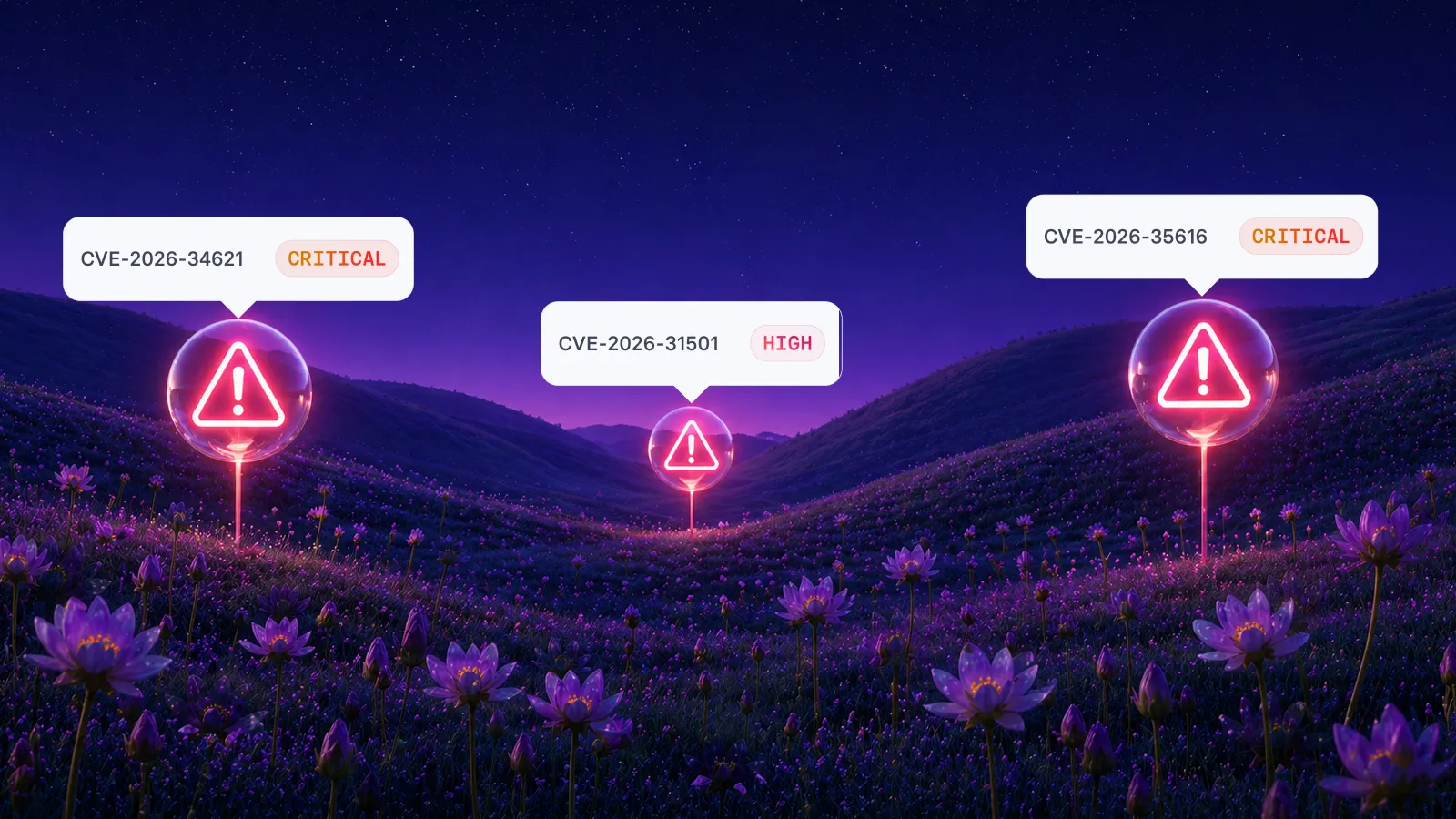
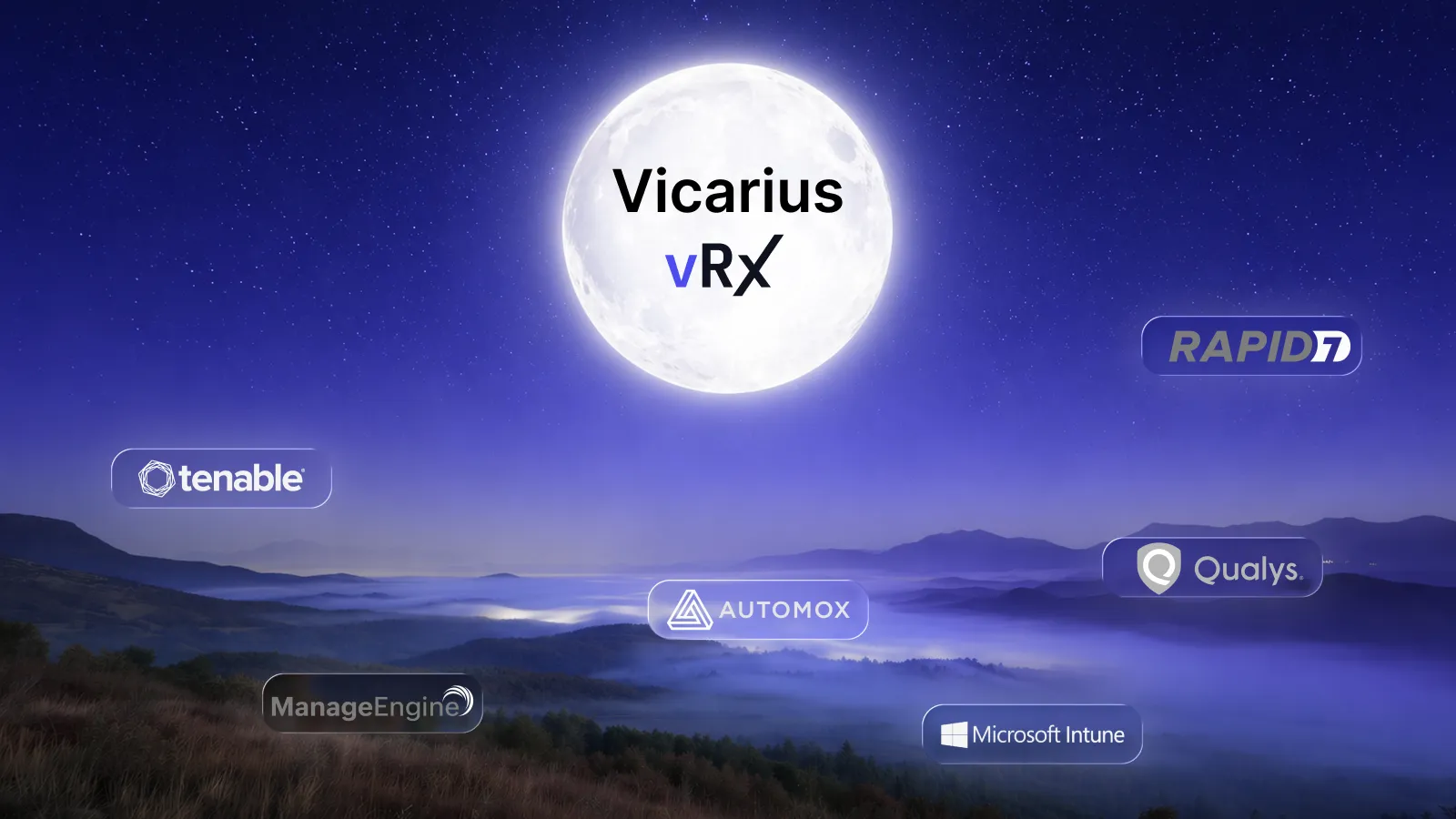
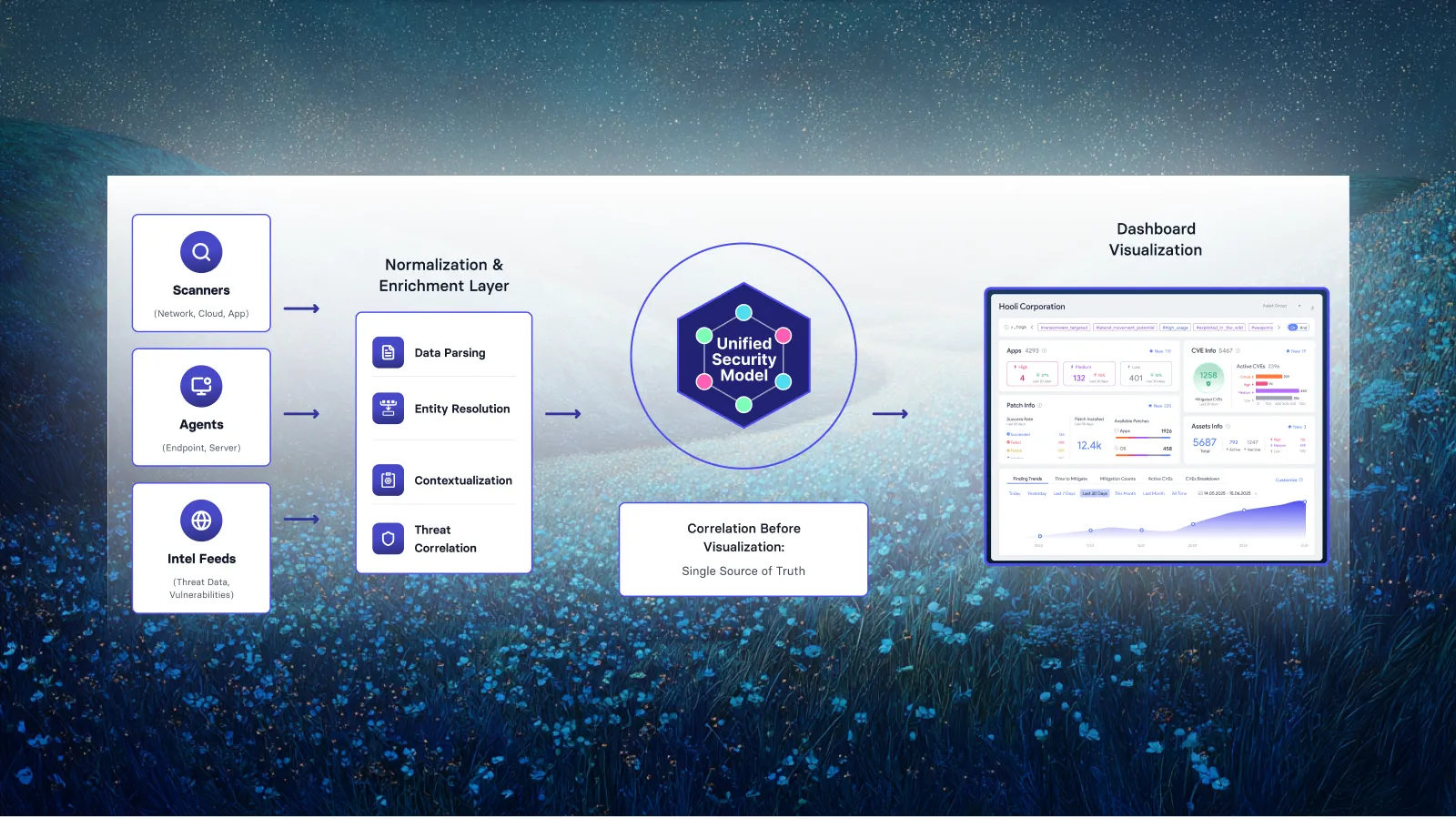
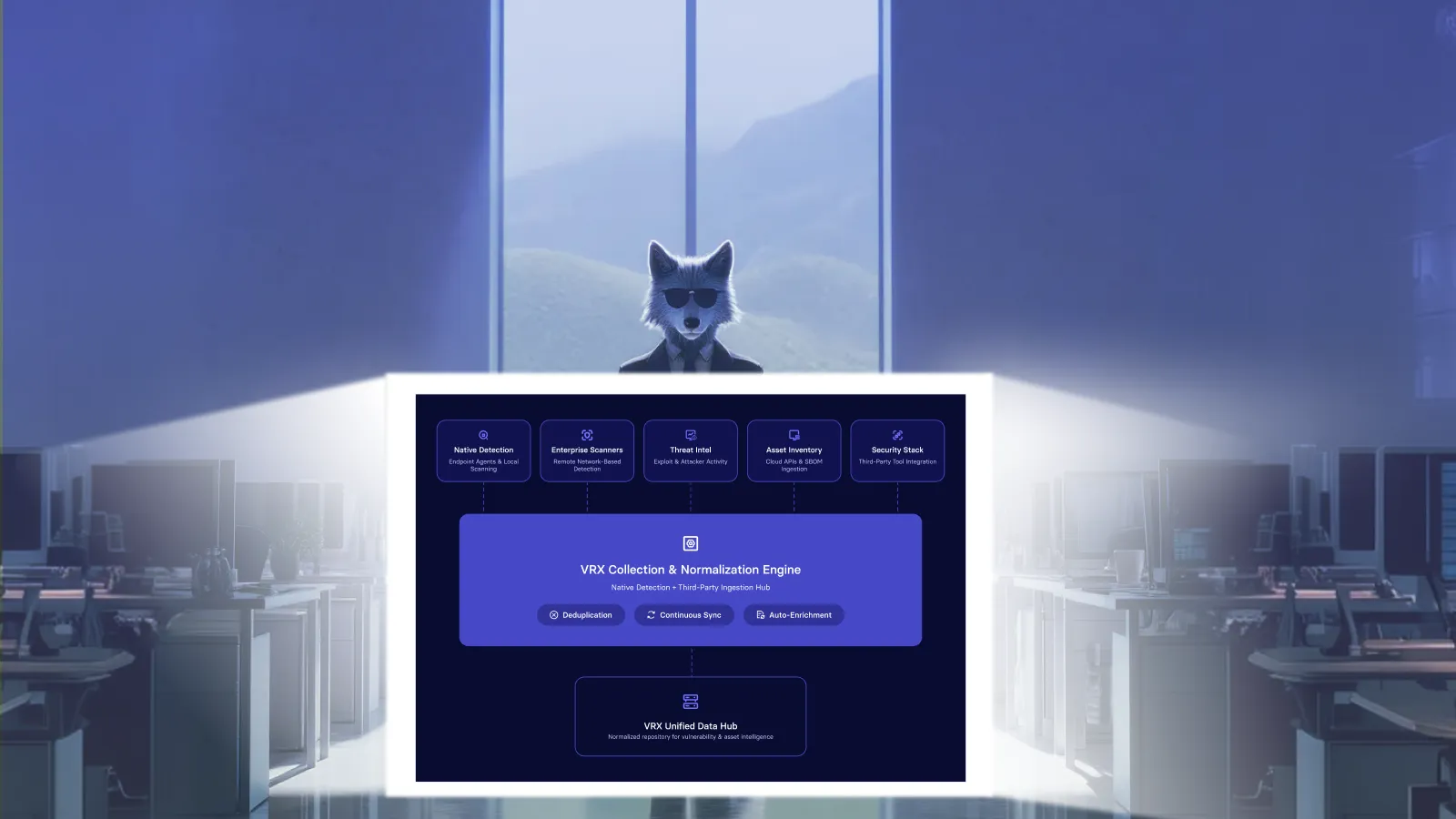
Start by identifying vulnerabilities across the full environment so remediation begins from a complete and current view of exposure. Discovery should cover both managed and unmanaged assets and combine broad, agentless visibility with deeper endpoint context where an agent is available. The goal is one inventory of findings rather than separate discovery silos.
In the Vicarius approach, discovery is the beginning of the remediation loop, not the end goal. Findings should immediately feed the next decision: which exposures create meaningful risk and what action will remove that risk fastest.
Assess and prioritize risk
Add these paragraphs directly below it:
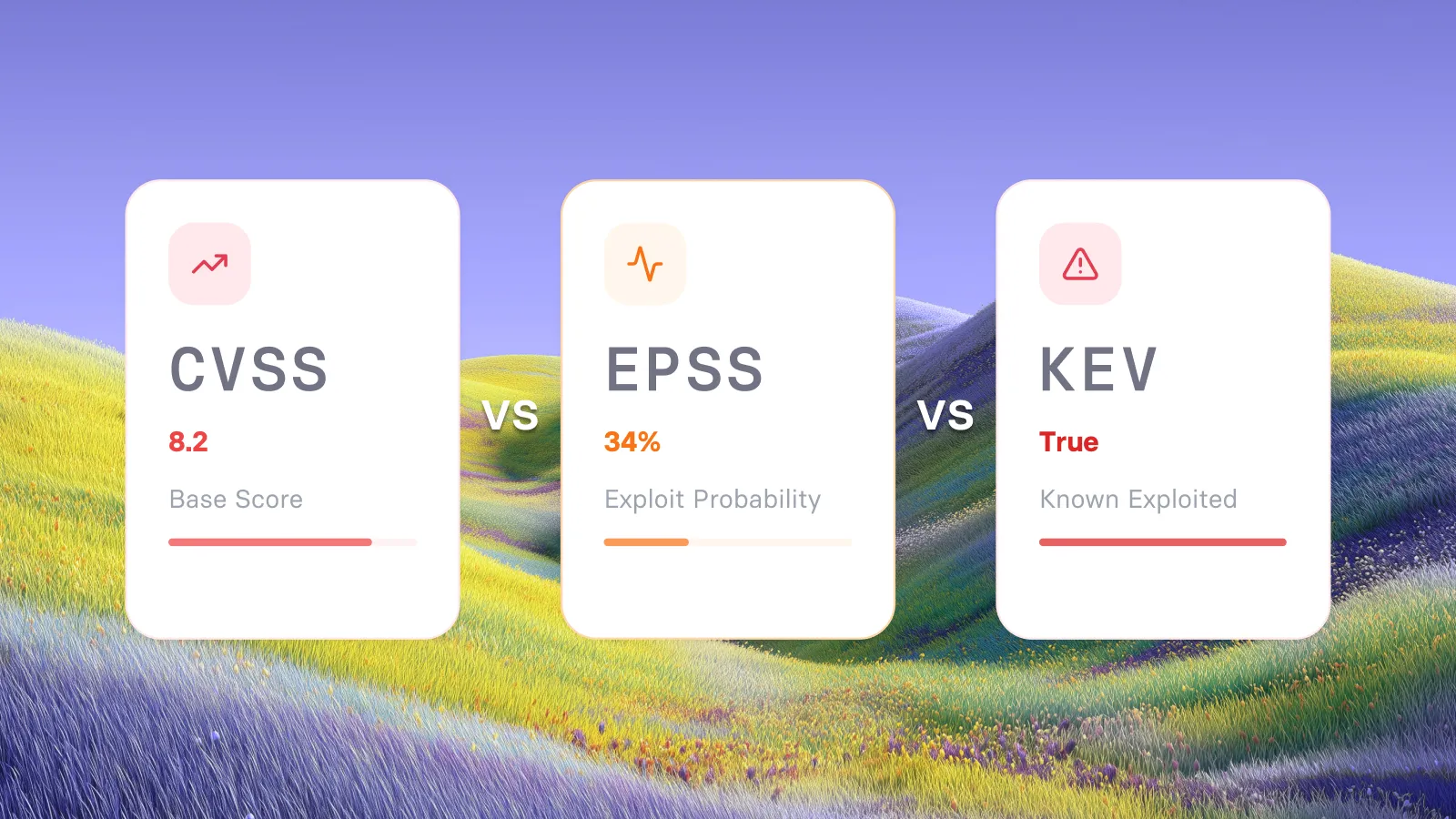
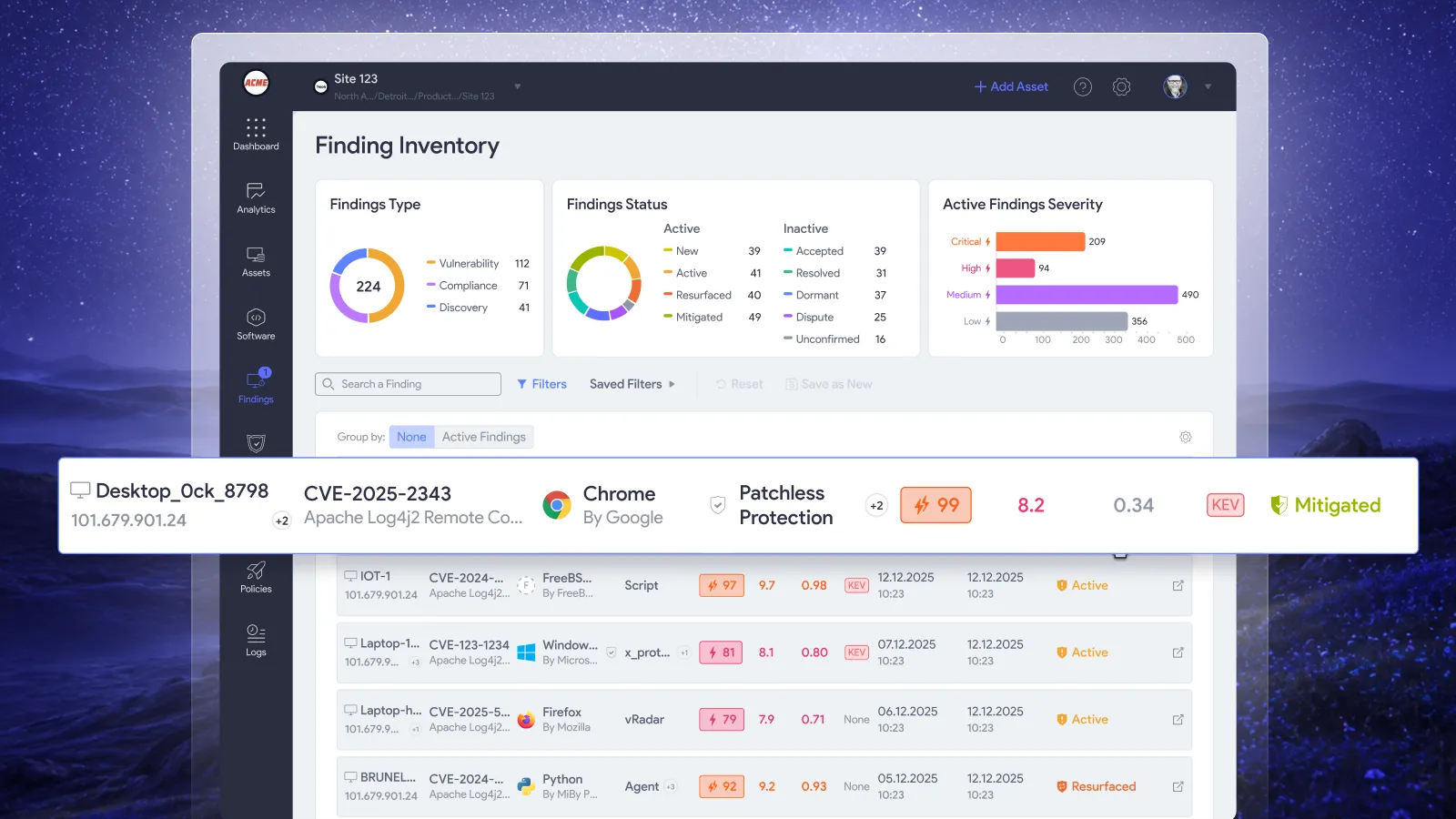
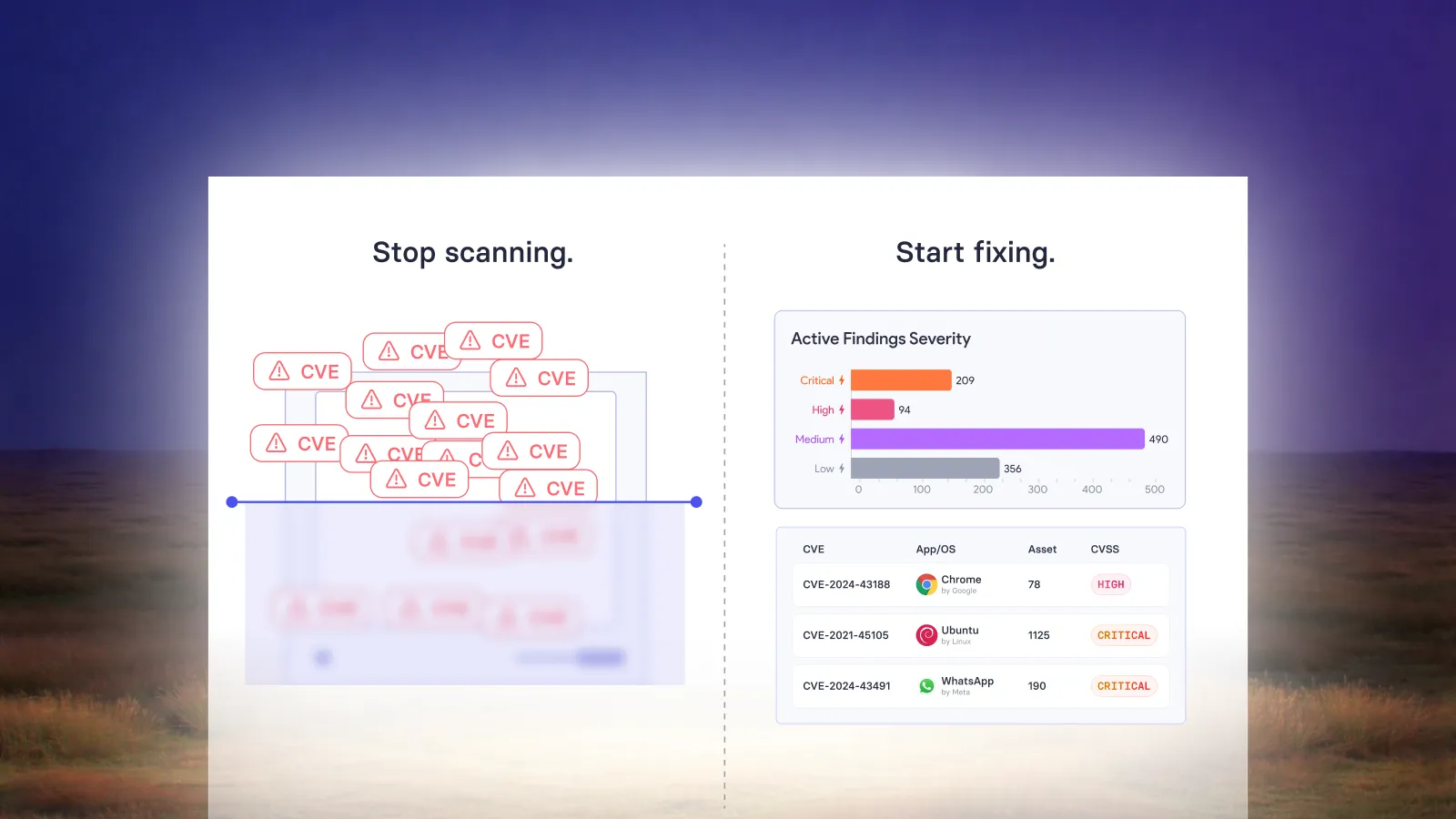
Prioritize each finding using more than CVSS severity alone. Consider real-world exploitability, whether the vulnerability is being weaponized, the criticality of the affected asset, and the business context around that asset so teams can focus first on exposures that create the greatest actual risk.
Prioritization should remain dynamic. As threat intelligence, asset context, or remediation status changes, the risk should be reassessed so teams are not working from a static list that quickly becomes outdated.
Select the appropriate remediation
Add these paragraphs directly below it:
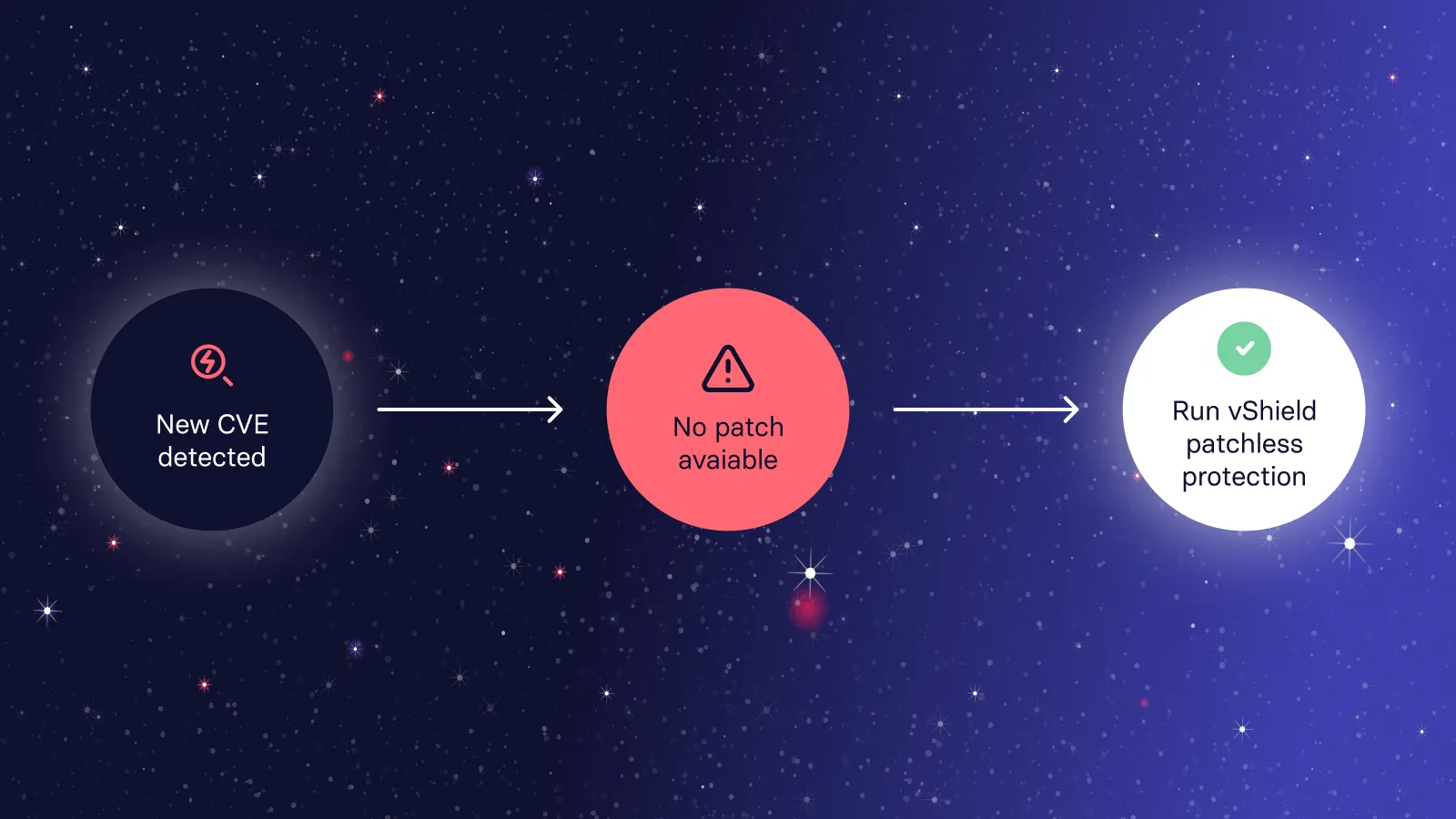
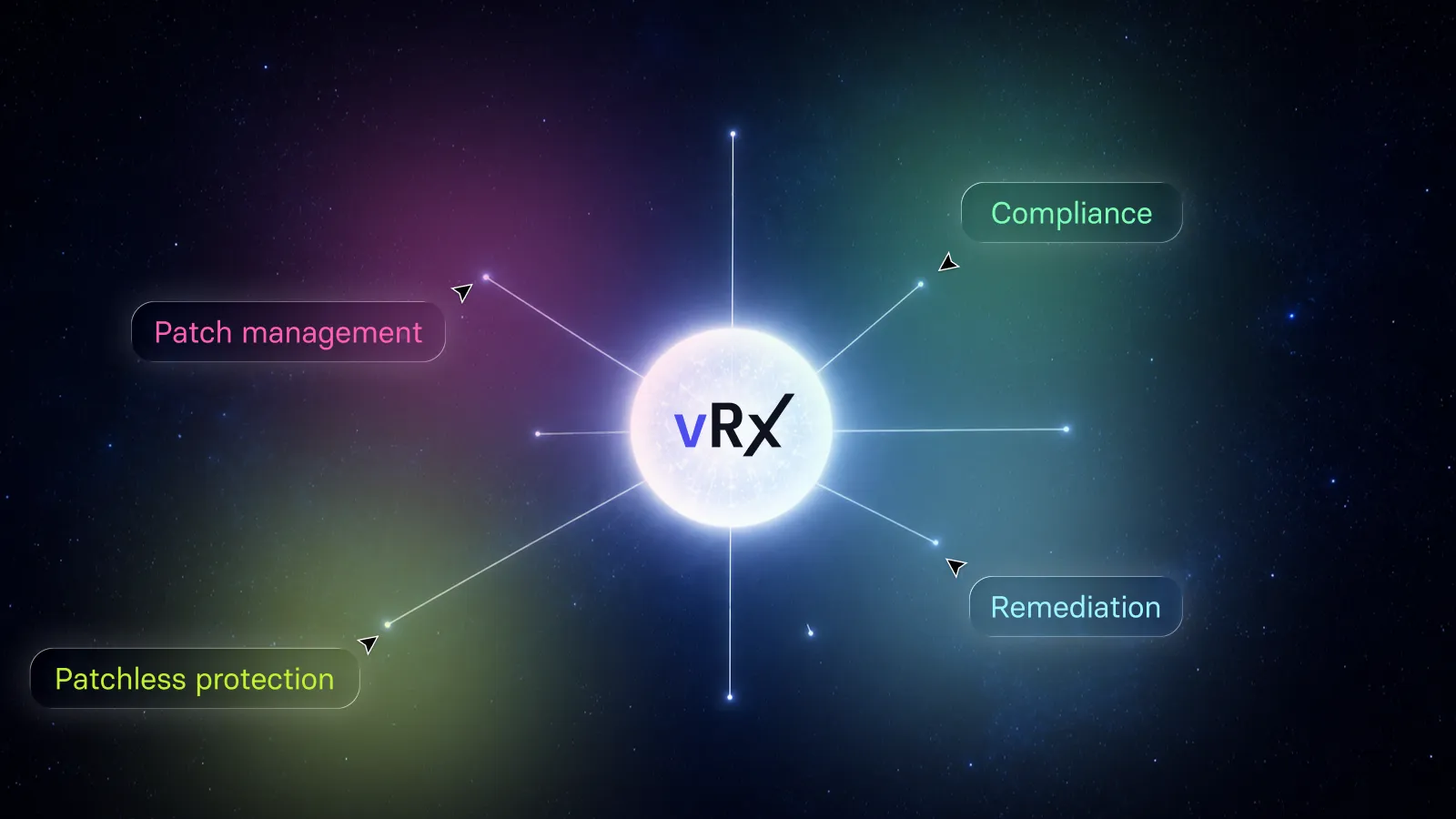
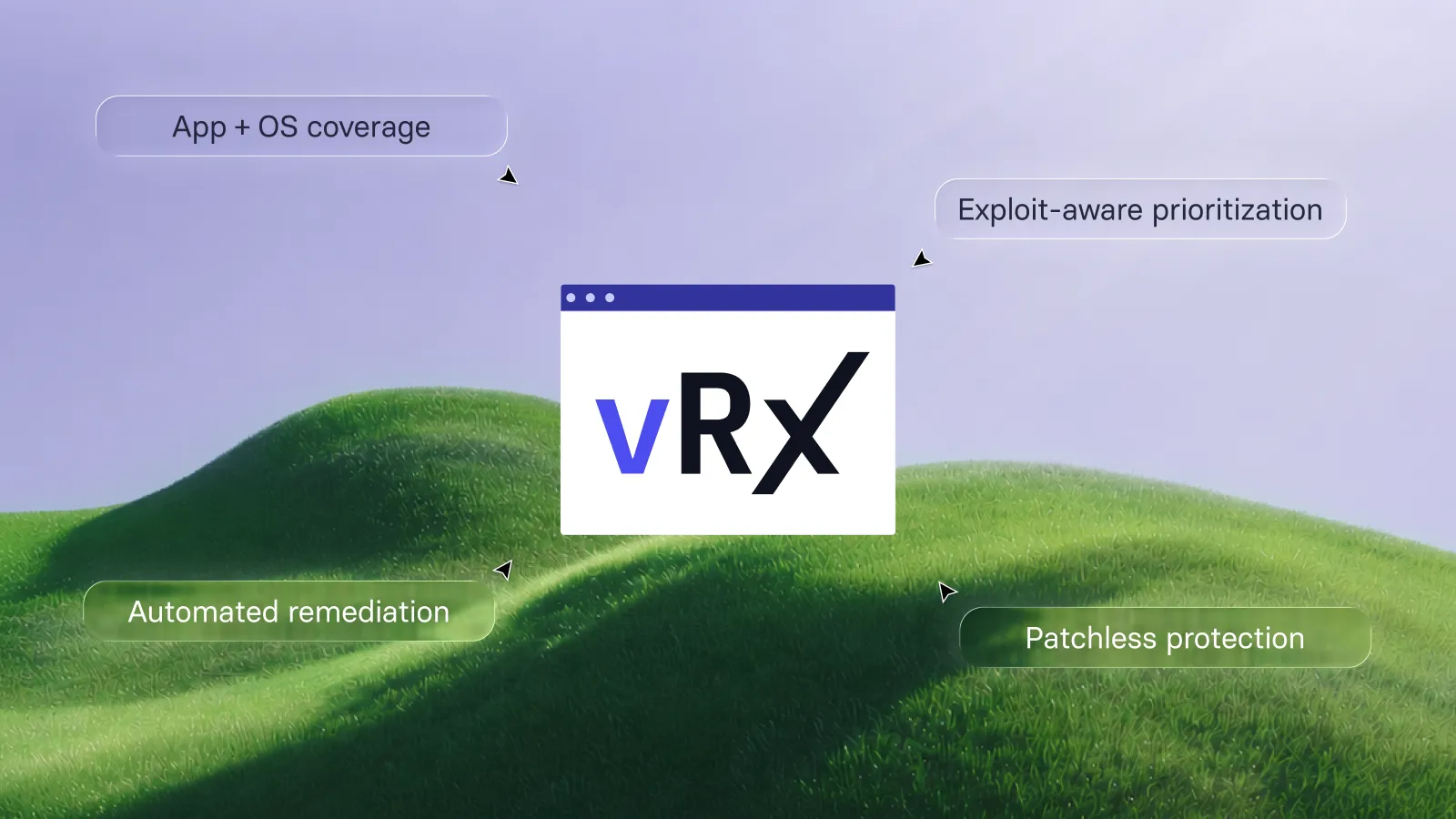
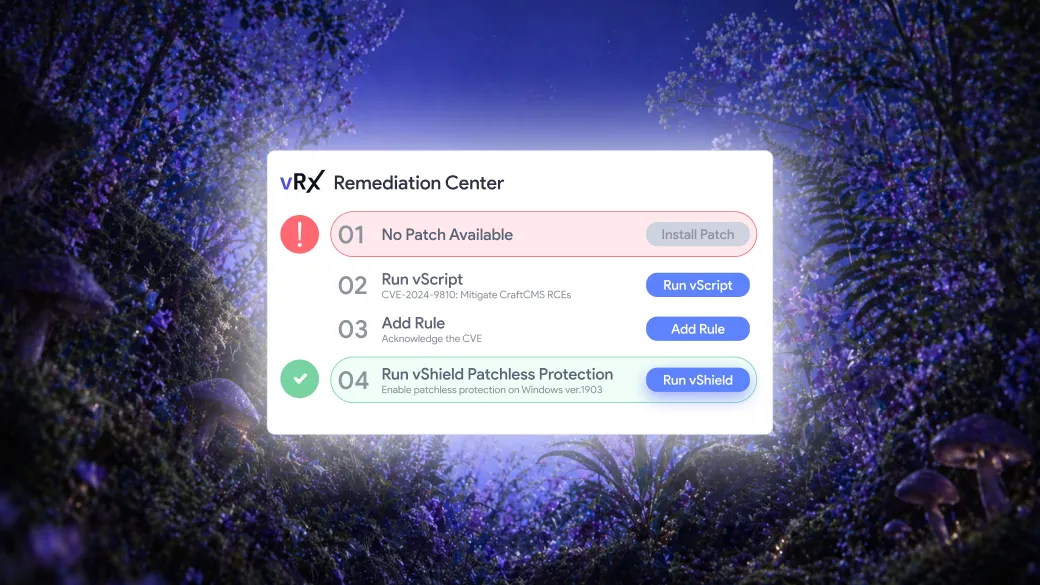
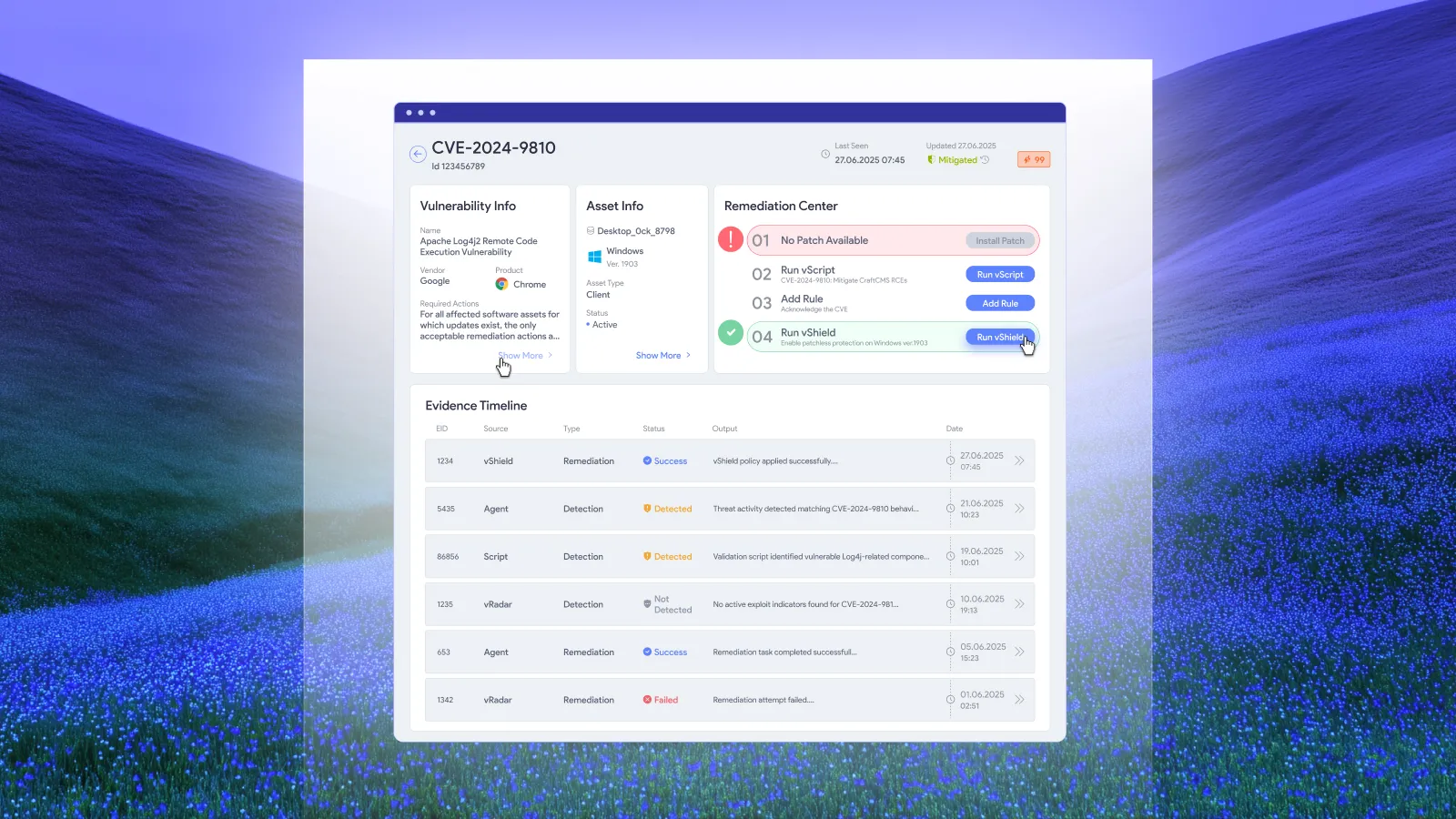
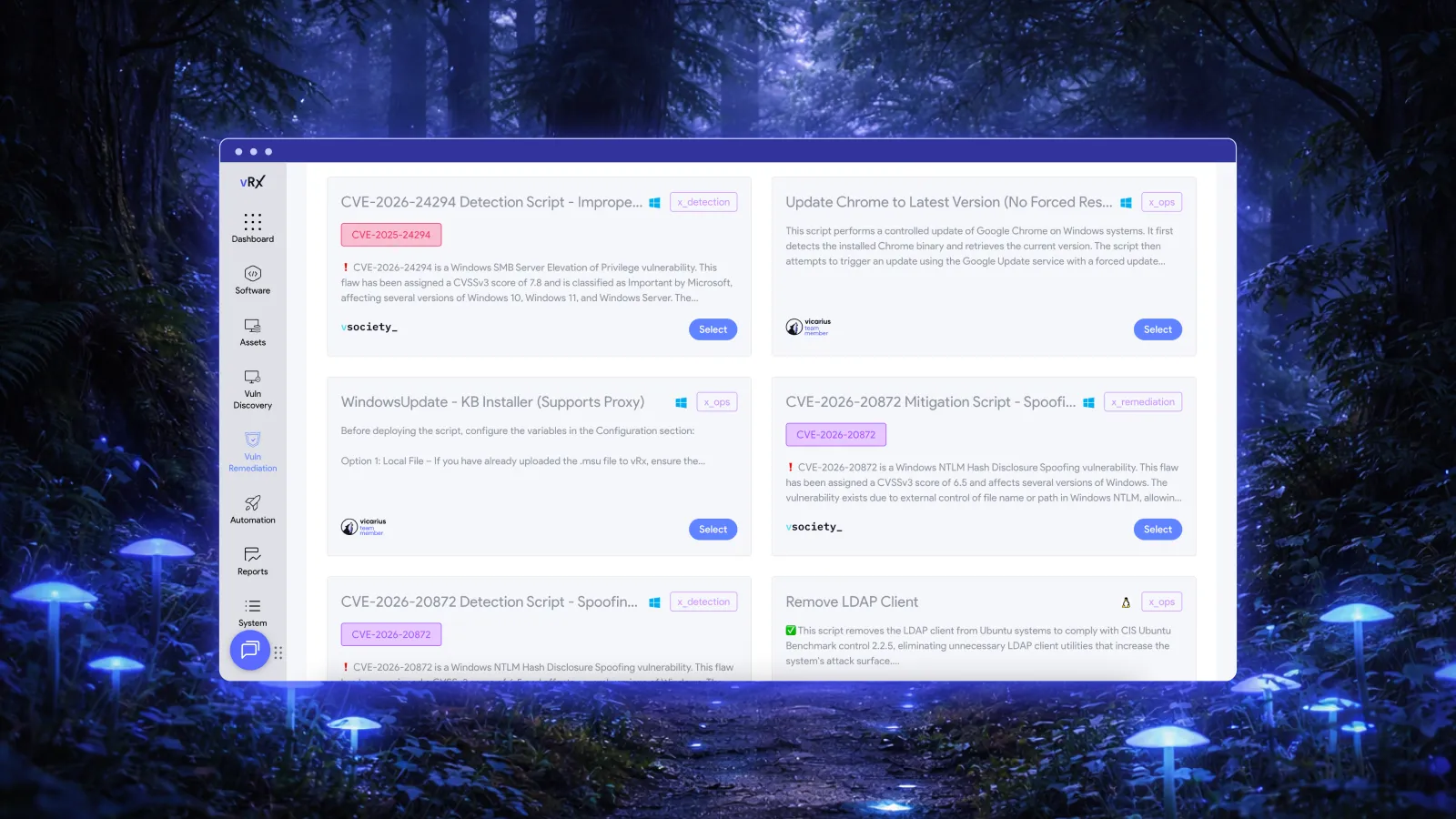
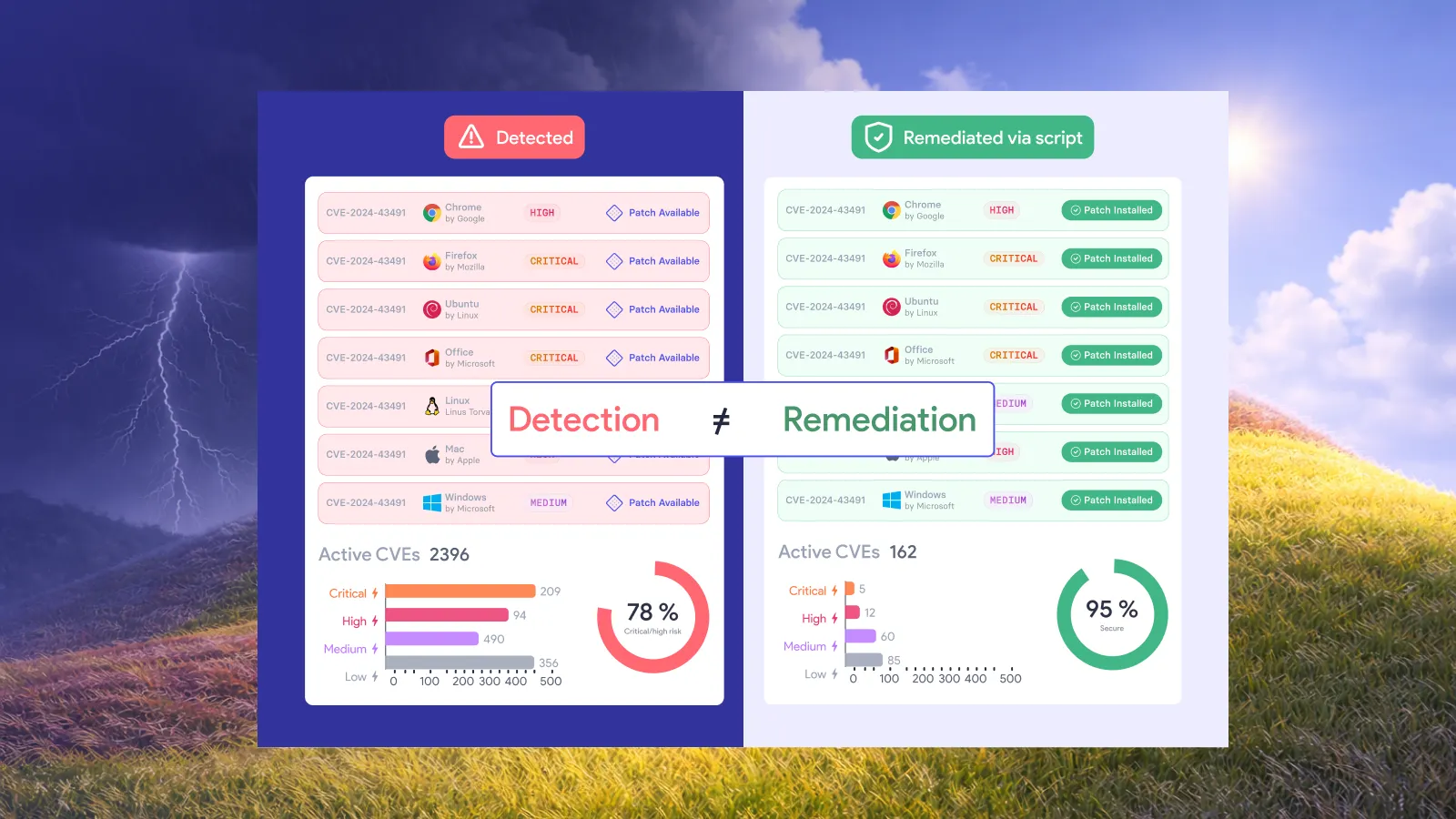
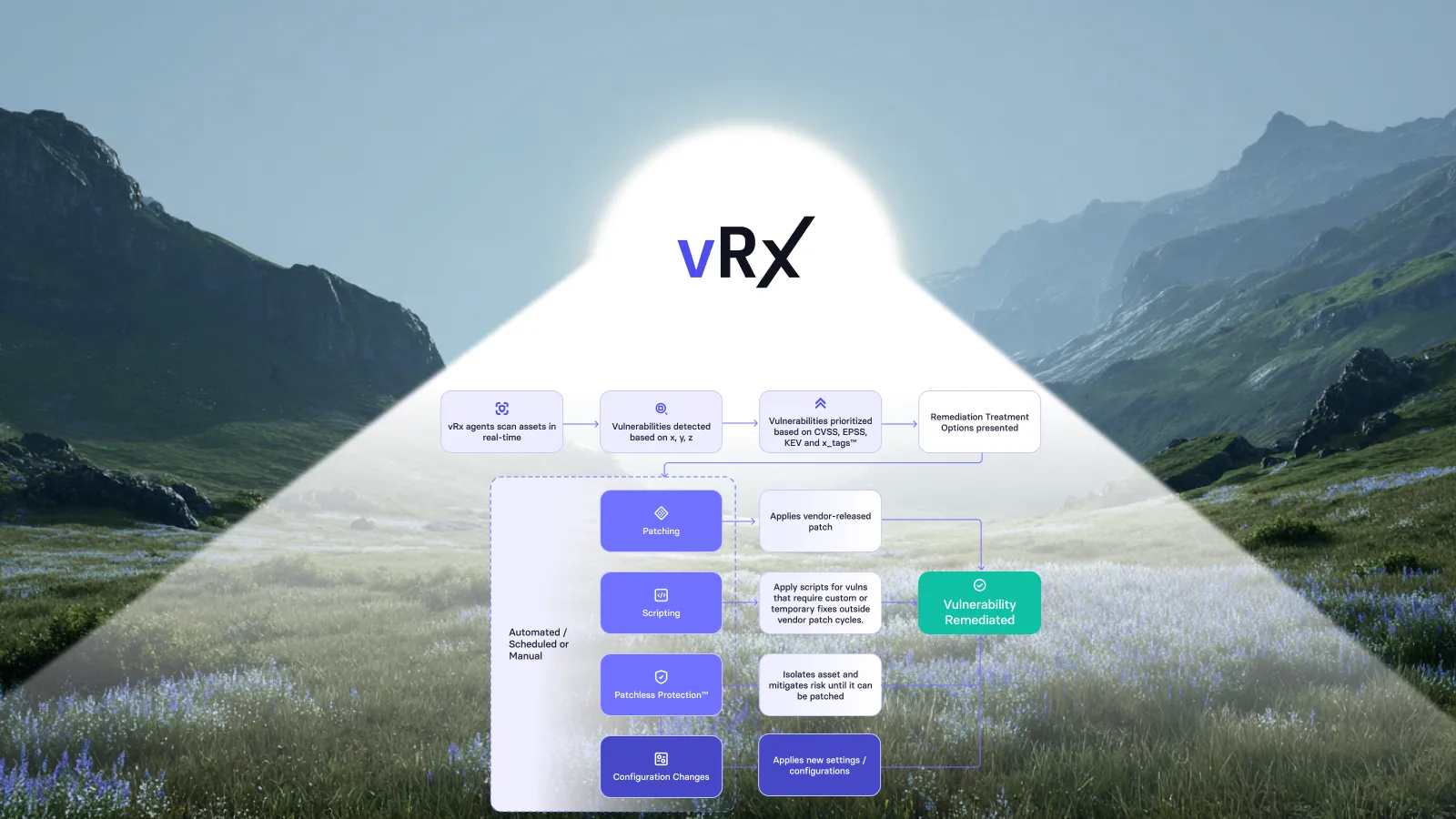
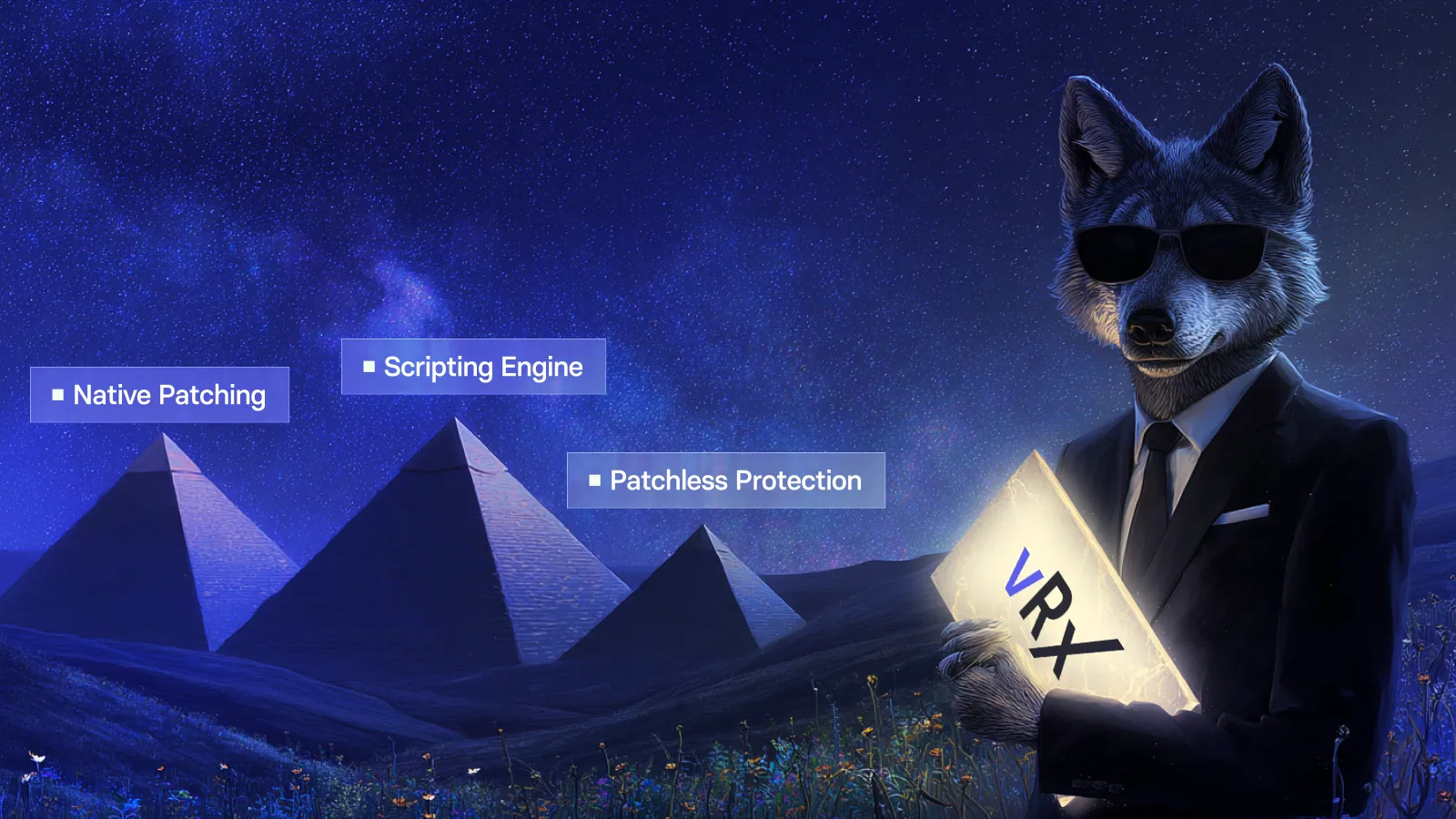
Choose the remediation path that removes the exposure rather than assuming every vulnerability has the same answer. When a patch is available and can be deployed safely, patch it. When a patch does not exist or cannot yet be deployed, use another option such as a configuration change, remediation script, compensating control, or patchless protection.
The objective is not simply to complete a patching task. The objective is to close the exposure using the most appropriate action for the vulnerability, the affected asset, and the operational constraints of the environment.
Test the remediation
Add these paragraphs directly below it:
Test the selected remediation before broad deployment when the change could affect production systems. Confirm that the patch, configuration change, script, or other control addresses the vulnerability without creating unacceptable operational impact or breaking required applications and dependencies.
Automated remediation should still preserve appropriate control. For example, newly generated scripts or changes that require review can be staged and approved before they are executed against live assets.
Deploy the remediation
Add these paragraphs directly below it:
Deploy the selected remediation across the affected assets using the fastest safe path available. Depending on the finding, that can mean applying a patch, changing a configuration, executing a remediation script, or applying patchless protection when a vendor fix is unavailable.
The Vicarius remediation-first approach is designed to reduce the delay between finding a vulnerability and taking action. Wherever policy allows, automate repeatable remediation steps so security and IT teams are not forced to rely on manual tickets and long handoffs for every finding.
Verify that the remediation succeeded
Do not treat a successful installation or completed remediation action as proof that the vulnerability is fixed. For patching, record the software version before the change and the expected target version. After installation, check the version detected on the asset and compare the actual installed version with the expected target version.
Mark the patch as successfully remediated only when the detected version matches the expected version. If the versions do not match, do not report the remediation as successful even if the installer returned a successful exit code. This verification step provides evidence that the intended change actually took effect and closes the loop between remediation action and remediation outcome.
Report and continuously monitor
Add these paragraphs directly below it:
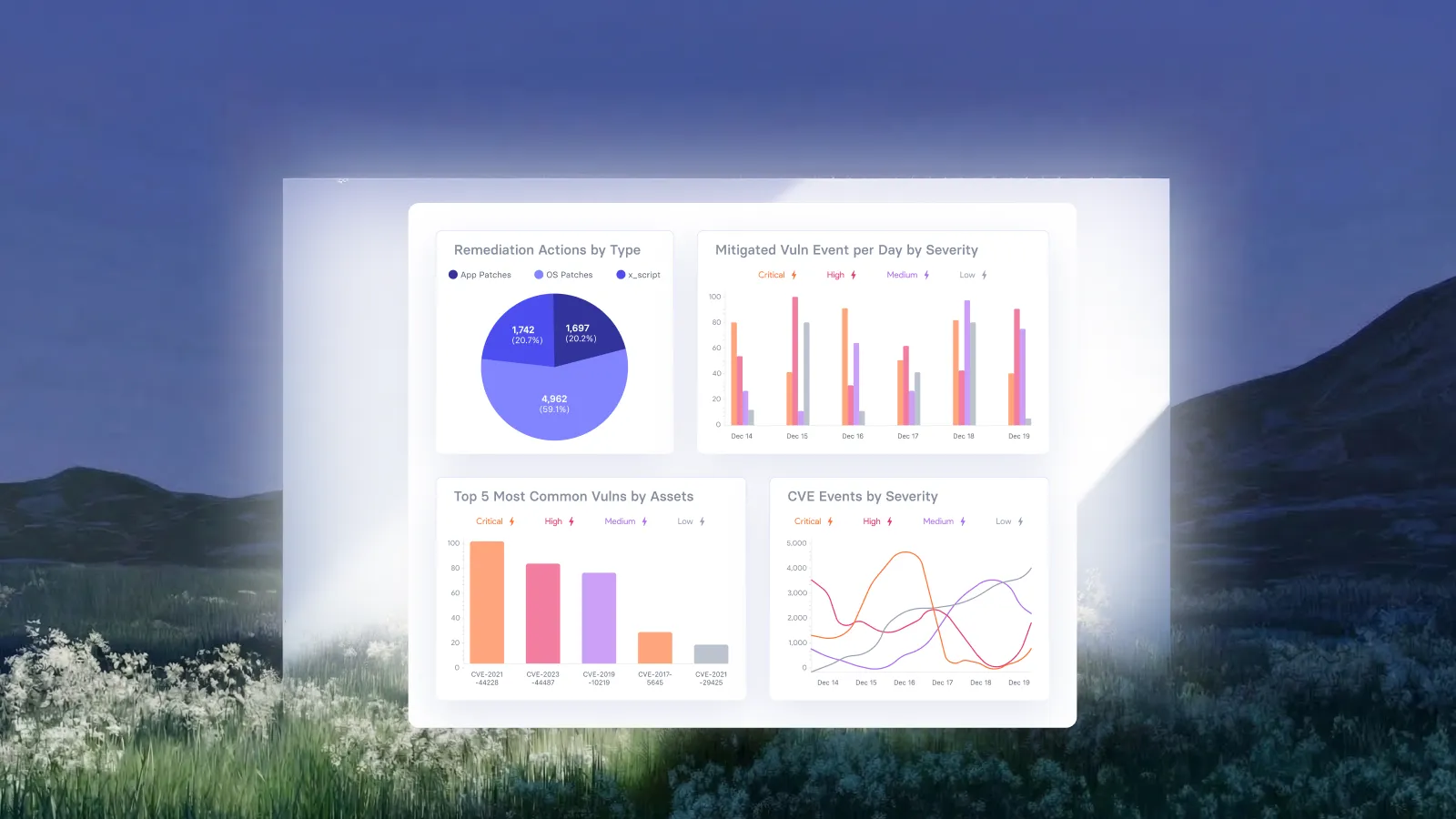
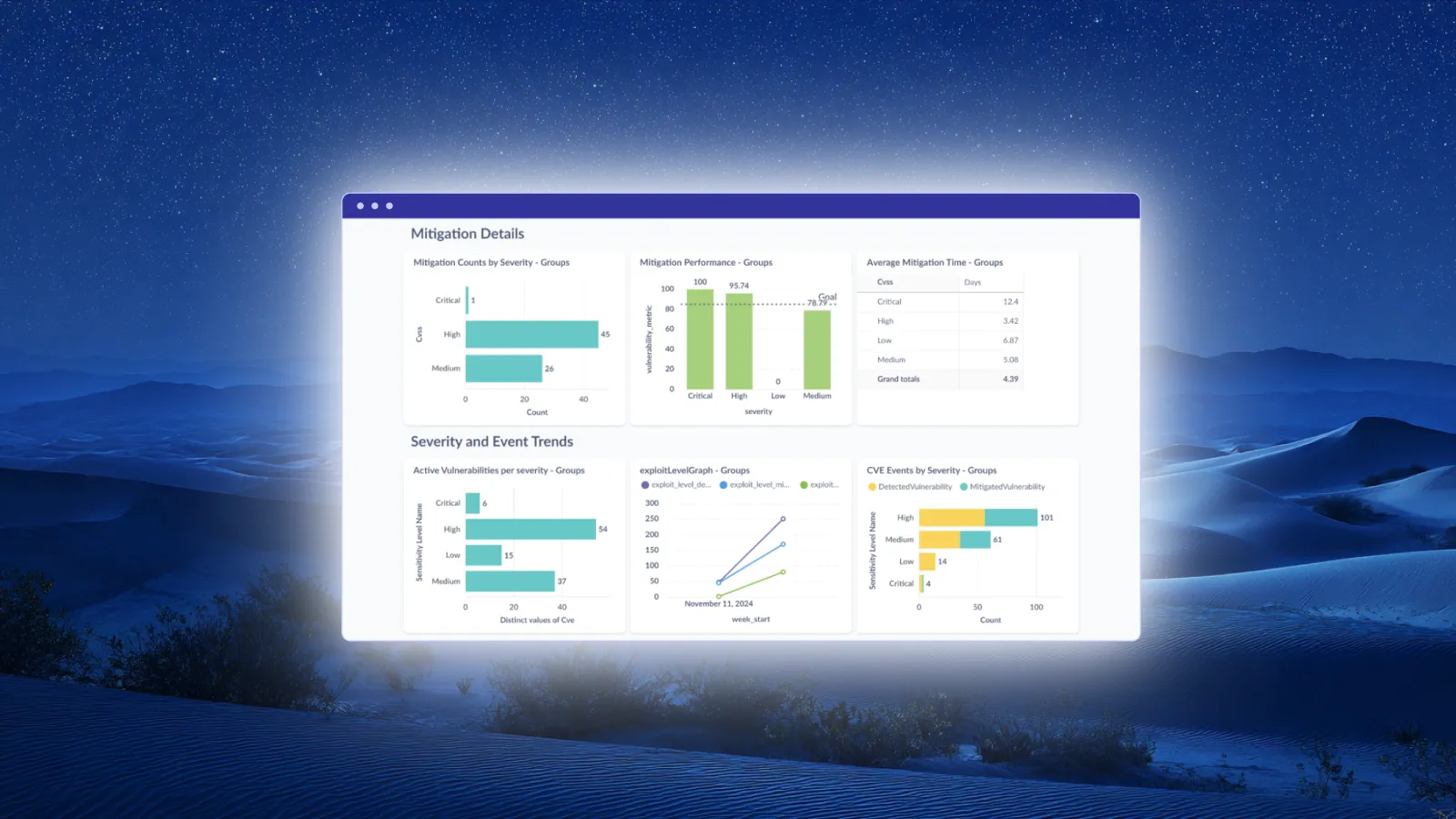
Record the remediation outcome, verification status, and relevant compliance evidence so security, IT, and leadership can see whether risk is actually decreasing. Reporting should show the state of exposure and remediation progress, not only the number of tickets or tasks that were closed.
Continue monitoring the environment because new vulnerabilities, new exploit activity, asset changes, and configuration drift can change risk after the initial fix. Feed new findings back into the same discover, prioritize, remediate, and verify cycle to keep remediation continuous.
Vulnerability remediation vs patching
Patching is one method of vulnerability remediation, but remediation is broader. A vulnerability can also be remediated through configuration changes, software removal, version upgrades, remediation scripts, compensating controls, or patchless protection.
Examples of vulnerability remediation
- Applying a security patch
- Changing an insecure configuration
- Using patchless protection
- Running a remediation script
- Removing vulnerable software
- Applying compensating controls
What is automated vulnerability remediation?
Automated vulnerability remediation uses software to identify, prioritize, execute, and verify fixes for vulnerabilities with minimal manual intervention. Depending on the vulnerability, remediation may involve patch deployment, configuration changes, scripts, compensating controls, or patchless protection. For patching, verification should compare the version detected after installation with the expected target version before the remediation is considered successful.
Related resources:
A Complete Guide to Automated Remediation in Cybersecurity
Automated vulnerability remediation



























.webp)


















%20Signals%20a%20New%20Era%20of%20Supply%20Chain%20Risk.webp)







.webp)