

Patch supersedence means an update replaces or extends an earlier update within the vendor's defined scope. It does not prove that the replacement applies to every machine in your deployment. Microsoft explicitly warns that a superseding update may support fewer operating-system versions or have narrower applicability. Before retiring an older update, establish whether any clients still need it. Microsoft: approving superseding or superseded updates.
For remediation engineers, the practical question is which update satisfies the security objective on each affected asset. A newer package can change that answer after a change request has already been approved. The approval record needs to catch up with the target, without erasing the evidence behind the original decision.
This article proposes a decision process for that handoff. It focuses on selecting the replacement target; deployment scheduling and post-installation verification remain separate jobs.
What should change when a patch is superseded?
Reopen the target-selection decision. Record the replacement, establish its applicability to the affected asset groups, and decide whether the approved deployment needs to change. Keep the vulnerability or required security state as the objective, rather than making installation of a particular old package the objective.
Consider a change request that names Update A. Before rollout, Update B appears. The request should now answer: does B address the required issue on these machines, and what changed in the deployment assumptions? The date on B is a reason to investigate, not sufficient evidence to replace A everywhere.
Use three separate fields in the change record:
| Field | Question it answers | Suggested evidence |
|---|---|---|
| Security objective | What exposure must this change address? | Relevant advisory, affected software and asset scope |
| Candidate update | What will we install on this asset group? | Vendor package identifier and applicability information |
| Completion evidence | How will we establish the intended result? | Agreed installed-state and security checks |
This separation is our recommended operating practice. It lets a team replace a package without accidentally changing the purpose of the work. It also gives reviewers a clear explanation when an approved package disappears from the final deployment record.
Supersedence and applicability answer different questions
A supersedence relationship connects updates. Applicability concerns the specific machine that will receive one. Keep both in the review: a valid replacement relationship does not resolve every difference between the systems in your estate.
Microsoft's Windows Server troubleshooting guidance lists several explanations for an update being reported as not applicable: supersedence, an already-installed update, an incorrect Windows version or architecture, and missing prerequisites. An applicability error therefore needs diagnosis; it is not a security conclusion. Microsoft: Windows Server update troubleshooting.
For each deployment group, record the operating-system version and architecture, the relevant installed state, and the package prerequisites. Use the individual update's documentation for the actual requirements. Avoid turning an example prerequisite from a troubleshooting page into a universal installation instruction.
The useful review unit is an asset group with sufficiently similar requirements. If one group contains machines that need different packages, split the decision. A single replacement label should not conceal unresolved exceptions.
A decision tree for changing the remediation target
Use this proposed decision tree whenever a supersedence change affects a pending deployment. It is a review aid, not a substitute for vendor instructions.
1. Can you establish the replacement relationship? Record the vendor evidence linking the old and proposed updates. If you cannot establish it, keep the proposed replacement unapproved while investigating.
2. Does the proposed update address the security objective for this group? Compare the advisory and affected product scope. A related update name is not enough.
3. Does it apply to the group's actual systems? Check versions, architecture, installed state and prerequisites. Separate systems that need another path.
4. Did the change alter the rollout assumptions? Review testing, restart requirements, known issues and recovery arrangements against the new package's documentation.
5. Is the revised target authorized? Update the change record with the new identifier, scope, evidence and accountable reviewer before deployment.
6. Has the resulting state been verified? Apply the agreed checks after rollout. Keep exceptions open until their outcome is established.
A “no” or “unknown” should lead to a named follow-up, not a silent fallback. For example, an unresolved prerequisite becomes a dependency task with an owner. An untested business application becomes a test requirement. A machine with stale inventory remains an unknown until its state is checked.
Set a review deadline appropriate to the exposure. This process should make decisions traceable without allowing uncertainty to become an indefinite holding pattern.
A worked example: one approval becomes two deployment paths
The following example is hypothetical. Update A, Update B and the groups are illustrative labels, not real Microsoft packages or a claim about a particular vulnerability.
A remediation engineer has approval to deploy A to two server groups. Before installation, the team identifies B as a possible replacement. Group North meets B's documented requirements. Group South has a different operating-system version, and the engineer has not established a supported B installation path for it.
The wrong change-record outcome would be “A superseded; close request.” That statement explains neither group's security state.
Instead, the reviewer records B as the proposed target for North and leaves South's target unresolved pending vendor-scope review. North proceeds only after the revised approval and applicable testing. South receives a separate task to establish the supported remediation path, with an accountable owner and a review time.
| Group | What the team knows | Decision in this example |
|---|---|---|
| North | B's scope and requirements match the group | Review and approve the changed deployment target |
| South | B's suitability has not been established | Keep the remediation objective open and investigate |
| Offline assets | Current installed state is unavailable | Obtain fresh evidence before assigning completion |
The example does not recommend keeping A indefinitely. It shows why package replacement and remediation closure need separate decisions. South may ultimately need A, another supported update, or a different treatment. The missing evidence determines the next step.
Replace stale approval evidence without losing the history
A revised approval should show what changed, who reviewed it and which assets are affected. Preserve the original request so someone reviewing the work later can follow the decision.
We recommend a short replacement note with these fields:
• Original package and original approval reference.
• Proposed replacement and vendor relationship evidence.
• Affected asset groups, exclusions and unresolved machines.
• Changed requirements, test results and recovery considerations.
• Decision owner, decision time and next review condition.
• Links to deployment results and final verification when available.
Write the note around differences. If the asset scope stays the same but the package requires a different test, explain that test. If the scope changes, name the excluded systems and their follow-up tasks. Avoid repeating the whole change request while leaving the actual difference unstated.
A useful reviewer challenge is: “Could another engineer identify the approved package and the unresolved assets from this record alone?” If the answer is no, the approval needs more detail.
When can you retire the older update?
Treat catalog cleanup as a separate decision from approving the replacement. In Windows Server Update Services (WSUS), declining an update changes whether clients are offered it. Microsoft's guidance advises checking that the superseded update is no longer needed by client computers. Microsoft: update operations.
For your own review process, ask the cleanup owner to account for exceptions before making that decision. Include machines that were offline, groups excluded from the replacement and assets whose inventory is stale. Record the scope actually checked; “all checked devices” and “all devices” are different statements.
Keep this cleanup decision visible even when the same person handles deployment. That makes it harder for a tidy console to become the only evidence that remediation is complete.
How this fits a remediation workflow in vRx
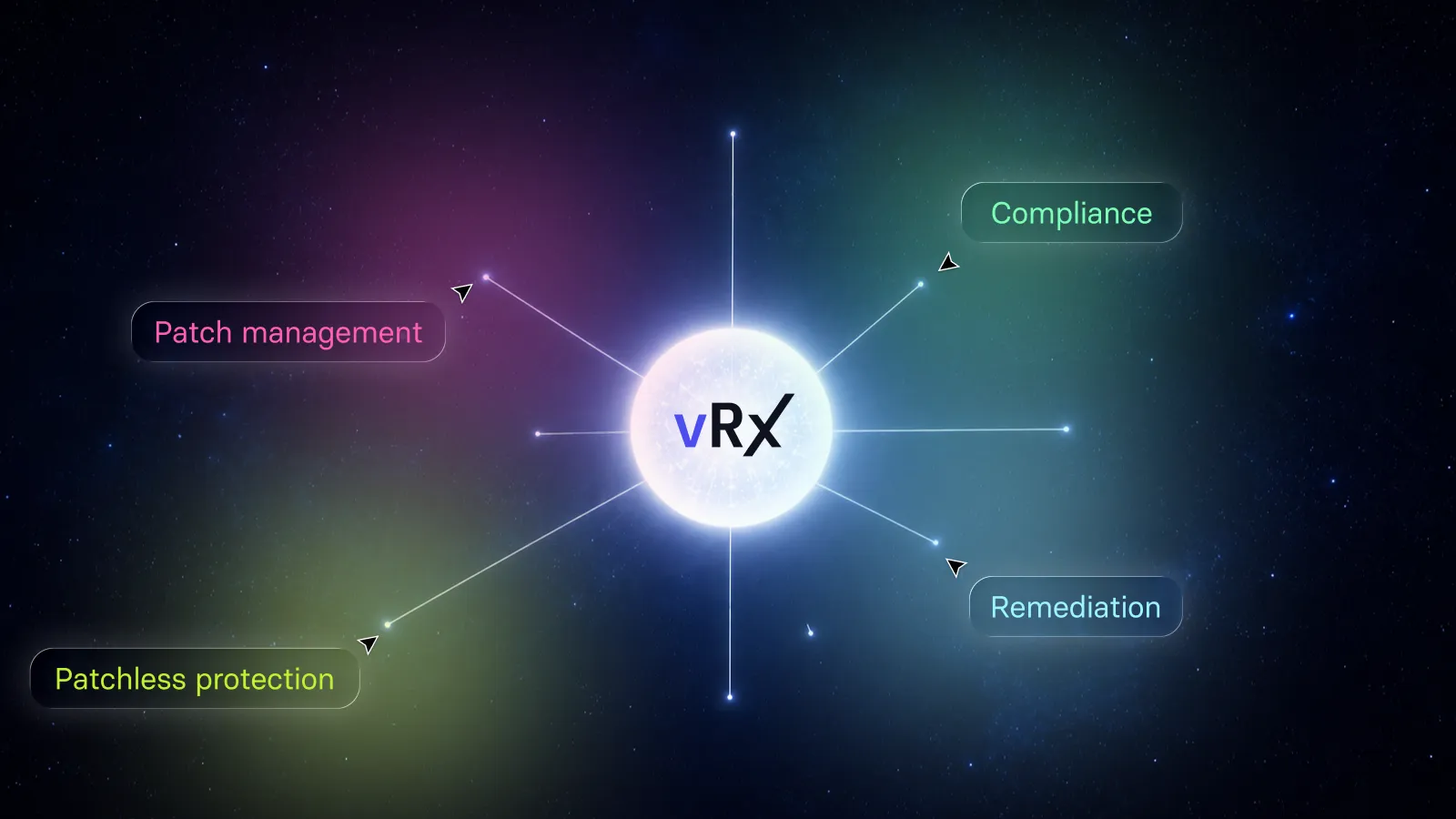
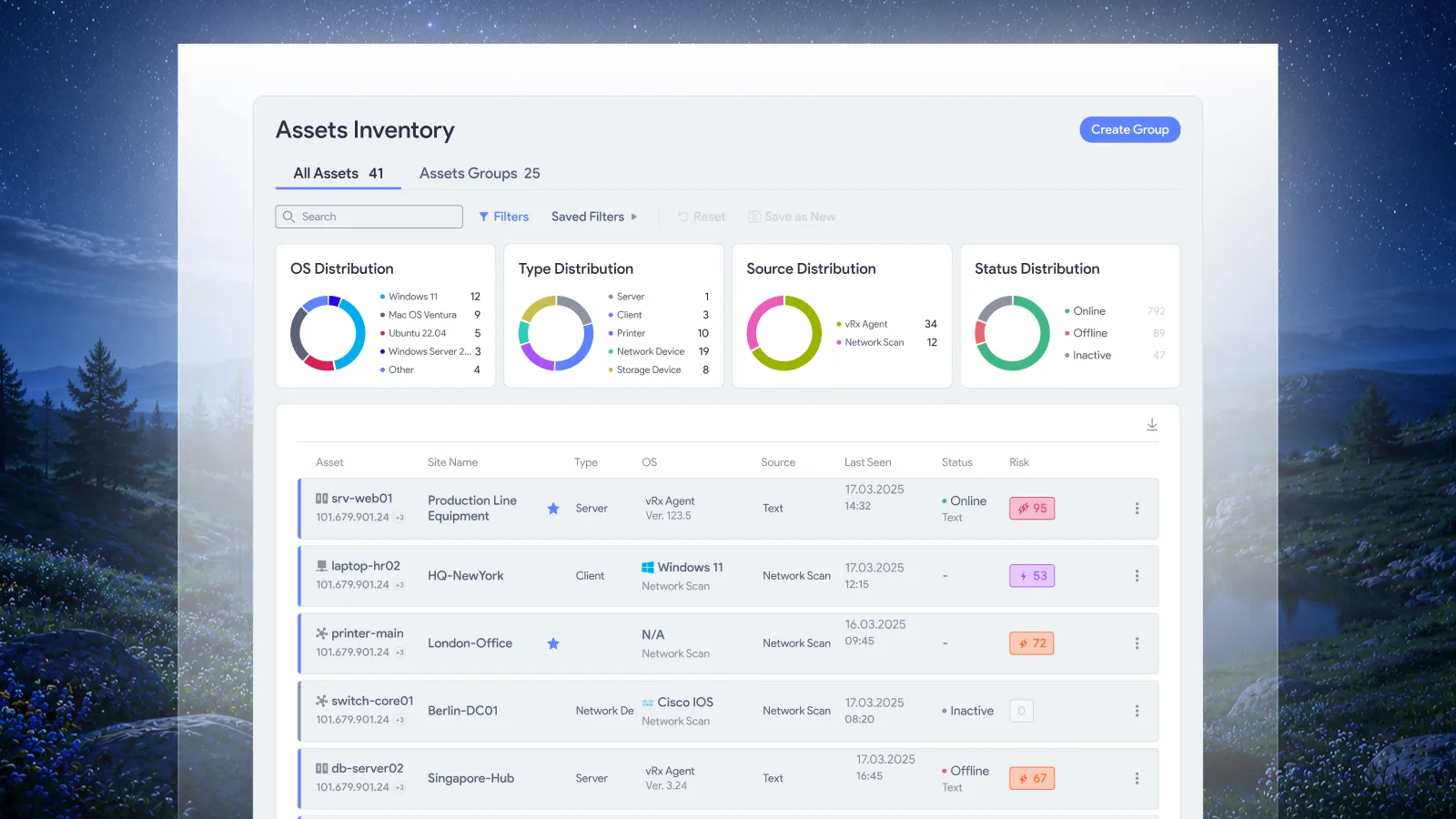
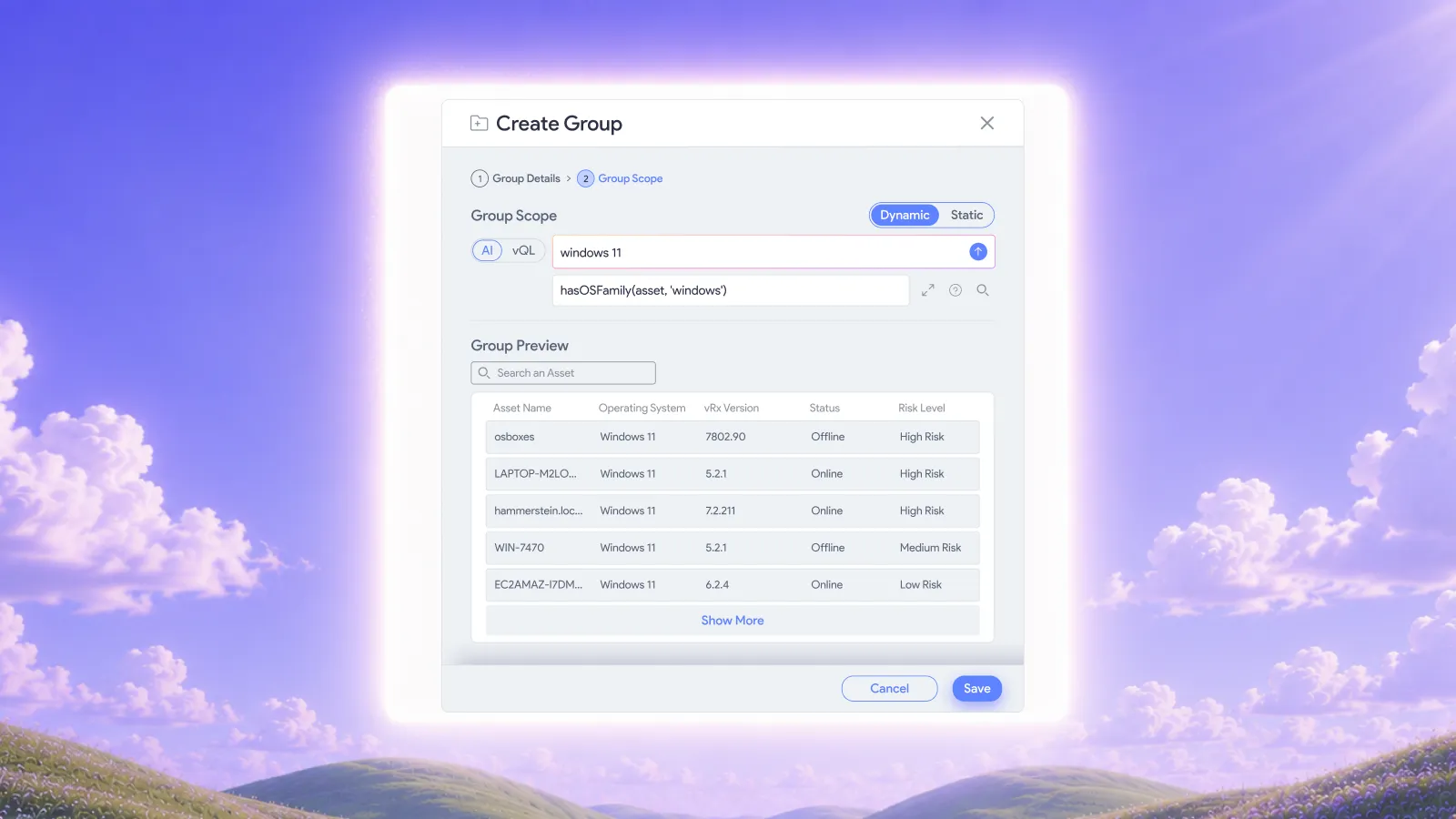
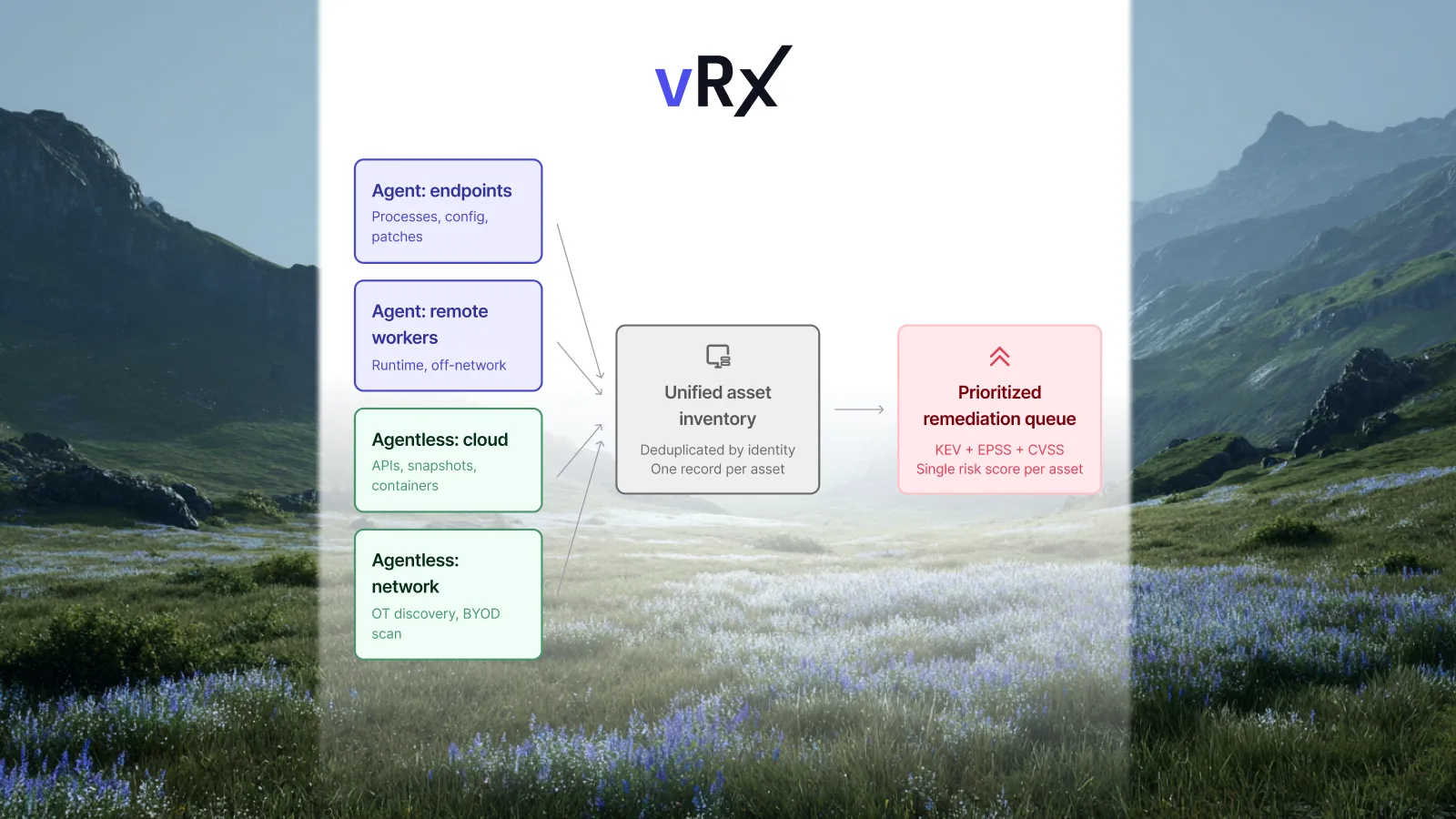
Vicarius documents on-demand, scheduled and rule-based patch deployment in vRx, alongside asset-group targeting and static or dynamic patch groups. Those controls provide a way to organize the deployment after the team has established the correct target. Vicarius: patch management.
For the workflow described here, define the reviewed asset groups, preserve the target-selection evidence in the change record and use the appropriate deployment controls for each group. Keep exceptions explicit instead of folding them into the successful group.
After deployment, use the patch verification checklist to plan the evidence needed to establish the result. Target selection answers what should be deployed; verification establishes what happened on the machines.
Frequently asked questions
Does a superseded patch mean the vulnerability is fixed?
No. A relationship between update packages does not establish an asset's installed or security state. Keep the affected asset open until you have the agreed evidence of remediation. That is the closure rule recommended in this article.
Should I automatically decline every superseded update?
No. Microsoft's WSUS guidance says to establish that client computers no longer need it before declining it. Narrower applicability or different operating-system support can leave an older update relevant to some clients. Microsoft guidance.
What should I check after an “update not applicable” result?
Check the update's documented scope and requirements against the machine. Microsoft's troubleshooting guidance includes supersedence, an already-installed update, incorrect architecture or version, and missing prerequisites as possible causes. Investigate the cause before changing the remediation status. Microsoft troubleshooting.
Must a replacement update go through a new approval?
Follow your organization's change policy. Our recommendation is to reassess the changed target, its scope and deployment assumptions, then record the review. Whether that requires an amended approval or a new request depends on the policy and the actual change.
Review the target, then organize the rollout
Bring a pending replacement decision and its asset groups to a vRx demo. Explore how patch grouping and deployment controls fit your remediation process, from the reviewed target through the rollout and its exceptions.