

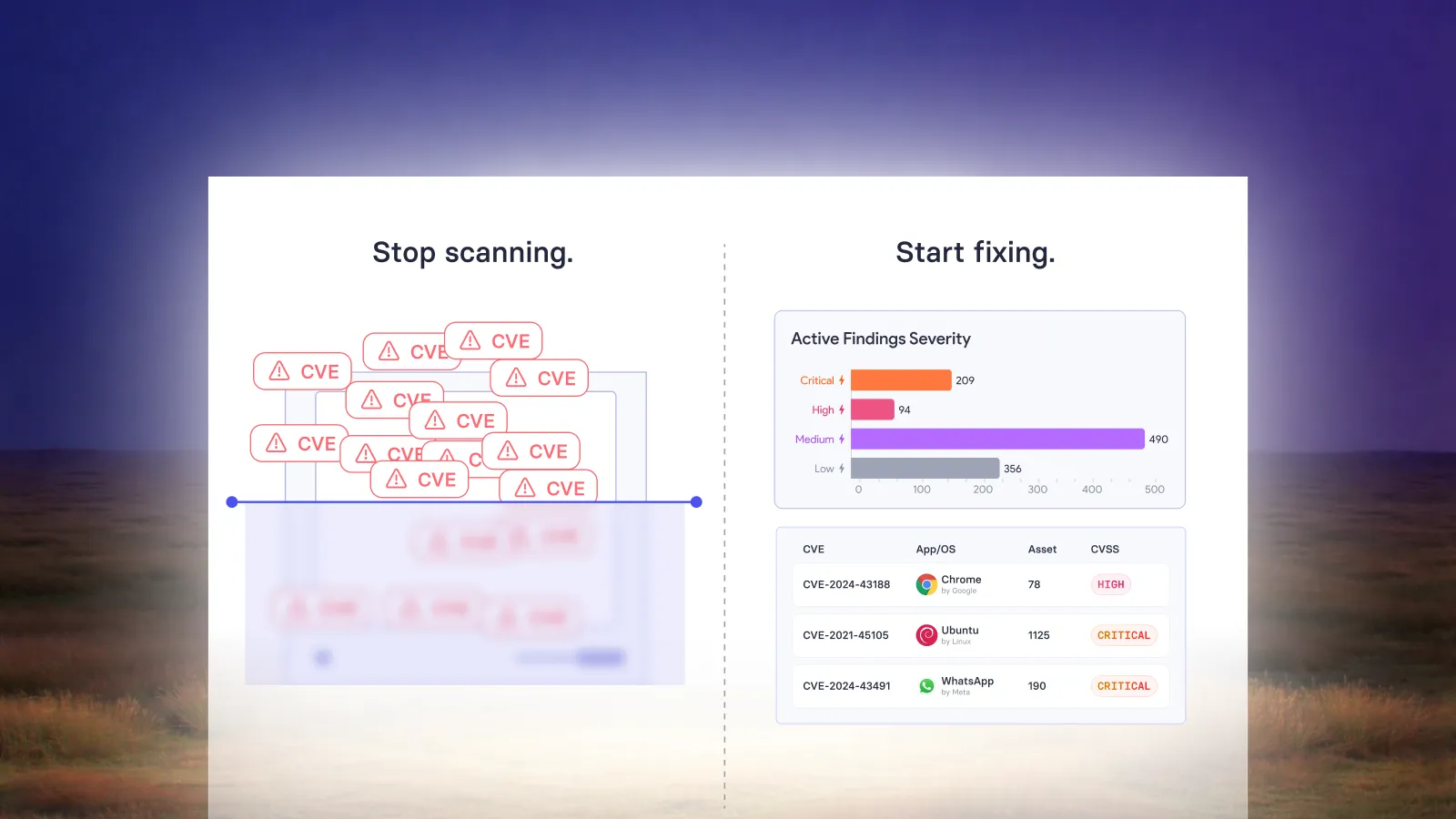
Risk-based patch management should move a vulnerability from discovery to a verified fix with as little repeated manual work as possible. Risk determines urgency. Policy governs execution. Automation carries out the repeatable work, while the team handles decisions that need judgment.
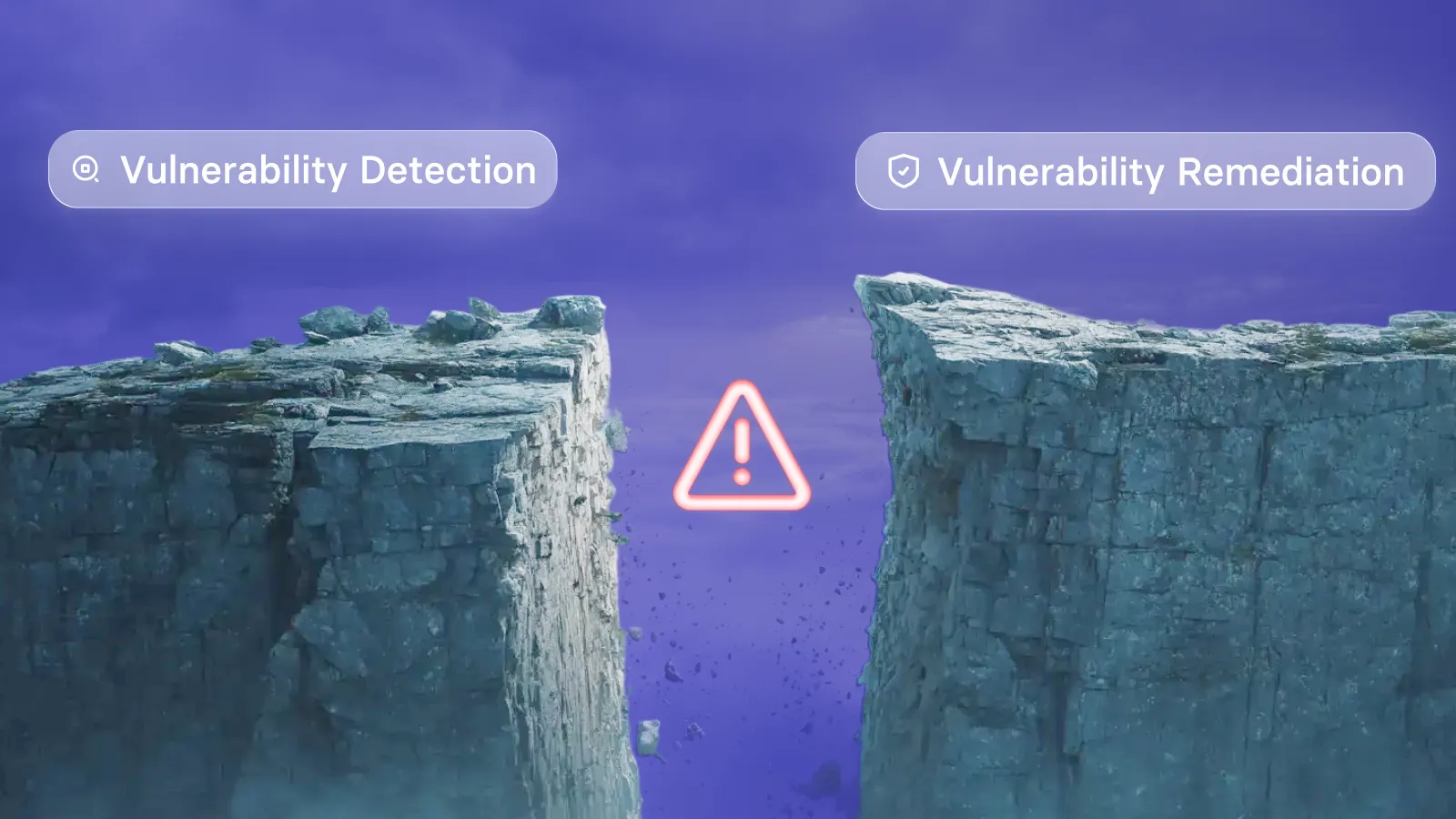
That is the purpose of connecting prioritization to remediation. A finding that already meets an established policy should not require someone to rebuild the same response from scratch.
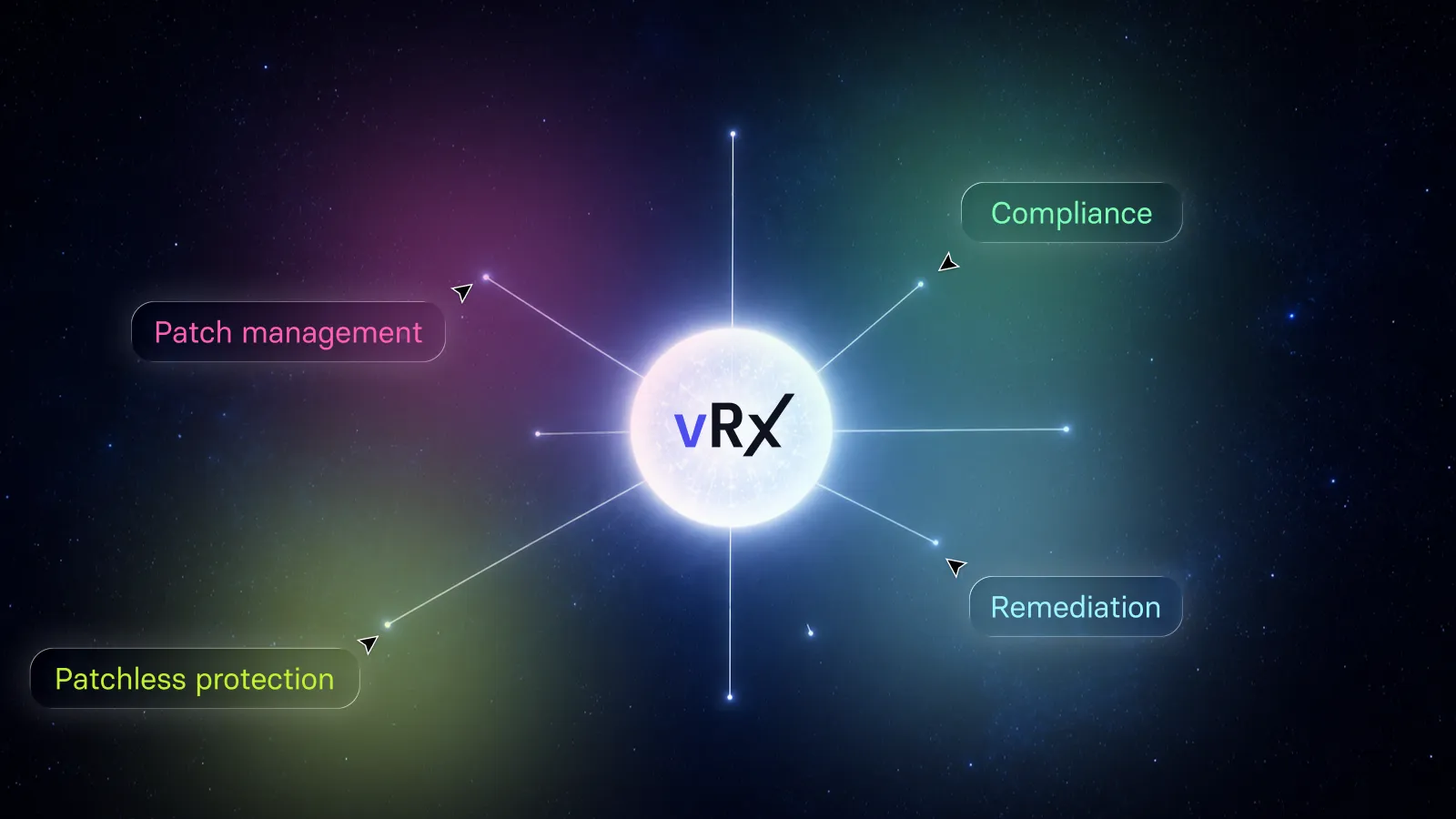
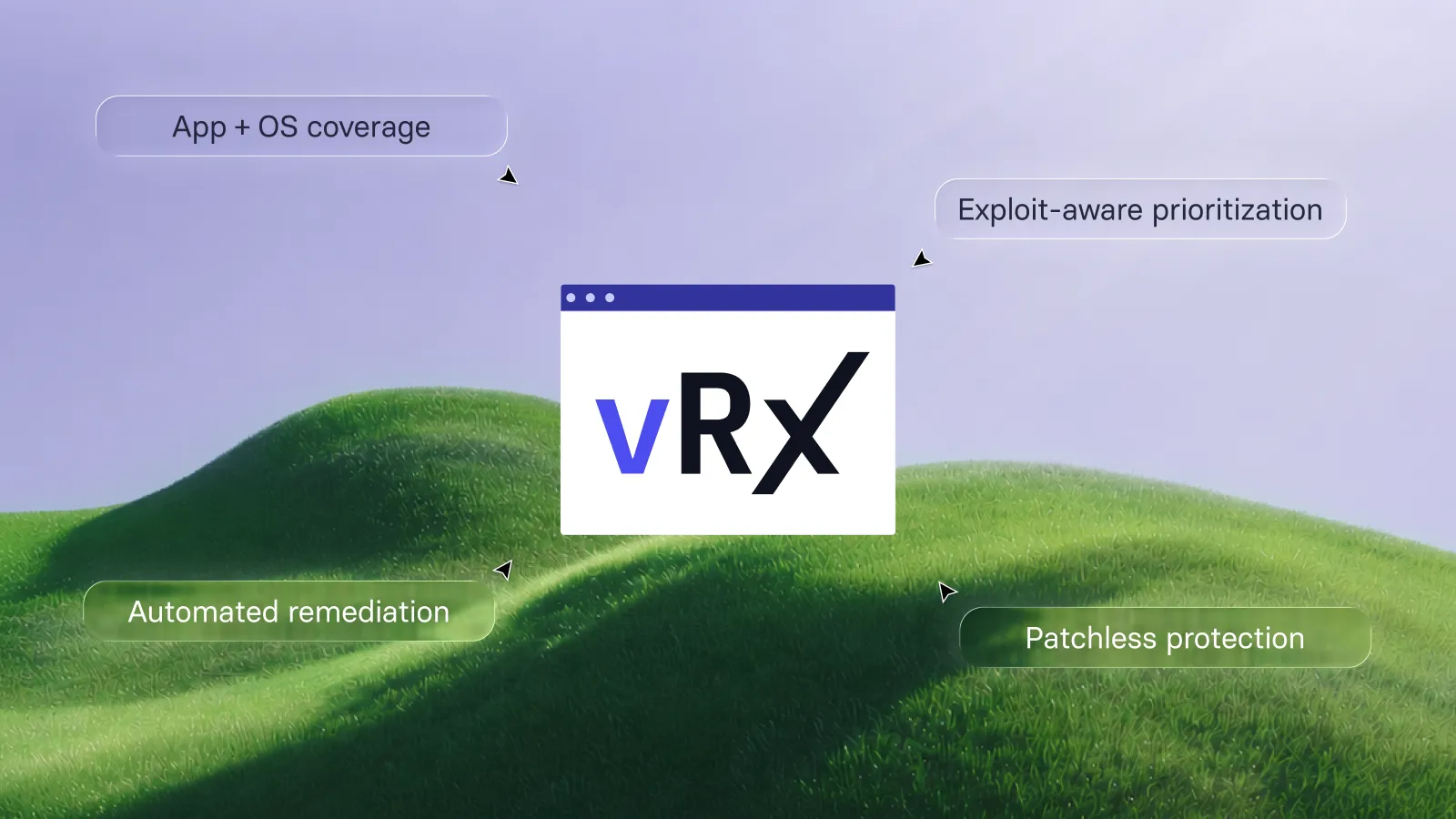
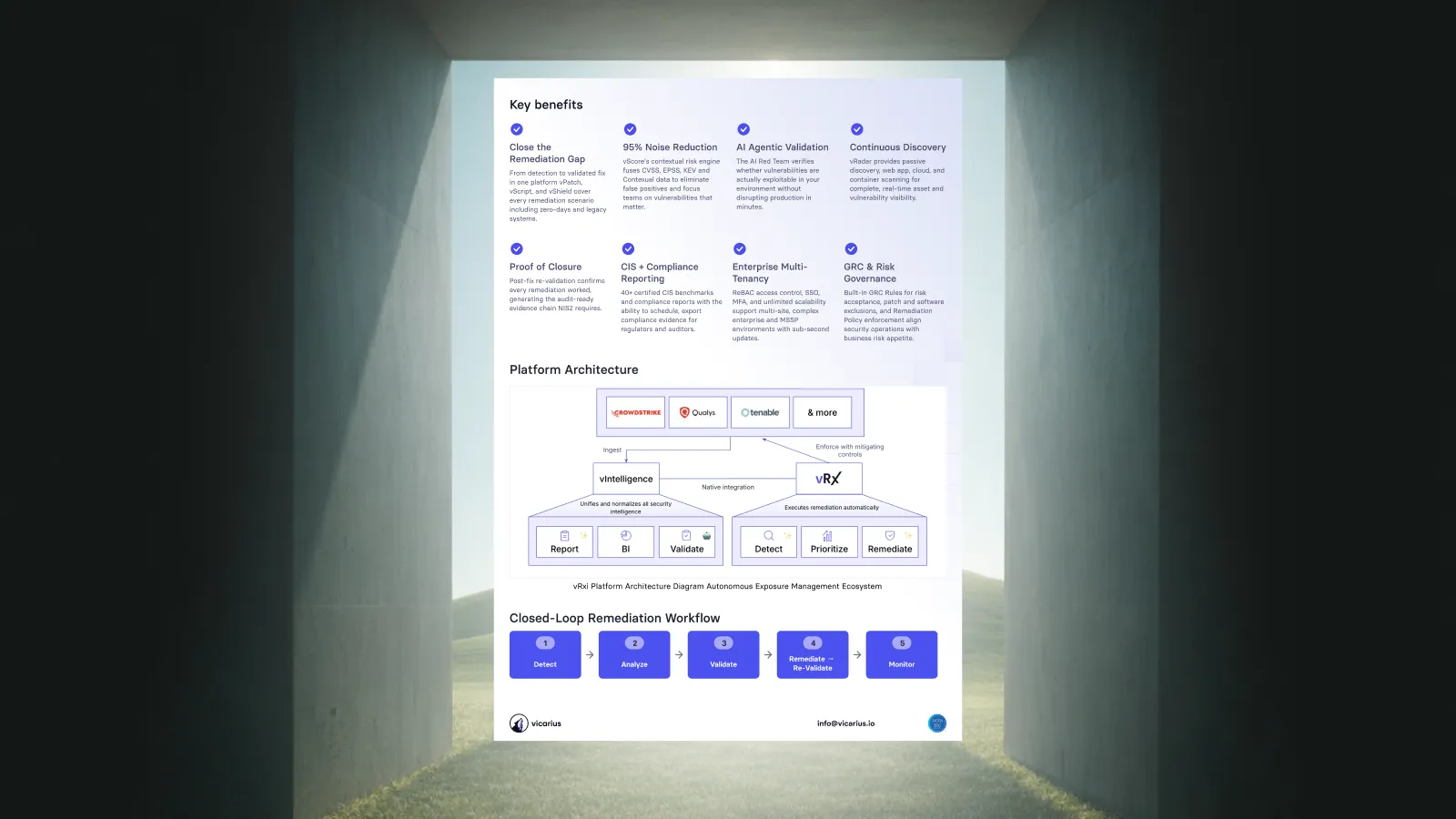
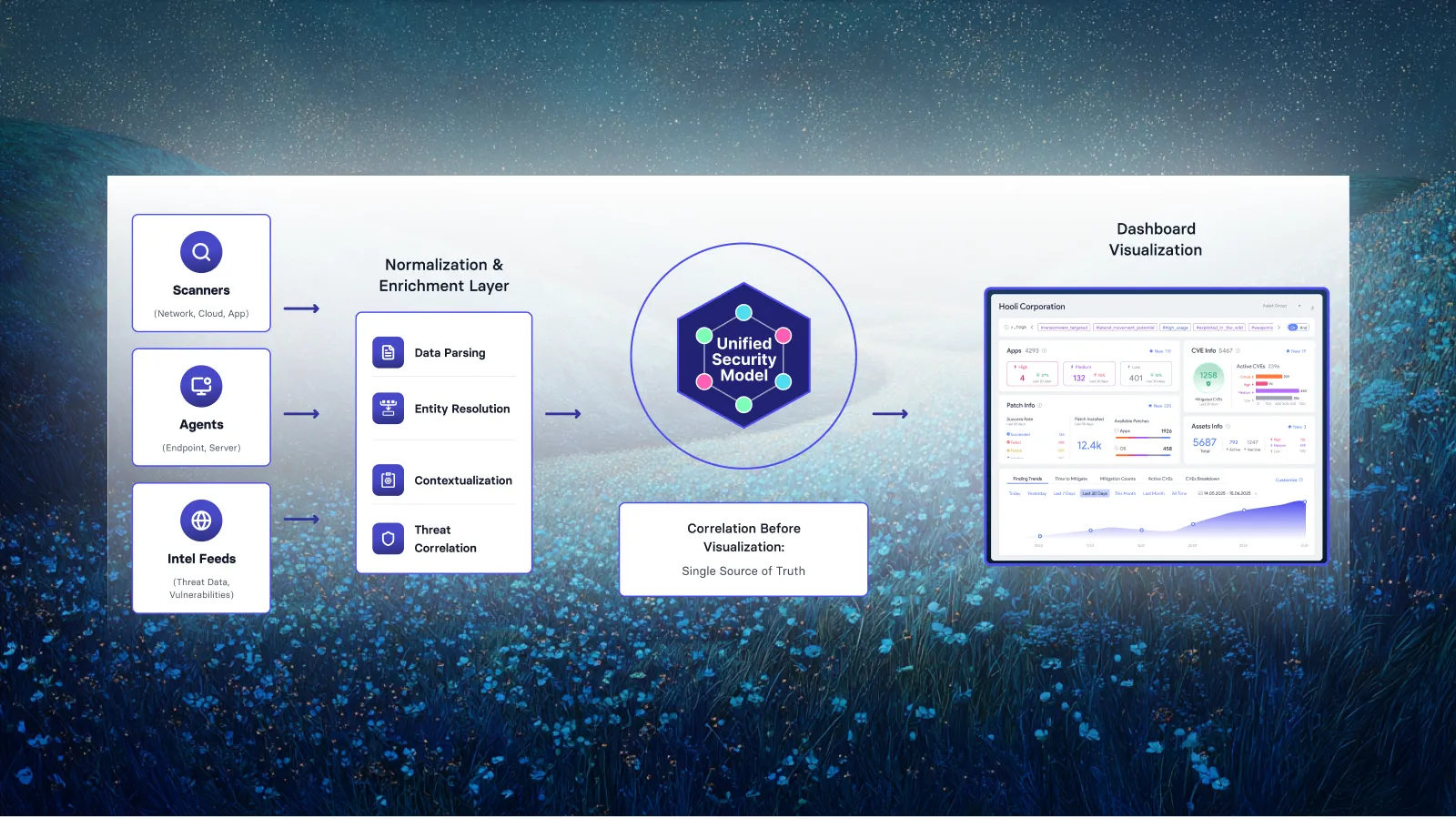
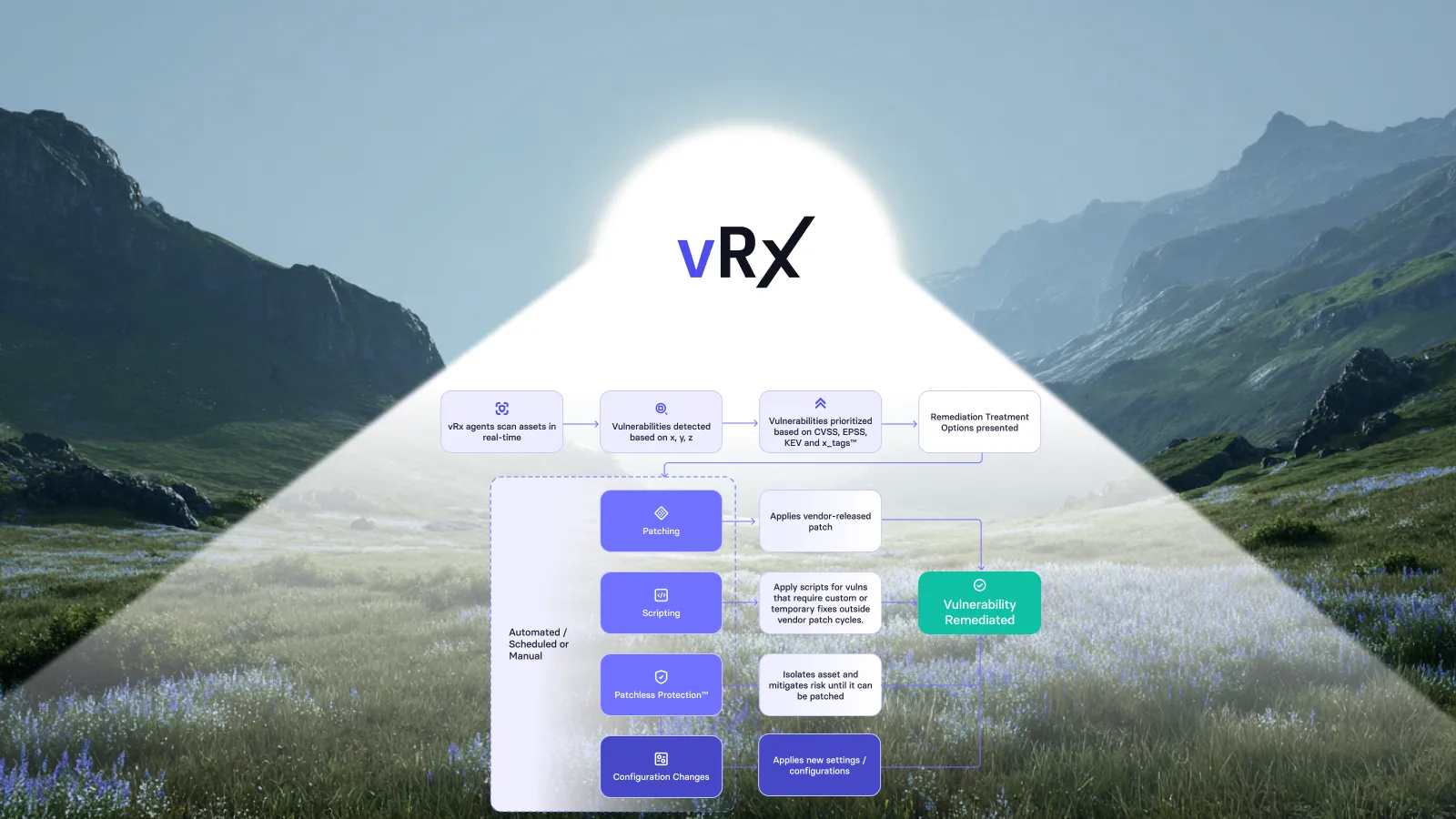
Vicarius vRx connects risk-based prioritization with automated patch deployment and additional remediation options. Its documented deployment methods include on-demand action, scheduled execution, and vScore-based rules. The goal is to turn known priorities into action across the affected environment. See Vicarius automated vulnerability remediation.
What makes patch management risk-based and automated?
Risk-based patch management determines which vulnerabilities deserve attention using threat information and asset context. Automated remediation puts the response into operation through configured policies, schedules, and rules.
These functions answer different questions. Prioritization establishes urgency; the execution policy determines how the organization responds within its operating constraints.
A useful policy makes a decision reusable. Instead of asking an operator to reconsider the same routine update for every matching endpoint, the team establishes the conditions under which that work can proceed. Human review remains available where a change needs it.
The distinction matters when evaluating an automated remediation workflow. Ask what happens after a finding becomes a priority: which action runs, which assets it reaches, and how the result is checked. Those answers explain how the platform helps close exposure.
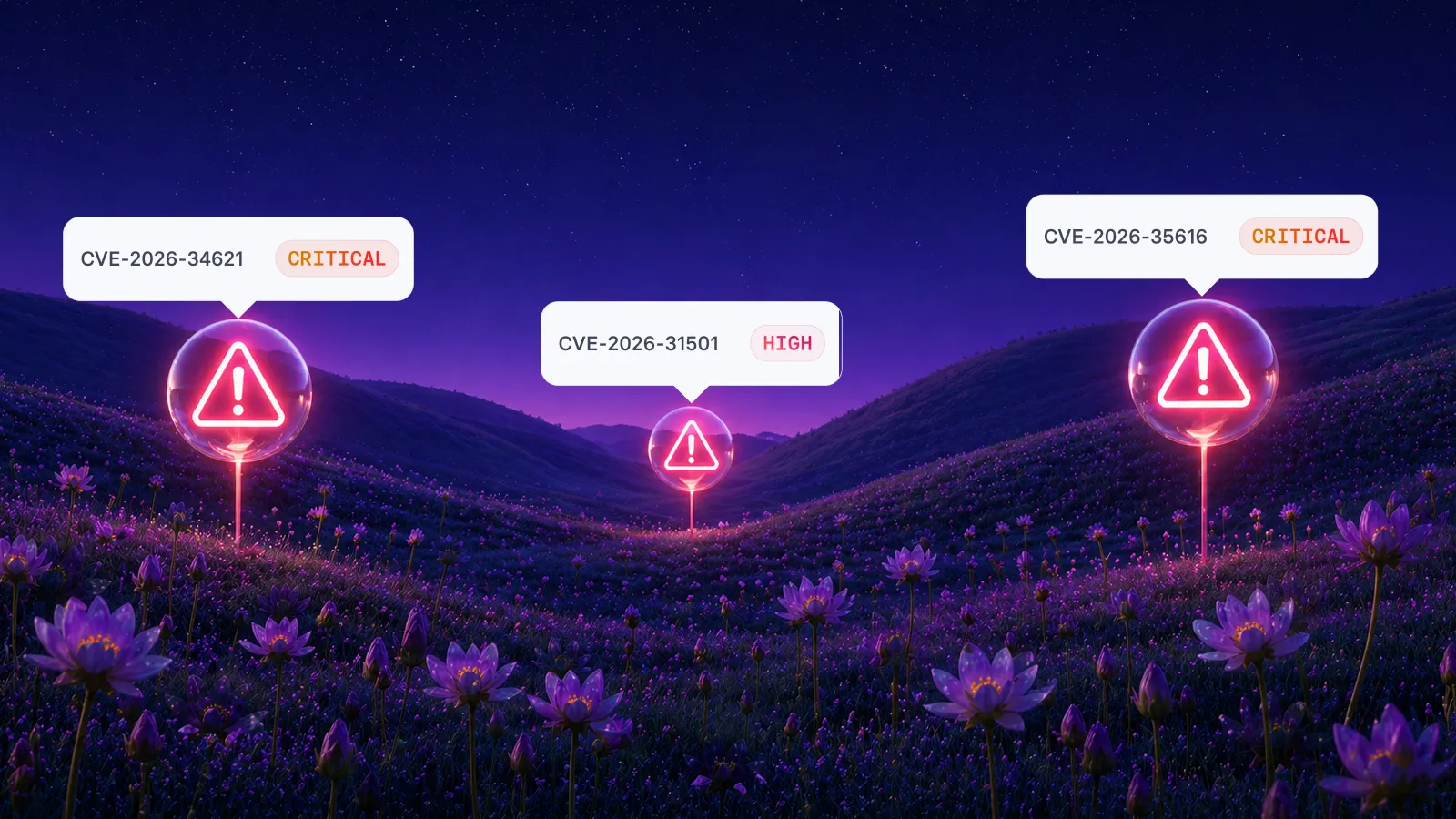
vScore gives remediation the risk context
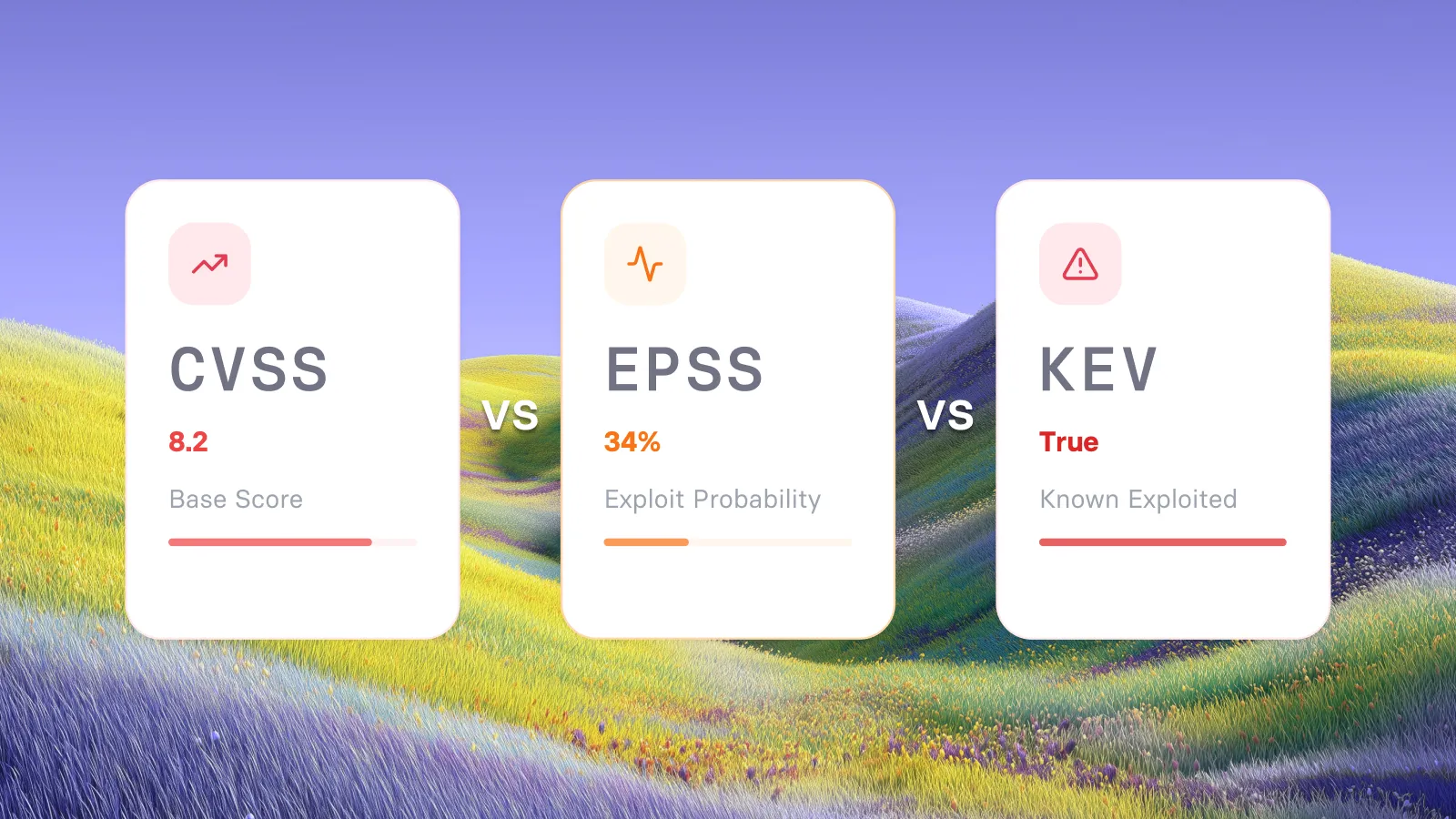
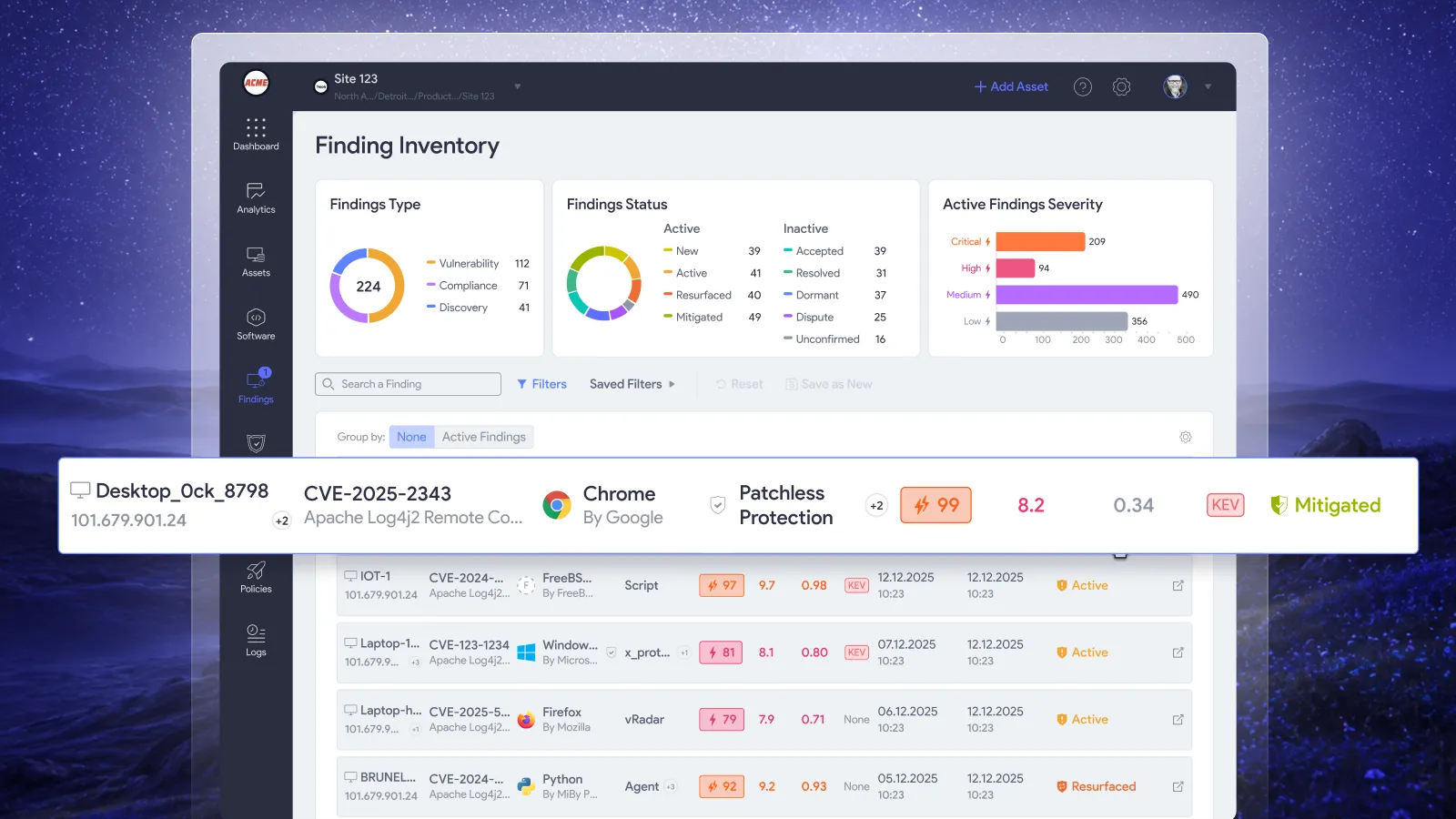
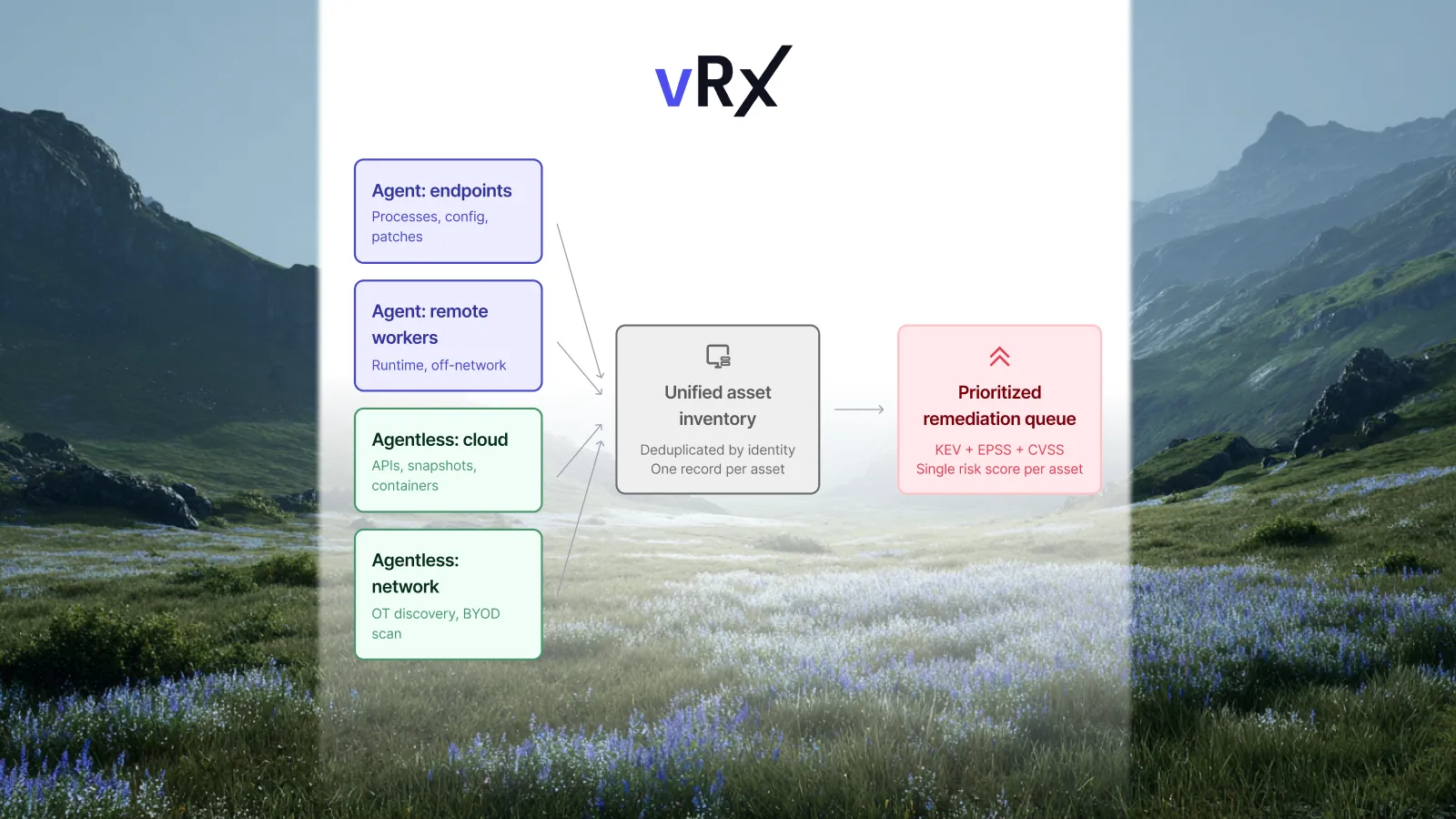
vScore combines Common Vulnerability Scoring System (CVSS) data, Exploit Prediction Scoring System (EPSS) information, and Known Exploited Vulnerabilities (KEV) signals with asset context and business criticality.
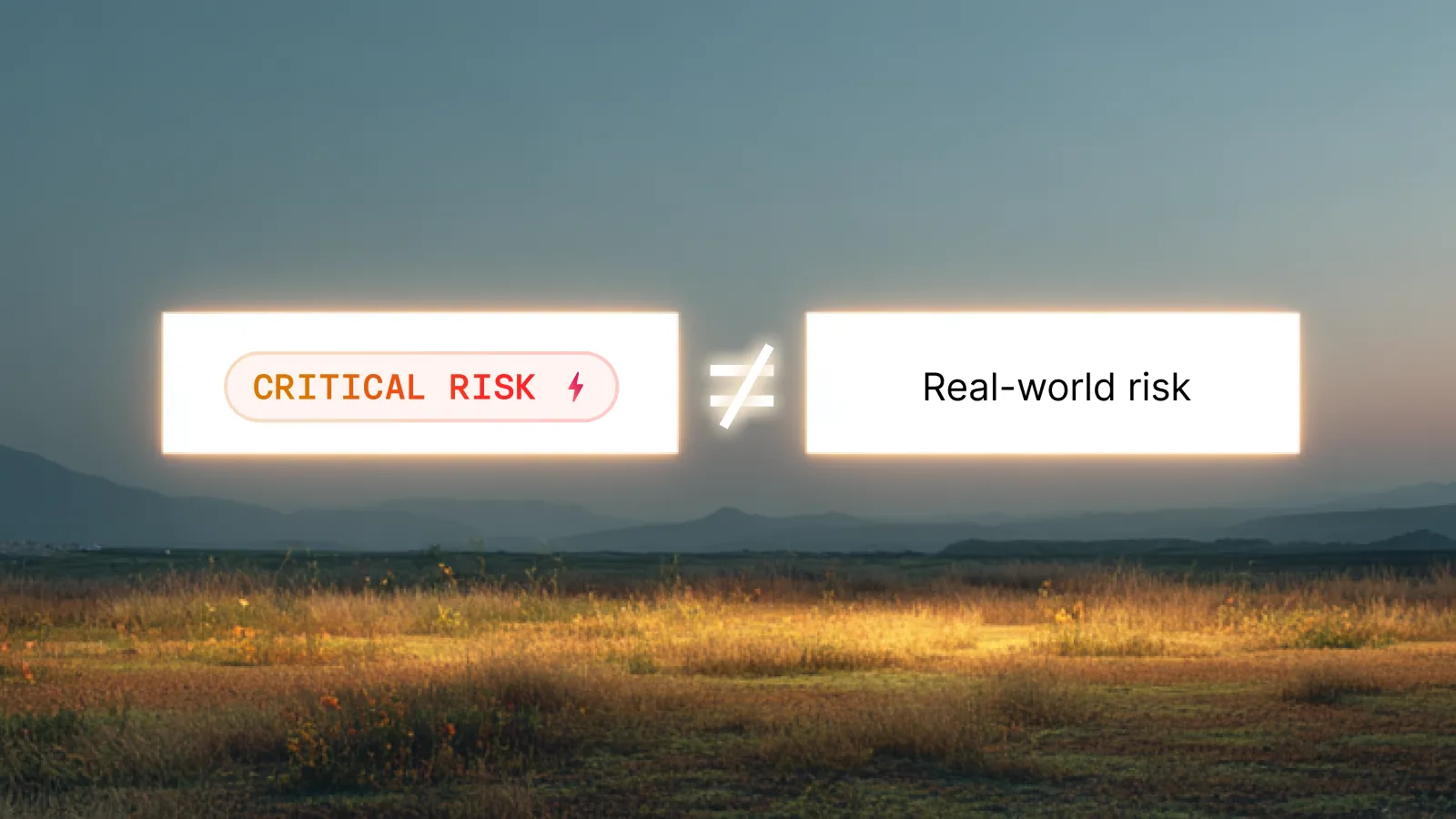
The operational value is a priority that reflects the environment where remediation will happen. A severity label alone does not describe the business role of the affected asset or establish the organization's response.
For policy design, keep urgency and execution conditions separate. An urgent vulnerability on a sensitive service may need an accelerated change decision. A routine update on a standard endpoint may fit an established automated deployment policy. Both require action, but the conditions differ.
The detailed scoring model belongs in how vRx calculates risk. Here, the important connection is how that priority informs remediation.
Policies turn recurring decisions into repeatable execution
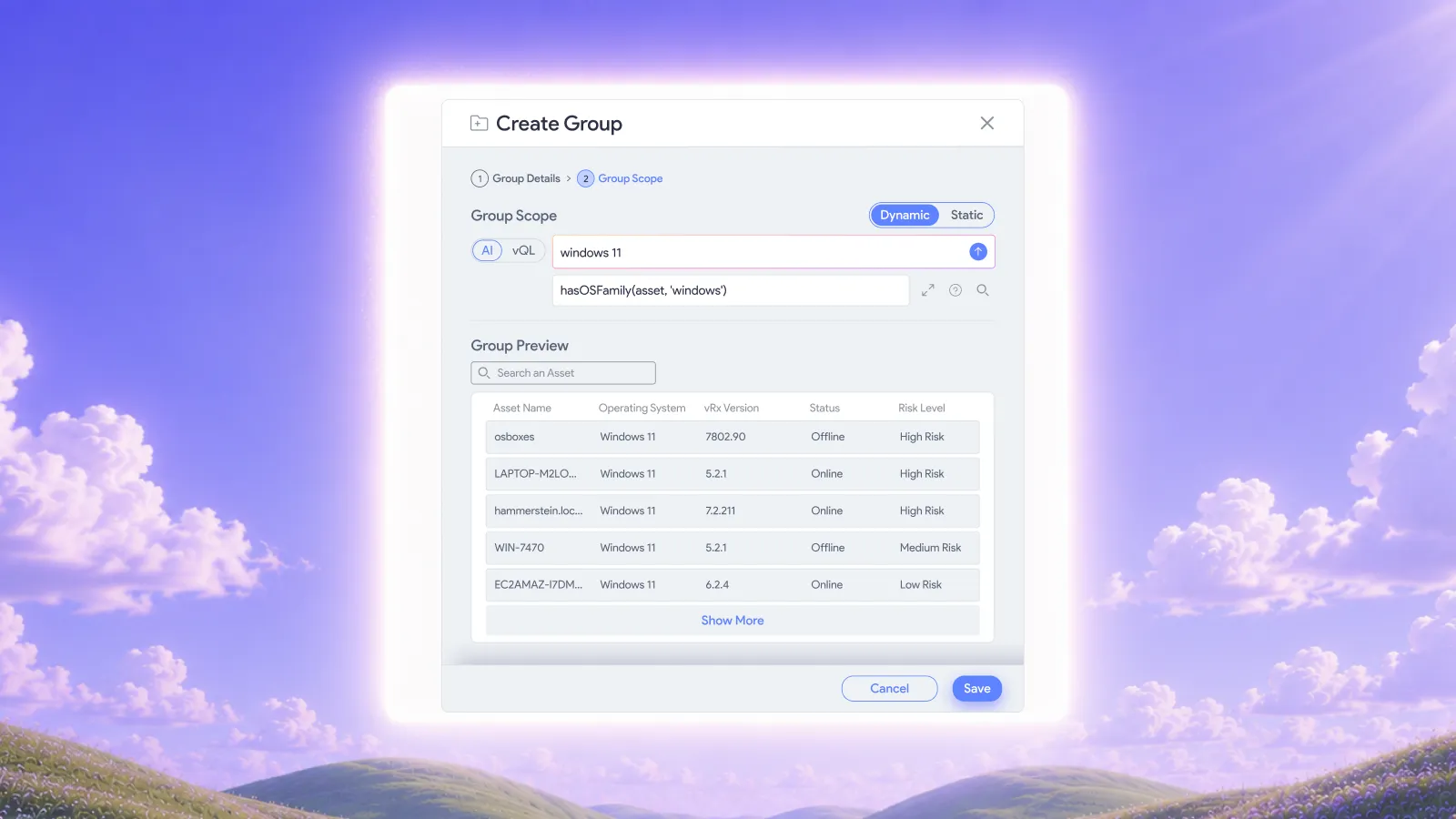
vRx patch management supports on-demand, scheduled, and rule-based deployment. Reusable patch, software, and asset groups help organize that work, while dynamic rules keep group membership current.
That gives teams a practical basis for defining how different parts of the environment receive updates. The policy becomes the place to express the operating decision, rather than a new set of instructions written for each finding.
When designing that policy, resolve four questions:
• Which assets belong in its scope?
• What conditions make an action eligible to run?
• Which changes require review before execution?
• What evidence will demonstrate the intended result?
These are policy-design questions, not a checklist to complete for every vulnerability. Their purpose is to make repeatable work repeatable.
Consider a hypothetical organization with standard employee endpoints and a smaller set of systems supporting a sensitive business service. The endpoint policy can govern routine updates on its established schedule. The service group can follow different change conditions because its dependencies require closer review.
The exception in the service group should not make every routine endpoint update wait. Scope allows the team to apply the appropriate level of control to each group.
Where automation runs and where people decide
Vicarius's remediation orchestration describes automatic execution through policies, schedules, or rules, with approval where human confirmation is required. It also documents recommended actions, asset-level scoping, and records of recommendations, approvals, and dispatched actions.
For teams designing their operating model, we recommend this division of responsibility:
The aim is to remove recurring coordination work while preserving accountability. An approval should resolve a real uncertainty, such as a dependency or business impact. It should not become a routine pause simply because the same task has always passed through a ticket.
Review exceptions for patterns. If the same class of change repeatedly needs intervention, decide whether it requires a better policy, a corrected prerequisite, or a genuinely different response. That review can improve the next execution rather than producing another identical task.
Remediation needs more than one option
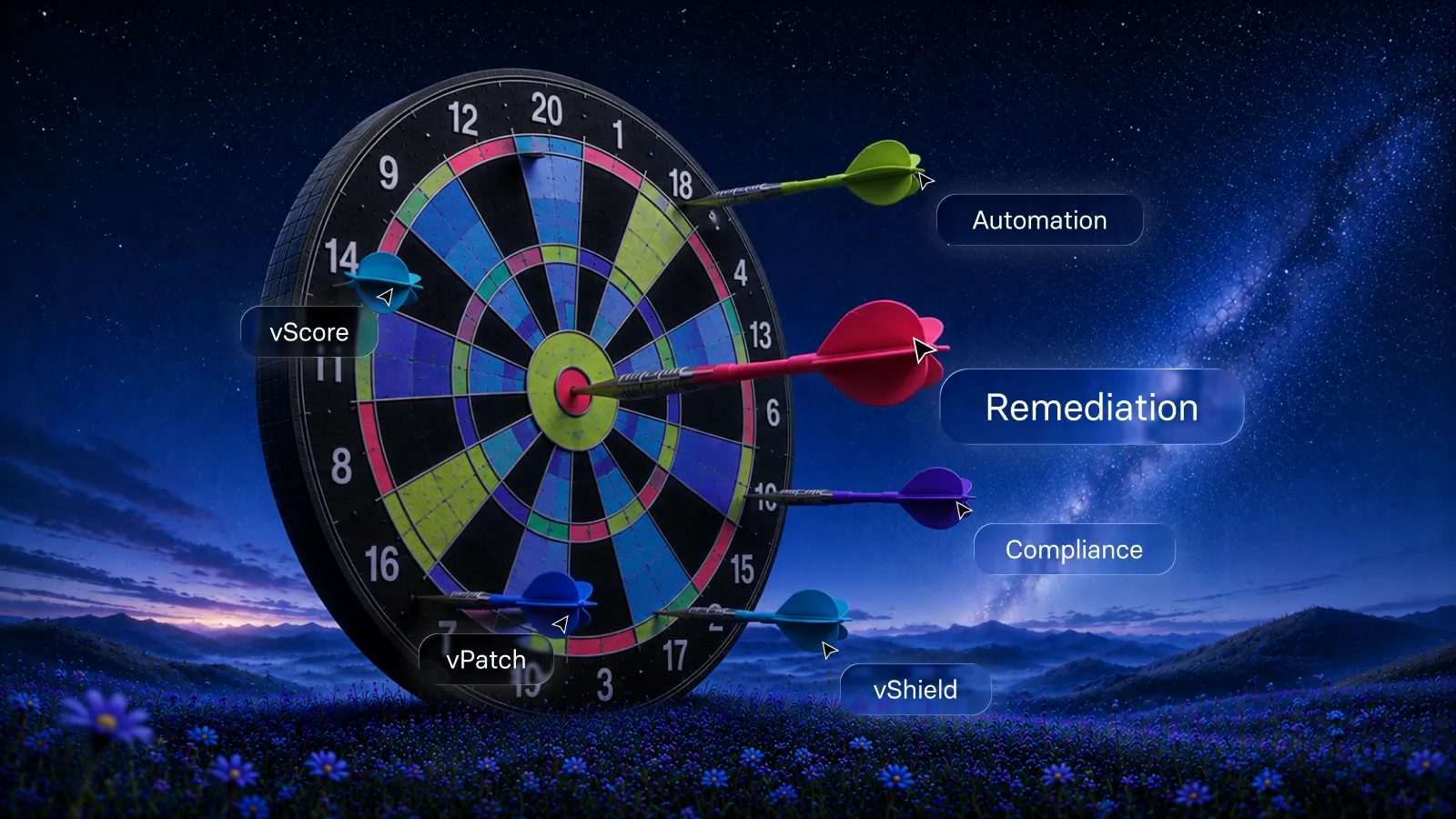
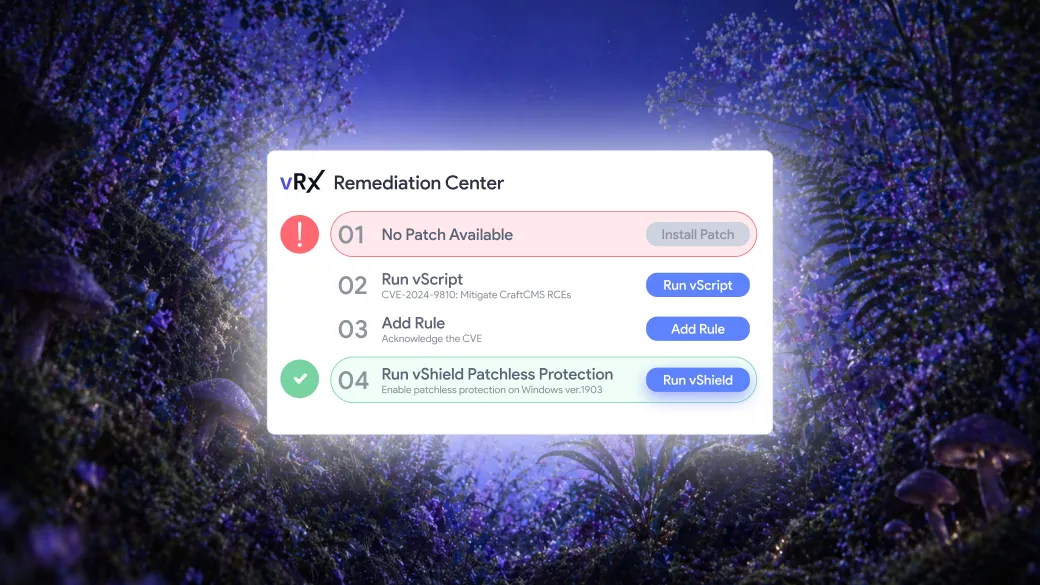
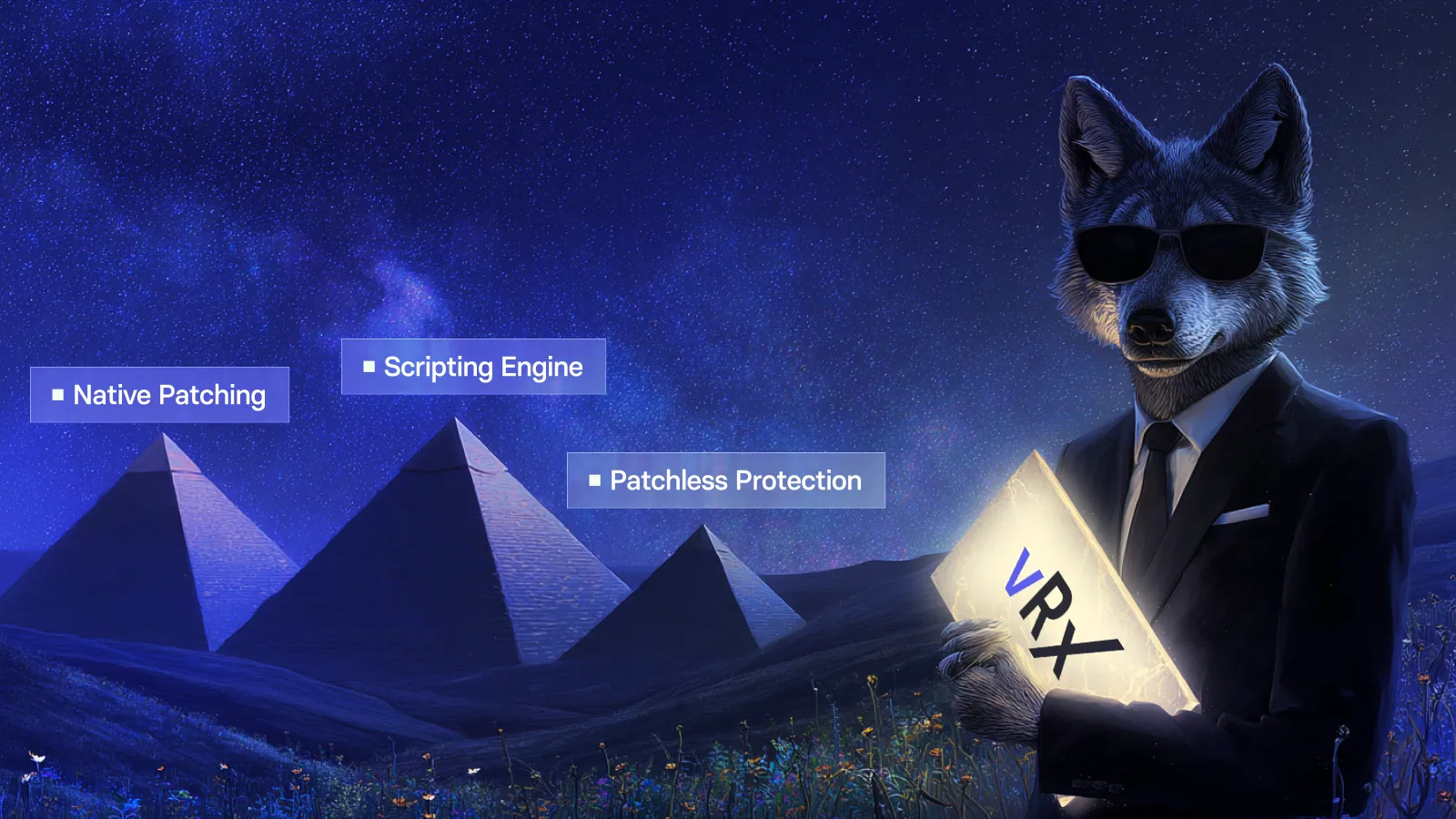
Automation is most useful when the available response fits the exposure. Vicarius's remediation approach includes patching, script-based fixes, and applicable patchless protection.
Patching applies the available software correction
vPatch provides the deployment path for applicable updates. vRx also documents per-asset CVE coverage, showing which vulnerabilities an upgrade addresses on each machine. That keeps the result tied to the affected assets rather than treating a deployment count as the whole outcome. Explore vRx patch management.
Scripting addresses configuration and hardening work
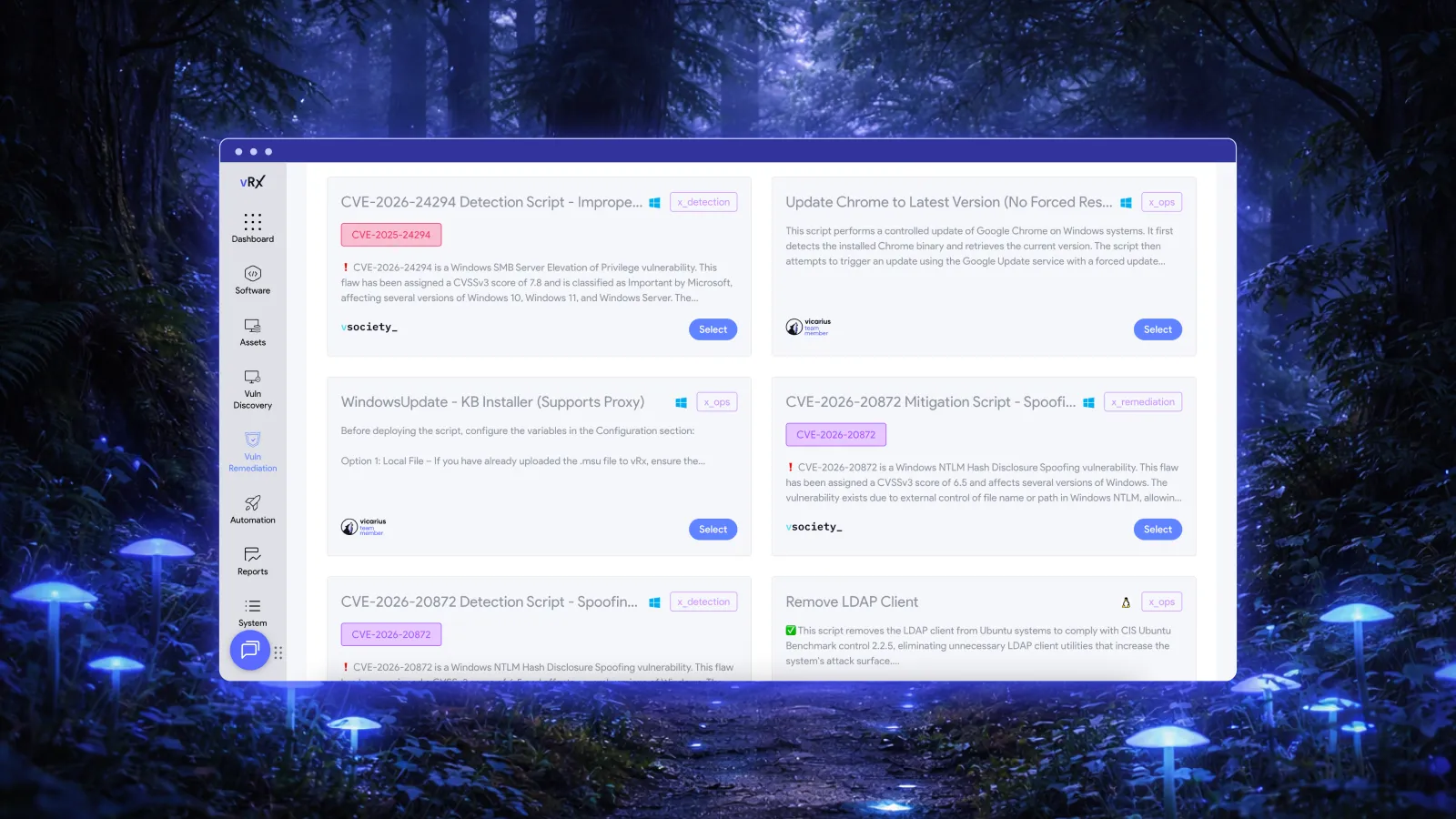
vScript supports custom, community, and AI-generated scripts for remediation and operational tasks. It also records which script ran, on which assets, and the outcome.
For a recurring configuration issue, a reviewed and tested script provides a reusable action instead of repeated manual changes. The team's role is to establish that the script is appropriate for the target environment and govern its use. Whether it permanently corrects the issue or provides temporary mitigation depends on the change being made.
Patchless protection addresses applicable exposure while a fix is pending
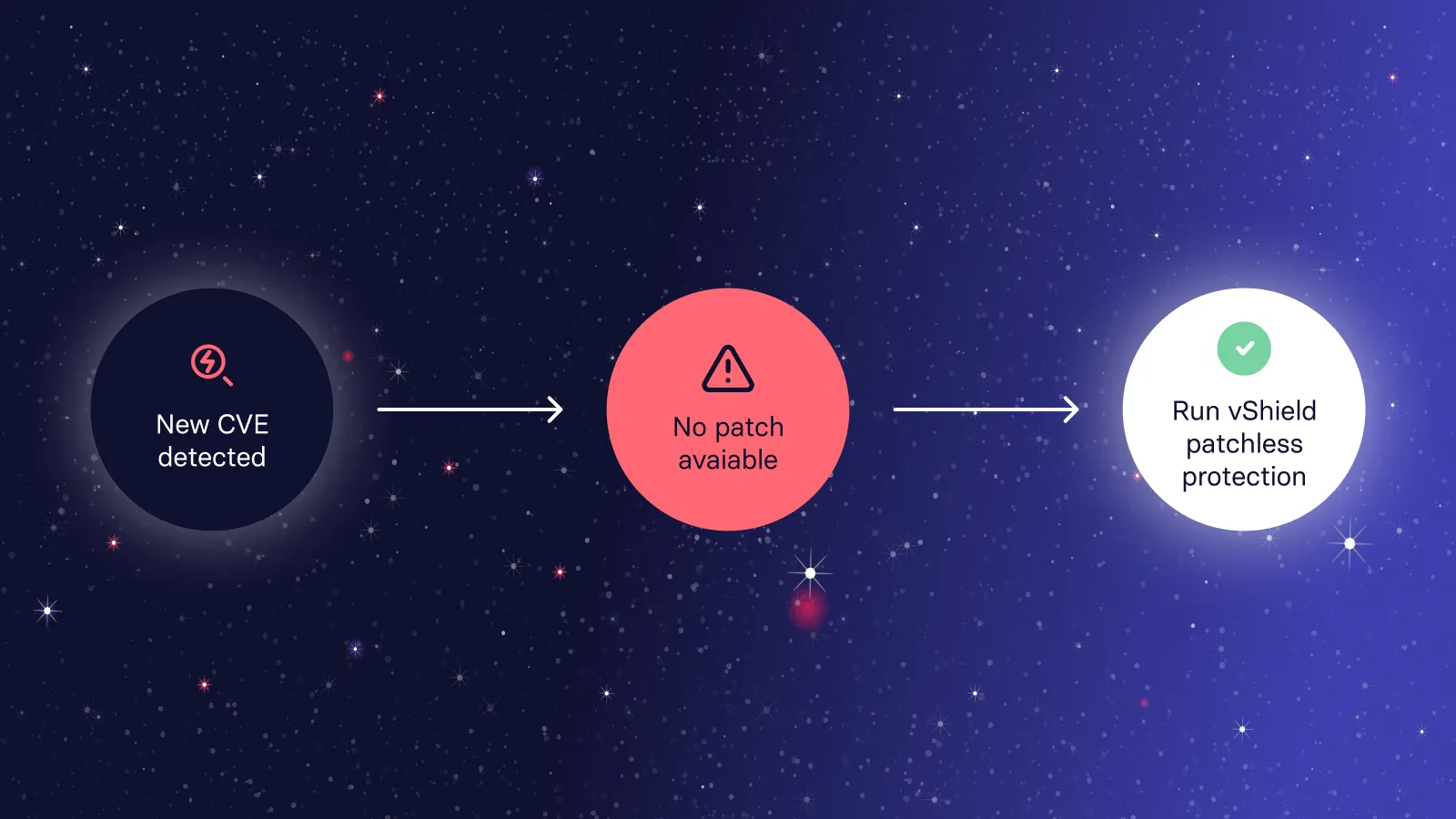
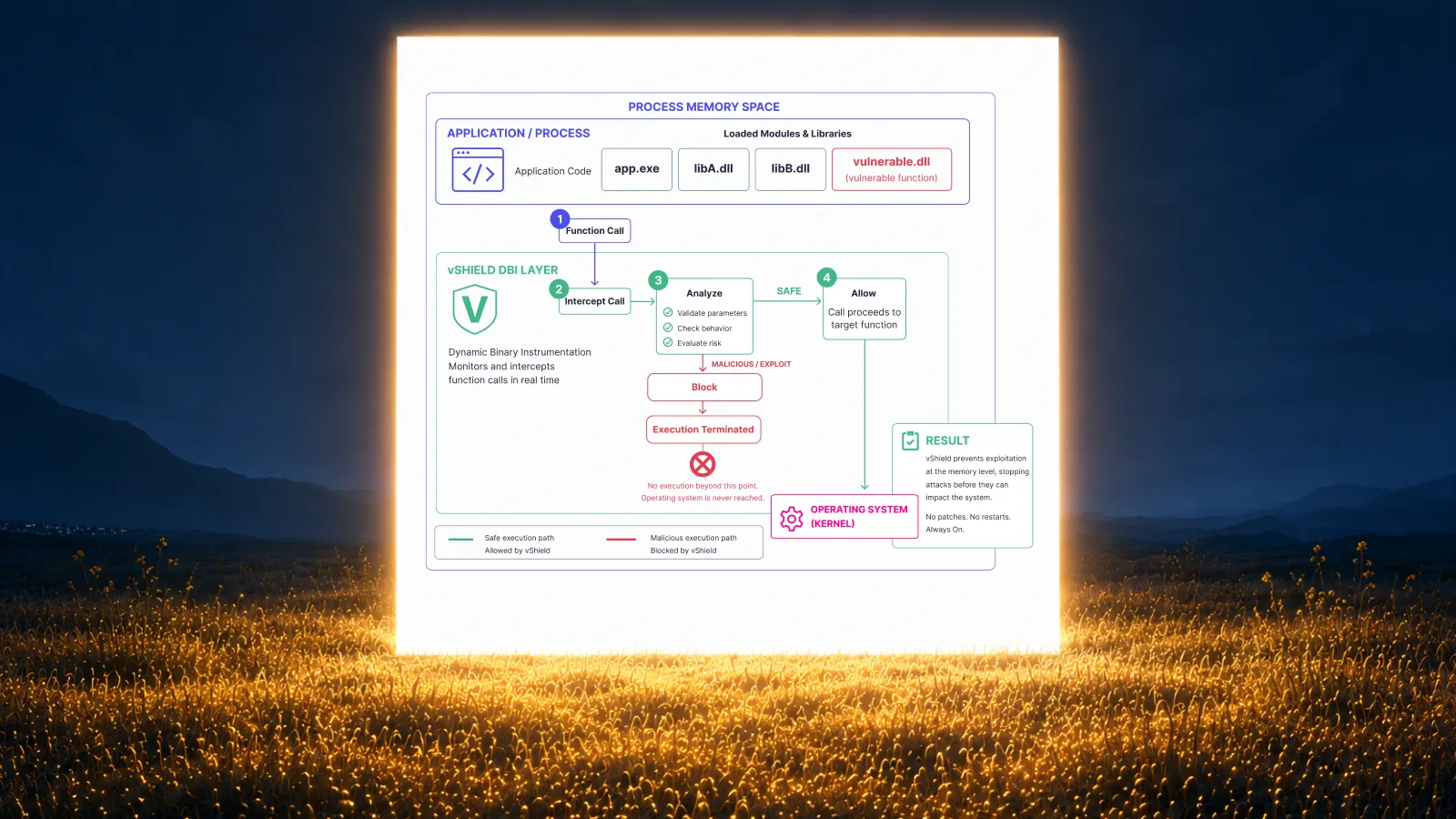
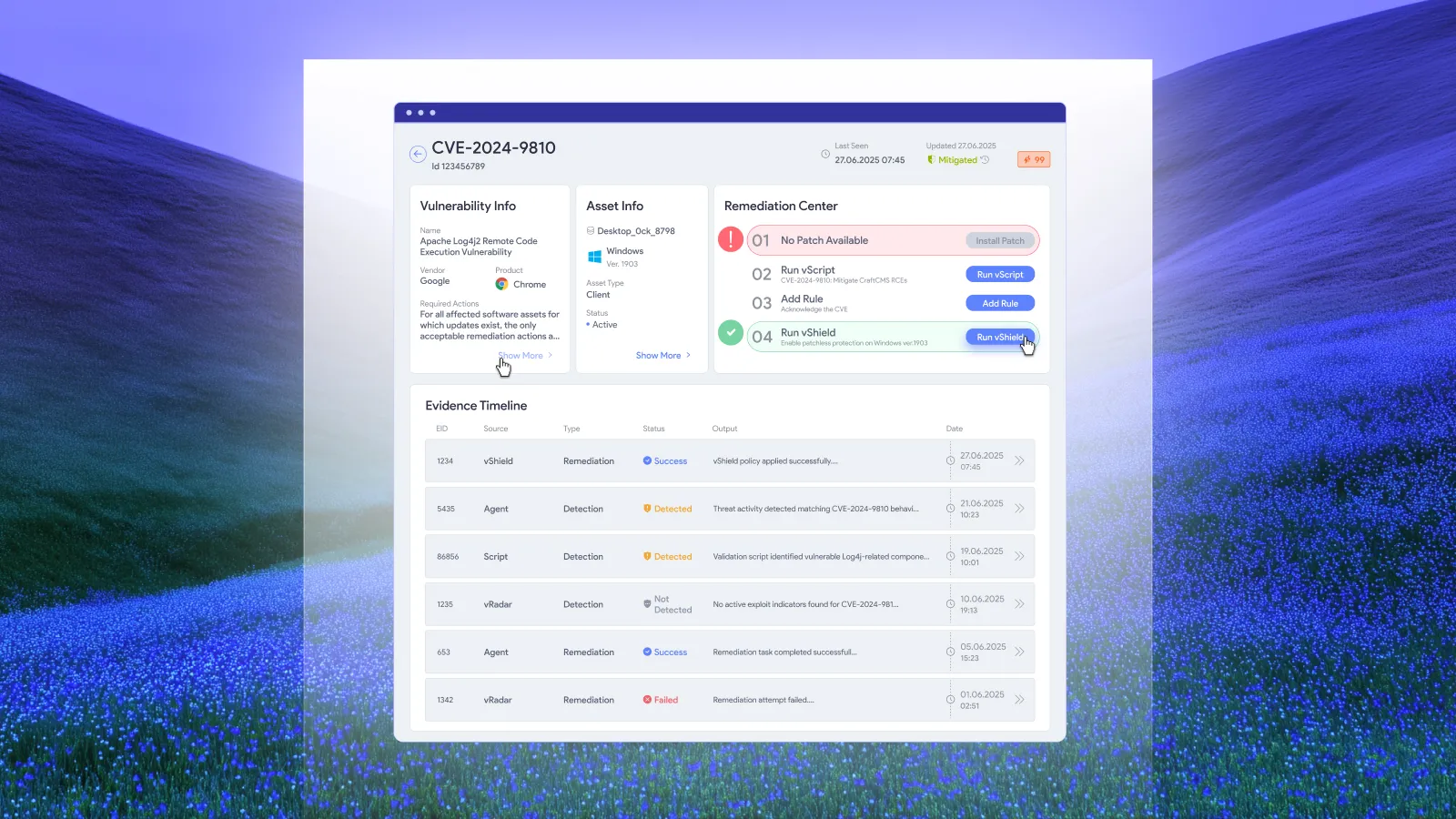
vShield provides memory-level protection without modifying the application binary. Vicarius documents vScore-triggered activation and timestamped mitigation records, followed by a transition away from protection once a patch is applied and validated.
This gives remediation a protective option where applicable while the permanent correction proceeds. Keep that distinction clear in reporting: an application under protection and an application running a corrected version represent different states.
The right response depends on the affected application and vulnerability. Remediation options should expand the team's ability to act without implying that every method covers every exposure.
Automated remediation should include verification
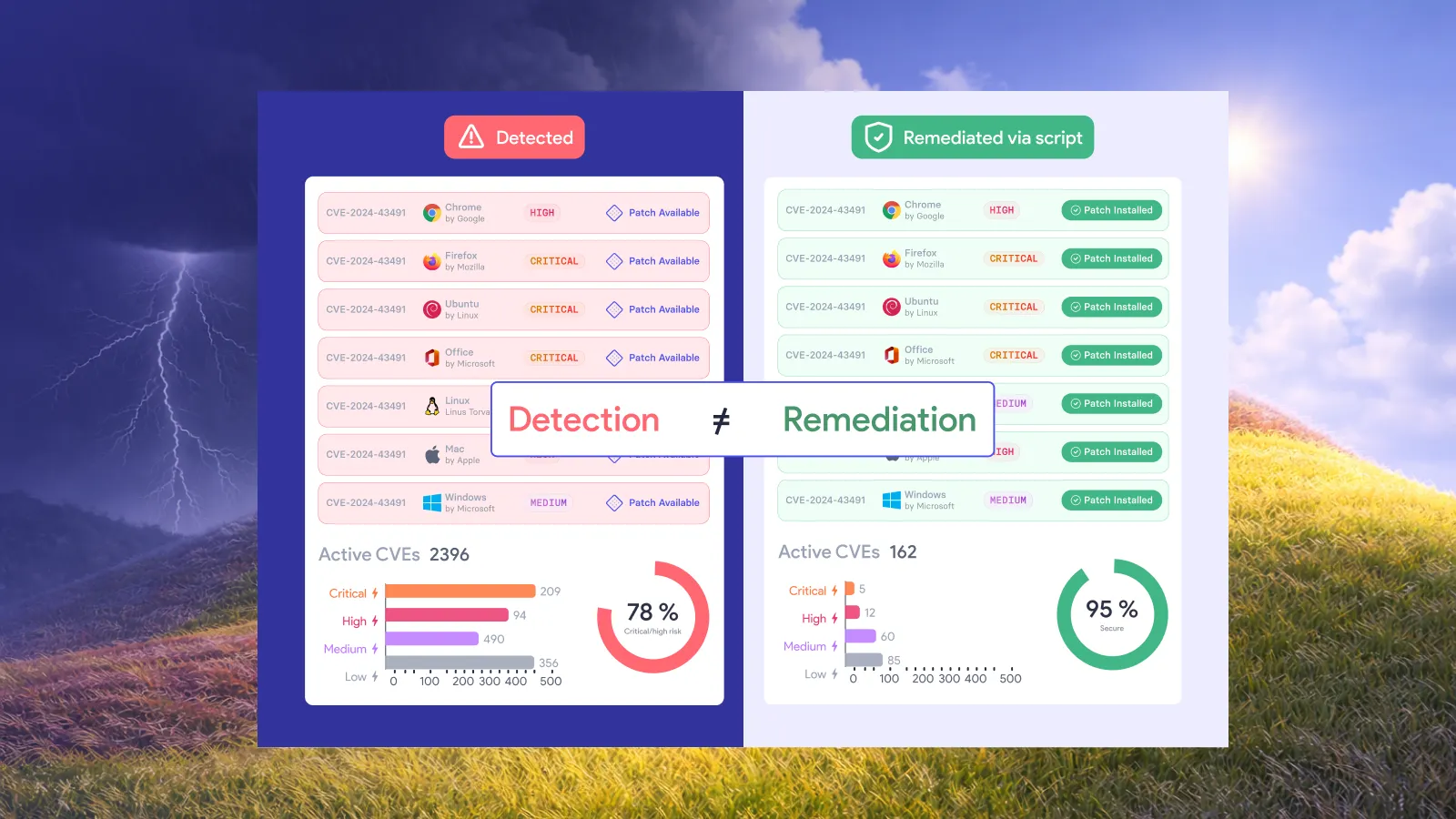
The useful endpoint is evidence that the intended change took effect. NIST includes verification of installation in its definition of enterprise patch management, alongside identifying, prioritizing, acquiring, and installing updates. NIST SP 800-40 Rev. 4.
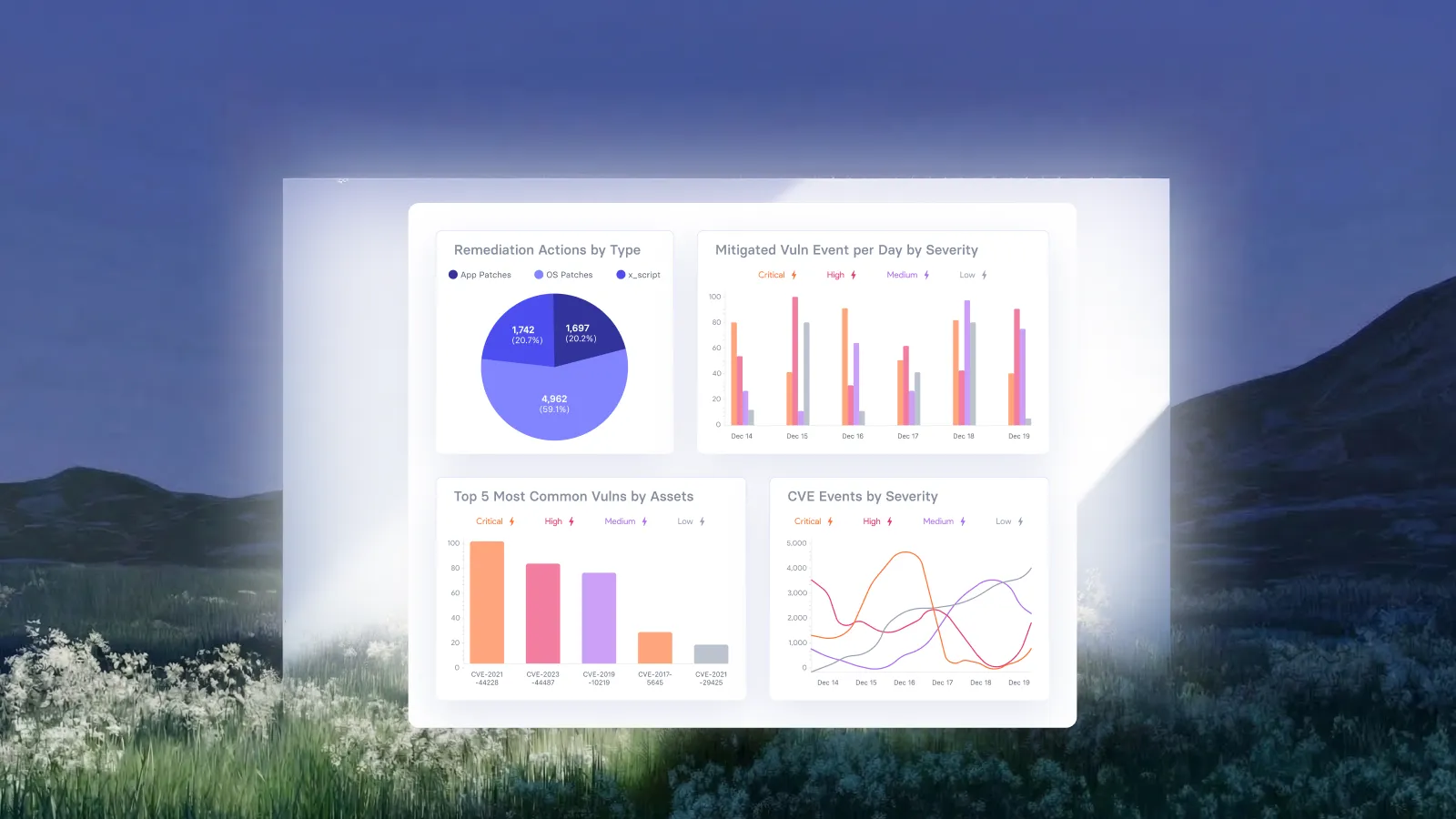
Vicarius documents automatic asset revalidation after fixes through vScore. Connecting execution with revalidation gives the team a way to assess the result instead of relying on the fact that an action was dispatched.
We recommend reviewing automated remediation through three outcome questions:
1. Which targeted exposures were corrected and validated?
2. Which remain under an applicable protective measure?
3. Which still need intervention?
A policy can execute successfully on part of its scope while another asset remains unreachable or requires follow-up. Reporting should preserve that difference. It tells the team where attention is still needed and prevents completed routine work from obscuring unresolved exposure.
For the wider program, including reducing accumulated work, see how to reduce patch backlogs with less manual work.
Frequently asked questions
What is the difference between risk-based patch management and automated patching?
Risk-based patch management determines urgency using vulnerability information and asset context. Automated patching executes updates according to configured conditions. Used together, they connect the reason to act with a repeatable deployment process. A schedule alone does not explain priority; a priority alone does not carry out the fix.
Can vRx automate patch deployment?
Yes. Vicarius documents vPatch deployment on demand, by schedule, or through vScore-based rules. This allows teams to connect prioritization with repeatable execution rather than manually initiating every eligible update. See the automated remediation capabilities.
Where should people remain involved in automated remediation?
People should govern policy, assess sensitive changes, and resolve exceptions that need judgment. We recommend directing review toward uncertainty and business impact instead of requiring the same manual decision for every routine task. The appropriate controls depend on the environment and the change.
Does remediation always mean installing a patch?
No. A software update is one route. Configuration corrections through scripting and applicable patchless protection provide other options. Choose the method that addresses the specific exposure, and distinguish a permanent correction from a protective measure that remains in place while further work is needed.
Put remediation policies to work in vRx
Use a vRx demo to explore how your team can connect risk priorities to automated remediation, establish the right approval controls, and verify outcomes across affected assets.





























.webp)














%20Signals%20a%20New%20Era%20of%20Supply%20Chain%20Risk.webp)





.webp)