

Linux patch management should deploy the vendor-supported fix for the affected package, then confirm that the intended change took effect. The newest upstream version is not always the right target. A distribution may have already delivered the security correction through a backport.
That distinction matters when you automate remediation. A rule built around an incomplete version string can send the wrong work into the deployment queue. A useful rule starts with the affected system, its package source, and the applicable vendor fix.
The goal is to make routine package remediation repeatable. Teams should establish the deployment conditions once and spend their attention on genuine exceptions, rather than interpreting the same package discrepancy on every server.
Why can an older Linux package contain a current security fix?
A backport applies a correction from a newer software release to an older maintained version. Red Hat uses this approach to deliver security fixes while limiting unrelated changes that could disrupt compatibility. Its advisories explain whether a correction comes from an upstream upgrade or a backported patch. Red Hat's explanation of security backporting
An upstream release number therefore answers a narrower question than “is this vendor package affected?” Treat the advisory for the installed distribution release as the reference for that decision.
This is not a reason to dismiss findings against older software. It is a reason to check the complete package identity before selecting the remediation target.
For example, Debian package versions can include an epoch, an upstream version, and a Debian revision. Debian defines how those components are compared. Removing the revision from an inventory or comparing the remaining text as an ordinary string can discard information needed for a correct package comparison. Debian Policy: version fields
What should define the Linux remediation target?
Use a target that connects an asset to an applicable package correction. “Upgrade the web server” leaves too much unresolved for repeatable execution.
Our recommended target record contains the following information:
| Information | What to establish | Why it changes the action |
|---|---|---|
| Distribution and release | The operating-system release on the affected asset | The vendor guidance must apply to that environment. |
| Package identity | Package name and complete installed version or revision | A shortened version can hide a relevant packaging change. |
| Package source | The vendor or repository supplying the installed package | A fix for one package source should not be assumed to cover another. |
| Applicable correction | Advisory and fixed package for that release | Deployment needs a supported target, not an unrelated newer build. |
| Authorized scope | Assets eligible for the change | The action should reach the affected population without expanding beyond its authorization. |
| Completion condition | Evidence required after the change | A deployment result must connect to the original remediation objective. |
Keep this record as a shared reference for the deployment rule and any exception investigation. It should not become a new form that someone manually fills out for every routine update.
Where the same conditions apply across a population, establish them at that level. Review the outliers: a different package source, an unsupported release, or a service with different operating constraints.
Automate eligible Linux package updates with vRx
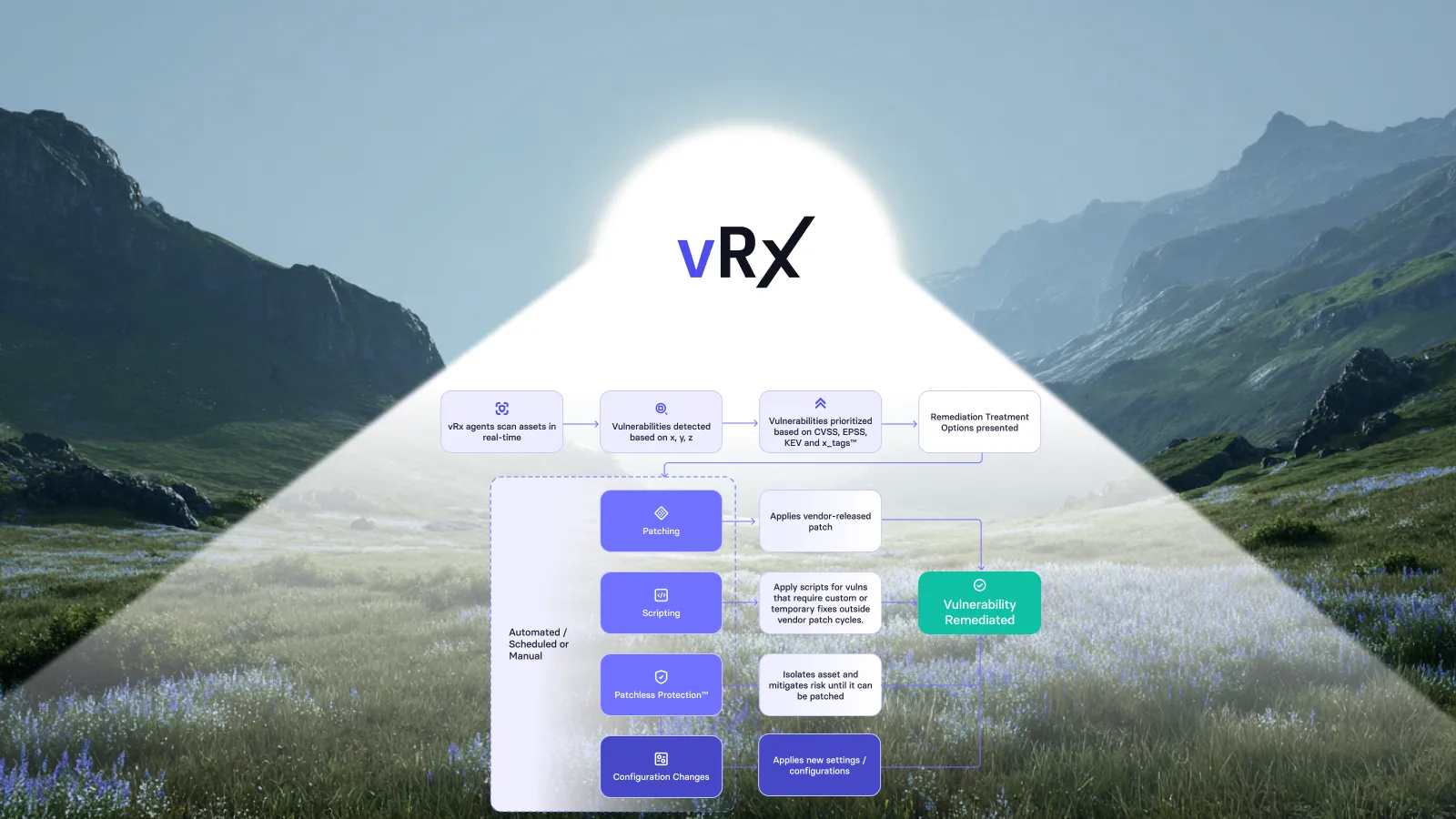
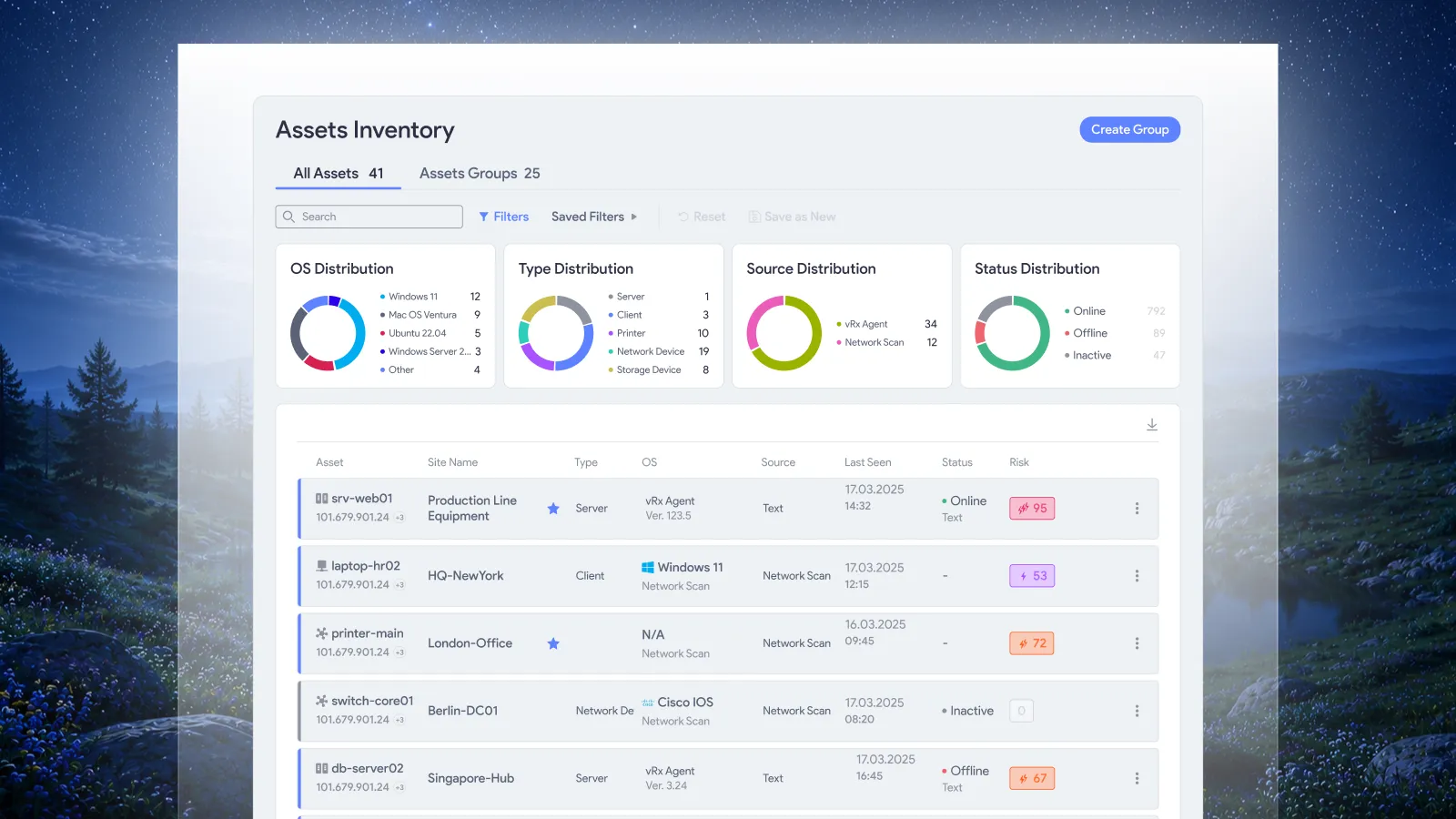
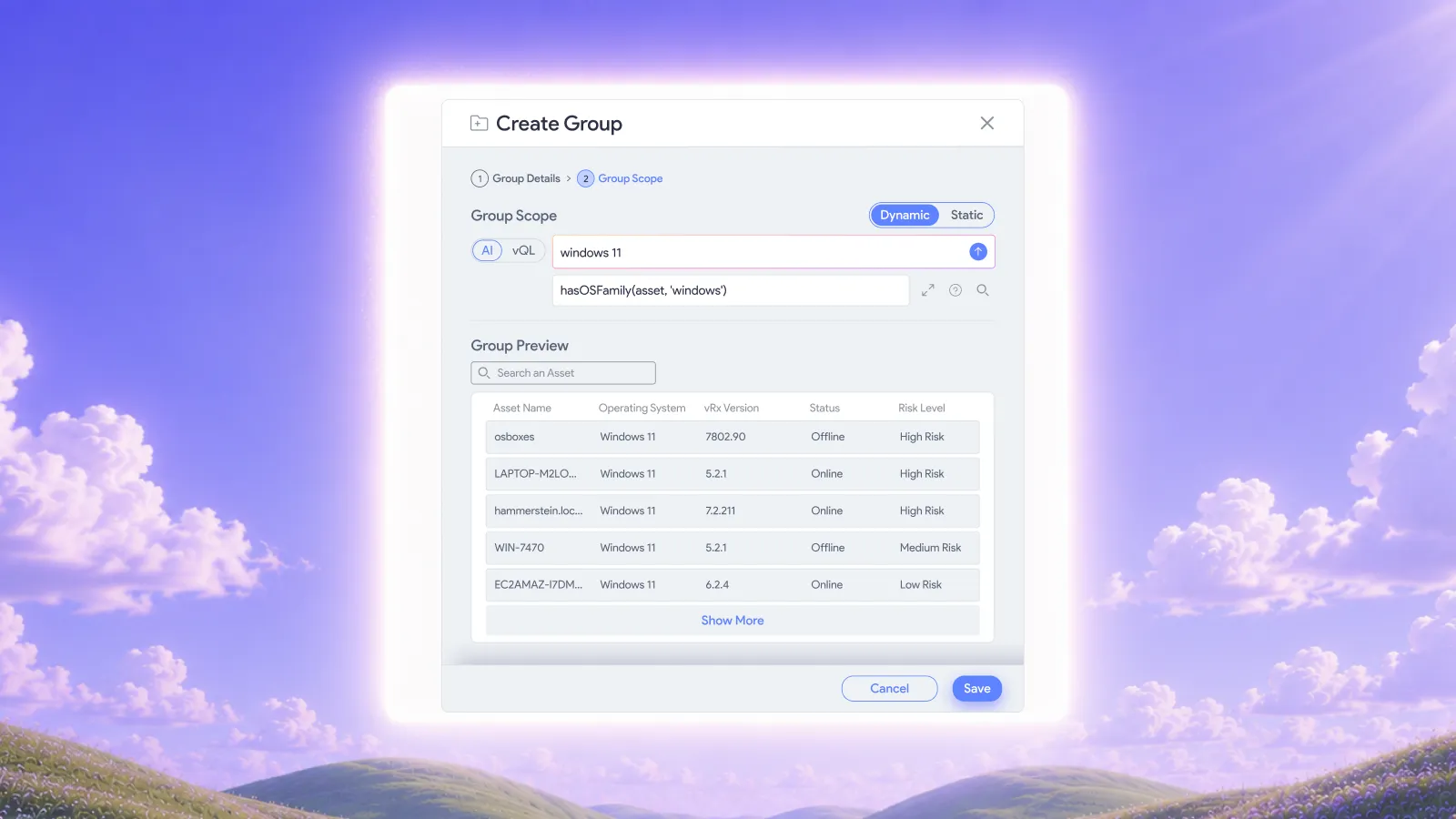
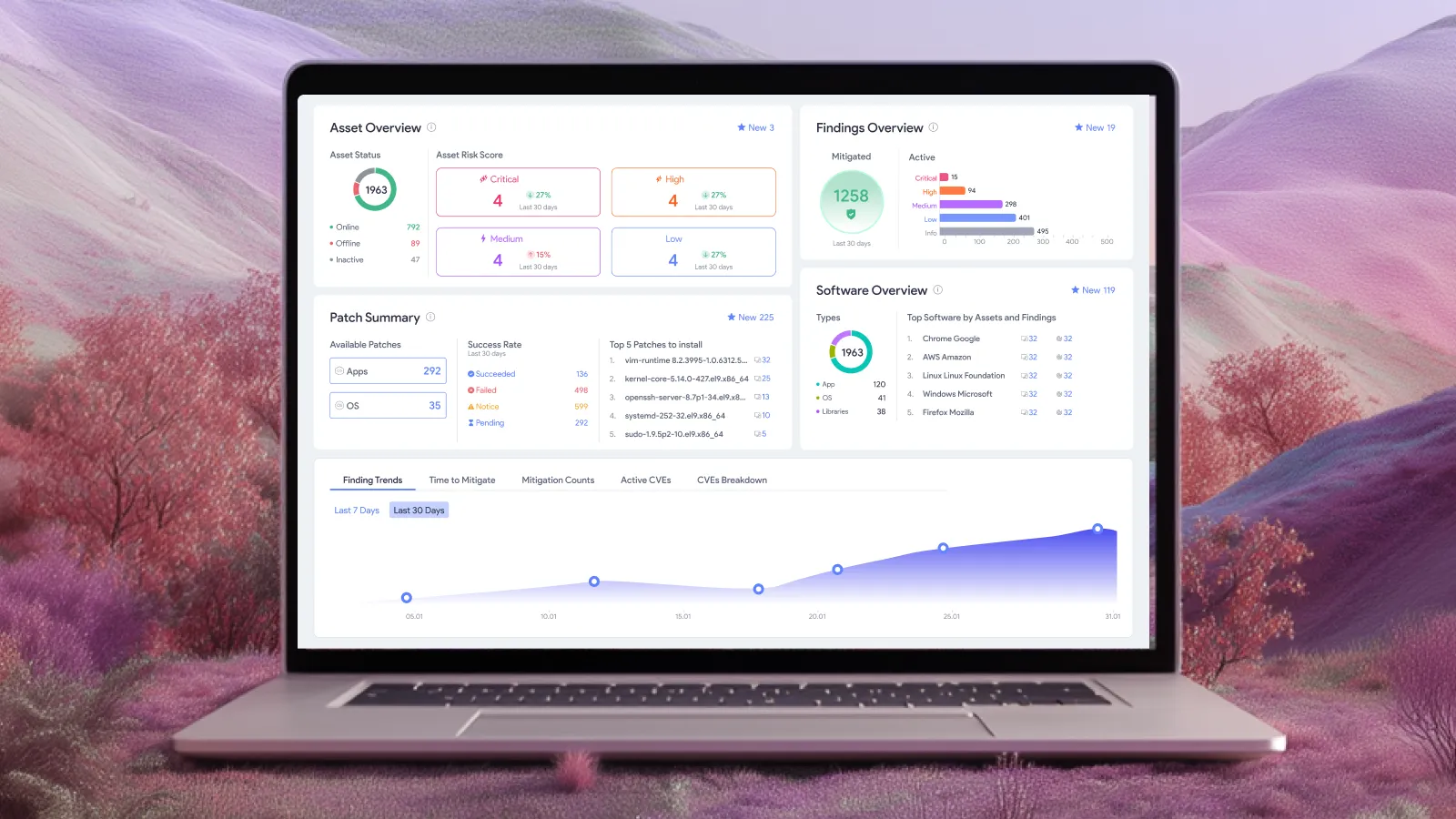
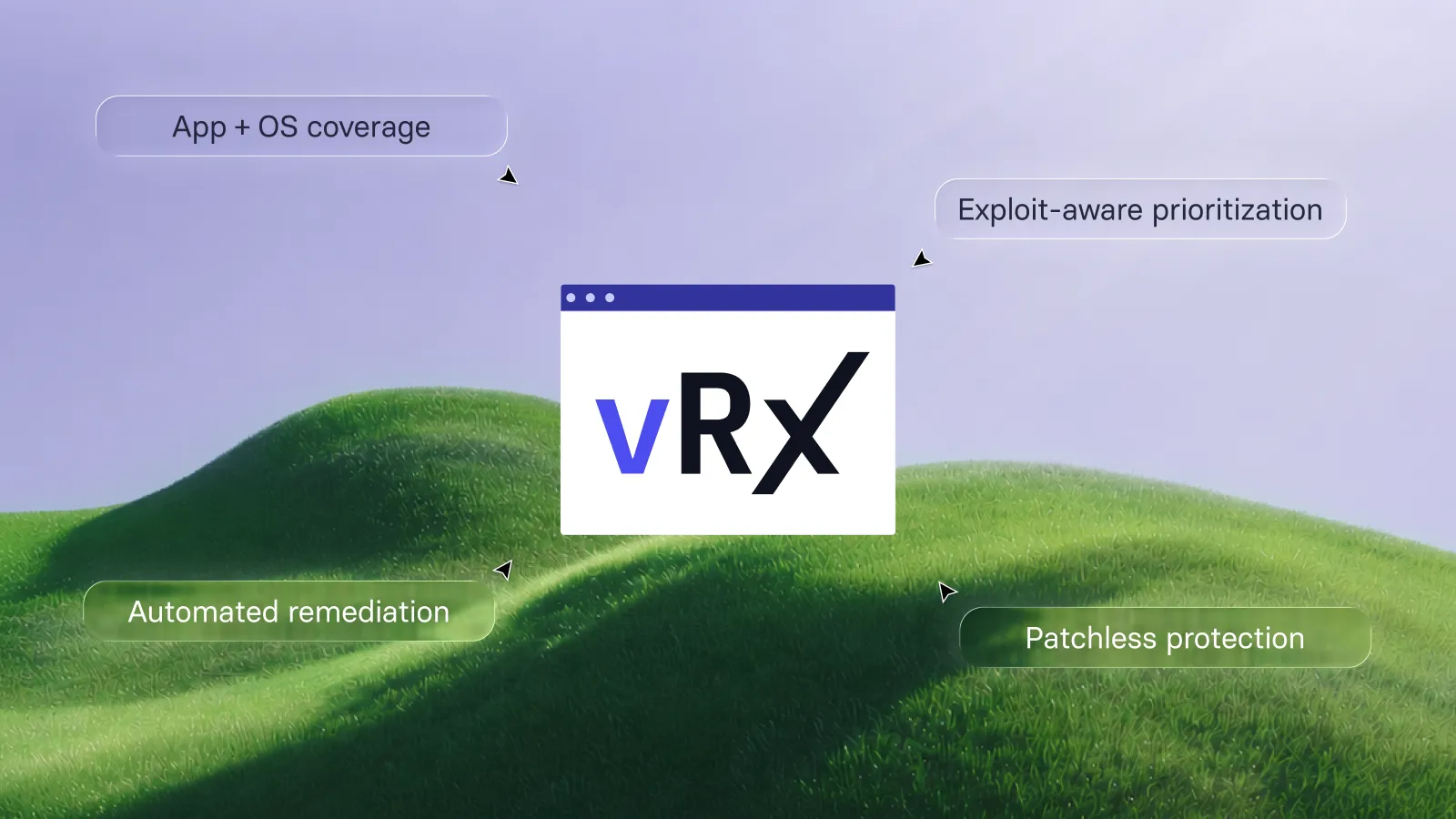
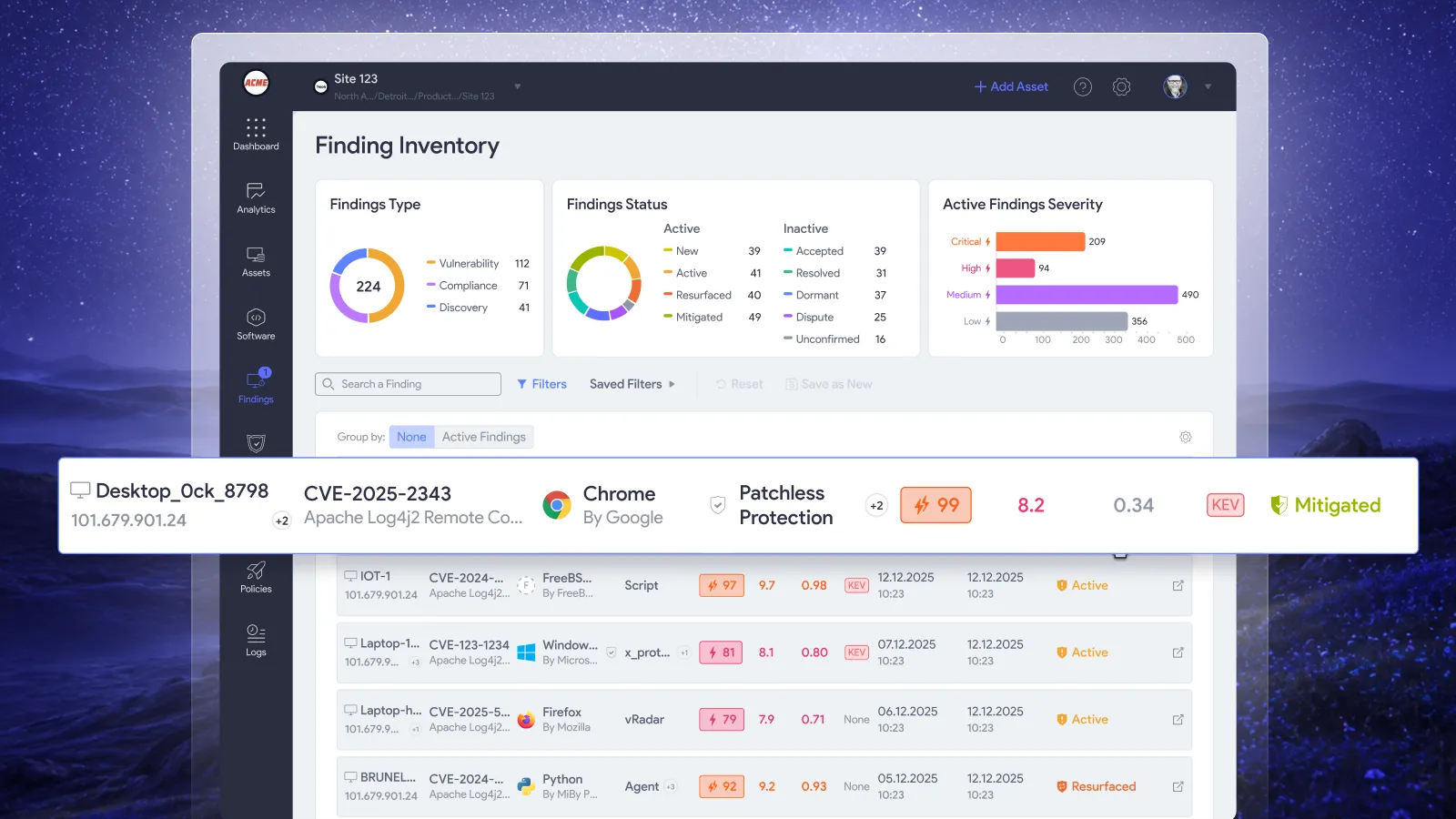
Vicarius documents Linux package updates through APT, YUM, APK, and other package managers in vRx's patch-management view. Deployment can run on demand, on a schedule, or through rules matching the team's criteria. Asset, software, and patch groups provide reusable scope; dynamic patch groups update membership as patch data changes. Vicarius patch management
For Linux operations, the practical benefit is a repeatable deployment path for eligible work. Teams define which population and updates belong in that path, with the applicable maintenance conditions.
Build the operating model around a few explicit decisions:
• Which package populations share the same approved deployment conditions?
• What evidence makes an update eligible for broader deployment?
• Which assets require a different schedule or service-owner decision?
• Where should a failed or ineligible action go for resolution?
Keep package selection and business authorization connected. Two systems may need the same correction but have different deployment windows. Conversely, systems in the same maintenance window may require different package targets.
The automation should carry out the approved work repeatedly. It should not require the team to recreate the scope each time a routine update arrives.
A package discrepancy does not always require another upgrade
Consider a hypothetical fleet where an assessment reports an older upstream application version after a scheduled update.
One server has the distribution's fixed package revision. Another still has the preceding revision. Both display the same upstream version in a simplified inventory.
Sending both servers through another identical update obscures the difference. The first needs the assessment reconciled with the applicable vendor evidence. The second still needs the correction deployed successfully.
Red Hat specifically warns that tools relying only on upstream version numbers can produce false positives when they overlook backported fixes. That explanation must be established for the actual finding, not assumed from the age of the version. Red Hat backporting guidance
Use a bounded resolution for the first server: identify the affected package, advisory, installed revision, and assessment discrepancy. Avoid suppressing every finding for that application or treating one resolved case as proof that the rest of the fleet is fixed.
For the second server, retain the remediation action. Investigate why the expected package was not installed and return the asset to the authorized update path once the cause is resolved.
This distinction keeps automation focused on changes that still need to happen.
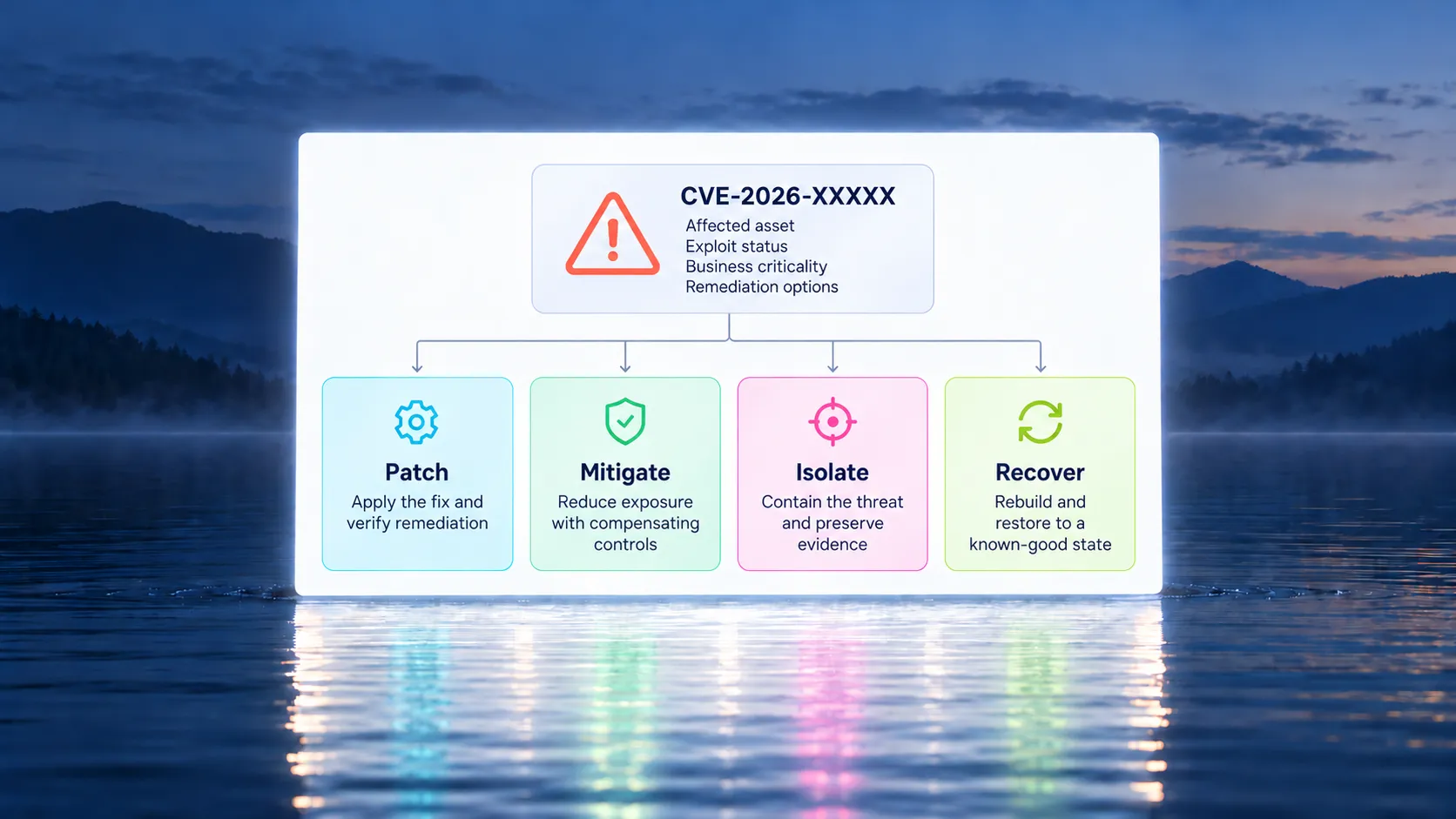
Handle remediation options without losing the permanent fix
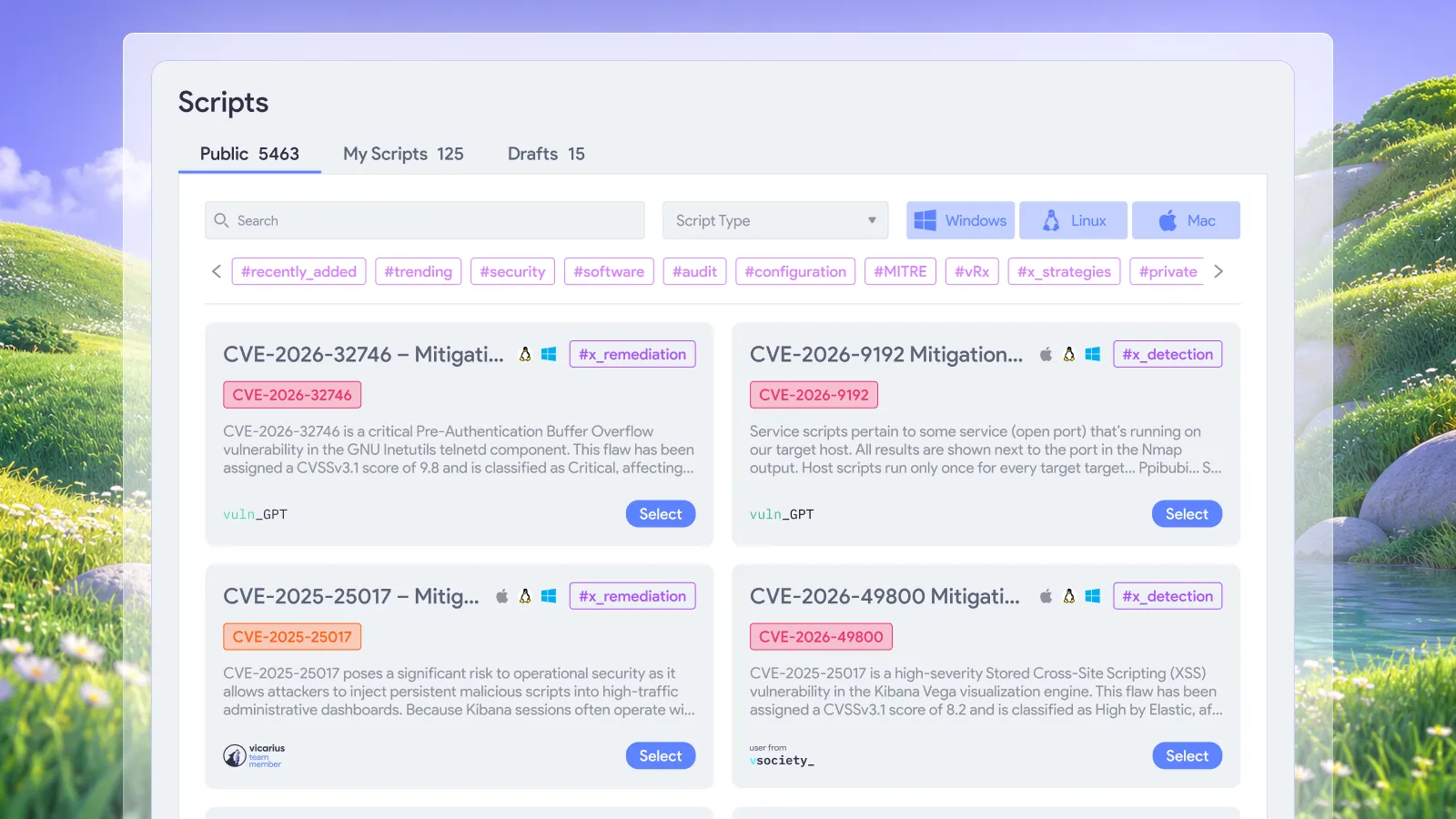
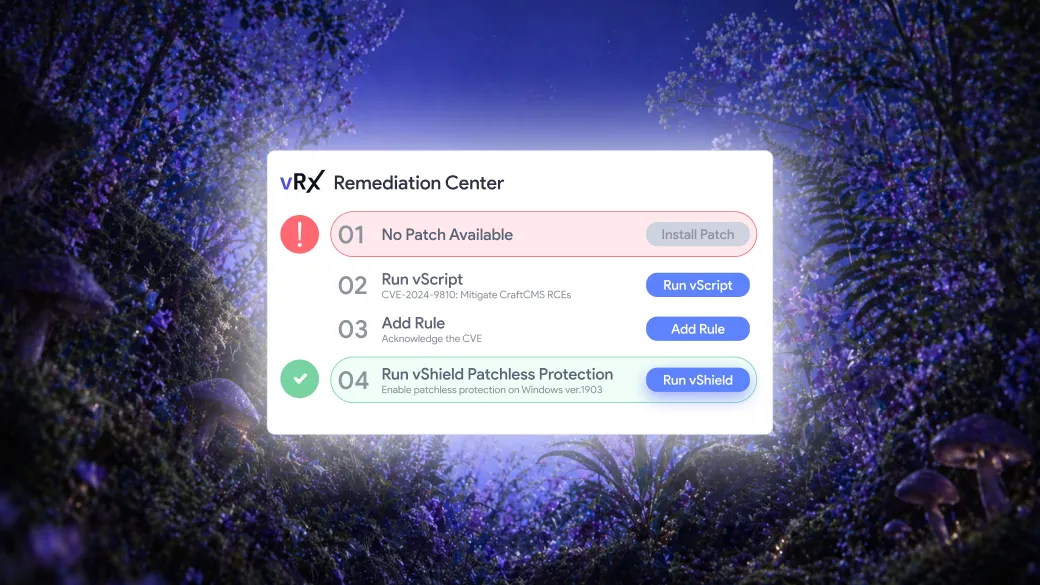
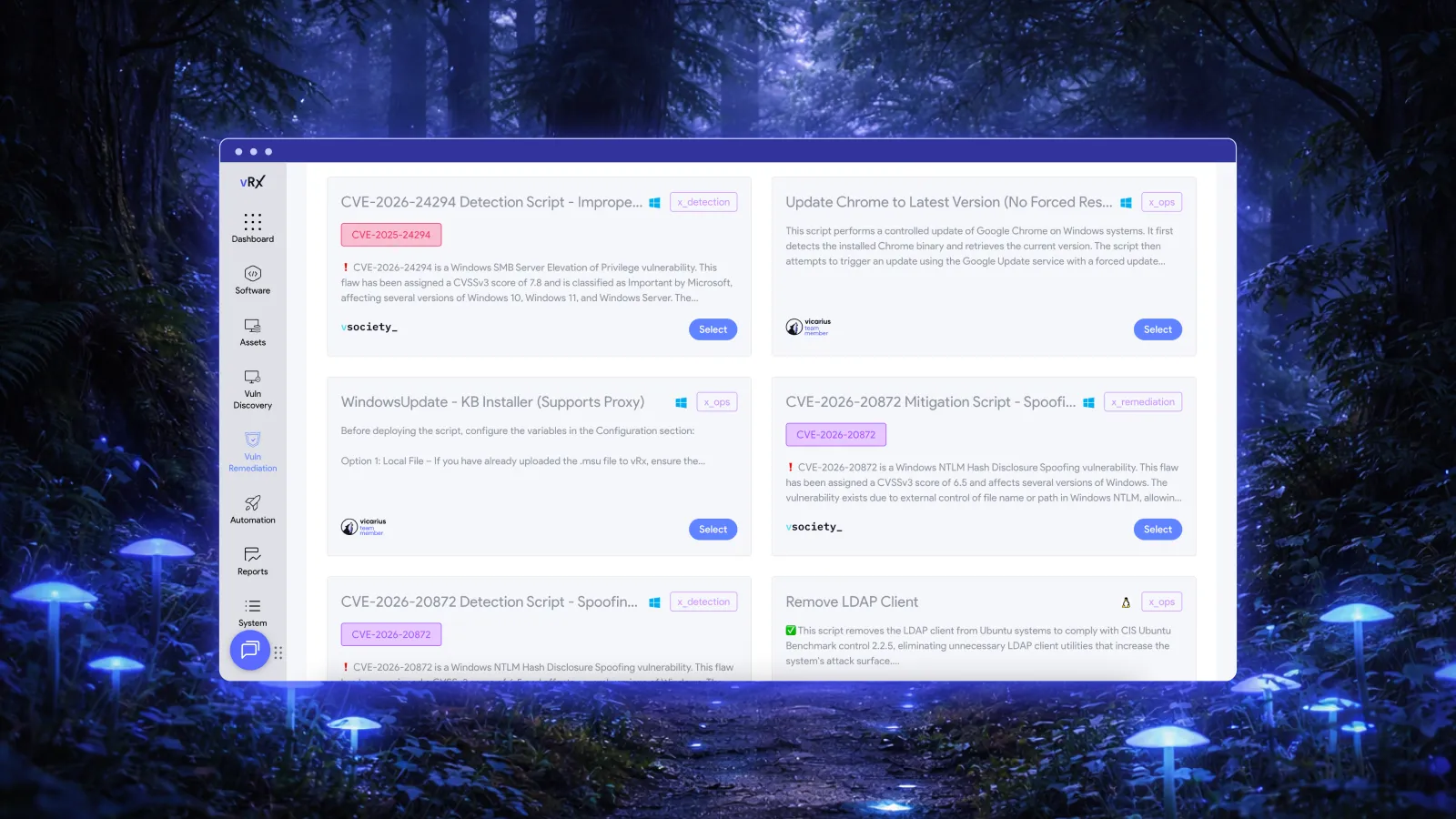
Some Linux remediation work involves configuration or hardening rather than replacing a package. Vicarius's vScript supports Bash on Linux and can execute scripts against selected assets or asset groups. Its execution records identify the script, target assets, and outcome. Vicarius scripting
Use that capability for a defined remediation objective. A script should make an intended change with a clear success condition, not simply turn a finding's status green.
When a vendor-recommended configuration change is temporary, retain the outstanding package correction and the condition for revisiting it. When the configuration change is itself the permanent remediation, document that outcome against the relevant guidance.
Choose the method that addresses the vulnerability under the system's operating conditions. Define the required result before choosing how to deploy it.
What should Linux patching reports show?
Report the state of the affected package population rather than only the number of completed jobs. We recommend distinguishing:
• Assets confirmed to have the applicable correction.
• Assets still awaiting an eligible update.
• Actions that failed or require investigation.
• Approved temporary mitigations with remaining work.
• Assessment discrepancies resolved through package and vendor evidence.
An assessment discrepancy may need investigation without another deployment. A failed deployment requires action even if the same update succeeded elsewhere.
Keep the original scope visible. If a device was excluded from a rollout, it should not disappear from the account of what remains unresolved.
For the broader post-change evidence standard, use the Vicarius patch-verification checklist. The Linux-specific addition is the connection between distribution guidance, complete package identity, and the correction selected for that system.
Frequently asked questions
What is Linux patch management?
Linux patch management is the process of selecting and deploying applicable updates to Linux systems, then checking the result. For distribution-managed software, the remediation decision should account for the distribution release and complete package identity, not only the upstream version.
Does an older upstream version mean the package is vulnerable?
Not necessarily. A vendor may have backported the relevant security fix. Check its advisory and the complete installed package revision before deciding whether another update is needed. An old version alone is also not evidence that a backport exists. Red Hat backporting guidance
Can vRx automate Linux patch deployment?
Yes. Vicarius documents scheduled and rule-based deployment, including Linux package updates. Teams establish the criteria and scope for that execution. vRx patch-management capabilities
Should a scanner finding be suppressed after an update succeeds?
Not automatically. Compare the finding with the applicable advisory and current package evidence. Resolve the specific discrepancy if the correction is present; otherwise, keep the remediation action open. A successful job alone does not explain a contradictory assessment.
Bring your Linux package scope to a demo
Choose a representative package population and its approved maintenance conditions. Request a Vicarius demo to explore how vRx can support automated Linux remediation, including how your team handles the exceptions that need a different action.












































.webp)


















%20Signals%20a%20New%20Era%20of%20Supply%20Chain%20Risk.webp)