Reboot management should track an update from installation through any required restart to a verified operating state. When an update requires a reboot, an installation success is an intermediate result. Keep the remediation open until the required transition has occurred and the affected workload has passed its agreed checks.
That distinction matters when two teams look at different evidence. The patching team may see a successful deployment. The service owner may still be waiting for an interruption window. Security needs a record that makes both facts visible without declaring the vulnerability resolved prematurely.
The workflow below is a recommended operating model for that interval. It does not prescribe a universal restart deadline or assume every update requires a reboot.
Give pending restart its own work state
Use the update's applicable vendor instructions to establish whether the change needs a device restart, a service restart or no restart. Do not apply a fleet-wide assumption based on the last update you deployed.
Microsoft's Windows restart guidance describes controls for restart timing and active hours, with differences between supported versions and policies. Those controls address when a restart occurs. They do not remove the need to establish whether the particular update has completed its required activation steps.
In your remediation record, separate the update's reported installation result from the remaining action. A practical state model is:
| State | What is established | What remains open |
|---|---|---|
| Installation reported successful | The deployment mechanism reports completion of its installation step | Required activation steps and verification |
| Restart required and outstanding | Applicable evidence identifies a restart as unfinished | Authorized execution time, owner and dependency checks |
| Restart completed | The required restart occurred after the relevant installation | Update state and workload validation |
| Validated | Required technical and business checks passed | Any separately recorded residual exposure |
| Exception or failed transition | A required step failed or could not be completed | Investigation, exposure decision and next action |
These are recommended workflow labels, not product status names. Preserve the underlying tool evidence alongside them so another reviewer can understand how the state was assigned.
Make the queue actionable
A list of systems awaiting restart becomes useful when every row identifies the change and the person who can move it forward. At minimum, record the asset, update identifier, installation time, observed restart requirement, service owner, approved action and review time.
Keep the observation time as well. An old screenshot of a pending state should not overrule newer evidence. Equally, a recent heartbeat from an endpoint is not sufficient evidence that the relevant restart or update activation occurred.
Use a separate reason field for deferrals. “User deferred,” “service dependency unresolved,” “device unavailable” and “restart attempted but unsuccessful” require different responses. Combining them under “pending” hides the work the next owner needs to do.
The following handoff record is intentionally small enough to use during an operational review:
| Field | Question it answers |
|---|---|
| Asset and update | Which specific change is unfinished? |
| Evidence and observation time | Why is this still classified as pending? |
| Responsible owner | Who can authorize or perform the next step? |
| Constraint | What currently prevents completion? |
| Next action and review time | What will happen next, and when will someone check? |
| Closure evidence | What must be observed before the record can close? |
Avoid selecting the next action solely from the age of the record. Age is useful for finding neglected work, but service dependencies, exploitation risk and available controls also affect urgency. The queue should expose those decisions rather than silently make them.
Resolve who controls the restart
Identify the mechanism responsible for restart timing before changing policy. An endpoint may have operating-system settings, management policies and an application-specific procedure that affect the same maintenance event. The operating team needs to understand the effective configuration, not only the setting it intended to apply.
Microsoft warns that some older restart policies do not apply to Windows 11 and that direct registry configuration can conflict with other management settings. Consult the version-specific guidance before reusing a legacy procedure. This article recommends reviewing the supported control path rather than distributing registry edits as a generic fix.
For each asset class, name the team that owns restart timing and the team that accepts workload recovery. On a user device, the remaining work may involve communicating an approved interruption. On a service host, it may require confirming the application's supported restart sequence. Those are operational judgments, even when the execution itself is automated.
A deferral should have an explicit next review. Repeated postponement without a responsible owner turns an unfinished change into an invisible backlog.
Work through a pending-state example
Consider a hypothetical application server with an update installed during an authorized change. Its installation result is successful, but the required restart was postponed because an upstream job had not finished. The deployment record remains open with the job dependency and service owner recorded.
At the next review, the owner confirms that the job has completed. Before the restart, the operator checks that the original change scope still applies and that no new dependency has changed the procedure. Afterward, the team captures the restart evidence and performs its agreed workload check.
If the application fails that check, the record does not move directly to validated. The team follows the service's recovery procedure and records the actual outcome. If the workload passes but the update state remains unclear, the team investigates that uncertainty rather than treating a healthy application as proof of vulnerability closure.
The record connects each step. The original installation, deferral, restart and validation remain connected. Each handoff carries a specific unresolved question instead of a generic instruction to “check patching.”
Use automation to execute the authorized work
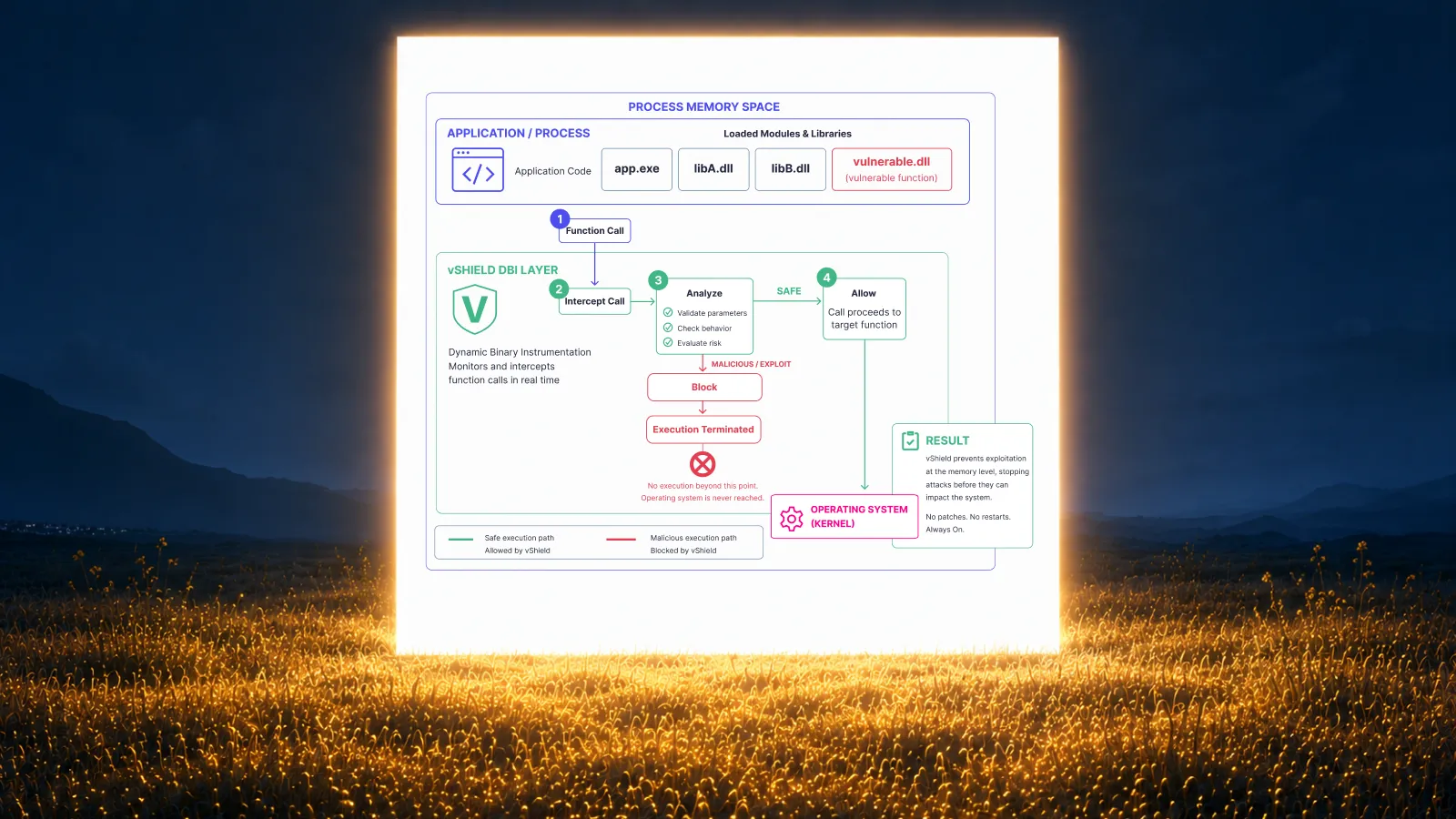
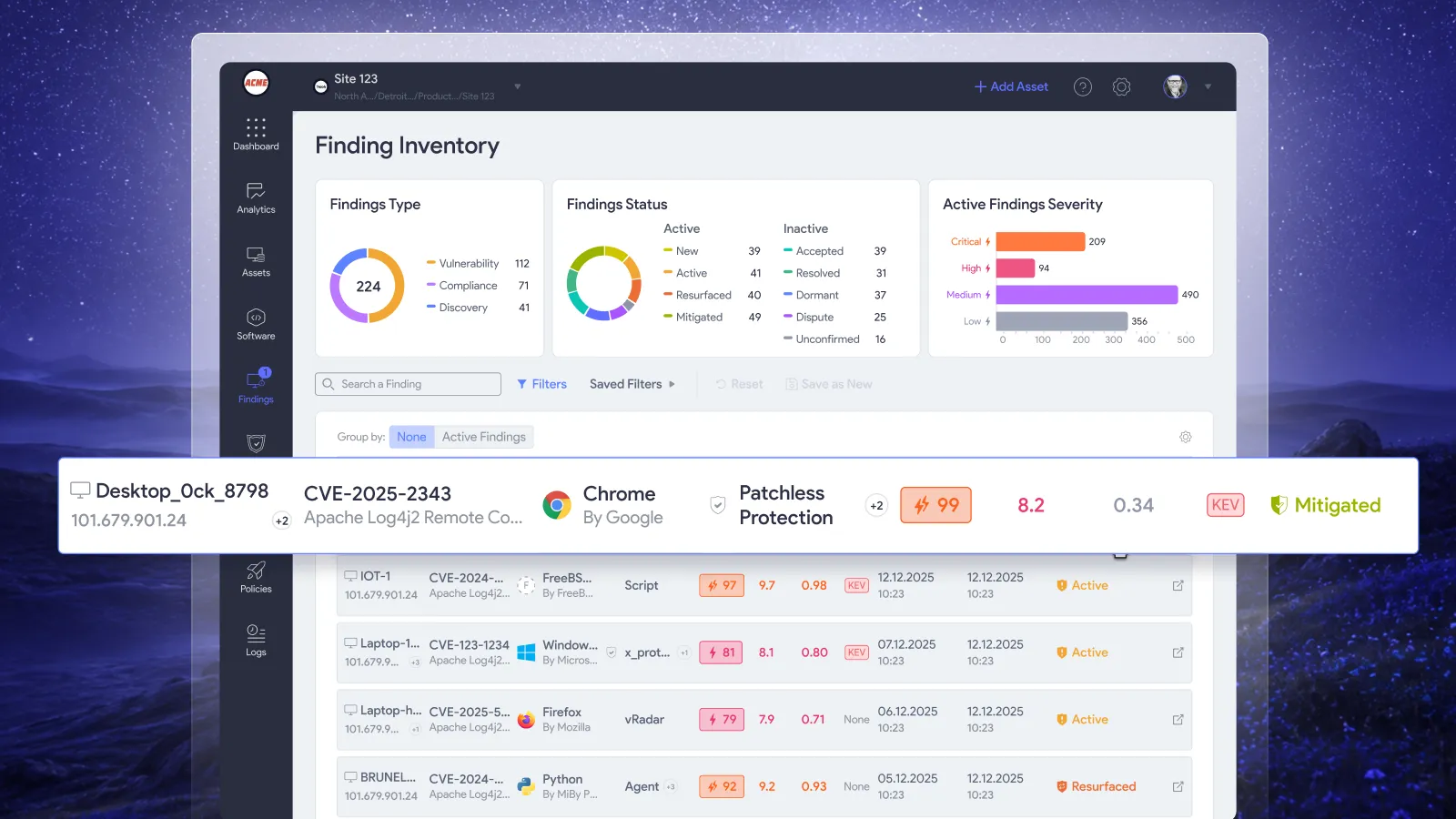
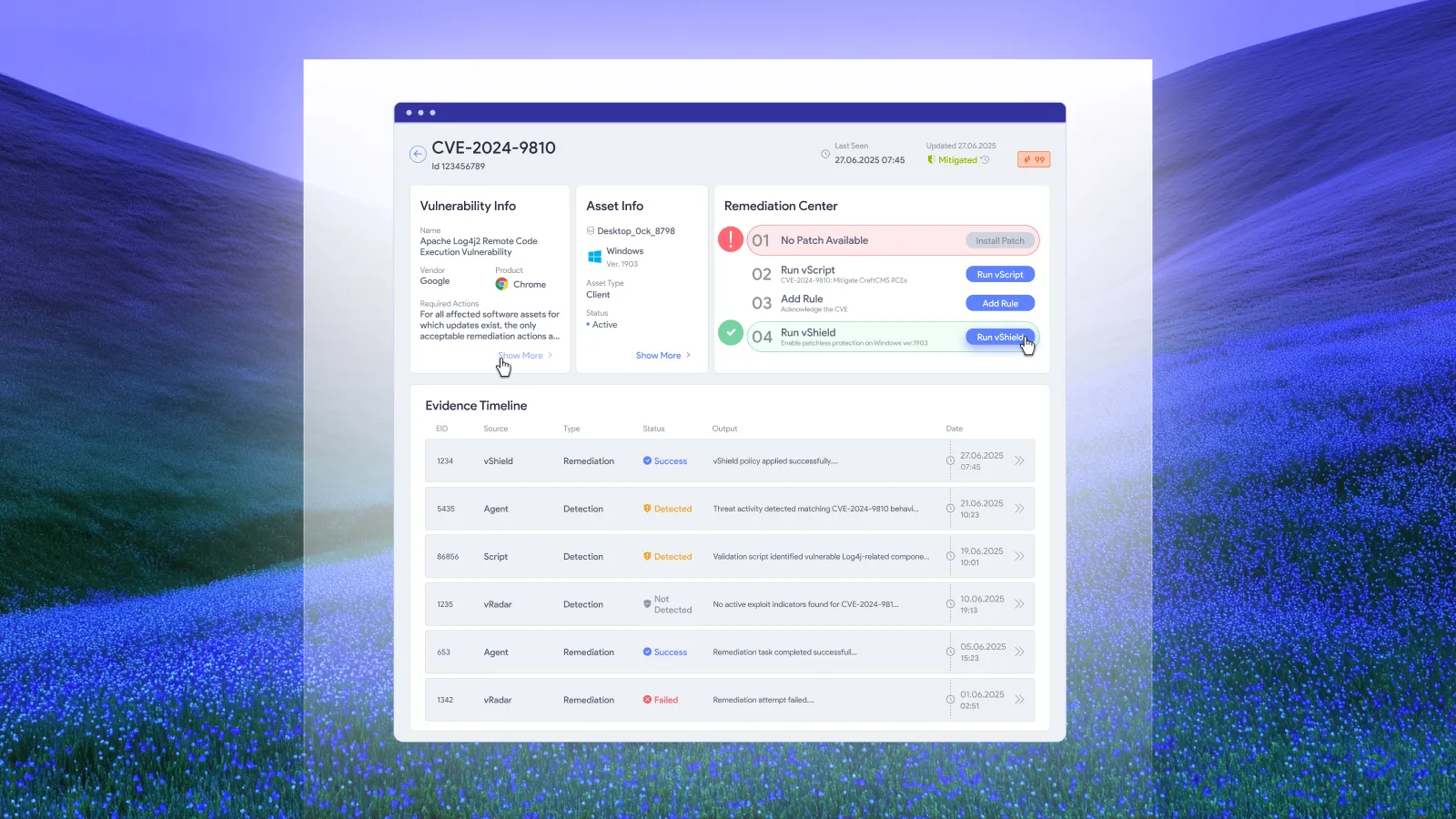
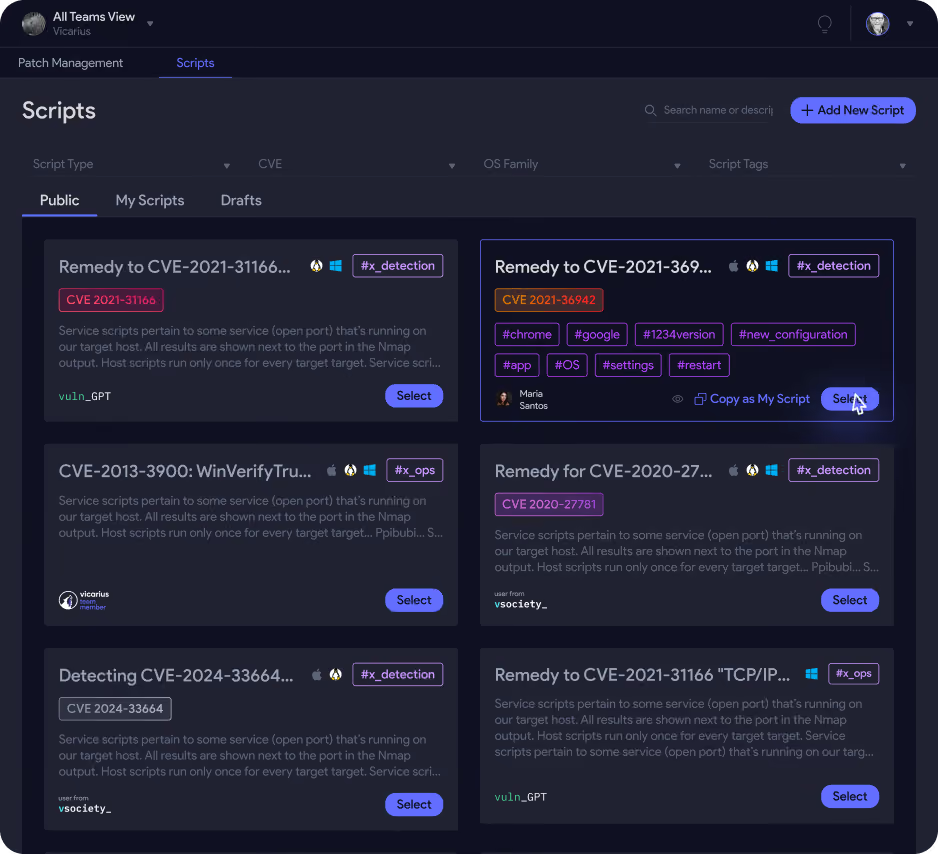
Vicarius patch management supports deployment on demand, on a schedule or through rules, with reusable groups for patches, assets and software. The automated remediation page describes vPatch deployment without forcing unplanned reboots, allowing IT operations to control timing.
Use those execution choices within the team's agreed change policy. Define the eligible scope and timing, then keep exception handling connected to the resulting evidence. Avoid interpreting control over timing as a claim that every patch becomes effective without a restart.
The operational model proposed here assigns people responsibility for unresolved service constraints and acceptance decisions. Automation should carry out authorized work consistently while leaving a clear record of the cases that need judgment.
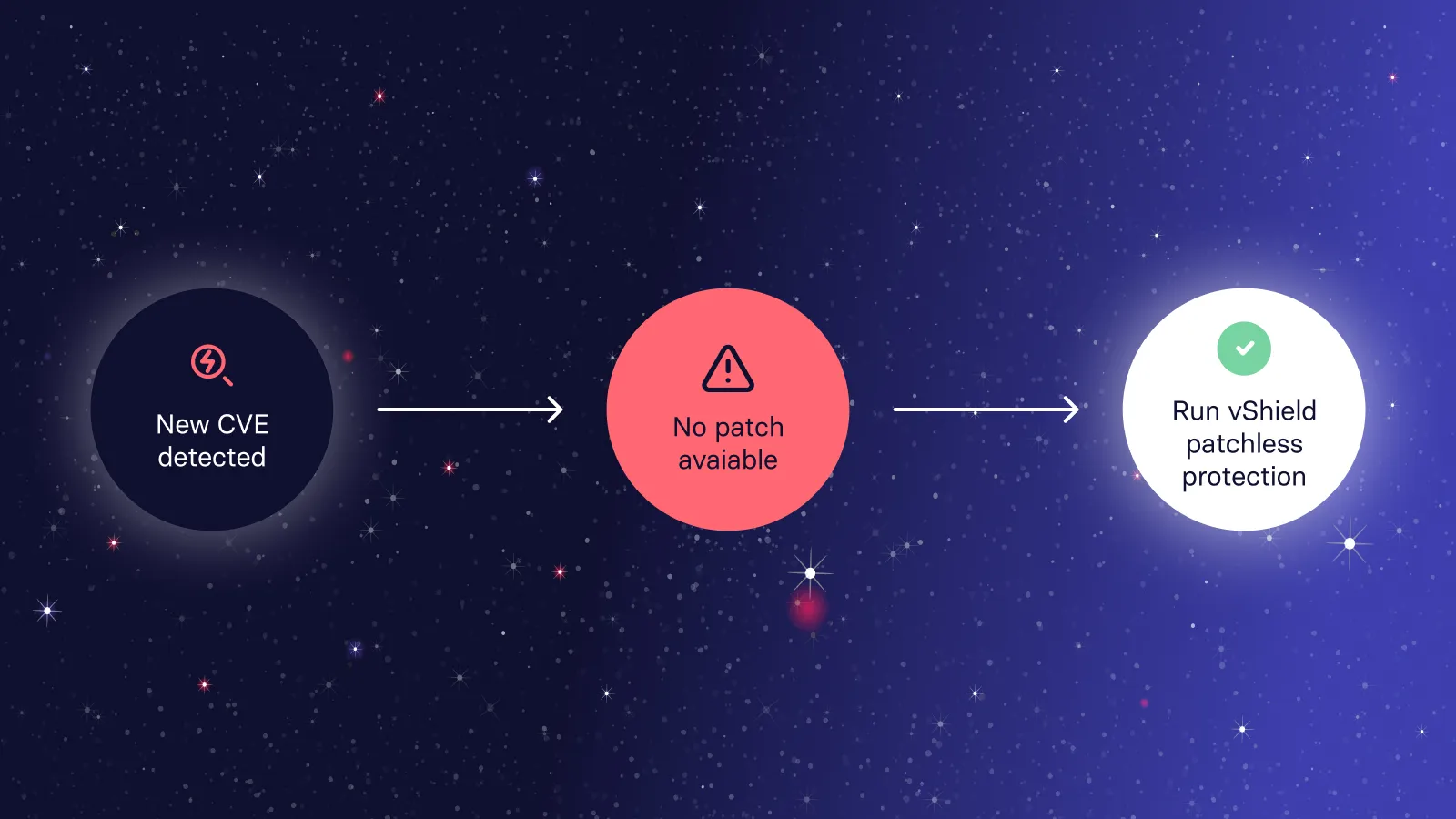
When a permanent correction must wait, evaluate an applicable mitigation for the specific exposure. Record the mitigation and its evidence separately from update completion. A control that reduces exploitation risk does not establish that the pending software change has finished.
Measure the unfinished transition
For an internal review, track how long records remain between successful installation and validated completion. Label the measure precisely. It is a workflow duration, not automatically the duration for which an asset was exploitable.
Separate records that await an authorized restart from records awaiting evidence after restart. Otherwise, a slow validation process can look like a scheduling problem, while a genuine scheduling failure can disappear inside a combined average.
Review the oldest unresolved records with their reason and next action. Also inspect a sample of recently closed records to see whether the evidence supports closure. This is a suggested operational review, not a benchmark or an assurance that a particular percentile makes the environment secure.
For broader window design, use the existing server maintenance-window guide. For evidence of completed remediation, use the patch verification checklist. This workflow connects those two decisions by keeping the unfinished activation step visible.
Frequently asked questions
Is a patch complete when installation succeeds?
Not necessarily. Check the update's required activation and verification steps. If a restart is required and still outstanding, preserve that state separately from the installation result. The closure criteria should describe the corrected state and the relevant workload check.
Does controlling reboot timing mean a patch is reboot-free?
No. Timing control determines when an interruption occurs. It does not change the update's technical requirements. Vicarius describes avoiding forced unplanned reboots on its remediation page; assess the specific update before deciding it needs no restart.
What should happen when a restart keeps being deferred?
Assign an owner, record the constraint and set a review time. Escalate according to the organization's change and risk process. Keep any temporary mitigation separate from the still-open permanent correction so that the deferral does not become an accidental closure.
How should teams prove the restart resolved the pending change?
Connect the restart evidence to the relevant installation, confirm the required update state and run the agreed workload checks. Use vendor-specific evidence for the platform. An endpoint returning online is useful operational information, but it does not answer every closure question.
Review your completion workflow in a vRx demo
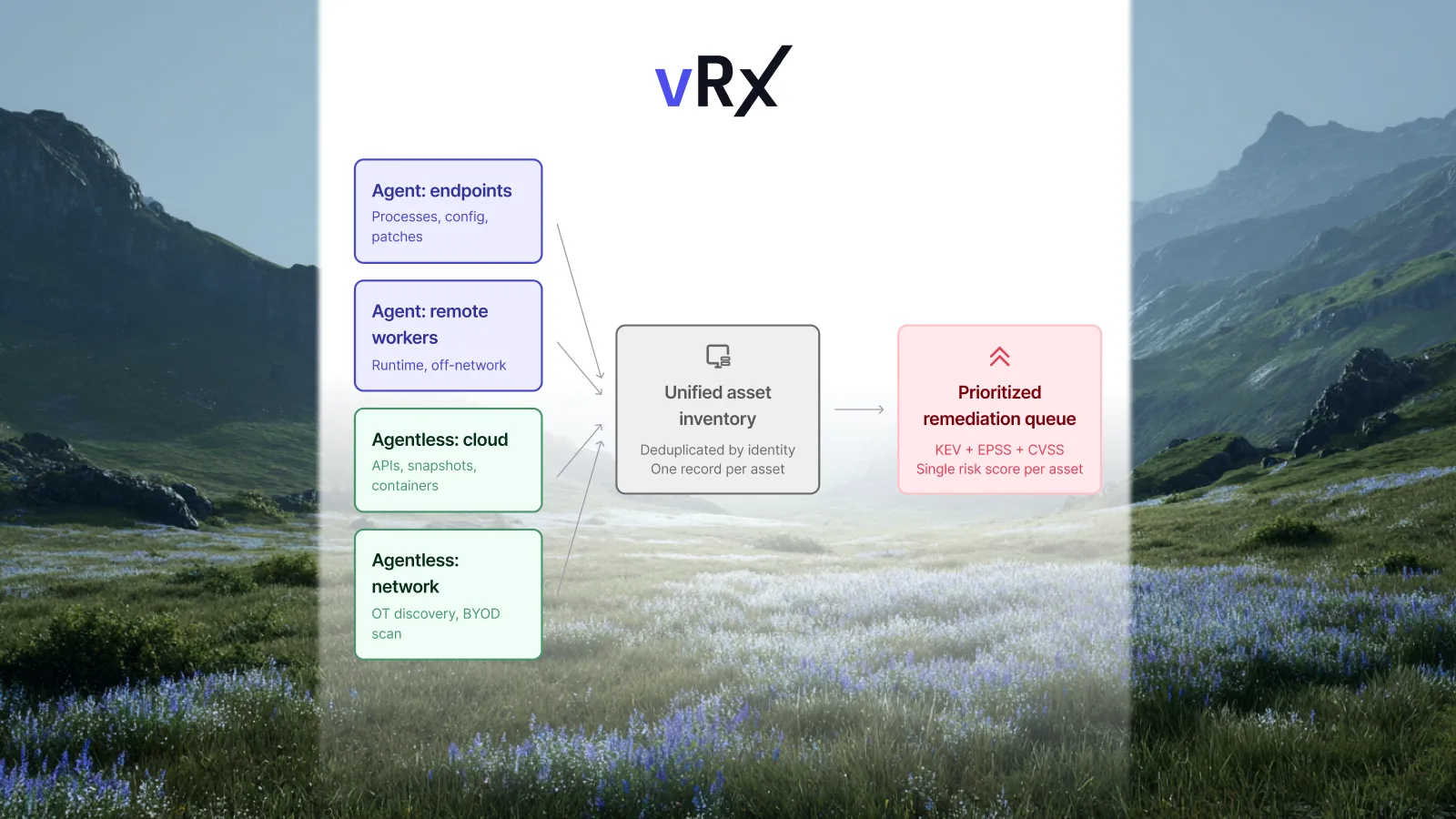
Bring a representative patch group and an example of a deferred restart. Request a vRx demo focused on controlled execution and the evidence your team needs to finish remediation.