

Patch deployment delivers software updates to endpoints. Effective remediation connects that execution to evidence of what changed on each affected asset. The aim is to automate routine delivery and verification so teams can concentrate on the exposure that still needs attention.
That connection matters when a single rollout reaches machines with different installed versions, business roles, and operating conditions. Sending the same update to every target does not mean the update corrects the same vulnerabilities everywhere.
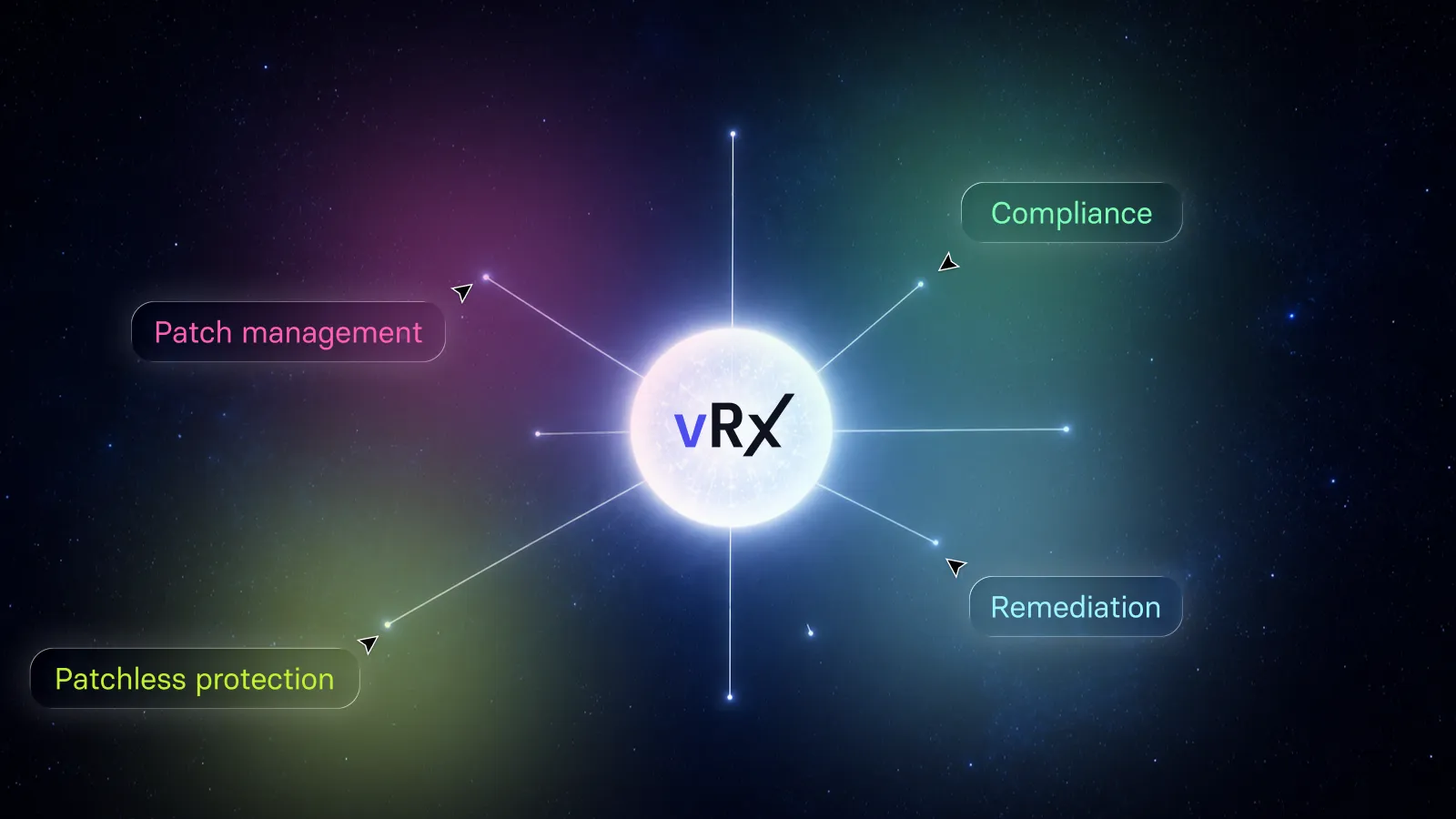
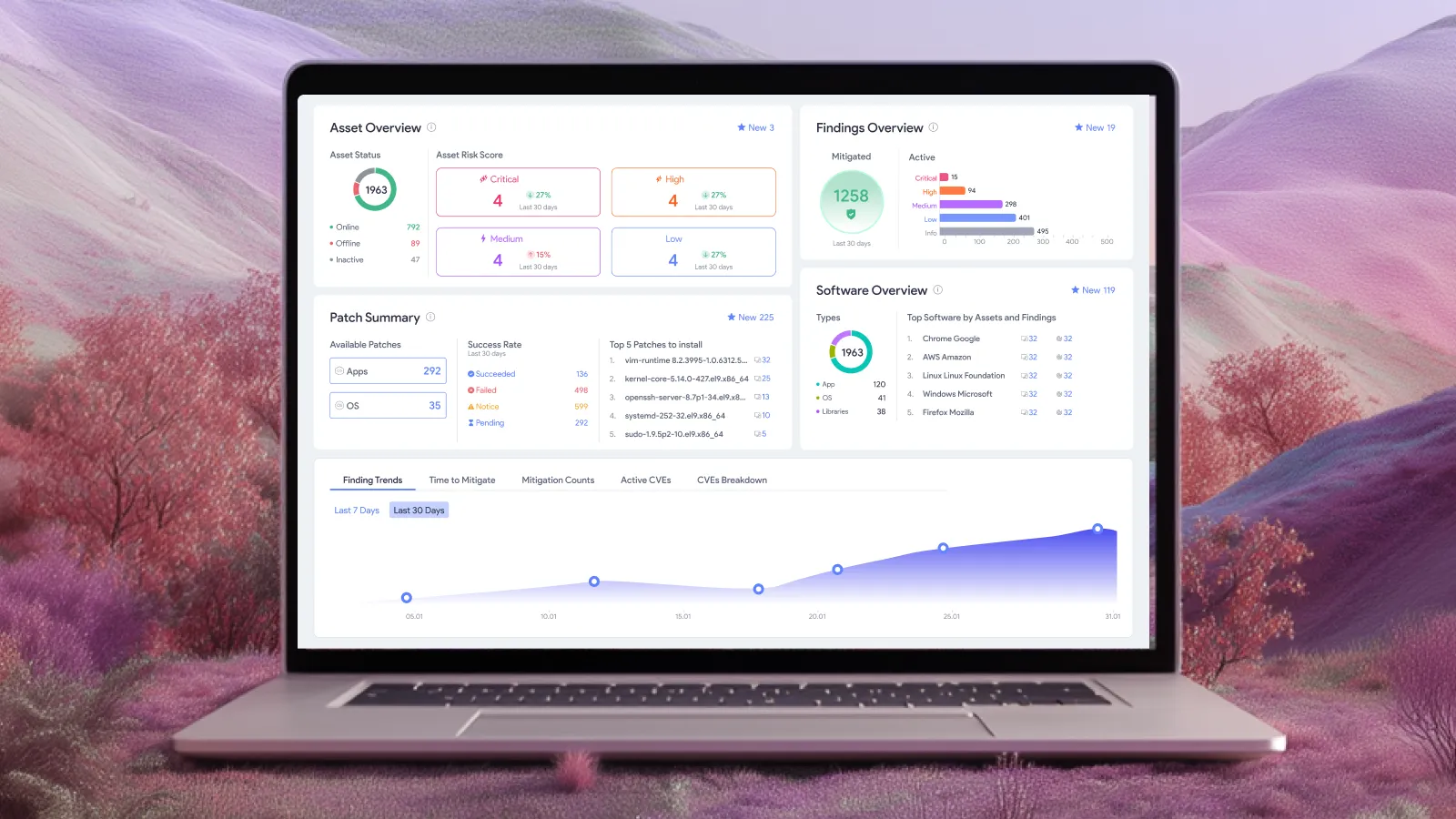
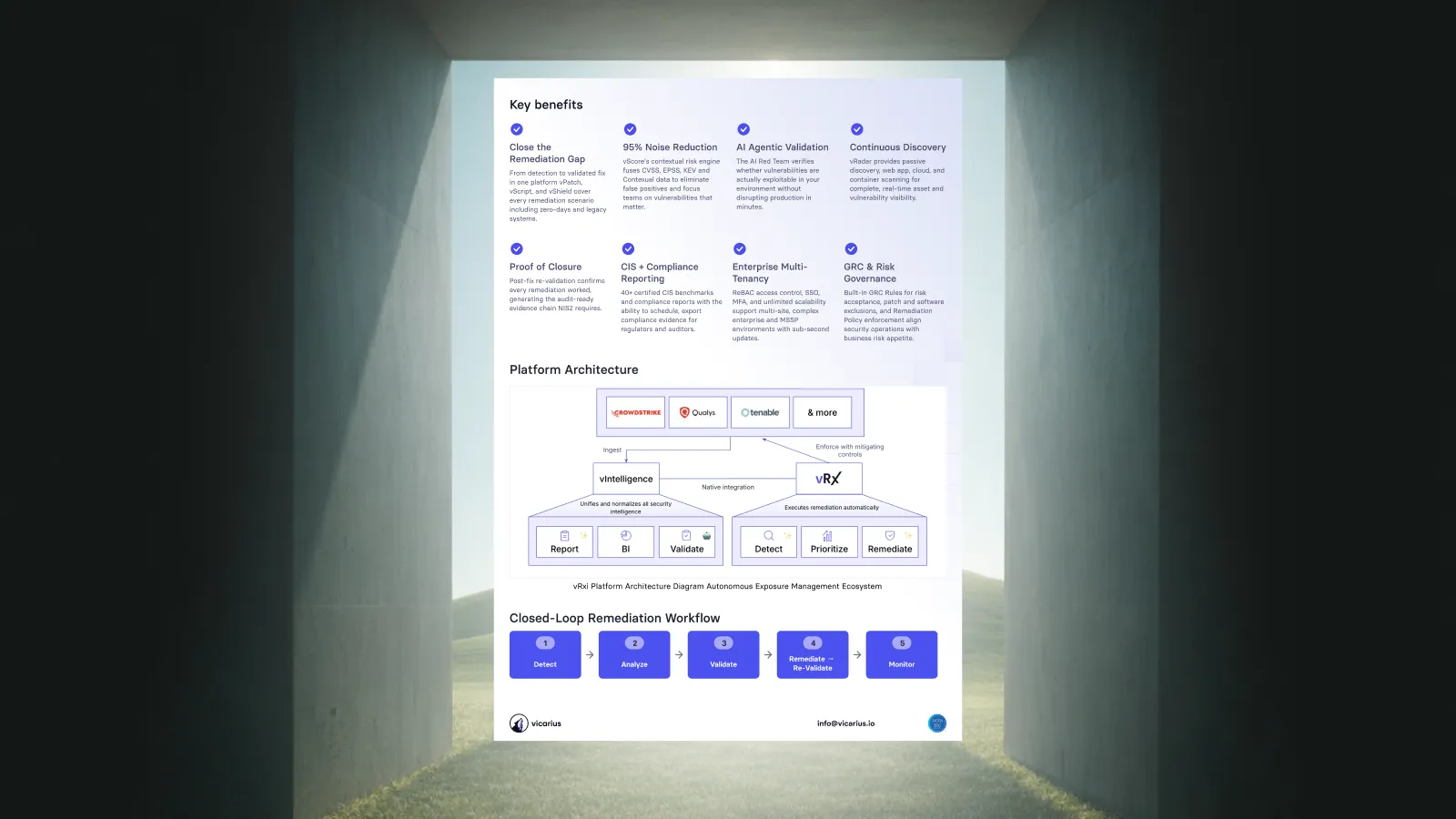
Vicarius vRx supports on-demand, scheduled, and rule-based patch deployment, with Common Vulnerabilities and Exposures (CVE) coverage calculated per asset. This brings the expected security benefit into the deployment decision. Explore vRx patch management.
The practical question is: after the rollout, which exposures have been corrected, and which still require a response?
What should automated patch deployment accomplish?
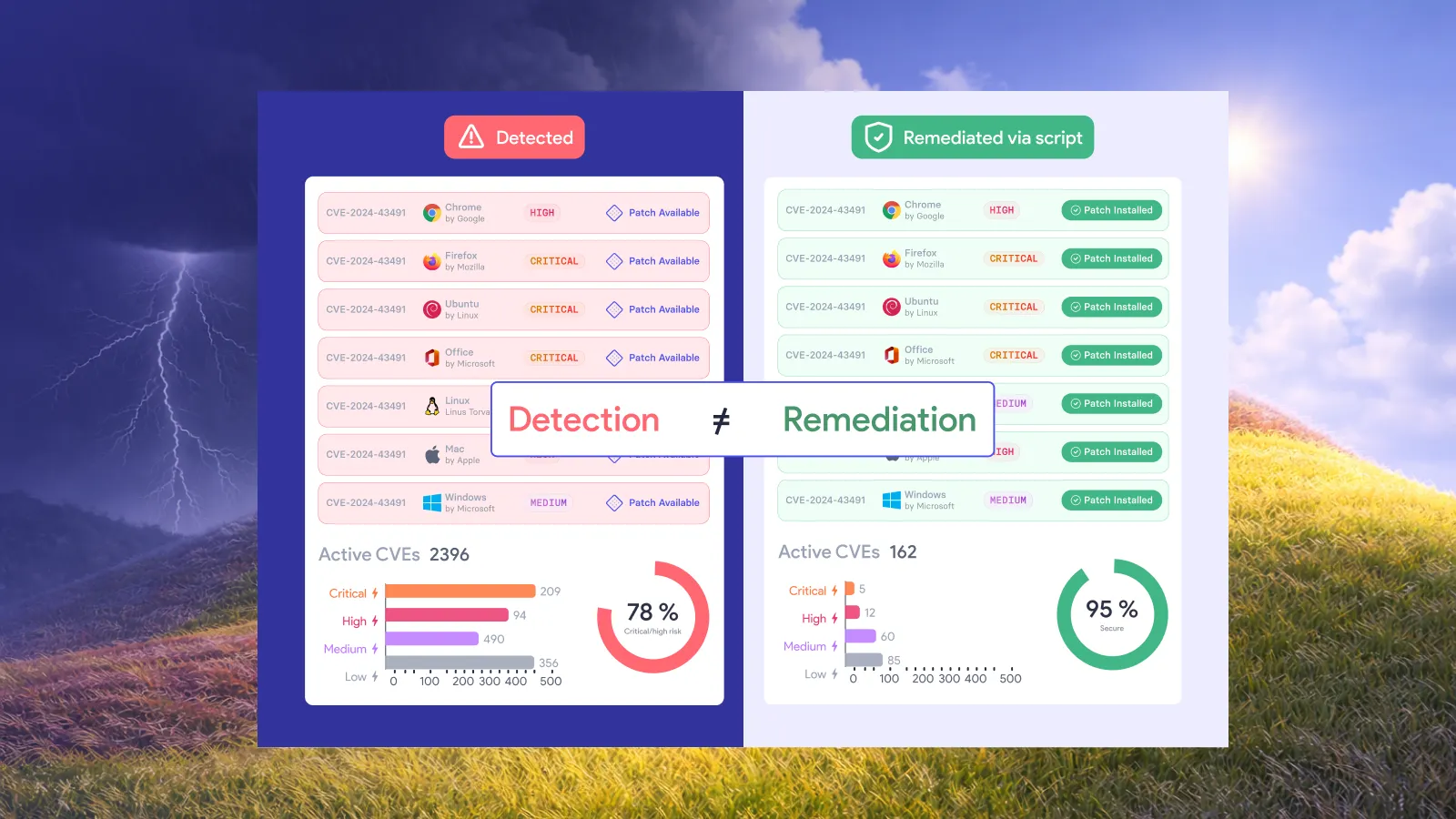
Automated patch deployment should execute the configured update across its intended scope and produce evidence that helps establish the result. Delivery, installation, and verified remediation are related, but they answer different questions.
A delivery record shows that an action was sent. An installation result describes whether the update ran successfully. Verification establishes whether the intended correction is present. NIST includes verifying installation within enterprise patch management, alongside identifying, prioritizing, acquiring, and installing updates. NIST SP 800-40 Rev. 4.
For an operations team, the value is less repeated investigation. Routine execution should not end with an analyst manually reconstructing what happened to every endpoint. Evidence should narrow the follow-up work to unresolved results and changes that need judgment.
Connect the update to the exposure on each asset
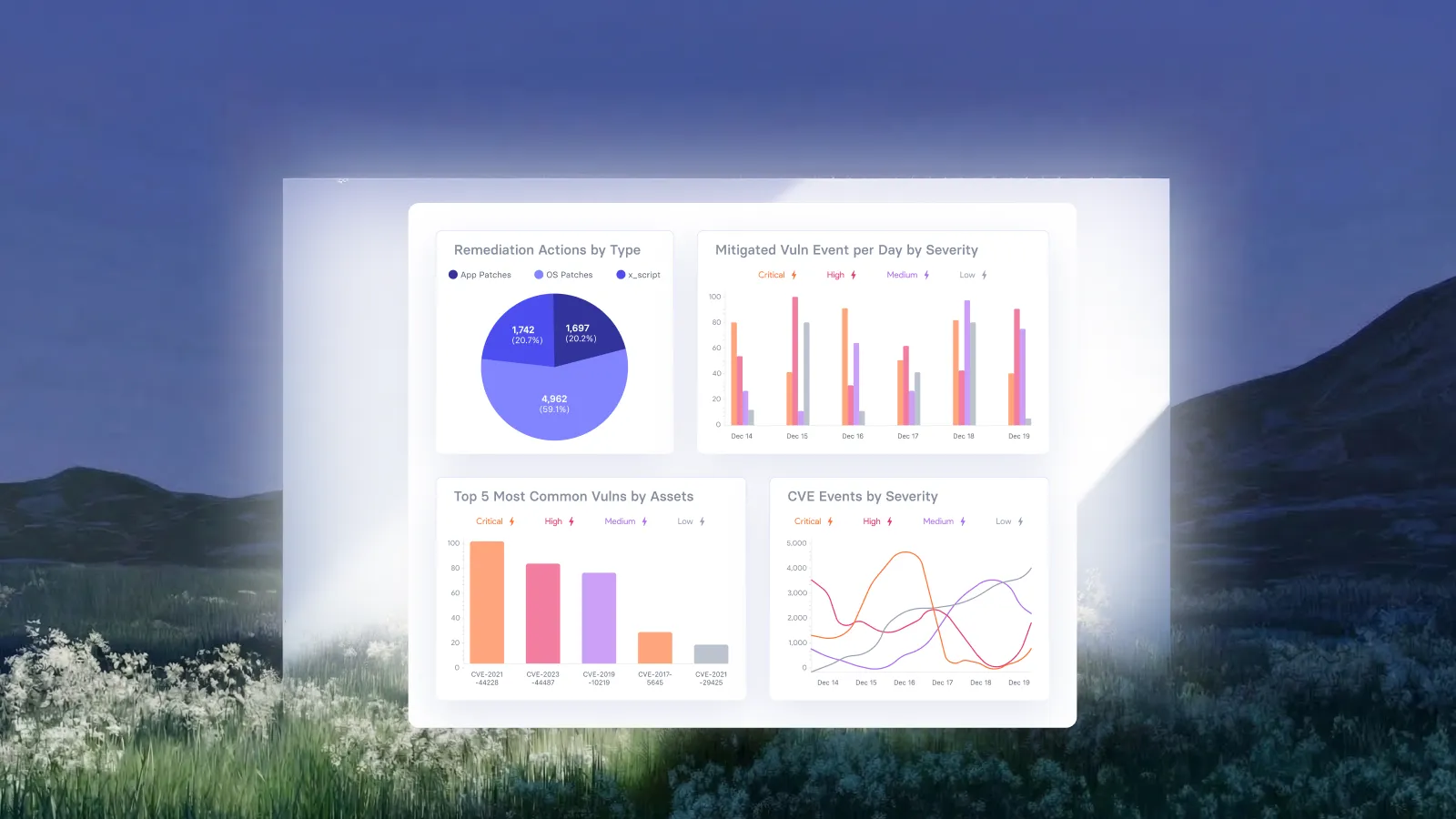
vRx calculates the vulnerabilities addressed by an upgrade using each asset’s current version and the target version. The same software update can therefore close different CVE sets on different machines. See how vRx calculates patch coverage.
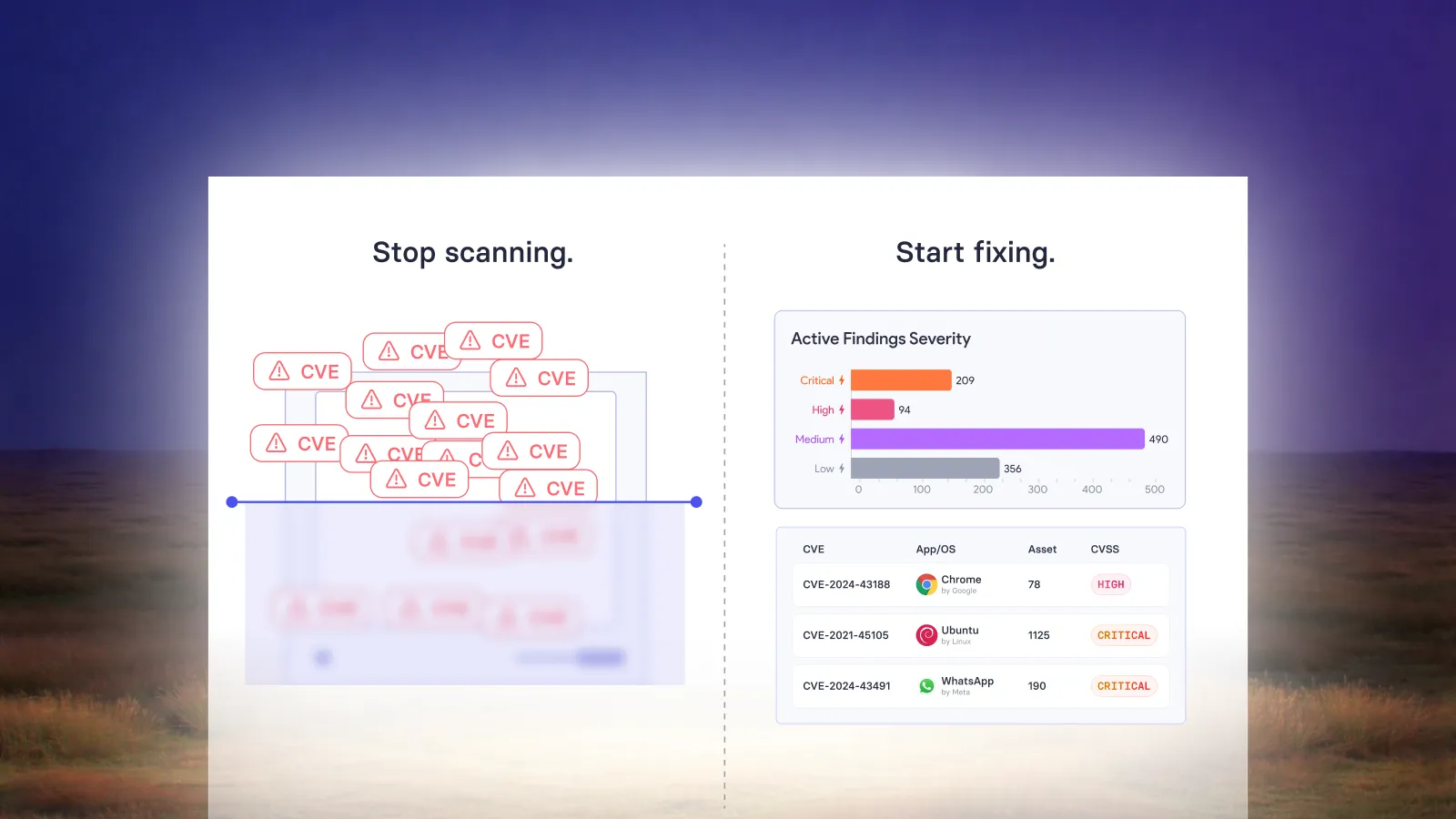
This helps answer a more useful question than how many updates are available: what will this deployment correct in this environment?
Consider a hypothetical rollout to two employee laptops. Both need the same target application release, but one is several versions behind the other. Counting two successful installations describes delivery progress. It does not express the potentially different vulnerability reduction on each laptop.
For evaluation and reporting, we recommend keeping the asset, starting version, target version, and relevant exposure together. This makes the security result understandable without treating every installation as an equal unit of risk reduction.
It also prevents a misleading interpretation of activity. A busy deployment schedule can represent substantial progress, but the number of tasks alone cannot explain which important exposures remain.
Let configured deployment handle repeatable work
vRx supports deployment when an operator initiates it, during a scheduled window, or through rules matching defined criteria. Reusable groups organize the scope, and deployment records retain timestamps. See the deployment options.
Once the recurring work has been configured, its execution should not depend on a fresh conversation for every eligible machine. The operational benefit comes from applying an established decision consistently, then directing attention to the results that need it.
For example, a team might use a scheduled deployment for routine application maintenance and an on-demand action for an approved urgent correction. These are illustrative operating choices. The right arrangement depends on the organization’s change requirements and the affected service.
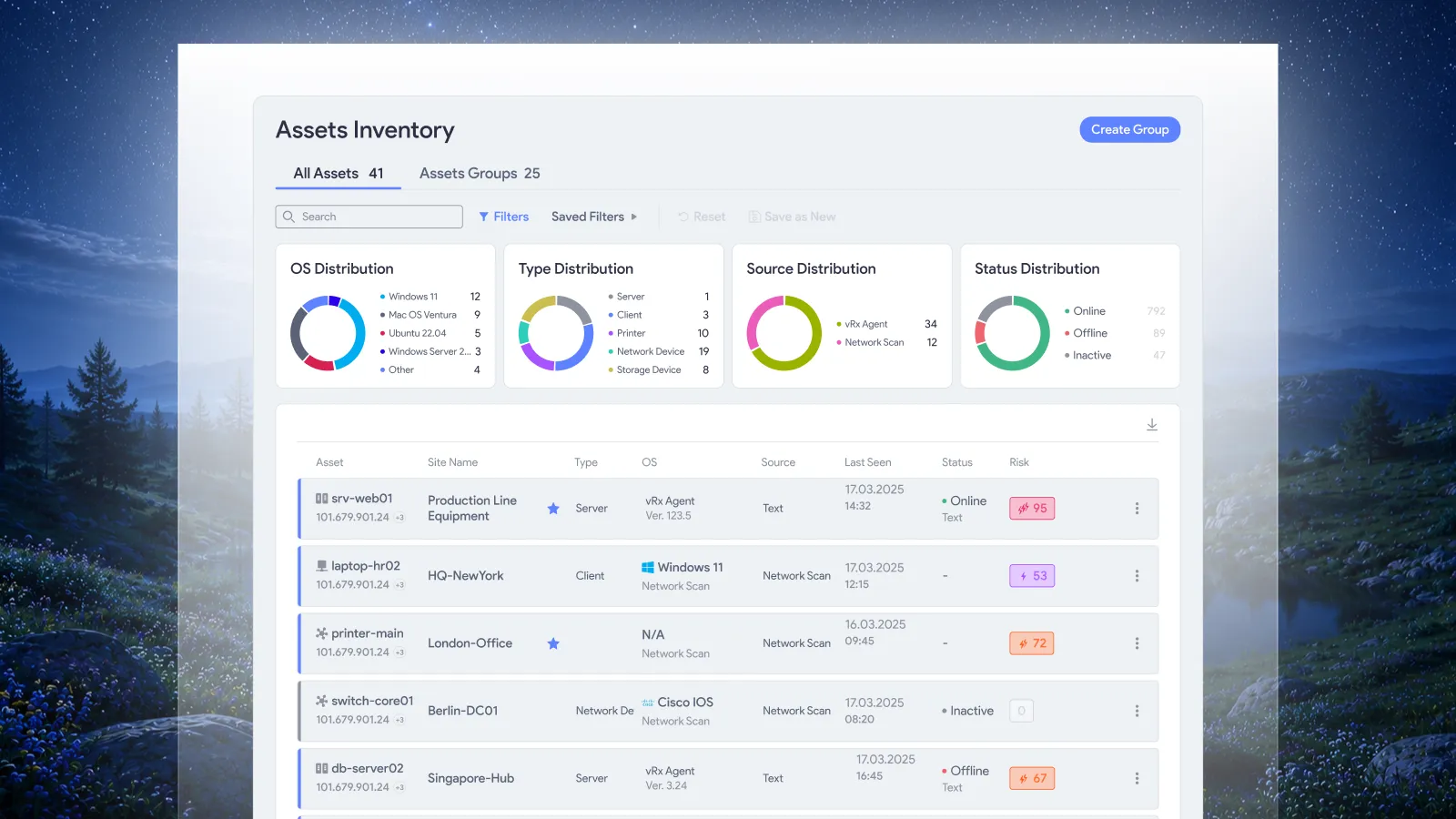
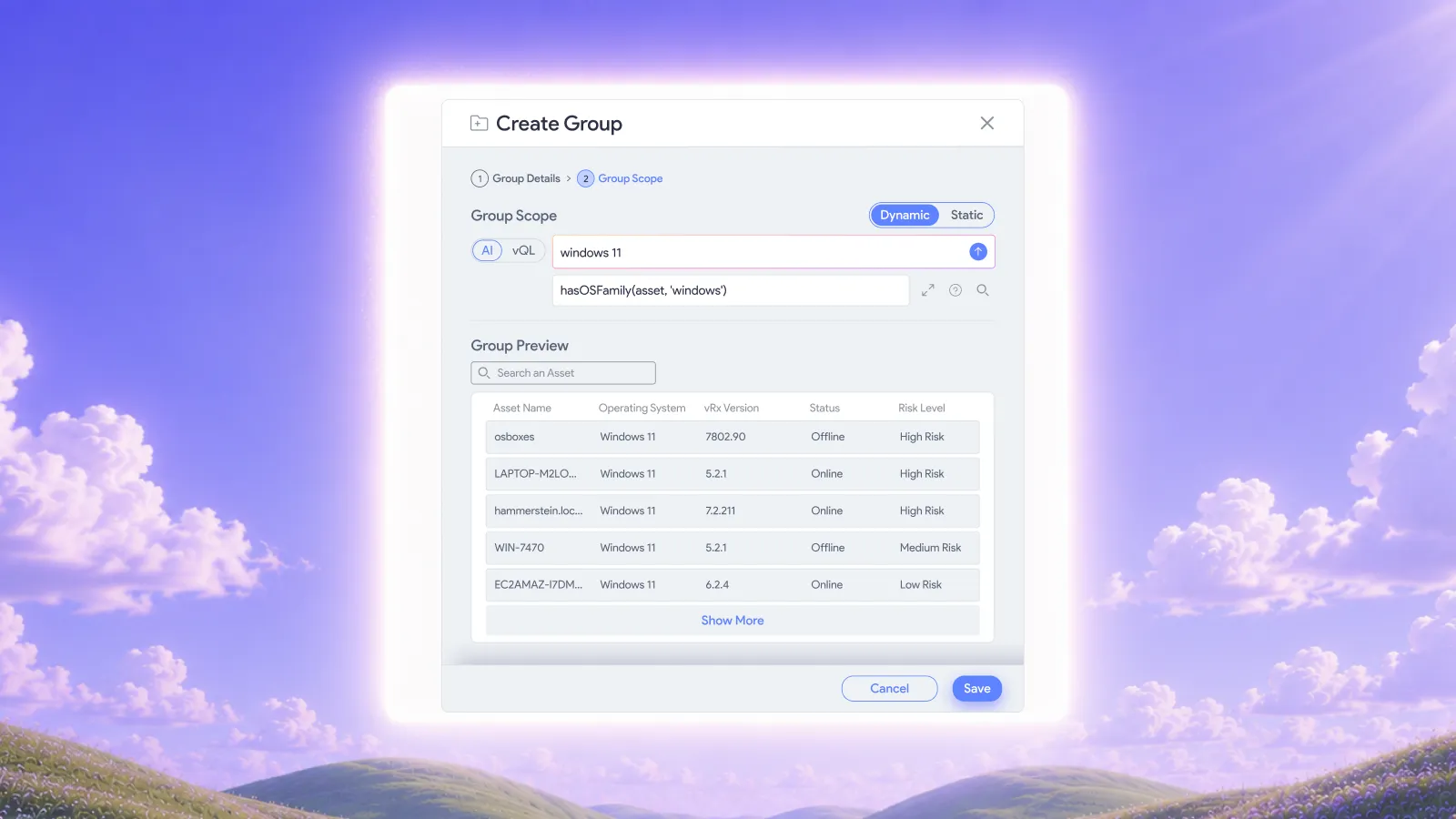
Scope remains important, but maintaining groups is a separate subject. Vicarius’s article on AI-powered asset and software groups explains how dynamic membership supports current targeting. Here, the focus is what happens after those targets enter a rollout.
Make automatic revalidation part of the outcome
Vicarius describes automatic asset revalidation after fixes through vScore. This connects remediation activity with an updated assessment of the asset rather than leaving the result assumed. Read about vScore validation.
The important operational distinction is between evidence of execution and evidence of correction. Both are useful. Together, they help security and IT discuss the same outcome instead of comparing a vulnerability list with an unrelated deployment count.
We recommend the following distinctions when interpreting rollout results. These are reporting concepts, not proposed product status labels.
This distinction is especially useful when a rollout has mixed results. Successful work should remain visible, while an unresolved asset stays in the follow-up scope. A single overall completion label can obscure that difference.
For a deeper treatment of the evidence needed to establish closure, see the patch verification checklist. That article covers verification practice; this one connects it to automated deployment.
Handle unresolved results without restarting the whole rollout
An unresolved result is a reason to examine the affected asset, not to repeat work indiscriminately across machines already corrected.
Suppose an illustrative deployment reaches a group of laptops, while a device that was offline has no confirmed result. The useful follow-up question concerns that device’s current state and the appropriate next execution opportunity. Recounting successful installations elsewhere does not answer it.
We recommend separating failure to execute from failure to achieve the intended correction. Those conditions can require different responses. An execution prerequisite may need attention in the first case. The second may require examining applicability, version state, or the specific exposure being assessed.
This is where people add value: resolving uncertainty and improving the recurring workflow. If the same cause appears repeatedly, address that cause rather than accepting another recurring manual task as normal.
Keep other remediation options available
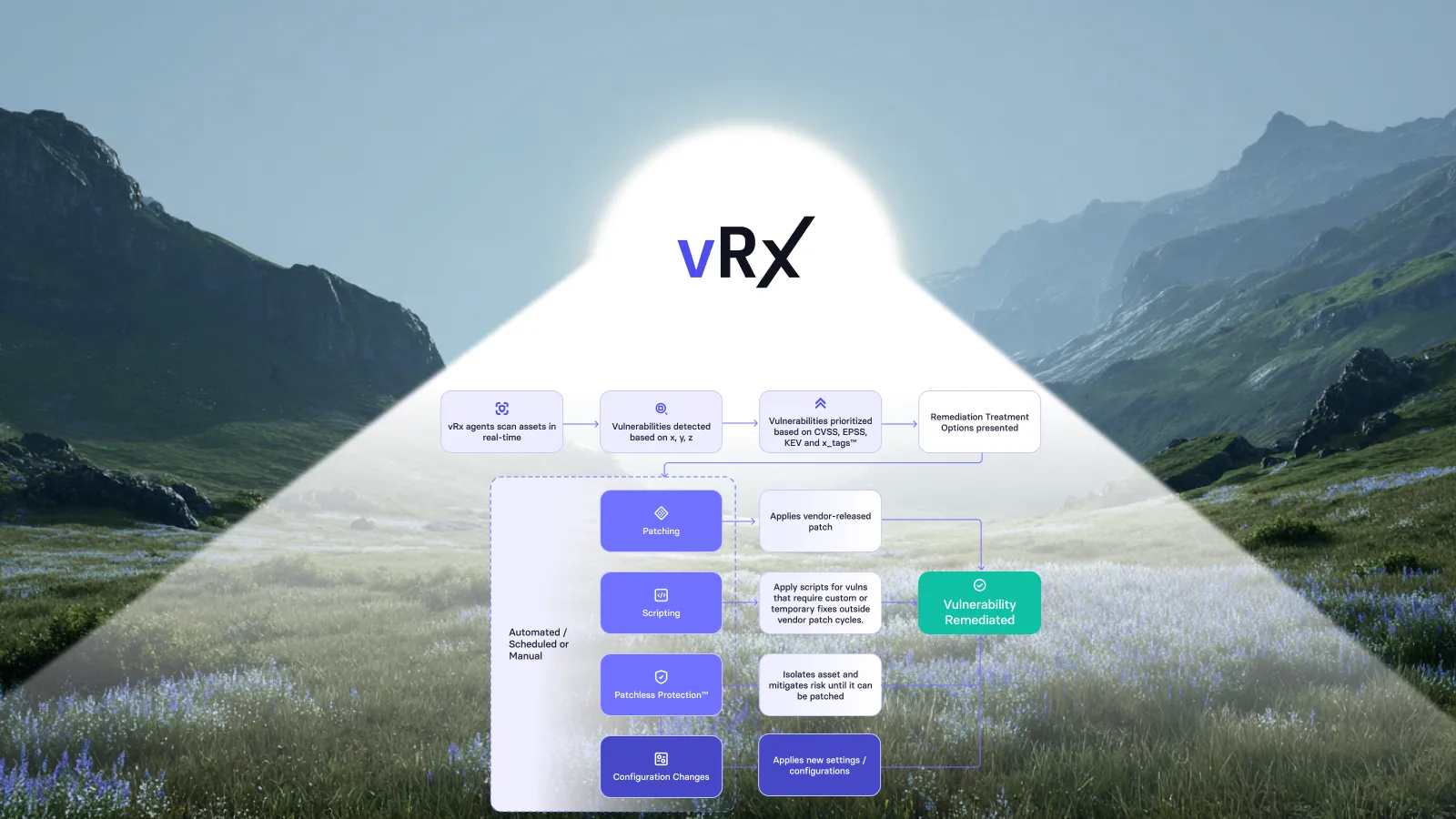
Some exposure calls for a response other than a software update. The aim remains to correct the issue or reduce the relevant risk through an applicable method.
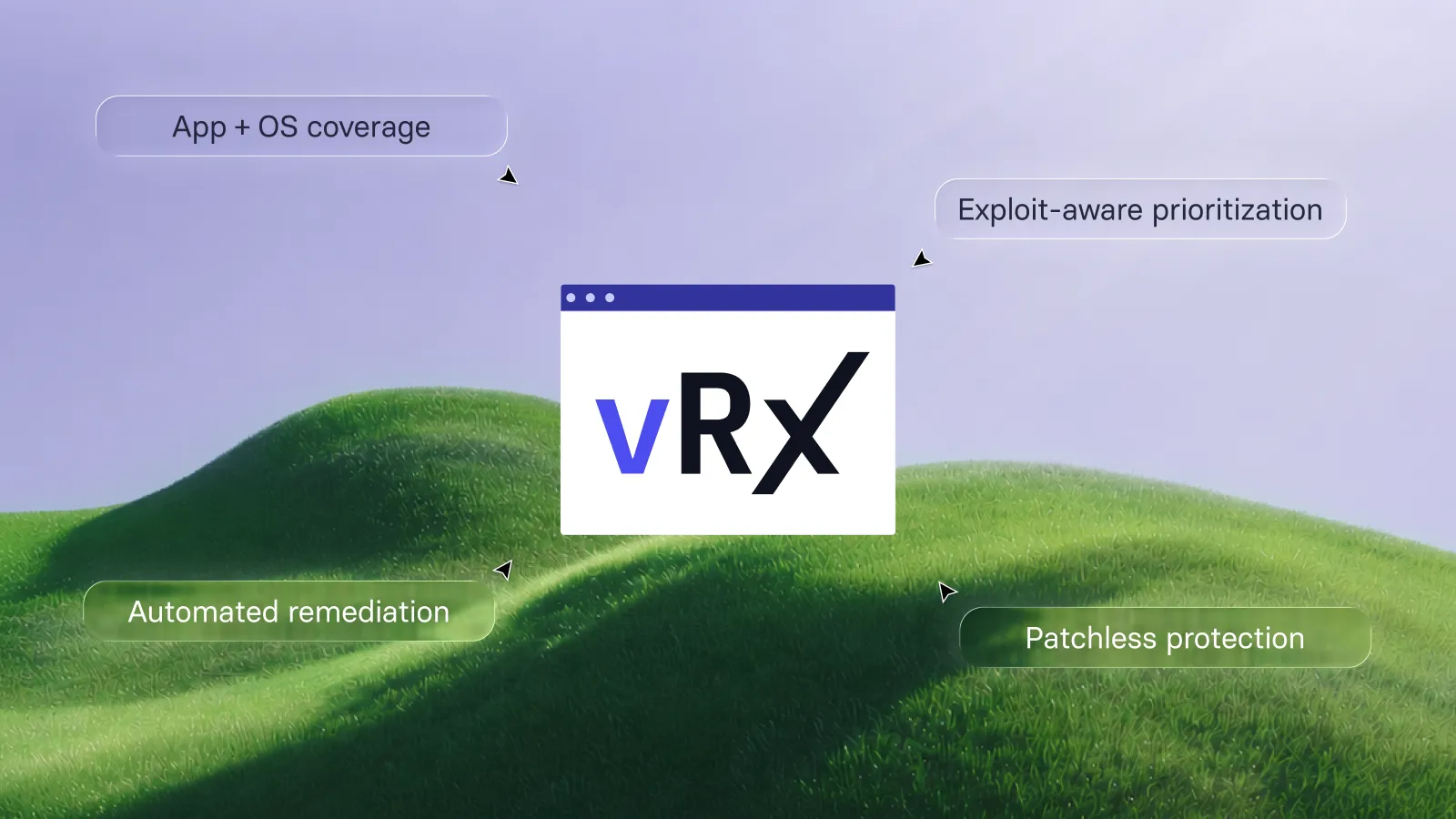
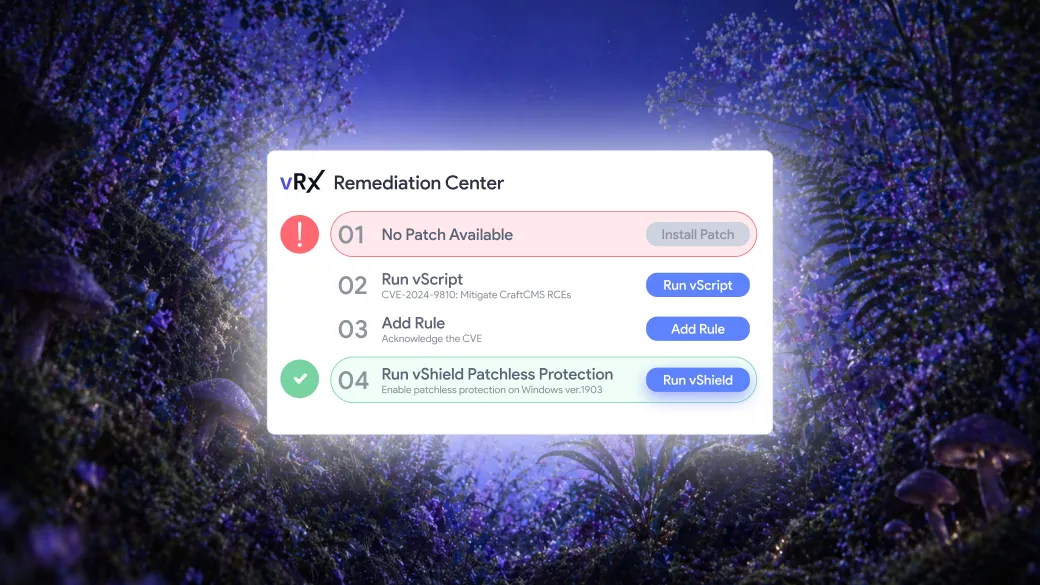
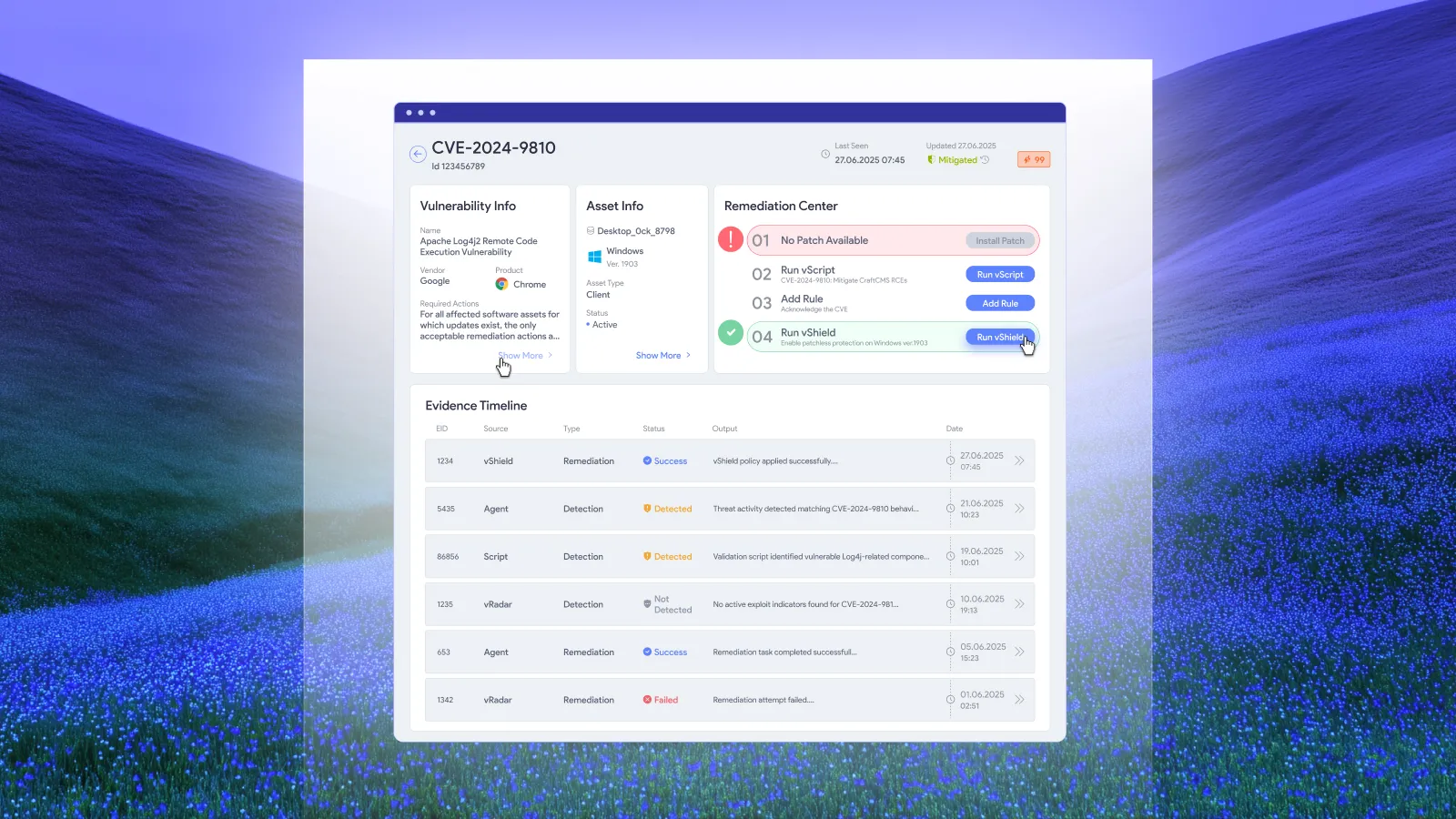
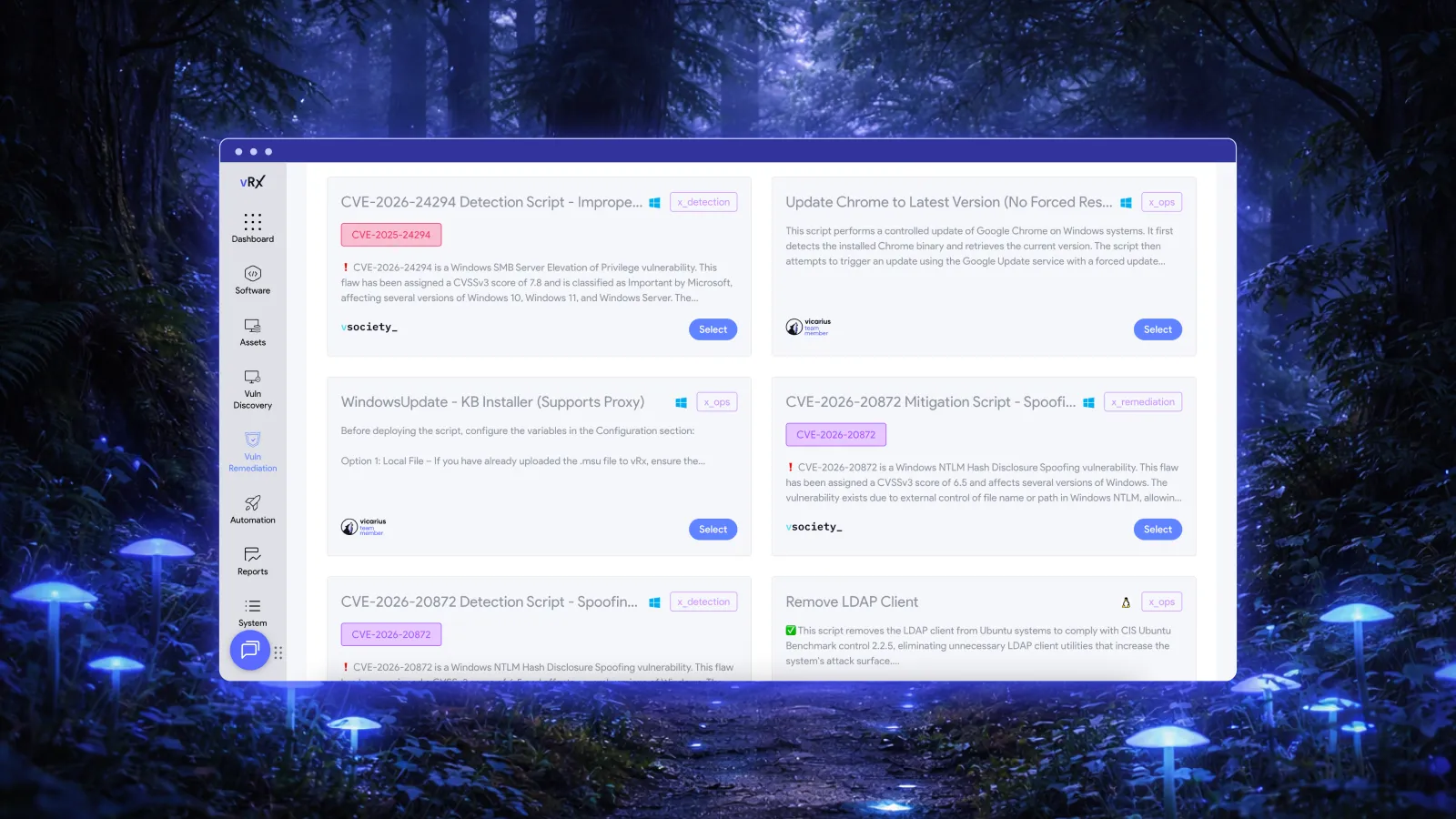
vScript supports script-based remediation for configuration weaknesses and hardening gaps. A configuration correction can address the underlying issue where an update is not the relevant fix. Its suitability depends on the target system and the change required.
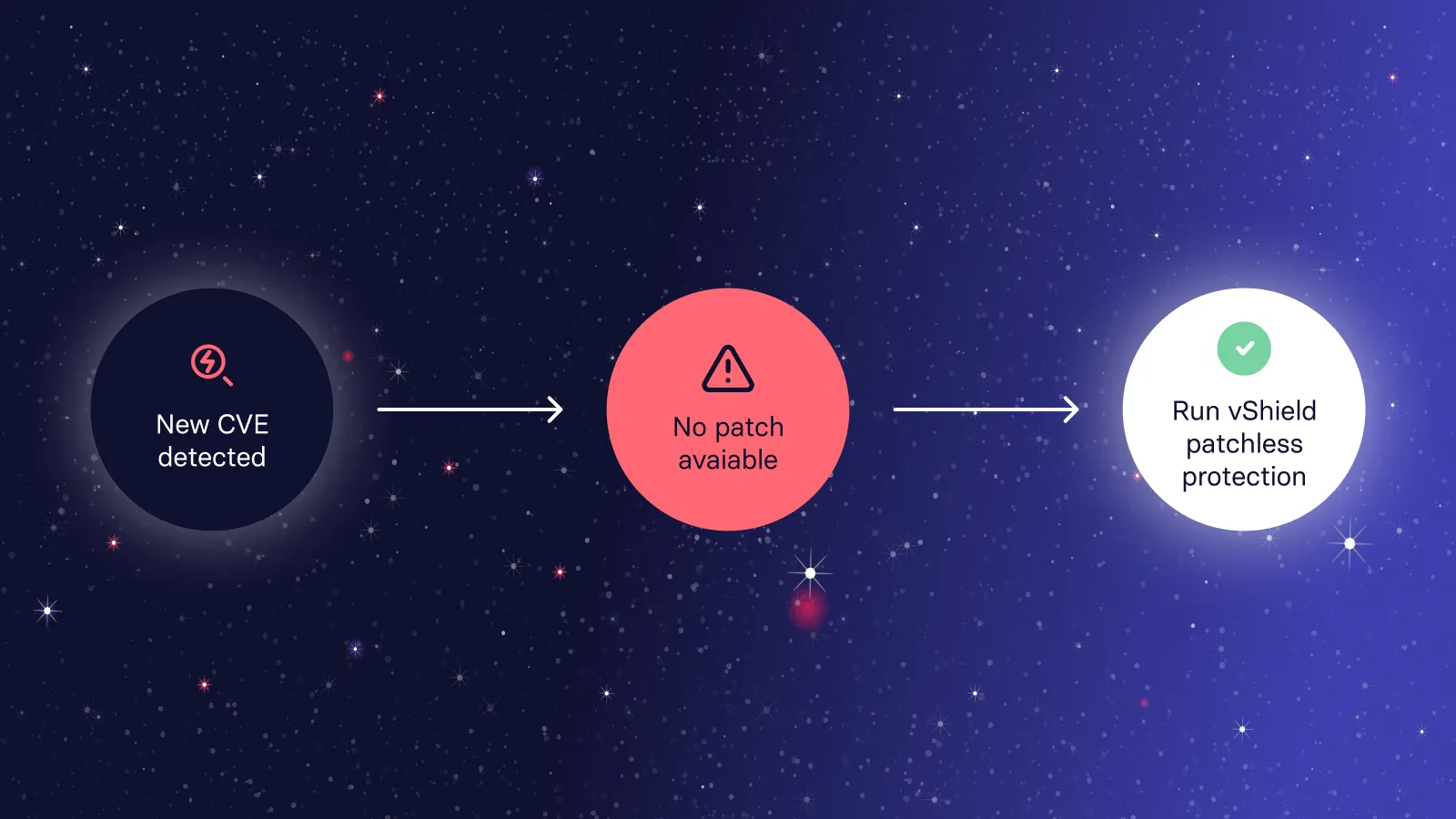
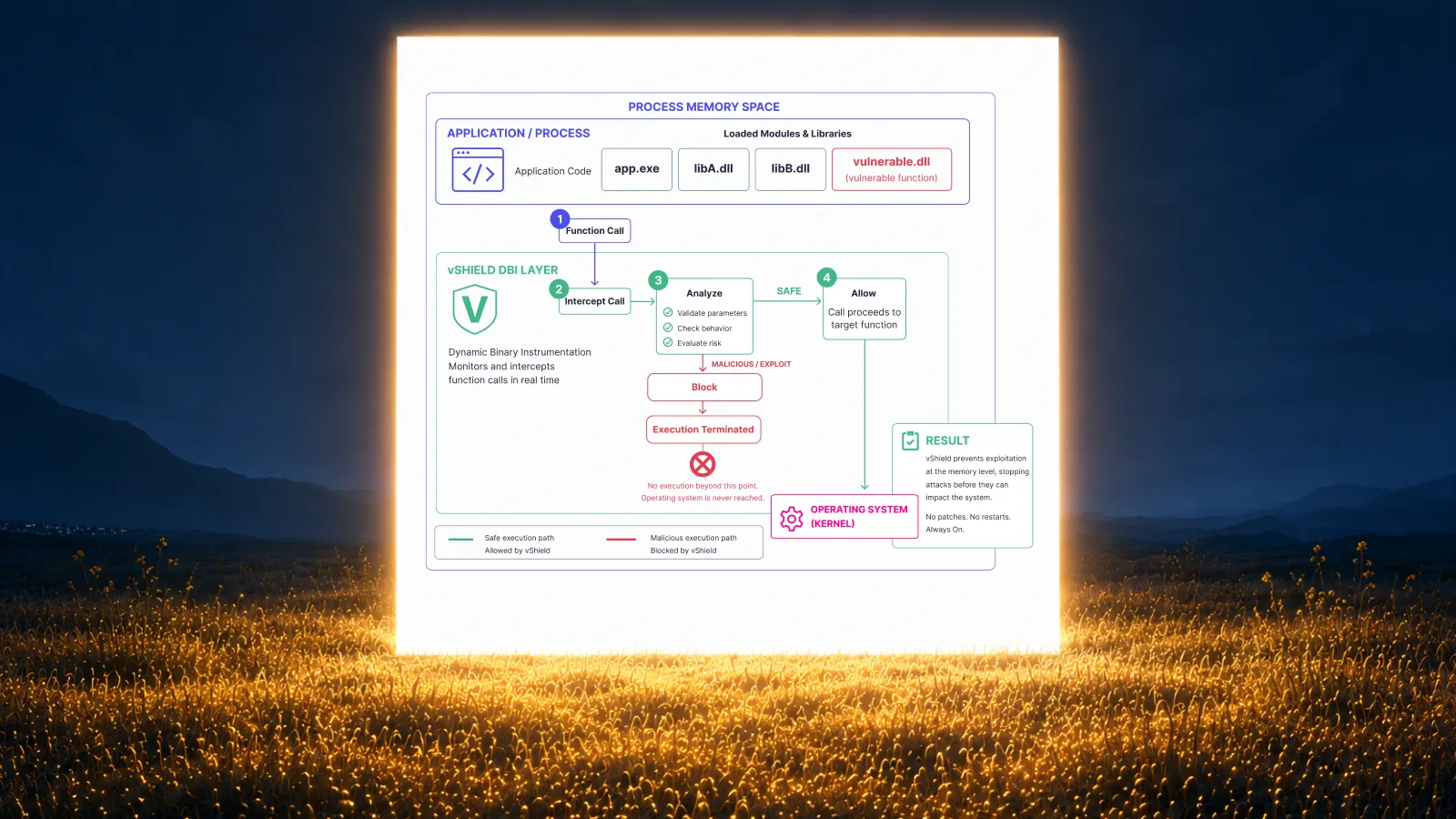
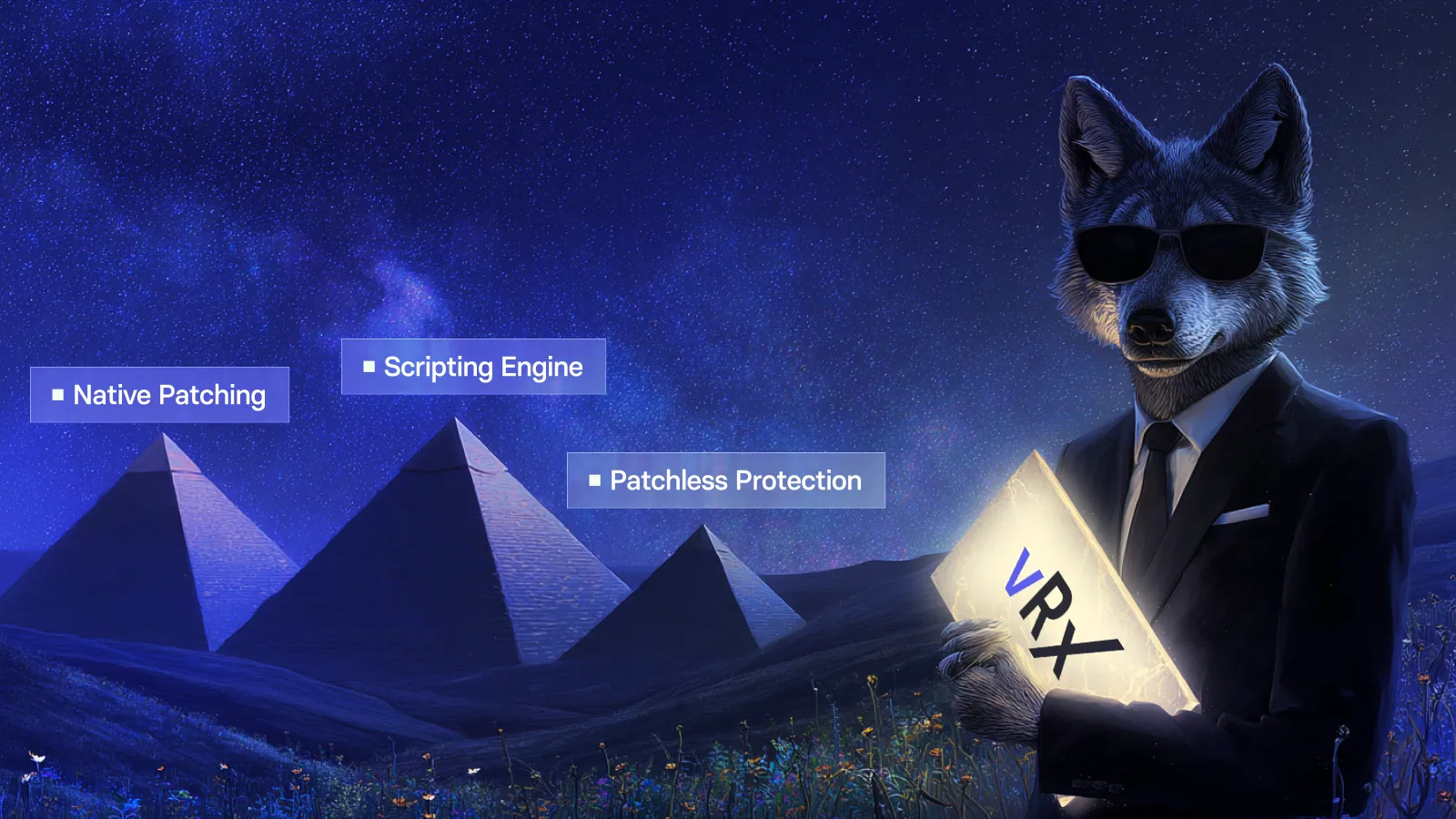
vShield patchless protection provides an applicable runtime protection option while a permanent correction is pending. Vicarius describes a transition away from that protection once the patch is applied and validated.
Keep the outcomes distinct. A corrected software version, a corrected configuration, and a protective measure are different results. Describing them accurately helps the team understand what is resolved and what still has a dependency. No single method should be assumed to cover every vulnerability.
Frequently asked questions
What is the difference between patch deployment and patch management?
Patch deployment is the execution of software updates on target systems. Patch management is the broader process that includes identifying and prioritizing updates, obtaining them, installing them, and verifying installation. Deployment is therefore one part of the remediation process. NIST’s patch management guidance includes verification explicitly.
Can vRx automate patch deployment?
Yes. vRx supports scheduled and rule-based deployment, as well as on-demand action. The team defines the operating conditions instead of manually initiating every recurring update. Vicarius’s patch management page describes these options.
Why can the same update close different vulnerabilities on different endpoints?
Endpoints can start from different software versions. An upgrade’s security effect therefore depends on the starting state of each machine. vRx calculates CVE coverage at the asset level rather than assigning one identical result to every installation. See per-asset coverage.
How does vRx help verify remediation after deployment?
Vicarius documents automatic asset revalidation after fixes through vScore. We recommend assessing that result alongside execution evidence so an action being sent is not mistaken for confirmed closure. See vScore’s validation capabilities.
See the deployment result, not just the task count
Bring a representative application and endpoint group to a vRx demo. Explore how automated deployment, per-asset coverage, and revalidation work together, with follow-up focused on the exposure that remains.































.webp)
















%20Signals%20a%20New%20Era%20of%20Supply%20Chain%20Risk.webp)







.webp)