

Remote patch management needs to account for devices that miss a deployment window. A laptop can belong to the right group and have an approved update waiting while its current remediation status remains unknown. The useful outcome is a verified change on that device.
For intermittently connected endpoints, build the workflow around three separate questions: can the device receive the work, has the approved action completed, and does current evidence confirm the intended result? Automate repeatable deployment through approved policies, then direct human attention to the devices that remain unresolved.
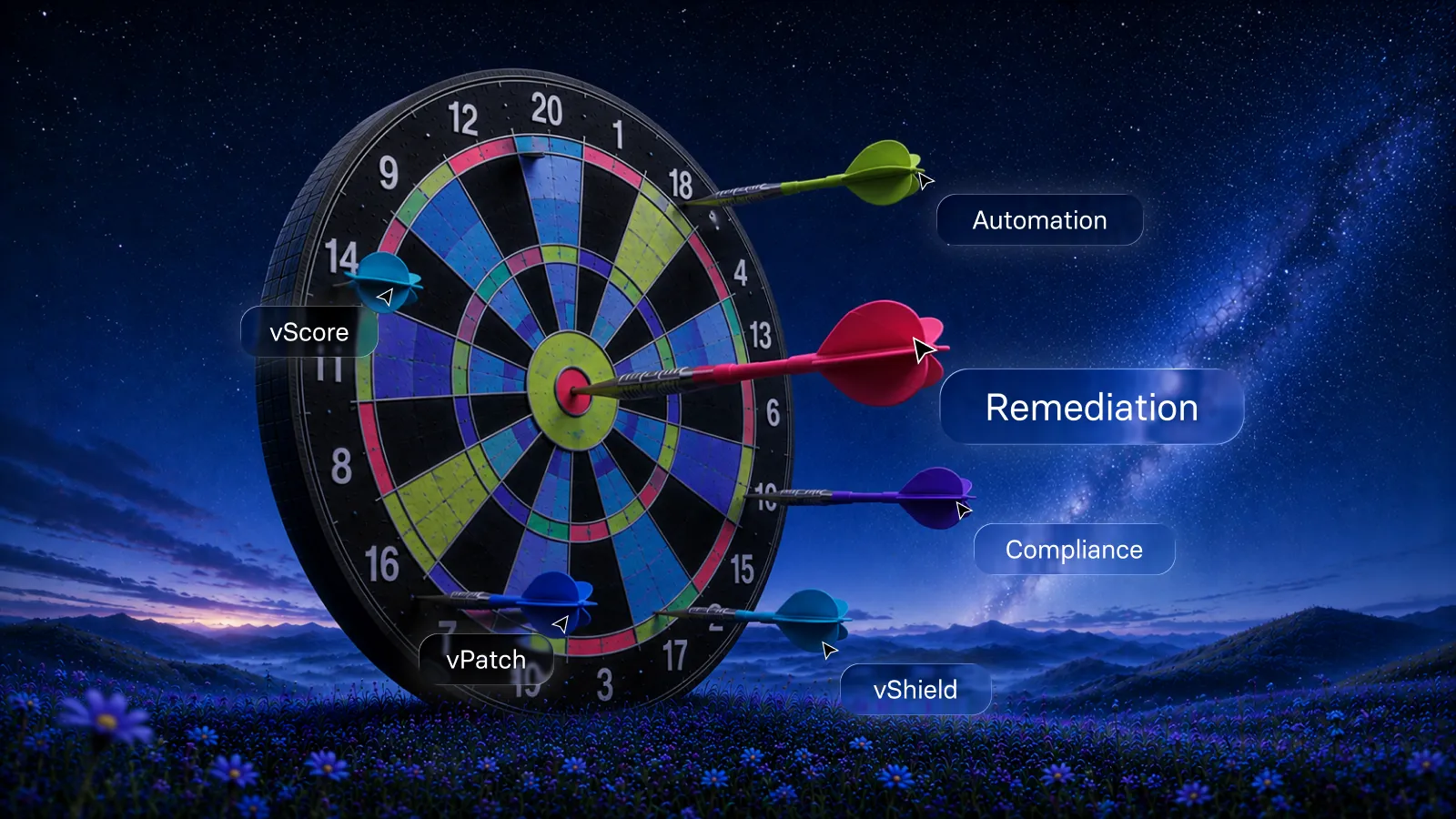
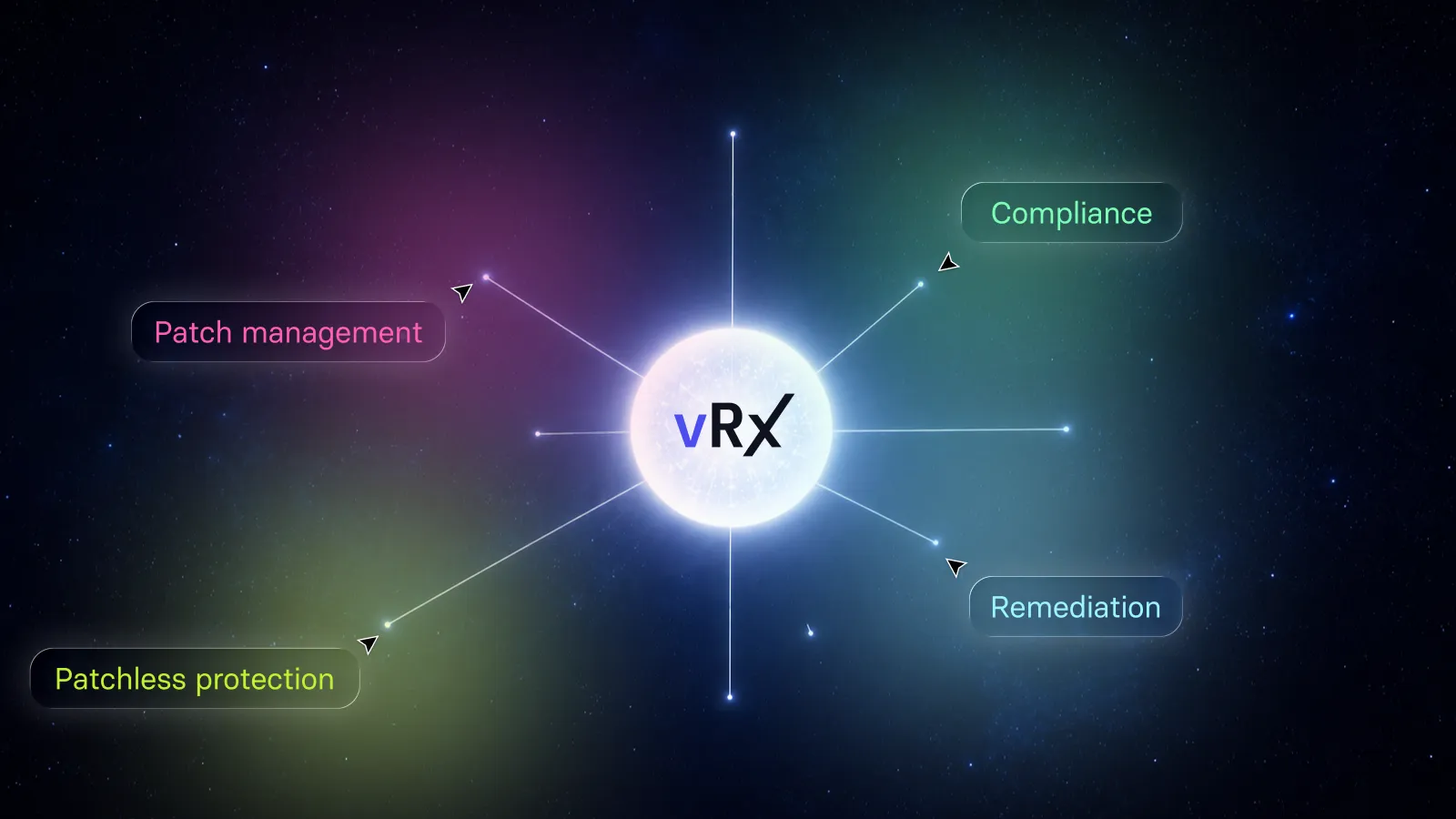
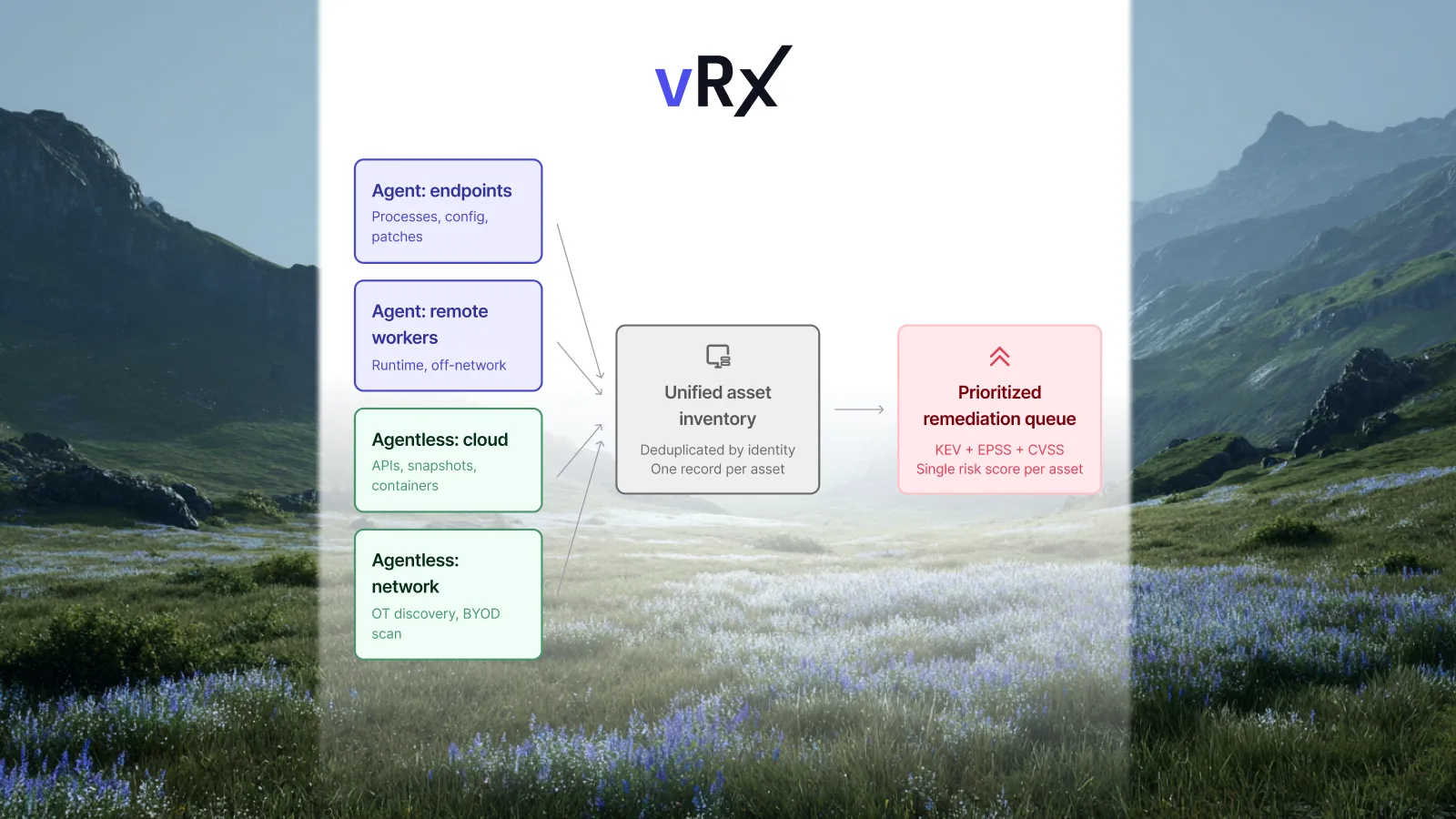
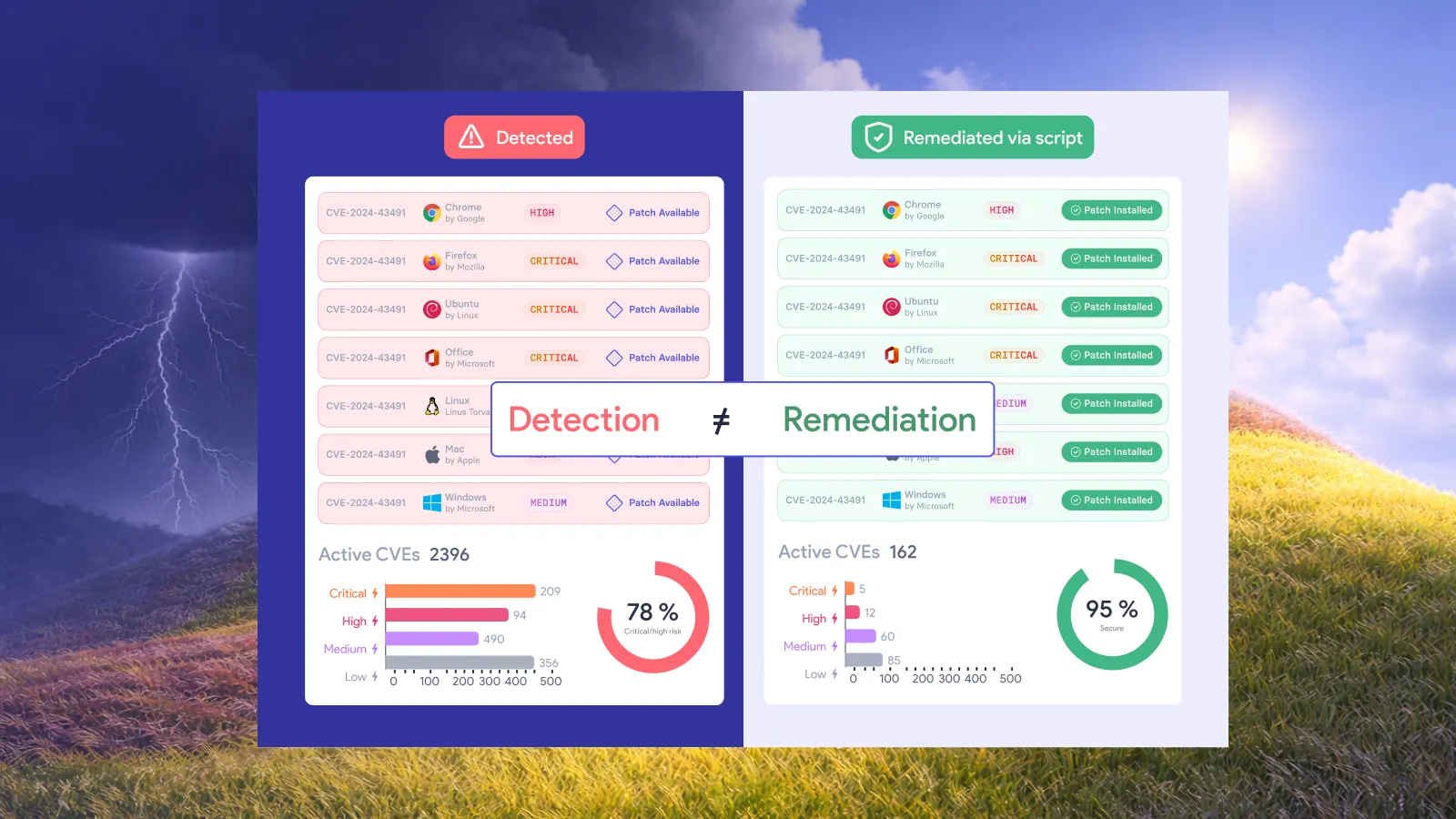
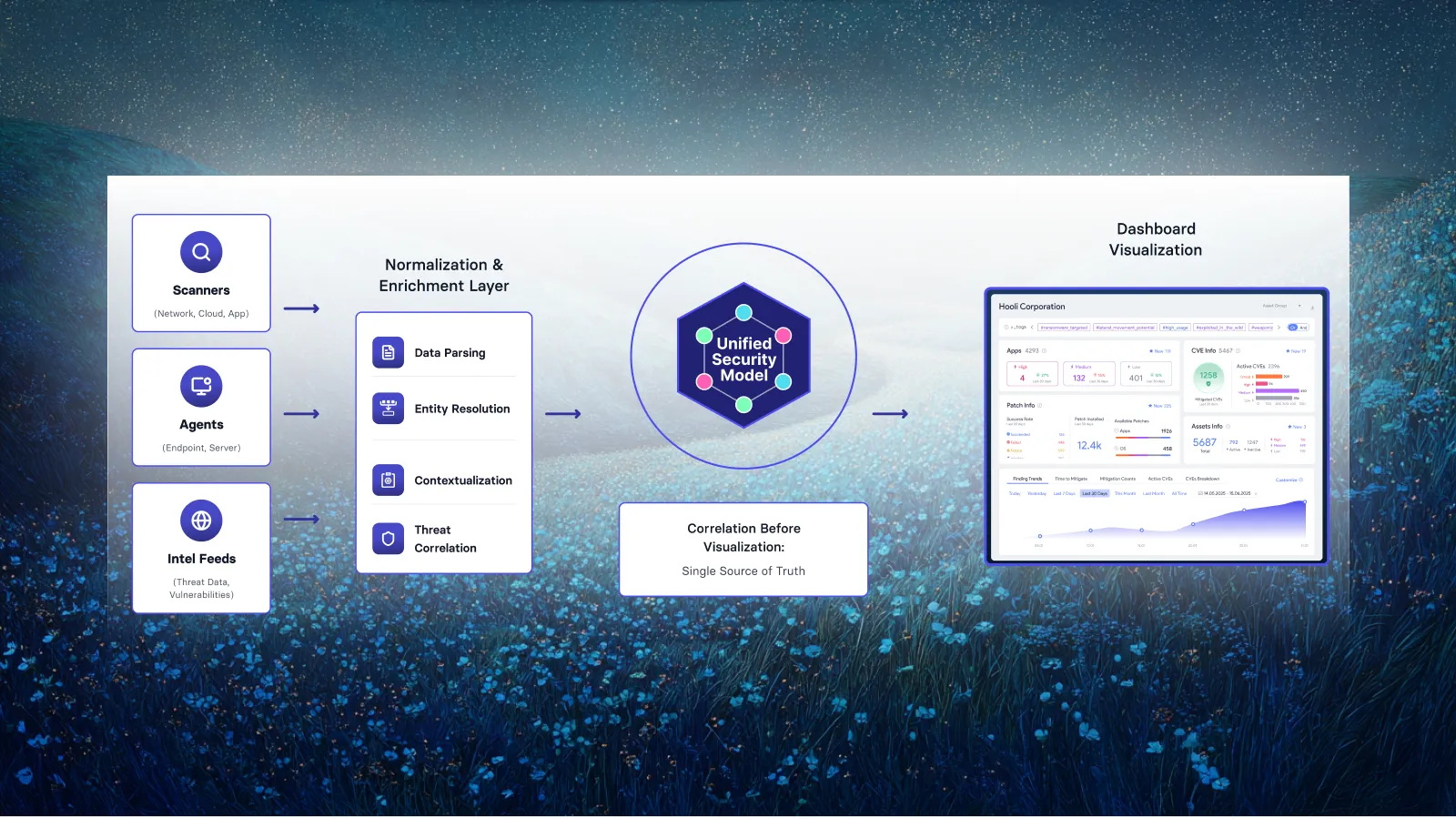
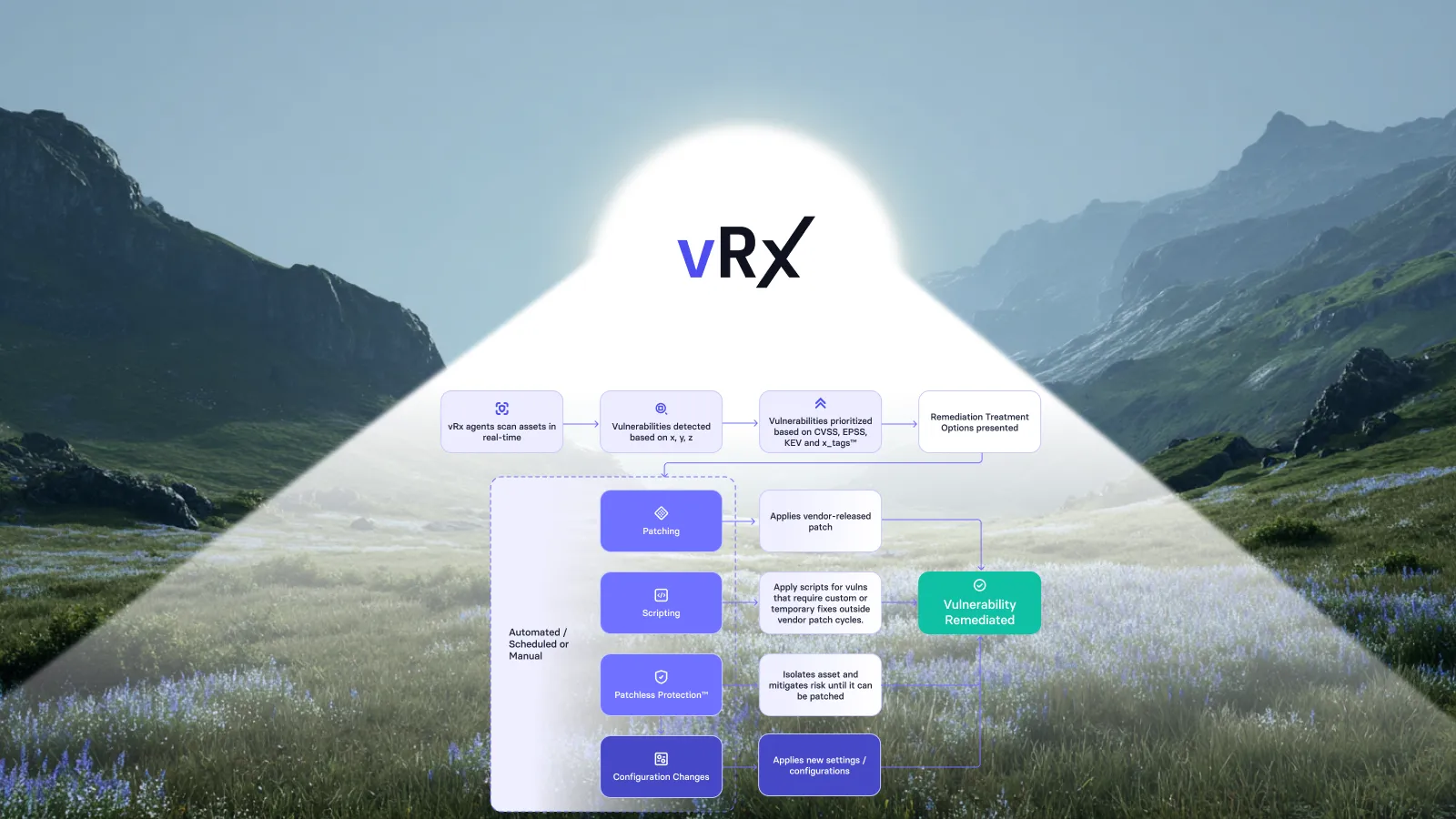
Vicarius vRx supports that remediation-first approach through scheduled and rule-based patching, reusable groups and post-installation version verification. Those capabilities help turn approved work into execution while keeping the desired endpoint clear: an asset whose affected software has reached the expected state. See vRx patch management and automated vulnerability remediation.
Why remote patching needs a completion policy
A remote employee shuts a laptop after a meeting. Another device is powered off during a scheduled deployment. A third downloads an update but still needs a restart. These illustrative situations raise a concrete question: what does your organization count as complete?
A schedule describes when work should happen. It cannot, by itself, establish what happened on every targeted asset. NIST includes verification in its definition of enterprise patch management, alongside identifying, prioritizing, acquiring and installing updates.
Connectivity also affects the underlying update mechanism. Microsoft documents that a Windows device unable to reach the internet cannot determine an update’s publication date and therefore cannot enforce the associated deadline. That is a specific Windows policy behavior, rather than a universal rule for all patching products. It demonstrates why a deadline and evidence of completion belong in separate fields. See Microsoft’s update-compliance guidance.
The operational policy should describe what happens when an endpoint misses its expected completion time. Give unresolved devices an owner and an escalation route. Keep them visible until fresh evidence supports closure or an authorized disposition changes their status.
Automate the routine work through approved groups and schedules
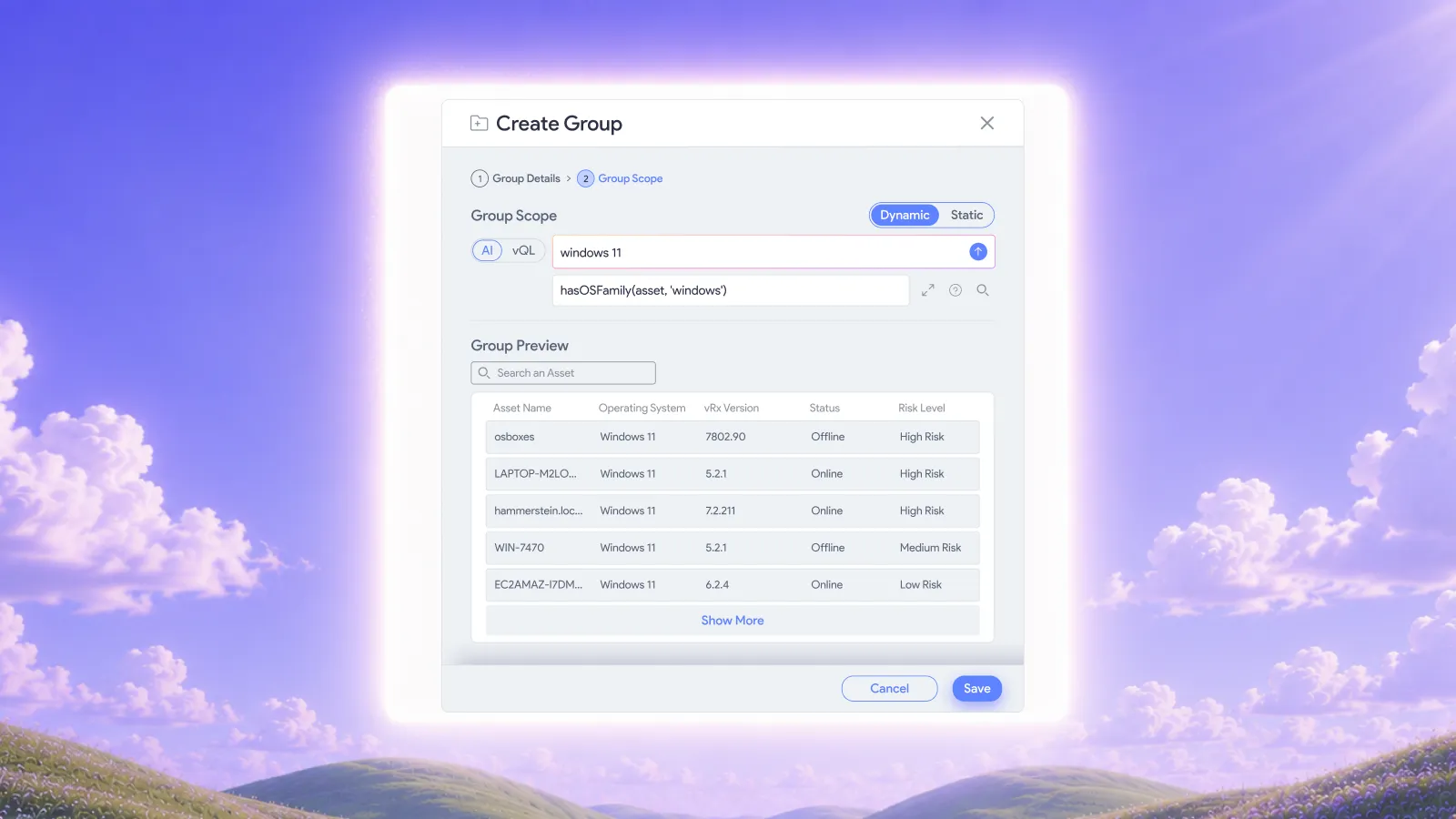
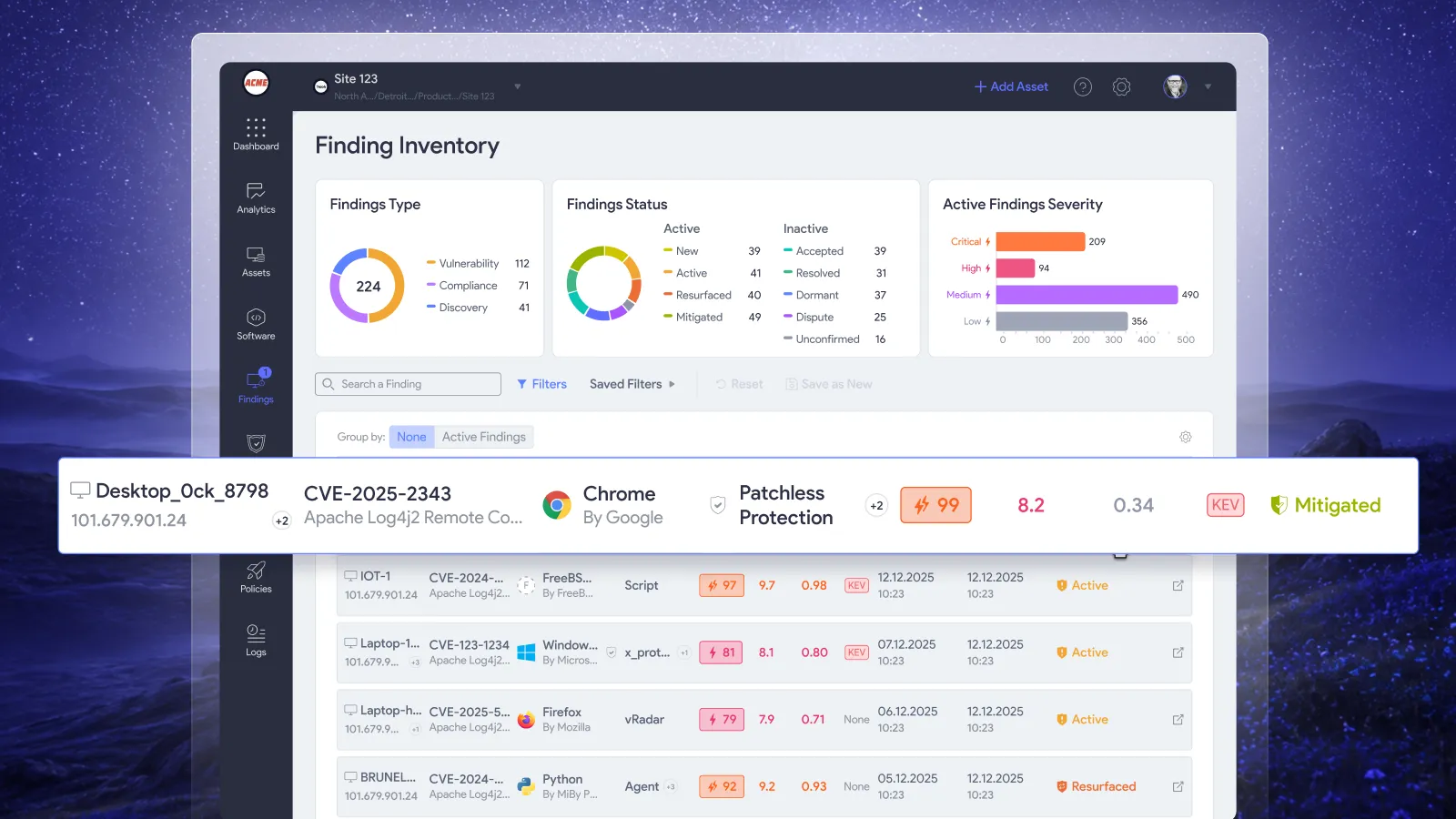
vRx lets teams deploy patches on demand, on a schedule or through rules. Asset groups can target defined parts of the estate, while software and patch groups organize the work. Dynamic patch groups update their membership as matching patch data changes. These are documented vPatch deployment capabilities.
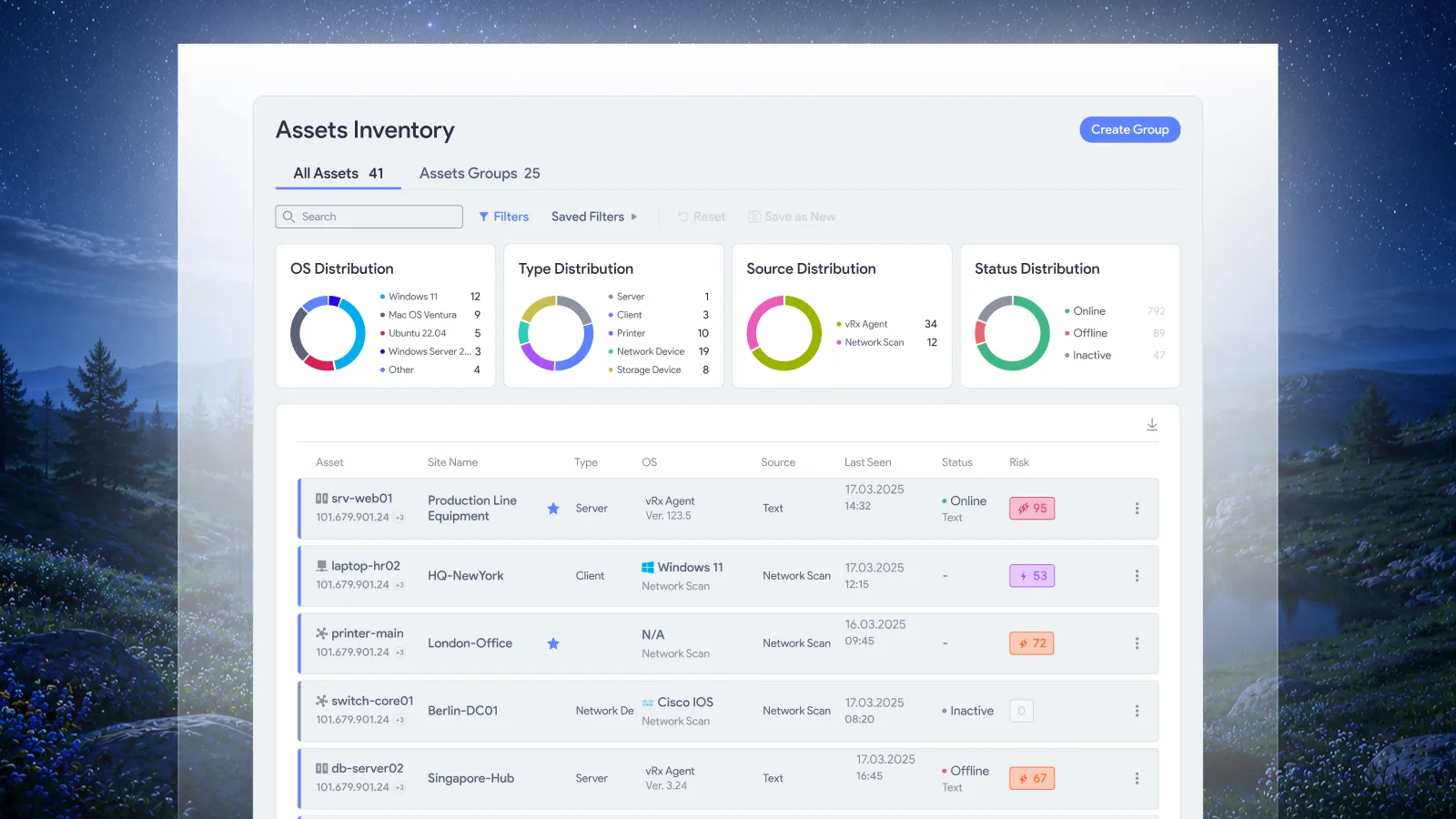
For a distributed workforce, use the grouping and scheduling controls to express how the organization works. A pilot group may need a different deployment schedule from a regional sales team. A shared endpoint may need an agreed maintenance period that differs from an individually assigned laptop.
Once the routine is approved, recurring eligible work should follow it without requiring an analyst to rebuild the same device list. People should spend their time on the exceptions that need judgment: persistent lack of contact, repeated failure, an application constraint or an unexplained result.
Set the completion expectation at the same time as the deployment scope. Otherwise, a team can have well-organized automation with no agreed point at which an unfinished endpoint becomes someone’s responsibility.
Keep unresolved devices in the completion view
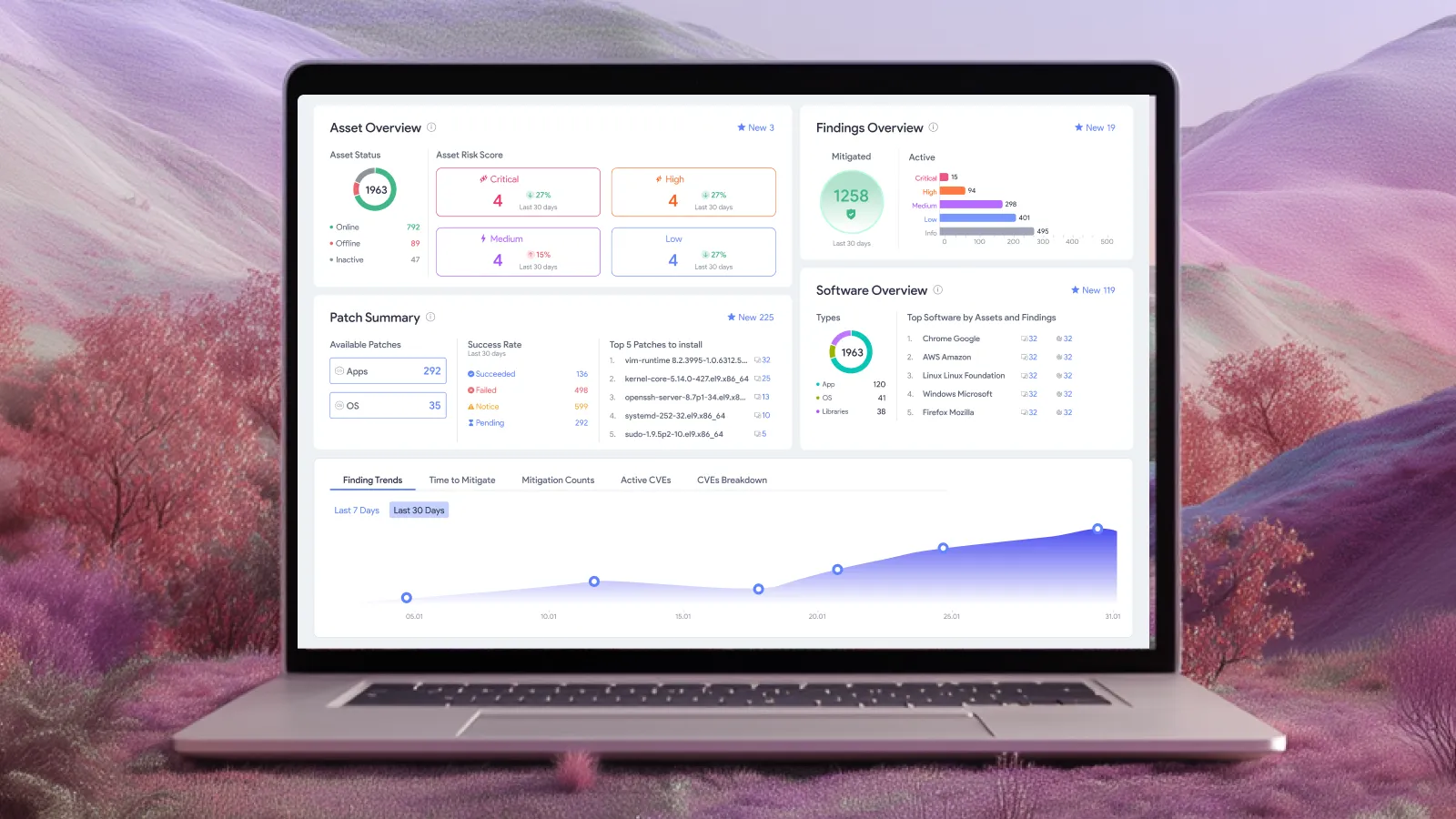
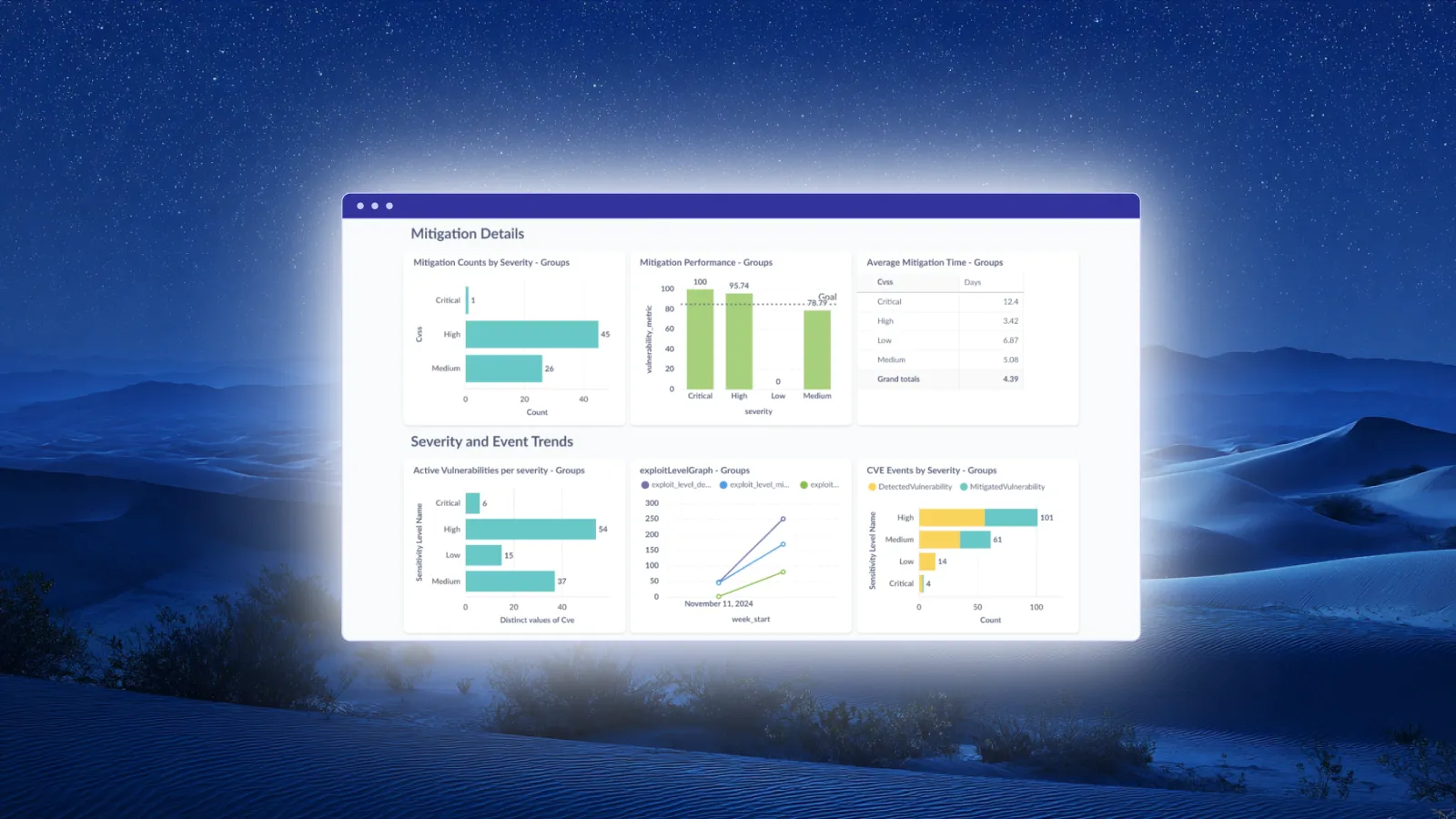
Use a completion view that separates the reason an endpoint remains open from the action someone should take next. The following is a recommended reporting model, rather than a set of product-screen labels.
A device disappearing from a current connection list should not silently disappear from an assigned remediation group’s accountability. Similarly, retirement should be an explicit inventory decision. Record it as retirement rather than treating it as a successful patch.
This keeps the completion view useful when the reachable population changes during the day. It also gives an operator a concrete reason to intervene instead of another undifferentiated list of failures.
A missed window should lead to a defined next action
Consider a hypothetical deployment to 100 remote laptops. Current evidence confirms the target version on 80. Ten have not checked in, six still require a restart, and four report an installation failure.
The report should say 80 verified completions and explain the remaining 20. Reporting only the 80 completed devices as the measured population would conceal the work that still needs attention.
The next actions differ. The ten devices without recent evidence need contact and ownership investigation. The six awaiting restart need the organization’s restart procedure. The four failed installations need failure diagnosis and the applicable recovery procedure. Sending the same reminder to all 20 would ignore what the evidence already tells you.
Decide in advance how long each condition can remain unresolved and who receives it next. Those escalation periods should reflect the exposure and the organization’s operating constraints. A fixed number copied from another company is a poor substitute for that decision.
When new evidence arrives, update the device’s state. Preserve its earlier deployment history so that a later success does not erase how long it remained exposed or why the first attempt did not complete.
Connect installation to the expected software state
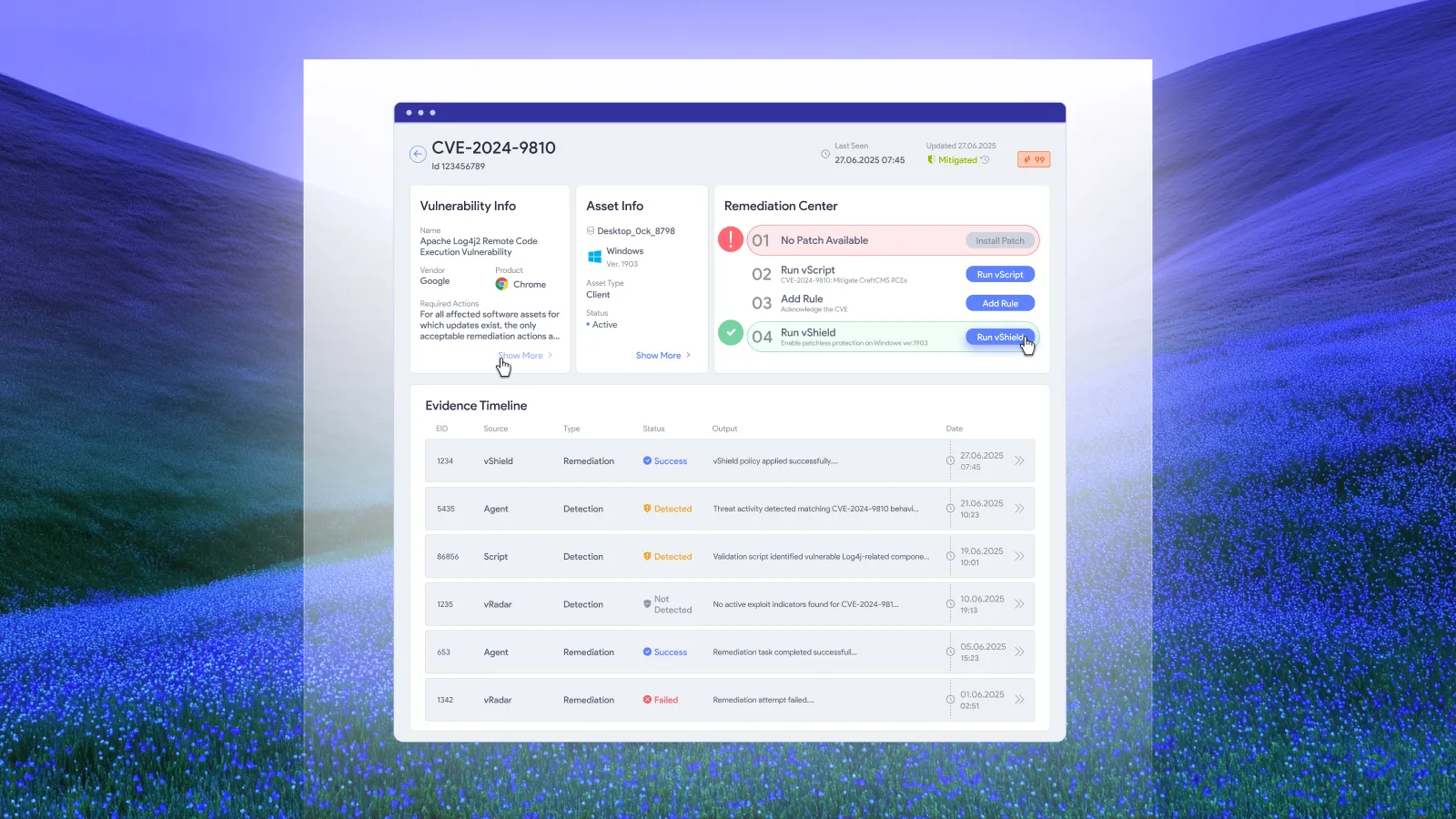
For patching, vRx compares the software version detected after installation with the expected target version and confirms success when they match. That connects execution to an observable result. It also makes the target version and the device identity useful parts of the remediation record. See the documented verification approach.
Where a vendor requires an application relaunch or operating-system restart, include that requirement in the completion procedure. Microsoft’s expedited Windows update documentation, for example, distinguishes installation from restart handling and explains that connectivity and scan timing affect when installation begins.
After a prolonged absence, establish the device’s current software state before interpreting an old assignment as still applicable. The relevant question is which exposure remains now and which approved action addresses it. This avoids confusing historical work with a current remediation requirement.
For the evidence needed to close an individual finding, use the existing patch verification checklist. Remote operations add another concern: whether that evidence is recent enough to support the decision.
Use remediation options when patching must wait
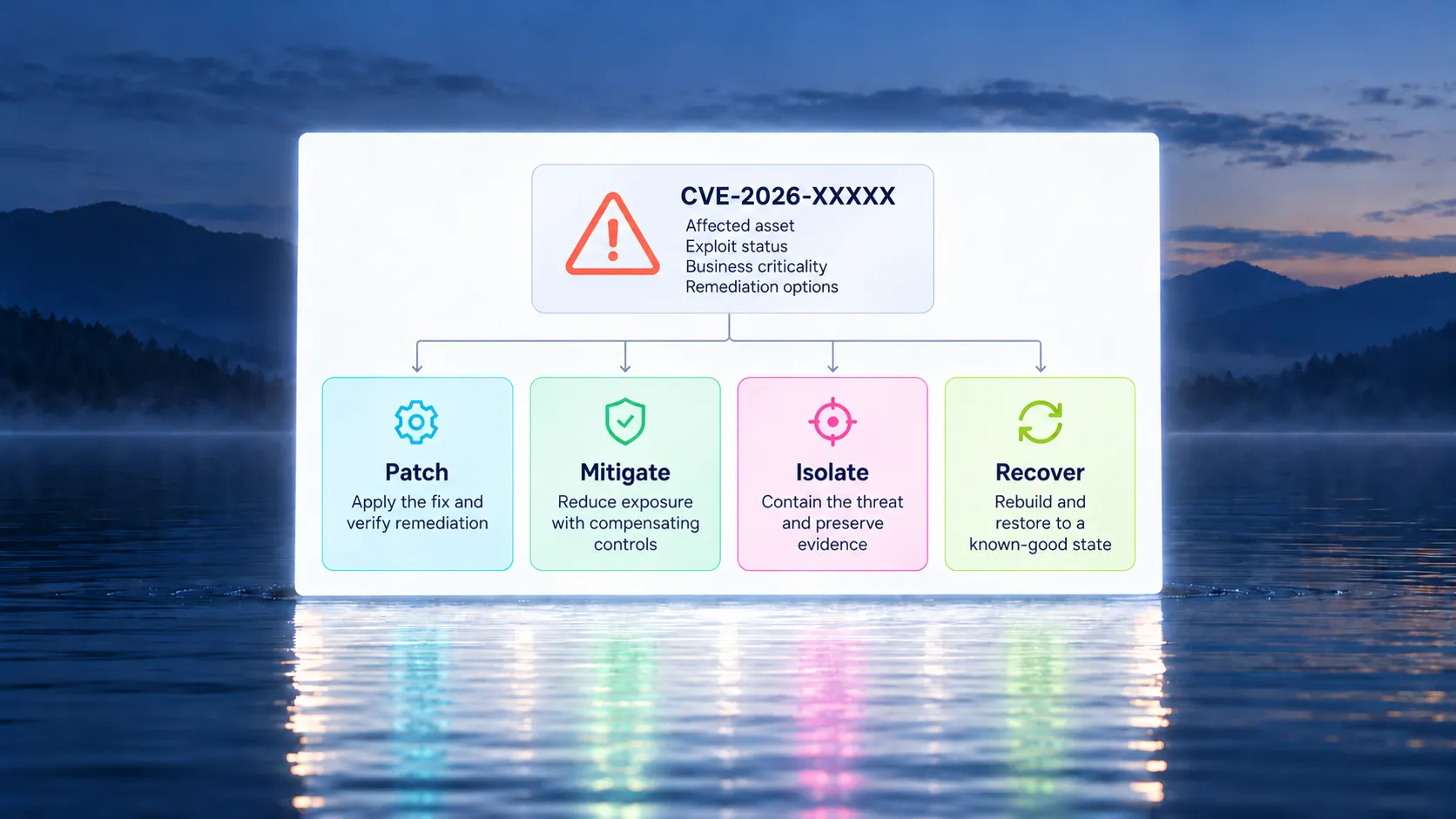
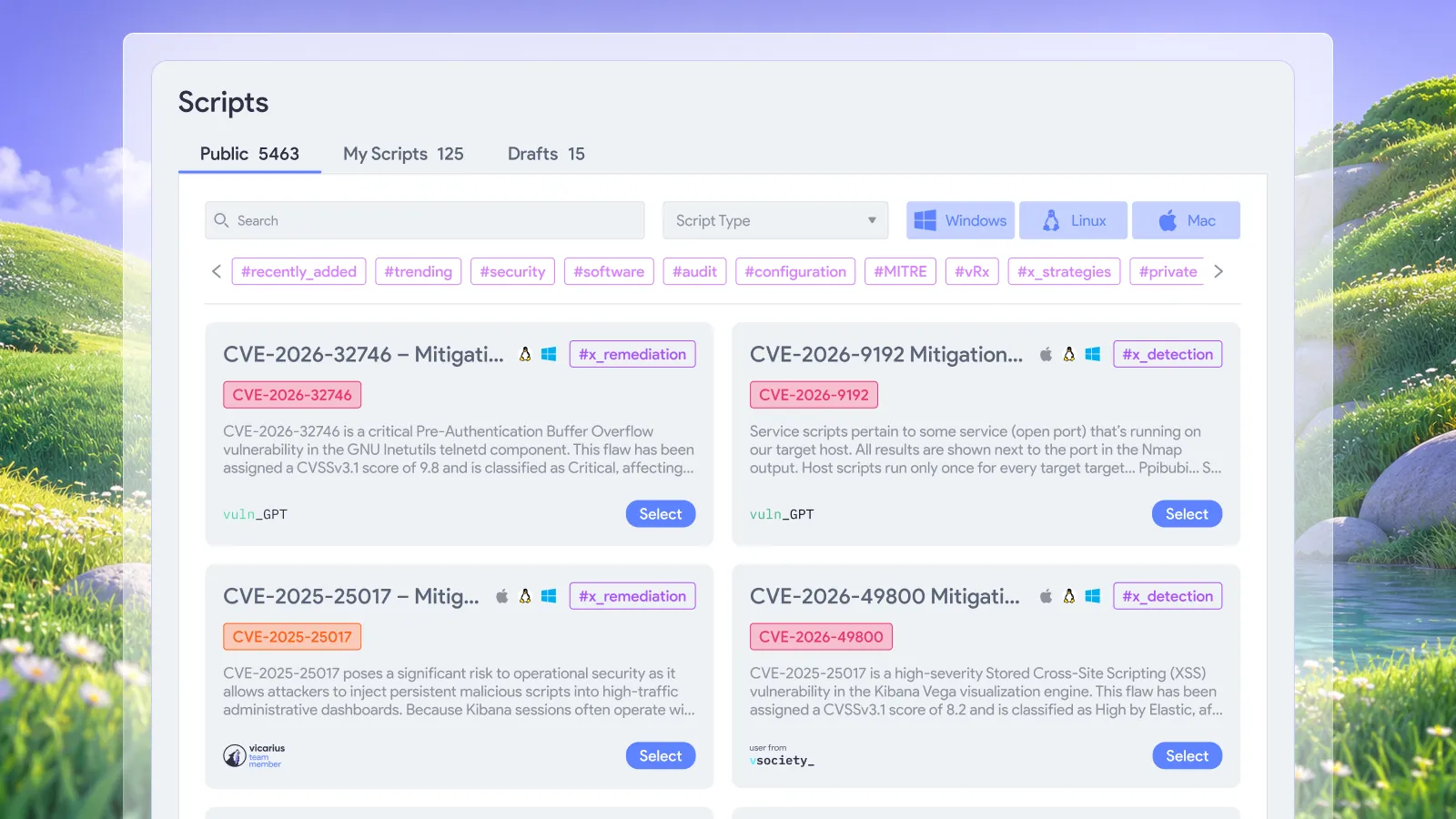
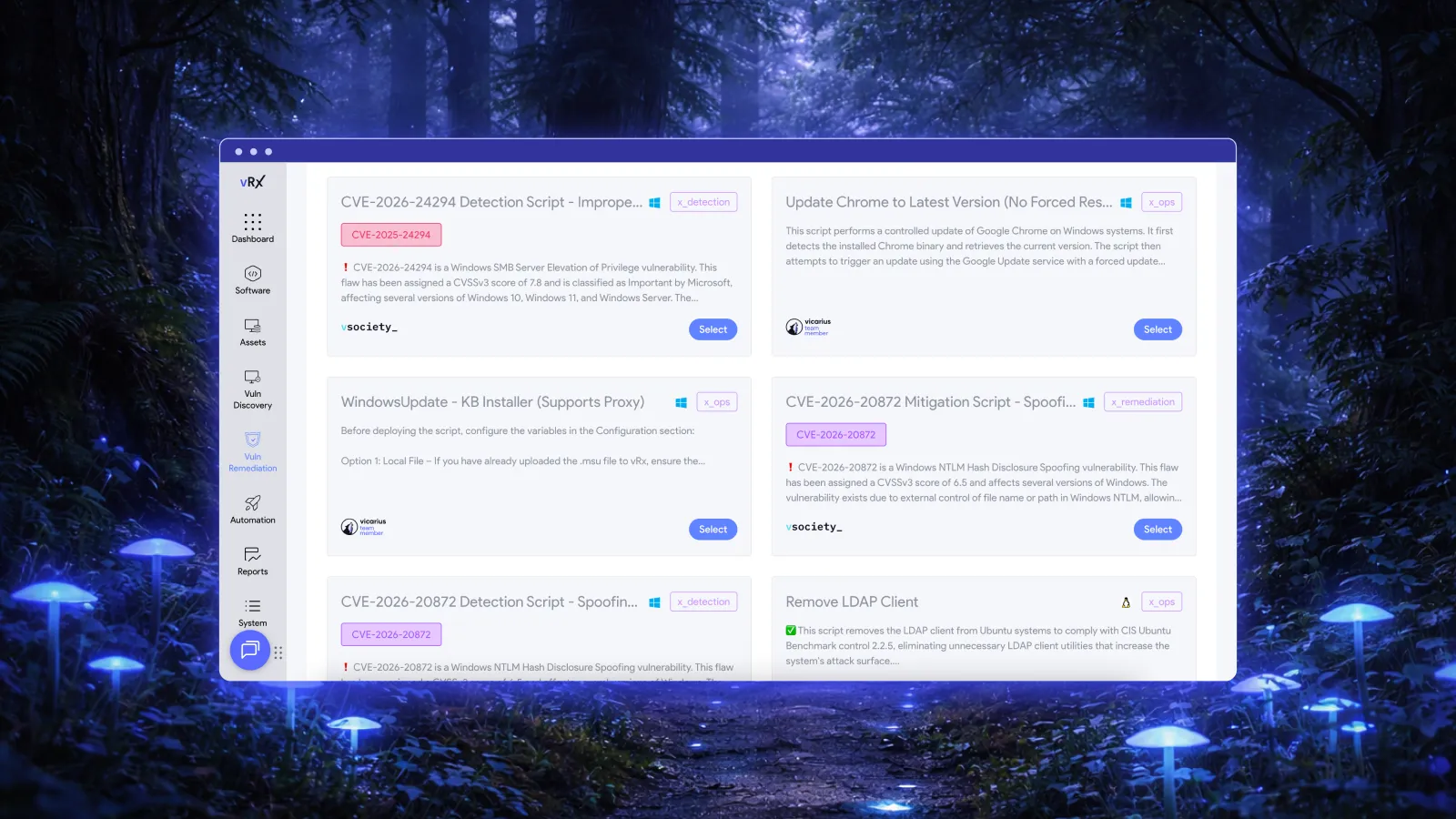
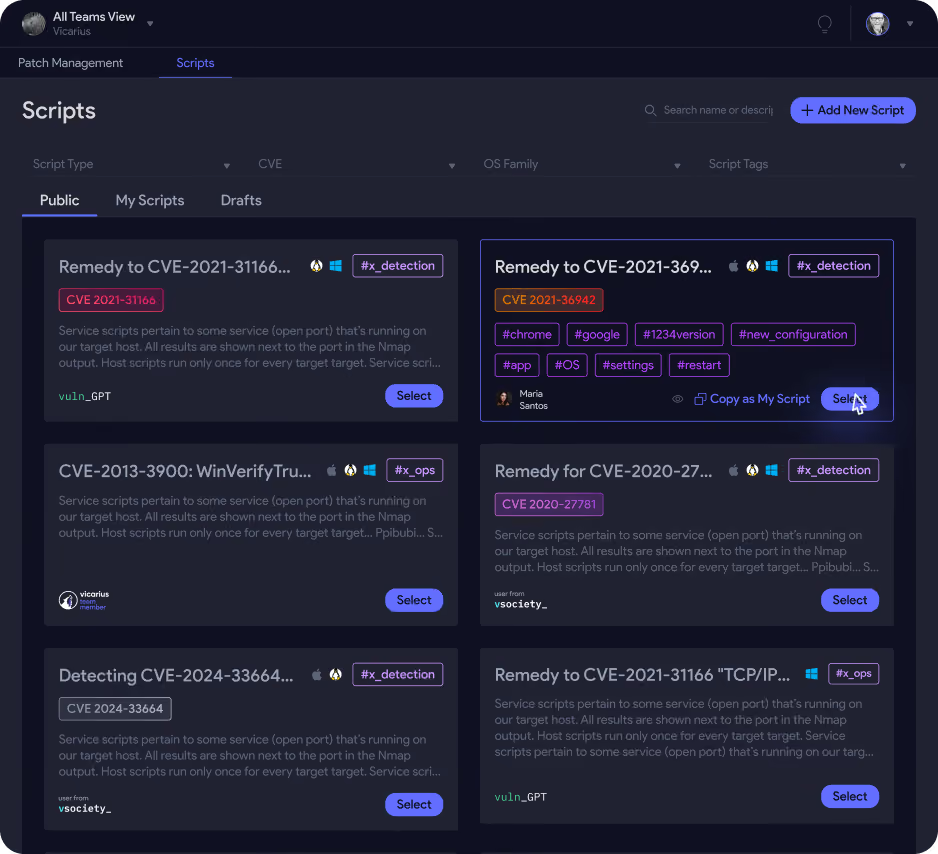
Some endpoints need a different response while a permanent update is being prepared. Vicarius provides vScript for detection and remediation scripts, including custom, community and AI-generated scripts. A reviewed configuration change can be appropriate when the vendor’s guidance and the affected environment support it.
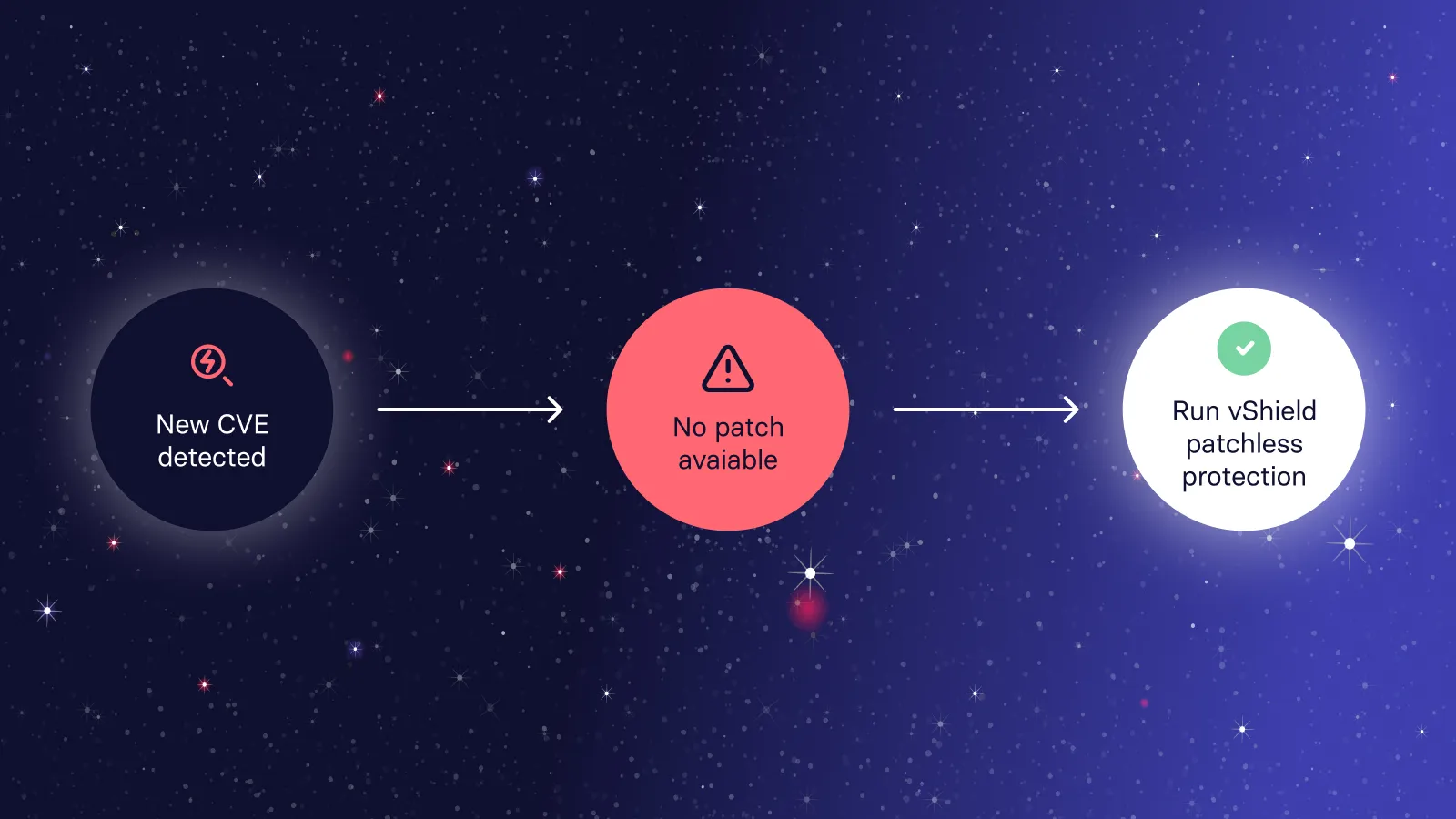
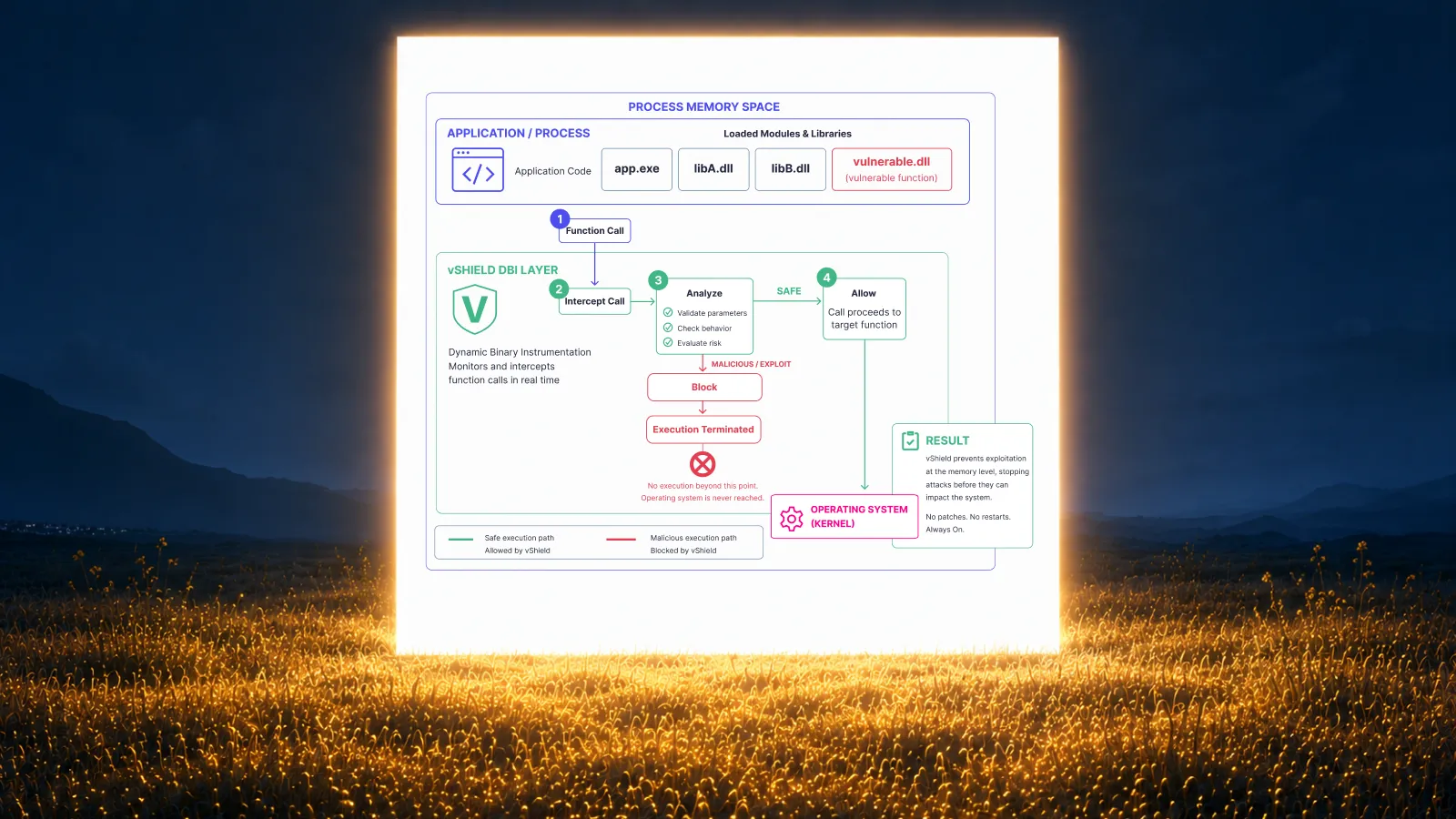
vShield Patchless Protection provides an in-memory protection approach for applicable exposures. Treat verified protection as its own outcome, with the permanent remediation work still visible where required. A mitigation and removal of the underlying vulnerability answer different operational questions.
Choose the method for the specific exposure and confirm that it has taken effect on the endpoint. The existence of an available action does not establish its deployment. For wider application coverage, the third-party patch management guide provides the broader context.
Frequently asked questions
What is remote patch management?
Remote patch management is the deployment and verification of software updates on devices managed from another location. For intermittently connected endpoints, the process must also account for devices that miss an expected deployment or cannot provide current completion evidence.
Is an offline device a successfully patched device?
Offline status alone proves neither success nor failure. Use the latest trustworthy completion evidence and its timestamp. If there is insufficient evidence for the assigned update, keep the outcome unresolved until the device’s state can be established.
What does vRx verify after patch installation?
vRx compares the detected post-installation software version with the expected target version. Its remediation documentation describes confirming patch success when those versions match.
How should temporary protection appear in a patch report?
Show it as verified mitigation with its scope and follow-up action. Do not count it as installation of a permanent patch. This preserves visibility into both the protection already in place and the remediation work that remains.
See the remote remediation workflow in practice
Request a Vicarius demo focused on your remote endpoint estate. Use a representative device group to discuss deployment policies, completion evidence and the handling of unresolved assets.