


Third-party patch management should turn an approved update policy into corrected applications across your environment. To evaluate that outcome, start with the software your organization runs, then establish which updates apply and what happens when the policy executes.
A catalog helps establish product coverage. A representative pilot shows whether the intended remediation works under your operating conditions. Both matter when deciding where to expand automation.
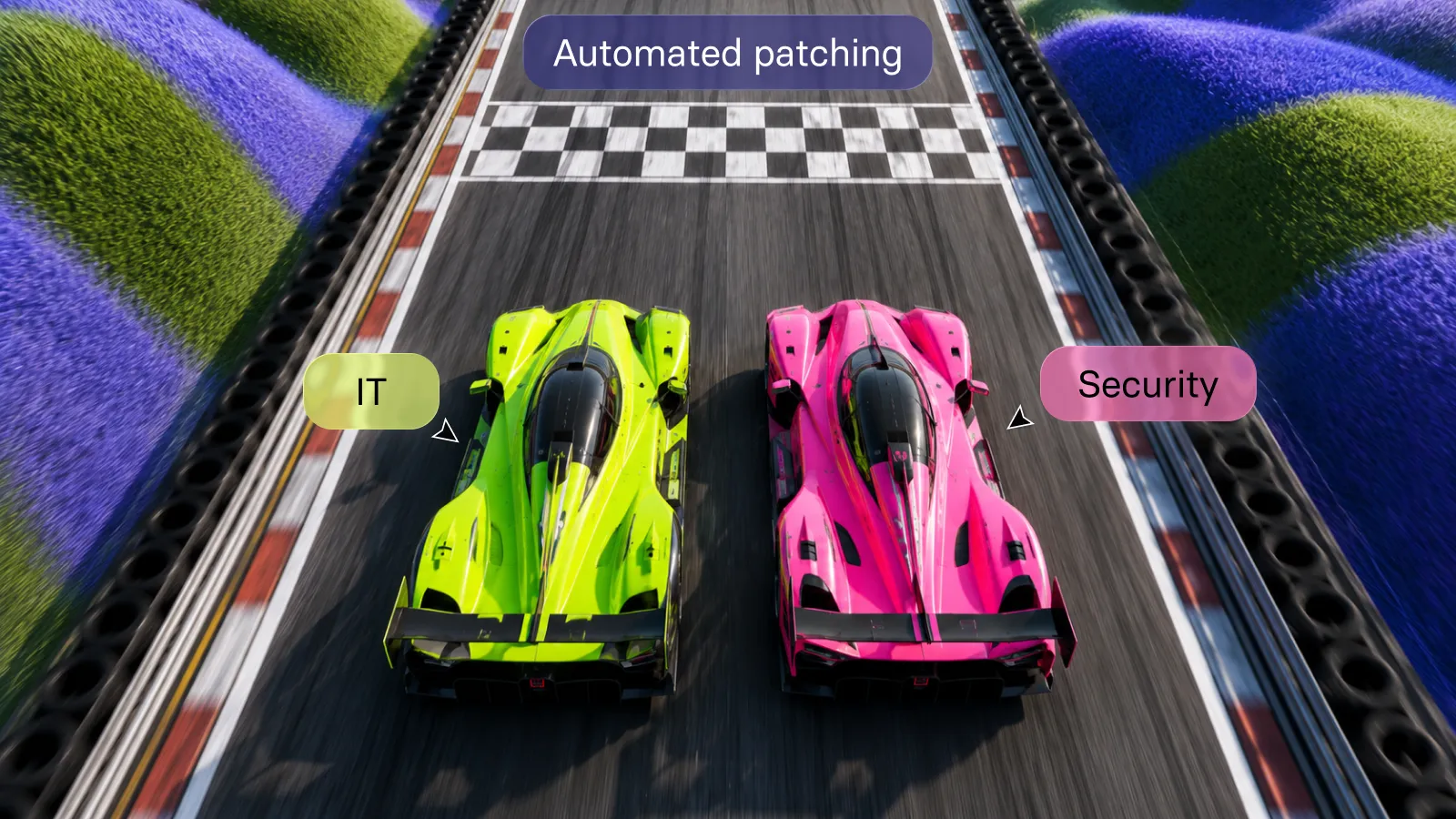
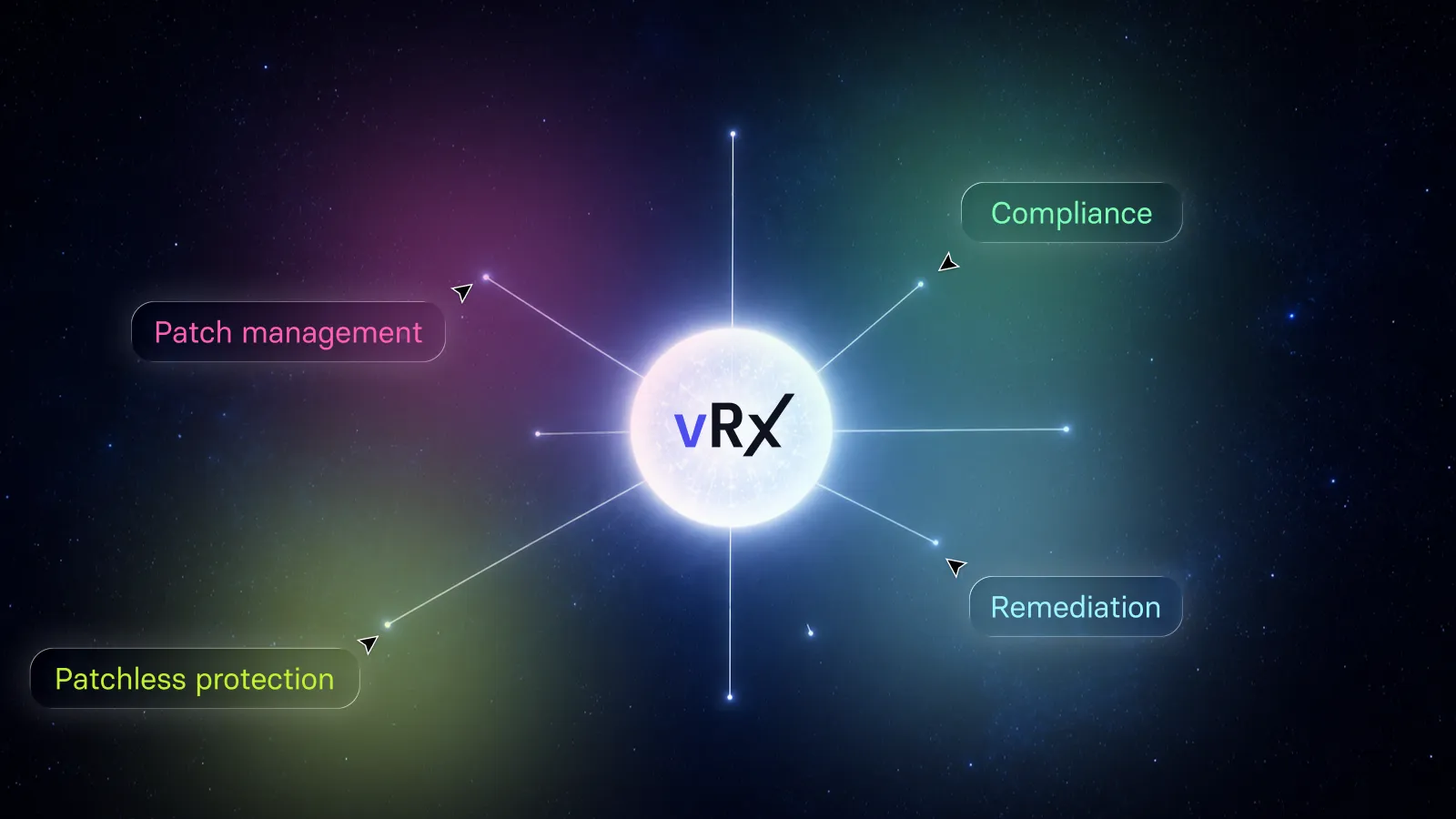
Vicarius vRx supports on-demand, scheduled and rule-based patch deployment, with reusable groups for patches, software and assets. These capabilities let teams configure recurring execution instead of initiating every application update separately. Explore vRx patch management.
For buyers, the useful question is specific: which parts of our application estate can move through an approved remediation policy, and what evidence will demonstrate the result?
What does application coverage need to prove?
We recommend evaluating coverage at three levels: the application is represented in the supported catalog, an applicable update is established for the installation, and the approved workflow produces the expected result on representative assets.
These are evaluation criteria, not interchangeable percentages. Finding an application name answers a catalog question. It does not measure how many of your installations have completed remediation.
Use the Vicarius Apps & OS Catalog as a starting point for the coverage review. Bring the product edition, installed version and operating-system details into the discussion. Where the public listing does not answer a particular deployment question, resolve that question during the evaluation before treating it as confirmed.
For a broader introduction to the discipline, see the third-party patch-management guide. This article focuses on a narrower buying decision: how to substantiate coverage for the environment you intend to automate.
Start with installations, not a list of familiar products
A product-name list can hide the differences that matter in a pilot. The same application may appear across several operating systems, release channels or business roles. Your evaluation should preserve those distinctions where they affect the intended update.
Our recommendation is to describe each representative installation with its publisher, product, version, platform, asset group and business owner. Include any known application dependency or maintenance restriction. This is preparation for defining reusable policy, not a request to investigate every endpoint manually whenever a patch arrives.
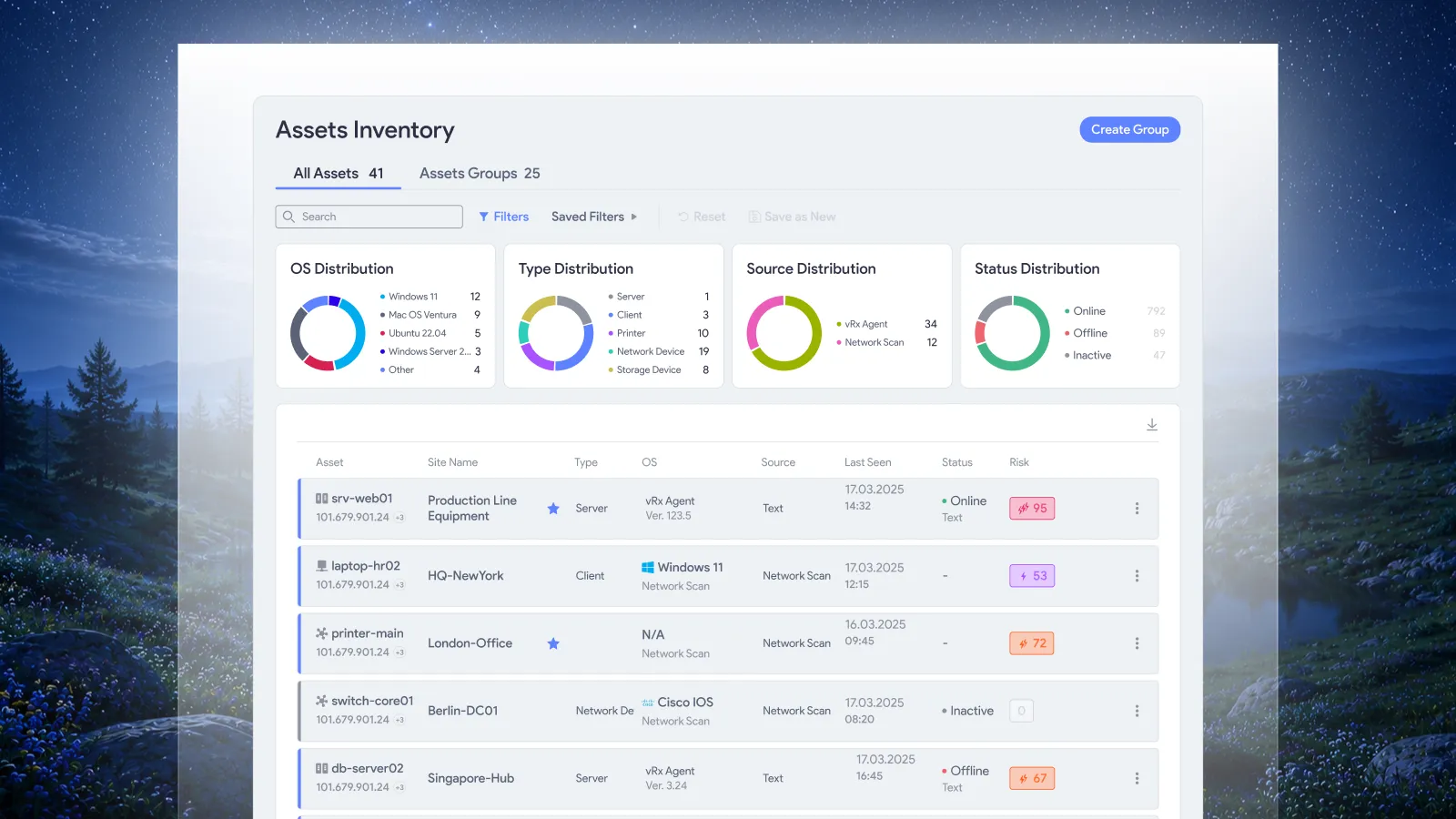
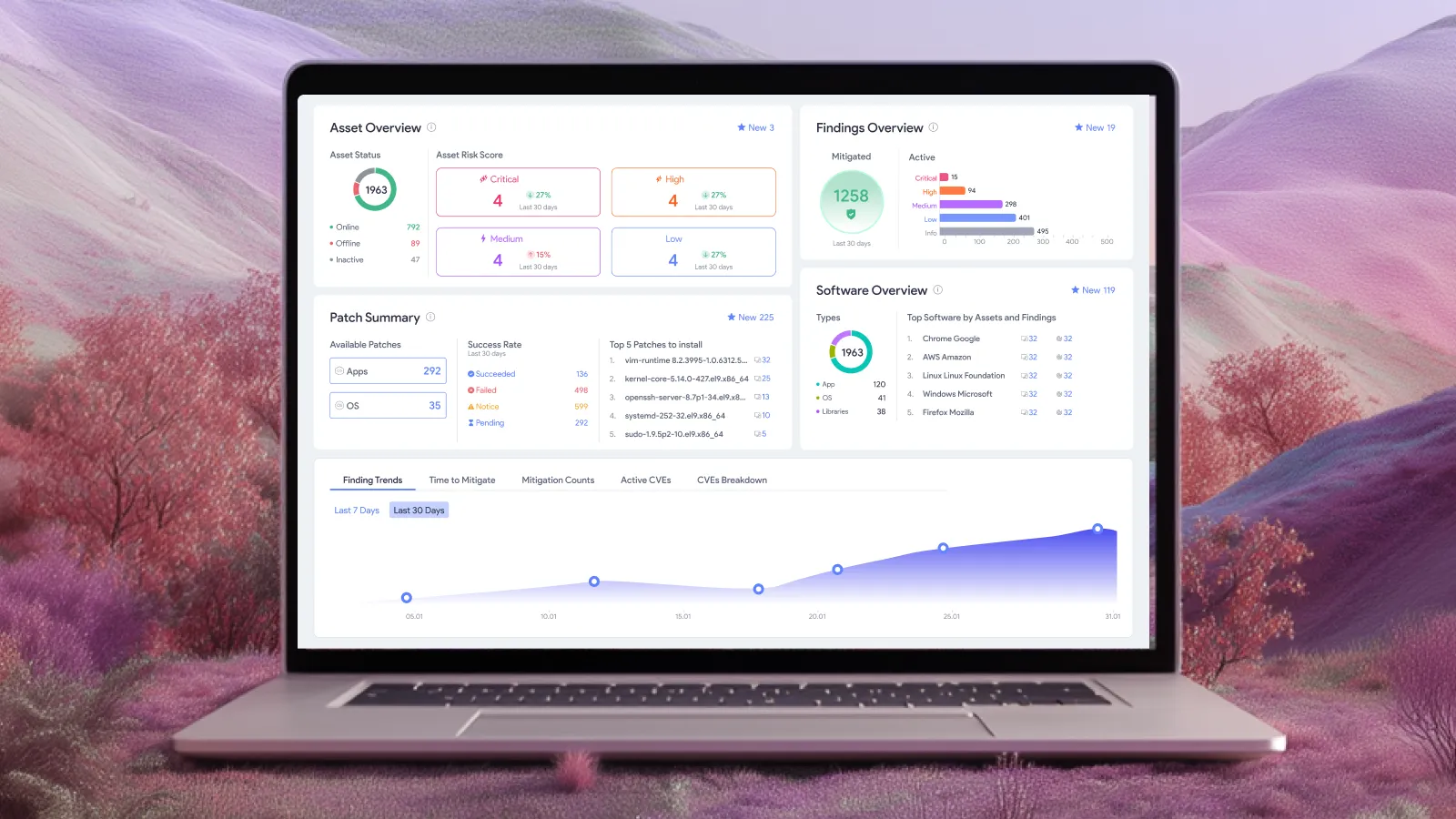
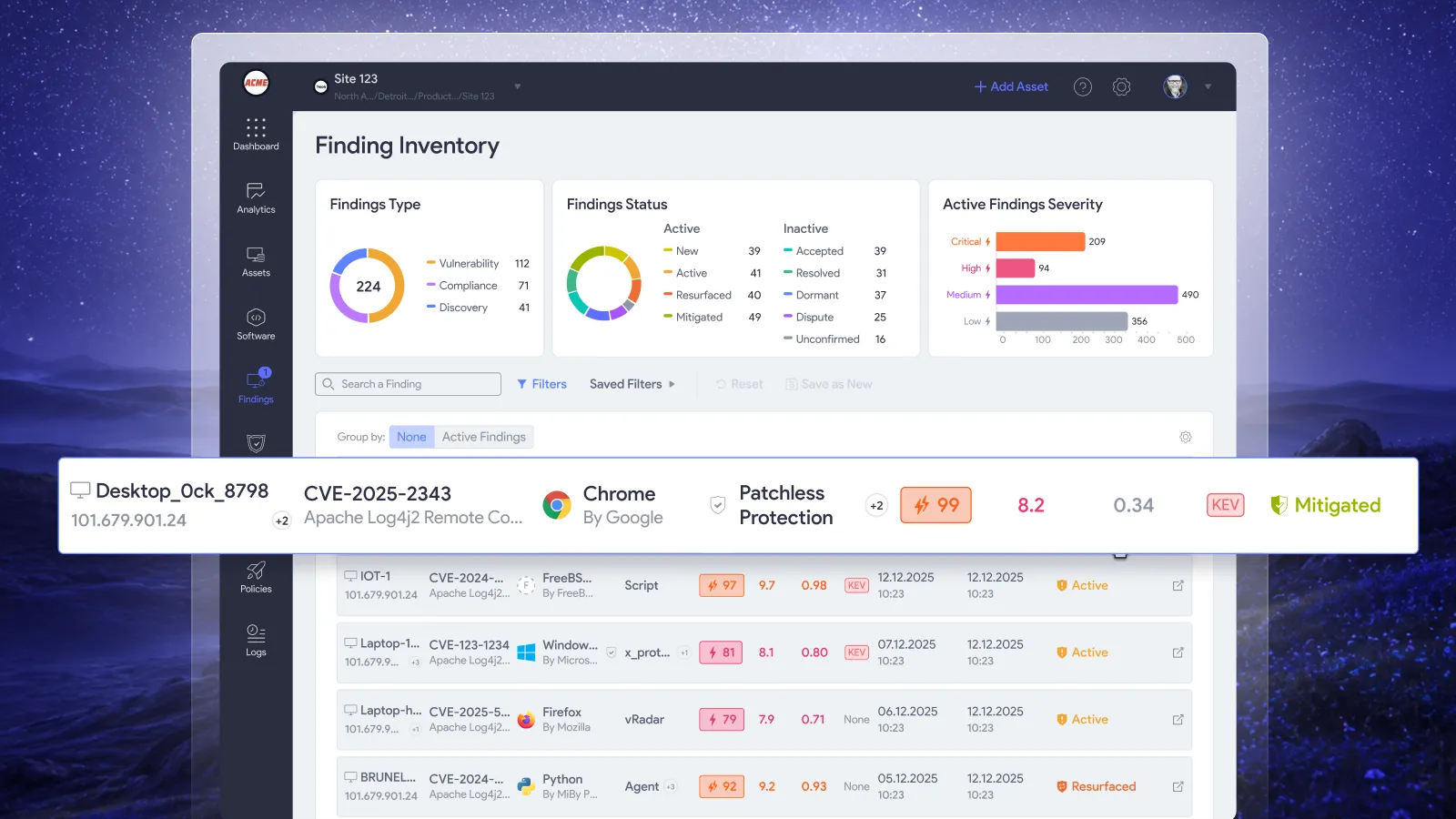
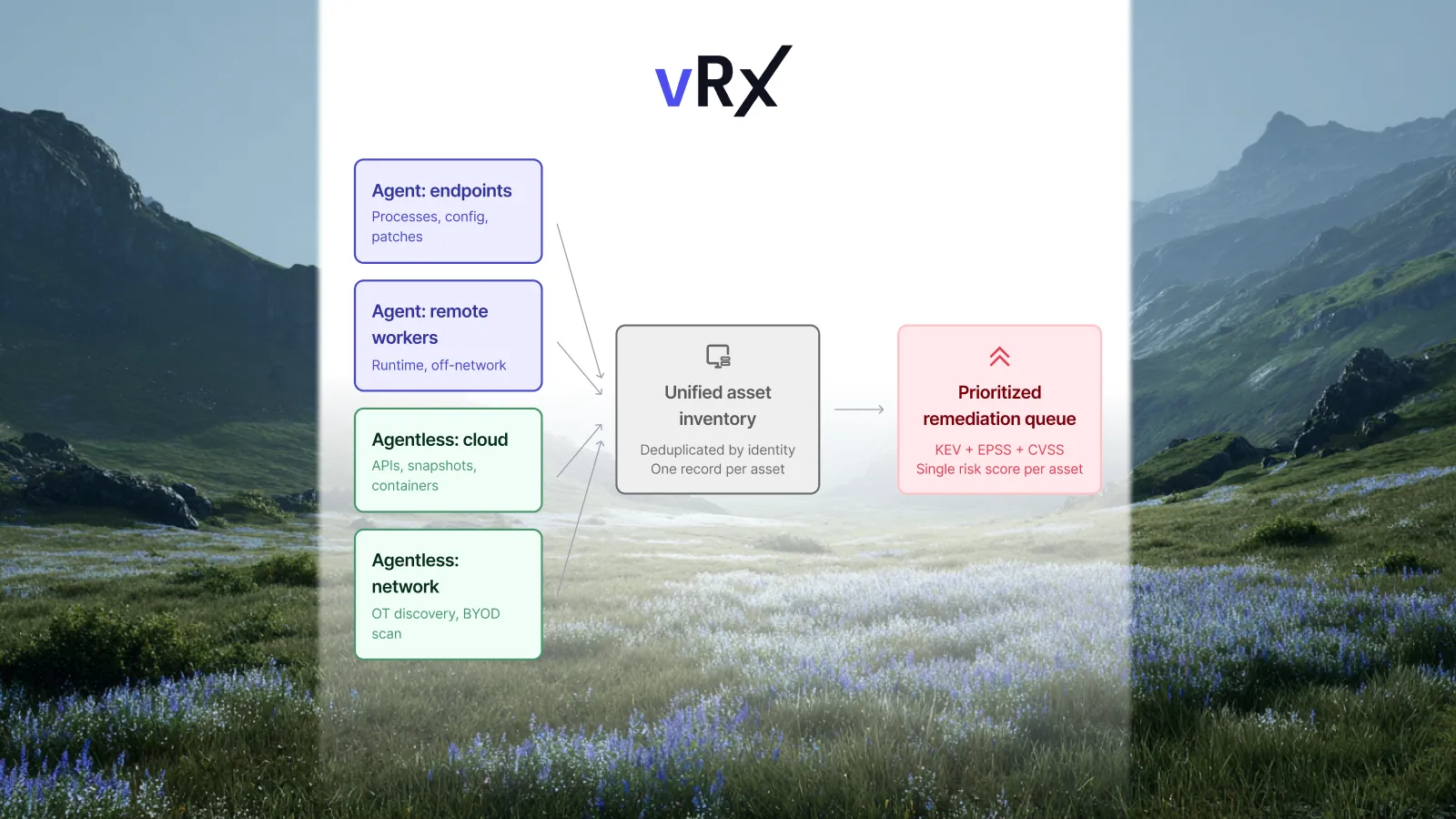
vRx's asset-management capabilities include continuously updated asset records and per-asset software bills of materials listing installed components, versions and known vulnerabilities. That context supports an evaluation grounded in the actual estate. Asset and software inventory.
Choose the pilot population deliberately. Include common employee applications, an important business workflow and a deployment condition that could change the result. A collection of identical, freshly prepared test machines offers less evidence about a varied production environment.
Agree on the evidence before the demonstration
Define what the pilot must establish before it begins. This prevents a successful demonstration of one update from becoming an unsupported conclusion about every application in the purchasing scope.
The following table is our recommended evaluation record. It is not a description of a particular vRx screen.
Keep commercial scope separate from technical evidence. A product demonstration establishes what was shown. The agreed quote and contract establish what you are buying. Use the same application and asset scope in both conversations.
Test the recurring policy, not only an operator's intervention
A pilot should exercise the automation you intend to keep. If the production plan depends on scheduled or rule-based execution, include that configured route in the evaluation rather than relying entirely on manually initiated actions.
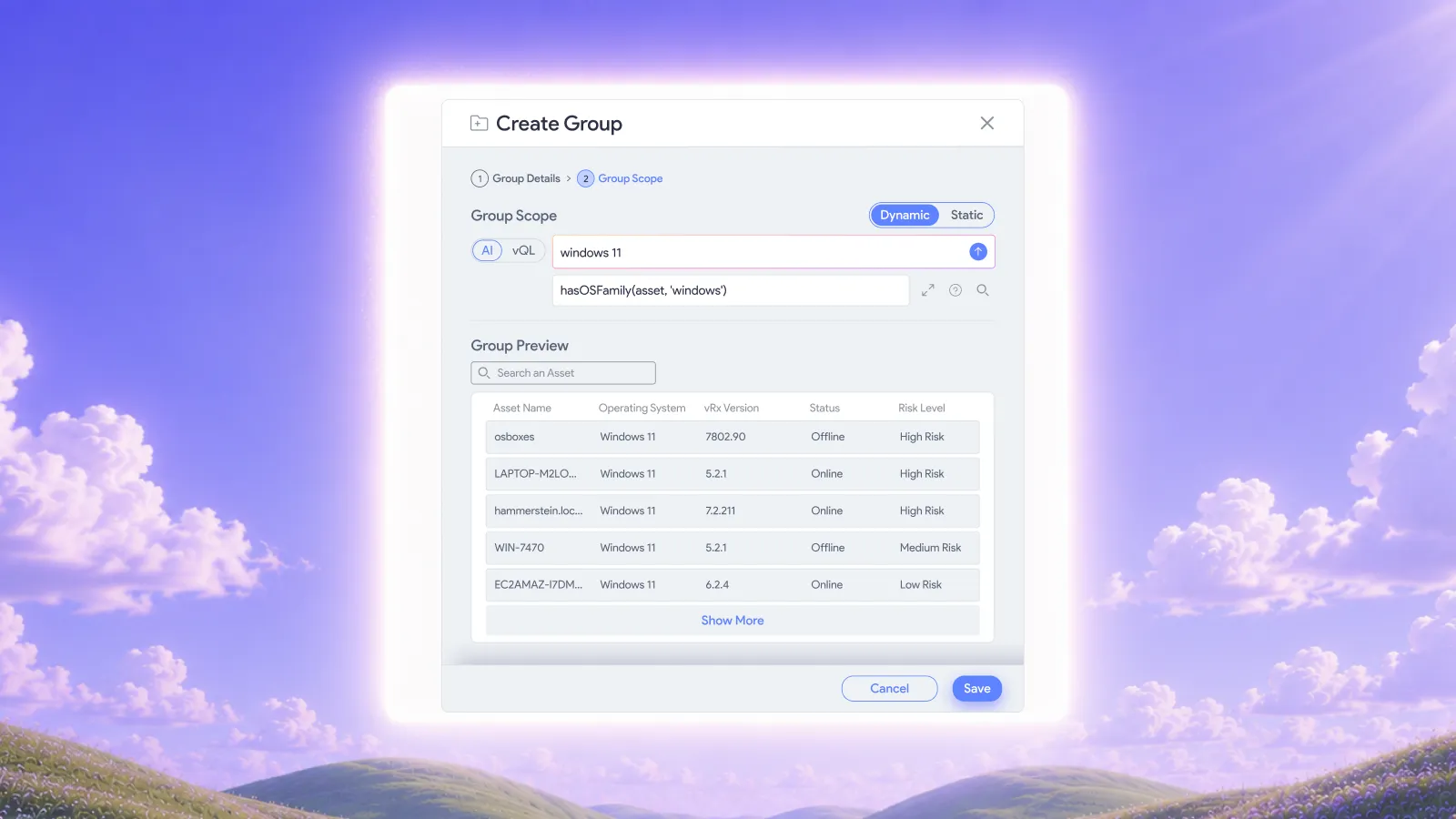
vRx supports static patch groups for deliberately selected updates and dynamic patch groups whose membership follows rules as patch data changes. Software groups organize policies across related applications, while asset groups define deployment targets. Grouping and deployment options.
For the pilot, agree on the intended operating conditions and then observe them. Does the selected population receive the intended update? Does the result support expanding the same policy? Which cases still need a decision?
People should establish the business requirements, test suitability and handle exceptions. Once a recurring action is approved and configured, automation should carry out that action within its defined scope. The evaluation should show where that boundary sits, rather than leave it implied.
Include an exception in the test. A device that cannot complete the approved action should remain visible for follow-up while the team evaluates the successful population separately. Decide who owns that follow-up before the pilot ends.
A pilot example: one application, two business roles
Consider a hypothetical organization evaluating updates for a document application. Ordinary workstations use it for reading files. A smaller operational group also uses an integration that must continue working after an update.
The buyer includes both roles in the pilot and defines the relevant workload checks. The standard workstations meet the agreed criteria. The integration group needs additional compatibility testing before expansion.
That result supports a specific decision: proceed with the tested workstation policy while the integration owner resolves the remaining requirement. It does not justify claiming that the entire application estate has passed, or delaying the tested population without a reason.
No universal pilot size or waiting period follows from this example. Select representative conditions and acceptance criteria according to the service involved. The important evidence is what was tested and what the result authorizes next.
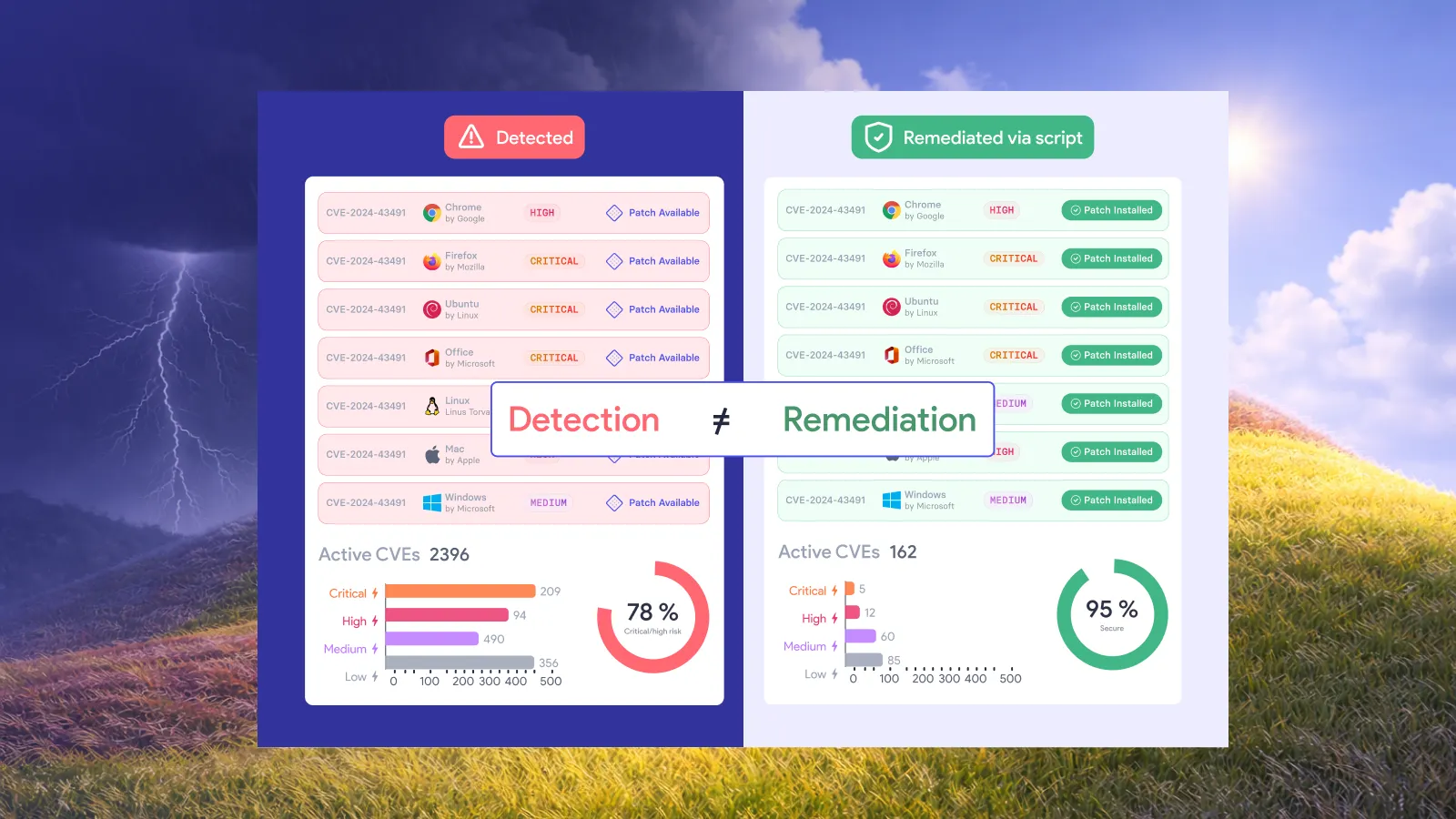
Evaluate remediation options alongside patch coverage
The objective is remediation. An application update may correct a software defect; a configuration weakness may need a different action.
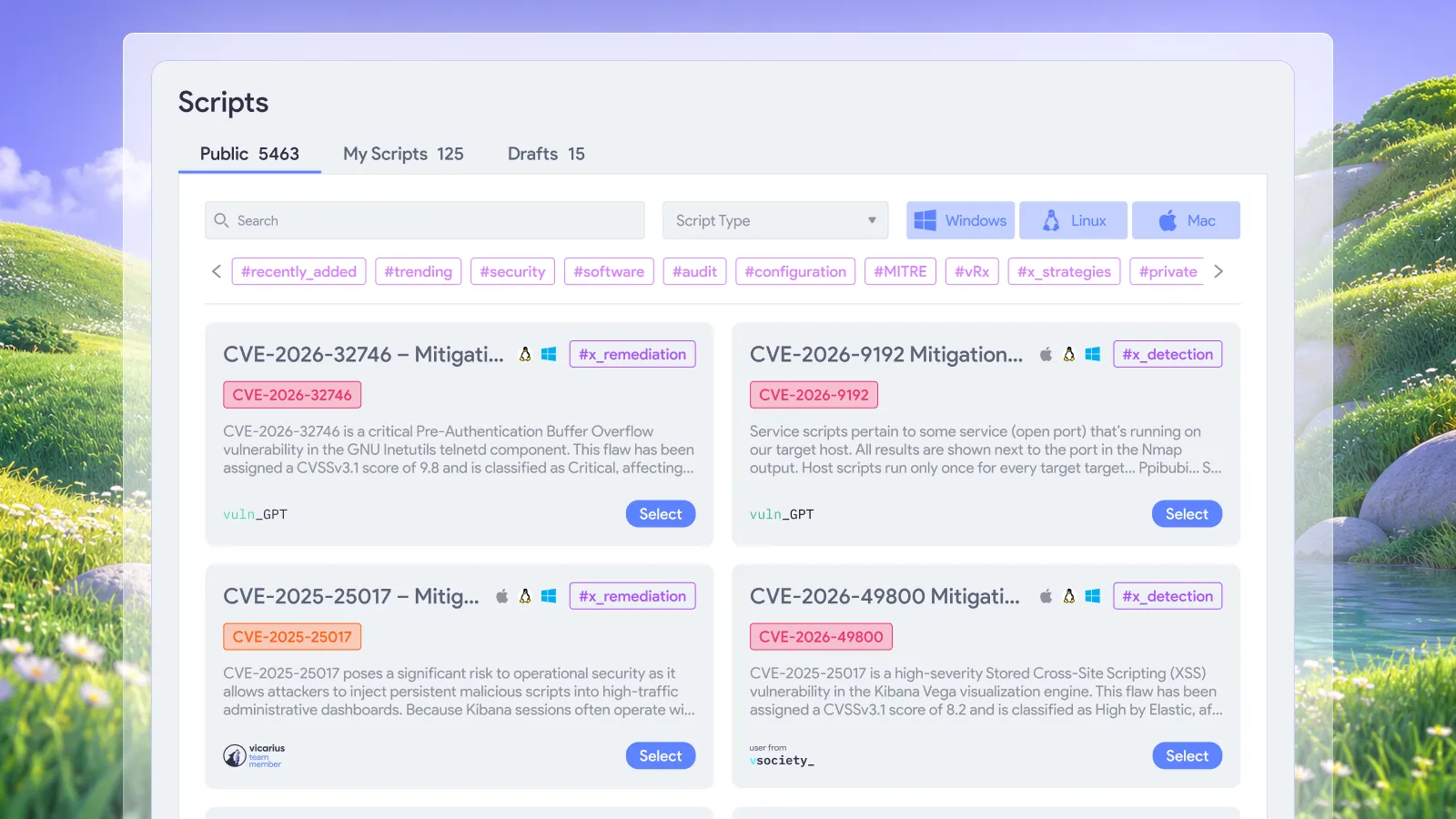
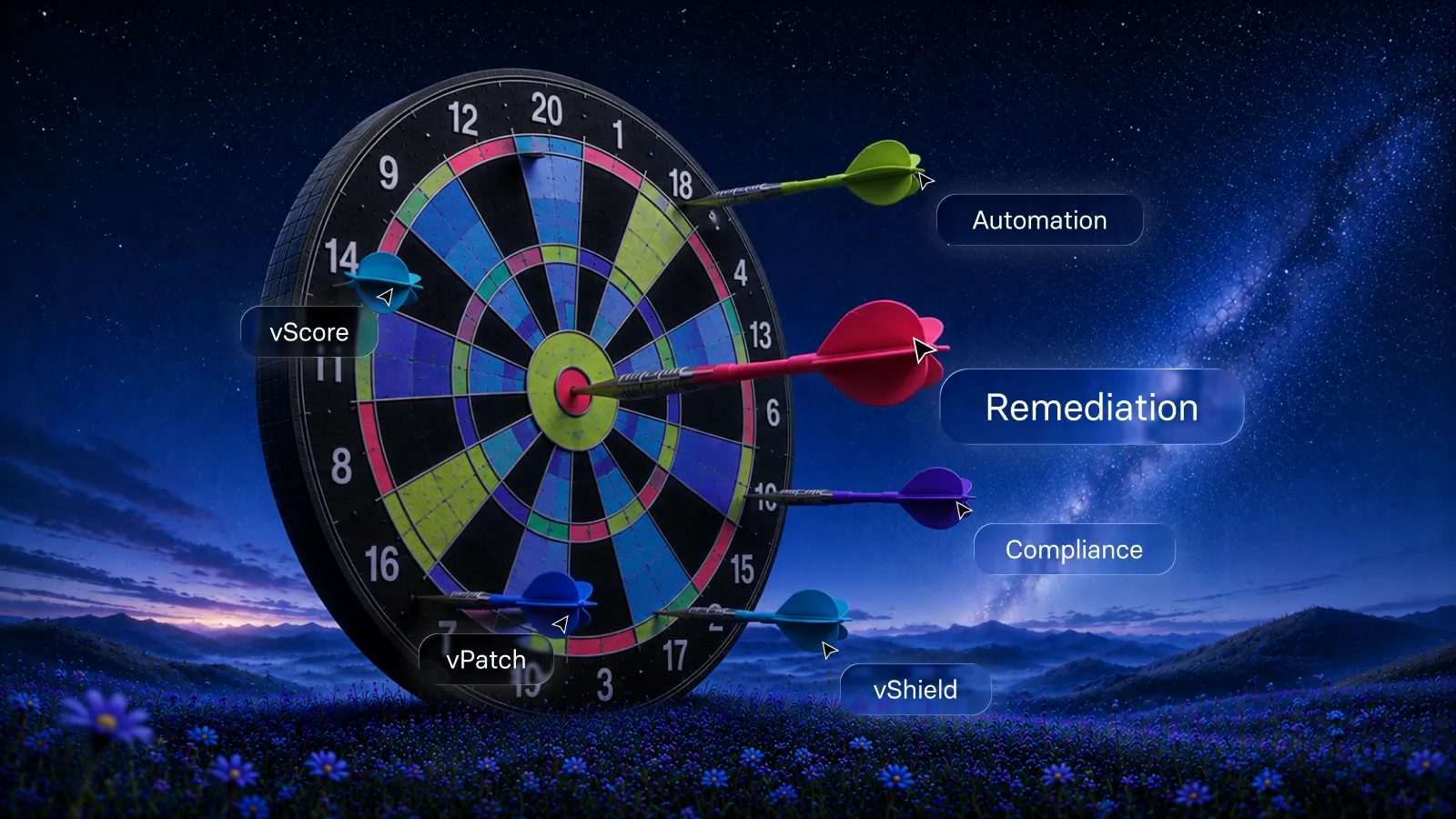
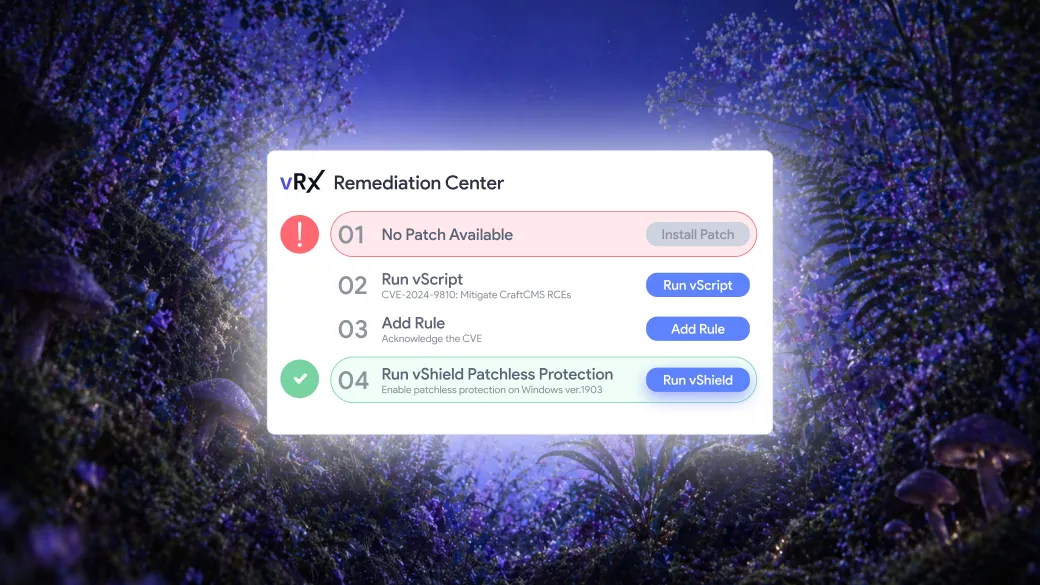
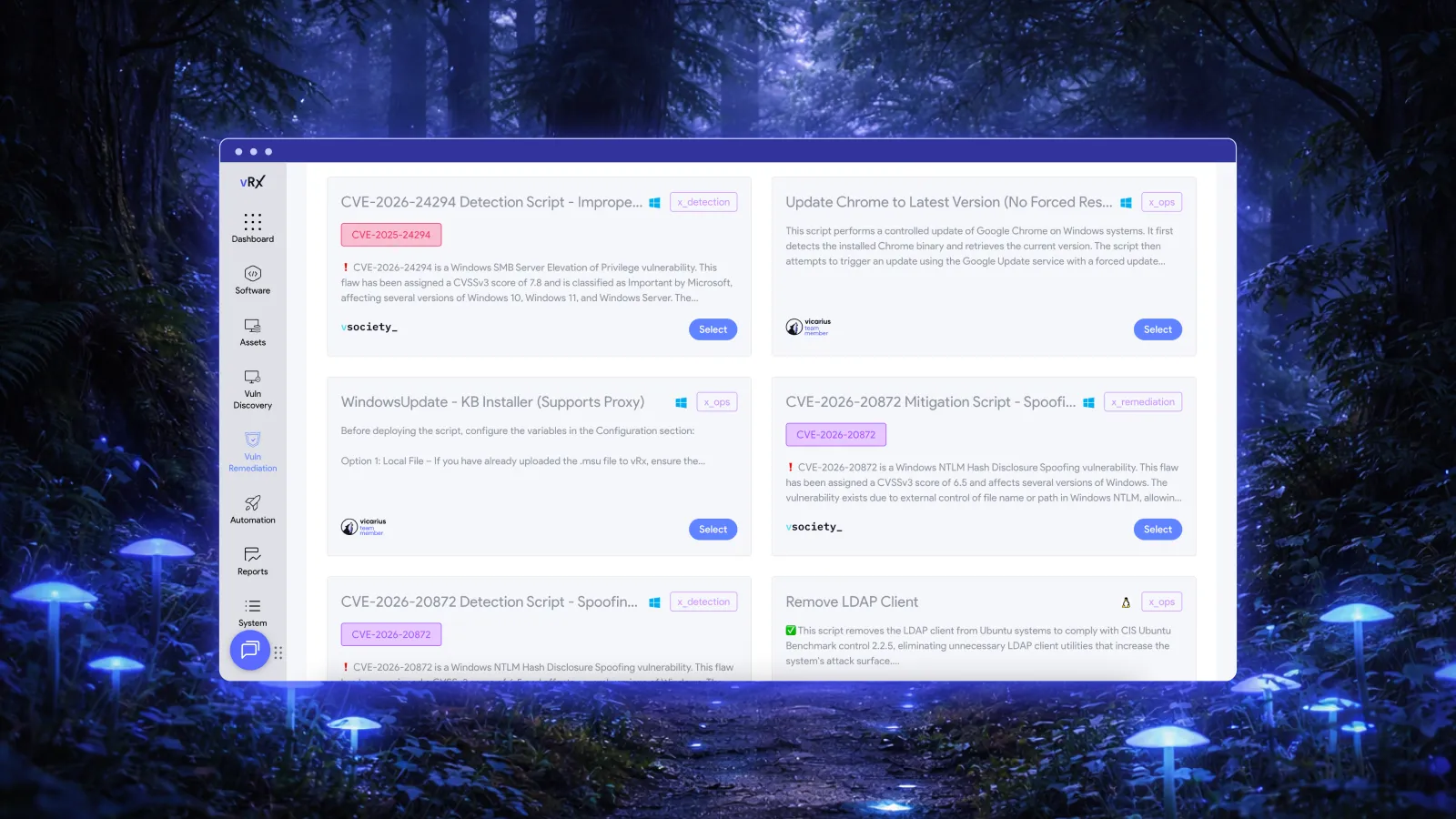
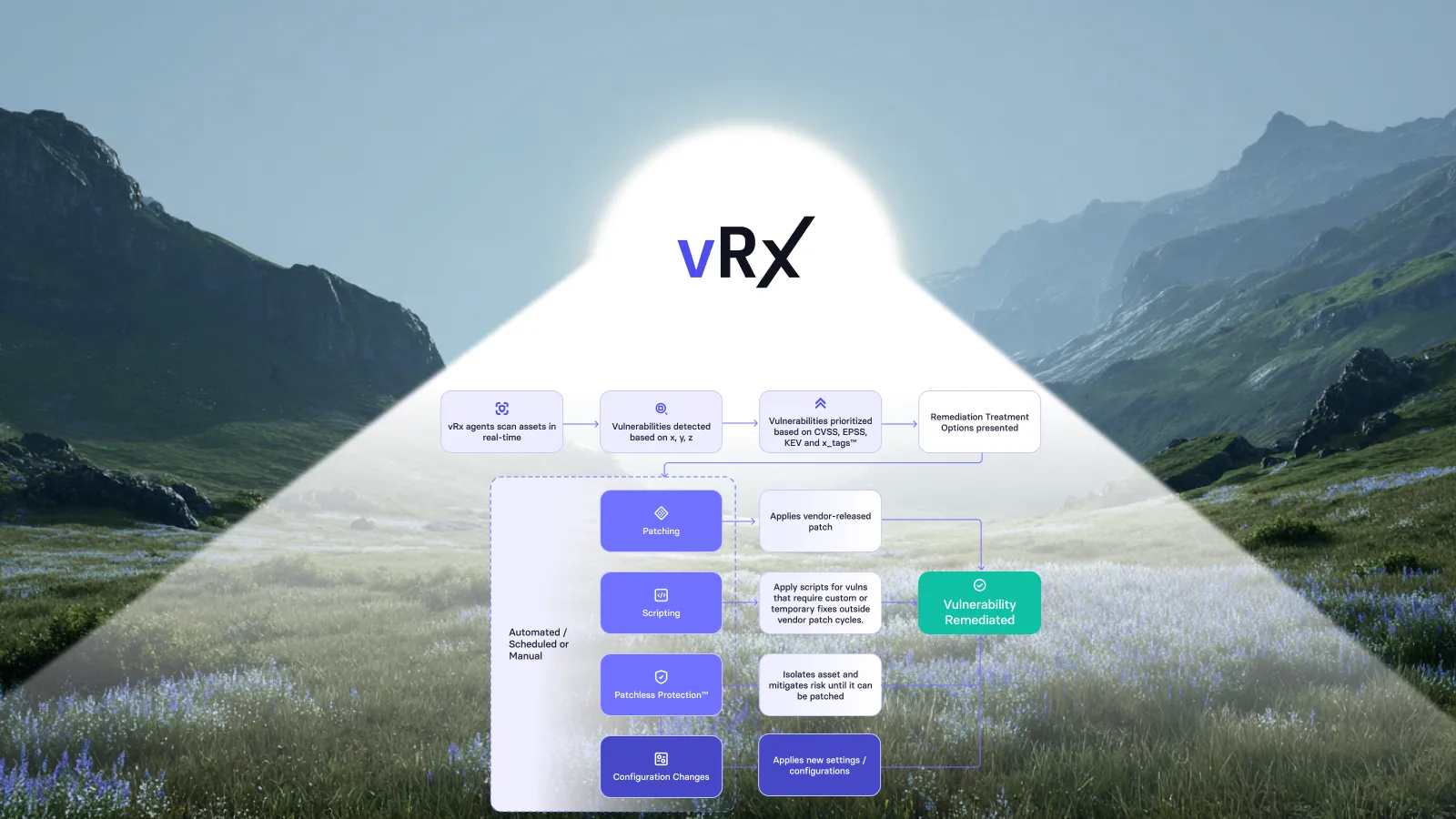
vScript supports custom, community and AI-generated scripts for remediation and hardening. That provides an execution route for appropriate configuration corrections alongside patching. Evaluate a specific, reviewed action against its intended systems rather than assuming that any script is suitable everywhere. Vicarius scripting.
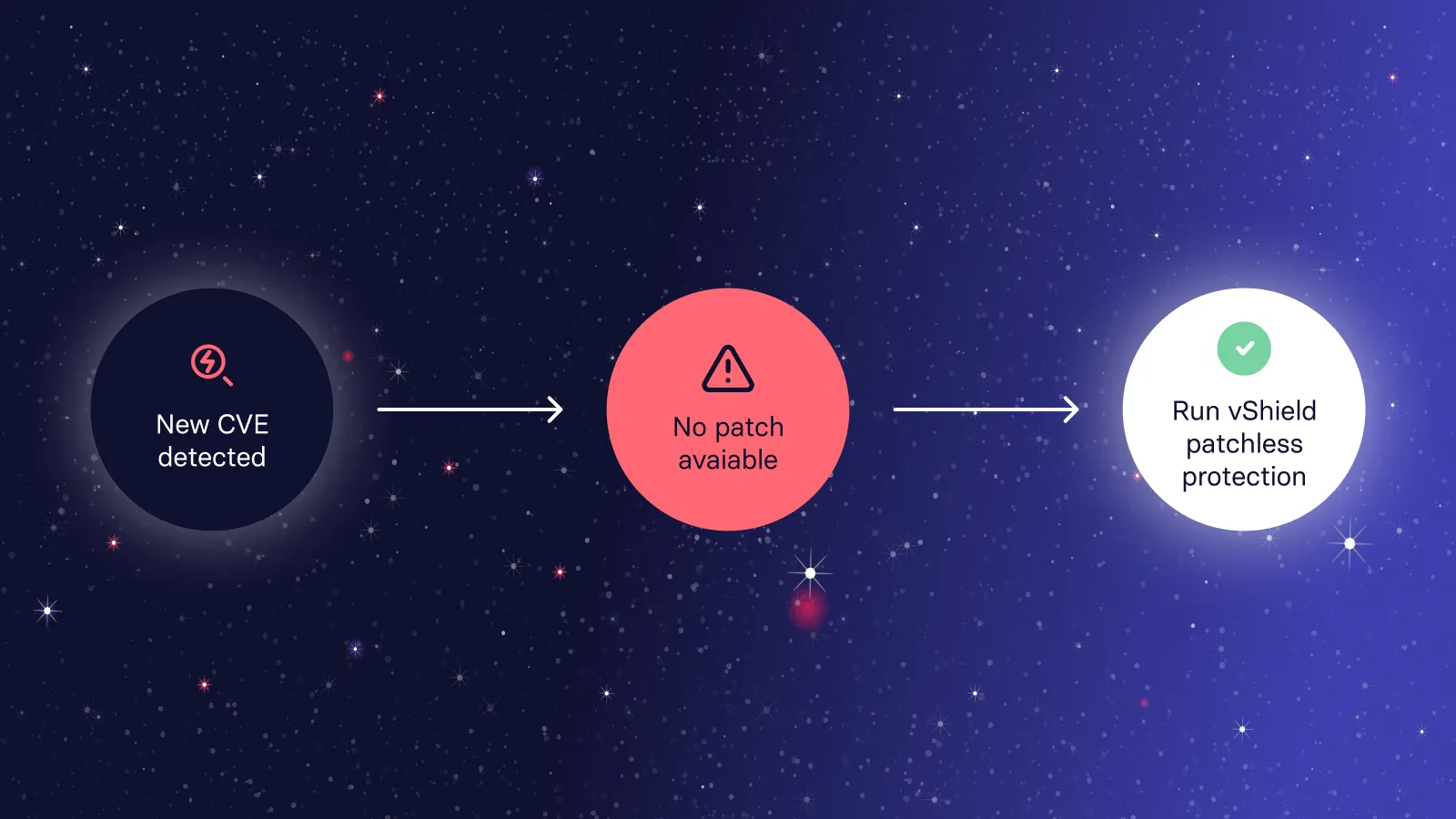
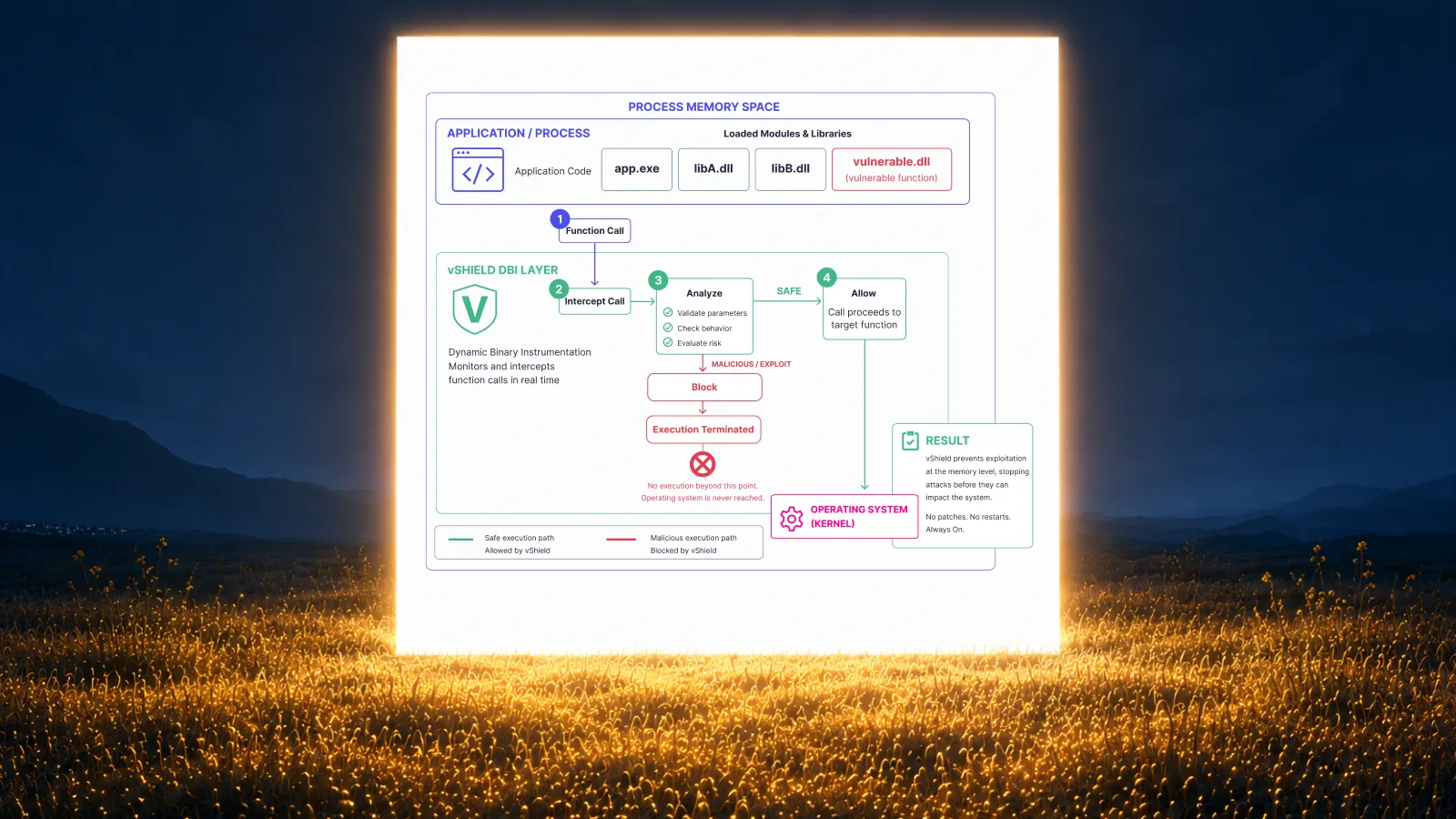
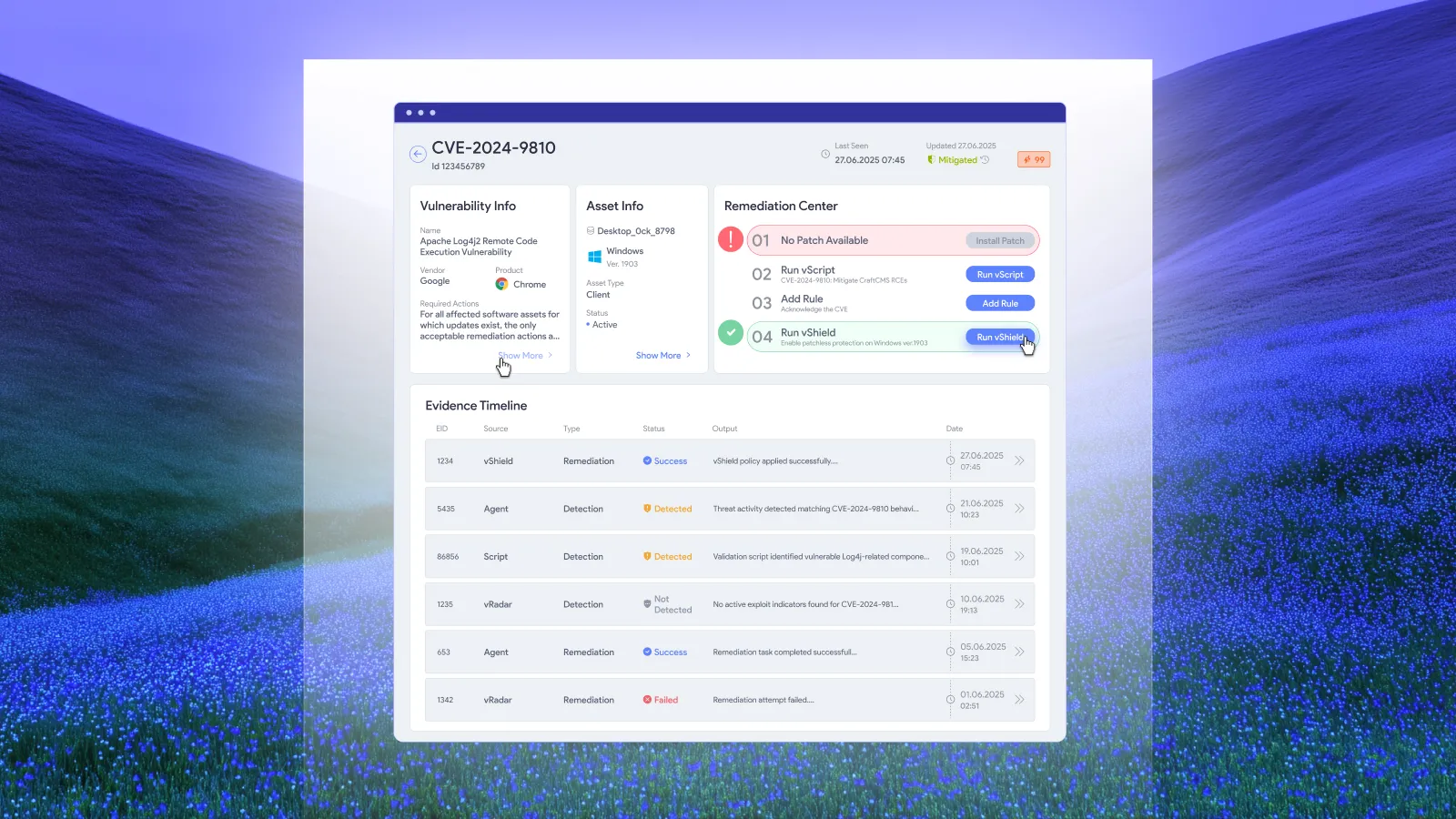
Vicarius also offers vShield for memory-level patchless protection alongside the patch cycle. Where applicable, assess that protection as a distinct response while permanent remediation is pending. It is not evidence that a vendor update was installed, and coverage for a particular vulnerability must be established rather than assumed. Patchless protection.
In the buying decision, identify the demonstrated method and its outcome. Keep an installed fix, a configuration correction and an active protective measure distinguishable. This gives the team a usable account of how the exposure is being addressed.
Frequently asked questions
How should we compare third-party application coverage?
Compare coverage against the same inventory, including relevant versions and platforms. Confirm applicability, then test representative installations under the operating policy you intend to use. A catalog total alone does not describe the result in your environment.
Can vRx automate recurring third-party patching?
Yes. Vicarius documents scheduled and rule-based deployment alongside on-demand patching. Configure the applicable scope and execution conditions, then evaluate that recurring route during the pilot. vRx deployment capabilities.
Does one successful installation prove estate-wide coverage?
No. It provides evidence for the installation and conditions tested. Expand the conclusion only as the evaluation covers other relevant versions, platforms and application dependencies. Record what remains untested rather than treating it as either a success or a failure.
What should a third-party patching pilot deliver?
Our recommended deliverable is an agreed scope, documented test results, the policies ready for recurring use and an owned list of unresolved decisions. That supports a purchasing decision and gives implementation a defined starting point.
Bring your application inventory to a vRx demo
Choose representative applications and the business workflows they support. Use them to evaluate coverage, configured automation and the evidence needed to expand remediation across your environment.
Request a vRx demo focused on your application estate. For the agreed commercial scope, you can also request pricing.



































.webp)











%20Signals%20a%20New%20Era%20of%20Supply%20Chain%20Risk.webp)






.webp)