Endpoint hardening should leave a device with less unnecessary access, not another finding waiting for an administrator. For security teams, the useful outcome is a privilege removed from the right endpoints, through an approved action, with evidence that the intended configuration took effect.
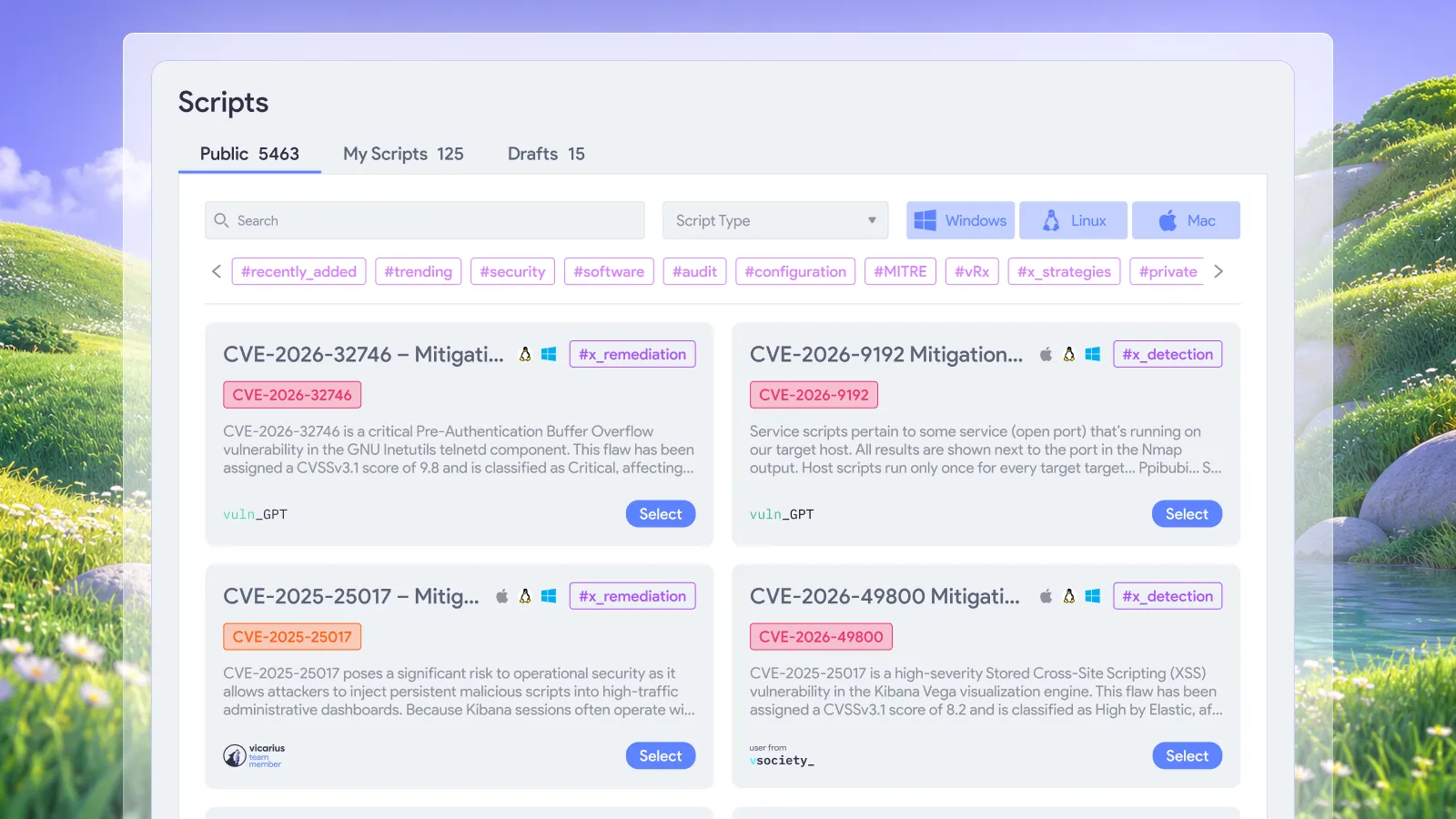
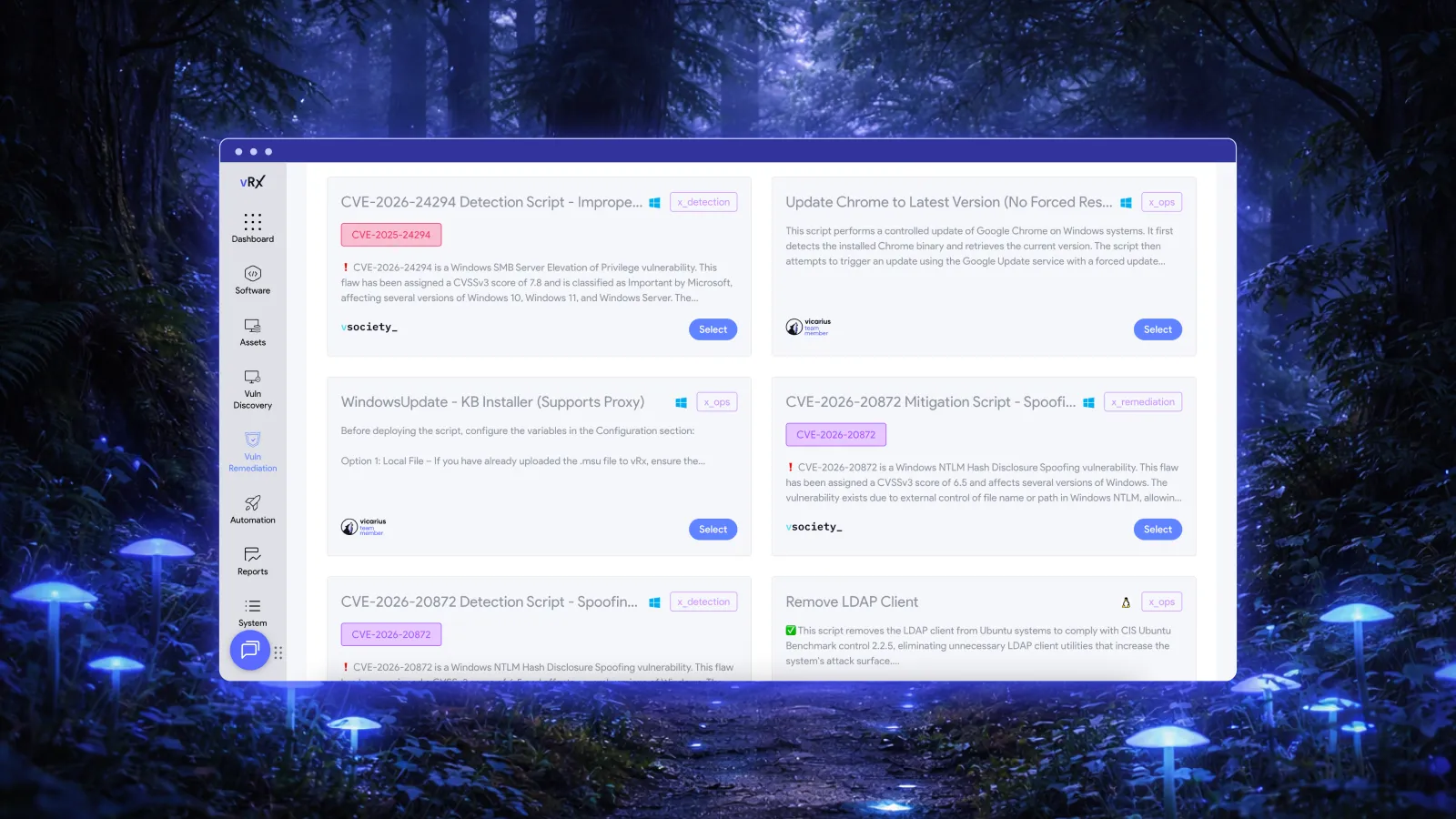
vRx supports that work through vScript, its scripting engine for configuration remediation and hardening. Teams can run scripts against individual assets or asset groups and retain execution records. This gives least-privilege policies a practical route to enforcement across an endpoint estate. Explore vScript.
The important distinction is between deciding what access a device needs and repeatedly applying that decision. People should resolve the first question. Automation should handle the repeatable work once the scope and expected result are established.
What is endpoint hardening?
Endpoint hardening reduces unnecessary exposure on a device by tightening its configuration, limiting access, and removing functions it does not need. Least privilege is one part of that work: an account or process should have the permissions required for its legitimate purpose, without unrelated authority.
For a broader view of the standards behind this approach, see essential system hardening standards. Here, the focus is narrower: turning an approved Windows privilege configuration into an automated remediation action.
A useful hardening requirement names both the setting and the intended outcome. “Reduce privileged access” leaves too much undecided. “Remove assignments of this specific user right from this approved endpoint group” is a change a team can test, automate, and verify.
It also makes ownership clearer. The security requirement explains why the right is unnecessary. The endpoint policy identifies where the change applies. The remediation action performs the change. Evidence establishes what happened on each device.
Why remediation needs more than a patch
Remediation is about choosing the action that addresses the exposure. A software update and a privilege correction solve different problems. Installing a new application version should not be treated as evidence that a separate access-policy requirement has been satisfied.
Consider an illustrative case: a business application is current, but the endpoint's approved baseline prohibits an unnecessary user-right assignment. The outstanding work is a configuration correction. Sending the device through another patch deployment does not define or perform that correction.
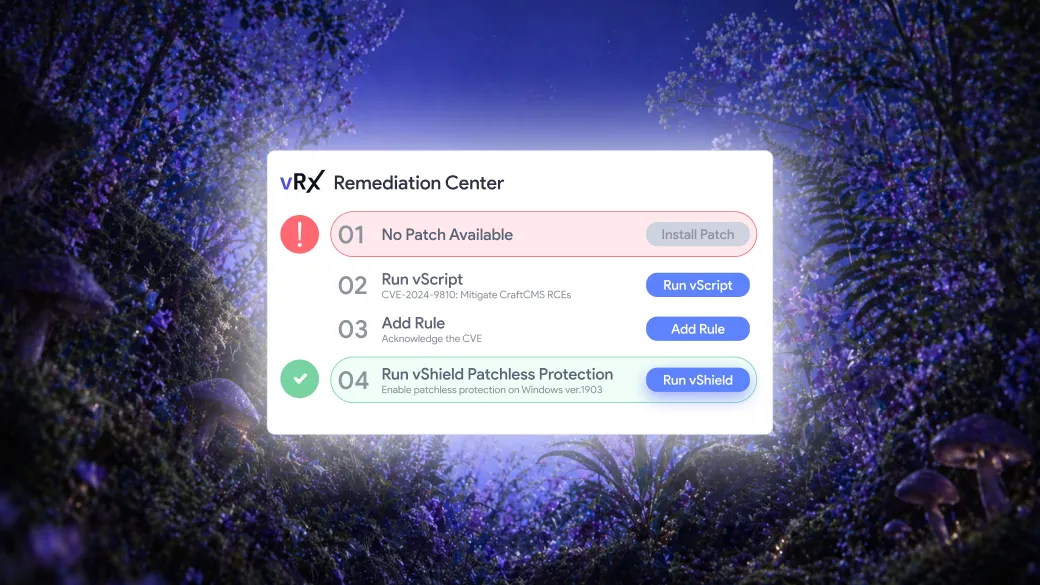
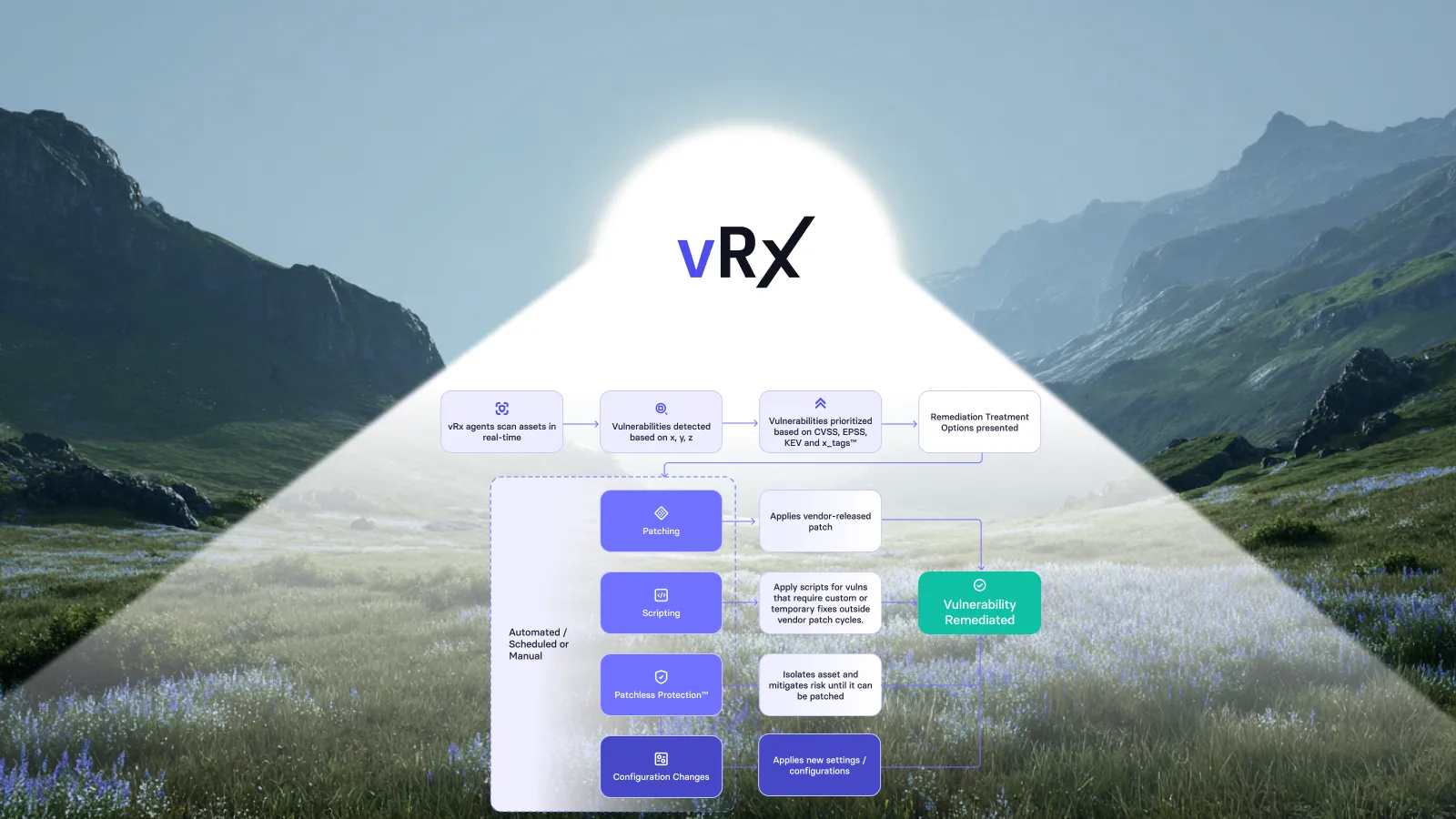
This is where script-based remediation belongs. vScript supports custom, community, and AI-generated scripts, including PowerShell, Bash, and Batch, alongside the other remediation capabilities in vRx. For this Windows use case, the relevant route is a reviewed PowerShell action with a precise configuration target. vScript capabilities.
The goal is not to make every hardening finding a custom engineering project. It is to turn a validated fix into a repeatable action that can be applied wherever the same approved conditions hold.
A concrete example: restrict “Create a token object”
Vicarius publishes a PowerShell script for restricting the Windows “Create a token object” user right, identified as SeCreateTokenPrivilege. The script exports local security policy, builds a configuration with an empty assignment for that right, applies it through secedit, and exports policy again to check the result. Read the published script.
That is a specific hardening action, not a claim that one script removes every privilege-escalation path. Its target is one local user-right assignment.
Microsoft recommends avoiding assignment of this right to users, groups, or processes other than Local System unless necessary. Its documentation also distinguishes the operating system's internal use from account assignments. Microsoft's policy guidance.
There is an important technical nuance: Microsoft's Win32 documentation says this privilege cannot be added to a user account through that policy. An exported policy entry therefore should not be presented as proof that an account can successfully create tokens on a modern Windows system. Describe the remediation accurately as correcting the assignment, then validate the relevant effective state. Microsoft privilege constants.
The published script requires administrative privileges and lists Windows 10/11, Windows Server 2016 or later, and PowerShell 5.1 or 7.x as prerequisites. Vicarius explicitly recommends code review and lab testing before production use. Those prerequisites belong in the deployment decision, even when execution will be automated.
Make the approved correction repeatable
vRx's orchestration capabilities support actions driven by a policy, schedule, or rule, with approval where the team requires it. That lets teams place routine remediation inside a defined operating policy instead of asking an administrator to repeat the same fix device by device. Remediation orchestration.
For privilege hardening, we recommend defining the policy around a known endpoint role and a tested desired state. A standard employee workstation group is a more useful starting boundary than an undifferentiated selection of every Windows machine.
The following decisions establish the conditions for automated execution. They should be resolved when approving the remediation policy, not rediscovered for every endpoint.
| Policy decision | What it establishes | Result for remediation |
|---|---|---|
| Endpoint scope | The device roles and operating-system versions covered by the tested action | The correction reaches its intended population |
| Approved assignment | Which accounts, if any, should hold the specific right | The action has an explicit target state |
| Policy ownership | Whether local policy or centrally managed policy controls the setting | The fix addresses the authoritative configuration |
| Validation requirement | The evidence needed after execution and any relevant sign-in or policy refresh | Completion means more than a submitted command |
| Exception route | Who resolves a genuine dependency or conflicting requirement | Unusual cases do not hold up the approved population |
For example, a team could approve a tested correction for ordinary workstations while keeping a small set of machines with unresolved application dependencies outside that scope. The routine population proceeds under the policy. The exception owner investigates the dependency rather than requiring a separate decision for every standard device.
This is an operating recommendation, not a reason to skip testing. A useful pilot tests the actual application workload as well as the security setting. Once that work establishes a reliable scope, automation can carry the approved correction across matching endpoints.
Verify the assignment and the effective result
Verification should answer the question the policy asked. For this example, the first question is whether the exported assignment is empty after the action. The published script includes that check and emits a compliance result. An output indicating failed or unavailable verification should remain unresolved in the team's closure criteria.
The next question is when the change affects access. Microsoft explains that changes to an account's user-right assignment take effect at its next logon. A policy change and an existing access token are not the same thing. A successful configuration update should therefore not be described as immediate removal of every active session's authority. Microsoft's policy-management guidance.
Policy precedence matters too. Group Policy can overwrite local settings at the next update. If central policy manages the assignment, remediation must remain aligned with that source of authority. Repeatedly applying a local correction against a contradictory central policy is not a durable outcome.
For closure, we recommend retaining the observed assignment, the action result, the follow-up check, and any remaining session or policy dependency. That record lets a reviewer distinguish a completed correction from a device still awaiting validation.
Measure corrected endpoints, not commands sent
A hardening report should make the unresolved population visible. Separate endpoints with verified corrections from devices that were unreachable, returned errors, or remain under an approved exception.
Use the same denominator throughout: the endpoints in scope for that specific requirement. Counting executions across unrelated devices obscures whether the intended population was hardened.
vScript records which script ran, the targeted assets, the outcome, and a timestamp. Those records support investigation and reporting. The security conclusion still needs to match the evidence collected for the setting. Execution logging and reporting.
A practical review asks: how many in-scope endpoints now meet the requirement, which do not, and what prevents the remaining corrections? That keeps the discussion on remediation rather than activity volume.
Frequently asked questions
Can endpoint hardening be automated?
Yes. Repeatable configuration changes can be automated after the desired state, target population, and validation requirements are established. vRx supports policy-, schedule-, and rule-driven actions, with configurable approval requirements. Use people to resolve exceptions and policy decisions, rather than repeat an approved correction manually. vRx orchestration.
How does privilege hardening differ from patch management?
Privilege hardening changes access-related configuration. Patch management updates software. Both can contribute to endpoint security, but evidence that software was updated does not establish that a separate privilege requirement was corrected. Choose the remediation action for the condition being addressed.
Does a successful script run prove the endpoint is hardened?
It proves only what the result and its validation establish. Define closure around the particular setting, including any effective-state checks. Avoid turning a successful correction of one user right into a claim that the entire endpoint meets every hardening requirement.
Should the same privilege-remediation policy cover every Windows device?
Not automatically. We recommend grouping devices by the tested applicability of the change and handling genuine dependencies explicitly. Device role, operating-system version, policy ownership, and application requirements should determine scope. Expand the approved population as testing establishes where the action is appropriate.
Put endpoint hardening into the remediation workflow
An approved least-privilege requirement should have an execution path. With a defined scope, a tested correction, and clear validation, teams can automate routine hardening and reserve investigation for the endpoints that need it.
Request a vRx demo to explore policy-driven, script-based remediation for your endpoint hardening requirements.




































.webp)
















%20Signals%20a%20New%20Era%20of%20Supply%20Chain%20Risk.webp)







.webp)