

Windows patch management in a mixed estate should follow the affected asset through to a verified fix. Some machines may use Windows Server Update Services (WSUS), while others use Windows Update. The practical goal is to automate remediation under the right policy for each group, without making an estate-wide migration a prerequisite.
A single update identifier can conceal different operational conditions. One team owns the servers, another owns employee laptops, and a third maintains the application that cannot restart during business hours. Sending everyone the same spreadsheet leaves those differences to be resolved again at every deployment.
Define the recurring decisions once: which assets belong together, which patches qualify, when deployment is permitted, and what evidence counts as completion. Then reserve individual attention for exceptions.
What does a mixed Windows update estate change?
It changes the context in which a patch reaches an asset. Microsoft describes WSUS as a centralized service for distributing Microsoft updates, with administrative controls over approval and deployment. That is useful context when interpreting a machine's update configuration. Microsoft's WSUS deployment guidance.
For remediation planning, separate three questions. Is the update relevant to this machine? Which management arrangement applies? What operational policy governs the change? A common operating-system name does not answer all three.
Consider a hypothetical organization with office workstations and a business application server. Both need attention during the same patch cycle. The workstation policy permits a broad scheduled deployment after pilot review; the server's application owner requires a separate window. The remediation policy should preserve both paths without turning either into an unowned exception.
This is a day-to-day operating problem. If your immediate question is migration strategy, the separate article on what comes after WSUS addresses that decision.
How vRx supports the mixed estate
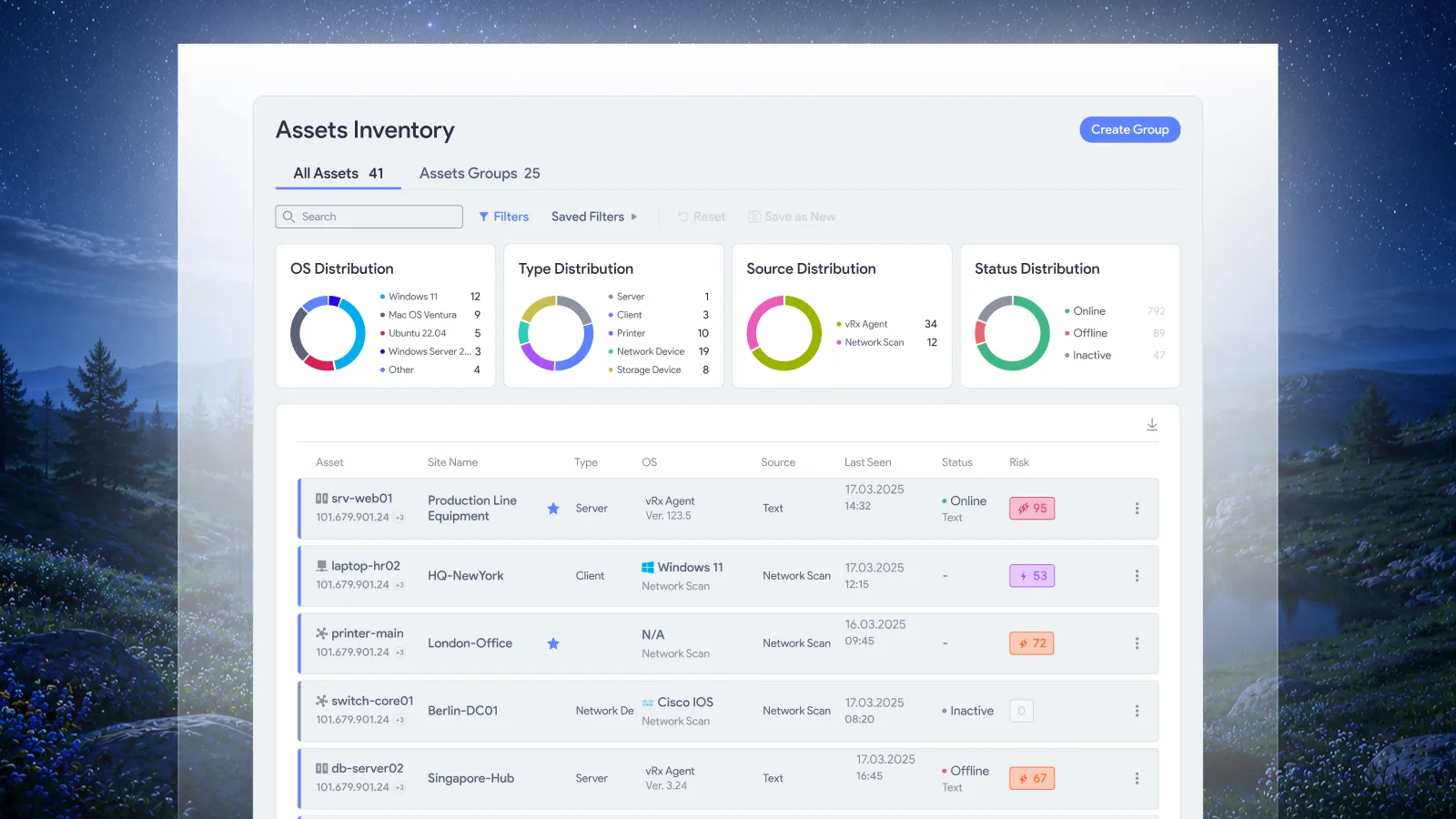
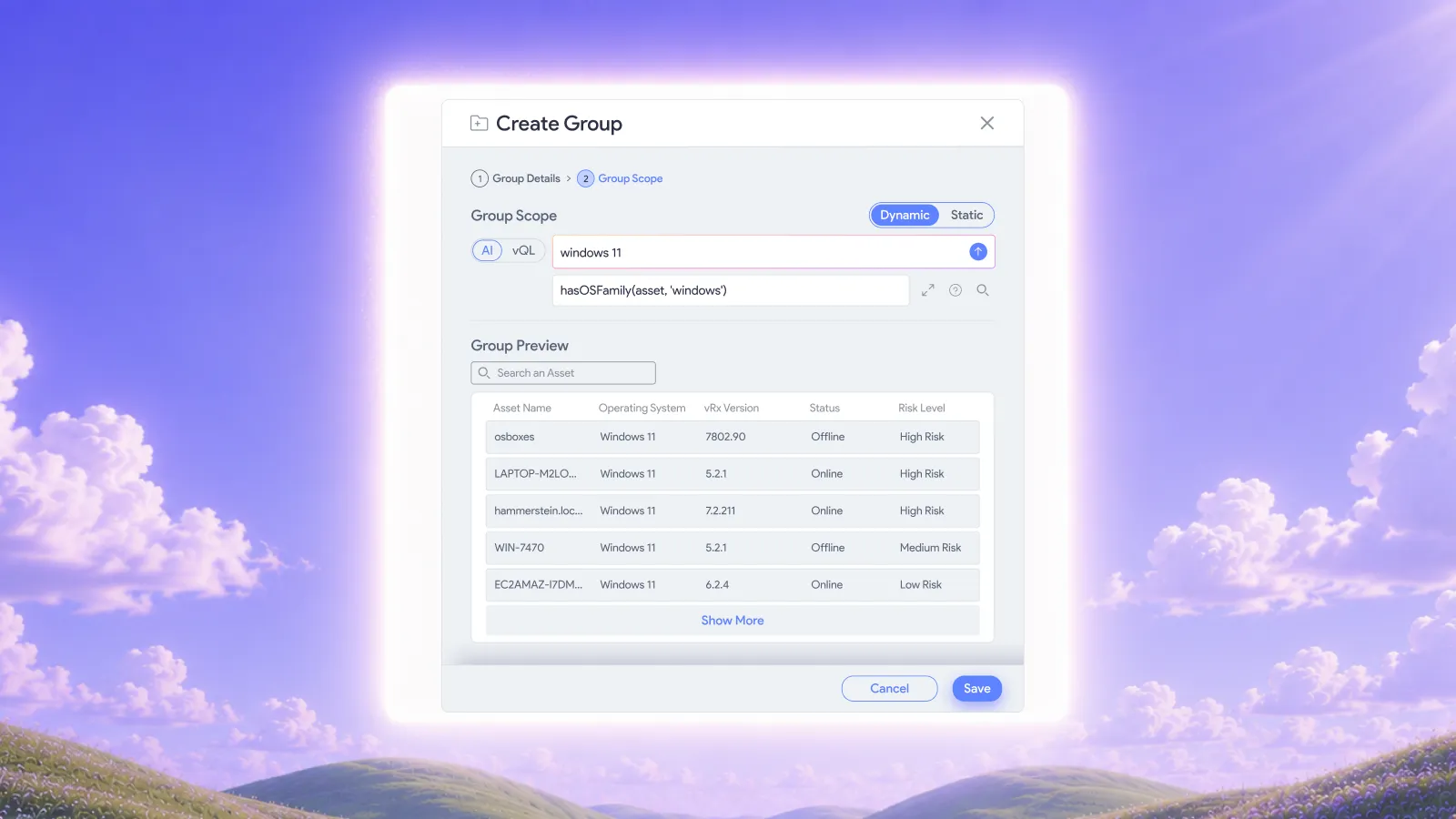
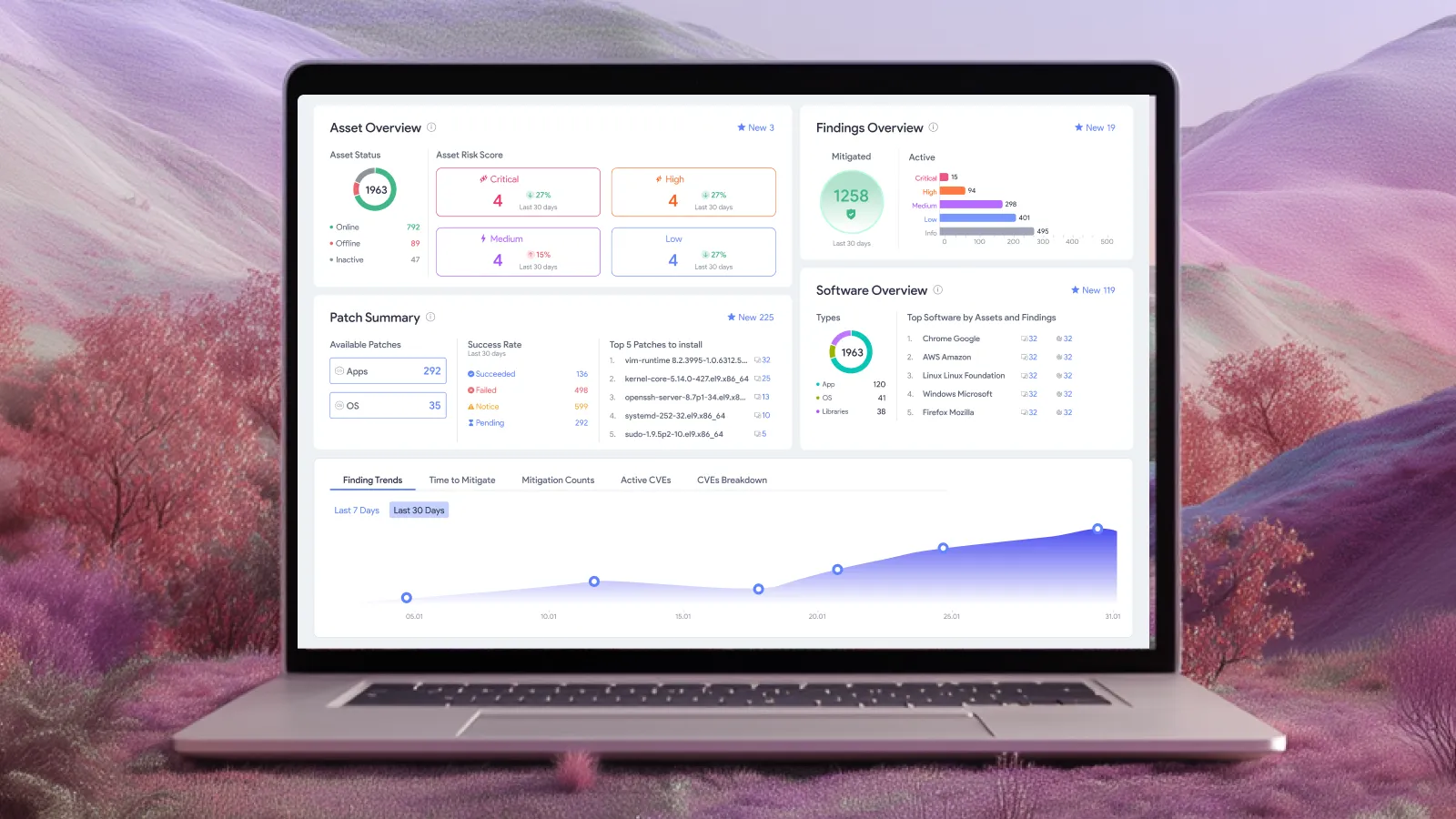
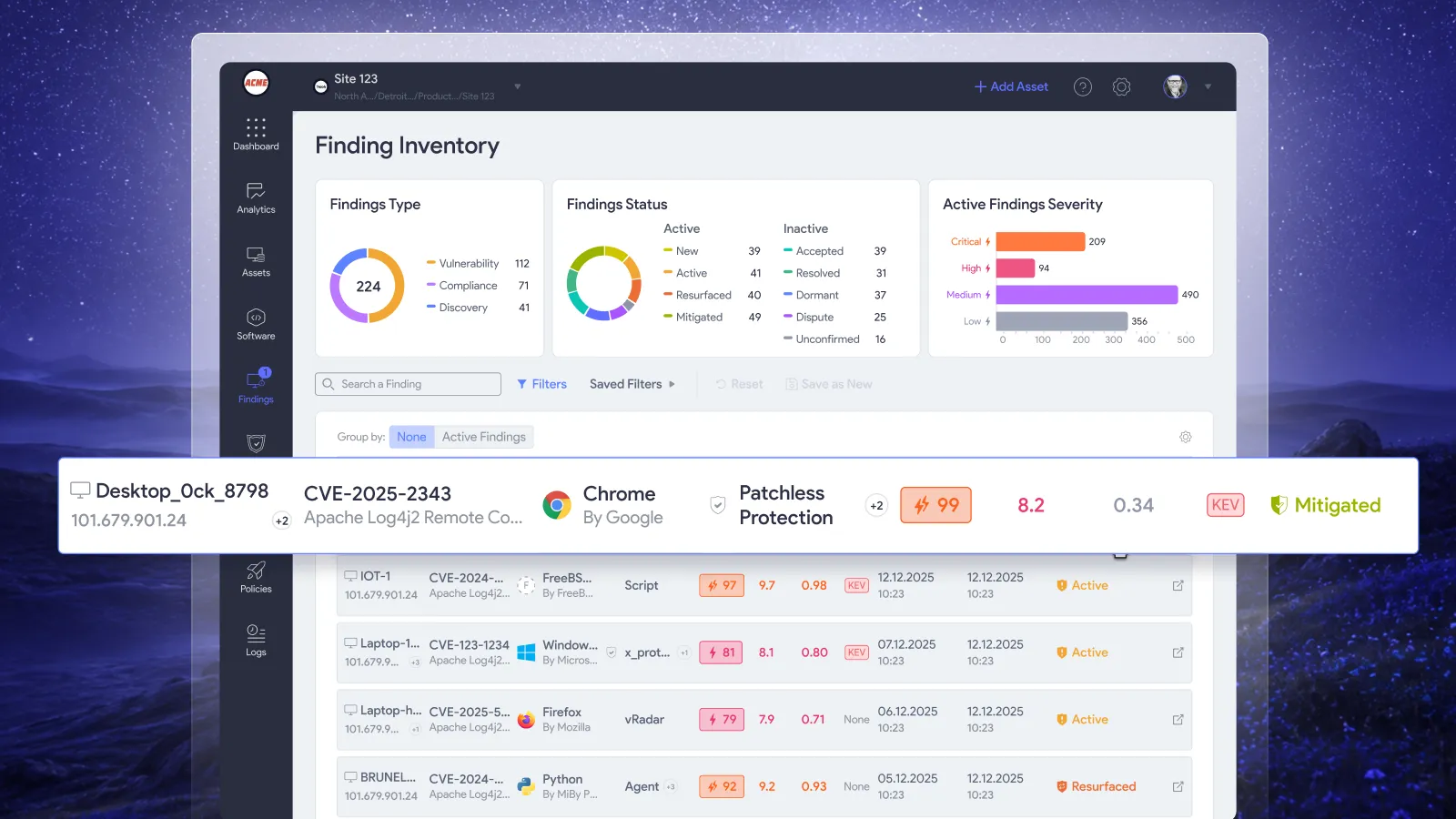
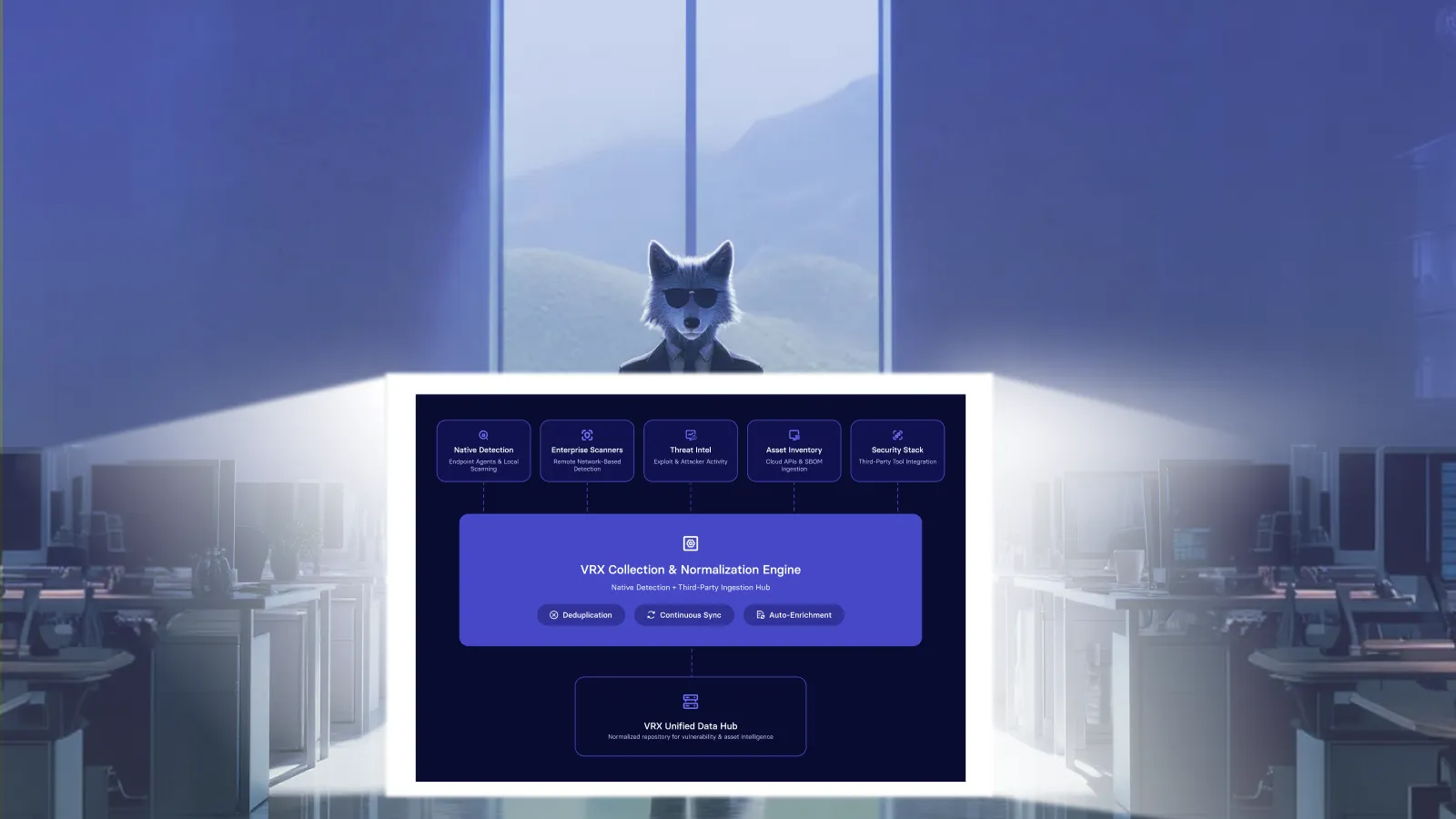
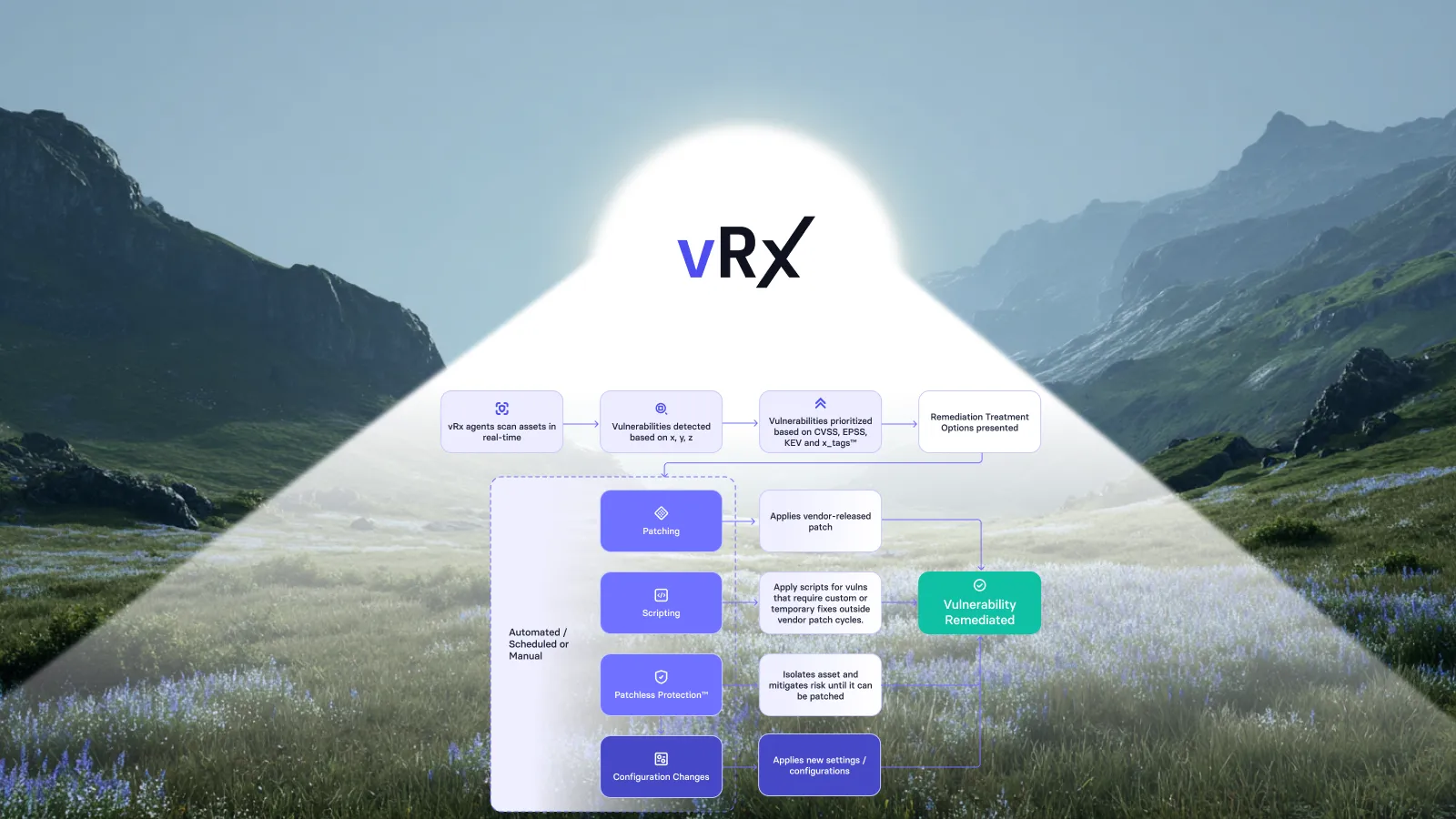
Vicarius documents per-asset management-mode capture: the same Windows KB can appear as WSUS-managed on one machine and Windows Update-managed on another. vRx also supports on-demand, scheduled, and rule-based deployment. Asset groups can target pilot and phased rollouts, while dynamic patch groups update membership as patch data changes. vRx patch management.
Use that context to make automation specific. The policy should describe the work you intend to authorize, rather than leave an operator to reconstruct that intent from a list of machines every week.
For example, a pilot should represent the conditions the later deployment will encounter. Choosing only the easiest machines may produce a reassuring result without answering the question that matters: will this change work for the next group?
Our recommendation is to include the relevant management modes and application dependencies in pilot selection. Keep the sample manageable, but make exclusions explicit. A pilot that excludes an important configuration leaves a separate decision for the broader rollout.
Define the policy before expanding the rollout
The following questions are a practical design aid for the team configuring its remediation policy. They are not additional approvals to repeat for every finding.
Start with a group whose ownership and operating constraints are understood. A broad rule attached to an unclear group moves ambiguity into automation. A narrower, well-defined rule gives the team a repeatable unit of work it can expand deliberately.
Document the reason for any hold alongside the normal policy. A maintenance restriction should identify the affected service and the next permitted action. Otherwise, a temporary exception can become a permanent exclusion that nobody notices until the next audit.
Make routine remediation automatic and exceptions visible
Once the policy is agreed, recurring work should follow it. Avoid making an administrator approve the same unchanged conditions repeatedly. Human review is most useful when the situation changes: a pilot fails, a service owner reports a dependency, or the rollout includes an unexpected asset.
A practical division of responsibility is to let the established deployment policy govern routine execution, while owners handle departures from its assumptions. Record what changed and which decision needs attention. “Deployment failed” is less useful than a result tied to the affected group and the next action.
This also improves coordination between security and IT. Security can describe the exposure that must be addressed. IT can establish a workable deployment route. Both should agree on completion evidence before the first batch runs, so a disagreement about status does not appear only after the change window closes.
For a recurring exception, change the policy or repair the underlying condition where appropriate. Repeatedly moving the same machines into a later batch is a warning that the ordinary process does not fit that group.
Verify the outcome on the affected machines
NIST includes verification of installation within enterprise patch management. A scheduled job or an accepted deployment request is therefore an intermediate state, not sufficient evidence of the final result. NIST SP 800-40 Rev. 4.
We recommend reviewing the original target set after the rollout. Keep machines with confirmed completion separate from failures, deferred changes, and assets whose state is still unknown. Removing an offline machine from the denominator makes the percentage look better without resolving its exposure.
The completion record should make the next action obvious. A failed installation needs investigation. A deferred restart needs an agreed window. An unreachable machine needs follow-up when it returns. Those outcomes deserve different treatment even if all remain unresolved.
Service health belongs in this review too. Agree an appropriate check with the application owner before deployment. For a business application, that might be a representative transaction in the approved test environment and a permitted health check after production rollout. The exact check depends on the service; a generic success icon should not substitute for that agreement.
Keep remediation options available when a patch must wait
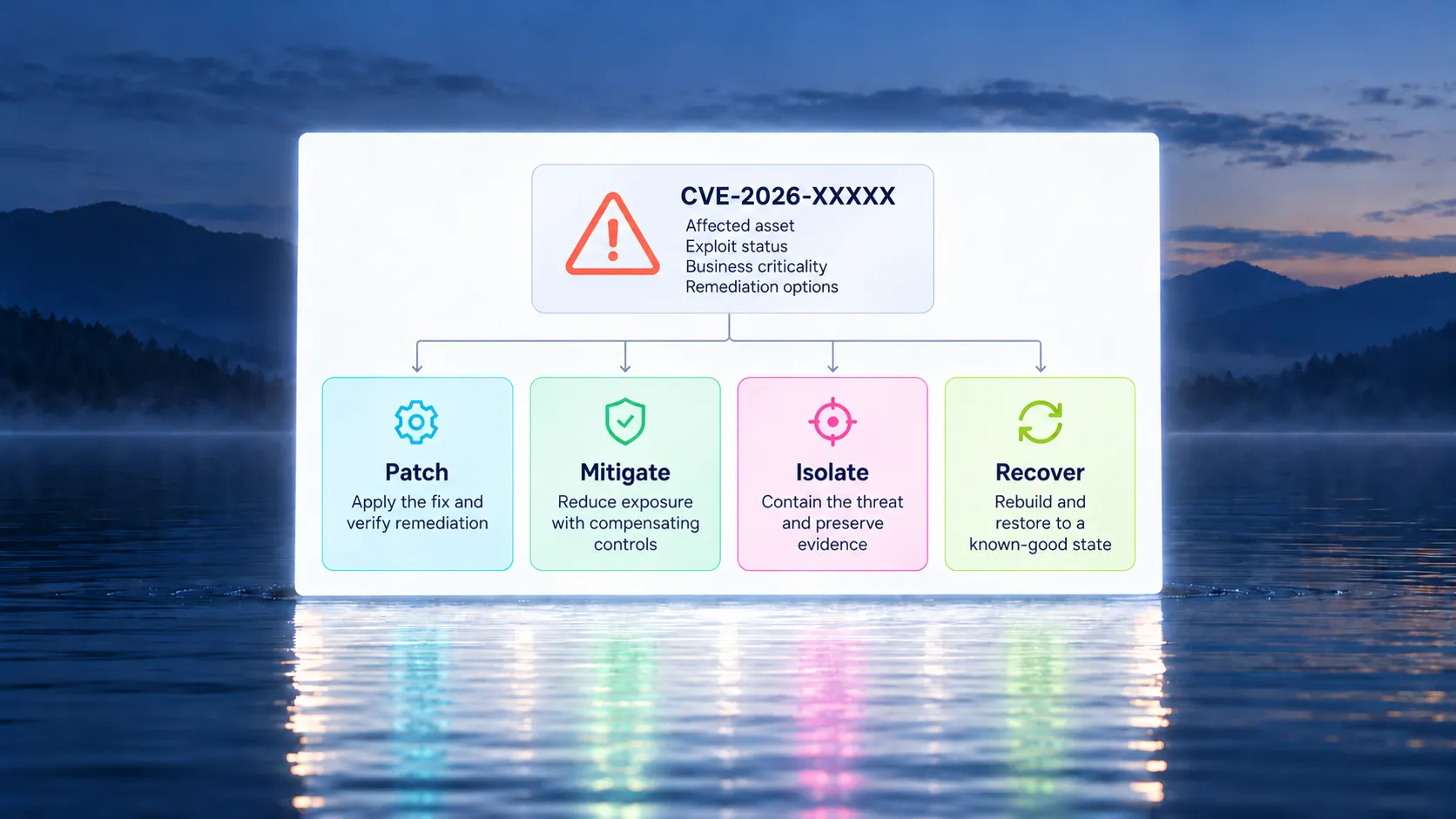
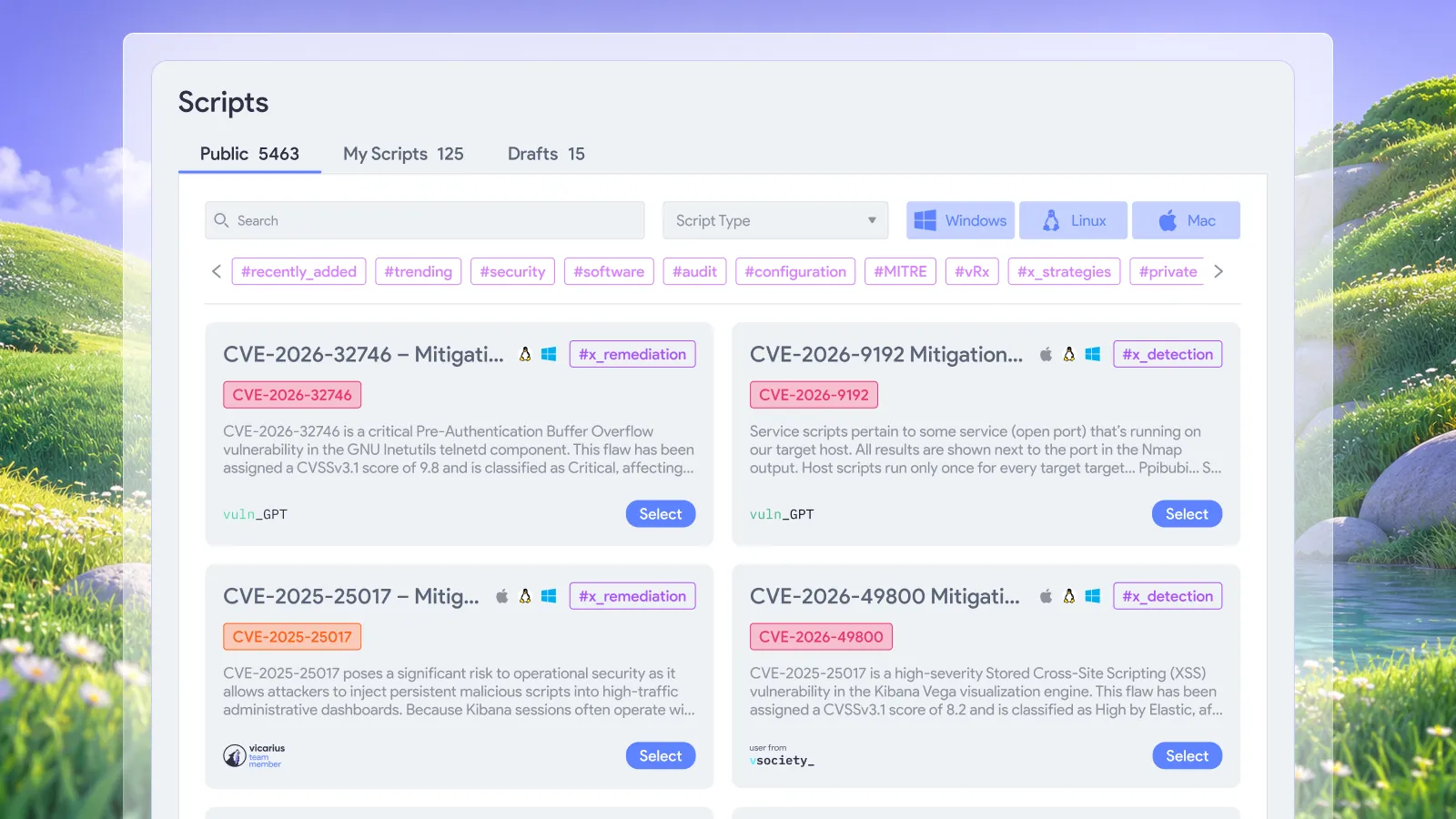
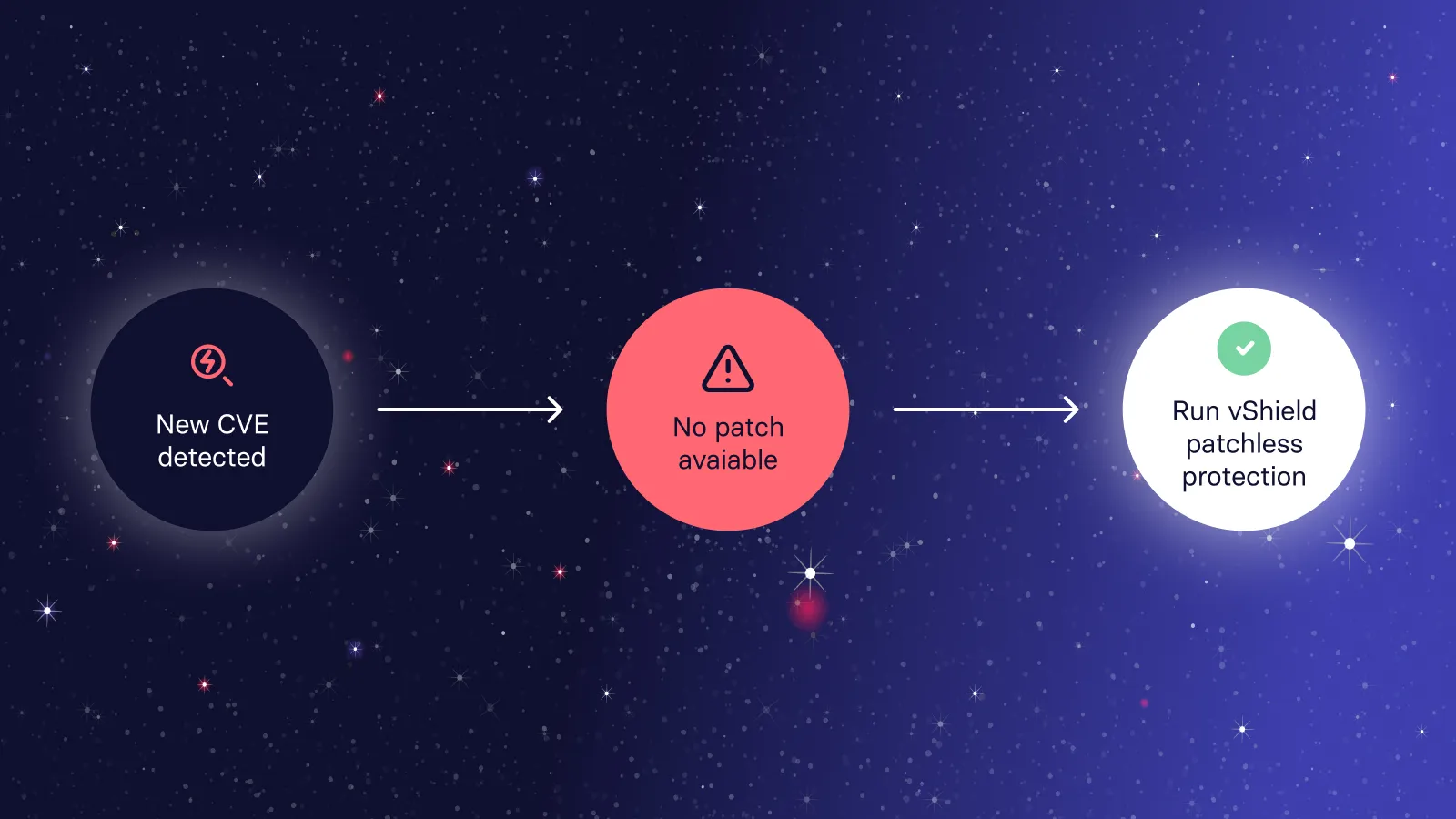
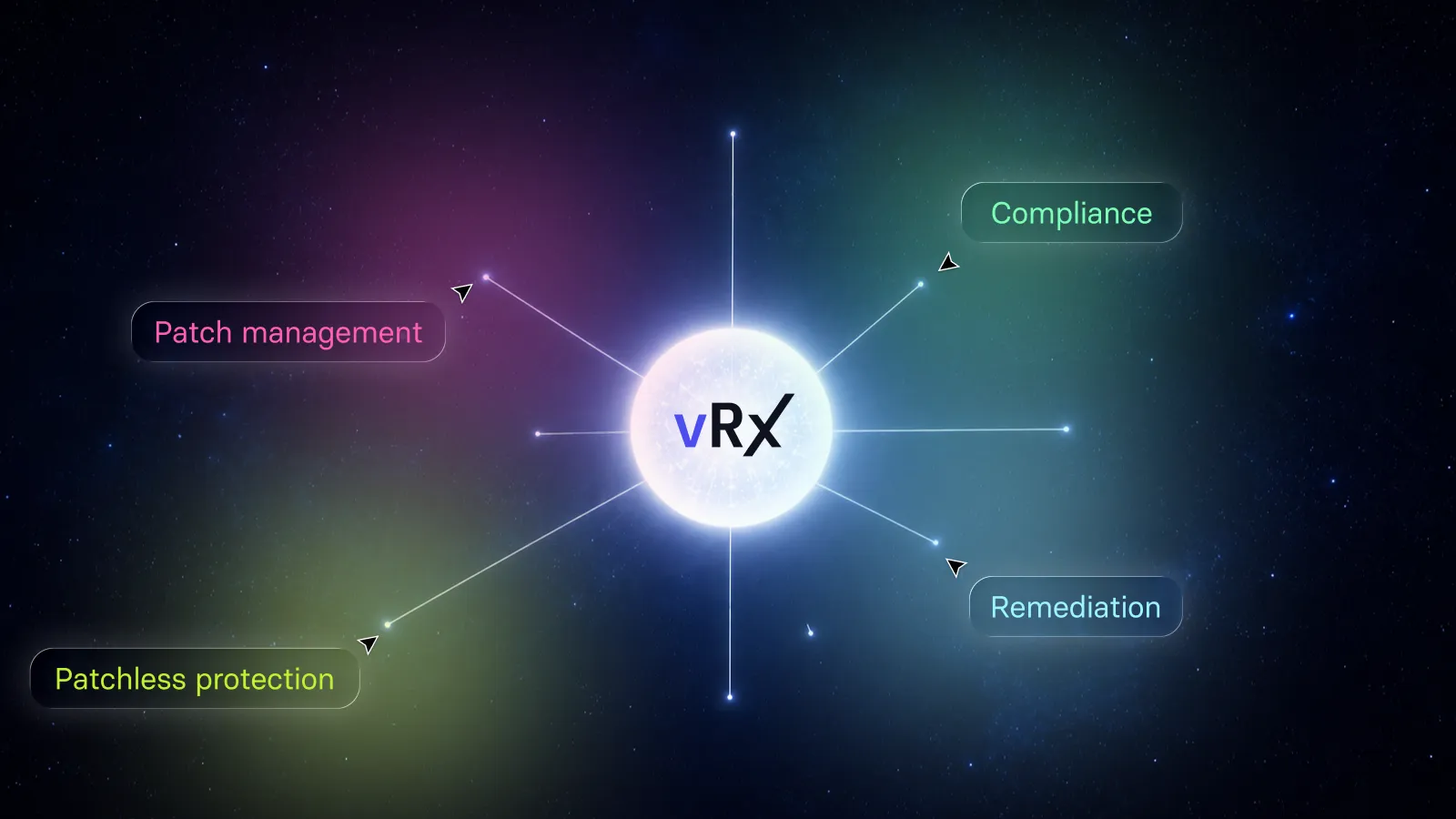
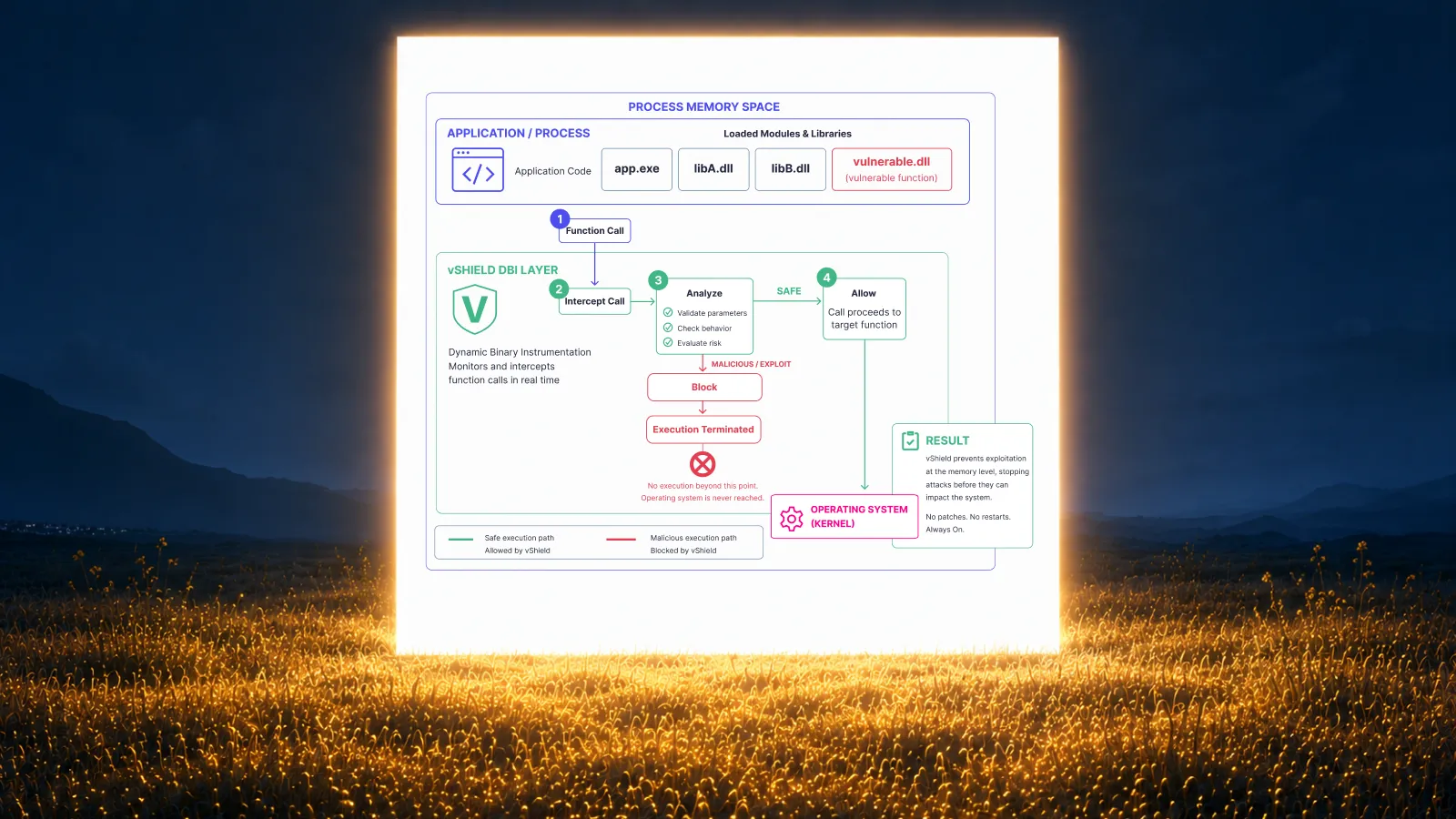
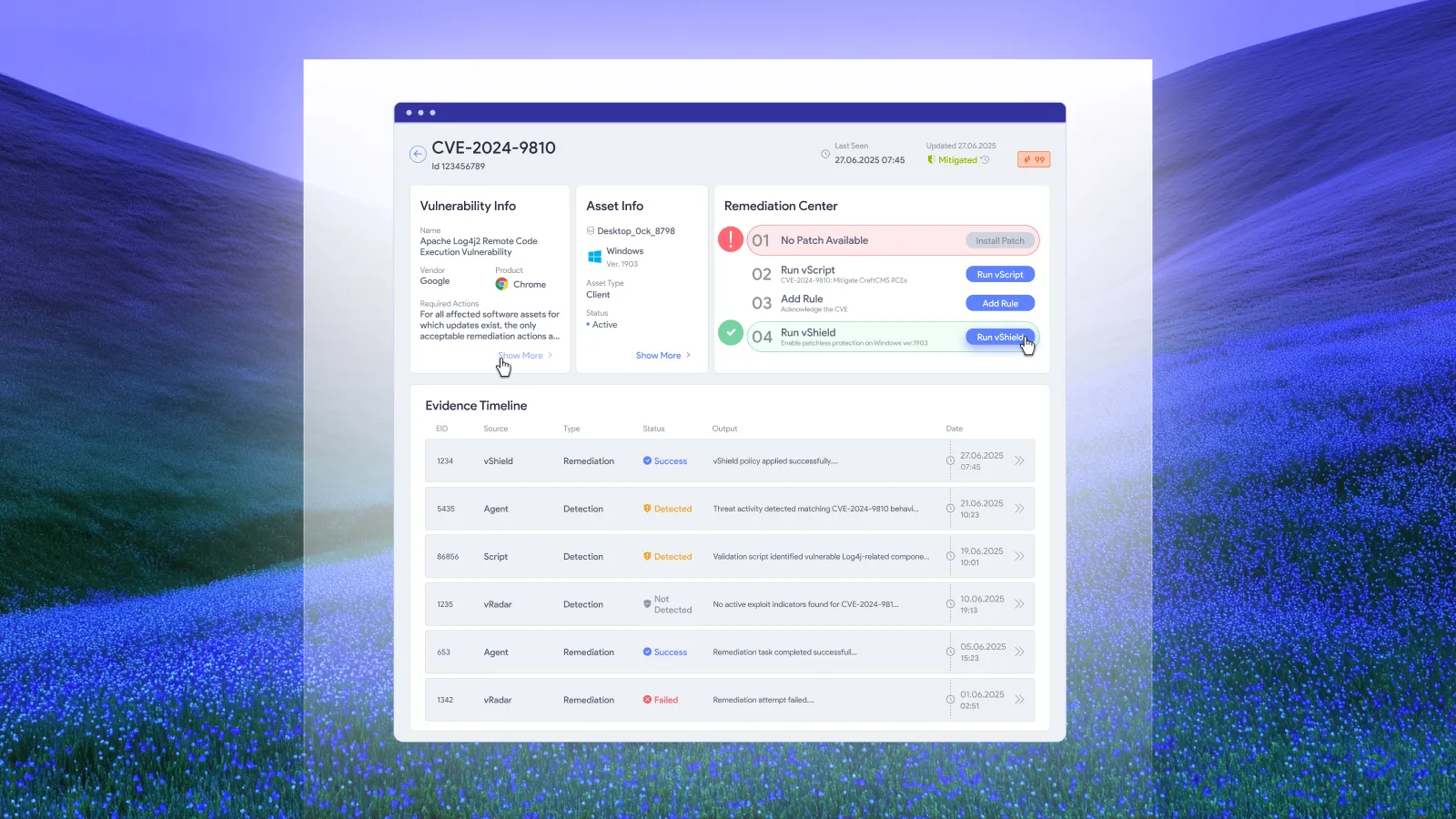
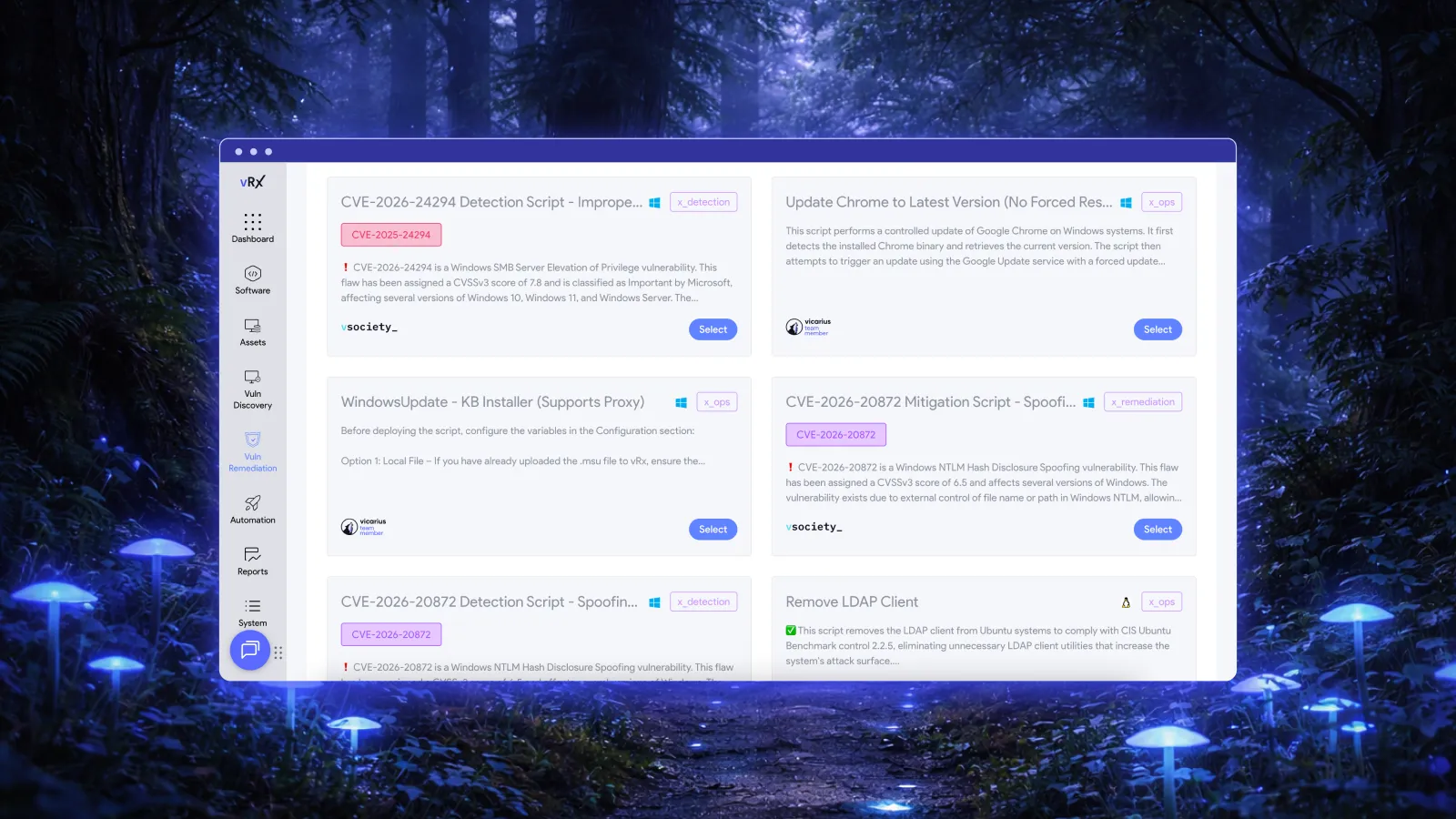
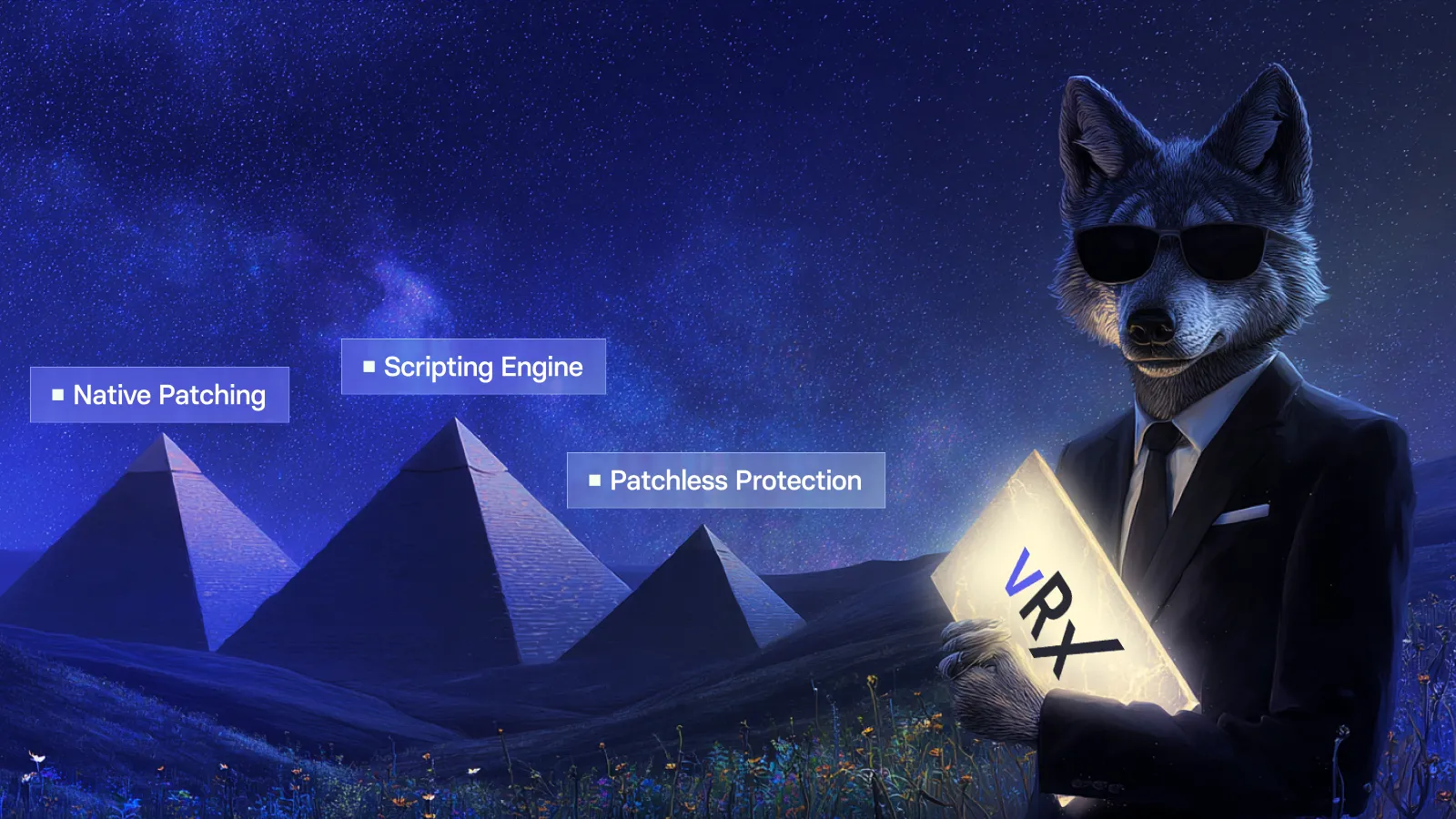
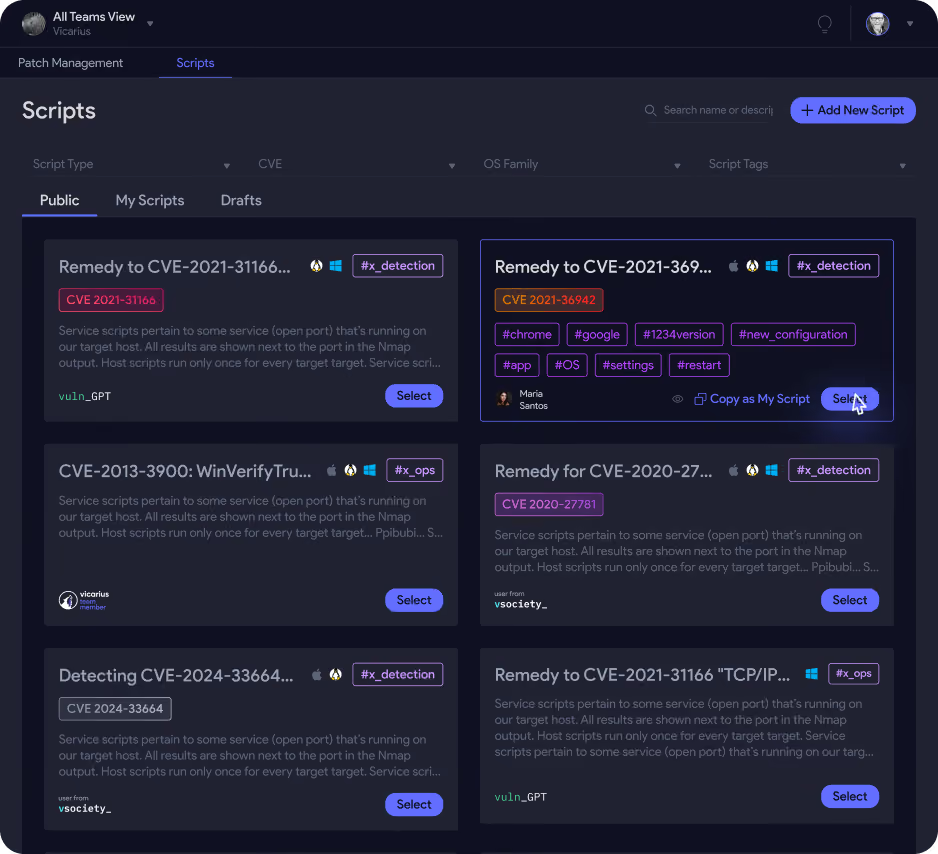
vRx also provides vScript for scripted detection and remediation, and vShield Patchless Protection for supported patchless mitigation. These are relevant options when evaluating how to reduce exposure while a patch is unavailable or delayed. Vicarius remediation options.
Select an alternative against the actual vulnerability and asset conditions. Do not assume that a script or protection method applies simply because the affected system runs Windows. A configuration correction may address the underlying problem; a temporary control may instead constrain an exploitation route while leaving the vulnerable software installed.
Keep that distinction in the record. If the response depends on an interim control, retain the permanent-fix plan and a condition for reviewing the exception. The purpose of having options is to keep exposure reduction moving, with a clear account of what has and has not changed.
Frequently asked questions
Must every Windows asset use the same update-management system?
No. Vicarius documents support for estates containing both WSUS-managed and Windows Update-managed assets. The rollout still needs appropriate targeting and deployment policies. See the vRx management-mode explanation.
Can Windows patch deployment run automatically?
Yes. vRx supports rule-based deployment as well as scheduled and on-demand patching. Establish the permitted scope and timing before enabling recurring execution. Deployment options.
Should a mixed estate have one pilot group?
Use pilot coverage that reflects the conditions of the intended rollout. One group may be sufficient for a narrow, consistent scope. Different application dependencies or operational constraints may justify separate pilots.
When should a patching task be considered complete?
When evidence confirms the intended correction on the target asset and the agreed operational checks pass. Track deferred or unconfirmed outcomes separately so they retain an owner and next action.
See the mixed-estate workflow in a demo
Bring a representative WSUS-managed group, a Windows Update-managed group, and the deployment constraints that matter to your team. Request a vRx demo focused on policy-driven deployment and evidence of completed remediation across both groups.