


A patch management policy should define which updates can run automatically, the conditions they must meet, who owns exceptions, and what evidence closes the work. Those decisions let teams authorize repeatable remediation without reviewing every routine deployment individually.
The difficult part is translating a sentence such as “critical vulnerabilities must be patched promptly” into rules that can actually govern execution. Promptly means little without a deadline. A deadline means little without an accountable owner and a defined way to handle systems that cannot meet it.
For security and IT leaders, the useful question is: what can the organization approve once so that remediation can keep moving?
What belongs in a patch management policy?
A patch management policy sets the organization's requirements for applying fixes and handling unresolved exposure. It should cover scope, ownership, authorization, timing, exceptions, verification, and review. Procedures explain how people carry out those requirements; deployment settings implement the relevant technical choices.
That distinction matters. A policy should remain understandable when a team changes its maintenance window or reorganizes its asset groups. It should also be precise enough that an administrator can tell whether a proposed automation follows it.
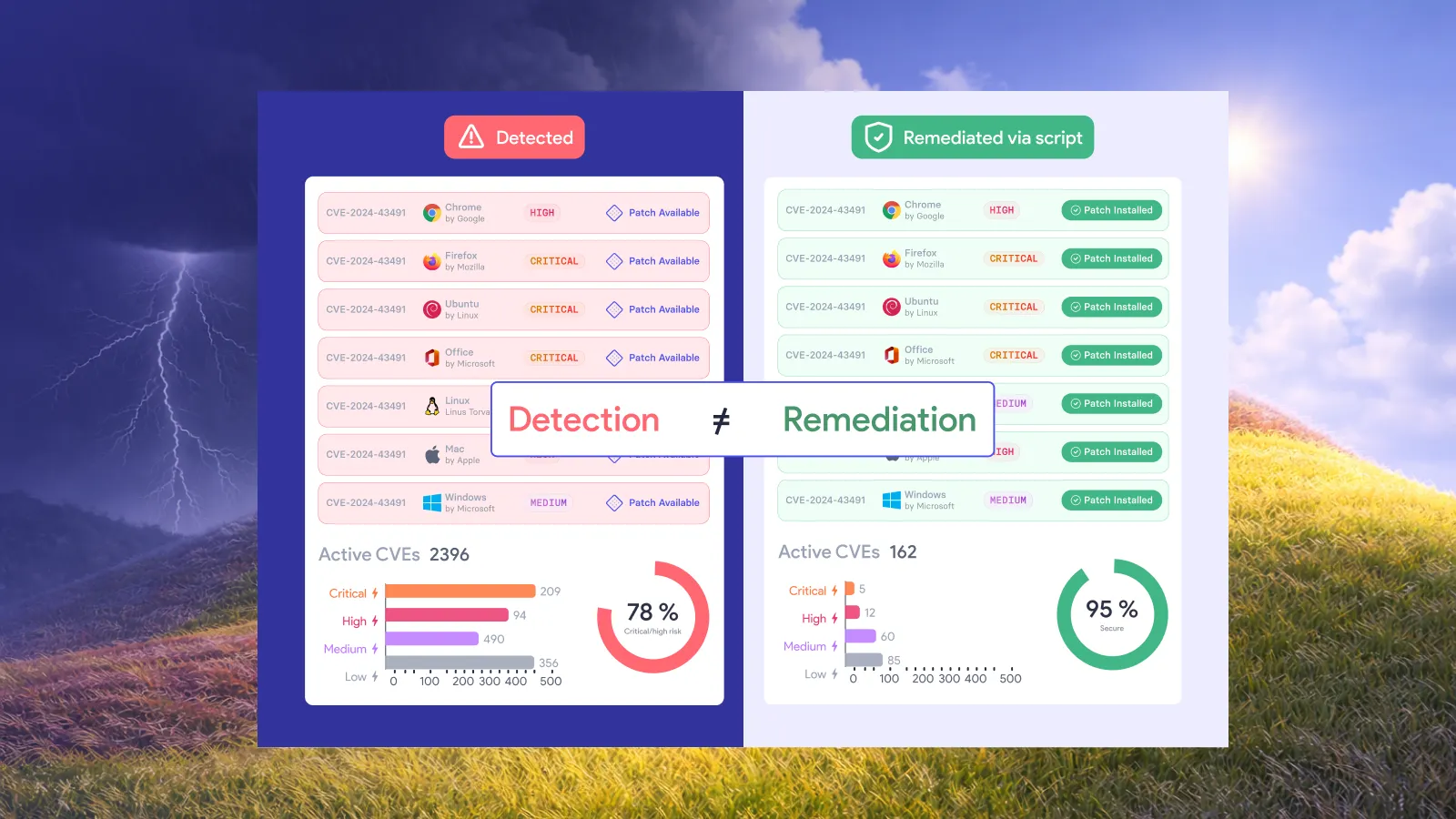
NIST describes enterprise patch management as identifying, prioritizing, acquiring, installing, and verifying patches. Verification therefore belongs in the policy's definition of completion, rather than being left to an optional reporting task. NIST SP 800-40 Rev. 4
The sample below is a recommended starting point. Replace bracketed fields with your organization's decisions before adopting it. The deadlines and approval authorities must reflect your service obligations, exposure, and change requirements.
A patch management policy example you can adapt
1. Define the scope and accountable owner
Sample policy clause:
This policy applies to [managed operating systems and applications] on [defined asset populations]. Each covered service must have an accountable owner. Unassigned assets and software outside the approved patching scope must be referred to [responsible team] for an ownership or coverage decision.
An inventory entry alone does not establish who can accept disruption or authorize an exception. Record ownership at a level that remains usable as devices join or leave the environment, such as a business service or managed endpoint population.
For newly discovered software, require a coverage decision. Otherwise, an organization can report strong compliance against its established scope while an expanding set of applications remains outside it.
2. Authorize routine remediation in advance
Sample policy clause:
Updates meeting [approved eligibility criteria] may deploy automatically to [authorized asset groups] under [approved schedule and deployment conditions]. A separate deployment approval is required only when the proposed action falls outside those conditions.
Write the eligibility criteria so another team could apply them consistently. “Low-risk updates” needs a definition. Which software categories qualify? Which asset populations are included? What testing or release decision establishes eligibility?
This clause is where policy becomes useful for automation. It establishes a standing authorization for a bounded class of work. People retain responsibility for defining that boundary and changing it when the operating conditions change.
3. Set deadlines and an escalation route
Sample policy clause:
Remediation deadlines follow [approved risk-to-deadline schedule]. The deadline is measured from [defined starting event]. When a deployment cannot complete within that period, the accountable owner must use the exception process or the emergency change route before the deadline expires.
Choose the starting event explicitly. Patch release, internal detection, and confirmation that an asset is affected can produce different elapsed times. Reports should not switch between them without explanation.
Keep the risk-to-deadline schedule in a maintained reference so it can change without rewriting the entire policy. Define who can activate emergency handling and where that authority is recorded. A routine deployment schedule should not leave urgent work waiting for an undefined decision.
4. Make exceptions time-bound
Sample policy clause:
An exception must identify the affected scope, accountable owner, reason for delay, selected temporary risk reduction, expiry or review trigger, and intended permanent resolution. Renewal requires a fresh decision based on current conditions.
“Waiting for the application team” is a status update, not a complete exception. A useful exception identifies what will happen next and who is responsible for making it happen.
Avoid granting a broad exemption when only a small subset of assets needs different treatment. The remaining eligible population should continue through the authorized remediation process.
5. Define completion using evidence
Sample policy clause:
A remediation action is complete when [required evidence] confirms the intended change on the affected scope. A successful job submission alone does not close the obligation. Unresolved results remain assigned to an owner until corrected or covered by an approved exception.
Specify evidence appropriate to the action. For a patch, that may include installed package or version evidence and the result of a subsequent vulnerability assessment. For a configuration change, it may be the resulting setting and confirmation that it addresses the relevant exposure.
Temporary protection should remain distinguishable from a permanent fix in reporting. Both can be useful remediation actions, but they answer different questions about what remains to be done.
How do policy clauses map to vRx controls?
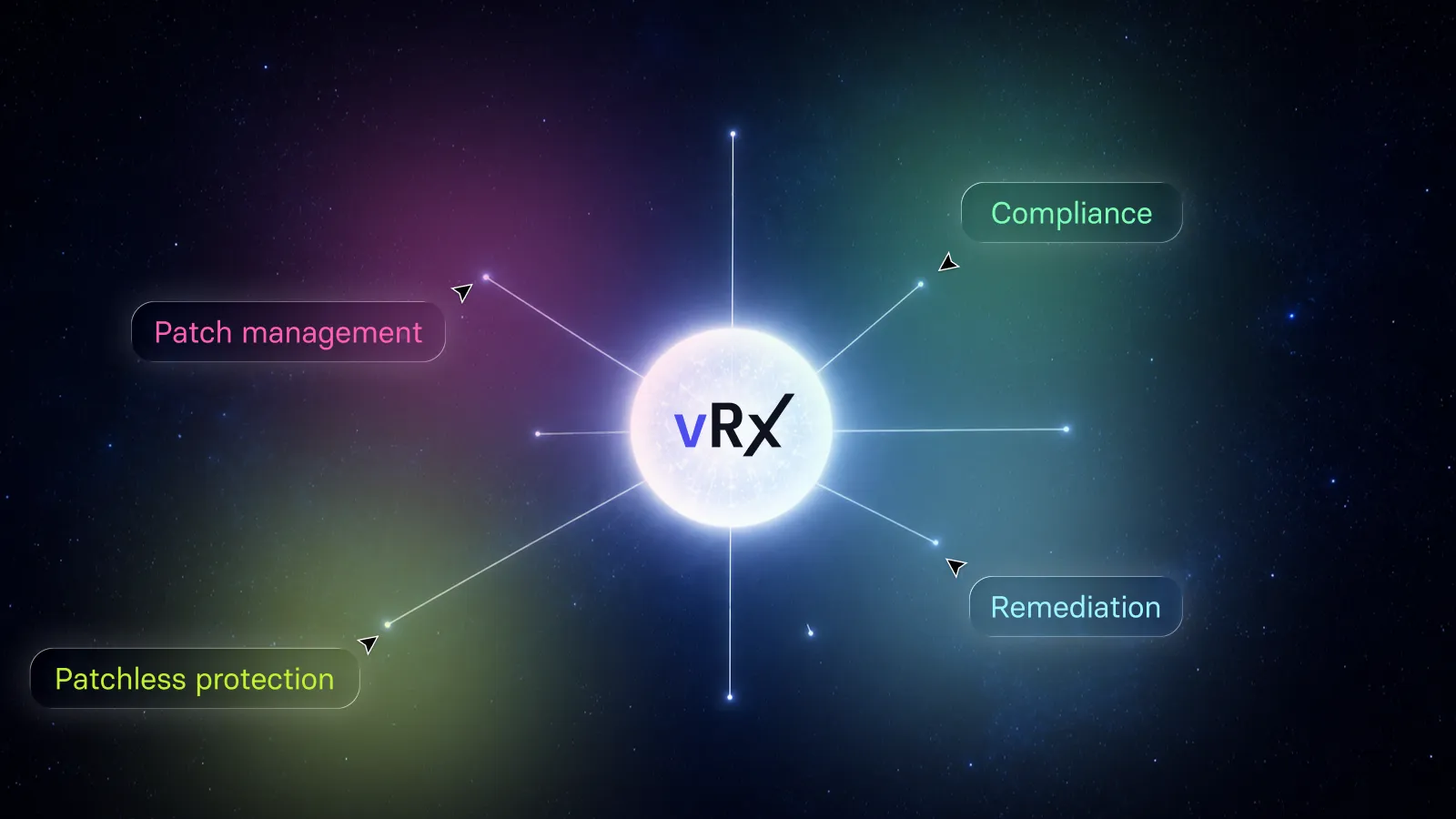
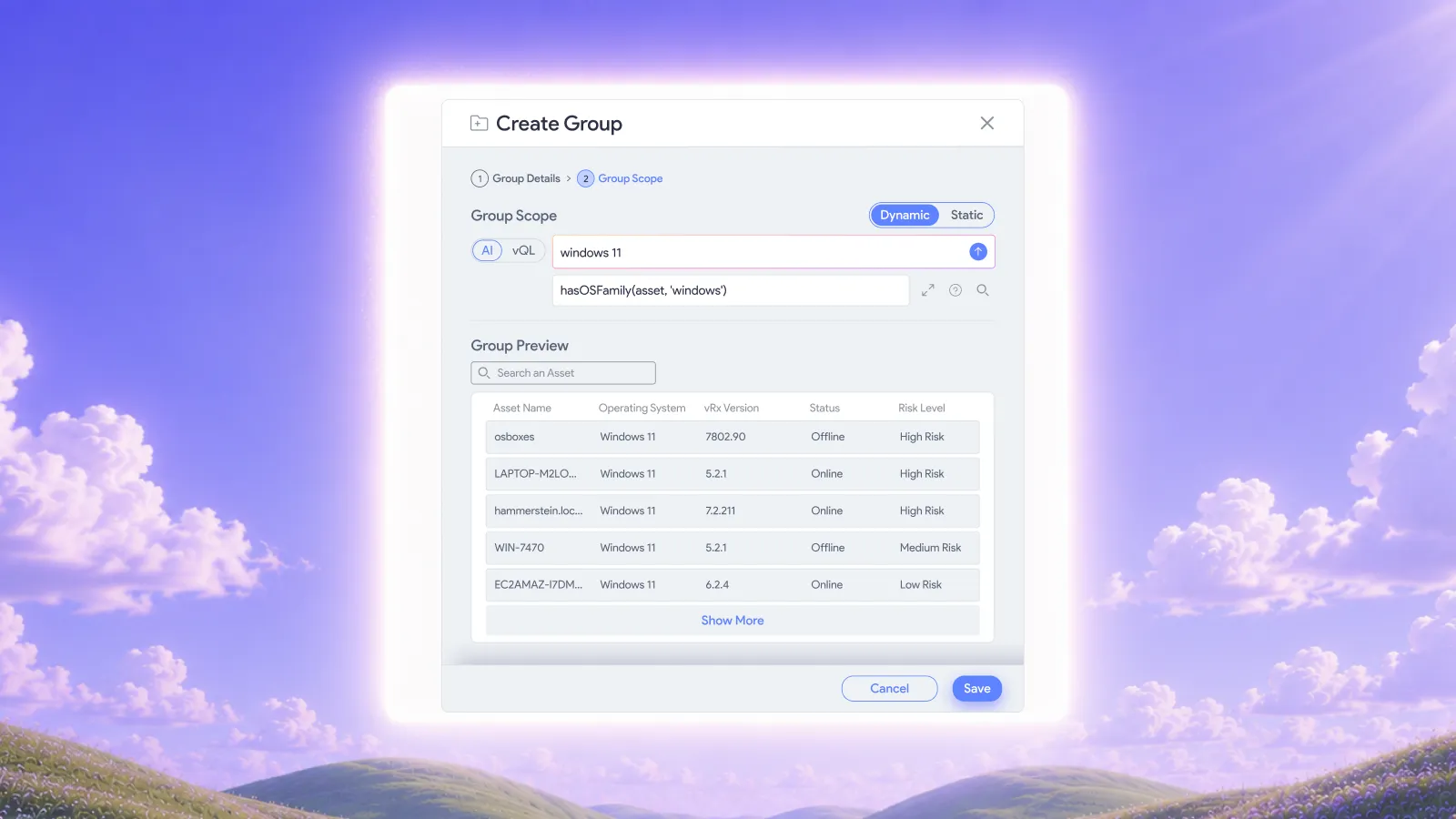
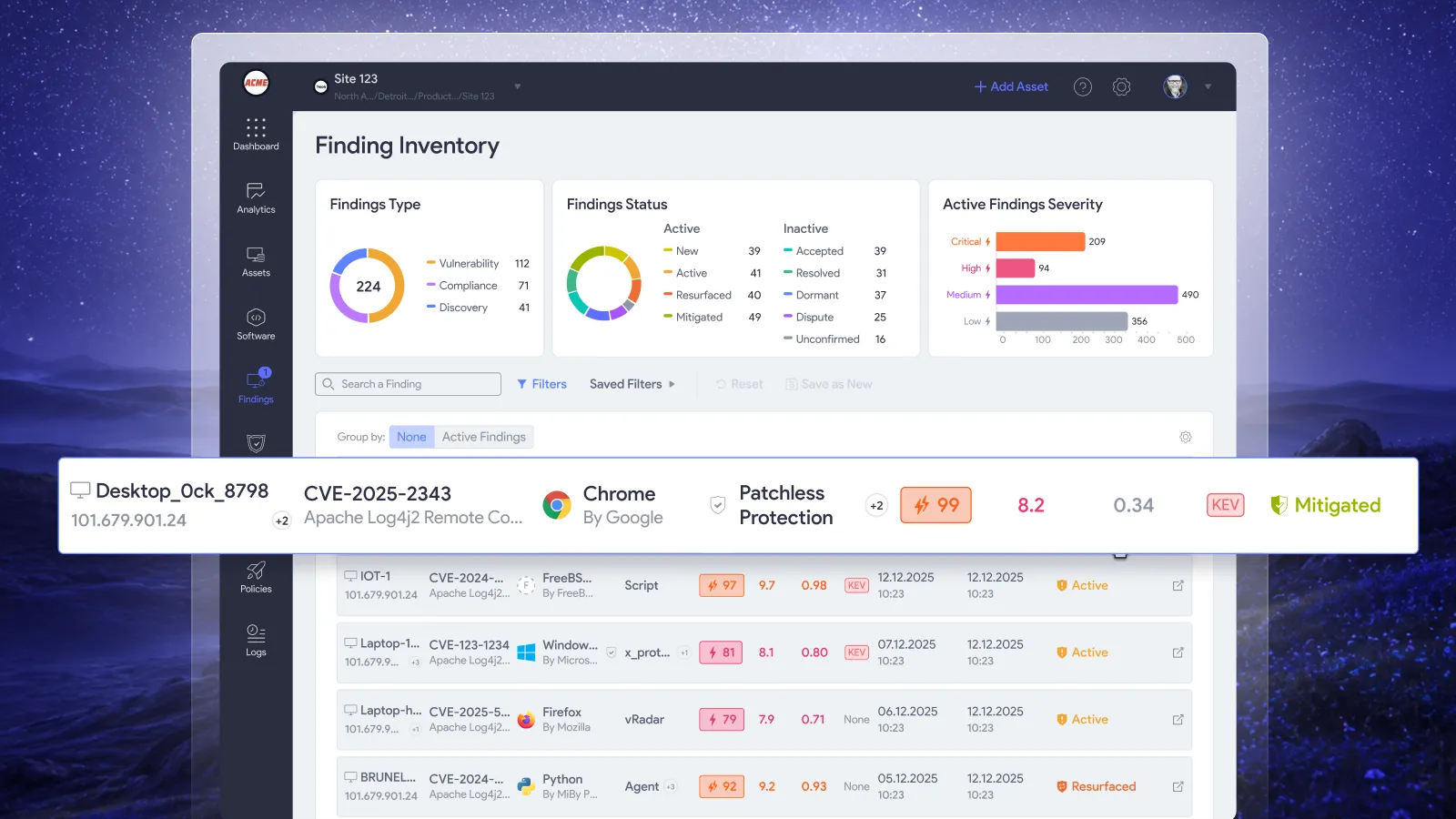
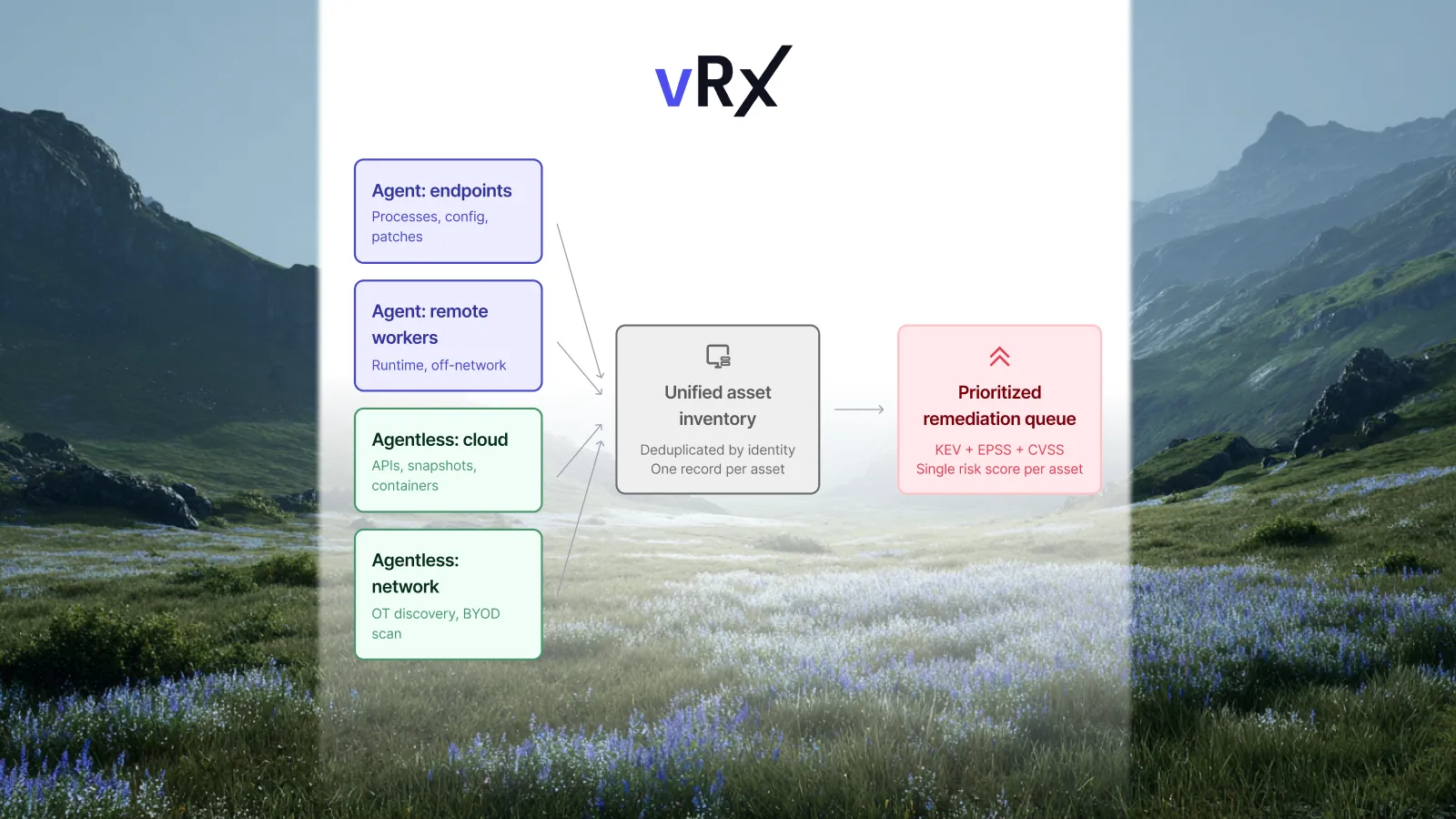
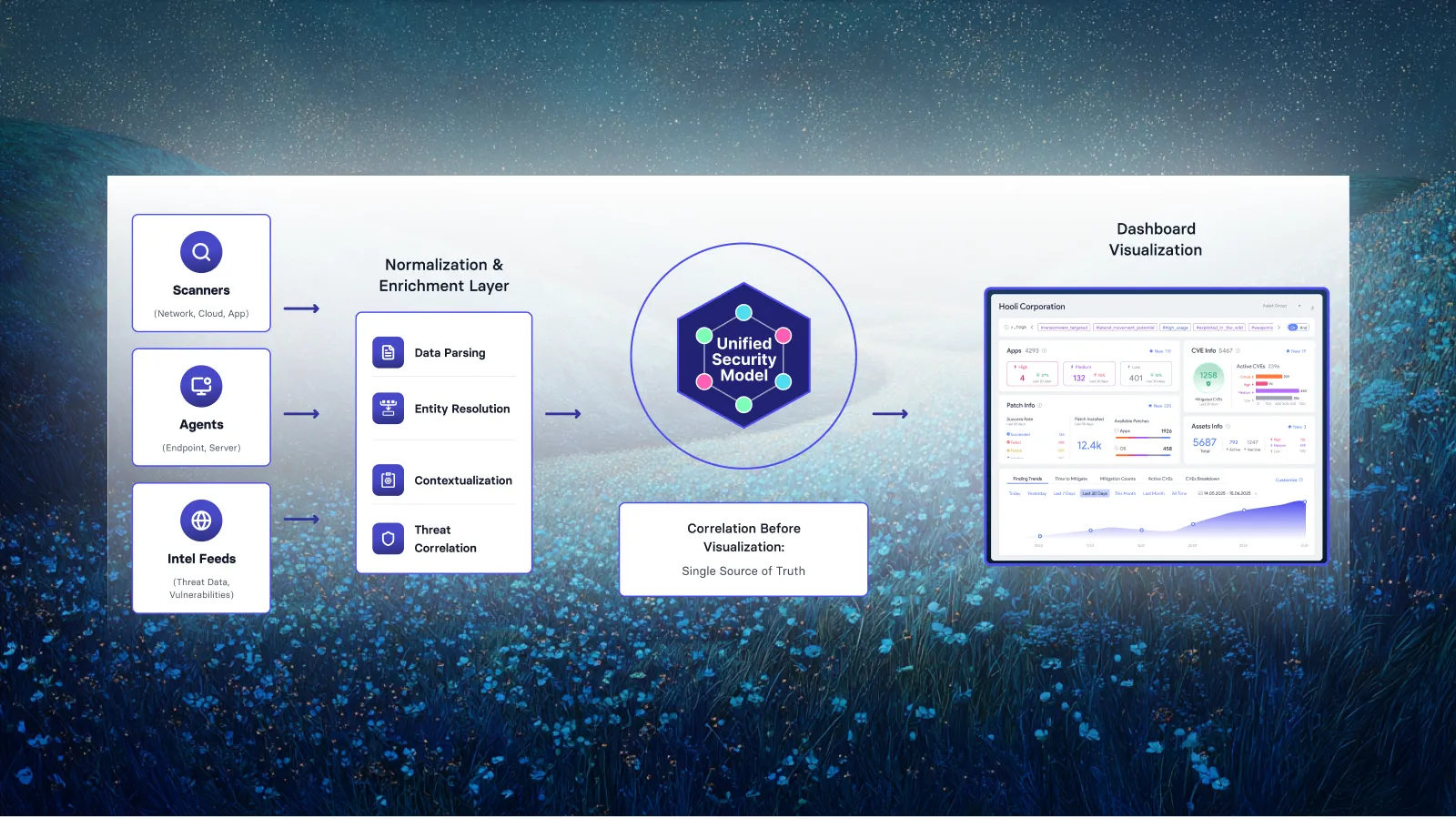
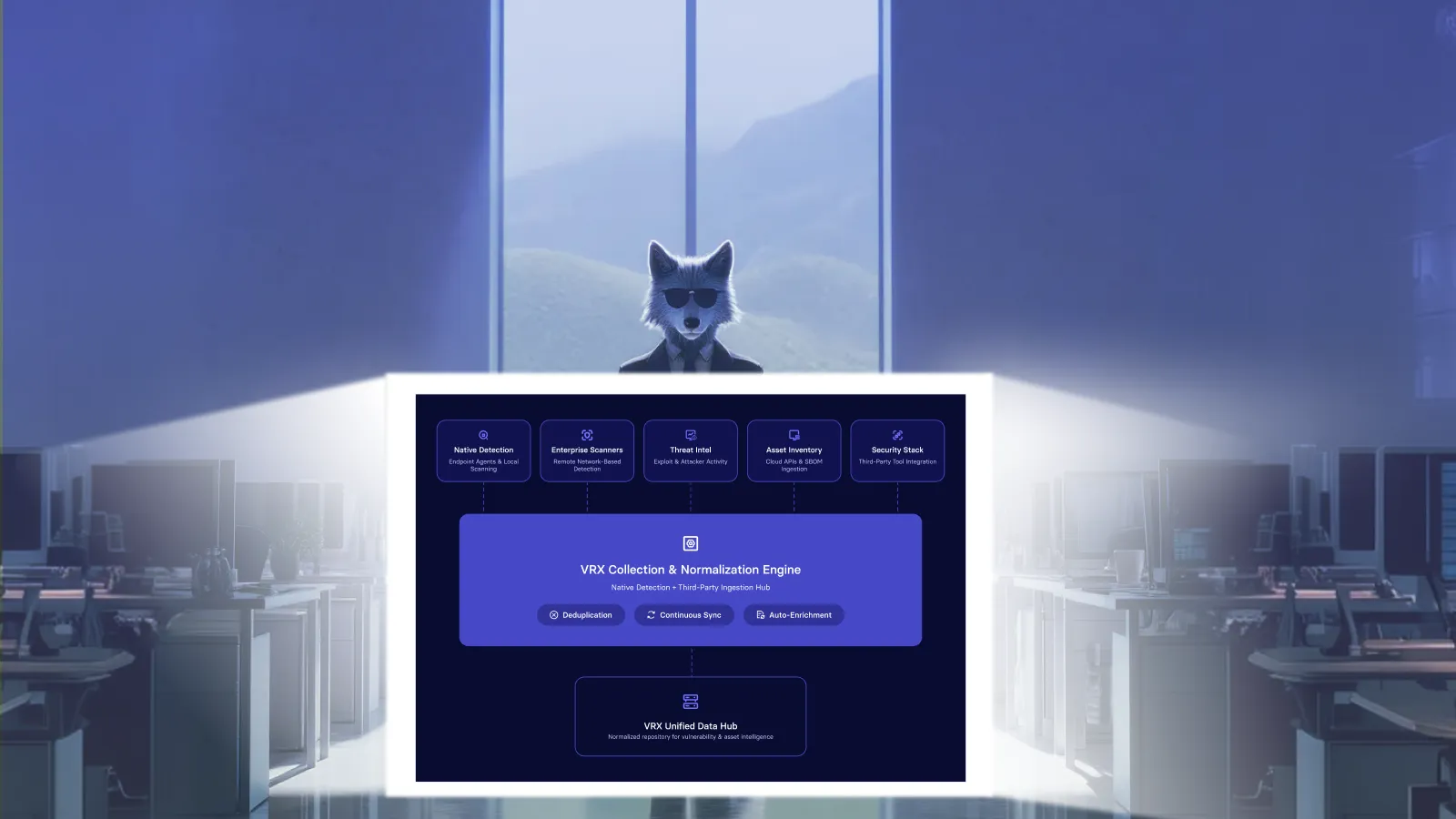
Vicarius documents on-demand, scheduled, and rule-based patch deployment in vRx, along with asset, software, and patch groups. Static groups use selected members; dynamic patch groups update membership as patch data changes. Those capabilities give administrators concrete controls for implementing approved deployment scope and timing. Vicarius patch management
Use the following mapping when translating the policy into configuration and supporting records:
The last two rows describe organizational records and review criteria. Link those records to the affected scope so a reviewer can trace an unresolved result to its owner and next action.
For the broader application-management context, see Vicarius's third-party patch management guide.
What happens when the approved scope changes?
Consider a hypothetical organization adding a newly acquired business unit to its endpoint patching program.
Its existing policy authorizes routine application updates on employee laptops. The acquired unit also has shared devices supporting a business-critical service. Treating every new device as an ordinary laptop would extend the authorization beyond the assumptions behind it.
The policy should make the decision straightforward: confirm ownership and classify the new population before including it in the relevant deployment scope. Ordinary laptops can enter the established process. Devices with different operating constraints receive an explicit scope and scheduling decision.
After that decision, routine eligible updates can follow the approved configuration without reopening the same business discussion for every release.
Use scope changes as a policy-review trigger. Acquisitions, newly managed applications, and changes in service ownership deserve attention because they can alter what an existing rule means in practice.
Where do remediation options fit?
The policy should define how teams select and govern an alternative when the preferred patching route cannot meet the required timeframe.
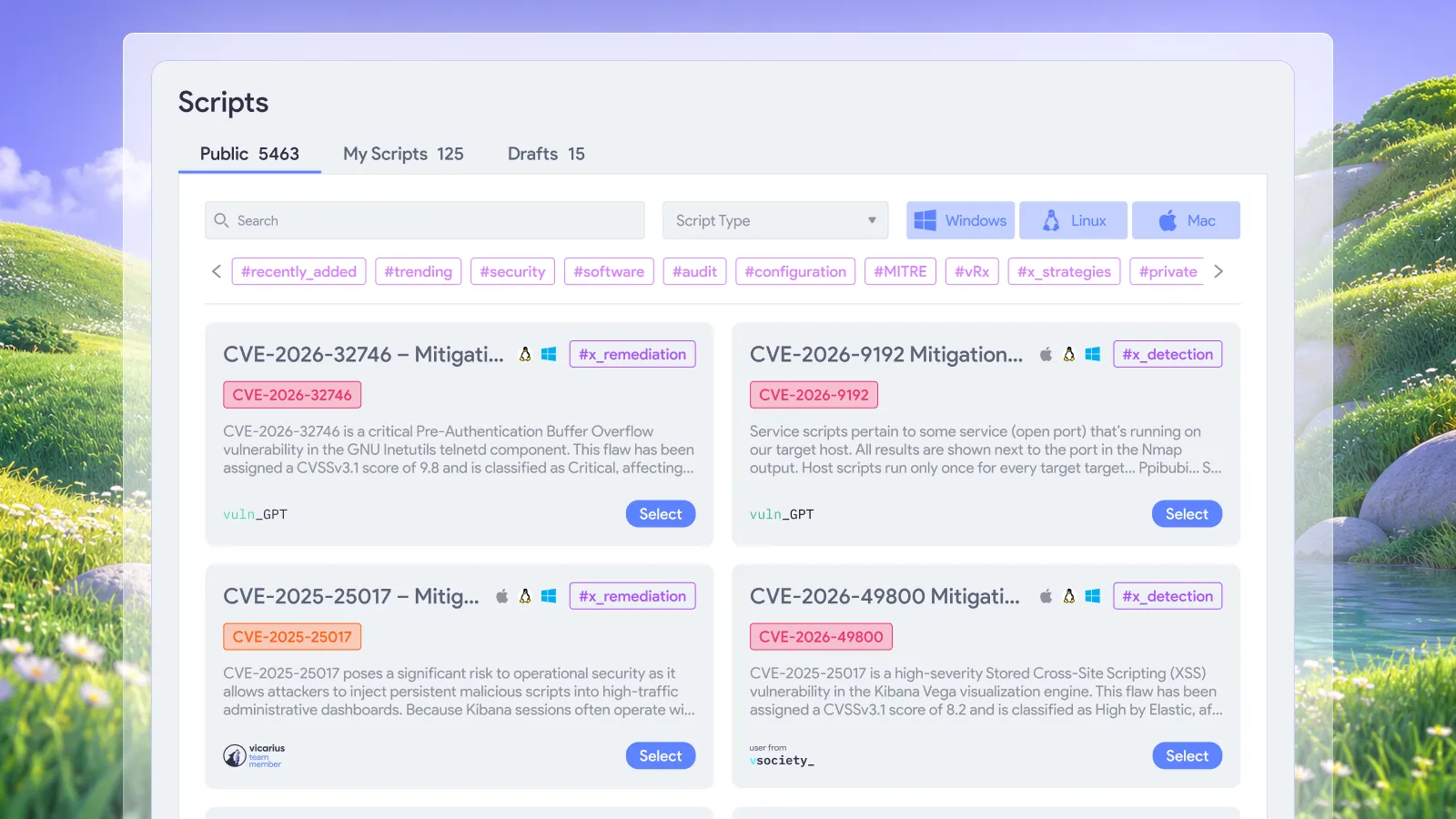
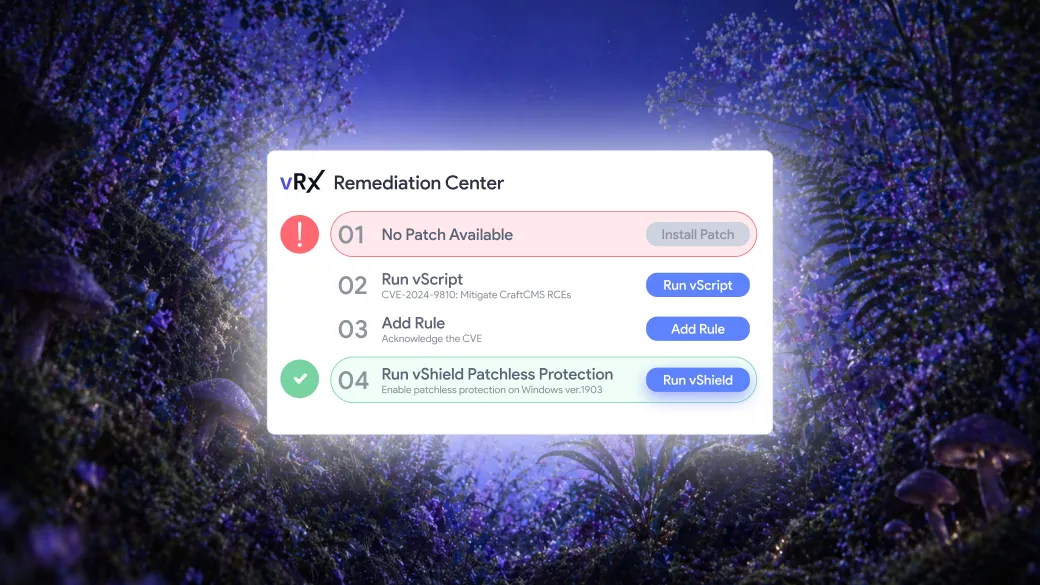
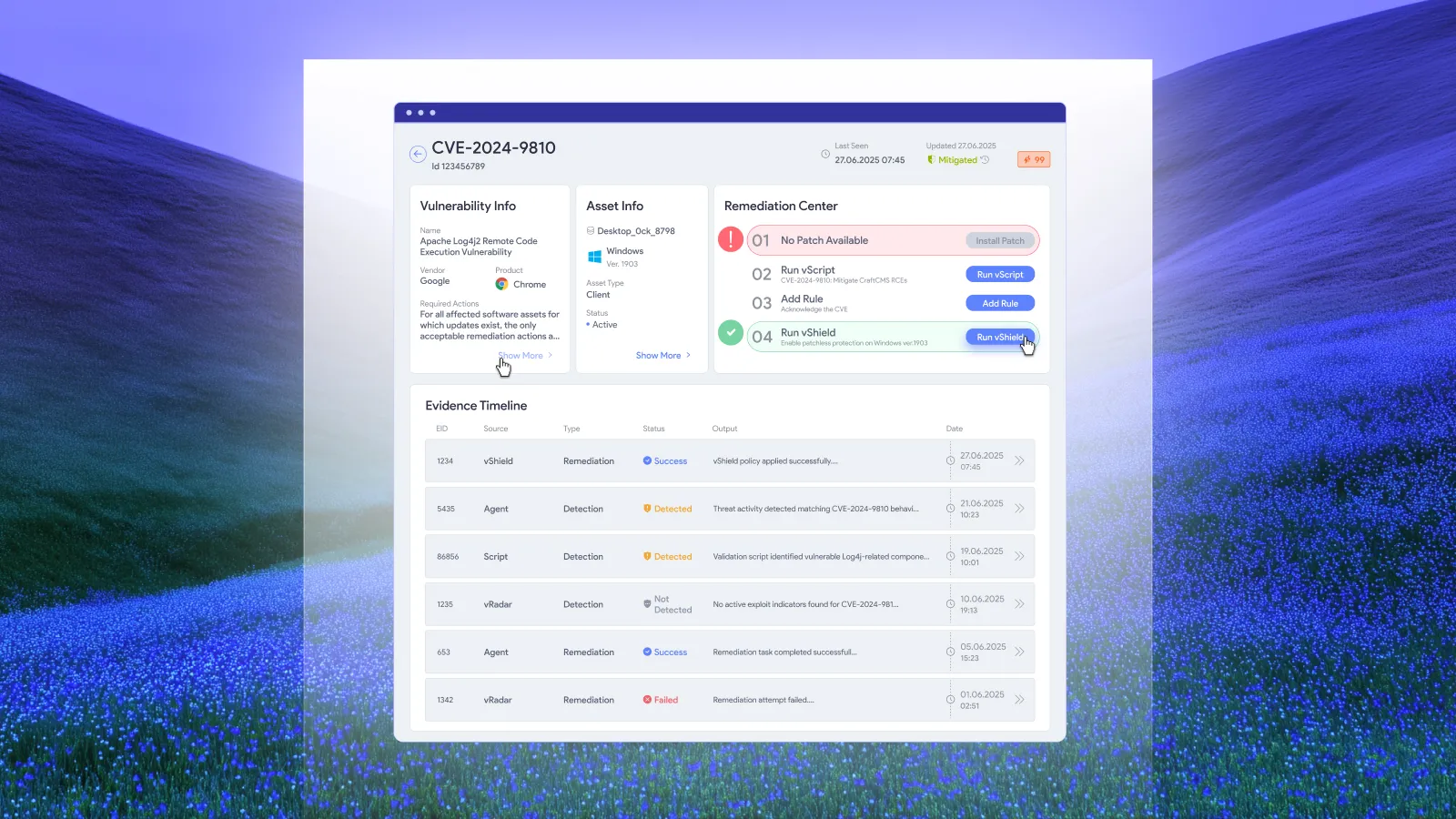
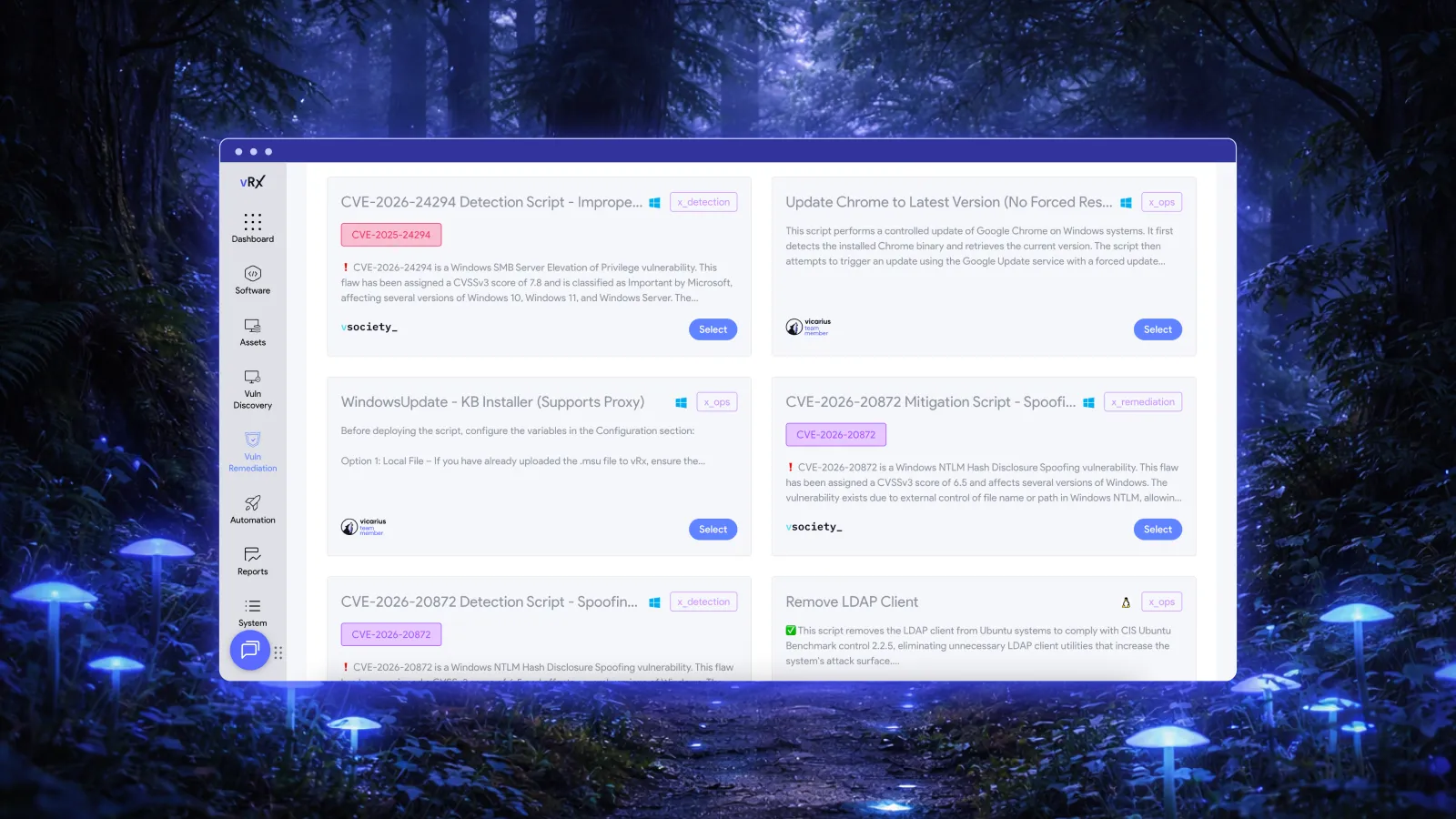
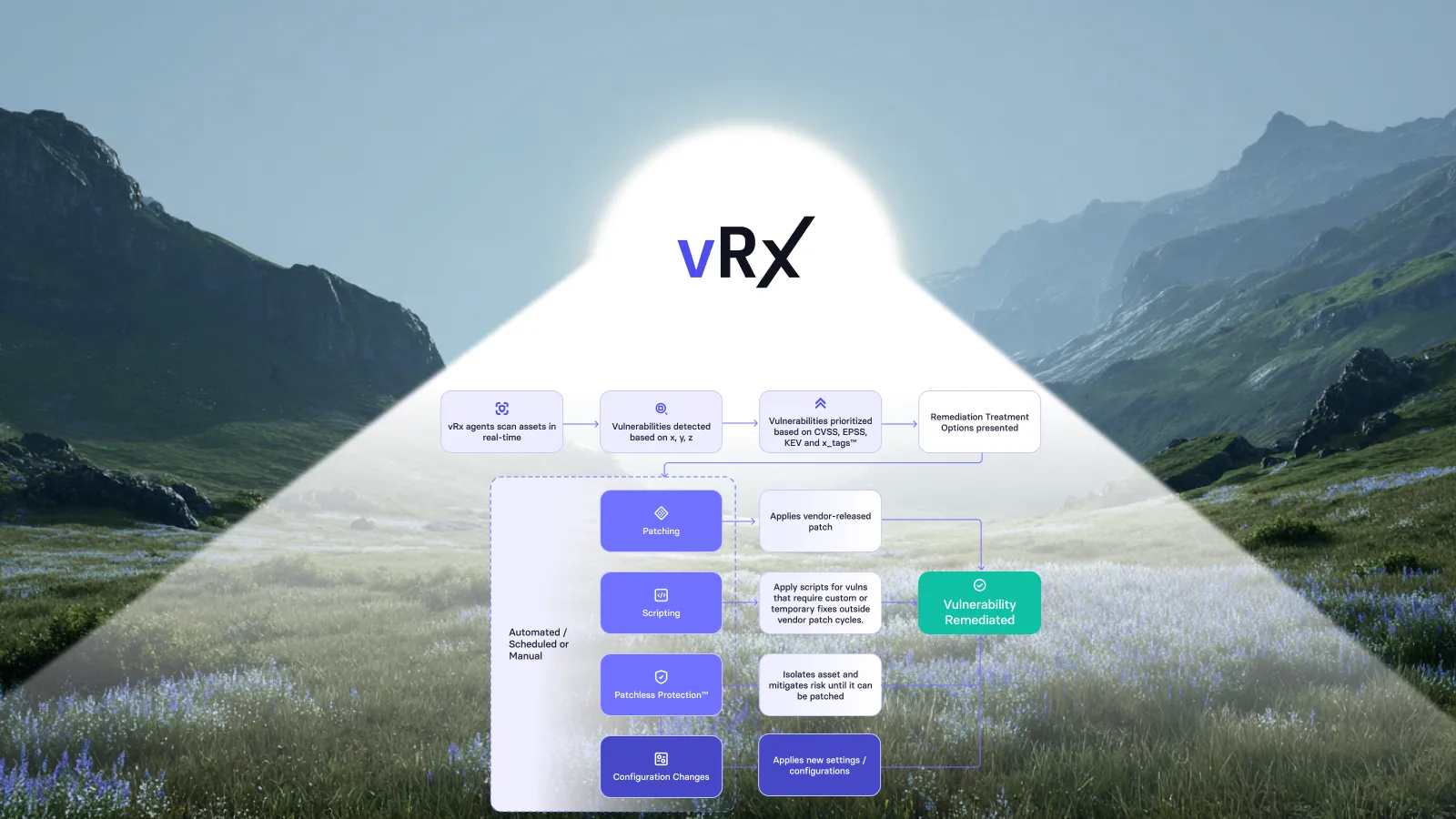
Vicarius's remediation approach includes scripting for configuration changes and hardening. Its documented scripting capabilities include execution records identifying the script, affected assets, and outcome. A policy can specify when such a change is an approved fix and when it is temporary mitigation requiring follow-up. Vicarius scripting
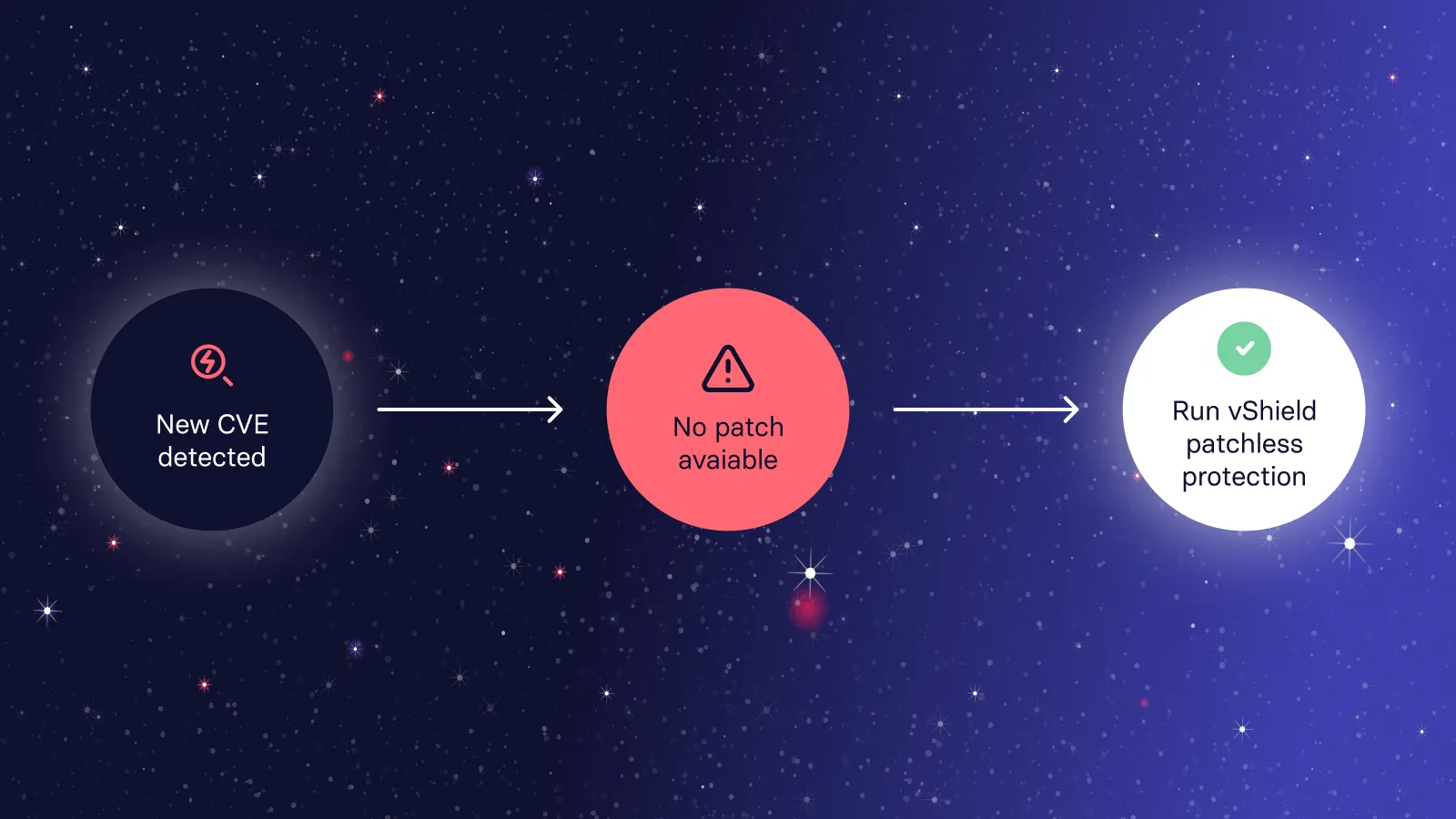
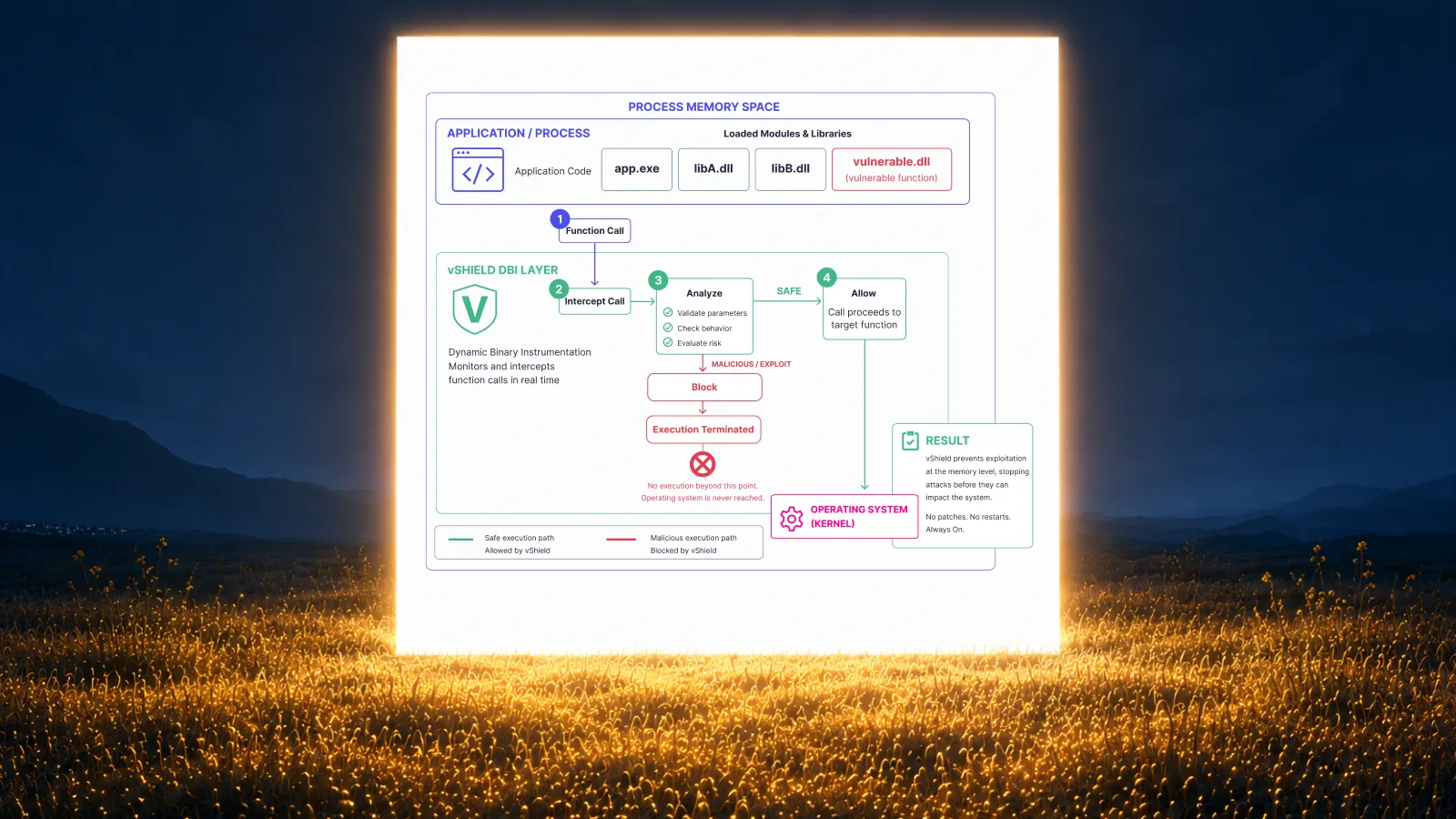
Vicarius also documents memory-level patchless protection alongside the patch cycle. Where applicable, that provides another option for reducing exposure while patching is pending. Record the temporary protection and the outstanding permanent resolution separately. Vicarius patchless protection
For each method, specify the authorized result and the evidence needed to confirm it.
How should you review whether the policy is working?
Start with the work that repeatedly falls outside its rules. Recurring exceptions can reveal an unrealistic maintenance schedule, unclear ownership, or a software population that needs a different remediation approach.
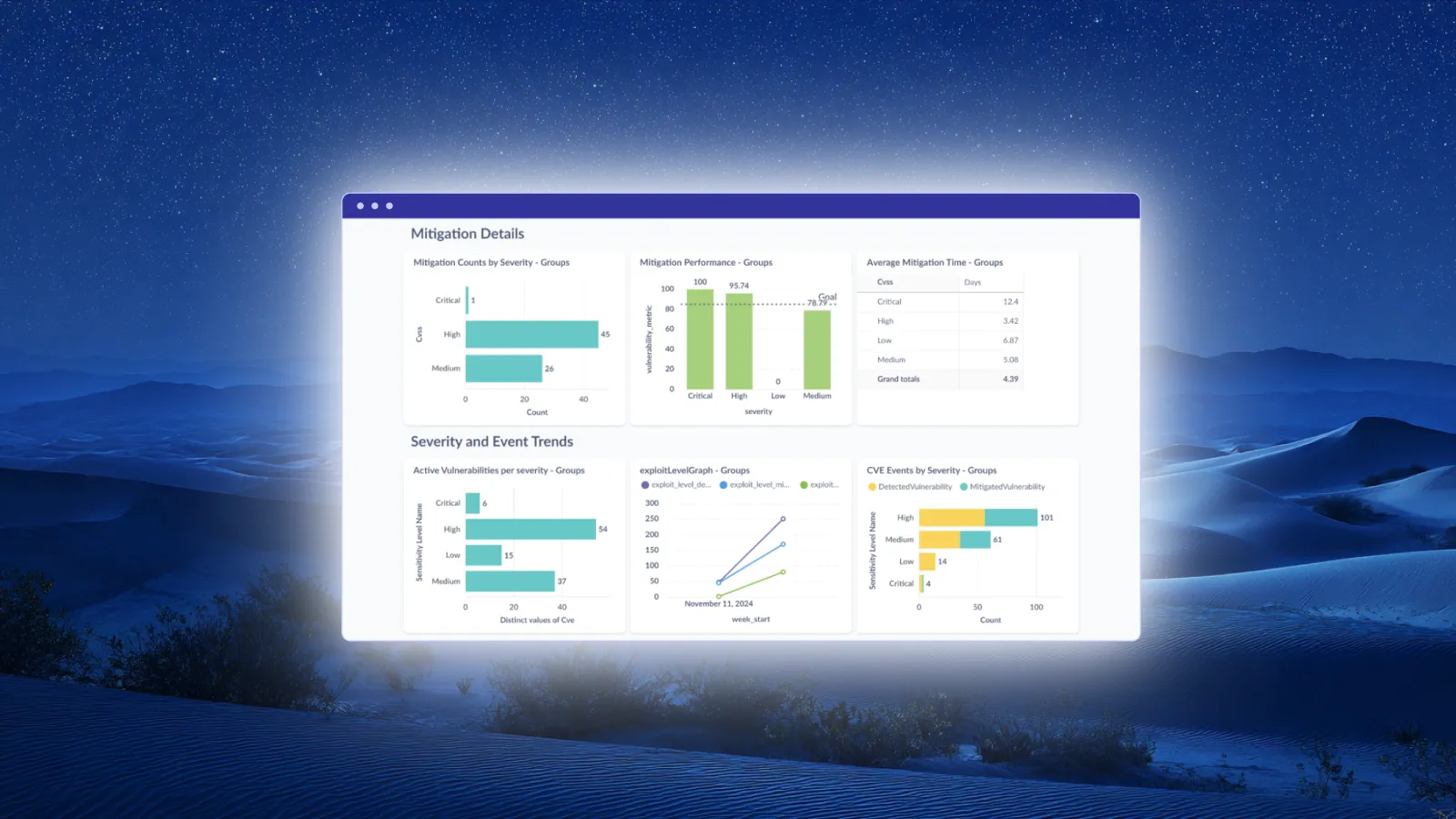
Review how much eligible work completes automatically and where people repeatedly have to intervene. Separate execution failures from decisions that were never made. A failed deployment needs a different response from a team that has no authority to proceed.
Revise the underlying rule when evidence supports it. Reapproving the same exception every month leaves the original problem in place.
Frequently asked questions
Does every patch need individual approval?
An organization can authorize routine patches in advance through a policy that defines eligibility, scope, and execution conditions. Changes outside that authorization follow the appropriate approval or exception route. The exact boundary should reflect the organization's obligations and operating requirements.
What is the difference between a patch management policy and a procedure?
A policy states what is required and who is accountable. A procedure describes how to carry out those requirements. For example, the policy can require verified completion, while the procedure specifies where to collect and review the evidence.
Is there one correct patching deadline for every organization?
No single deadline fits every exposure and service. Define a risk-based deadline schedule, its starting event, and an emergency route. Check applicable contractual and regulatory requirements when setting the schedule rather than copying an arbitrary timeframe from a template.
Can temporary mitigation close a patching obligation?
Temporary mitigation should not be reported as installation of a permanent patch. Record what the mitigation addresses, what remains unresolved, and the condition for review or replacement. This keeps reporting useful without discarding a valid short-term remediation option.
Put the policy into operation
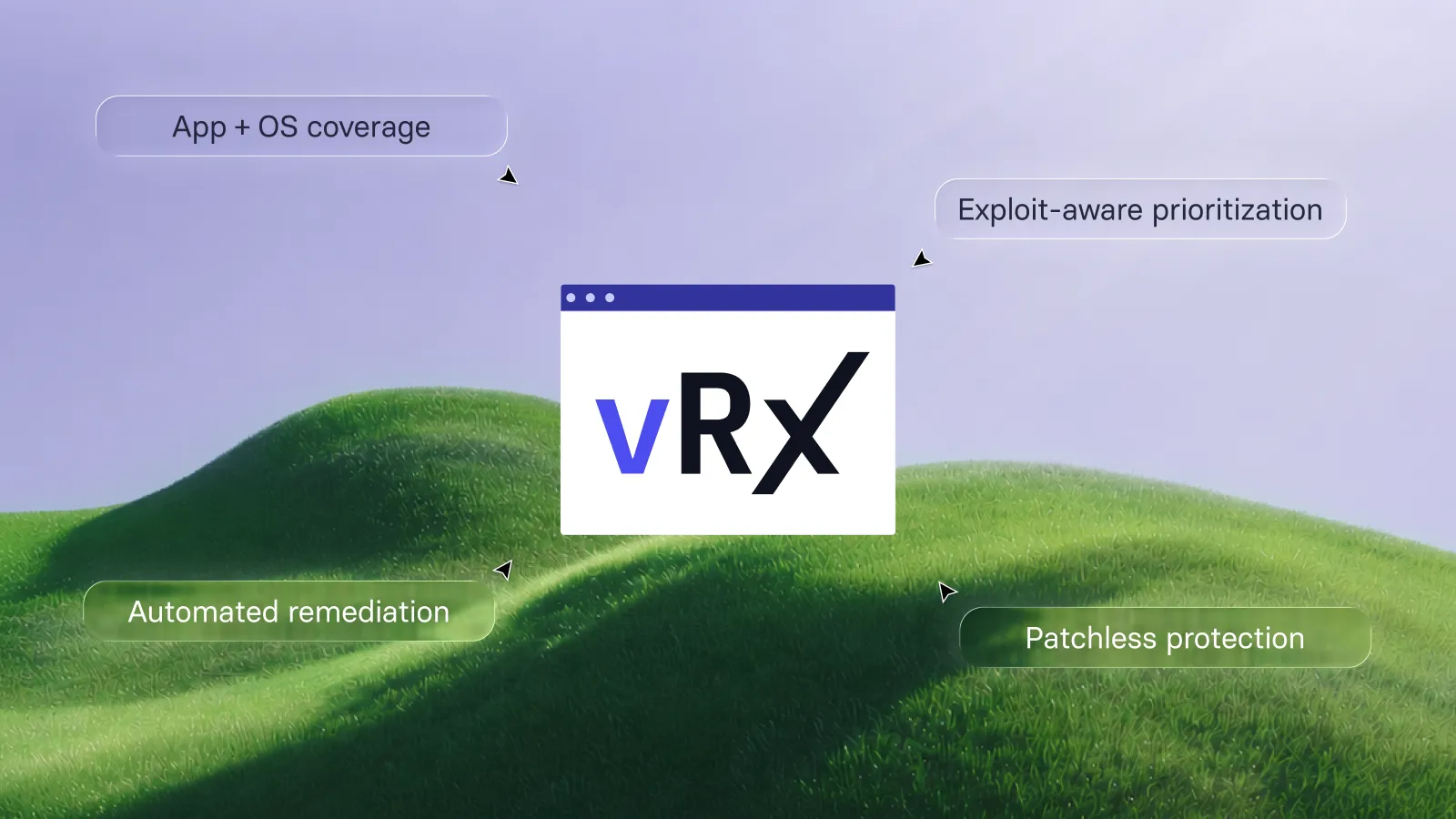
Bring one approved asset population, its deployment conditions, and an exception scenario to a Vicarius demo. Use that scope to explore how vRx can support automated remediation under your organization's rules.








































.webp)

















%20Signals%20a%20New%20Era%20of%20Supply%20Chain%20Risk.webp)







.webp)





