

Application patch management should move each installation to a supported, approved target that addresses its exposure. That target depends on the application’s release channel and starting state. Define those boundaries in your deployment policy, automate eligible updates, and validate the resulting application state before closing the finding.
A successful installation can still leave an application outside its intended release channel. Consider an application owner who has approved a long-term support branch because a business integration depends on it. Deploying a newer feature release might satisfy a simplistic version check while violating that operating decision. The team needs a precise definition of an acceptable destination before deployment begins.
The aim is to make routine updates repeatable. People establish the release policy and resolve exceptions; automation carries out the approved work. This article focuses on the target-selection decisions behind that model, rather than a broad introduction to third-party patch management.
What makes a patch target correct?
A correct target meets two tests: it addresses the relevant vulnerability under the vendor’s guidance, and it belongs to the application state the organization has authorized. Record the product, supported branch or channel, applicable platform, and intended destination together. A version number without that context is an incomplete deployment instruction.
Release channels are a real distinction. Mozilla documents Firefox and Firefox Extended Support Release as different update paths, with ESR intended to accommodate needs such as testing internal applications. Both paths receive security fixes. That means an organization can have a legitimate reason to maintain different update destinations for installations of the same browser. Mozilla’s channel guidance is the source for this distinction, not a universal rule for every software vendor.
For each application, use its own release notes and security advisories to determine the acceptable destination. Don’t apply one numeric comparison across unrelated products or branches. Treat a deliberate channel migration as a separate approved change, with its own compatibility expectations, rather than allowing a routine security update to make that decision implicitly.
Write the target rule once, then use it across the group
The following is a recommended policy model. It separates decisions that an application owner makes from the repeatable deployment work that follows. Use it to define eligibility before putting a deployment policy into operation.
| Policy decision | What to record | When it needs review |
|---|---|---|
| Application identity | Product, edition, platform and installation context | Inventory is ambiguous or a different package appears |
| Approved release path | Channel or supported branch and its business owner | Vendor support changes or the owner requests migration |
| Eligible destination | Vendor-supported fixed release for that path | Advisory changes or the destination is withdrawn |
| Deployment scope | Eligible asset group, exclusions and rollout stage | A device changes role or falls outside the agreed scope |
| Completion evidence | Observed target state, vulnerability result and service check | Evidence conflicts or the application no longer works as expected |
This record should be maintained at the application or deployment-group level wherever the same decisions apply. Reopening the full decision for every endpoint defeats the purpose of an approved policy. An endpoint with uncertain identity, however, should enter a defined exception path instead of inheriting a target by guesswork.
Give the rule an owner and revision date. When the owner changes a release path, retain the previous rule alongside the new one. That makes it possible to explain why an earlier deployment was valid at the time and why the next deployment has a different destination.
How vRx supports policy-driven application remediation
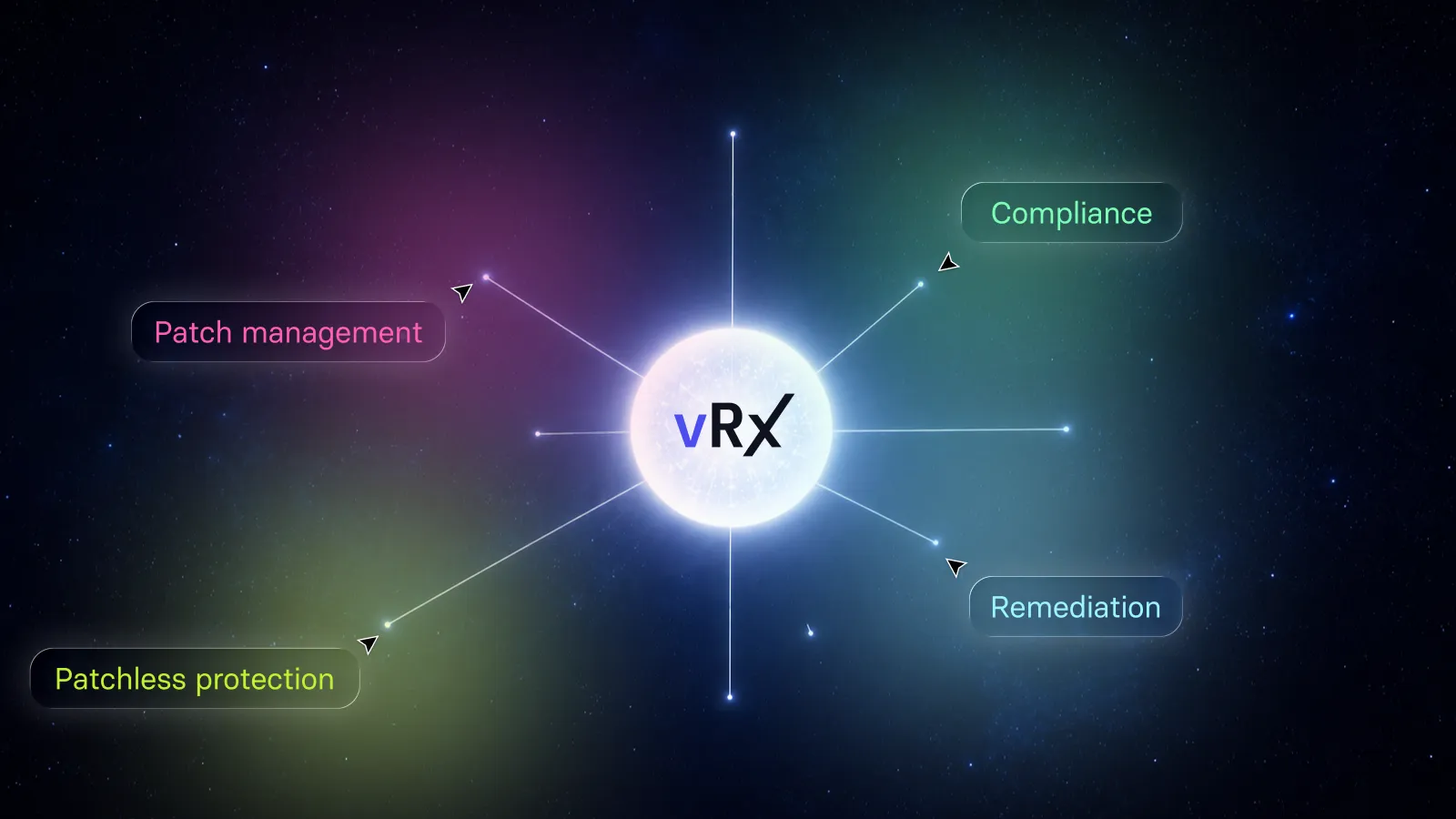
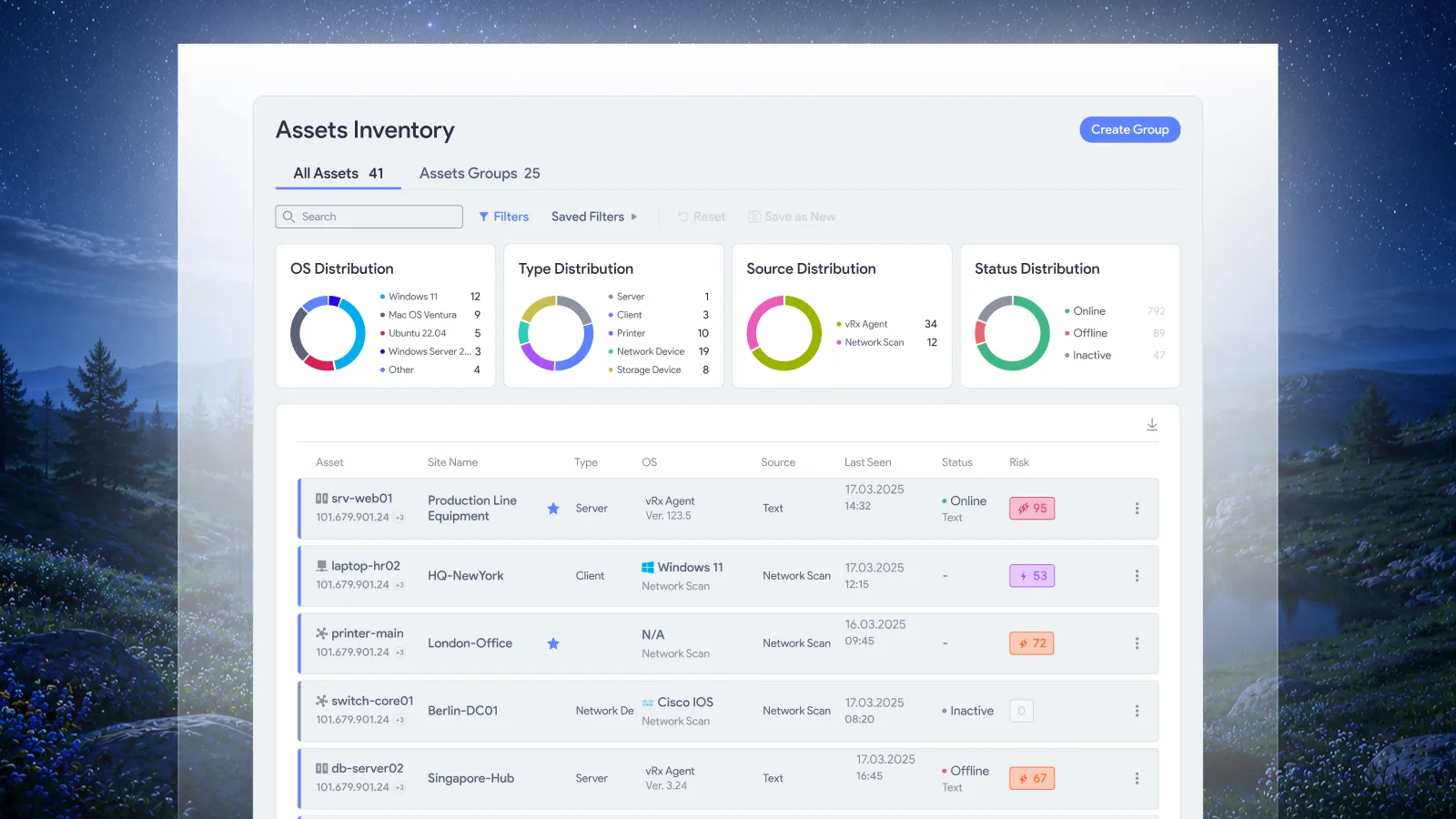
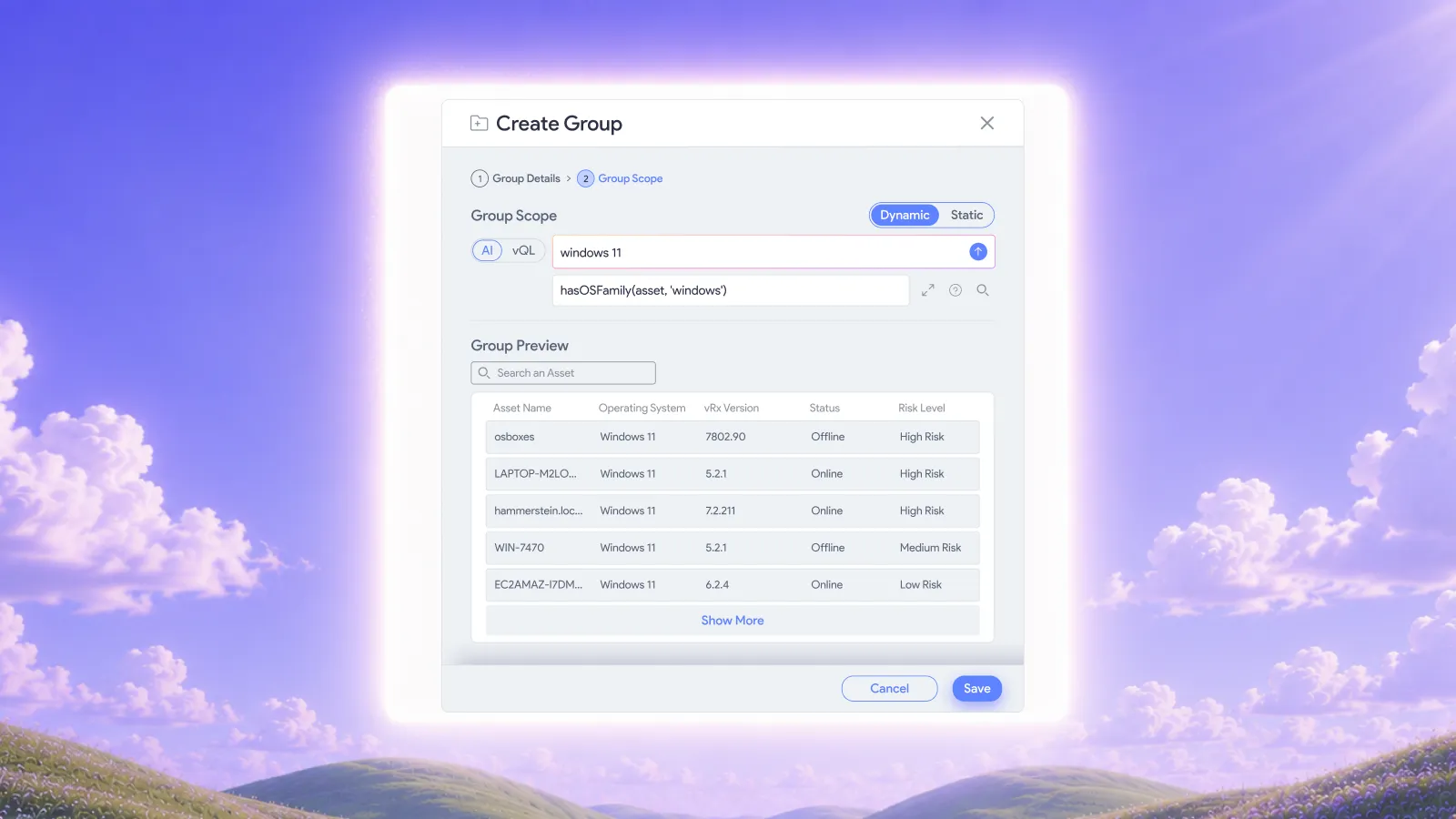
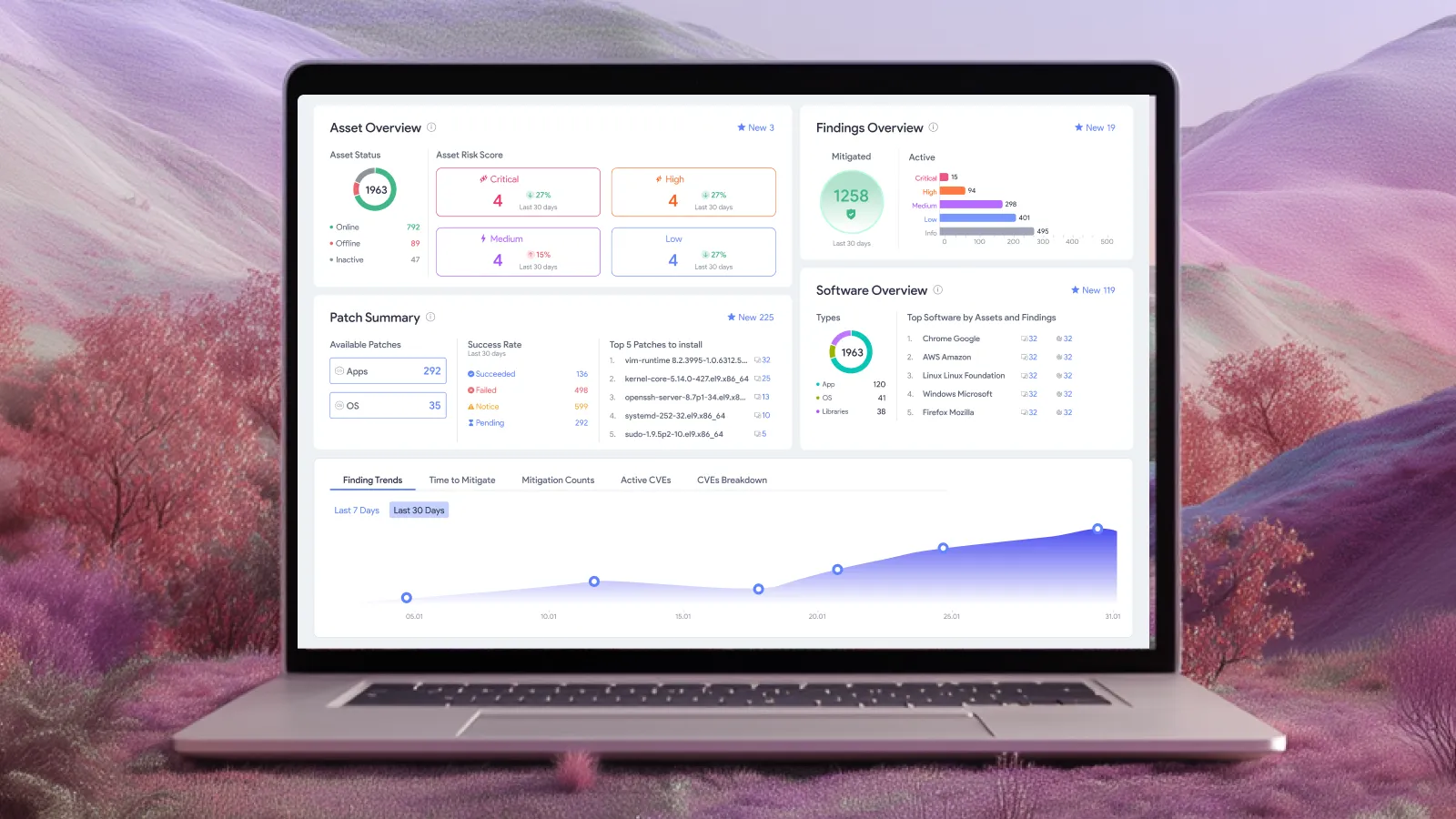
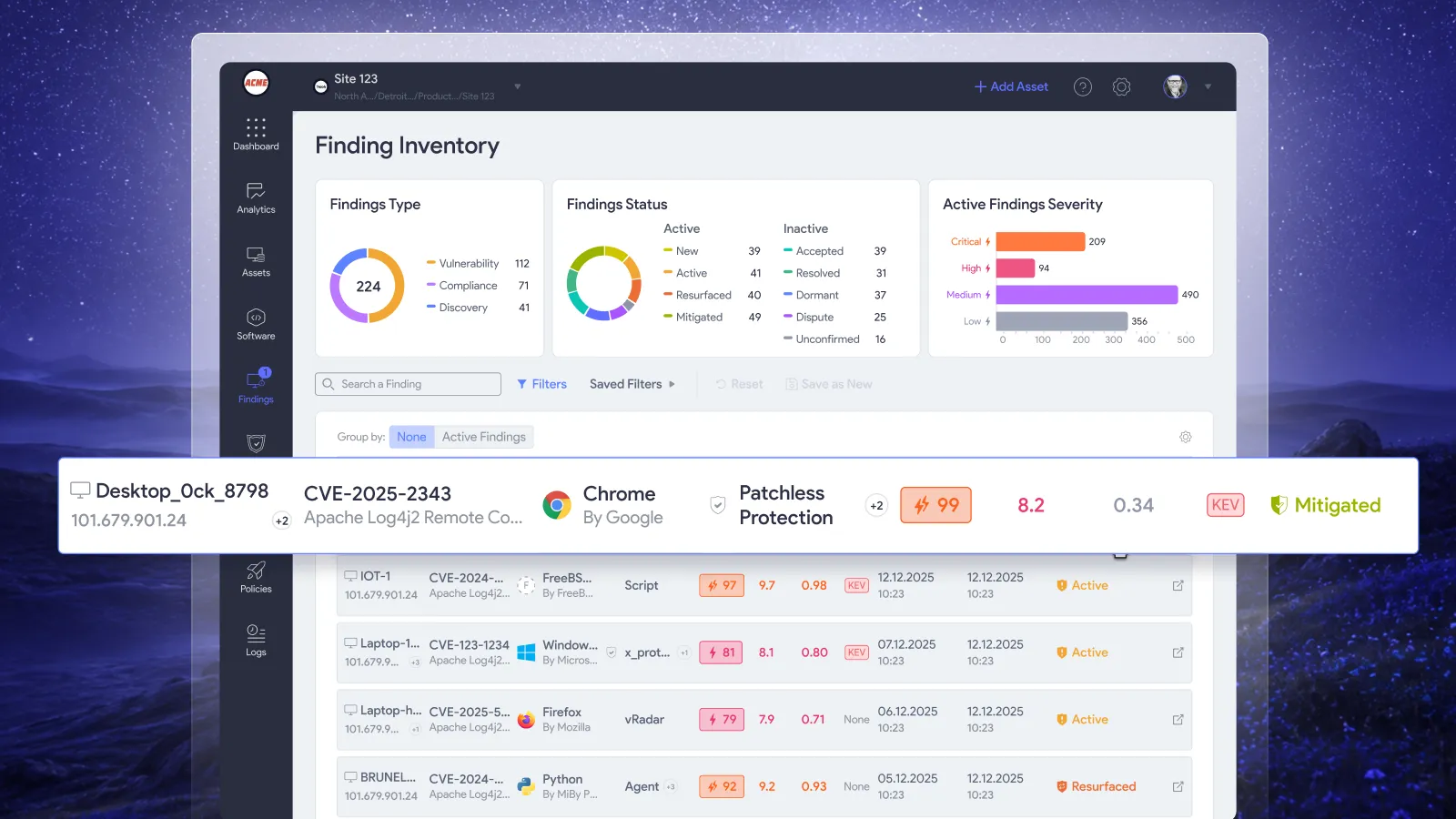
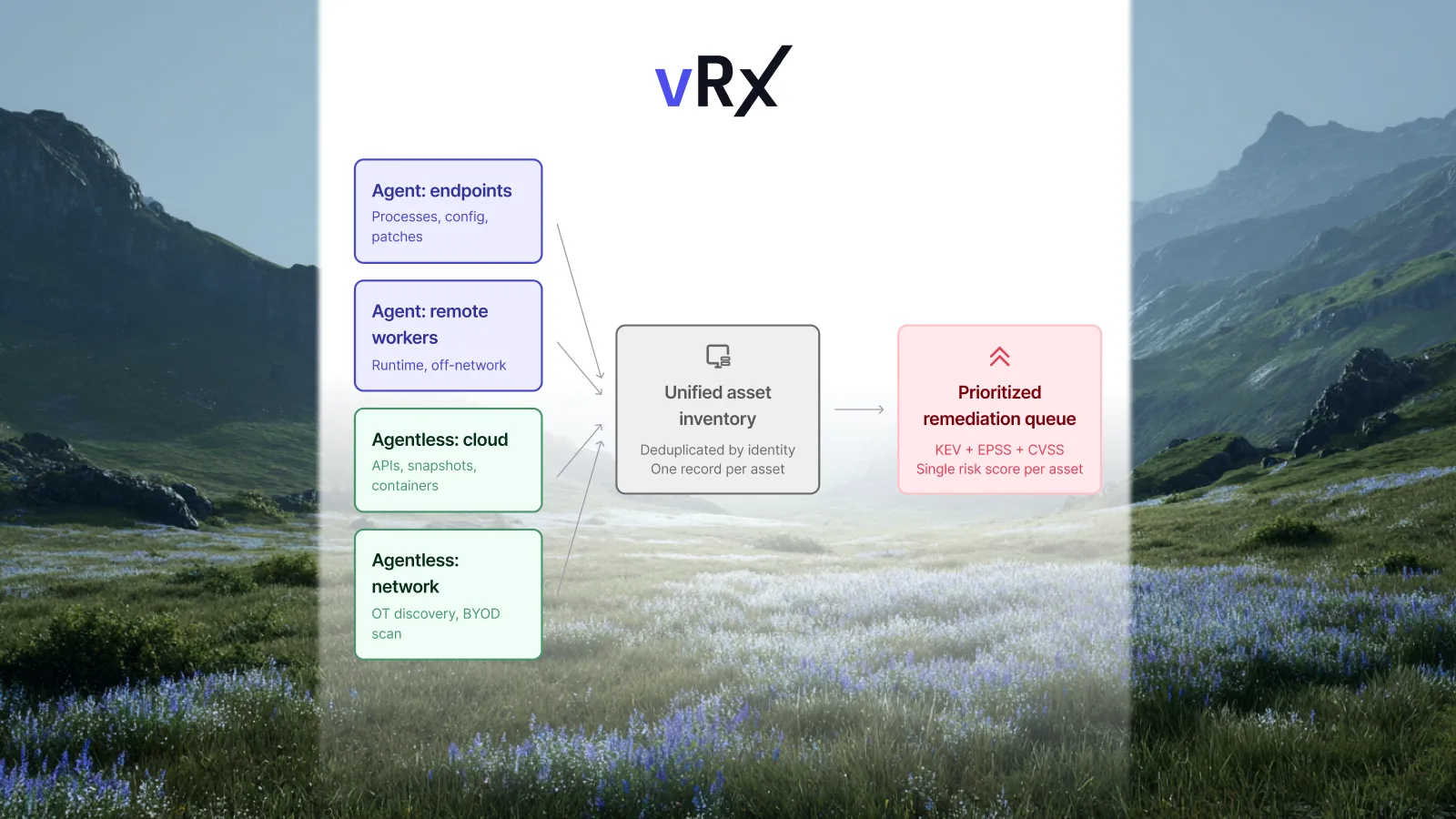
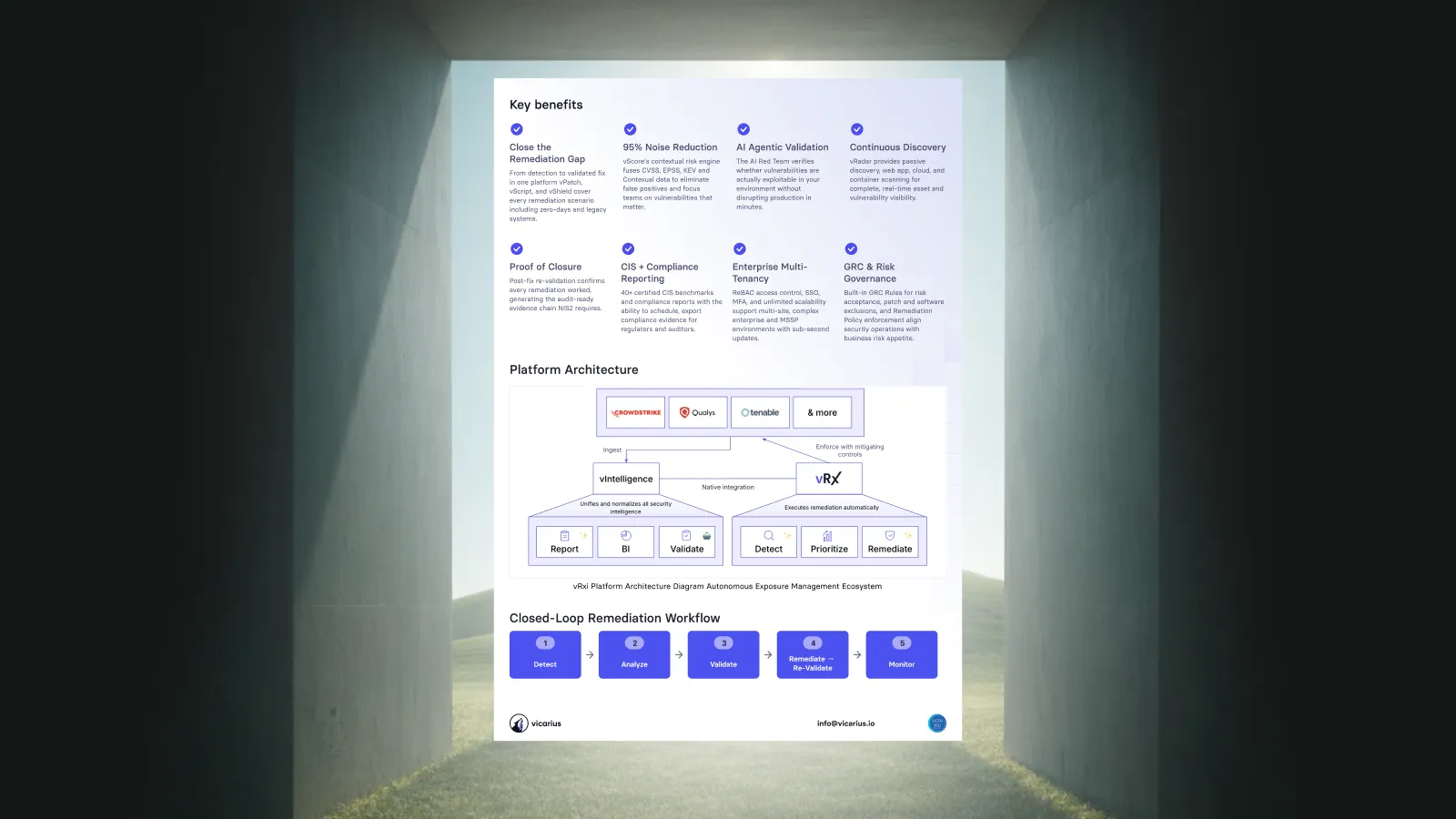
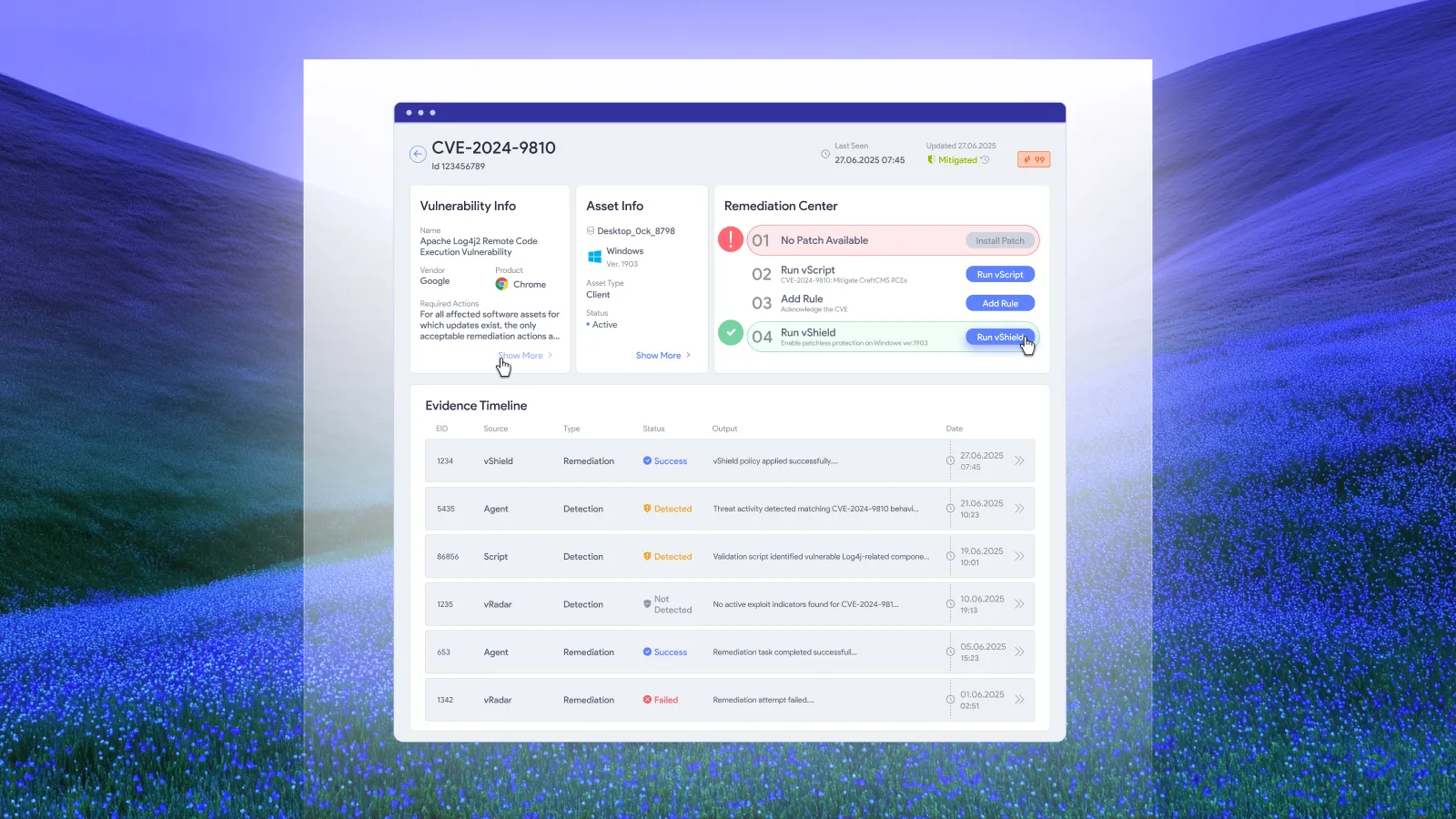
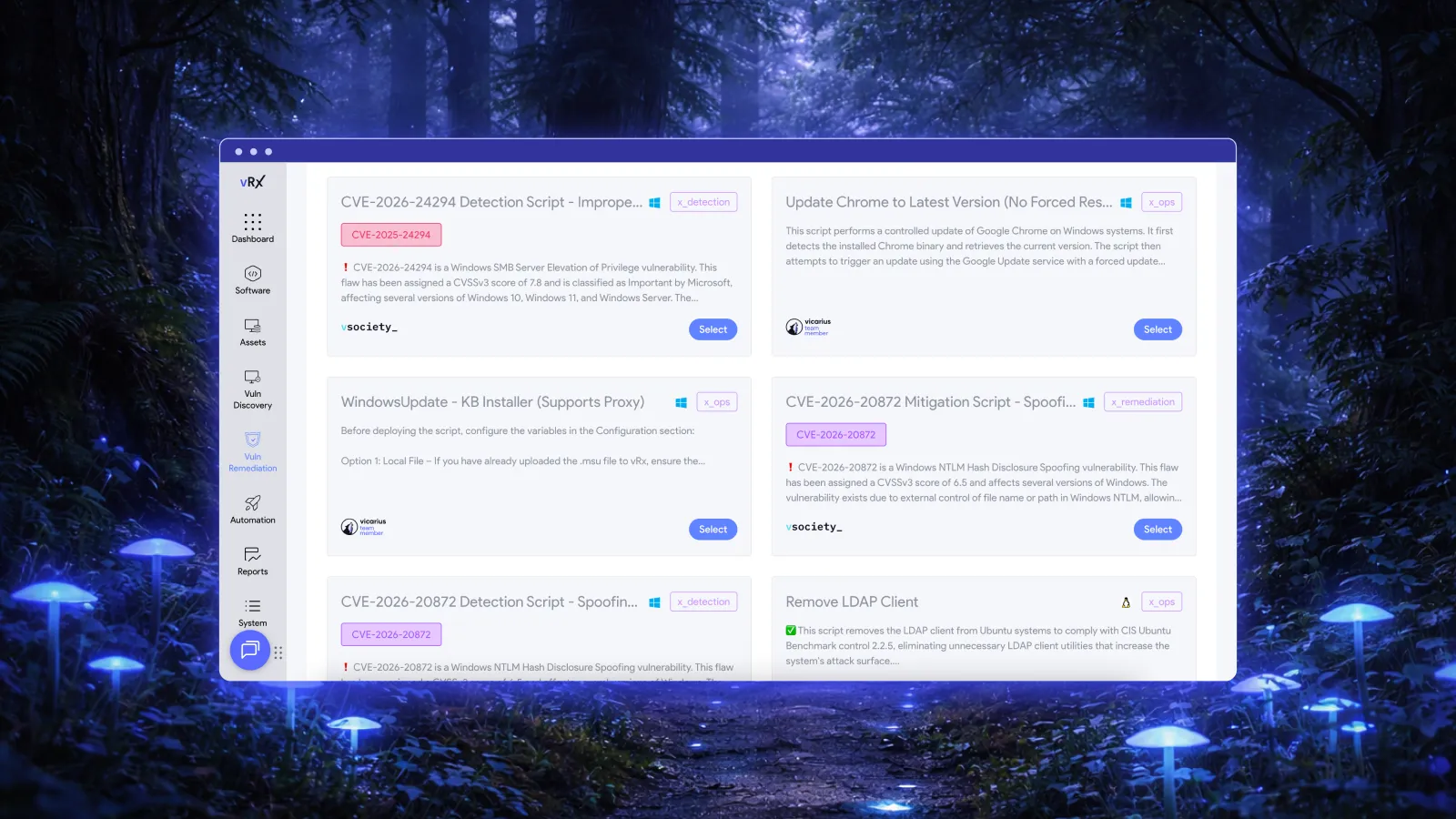
vRx patch management supports static and dynamic patch groups, software grouping, asset grouping, and policy-based deployment. Deployment can run on demand, on a schedule, or through rules. These controls let teams organize approved remediation work and execute it across an intended scope.
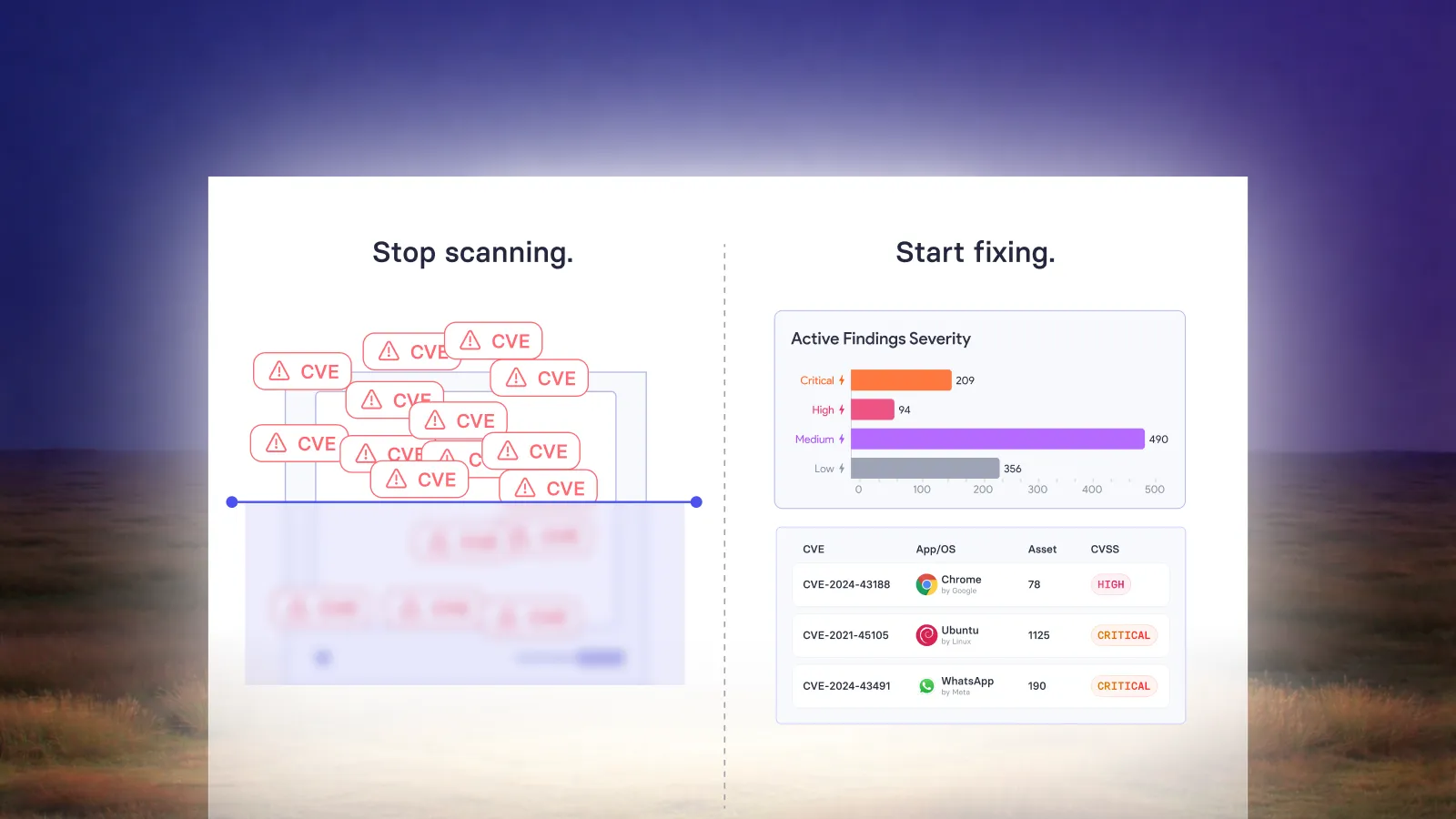
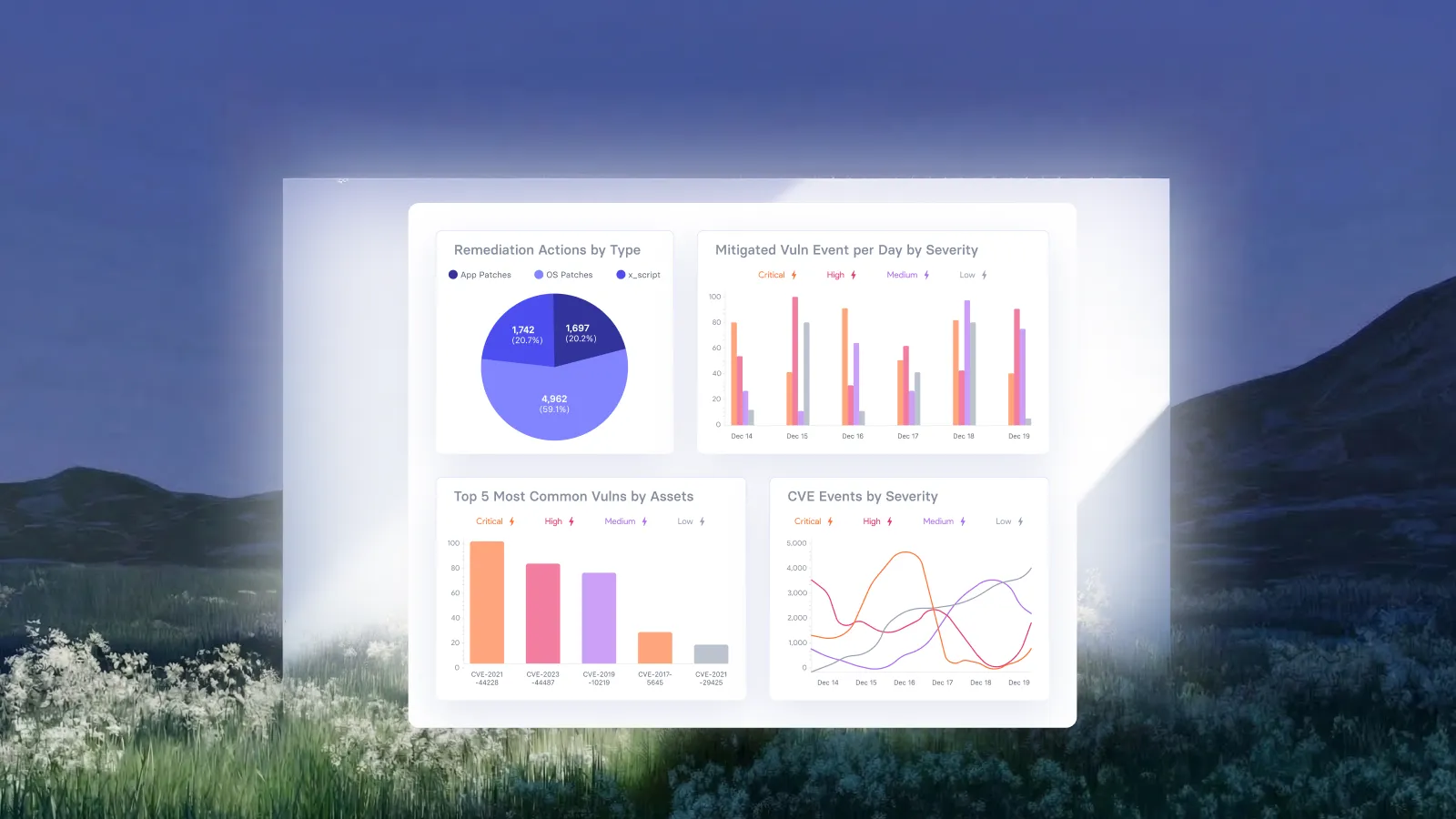
Vicarius also describes per-asset Common Vulnerabilities and Exposures (CVE) coverage between the current and target versions. Two assets moving to the same destination can have different starting exposures. That context helps teams connect an update to the vulnerabilities it addresses, rather than treating every installation as an identical change.
Use these capabilities to carry out the organization’s approved application policy. Keep the vendor’s release-path decision explicit, then align the deployment scope and target with it. The desired outcome is repeatable remediation with enough evidence to explain the result.
A two-channel example: the highest number is not the whole decision
Imagine a fictional application called LedgerDesk. Finance uses its long-term branch, while an internal pilot uses its current branch. The version labels below are invented solely to illustrate policy decisions. They are not a real advisory or a recommendation for any existing product.
| Installation | Approved path | Hypothetical vendor-fixed target | Policy decision |
|---|---|---|---|
| Finance workstation, 8.4.1 | Long-term branch | 8.4.3 | Update within the approved branch |
| Pilot workstation, 9.1.0 | Current branch | 9.1.2 | Use the current-branch target |
| Acquired workstation, identity unclear | Unconfirmed | Undetermined | Resolve identity and policy membership |
| Finance workstation already on 9.1.2 | Long-term branch expected | Requires review | Investigate channel drift; do not downgrade automatically |
Under the example’s assumptions, installing 8.4.3 on the finance workstation is the intended remediation. Installing 9.1.2 there would combine a security update with an unapproved branch change. The pilot has a different valid destination. Neither decision can be derived from choosing the largest version number in the table.
The fourth row also matters. An unexpected newer version should prompt investigation, not an automatic reversal. Establish whether the owner approved a migration, whether inventory is accurate, and whether the application’s data or dependencies changed. The response should follow that evidence.
Validate the destination, not only the installer result
NIST includes verification within enterprise patch management, alongside identifying, prioritizing, acquiring and installing updates. Its guidance treats patching as preventive maintenance requiring an organizational strategy. NIST SP 800-40 Rev. 4 provides that foundation; the checks below are a recommended way to apply it to release targets.
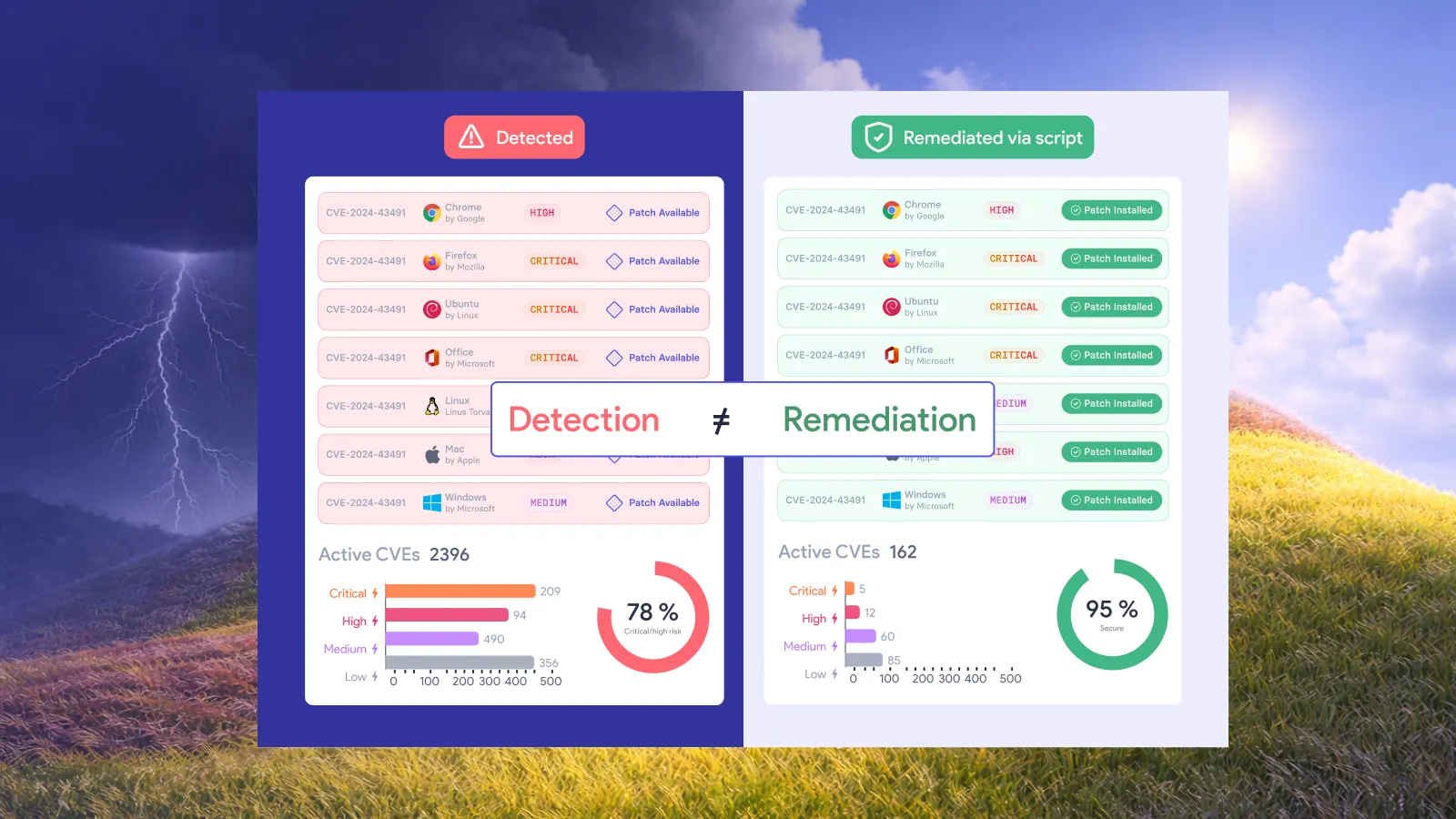
Keep deployment completion and remediation closure as separate states. For this use case, closure should require an observed installation consistent with the approved target, evidence addressing the original vulnerability, and the agreed service-health result. A job’s exit status supplies only part of that record.
Where observations disagree, preserve the disagreement. For example, a package record may show the new version while an application process has not yet been restarted. Determine what the vendor requires before deciding the exposure is closed. Avoid labeling the entire group remediated because a majority of installations completed.
The patch verification checklist covers the wider closure process. Here, the additional question is precise: did this installation reach an acceptable state for its approved release path?
Keep exceptions from becoming a second manual patch queue
Define exception categories narrowly enough that the next action is clear. “Unknown application identity” calls for inventory resolution. “Approved branch has no applicable fixed target” calls for a risk decision. “Deployment failed” calls for operational recovery. Combining them under “patch pending” hides who should act and what would unblock remediation.
If a fixed target cannot be deployed, evaluate a vendor-supported workaround, a configuration change, or an appropriate protective control against the specific exposure. A temporary reduction in exposure should retain a separate status from a permanent fix. Record the conditions under which the temporary decision must be revisited.
Review recurring exceptions to improve the policy itself. If the same installation pattern repeatedly enters the queue, clarify its identity or eligibility rule. If a release channel reaches the end of support, plan its migration explicitly. This is how the operational policy stays useful as the software changes.
Frequently asked questions
Should application patch management always install the newest version?
Use the vendor-supported fixed target appropriate to the approved release path. A move to another channel may need a separate compatibility and change decision. “Newest” alone is not a sufficient policy definition.
Does an extended-support channel mean security updates can be skipped?
No. Mozilla’s ESR guidance explicitly includes security fixes. A slower feature cadence is not a reason to stop applying the security updates relevant to that channel. Check each vendor’s own support policy.
What should happen when the release channel is unknown?
Route the installation to a defined identity-resolution exception. Establish its product and approved release path before assigning a destination. Avoid silently treating an uncertain installation as a member of the default group.
What proves that an application update remediated the finding?
Use evidence that the installation reached its approved fixed state and that the original exposure has been addressed. Include the service check required by the application owner. An installer success message by itself does not answer all three questions.
Put application remediation policy into practice
Bring one application, its approved release paths and its deployment groups to a vRx demo. Explore how patch grouping, deployment policies and current-to-target vulnerability context can support repeatable remediation in your environment.