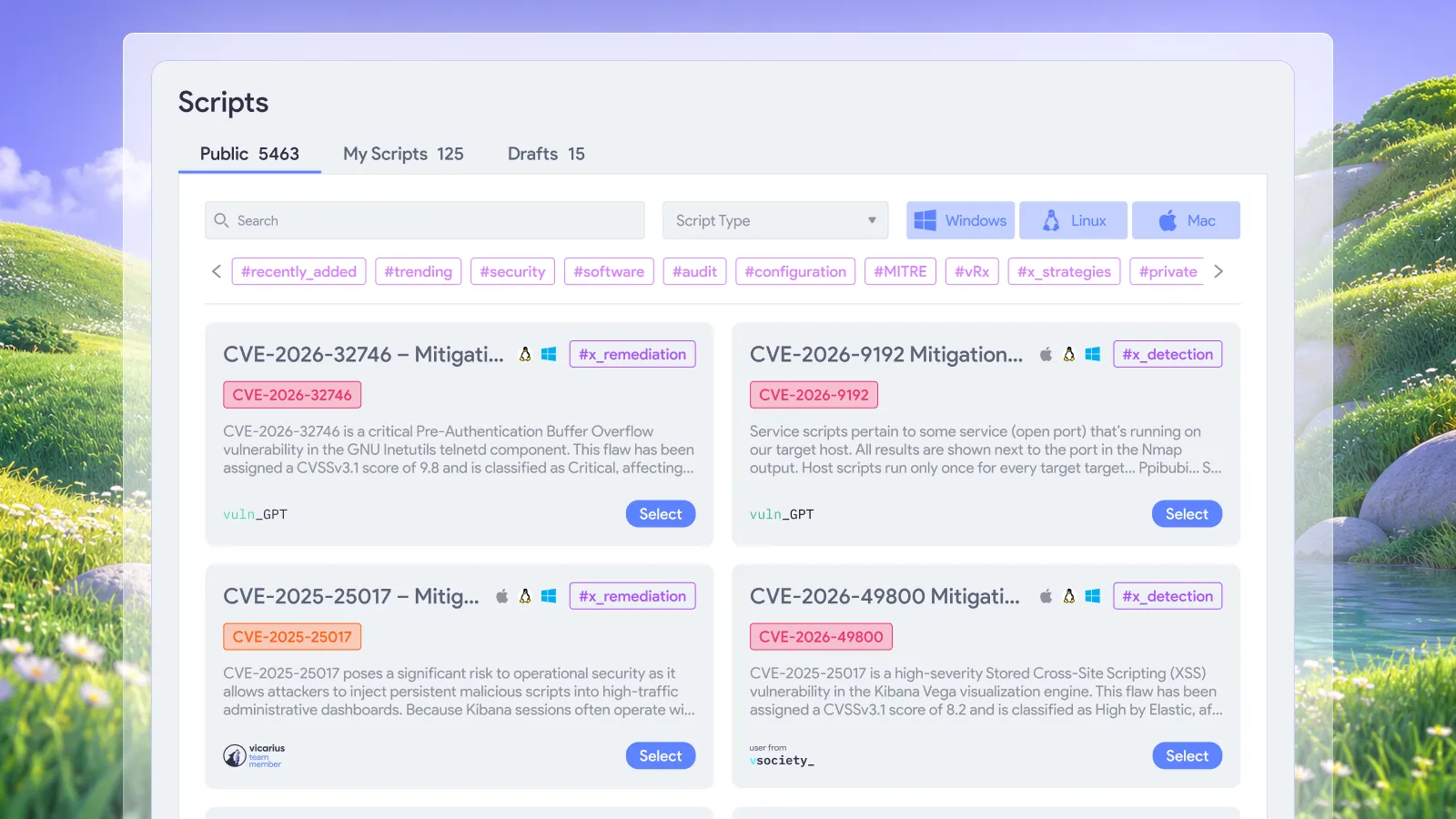


A configuration weakness returns after a software change. The fix is already known, but someone still has to find the affected endpoints and run it again. When that happens repeatedly, the team has a good script and an unfinished automation job.
Remediation scripts become more useful when execution follows an established policy. In Vicarius vRx, generated scripts can connect to scheduled, event-driven or on-demand policies through vScript. That gives teams different ways to put an approved fix to work instead of treating every recurrence as a separate deployment task. Vicarius ScriptAI documentation.
The operational decision is where to place the human effort: defining a reliable response and its boundaries, then investigating results that need judgment. Repeatedly pressing Run should not be the main job.
What should a remediation script policy accomplish?
A useful execution policy connects a known condition to an appropriate corrective action, within a defined scope. Its purpose is to make a repeatable fix repeatable in practice.
For security operations, that means describing the outcome before choosing the execution mode. “Run this script every night” describes activity. “Correct this approved configuration on these eligible systems, then confirm the intended state” describes a remediation objective.
That distinction matters when deciding what belongs in automation. A recurring, well-understood correction is a stronger candidate than a change whose impact depends on an unresolved application dependency. Both may need action, but they should not share the same execution assumptions.
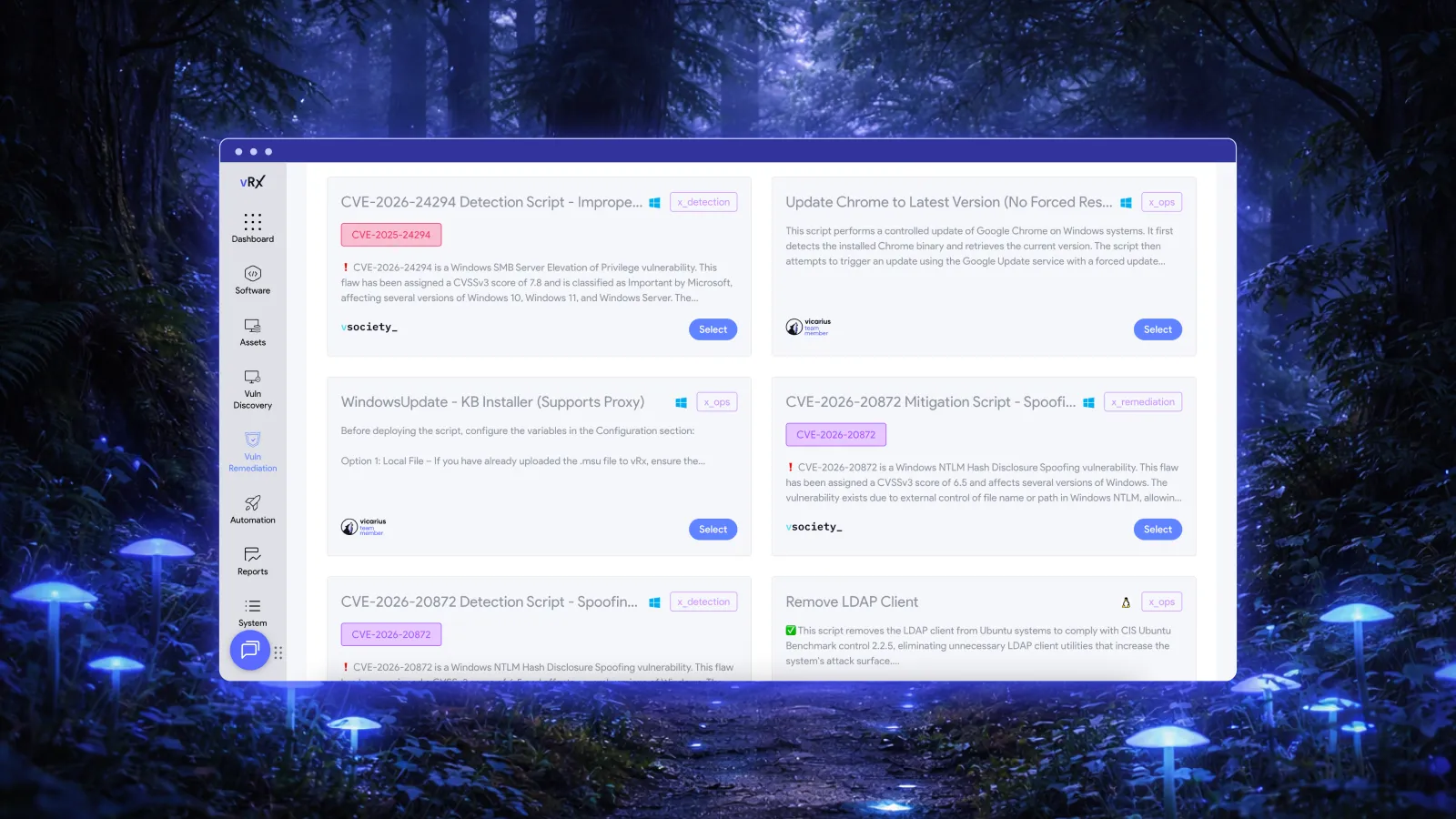
vScript supports custom, community and AI-generated scripts for detection, remediation and hardening. Its documented uses include configuration and registry corrections, with PowerShell, Bash and Batch support across the applicable operating systems. These capabilities give teams an execution path for changes that call for more than installing an update. Explore vScript.
The policy design should stay tied to the exposure being addressed. A script that changes a setting is useful because that setting matters to security or operations, not because the platform can run it frequently.
Choose the execution mode around the work
Scheduled, event-driven and on-demand execution serve different operational needs. The following decision guide recommends how to choose among the policy modes documented for vScript integration. It is not a list of specific event triggers or a prescribed configuration.
| Execution mode | Recommended use | Decision to settle first |
|---|---|---|
| Scheduled | Repeatable corrections that fit an agreed operating window | How long can the condition remain before the next run? |
| Event-driven | A defined event should initiate a known response | Does the configured event identify a condition that warrants this action? |
| On-demand | A targeted correction or a situation requiring immediate judgment | Which assets need the action now, and why? |
Scheduled execution gives recurring work a dependable place
Use a schedule when timing is predictable and the correction can wait for that window. This can be a sensible starting point for established hardening work with an understood operational impact.
The interval deserves as much attention as the script. A convenient weekly run may leave too much exposure between executions. An unnecessarily frequent run may create avoidable changes or noisy results. Choose the interval according to the condition, the affected systems and the acceptable exposure window.
Event-driven execution connects a signal to a response
An event-driven policy is useful when a relevant change should initiate action rather than wait for the next scheduled run. The event and the response need a precise relationship.
For example, a signal that an asset needs investigation is not automatically sufficient evidence for a specific configuration change. Define what makes the asset eligible for that correction and how the result will be assessed. Treat the configured trigger as part of the remediation logic, not merely a convenient way to start a script.
On-demand execution handles bounded decisions
On-demand execution remains useful for a targeted response, a controlled initial run or an exception that needs an operator's decision. It provides a deliberate way to act when the situation does not fit an established policy.
Repeated use is also a useful diagnostic. If operators keep running the same correction under the same conditions, ask whether the work is ready for a policy. If they keep changing the script or its target scope, investigate the differences before automating further.
Approve the logic, then let the policy carry the repetition
Human control belongs where it changes the quality of the decision. Reviewing new corrective logic is valuable. Repeating the same deployment decision for an unchanged, understood condition is a candidate for automation.
ScriptAI's documented publishing model keeps generated scripts as drafts until human review and publishing. The same documentation connects scripts to vScript policies and describes operator logging, asset-level output and timestamped execution results. This separates approval of generated code from the mechanism that executes it. ScriptAI review and policy integration.
Before adopting recurring execution, we recommend confirming that the script behaves sensibly when the target already meets the desired state. It should not make an unnecessary change simply because the schedule fired again. Test assumptions about software versions, permissions and dependencies as well as the correction itself.
The vScript documentation describes reading a community script, testing it on a single asset and reviewing its execution logs. Use that initial evidence to decide whether broader deployment is appropriate for the intended environment. vScript review and testing.
Once the response is established, keep human attention on changes to those assumptions. A new application dependency or a different operating-system context deserves review. An unchanged correction on an eligible system should not require rediscovering the same reasoning.
A recurring correction should not become a recurring investigation
Consider a hypothetical case: an approved security setting returns to an unwanted state after an application maintenance process. The team has already established the desired setting and validated the corrective script.
A scheduled response may suit the environment if the next operating window is acceptable. An event-driven response may be preferable when an appropriate configured event identifies the condition. An on-demand run can address a bounded exception while the team investigates.
The useful operational outcome is consistent correction within the agreed scope, with evidence of what happened. The team can then concentrate on why the setting keeps changing and whether the maintenance process itself should be corrected.
Recurring automation should not hide that underlying cause. If the same assets repeatedly need the same repair, treat recurrence as a signal to examine the upstream process. A policy can reduce repeated handling while that work proceeds; it should not turn an unresolved dependency into invisible background activity.
Measure corrected exposure, not script runs
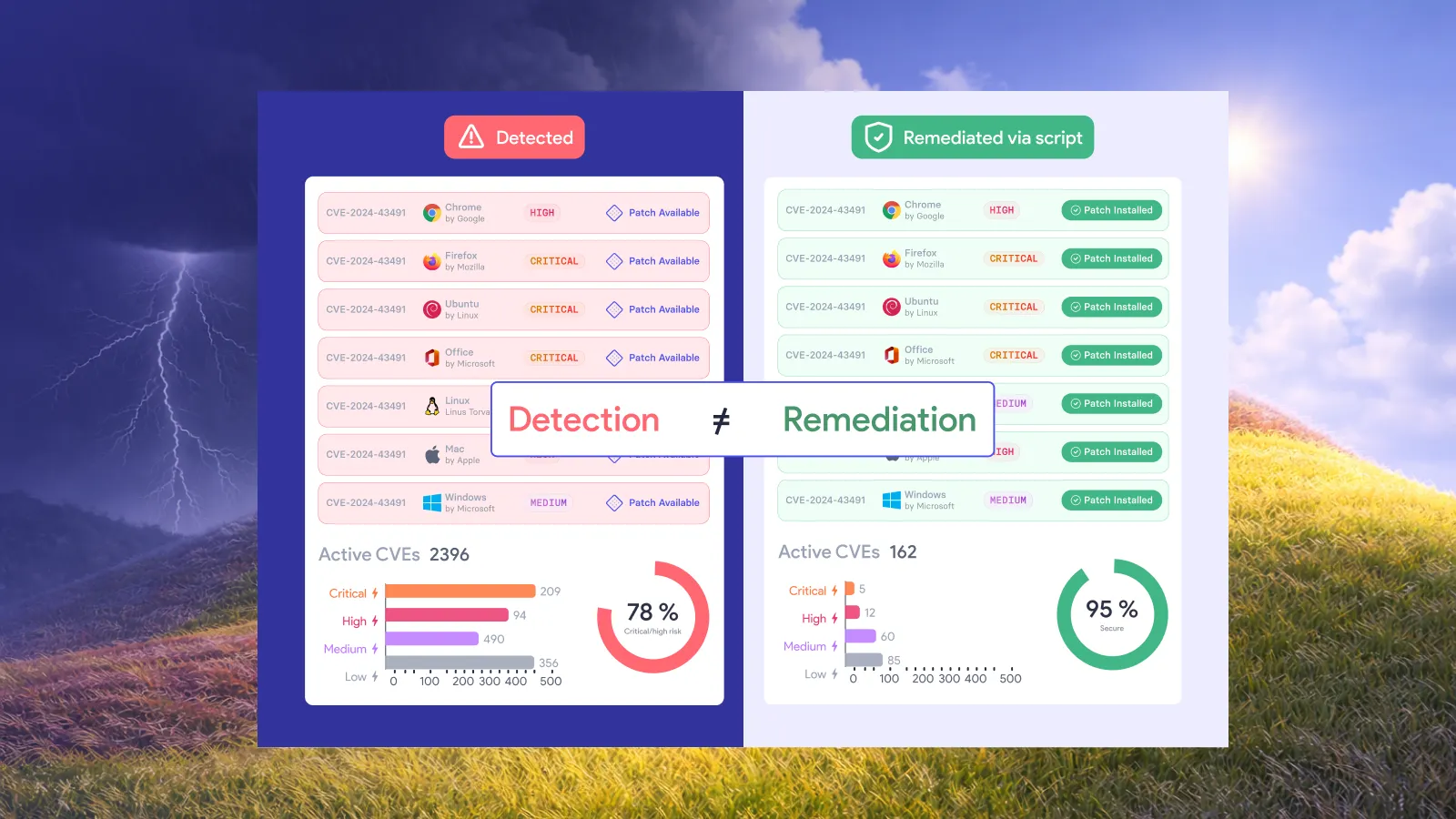
Execution records and remediation results answer different questions. The former show that an action took place. The latter show whether it achieved the security outcome.
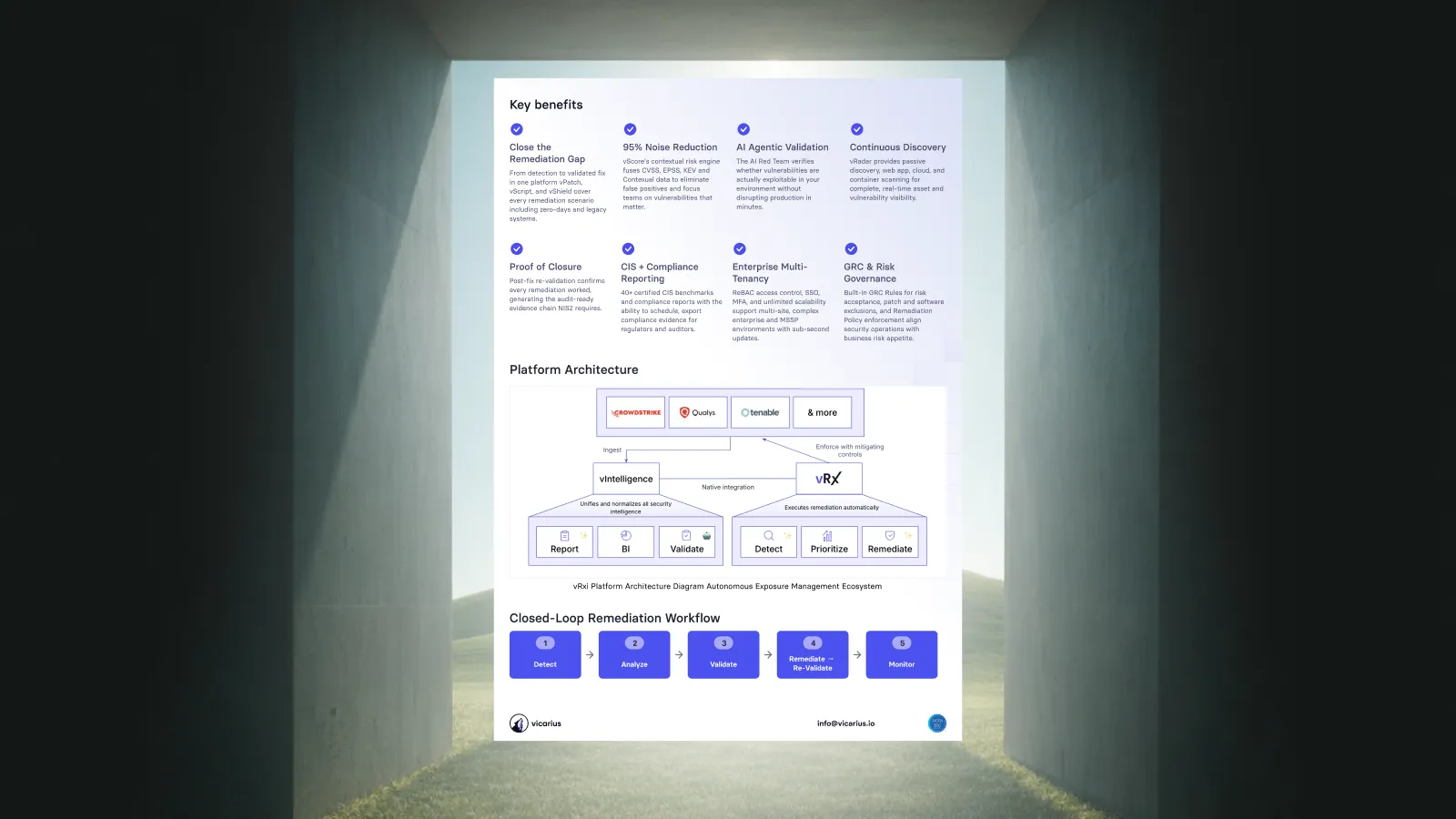
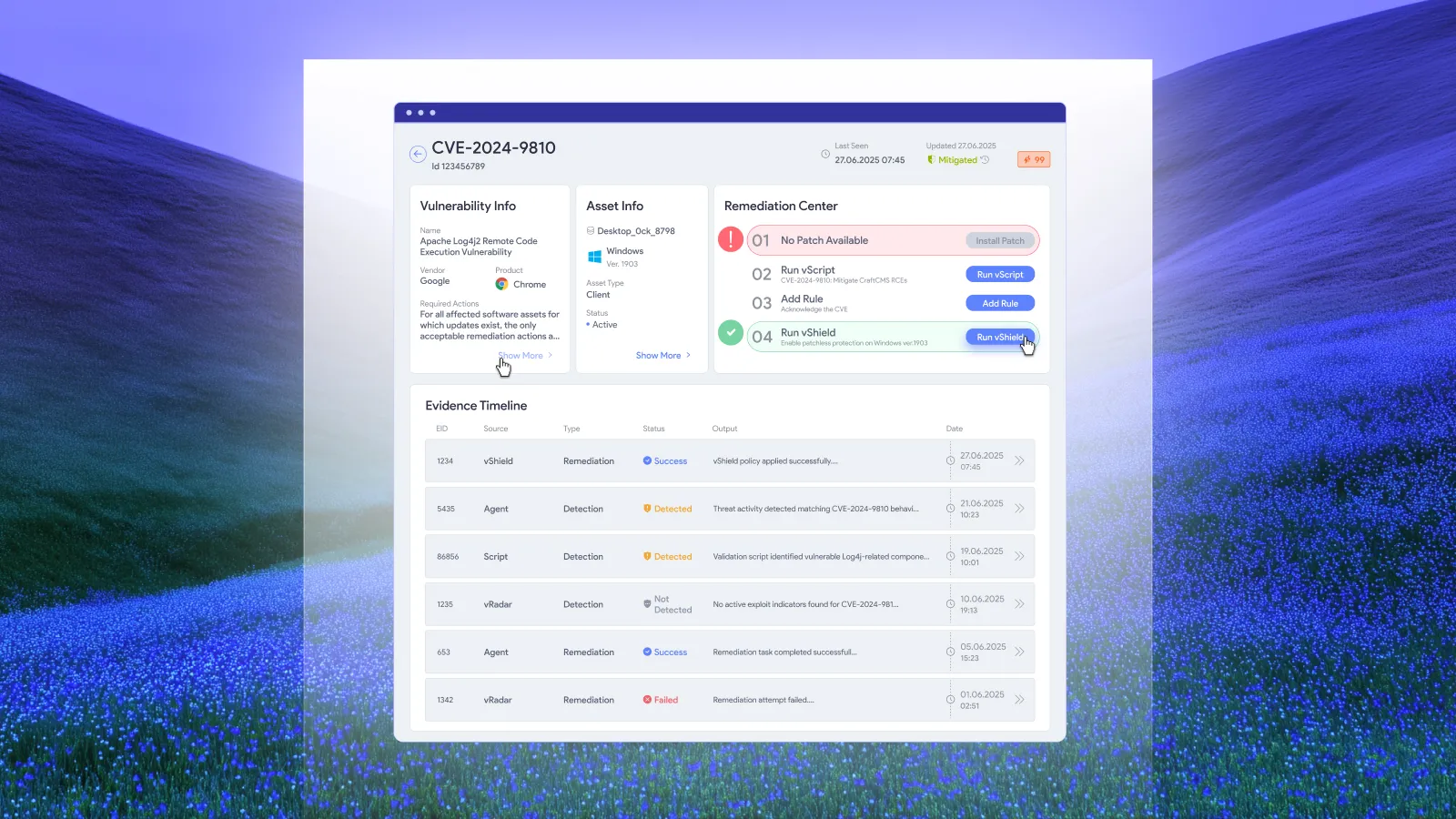
Vicarius describes closed-loop verification that revalidates fixes after execution. That connects automated action to the exposure it was intended to address. vRx vulnerability management.
For policy review, we recommend separating eligible assets with confirmed correction from assets whose outcome remains unresolved. Investigate failures, unexpected output and recurring findings rather than treating a high execution count as evidence of success.
This is also how to evaluate whether automation is reducing work. A policy that runs frequently but leaves the same unresolved condition needs attention. A policy that consistently corrects its intended condition lets the team spend more time on exposures requiring a different response.
Keep scripting connected to the right remediation option
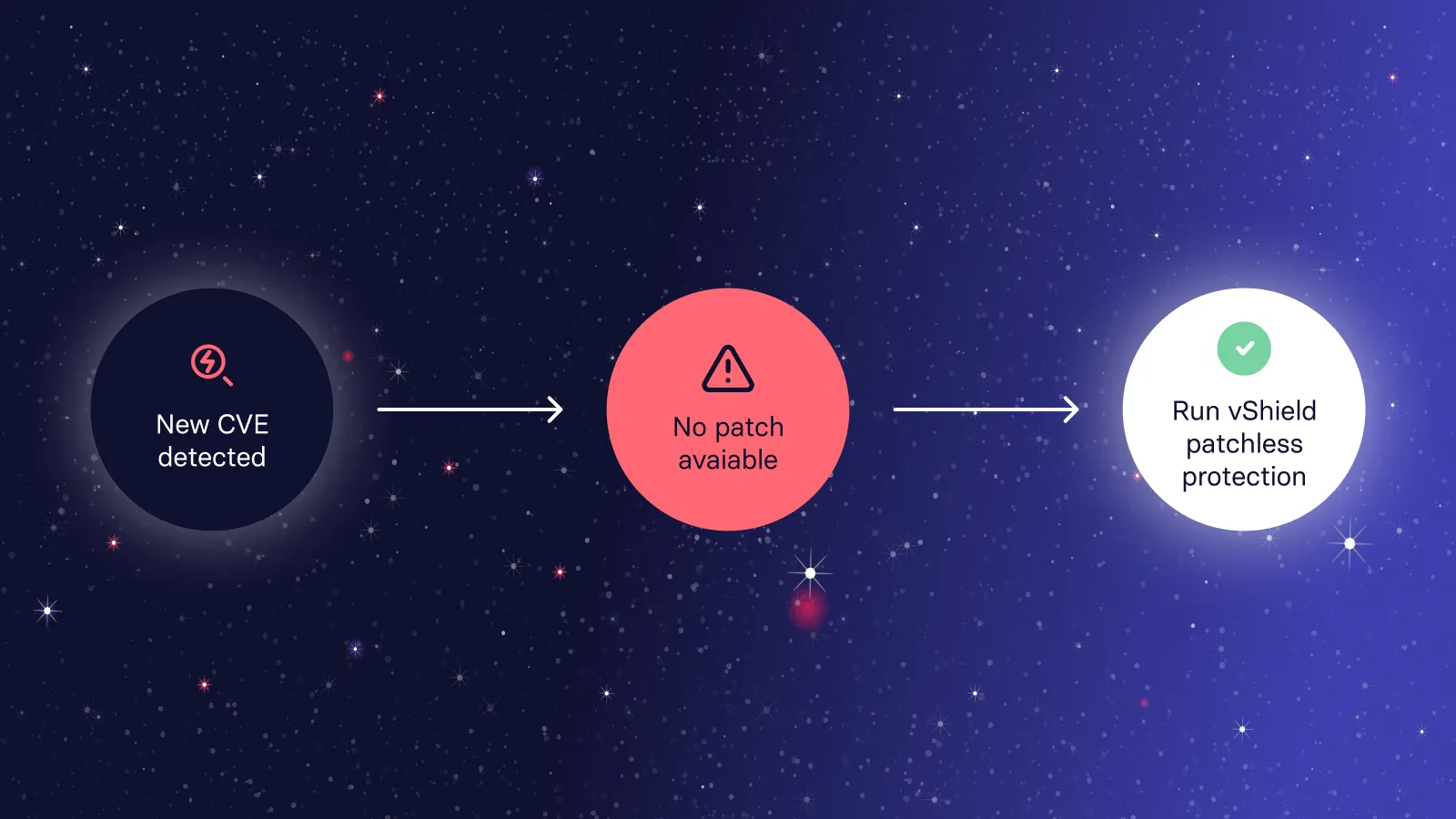
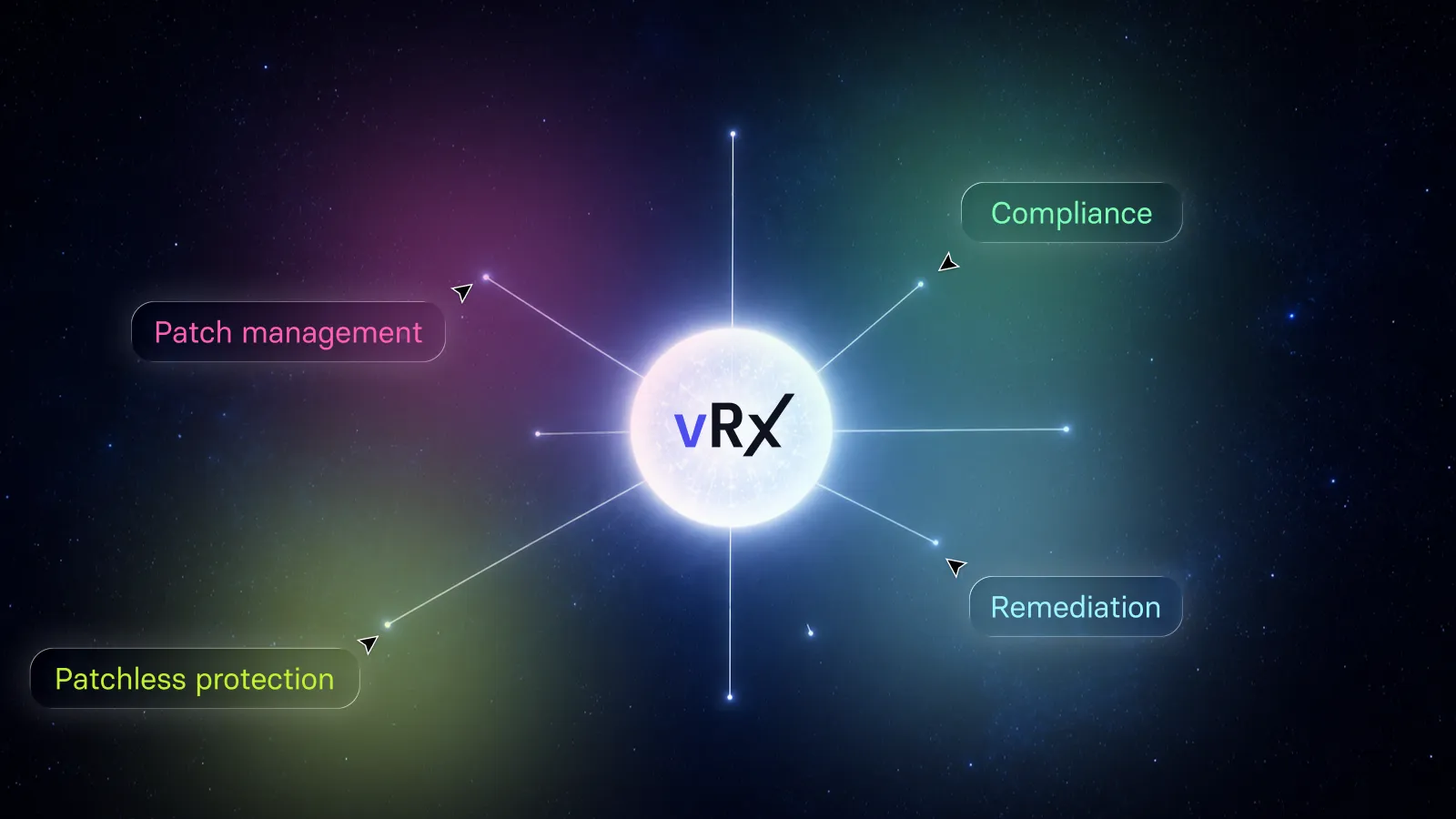
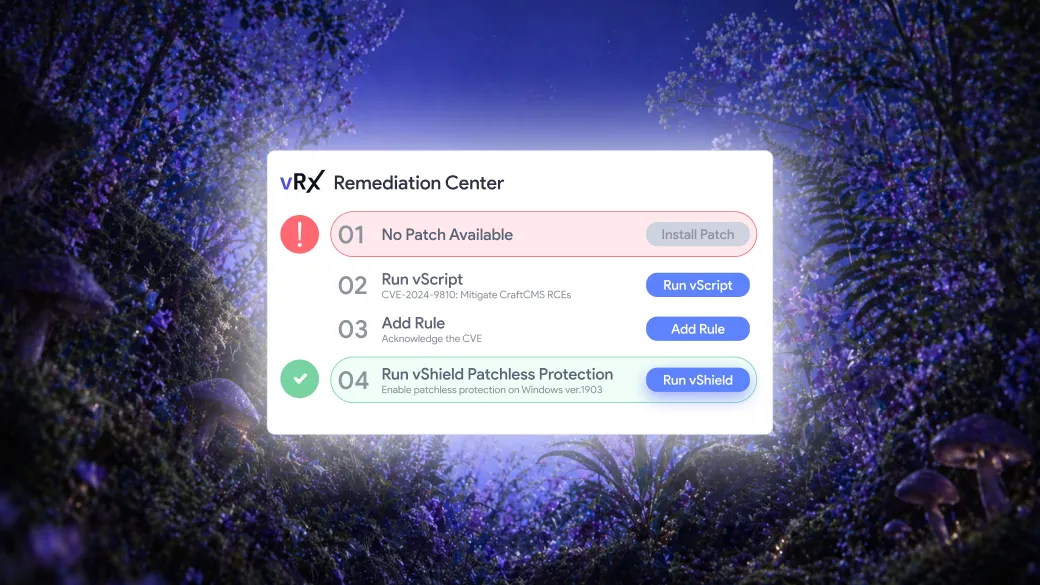
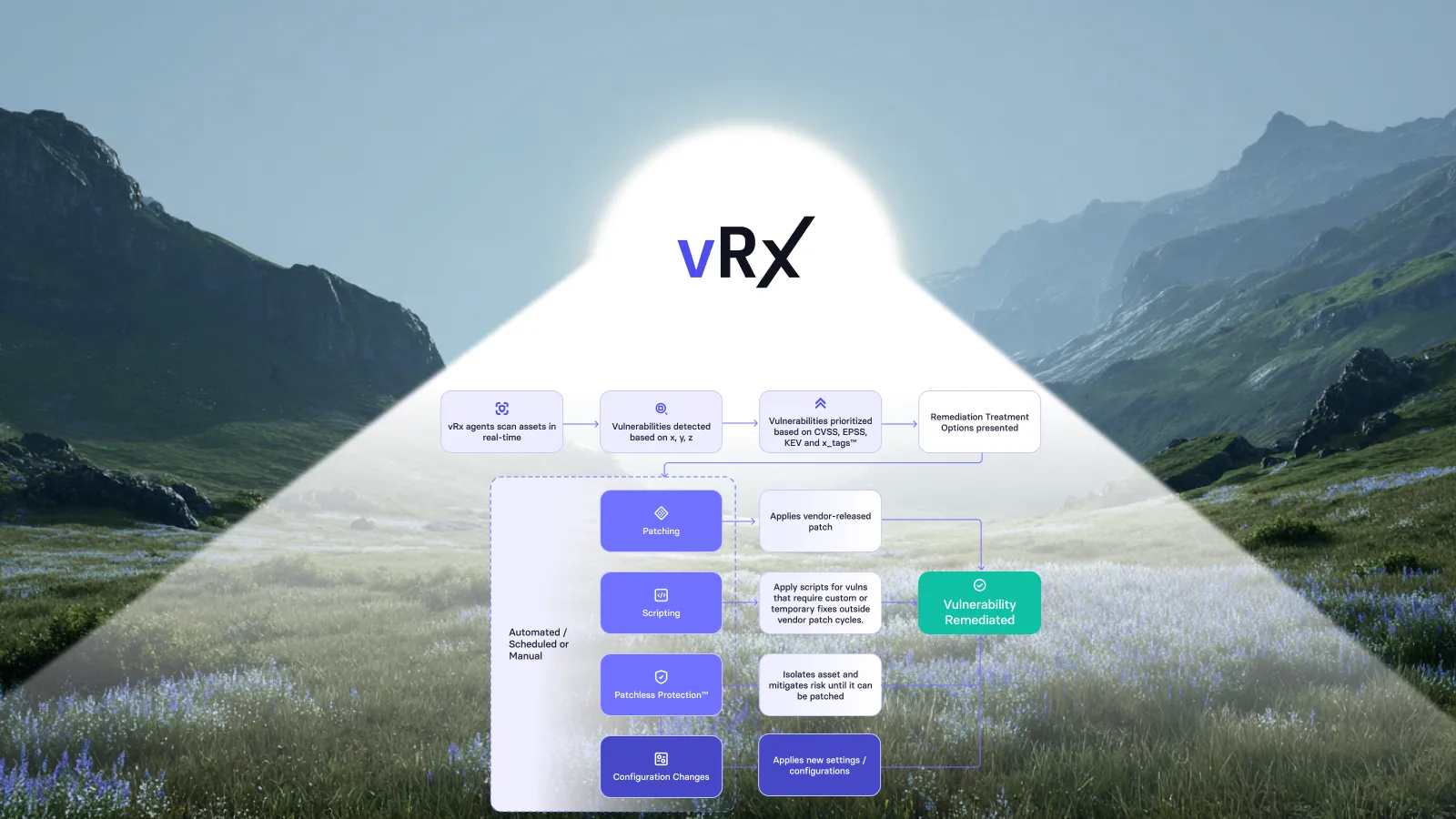
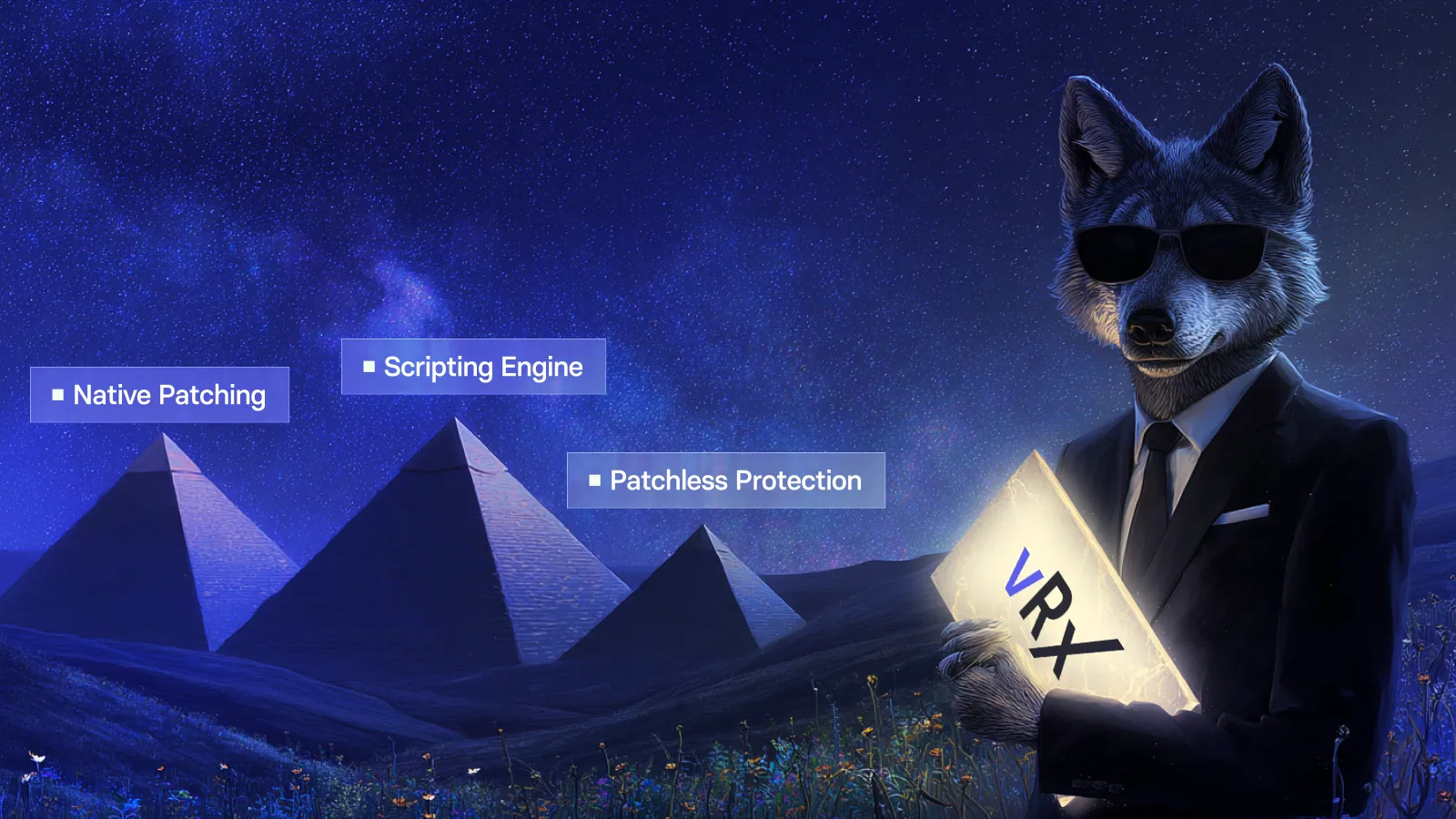
Scripting is one part of the Vicarius remediation approach. vRx brings patching, scripting and patchless protection into the same vulnerability-management workflow. The appropriate response depends on the exposure and the applicable fix. Vicarius remediation capabilities.
For policy design, distinguish a corrective configuration change from a temporary measure that reduces exposure. If the response is temporary, keep its purpose and exit condition explicit. Do not let successful execution imply that an underlying software flaw has been permanently removed.
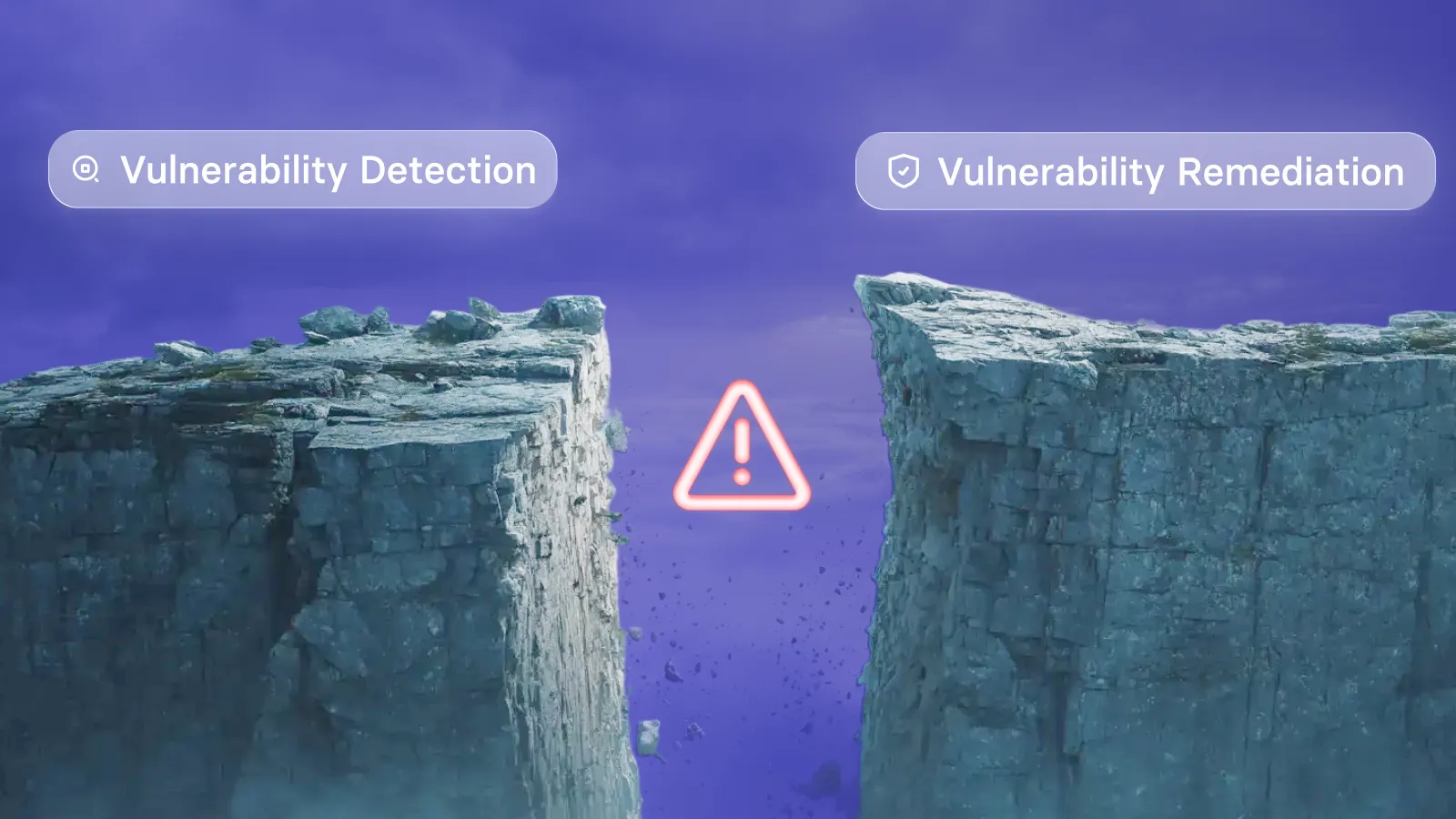
For the broader role of scripting, see how the vRx scripting engine addresses remediation gaps. Here, the narrower goal is dependable execution of an established response, with evidence that it worked.
Frequently asked questions
Can remediation scripts run automatically in vRx?
Yes. Vicarius documents scheduled and event-driven policies alongside on-demand execution through vScript's policy engine. Generated scripts require human review and publishing before deployment. ScriptAI documentation.
When should a team choose scheduled rather than event-driven execution?
Choose a schedule when the work fits a predictable window and the delay is acceptable. Consider event-driven execution when an appropriate configured event should initiate the response. In either case, define eligibility and the intended outcome before automating the action.
Does successful script execution prove remediation is complete?
Execution alone is not the full outcome. Confirm that the intended exposure was corrected or reduced. vRx documents post-execution revalidation as part of its closed-loop approach. vRx verification.
What should people handle once a remediation policy is running?
Focus on exceptions, unexpected results, changes to the script's assumptions and recurring exposure. Review the policy when those signals change its suitability. The goal is to avoid repeating established decisions while preserving judgment where the circumstances differ.
Put recurring fixes on a policy
Bring one recurring remediation task to a vRx demo. Discuss the appropriate execution mode, the systems it should cover and the evidence your team needs to confirm the result.
Design direction
Article hero: approved script passing through a policy gate into a repeating execution loop. Three corrected endpoints and a separate amber exception. Existing art-director image attached. Preserve the execution-mode comparison table in its current article position. Manual publishing only.





































.webp)





















%20Signals%20a%20New%20Era%20of%20Supply%20Chain%20Risk.webp)








.webp)