

Server patch management should automate routine remediation inside a service's agreed operating limits. Define the eligible servers and patches, schedule the deployment, and leave enough time to confirm that the service has returned to an acceptable state. A maintenance window needs to accommodate the whole change, including recovery when a planned step fails.
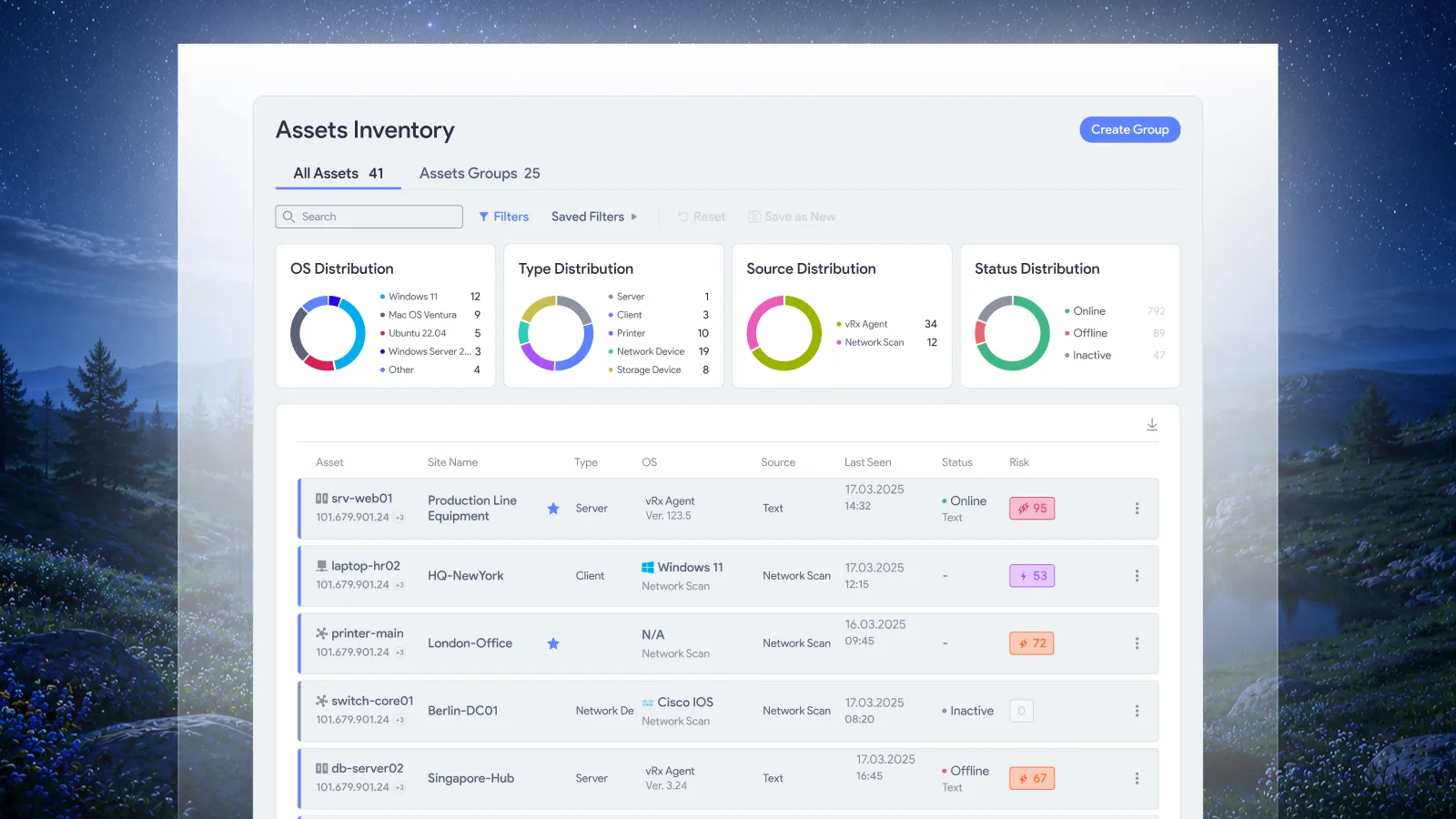
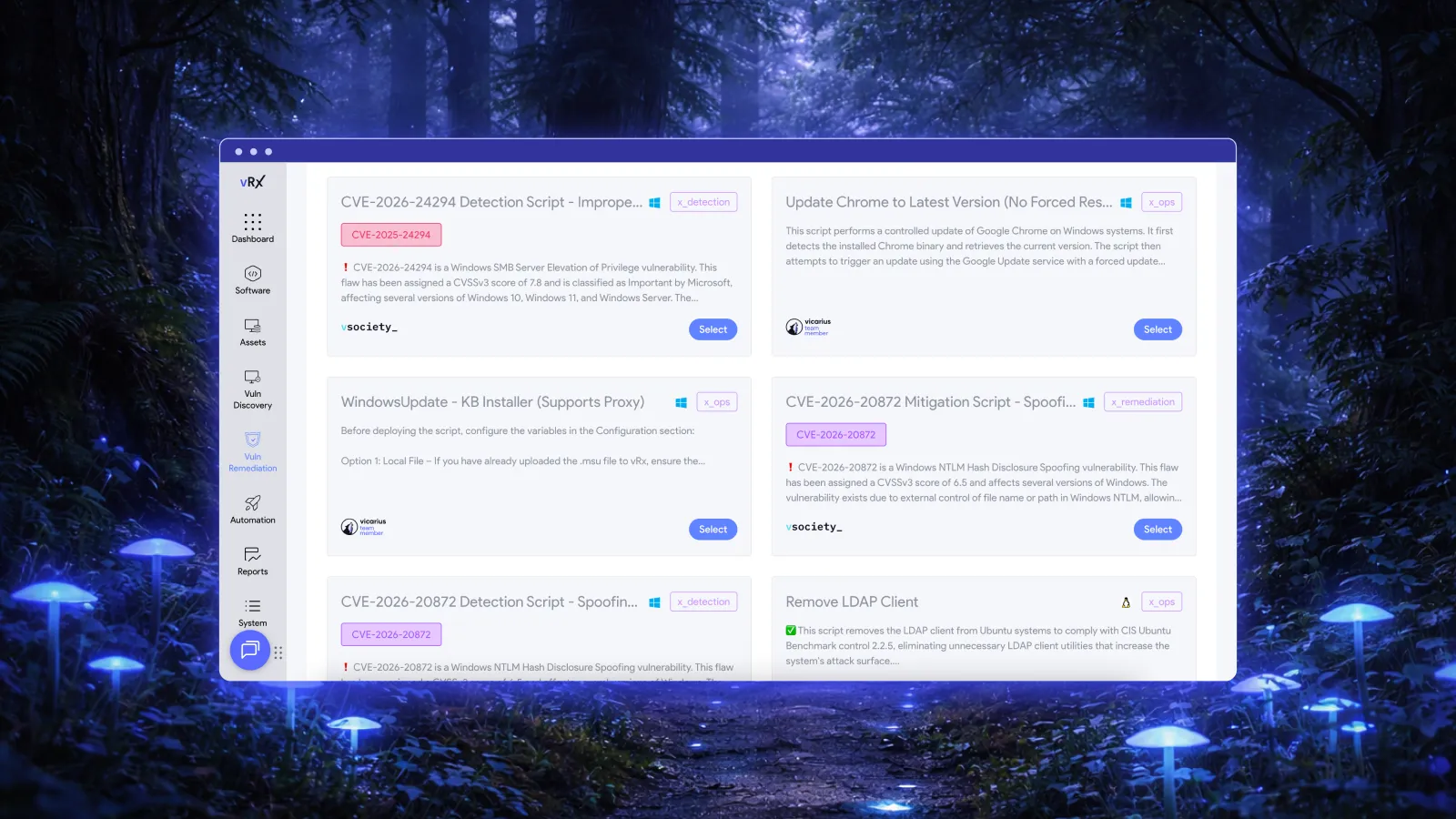
vRx supports scheduled and rule-based patch deployment, with asset groups for targeted execution. Those controls give infrastructure teams a way to turn an established maintenance policy into recurring action. Vicarius patch management documentation.
The policy must reflect the service being changed. A server that can restart independently has different constraints from a node supporting a shared application. Treating both as members of one overnight patch group leaves the service dependency unresolved.
Start with the service boundary
Build maintenance groups around the service impact of changing their members. Operating system, location and owner are useful attributes, but none establishes whether two servers can be unavailable together.
Identify the permitted interruption before setting the schedule. Establish which workload must remain available, which component can leave service, and what evidence allows it to return. Record the responsible service owner alongside the execution policy so the team knows who must review a changed dependency.
A useful group description might say that its application workers can be serviced individually after traffic has been removed. Another group might contain a standalone batch server whose maintenance must finish before a scheduled business job. These descriptions lead to different operating procedures even when the machines use the same software.
Keep the initial scope small enough to validate against the actual service. After a successful cycle, expand the group only when the added systems share the assumptions that made the first cycle work. A new member with a different restart constraint deserves a policy review, rather than silent inclusion.
Use the window as a time budget
A deployment start time is only one boundary. The team also needs a latest safe point for starting additional work, a service restoration deadline, and a recovery allowance.
Consider this hypothetical two-hour window. The numbers illustrate a planning method; they are not a vRx default, a measured deployment duration or a recommendation for every service.
| Window segment | Planned allowance | Purpose |
|---|---|---|
| Readiness and service preparation | 15 minutes | Confirm the intended scope and prepare the service for the authorized change. |
| Deployment and required restart | 45 minutes | Apply the planned correction and complete the workload's restart procedure. |
| Service validation | 20 minutes | Check the corrected state and the agreed business function. |
| Recovery reserve | 40 minutes | Allow the owner to execute the tested recovery procedure if validation fails. |
The allowances total 120 minutes. If readiness consumes 30 minutes, the original plan no longer fits without a change. The decision is whether a smaller scope remains safe, whether an authorized extension exists, or whether work should be deferred. Taking the difference from the recovery reserve by habit defeats the reason for reserving it.
Use durations from your own completed maintenance cycles to improve the next plan. Include slow but credible outcomes, not only the fastest successful installation. If a particular application consistently consumes the reserve, investigate its procedure before enlarging the next batch.
Turn recurring decisions into deployment policies
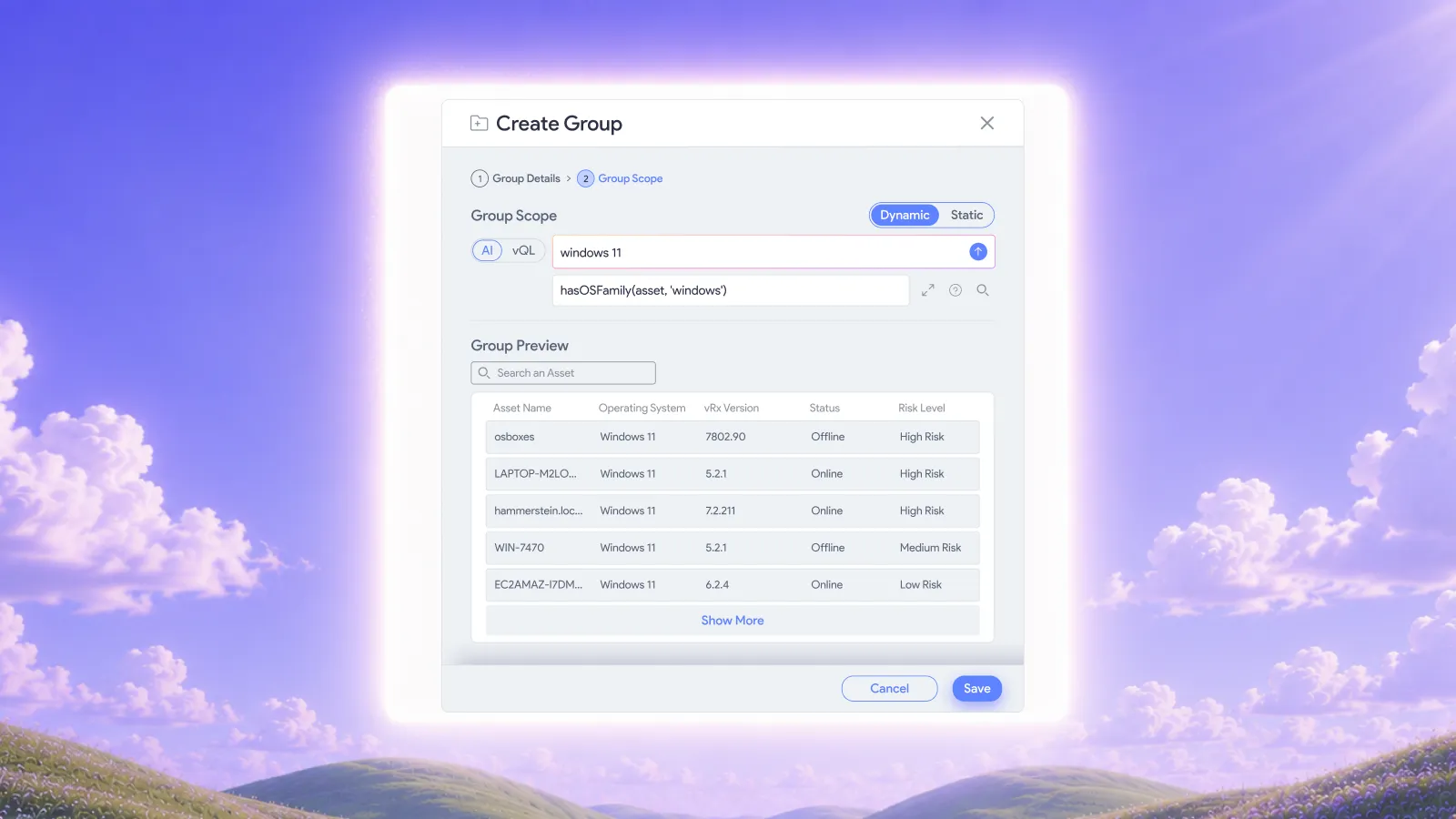
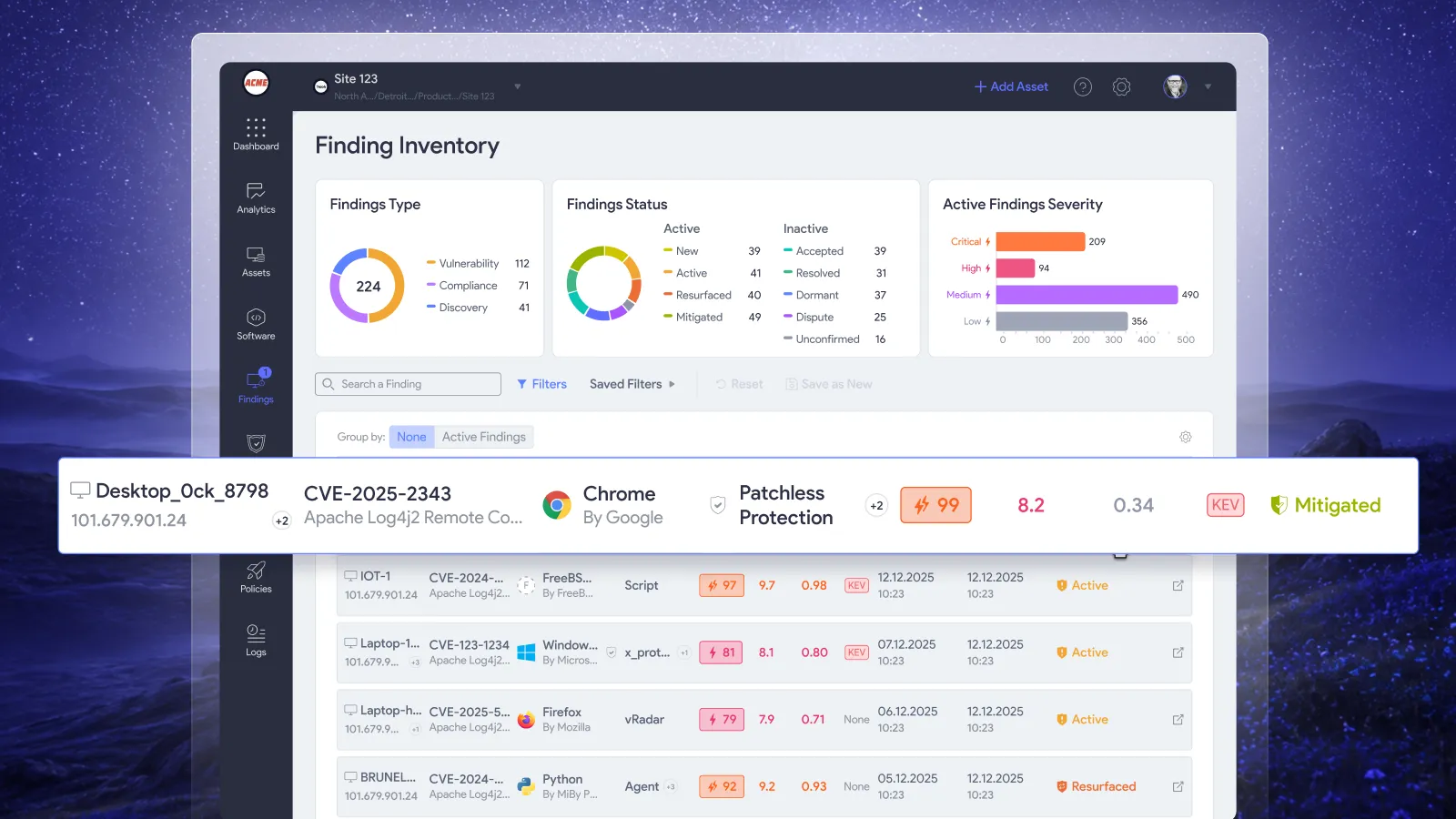
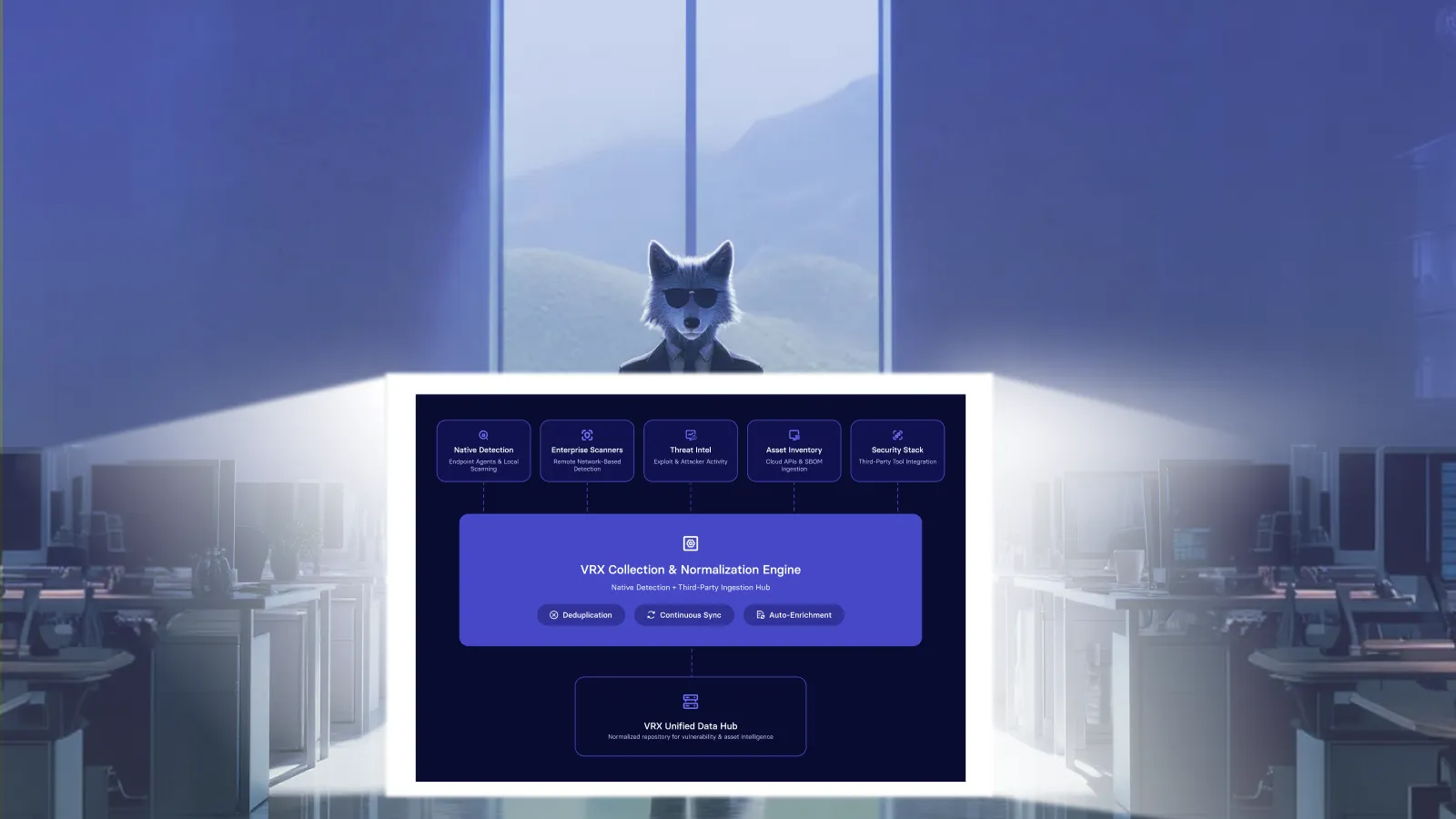
vRx provides on-demand execution, scheduled maintenance windows and rule-based deployment. Static patch groups preserve a selected set; dynamic patch groups update membership as patch data changes. Asset targeting supports pilot and phased deployments. Deployment and grouping controls.
Use a deliberate patch set when the maintenance authorization depends on a specific tested change. Use a continuing selection rule when the service owner has authorized that recurring scope. Choose the grouping method according to whether the policy permits the patch set to change.
Once routine conditions are established, let configured execution carry out the authorized work. Requiring a fresh discussion for every unchanged server wastes the preparation already invested in the policy. Reserve human decisions for changed dependencies, unsuccessful tests, unusual service behavior and work that no longer fits the agreed window.
Give each exception a specific next action. “Wait until next month” does not explain whether the blocker is an unavailable owner, a failed test or an unsuitable maintenance procedure. Those problems need different remedies.
Keep service sequencing explicit
Clustered workloads need their own update procedure. Microsoft's Cluster-Aware Updating documentation describes putting a node into maintenance mode, moving clustered roles, installing updates, restarting when needed and returning the node to service. This is an example of workload-specific sequencing, not a description of vRx functionality. Microsoft Cluster-Aware Updating overview.
For each service, identify the supported mechanism responsible for its availability sequence. Decide which system owns the update action so that independent schedules do not issue competing instructions. Include the expected handoff between service preparation, patch execution and return to operation in the tested procedure.
A successful test should exercise the relevant dependency. Testing a patch on an isolated copy can answer an installation question while leaving failover behavior unanswered. The service owner should choose a representative test and the permitted production health check.
Do not promise zero downtime merely because a workload has multiple nodes. The maintenance plan needs evidence that the remaining capacity and the supported service procedure are adequate for this change.
Close the window with a service result
NIST includes verification of installation in enterprise patch management and treats patching as preventive maintenance. That supports a completion decision based on the resulting state, rather than the fact that a deployment was scheduled. NIST SP 800-40 Rev. 4.
At the end of the window, reconcile the original scope. Identify the servers with confirmed corrections, those requiring follow-up, and those whose state remains unknown. Preserve a deferred restart or unsuccessful validation as unfinished work with an owner.
Service validation should answer a question the business recognizes. Can the application complete its agreed test transaction? Has the batch process resumed? Is the expected service capacity available? Choose the check before the window so that the team is not inventing acceptance criteria at the restoration deadline.
For the technical evidence supporting closure, use the separate patch verification checklist. The maintenance review should also capture what consumed time and whether the next cycle needs a different scope.
Keep remediation moving when the patch must wait
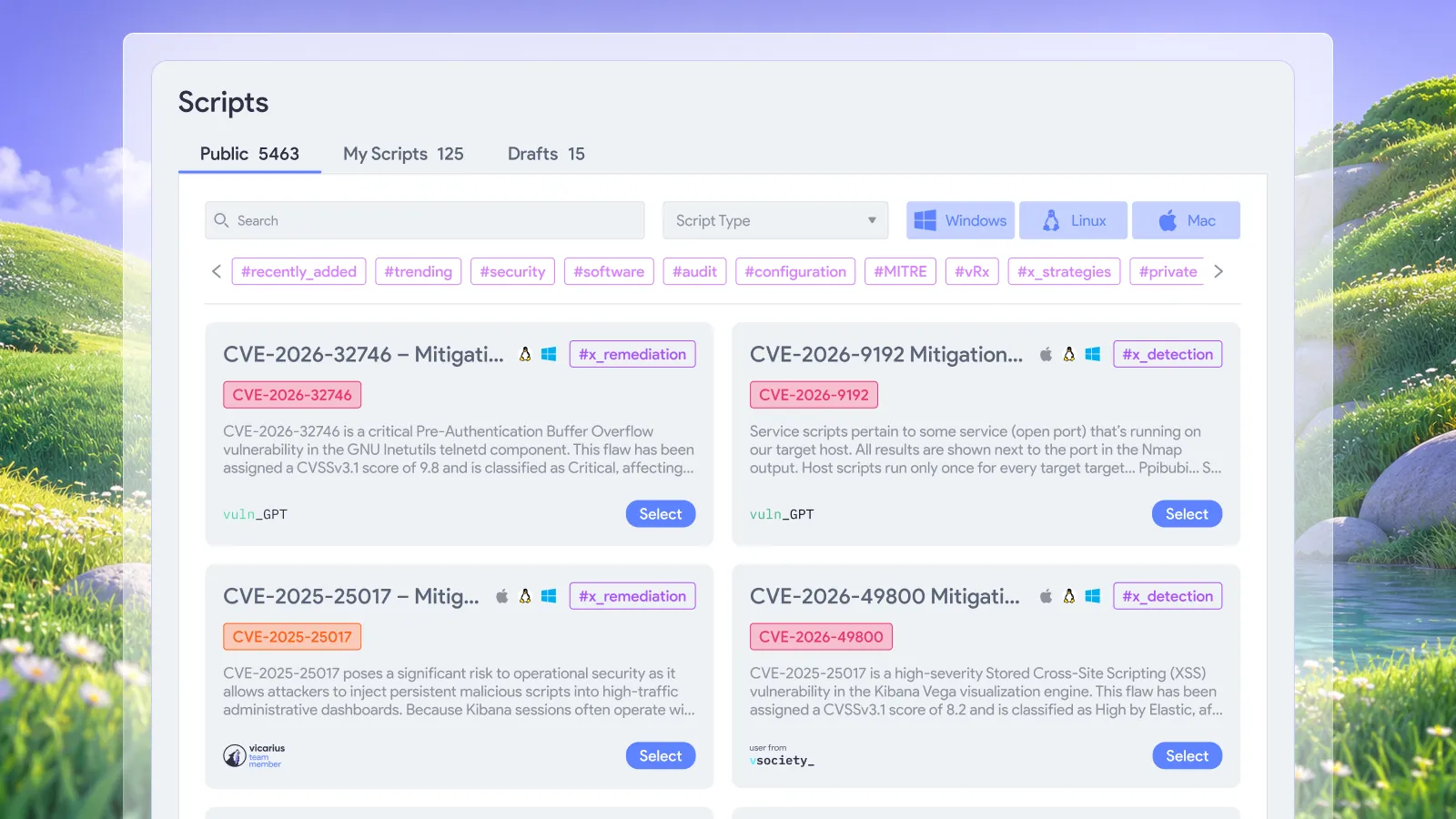
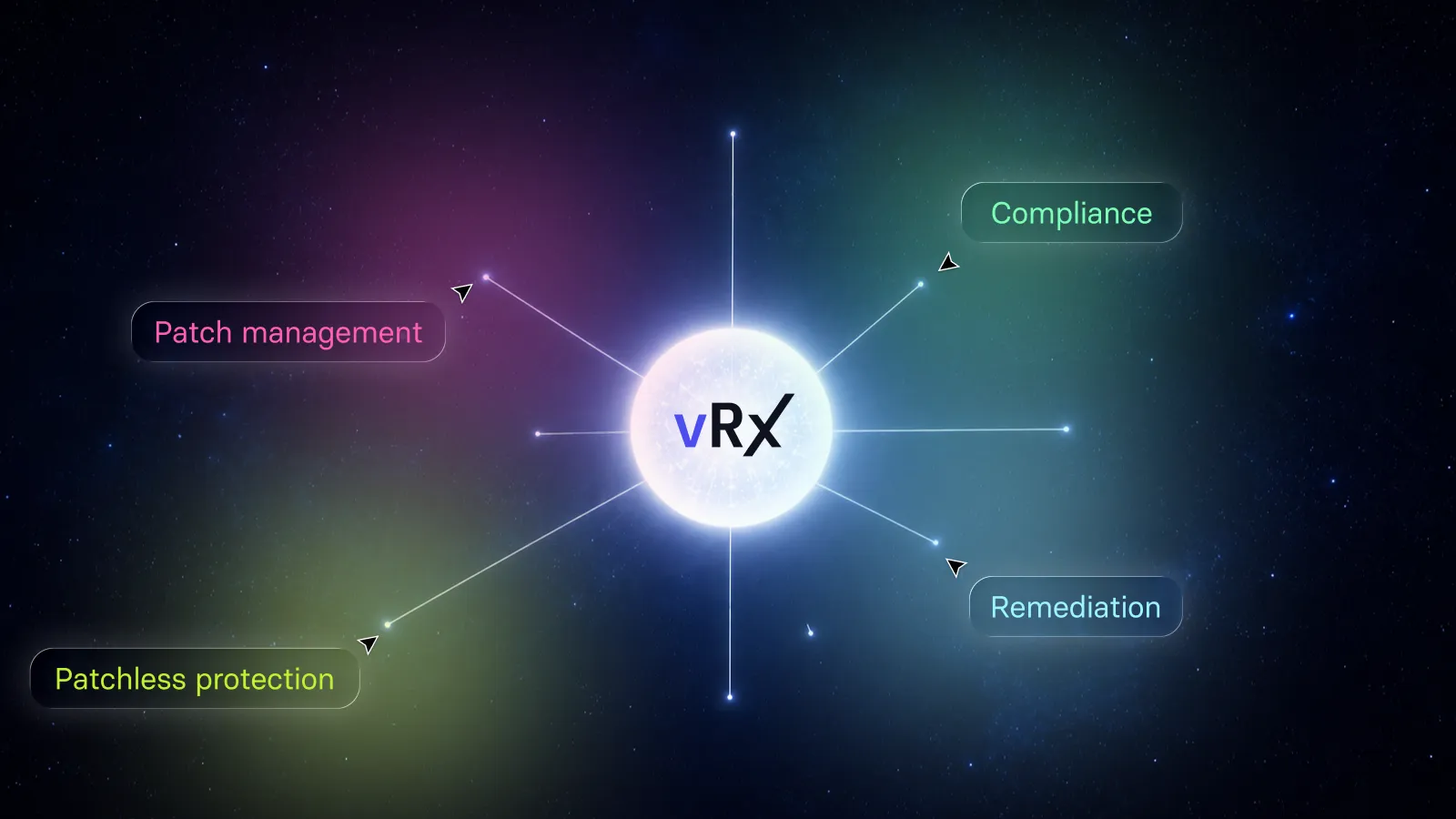
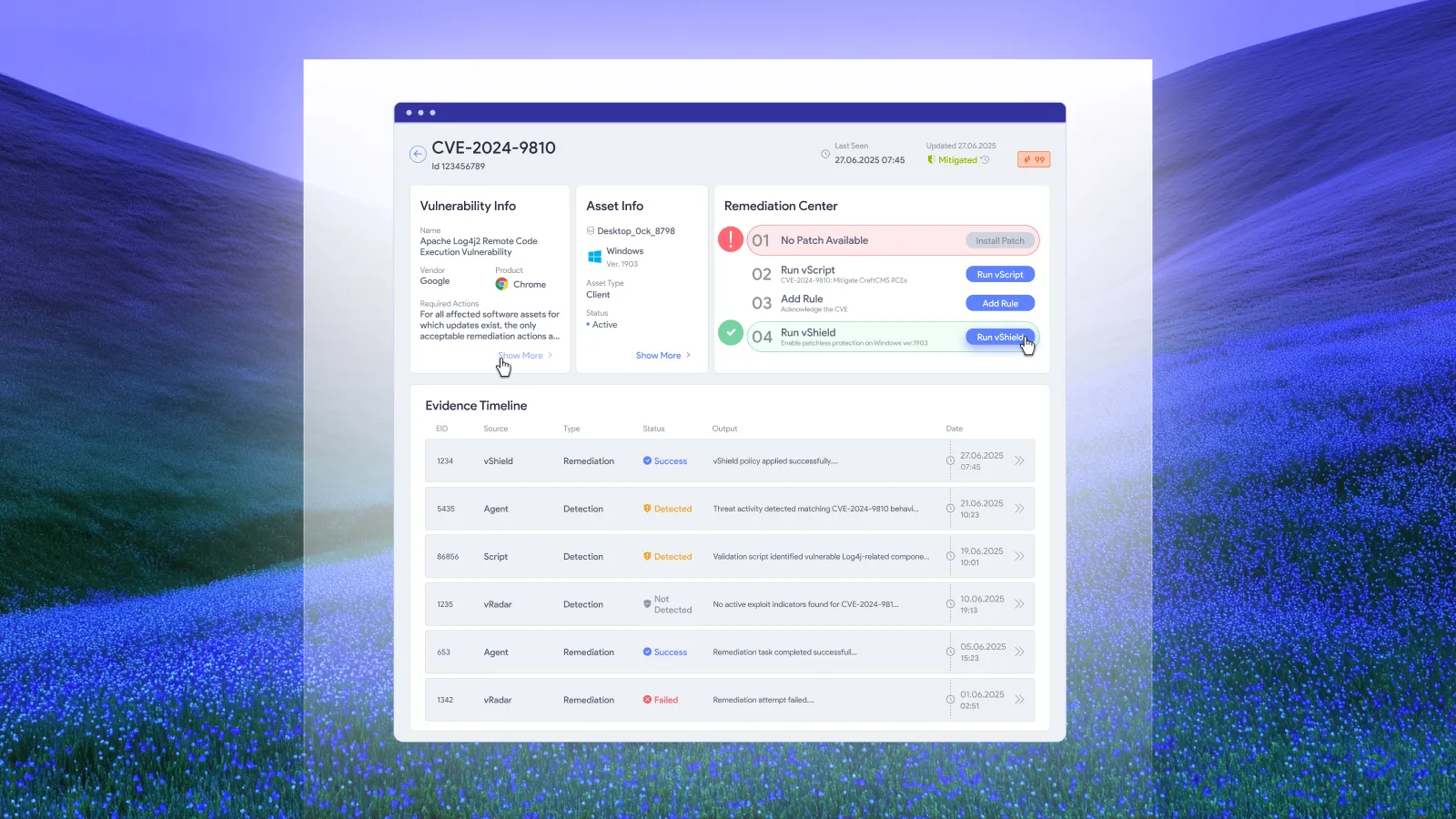
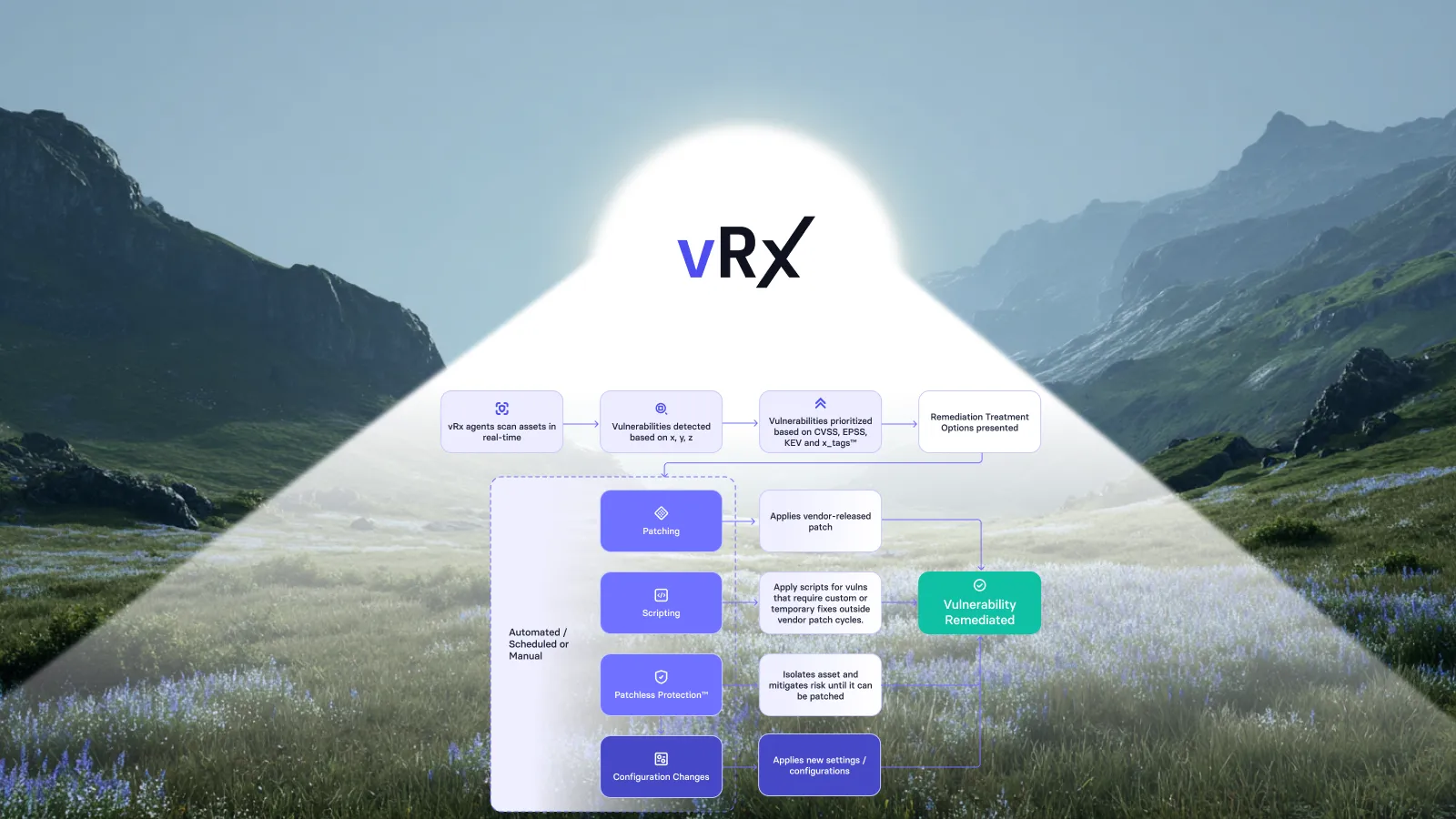
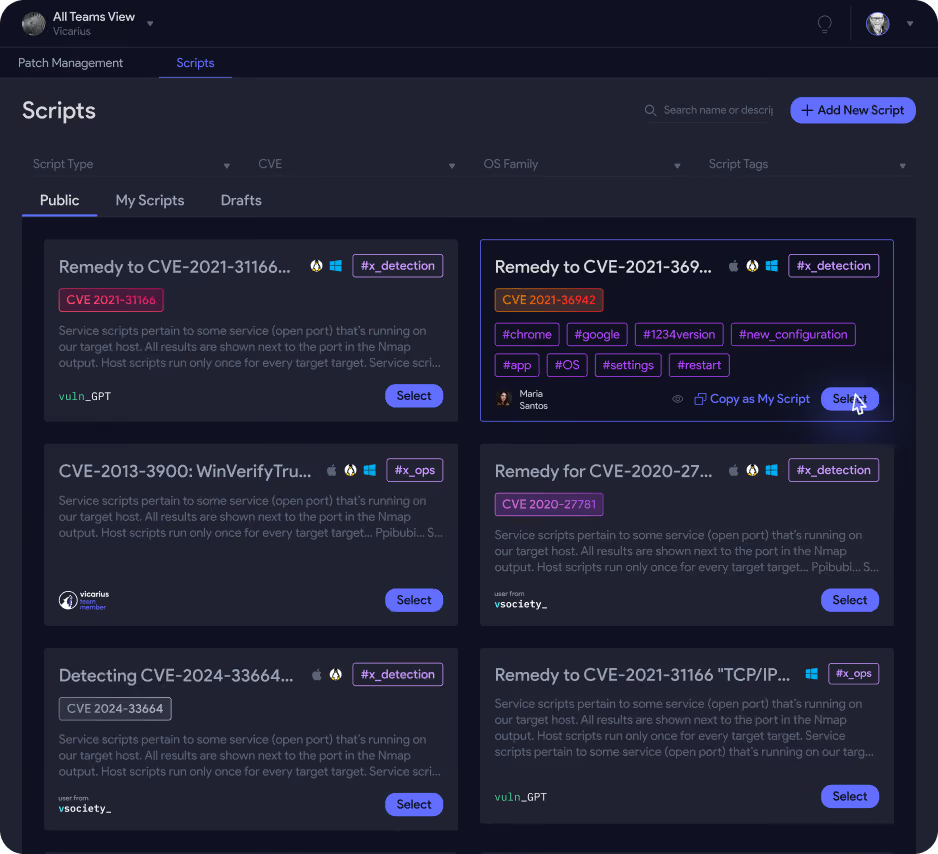
A missed window still requires an exposure decision. vScript supports scripted detection and remediation, including configuration changes. Evaluate an applicable script against the affected service and validate the resulting state. Vicarius vScript.
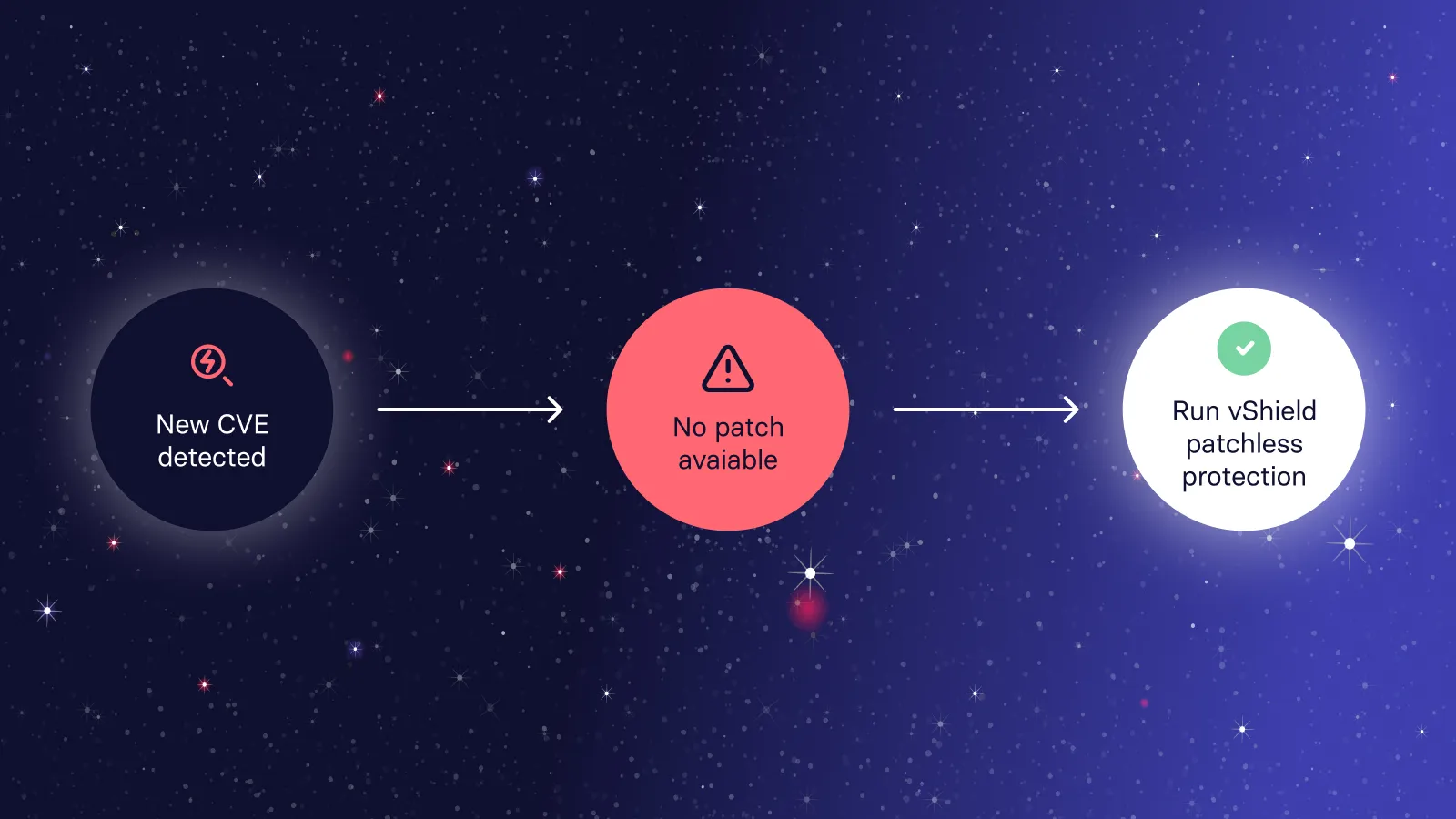
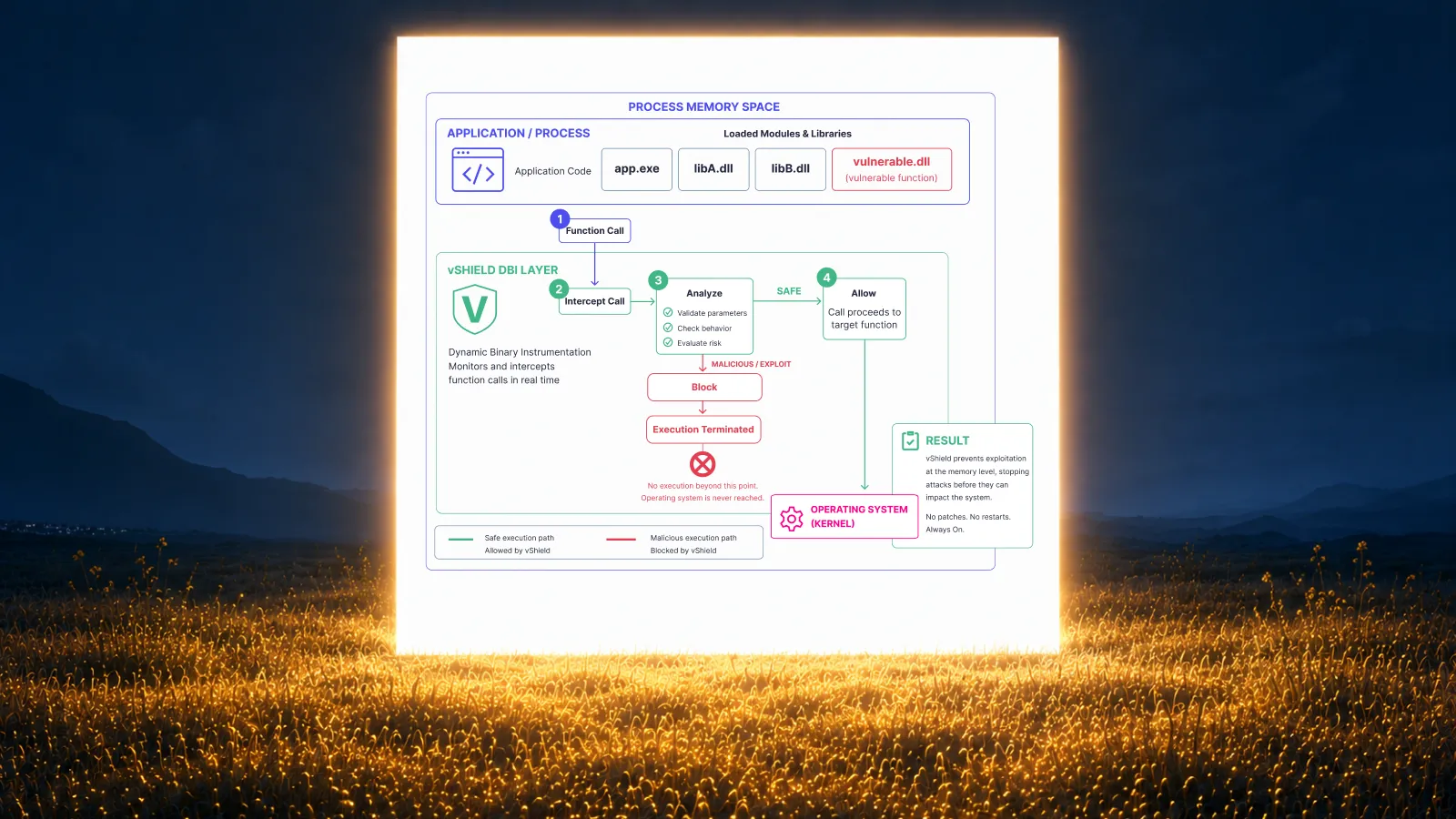
vShield Patchless Protection is Vicarius's approach to virtual patching, providing memory-level protection for supported scenarios. Treat that as protection against applicable exploitation paths while the permanent correction is pending, rather than evidence that vulnerable code has been removed. Vicarius vShield.
Select the response for the actual exposure. A configuration fix may remove the vulnerable condition; an interim control may reduce exposure without fixing the underlying software. Keep the original patch or replacement decision open where needed, with a review condition and a responsible owner.
Frequently asked questions
Can vRx automate server patch deployment?
Yes. vRx supports scheduled and rule-based deployment, with groups for targeting the authorized scope. The team establishes the policy that determines what runs and when. vRx deployment options.
How long should a server maintenance window be?
Base it on the service's tested preparation, deployment, restart, validation and recovery durations. There is no universal duration that makes every server change safe. Use completed cycles to refine the allowance.
Should every server in an application be patched together?
Only when the service's supported procedure and availability requirements allow it. Define permitted concurrency and dependencies before applying a common schedule. Similar operating systems do not establish that simultaneous interruption is acceptable.
What happens if the patch cannot finish inside the window?
Follow the service's pre-agreed stop or recovery decision. Record the remaining exposure, assign the next action and assess an applicable interim control. Avoid silently extending the interruption or counting an unfinished change as complete.
Test your server maintenance policy in a vRx demo
Bring one representative server group, its maintenance window and its service constraints. Request a vRx demo focused on scheduled remediation, group targeting and the evidence your team needs after execution.