Last updated: October 2026
NinjaOne vs ManageEngine: summary and verdict
Choose NinjaOne if you want endpoint management and fast, cloud-based patching in one console, especially as an MSP or a lean IT team. Choose ManageEngine Vulnerability Manager Plus if you need a dedicated vulnerability management tool with compliance, hardening checks, zero-day mitigations and an on-prem option. They're different kinds of product: NinjaOne is an endpoint management (RMM) platform with vulnerability features, while Vulnerability Manager Plus is built for vulnerability management first.
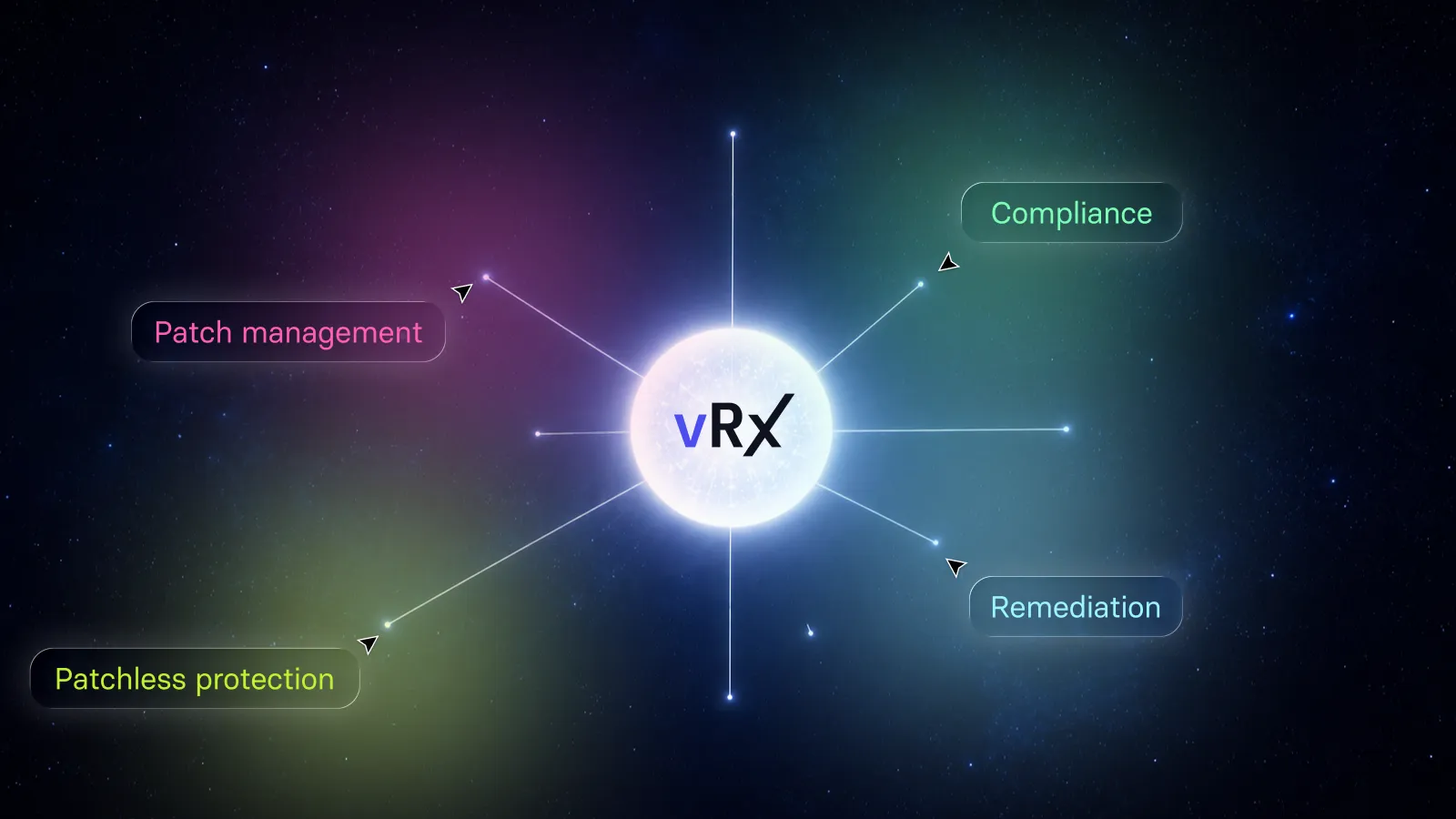
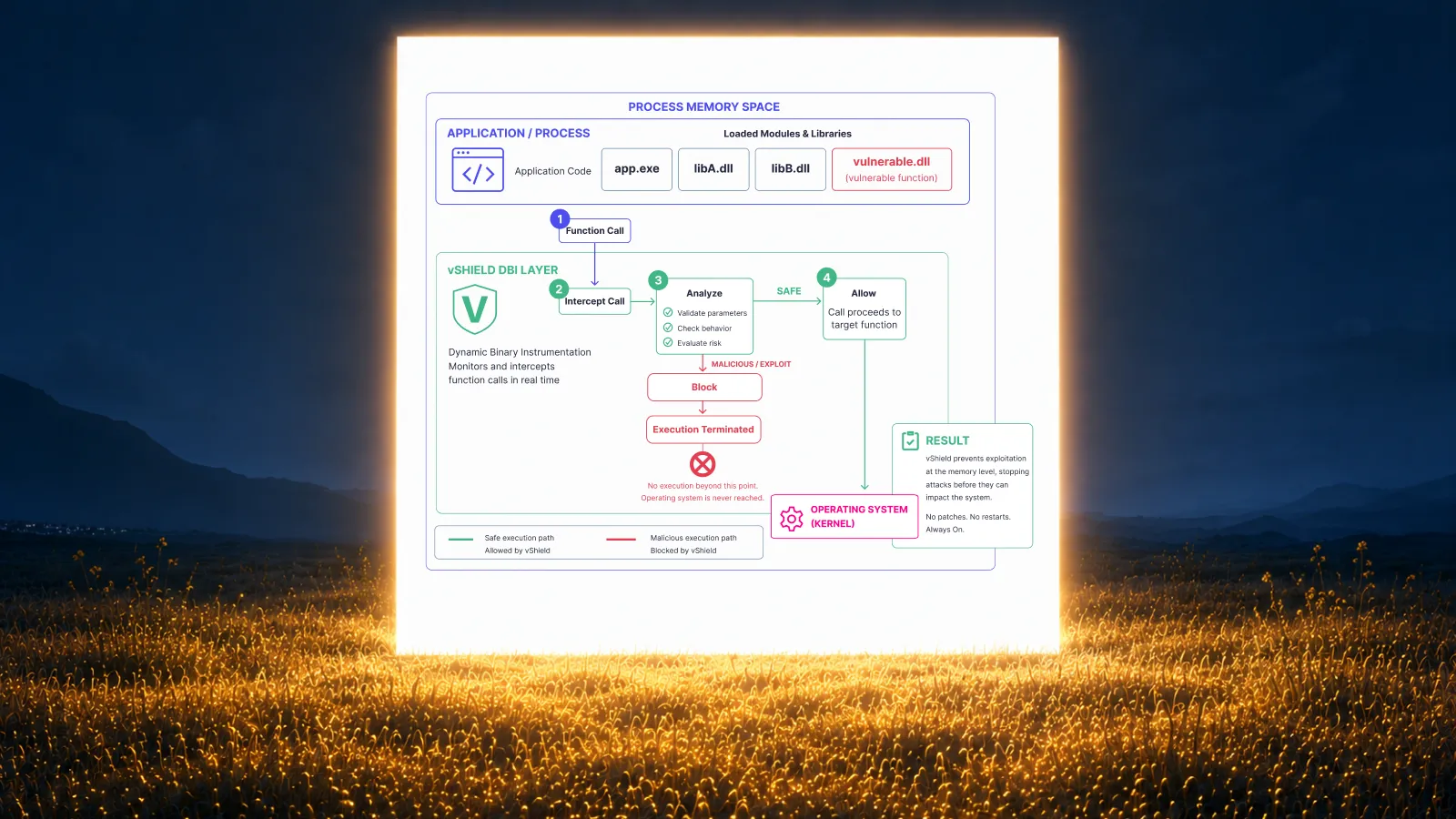
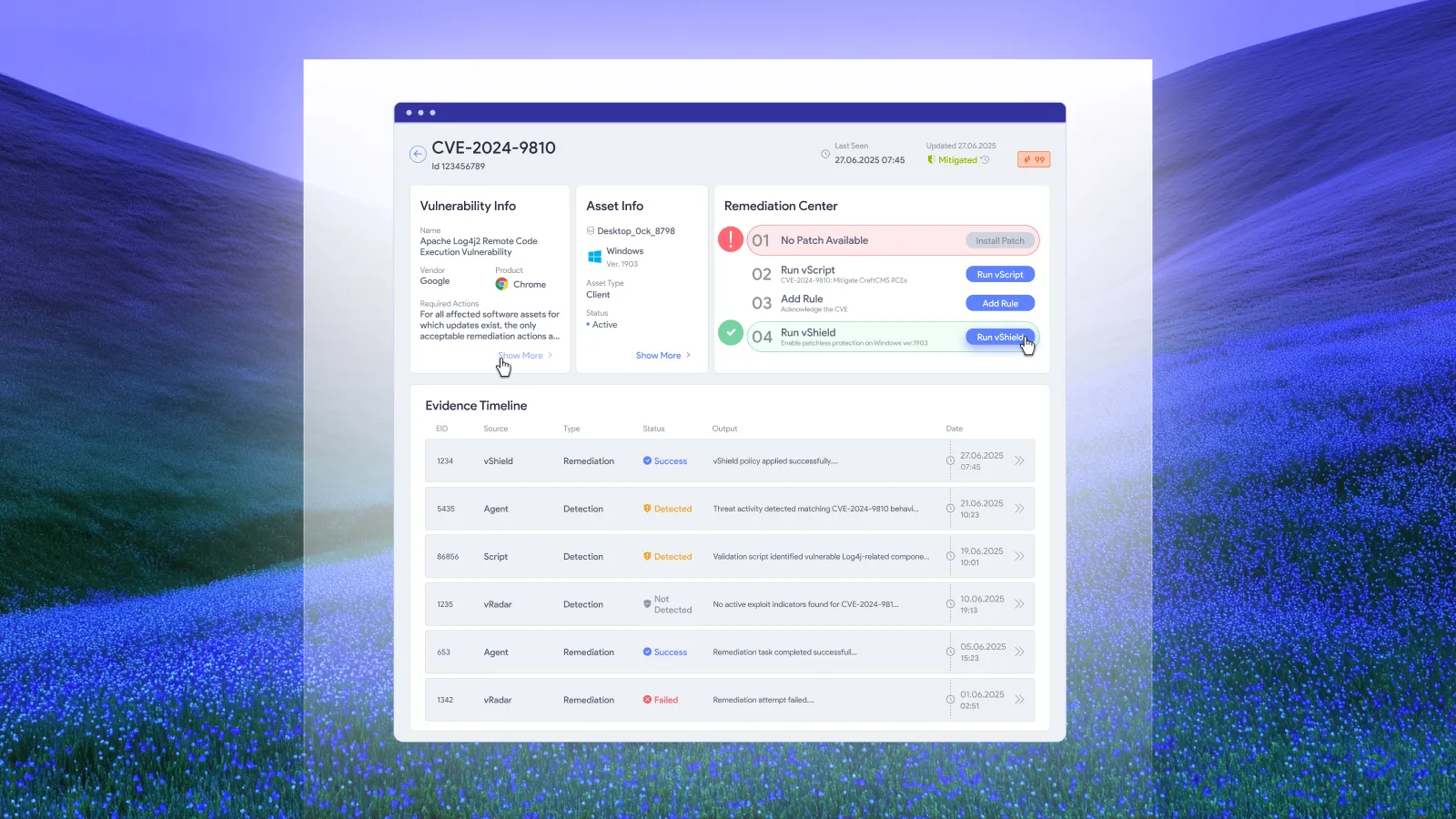
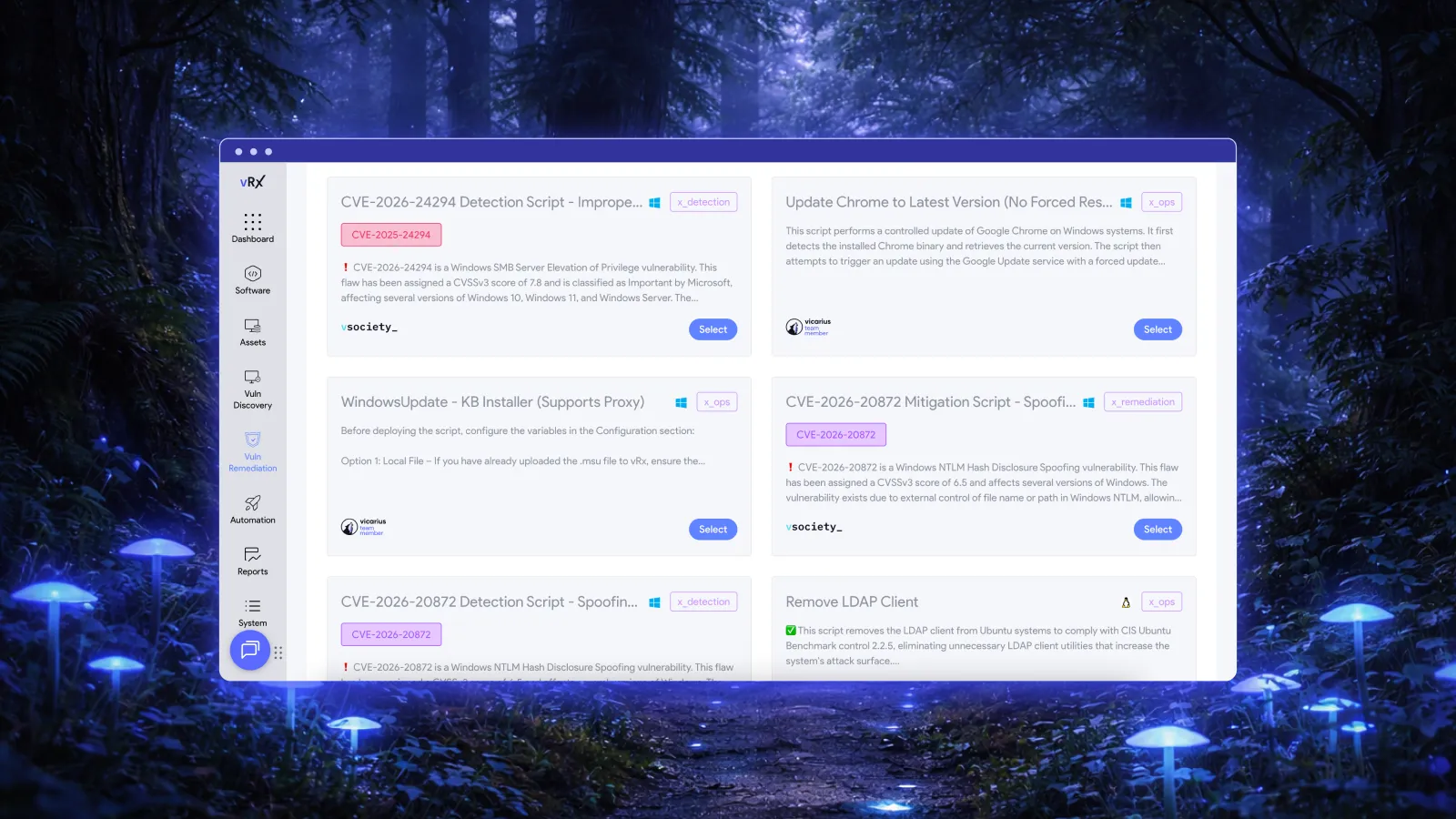
If you need both strong detection and strong patching, neither covers everything: NinjaOne patches more apps, and ManageEngine detects more. A remediation-first platform such as Vicarius vRx combines detection on Windows, macOS and Linux with native patching for 20,000+ third-party apps, scripted fixes and patchless protection.
Disclosure: Vicarius makes vRx, a vulnerability remediation platform. We've aimed to be fair to both NinjaOne and ManageEngine.
What NinjaOne and ManageEngine offer in 2026
NinjaOne is a cloud-native endpoint management and RMM (remote monitoring and management) platform, popular with MSPs and mid-sized IT teams. Its vulnerability features sit on top of:
- Autonomous Patch Management: patching for Windows, macOS, Linux and more than 6,000 third-party applications. Patch Intelligence AI flags and pauses risky updates based on vendor and community signals.
- Vulnerability Management: matches the software inventory NinjaOne's agent already collects against CVE intelligence, with no scheduled scans. It maps each CVE to the patch that fixes it. It can also import findings from Qualys, Rapid7, Tenable and other scanners. Native detection currently covers Windows endpoints.
ManageEngine Vulnerability Manager Plus is a dedicated vulnerability management product from ManageEngine (part of Zoho). It covers vulnerability assessment, patching, zero-day mitigation, security configuration and compliance in one console, and runs on-prem or in the cloud. Its Enterprise edition adds built-in patching for Windows, macOS, Linux and more than 1,100 third-party apps.
ManageEngine also sells Endpoint Central, its endpoint management and RMM platform. If you're comparing NinjaOne mainly as an RMM tool, Endpoint Central is the closer like-for-like match. This article compares the two for vulnerability management.
ManageEngine vs NinjaOne: features compared
Vulnerability detection
- NinjaOne: finds vulnerabilities by matching installed software against CVE data in the cloud. It's fast and needs no scans, and it even checks new CVEs against offline devices' last-known software. But it only sees what's in the software inventory, and native detection is Windows only. For macOS, Linux, network devices or misconfigurations, you import results from a scanner such as Qualys, Rapid7 or Tenable.
- ManageEngine: assesses Windows, macOS and Linux for missing patches, vulnerable third-party software, security misconfigurations, end-of-life and high-risk software, and (on-prem) network devices. AI-assisted risk prioritisation helps rank what to fix first.
Edge: ManageEngine. It's a fuller vulnerability assessment across more operating systems.
Patching
Both patch natively, with their own engines.
- NinjaOne: this is its strongest area. It patches Windows, macOS, Linux and 6,000+ third-party apps, maps each CVE to its patch, lets you set risk-based deployment rules and zero-day overrides, and uses Patch Intelligence AI to hold back updates that are causing problems elsewhere.
- ManageEngine: patches Windows, macOS, Linux and 1,100+ third-party apps from the same console as its assessment, but only in the Enterprise edition. The Professional edition finds and reports, but doesn't patch.
Edge: NinjaOne, for a catalogue more than five times larger and smarter rollout controls.
Fixing vulnerabilities when no patch exists
- NinjaOne: has no packaged zero-day mitigation feature. You can push configuration changes with NinjaOne's general scripting and automation, but you write and maintain those scripts yourself.
- ManageEngine: the Enterprise edition includes pre-built, tested zero-day mitigation scripts that you can deploy before a vendor patch exists.
Edge: ManageEngine.
Compliance and security hardening
- NinjaOne: not a focus. It reports on patch and device status rather than auditing against security benchmarks.
- ManageEngine: audits against CIS benchmarks, detects security misconfigurations, hardens web servers, and flags high-risk and unauthorised software. These capabilities matter most in regulated sectors such as banking, healthcare and government.
Edge: ManageEngine.
Endpoint management beyond security
- NinjaOne: a full RMM platform covering remote access, monitoring, software deployment, scripting, backup and documentation. Its vulnerability features are part of that.
- ManageEngine Vulnerability Manager Plus: focused on vulnerability management. For broader endpoint management, you'd add ManageEngine Endpoint Central.
Edge: NinjaOne, if you want one tool for IT operations and patching.
Deployment
- NinjaOne: cloud only, with no on-prem servers or VPN needed to reach remote devices.
- ManageEngine: on-prem or cloud. Network device scanning is on-prem only.
Edge: ManageEngine, for organisations that need on-prem. NinjaOne is simpler to run if cloud is fine.
NinjaOne vs ManageEngine pricing in 2026
The two are priced on different bases:
- ManageEngine publishes its prices, in bands of computers plus servers, with one technician included.
- NinjaOne charges per device per month and only gives exact prices on a quote.
ManageEngine Vulnerability Manager Plus (list prices, 100 computers, 1 technician)
- Servers are licensed separately. For example, 10 servers cost $145 a year on-prem (Professional) or $245 (Enterprise).
- Extra technicians are an add-on. One more technician is $195 a year on-prem.
- Price per device falls as you grow. At 1,000 computers, Enterprise is $7,385 a year on-prem, roughly $0.62 per computer per month.
- Free option: a free edition for small networks, and a 30-day free trial of the paid editions.
NinjaOne (quote-based)
- Per device, per month, with volume discounts. NinjaOne says pricing runs from about $3.75 per device for 50 or fewer endpoints down to about $1.50 at 10,000 endpoints, and varies by region and by which products you buy.
- Included at no extra cost: implementation and unlimited support. There's no hard cap on licences.
- Free option: a 14-day free trial.
What this means in practice
- For a 100-device estate, ManageEngine Enterprise (about $1,195 a year on-prem) is likely to cost noticeably less than NinjaOne. At NinjaOne's small-fleet rate, 100 devices would be several thousand dollars a year, though that price also includes RMM features ManageEngine Vulnerability Manager Plus doesn't have.
- Compare like for like. If you need RMM too, compare NinjaOne against ManageEngine Endpoint Central plus Vulnerability Manager Plus, not Vulnerability Manager Plus alone.
Prices change often. Confirm current pricing with each vendor before you buy.
Where each falls short
NinjaOne
- Detection is limited. It only sees vulnerabilities in installed software, native detection covers Windows only, and misconfigurations, network devices and unmanaged assets need a separate scanner.
- No packaged mitigation when there's no patch. You rely on custom scripts.
- No compliance or hardening audits.
- No published pricing, and it's cloud only.
ManageEngine Vulnerability Manager Plus
- Patching and zero-day mitigation are Enterprise-only. The Professional edition finds problems but doesn't fix them.
- Smaller patch catalogue, at about 1,100 third-party apps against NinjaOne's 6,000+.
- Costs add up beyond the base licence. Servers, extra technicians and network devices are licensed separately.
- Not an RMM. You need Endpoint Central as well for broader endpoint management.
Alternatives to NinjaOne and ManageEngine
If neither covers both detection and remediation well enough, consider these:
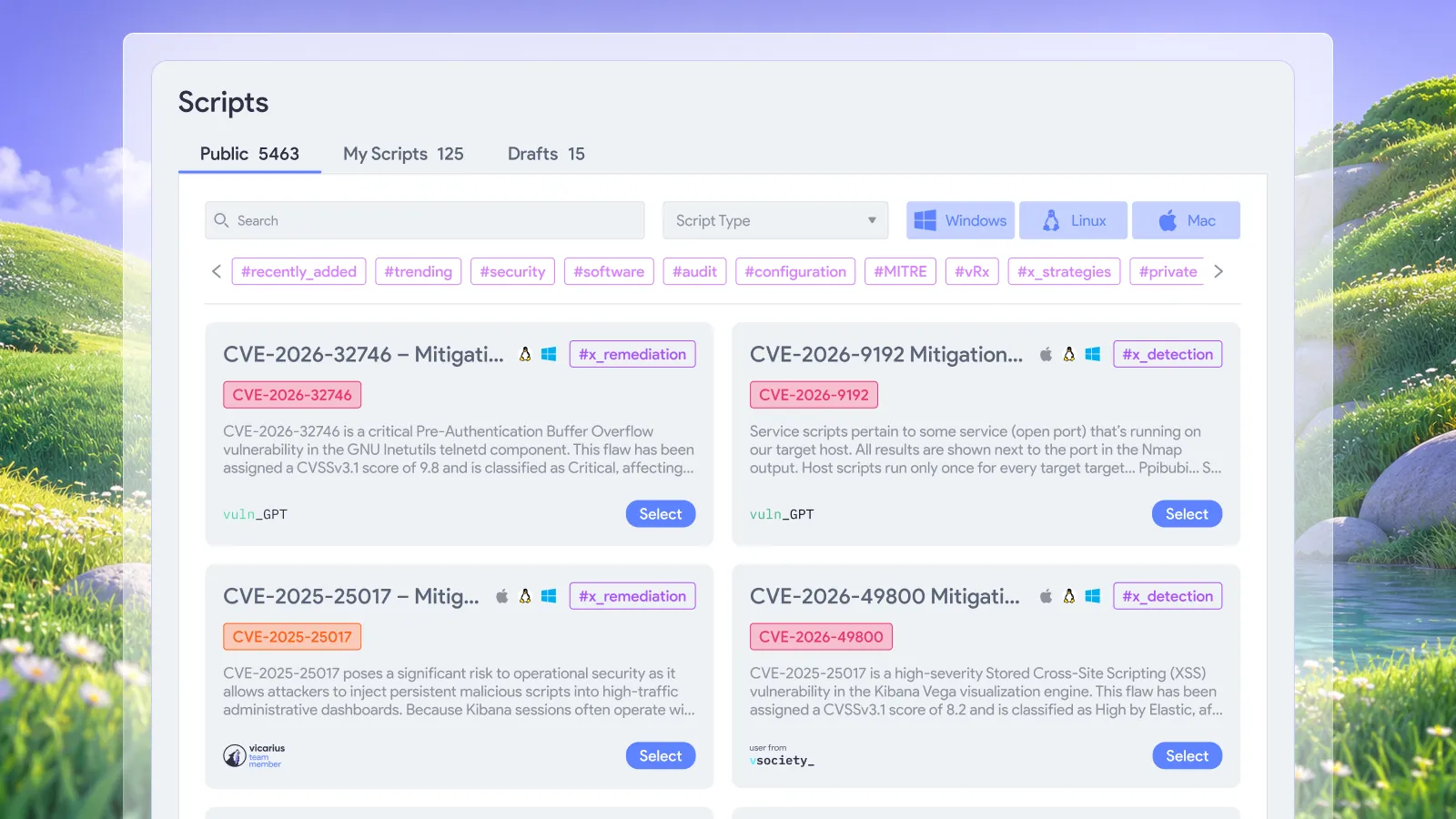
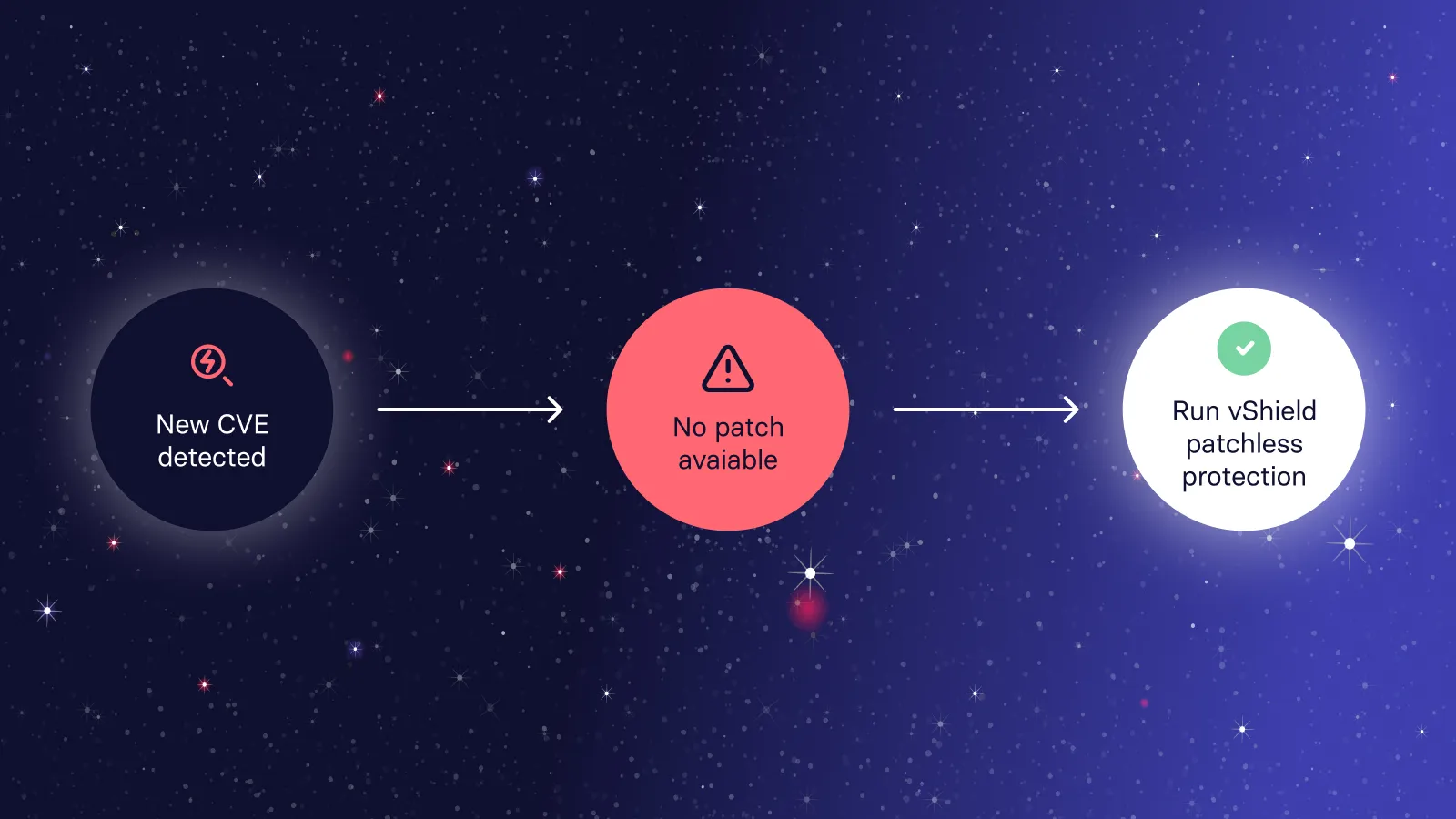
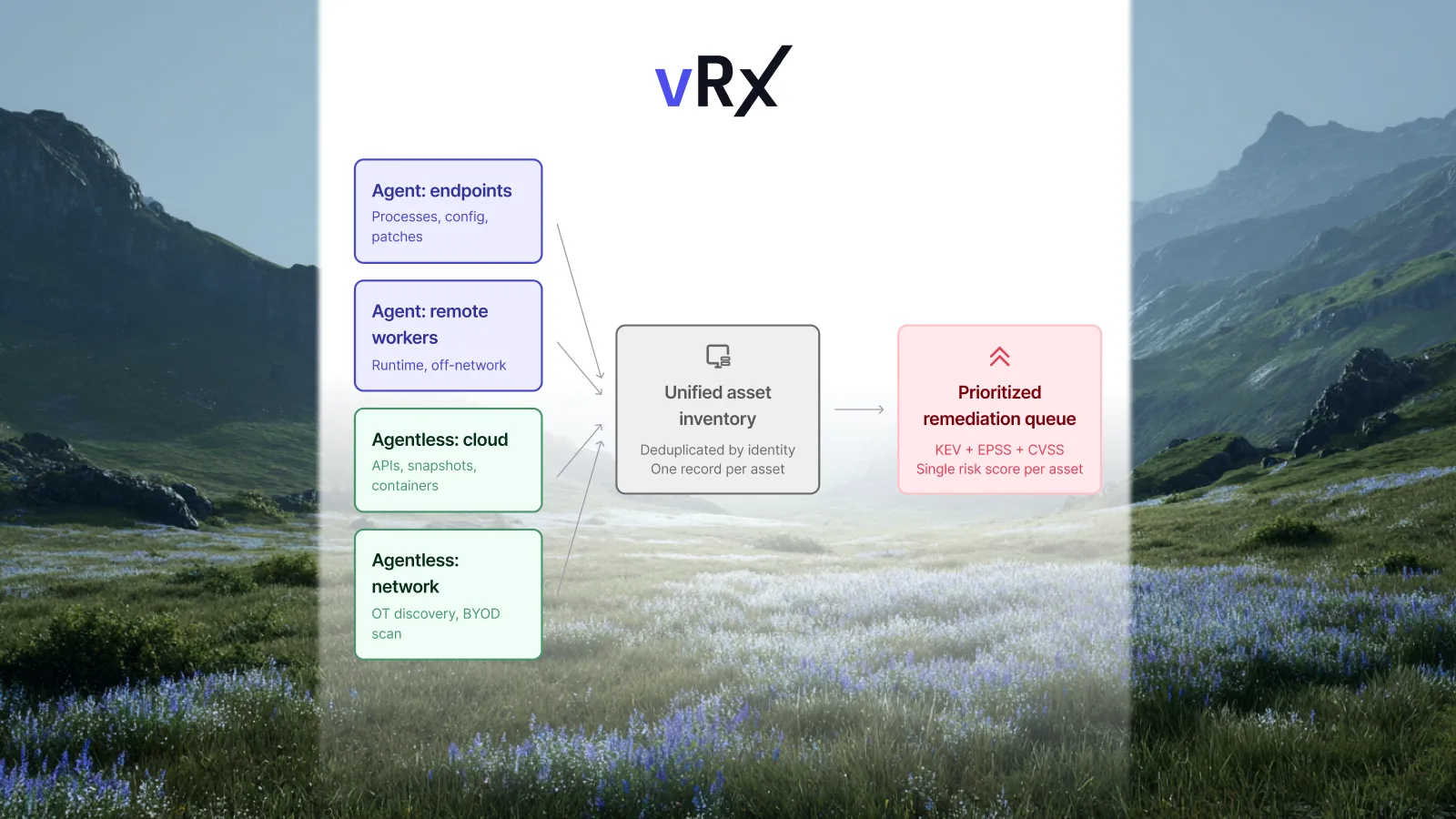
- Vicarius vRx: a SaaS platform that finds vulnerabilities with an agent on Windows, macOS and Linux and the agentless vRadar scanner (including web apps for the OWASP Top 10). It fixes them natively with patching for 20,000+ third-party apps, vScript and ScriptAI scripted fixes, and vShield patchless protection. See Vicarius vRx vs NinjaOne and Vicarius vRx vs ManageEngine.
- Automox: cloud-native patching with Worklets for scripted fixes. Like NinjaOne, it relies on importing scanner findings. See Automox vs NinjaOne.
- Syxsense: combines endpoint management, vulnerability scanning and patching, and is often compared with NinjaOne.
- Qualys, Tenable or Rapid7: for deeper vulnerability scanning, usually paired with a separate patching tool. See Top Tenable Alternatives in 2026.
For more ManageEngine options, see Top 4 Alternatives to ManageEngine.
Frequently asked questions
NinjaOne vs ManageEngine: which is better for vulnerability management?
ManageEngine Vulnerability Manager Plus is the stronger vulnerability management tool. It assesses Windows, macOS and Linux, covers misconfigurations and compliance, and includes zero-day mitigation scripts in its Enterprise edition. NinjaOne is the stronger patching and endpoint management platform, with a 6,000+ app patch catalogue, but its native vulnerability detection covers Windows only.
Does NinjaOne have vulnerability management?
Yes. NinjaOne matches the software inventory its agent collects against CVE data to find vulnerabilities on Windows endpoints, without scheduled scans. It maps each CVE to the patch that fixes it. It can also import findings from scanners such as Qualys, Rapid7 and Tenable.
Does ManageEngine Vulnerability Manager Plus include patch management?
Yes, in the Enterprise edition. It patches Windows, macOS, Linux and more than 1,100 third-party applications from the same console it uses for vulnerability assessment and compliance. The Professional edition doesn't include patching.
How much do NinjaOne and ManageEngine cost?
ManageEngine publishes prices. Vulnerability Manager Plus Enterprise starts at $1,195 a year on-prem, or $1,545 a year in the cloud, for 100 computers and one technician. NinjaOne is quote-based, at about $1.50–$3.75 per device per month depending on volume, with implementation and support included.
ManageEngine Endpoint Central vs NinjaOne: what's the difference?
Endpoint Central is ManageEngine's endpoint management platform and the closest match to NinjaOne's RMM features. Vulnerability Manager Plus is ManageEngine's dedicated vulnerability tool. If you're replacing NinjaOne entirely, compare it with Endpoint Central; for vulnerability management, compare it with Vulnerability Manager Plus.
Can NinjaOne or ManageEngine fix a vulnerability when there's no patch?
ManageEngine can, with pre-built zero-day mitigation scripts in the Enterprise edition. NinjaOne has no packaged mitigation feature, so you'd write your own scripts. Platforms such as Vicarius vRx add patchless protection that blocks exploits in memory for software that can't be patched.
Sources
- NinjaOne: Vulnerability Management
- NinjaOne: Patch Smarter with Autonomous Patch Management (updated September 2025)
- NinjaOne: Pricing (checked October 2026)
- NinjaOne: Tenable Vulnerability Importer setup
- ManageEngine: Vulnerability Manager Plus
- ManageEngine: Vulnerability Manager Plus pricing (checked October 2026)
- ManageEngine: Edition comparison