Last updated: October 2026
What are the best Automox alternatives in 2026?
The best Automox alternatives in 2026 are Vicarius vRx, NinjaOne, ManageEngine, Action1, Syxsense, HCL BigFix and Microsoft Intune. Which fits depends on why you're leaving Automox:
- Find and fix vulnerabilities in one tool, without a separate scanner: Vicarius vRx.
- Get RMM and patching together: NinjaOne.
- Run on-prem, or get scanning, compliance and patching from one vendor: ManageEngine.
- Pay less, or nothing, for a small fleet: Action1, which is free for up to 200 endpoints.
- Manage very large, mixed enterprise estates: HCL BigFix.
- Stay inside Microsoft 365: Intune with Windows Autopatch.
For a feature-by-feature look at Automox and Vicarius vRx, see Vicarius vRx vs Automox.
Disclosure: Vicarius makes vRx, one of the tools above. We've aimed to be fair, including where other tools are stronger.
Automox in 2026: strengths and why teams look elsewhere
Automox is a cloud-native endpoint management and patching platform. It patches Windows, macOS and Linux from the cloud, with no on-prem servers or VPN needed. It's sold in three tiers:
- Patch OS: $1 per endpoint per month, billed annually. Operating system patching only.
- Automate Essentials: adds 633+ third-party patching titles, software deployment, policies and API access. Custom pricing.
- Automate Enterprise: adds Automation Worklets and AI-speed mitigation, FixNow immediate execution, multi-organisation management and remote control. Custom pricing.
In August 2026, Automox launched a hosted MCP server that lets AI assistants work with its API. Automox is also the patching engine behind Rapid7's Active Patching.
Where Automox is strong
- Fast, cloud-native patching for remote and hybrid endpoints.
- Worklets for scripted configuration changes and mitigations.
- A simple entry price for OS-only patching.
Why teams look for alternatives
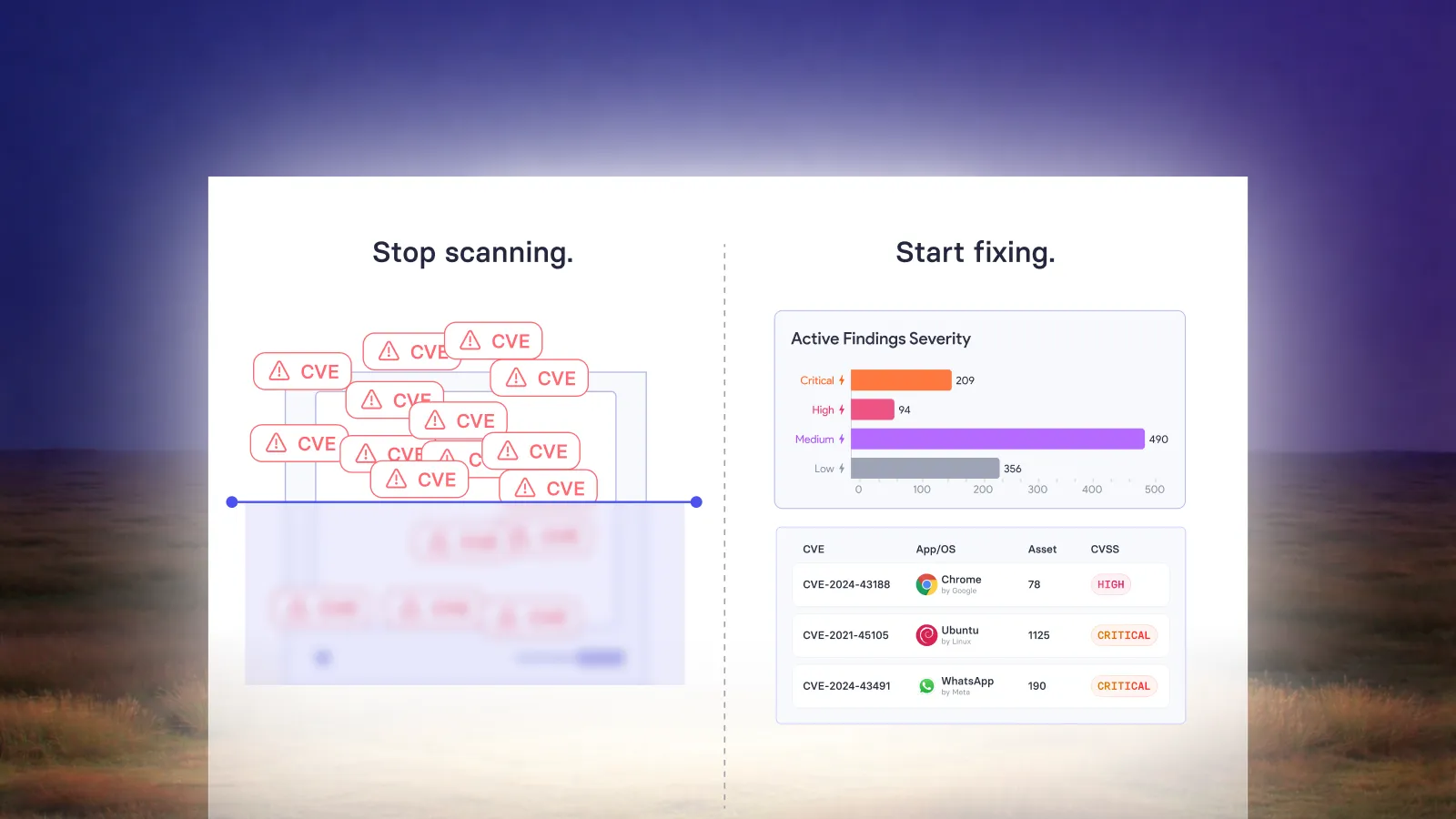
- No vulnerability scanner of its own. Automox imports findings from CrowdStrike, Tenable, Qualys or CSV files, so you still need and pay for a scanner.
- Third-party coverage costs more. Third-party patching starts at the custom-priced Essentials tier, and its 633+ titles is a smaller catalogue than some alternatives.
- Mitigation is Enterprise-only. Worklets and AI-speed mitigation, for when no patch exists, are in the top tier.
- Cloud only, with no on-prem or air-gapped option.
- No compliance benchmark auditing.
The 7 best Automox alternatives
1. Vicarius vRx
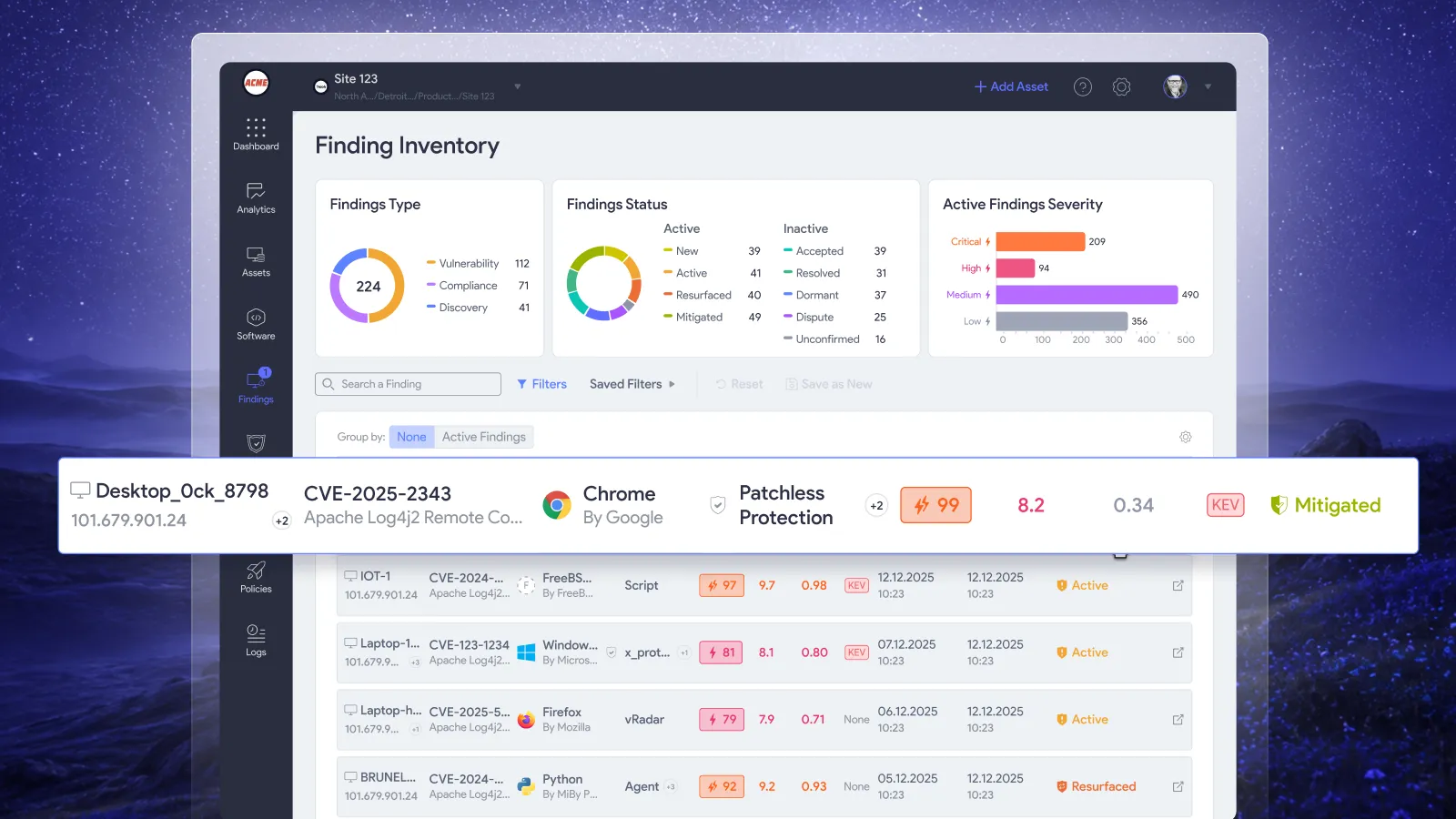
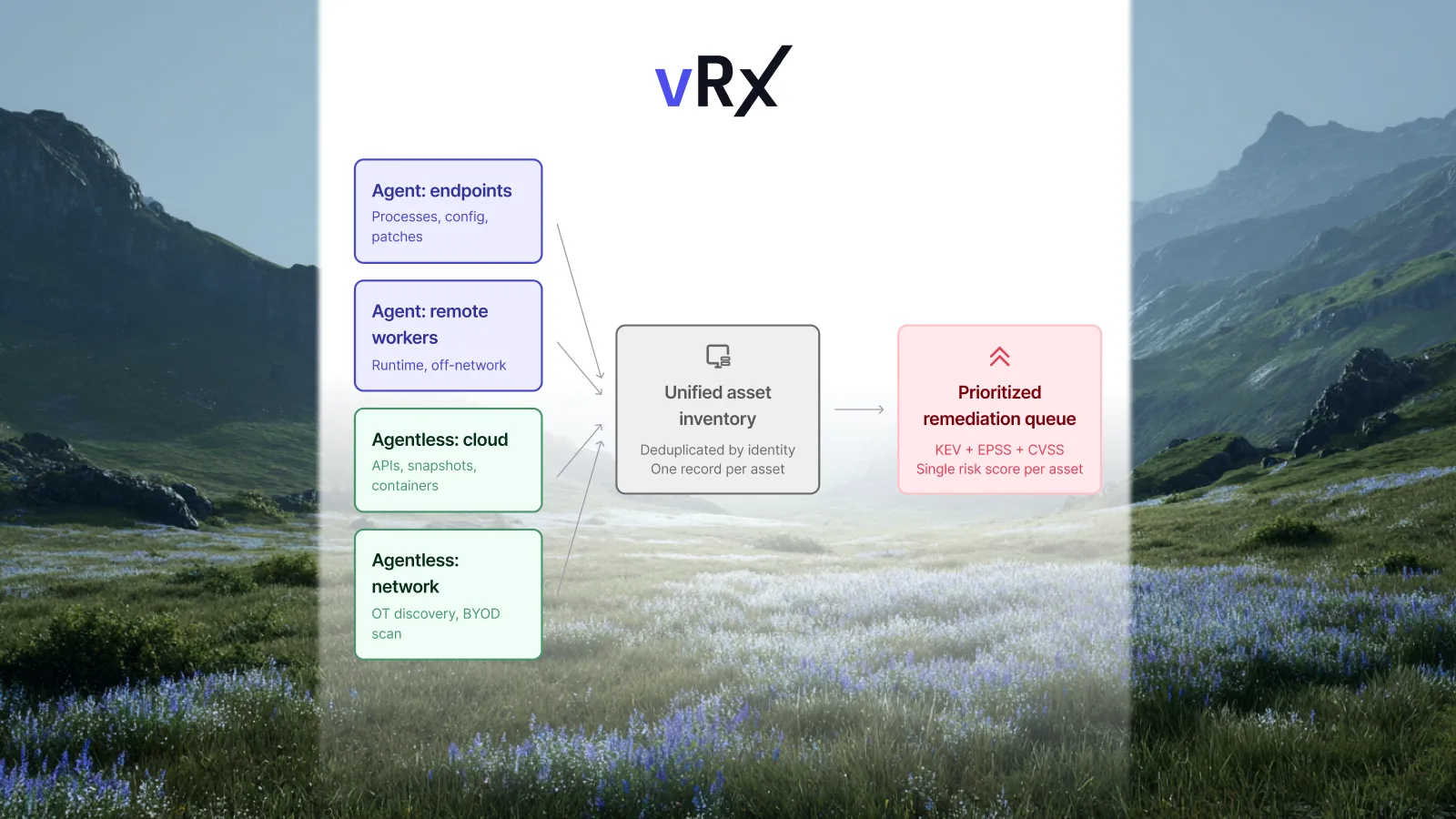
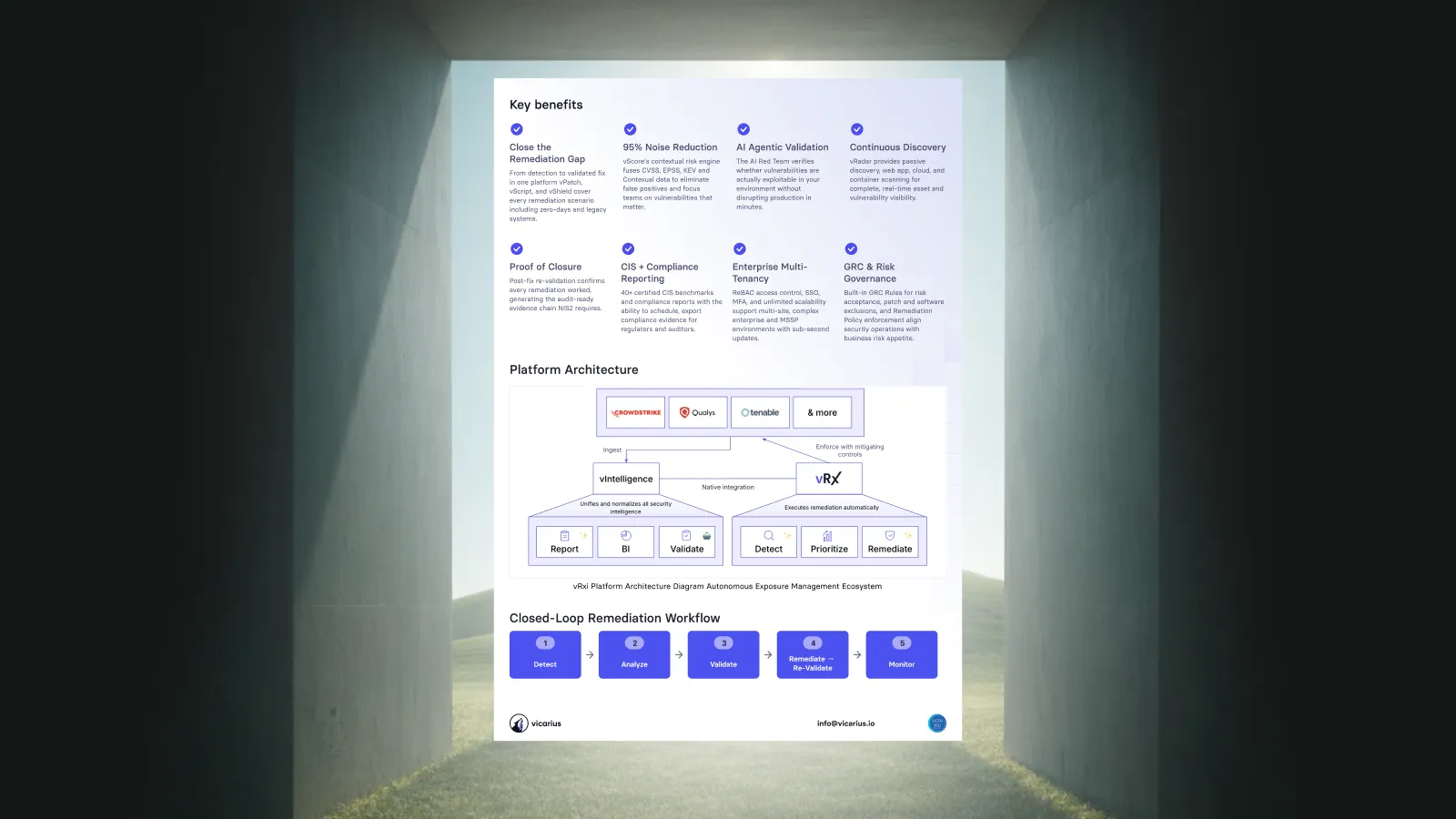
vRx is a SaaS vulnerability remediation platform. The biggest difference from Automox is that it finds vulnerabilities itself, so you don't need a separate scanner to feed it. A lightweight agent assesses Windows, macOS and Linux continuously. vRadar, its agentless scanner, covers assets without an agent and web applications (OWASP Top 10). vScore prioritises by real-world exploitability.
Remediation: native.
- Patching: Windows, macOS, Linux and 20,000+ third-party apps.
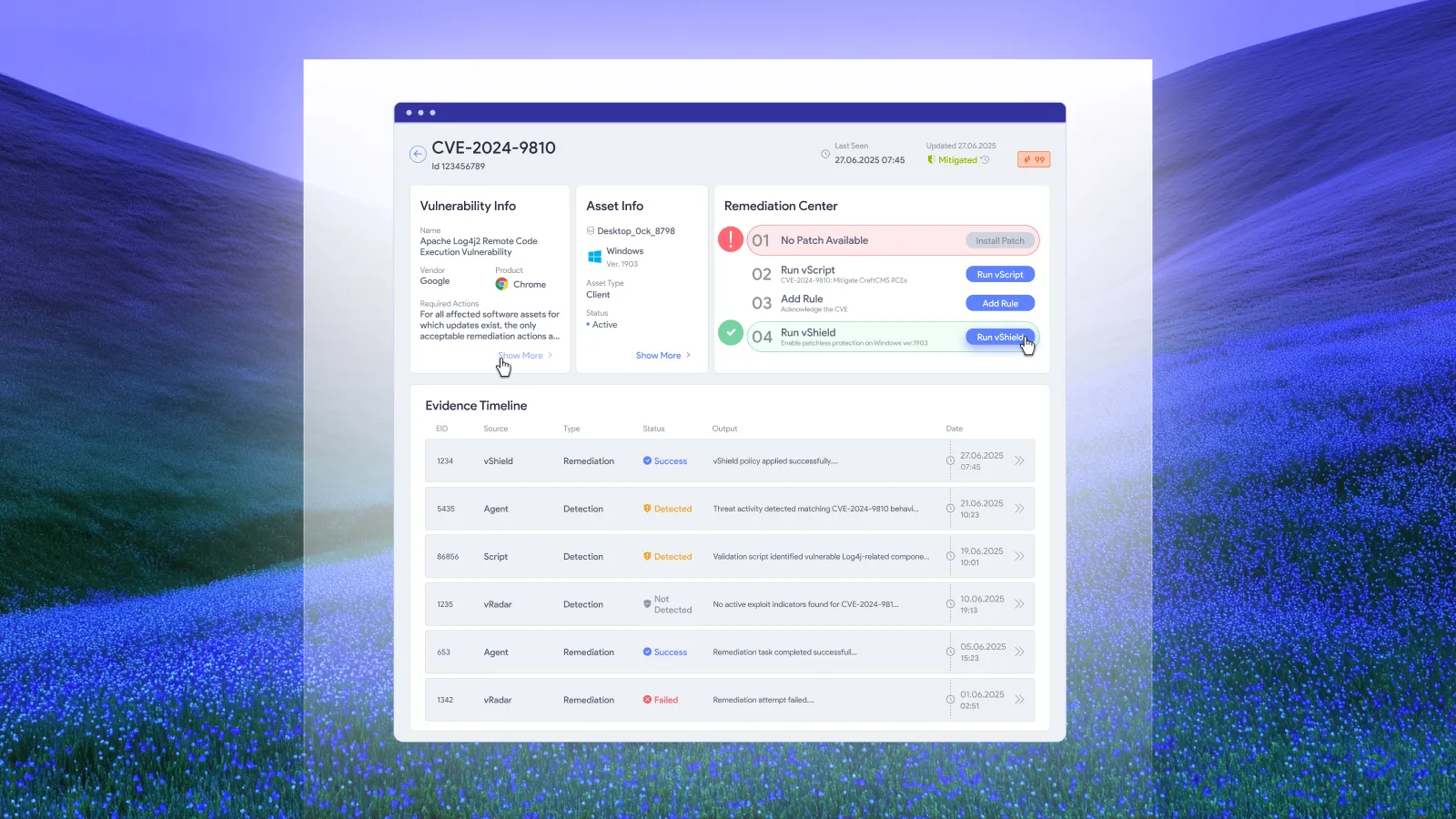
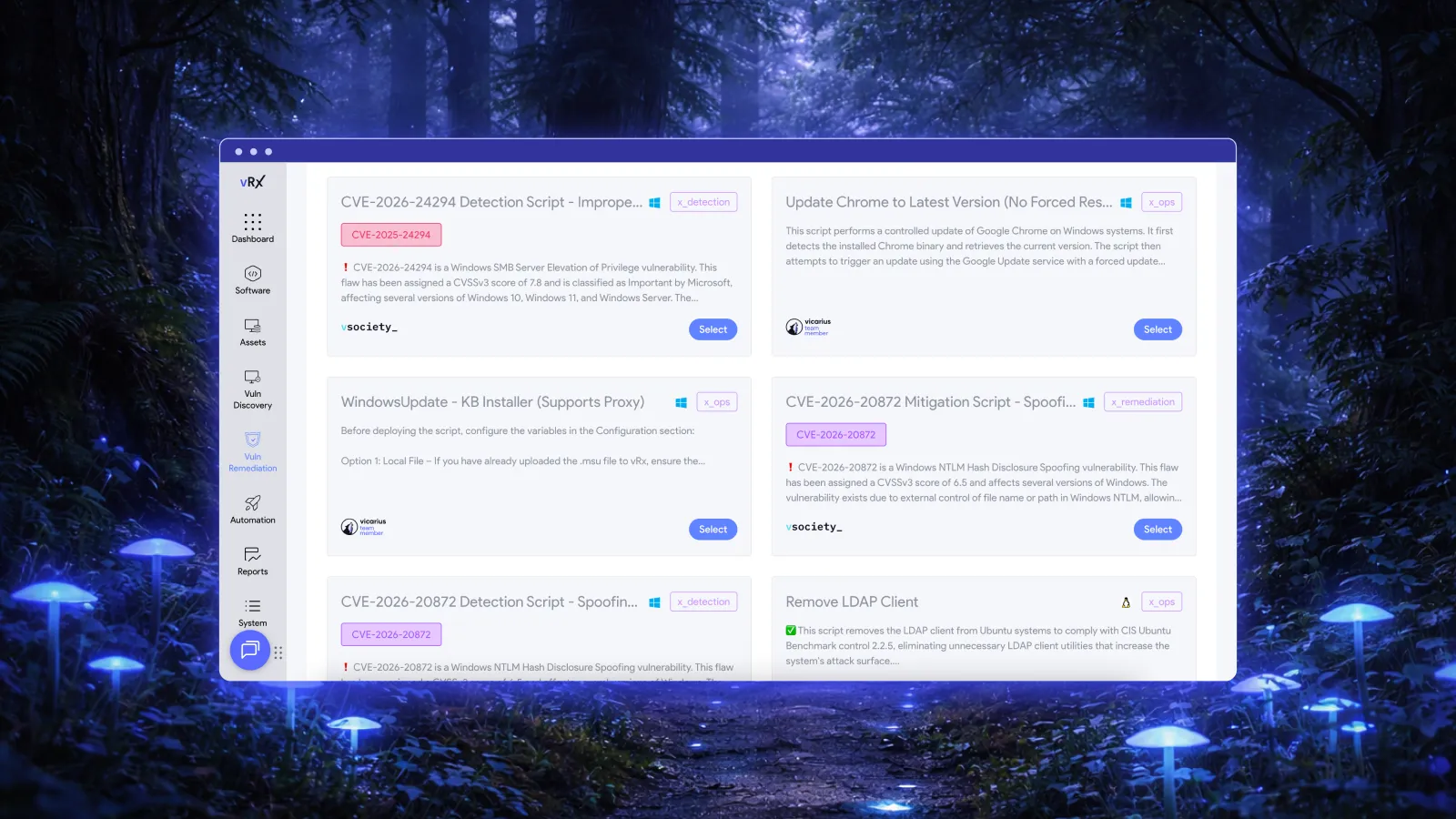
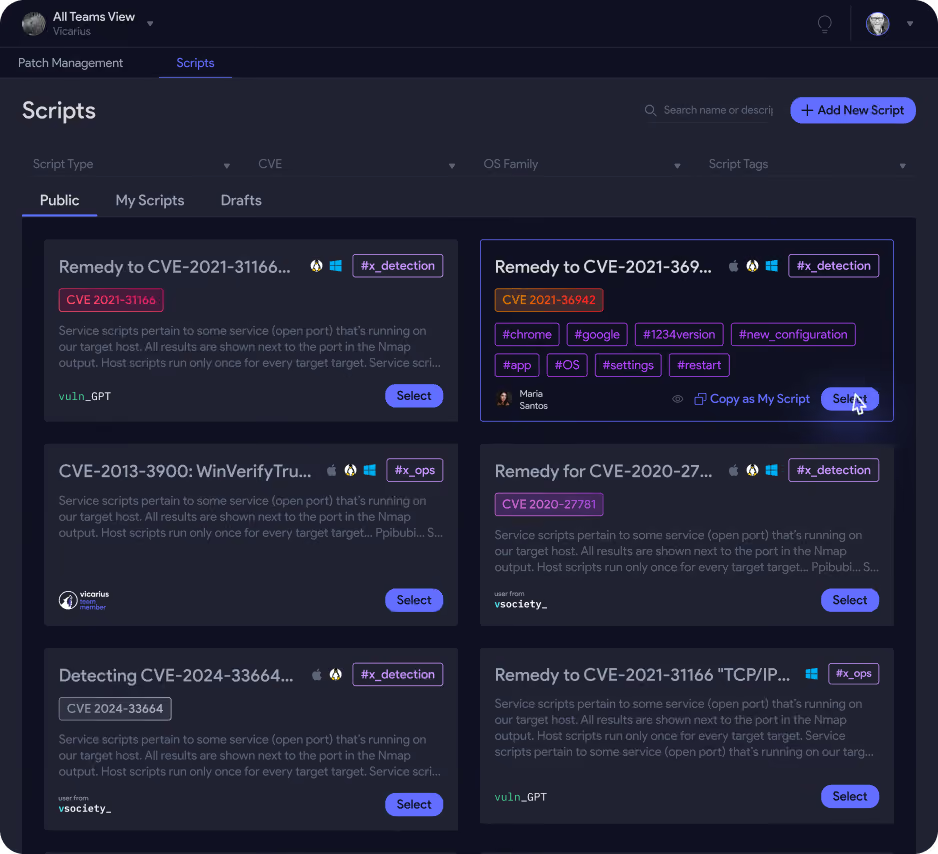
- vScript and ScriptAI: scripted fixes, including AI-generated scripts for exploited vulnerabilities that don't have a patch yet.
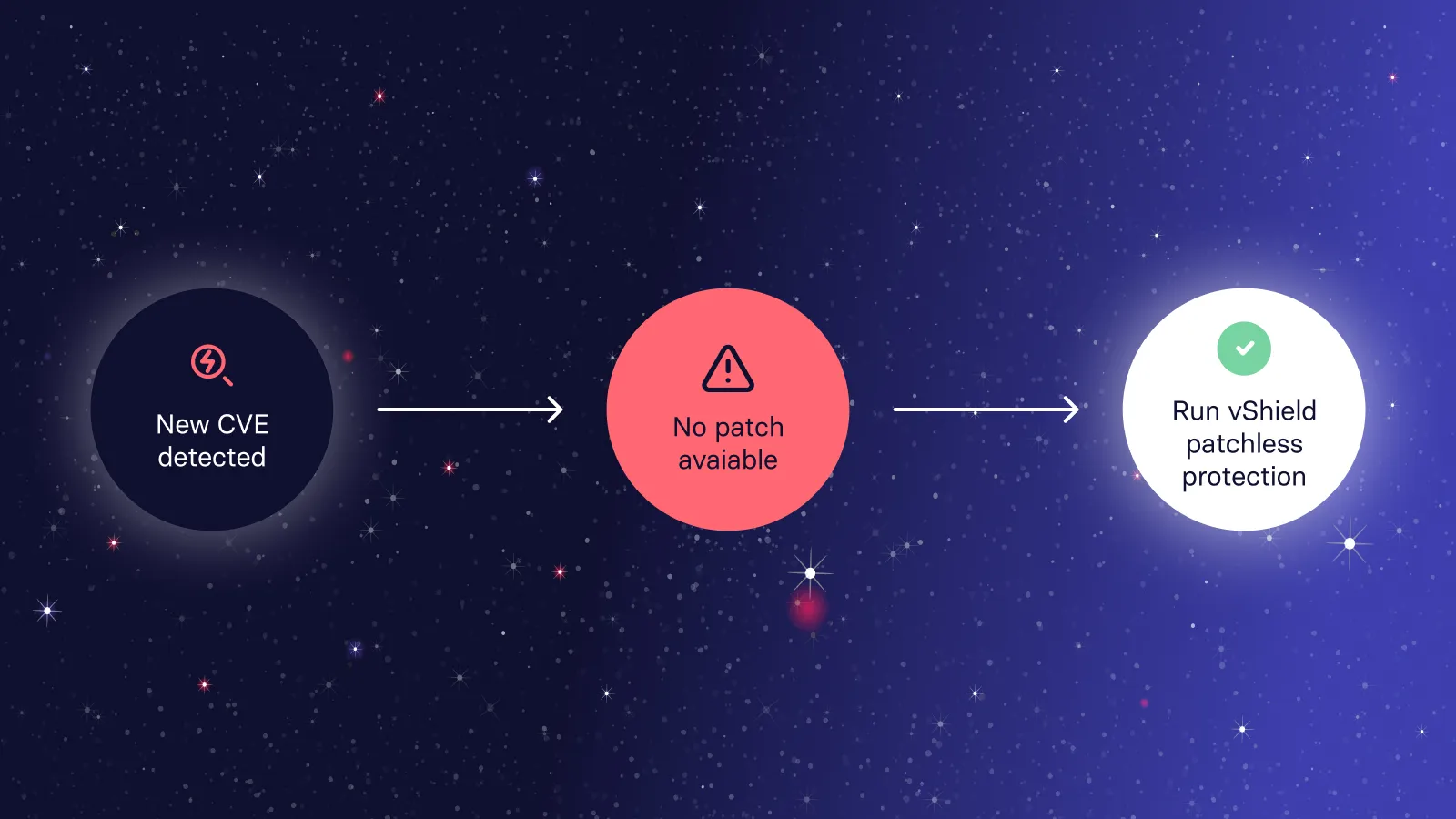
- vShield: patchless protection that blocks exploits in memory for software you can't patch.
- Strengths: detection and every type of fix in one platform; a much larger third-party catalogue than Automox; patchless protection included.
- Weaknesses: less of a general endpoint management (RMM) tool than NinjaOne or Automox; a younger vendor than BigFix or ManageEngine.
- Best for: security and IT teams whose real problem is the vulnerability backlog. See Vicarius vRx vs Automox.
2. NinjaOne
NinjaOne is a cloud-native RMM and endpoint management platform with strong patching. It patches Windows, macOS, Linux and 6,000+ third-party apps. Patch Intelligence AI holds back updates that are causing problems elsewhere. It finds vulnerabilities by matching installed software against CVE data, on Windows only, and imports Qualys, Rapid7 and Tenable findings.
- Strengths: RMM, remote access and patching in one console; a large patch catalogue; quick to deploy; implementation and support included.
- Weaknesses: limited native vulnerability detection; no packaged mitigation when there's no patch; cloud only.
- Best for: MSPs and IT teams replacing Automox and an RMM tool at the same time. See Automox vs NinjaOne.
3. ManageEngine
ManageEngine offers several Automox alternatives: Patch Manager Plus (patching), Endpoint Central (full endpoint management) and Vulnerability Manager Plus (scanning, patching and compliance). Vulnerability Manager Plus Enterprise patches Windows, macOS, Linux and 1,100+ third-party apps. It adds zero-day mitigation scripts, CIS compliance and hardening checks, and runs on-prem or in the cloud.
- Strengths: detection, patching and compliance from one vendor; an on-prem option; published prices.
- Weaknesses: patching and mitigation are Enterprise-only; a smaller third-party catalogue; servers and extra technicians cost extra.
- Best for: teams that need on-prem, or want scanning and compliance included. See ManageEngine vs Automox.
4. Action1
Action1 is a cloud-based patch management platform with built-in vulnerability assessment and remote access. Its headline difference is price: it's free for up to 200 endpoints, with no time limit or feature restrictions. Larger fleets are quoted.
- Strengths: a genuinely free tier for small fleets; simple cloud deployment; vulnerability assessment included.
- Weaknesses: a younger vendor with less depth for complex enterprise estates; no published pricing above 200 endpoints; free-tier support is community-only.
- Best for: small IT teams that think Automox costs too much.
5. Syxsense (Absolute Security)
Syxsense combines patch management, vulnerability scanning and mobile device management with Cortex, a no-code workflow engine that automates scanning, patching and remediation. Absolute Security acquired Syxsense in September 2024.
- Strengths: scanning and patching together, unlike Automox; flexible automation workflows; can remediate before an official patch exists.
- Weaknesses: quote-only pricing; its product direction now sits within Absolute Security's broader portfolio, so check the roadmap.
- Best for: teams that want patching and vulnerability scanning in one tool, with workflow automation.
6. HCL BigFix
BigFix is an enterprise endpoint management platform. It's built for very large, mixed estates, including UNIX systems such as AIX and Solaris, and can run on-prem, air-gapped or as SaaS. BigFix Compliance checks CIS and DISA STIG baselines. Insights for Vulnerability Remediation maps Tenable, Qualys or Rapid7 findings to BigFix fixes.
- Strengths: scale, OS coverage, compliance content and patch reliability.
- Weaknesses: complex to run; no native vulnerability scanner; quote-only, modular licensing.
- Best for: large, regulated enterprises. See Automox vs BigFix.
7. Microsoft Intune with Windows Autopatch
For Microsoft 365 organisations, Windows Autopatch keeps Windows, Microsoft 365 Apps, Edge and Teams up to date. Intune's Enterprise App Management adds a catalogue of pre-packaged third-party Win32 apps. It's included in the Intune Suite and, from July 2026, in Microsoft 365 E5; otherwise it costs $2 per user per month. Vulnerability detection comes from Defender Vulnerability Management.
- Strengths: no extra vendor if you already license Microsoft 365 E5; tight integration with Defender.
- Weaknesses: Windows-centric; a smaller third-party catalogue; Enterprise App Management auto-updates have no phased rollout or rollback.
- Best for: organisations standardised on Microsoft 365 and Intune. See Vicarius vRx vs Microsoft Intune.
How to choose an Automox alternative
Start with why you're leaving Automox.
- "We still need a separate scanner." Choose a tool that finds vulnerabilities itself: Vicarius vRx, ManageEngine Vulnerability Manager Plus, Syxsense or Action1.
- "Third-party patching costs too much, or doesn't cover our apps." Compare catalogue sizes: Vicarius vRx (20,000+), NinjaOne (6,000+), ManageEngine (1,100+) and Automox (633+).
- "We need fixes when there's no patch." Look for native mitigation: vRx (scripts and patchless protection), ManageEngine Enterprise (zero-day scripts) or Syxsense (Cortex workflows).
- "It's too expensive for a small team." Action1 is free up to 200 endpoints. ManageEngine publishes low per-device prices.
- "We need on-prem or air-gapped." ManageEngine or HCL BigFix.
- "We want one tool for RMM and patching." NinjaOne.
Questions to ask every vendor
- Do you find vulnerabilities yourselves, or do we need a scanner?
- How many third-party applications can you patch, on which operating systems, and in which pricing tier?
- What happens when there's no patch: scripts, configuration changes or exploit blocking?
- What's the all-in price per endpoint, including third-party patching and mitigation?
Frequently asked questions
What are the best Automox alternatives for IT teams?
Vicarius vRx, NinjaOne, ManageEngine, Action1, Syxsense, HCL BigFix and Microsoft Intune. vRx is best if you want to find and fix vulnerabilities in one platform. NinjaOne is best for RMM plus patching. ManageEngine suits on-prem needs. Action1 is the low-cost option. BigFix is for very large enterprises, and Intune is for Microsoft 365 shops.
Who are Automox's main competitors?
In patch management: NinjaOne, ManageEngine (Patch Manager Plus and Endpoint Central), Action1, Syxsense, HCL BigFix and Microsoft Intune. In vulnerability remediation: Vicarius vRx, plus scanners with patching add-ons such as Qualys.
Is Automox worth the cost for a small IT team, or are there cheaper alternatives?
Automox's Patch OS tier is $1 per endpoint per month, but third-party patching and mitigation need the custom-priced Essentials or Enterprise tiers. Cheaper options for small teams include Action1, which is free for up to 200 endpoints, and ManageEngine, whose Vulnerability Manager Plus Enterprise starts at $1,195 a year for 100 computers.
Syxsense vs Automox: which is better for patching and vulnerability remediation together?
Syxsense, if you want both in one tool: it includes a vulnerability scanner, patching and Cortex automation workflows. Automox has no scanner of its own and imports findings from tools such as CrowdStrike, Tenable or Qualys. Vicarius vRx is another option that combines detection with native patching, scripted fixes and patchless protection.
Automox vs ManageEngine Endpoint Central: which is better for patch management?
Automox is cloud-only and simpler to roll out to remote endpoints. ManageEngine Endpoint Central runs on-prem or in the cloud, covers broader endpoint management, and has published pricing. For vulnerability scanning and compliance as well as patching, compare Automox with ManageEngine Vulnerability Manager Plus.
Does Automox scan for vulnerabilities?
No. Automox identifies missing patches on its managed endpoints, but for vulnerability findings it imports data from scanners such as CrowdStrike, Tenable and Qualys, or from CSV exports.
Sources
- Automox: Pricing (checked October 2026)
- Automox: Vulnerability management
- Automox: Automox Launches Hosted MCP Server (August 2026)
- Rapid7: Rapid7 Launches Active Patching Powered by Automox (July 2025)
- NinjaOne: Pricing and Vulnerability Management
- NinjaOne: Patch Smarter with Autonomous Patch Management
- ManageEngine: Vulnerability Manager Plus and pricing
- Action1: Pricing
- Absolute Security: Absolute Security Acquires Syxsense (September 2024)
- HCLSoftware: BigFix Insights for Vulnerability Remediation
- Nerdio: Intune patch management (updated October 2026)
- Vicarius: Patch management and Patchless protection
Related resources: